
Why should I use CareStream?
Real situations in care homes, and how CareStream is used in each. Pick the one that sounds like your week.

Staff sat through the training. Did they understand it?
A signed attendance sheet shows who was in the room, not what they understood. Allocate adhoc training built from your own policies, and a wrong answer becomes a short follow up lesson.
Read the scenario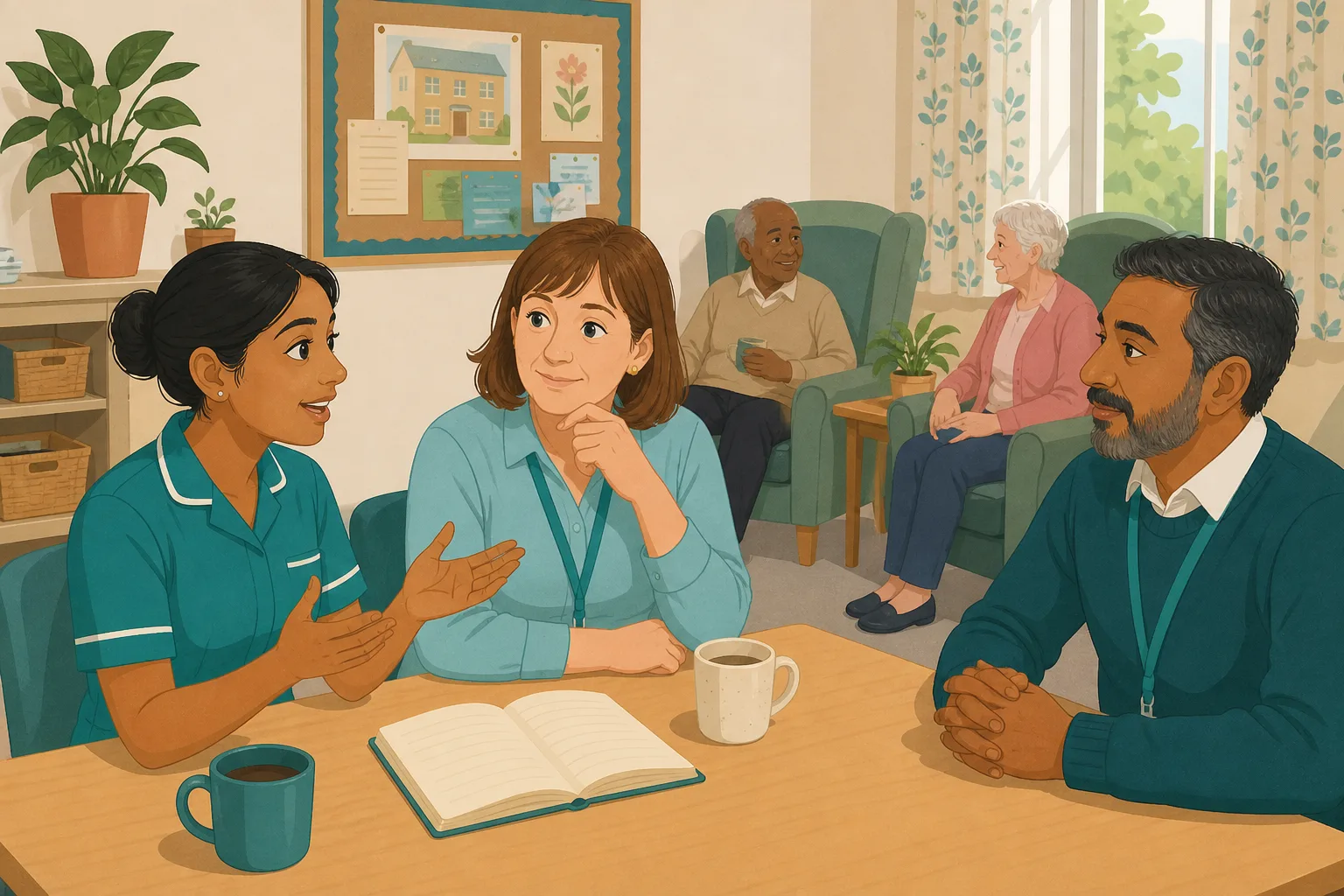
Safeguarding day done. Could every carer answer an inspector's question?
Attendance shows who was in the room, not who knows what to do if they suspect abuse. Set safeguarding questions from your own policy, and give each wrong answer a short lesson.
Read the scenario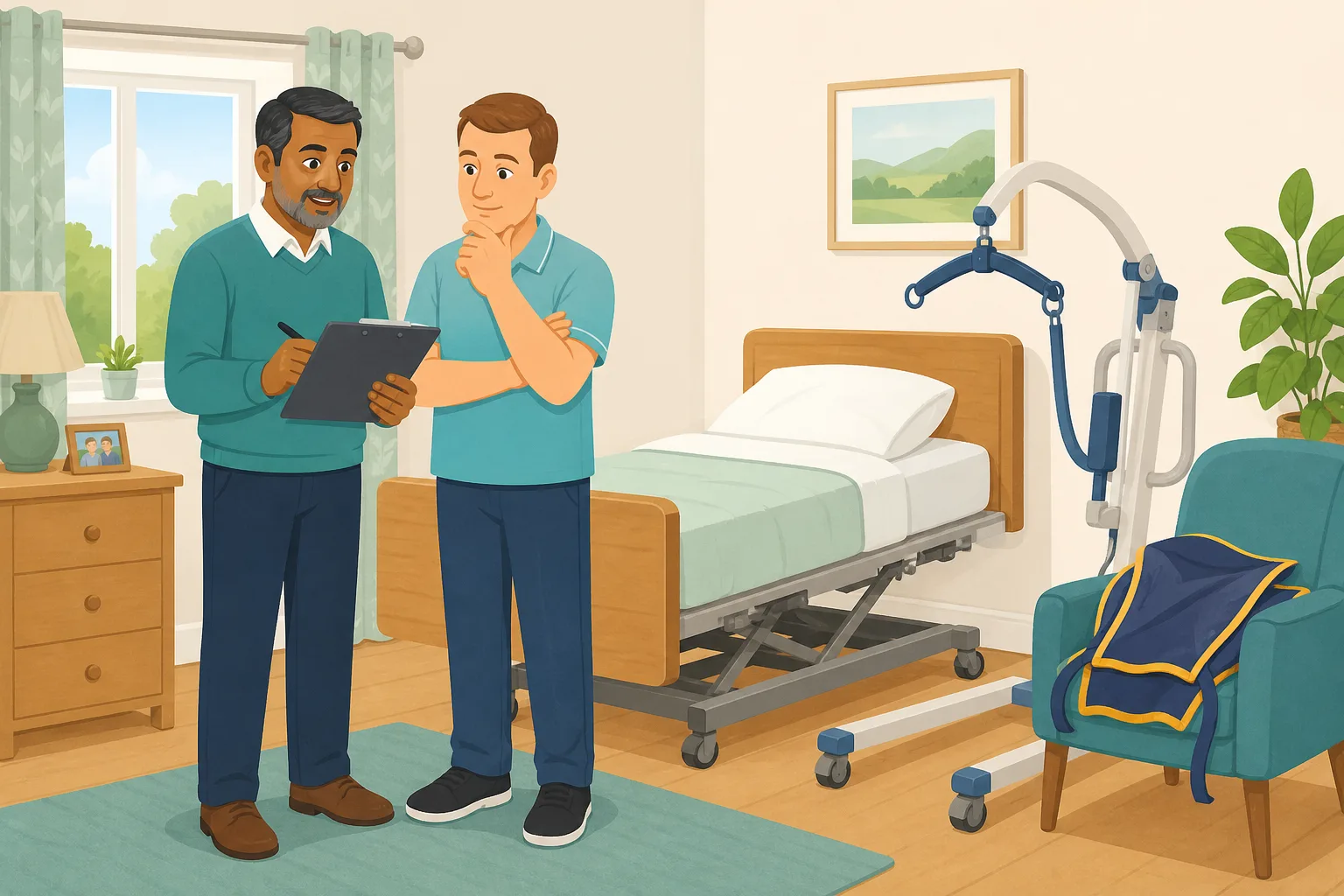
They passed the hoist practical. Do they understand the theory behind it?
Someone competent watches the technique. A short quiz on your own moving and handling policy checks the thinking behind it, and a wrong answer becomes a lesson on that exact point.
Read the scenario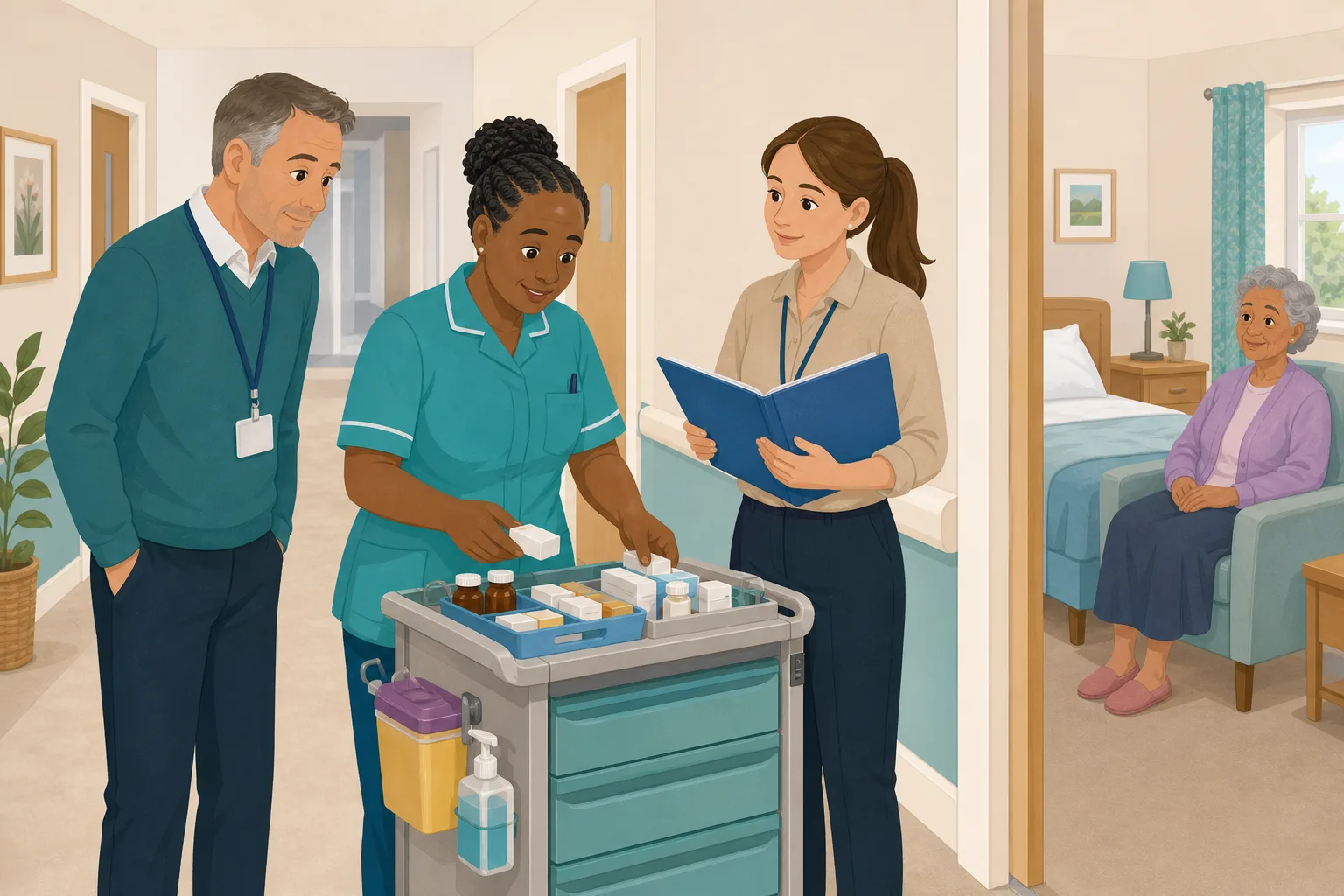
Medication training is signed off. Do carers understand your own policy?
Observed practice shows a carer can do the round. It does not show they understood your written procedure. Allocate a short check built from your own medication policy, and wrong answers become short lessons.
Read the scenario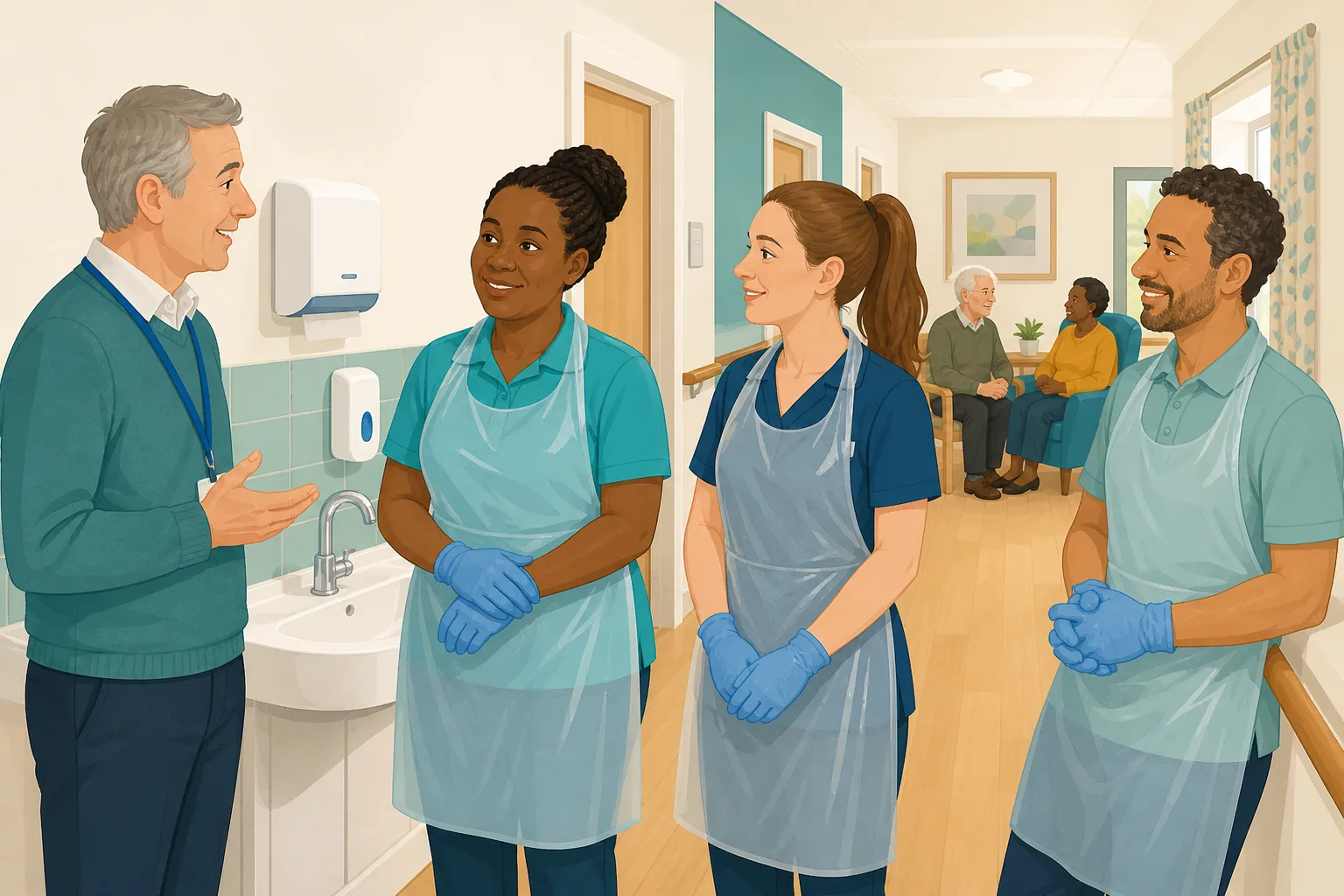
The outbreak is over. Did the infection control lessons land?
A debrief and a handover reminder do not show what each carer took in. Send a short quiz built from your own policies, and a wrong answer becomes a short follow up lesson.
Read the scenario
The fire drill went well. What will staff remember next week?
A drill record shows the drill happened, not what each carer understood. A short quiz built from your own fire policies shows what stuck, and a wrong answer becomes a short lesson.
Read the scenario
The dementia workshop went well. Did it change what carers do?
A room that nods is not proof that people understood. Allocate short training built from your own policies after the workshop, and a wrong answer becomes a lesson on that exact point.
Read the scenario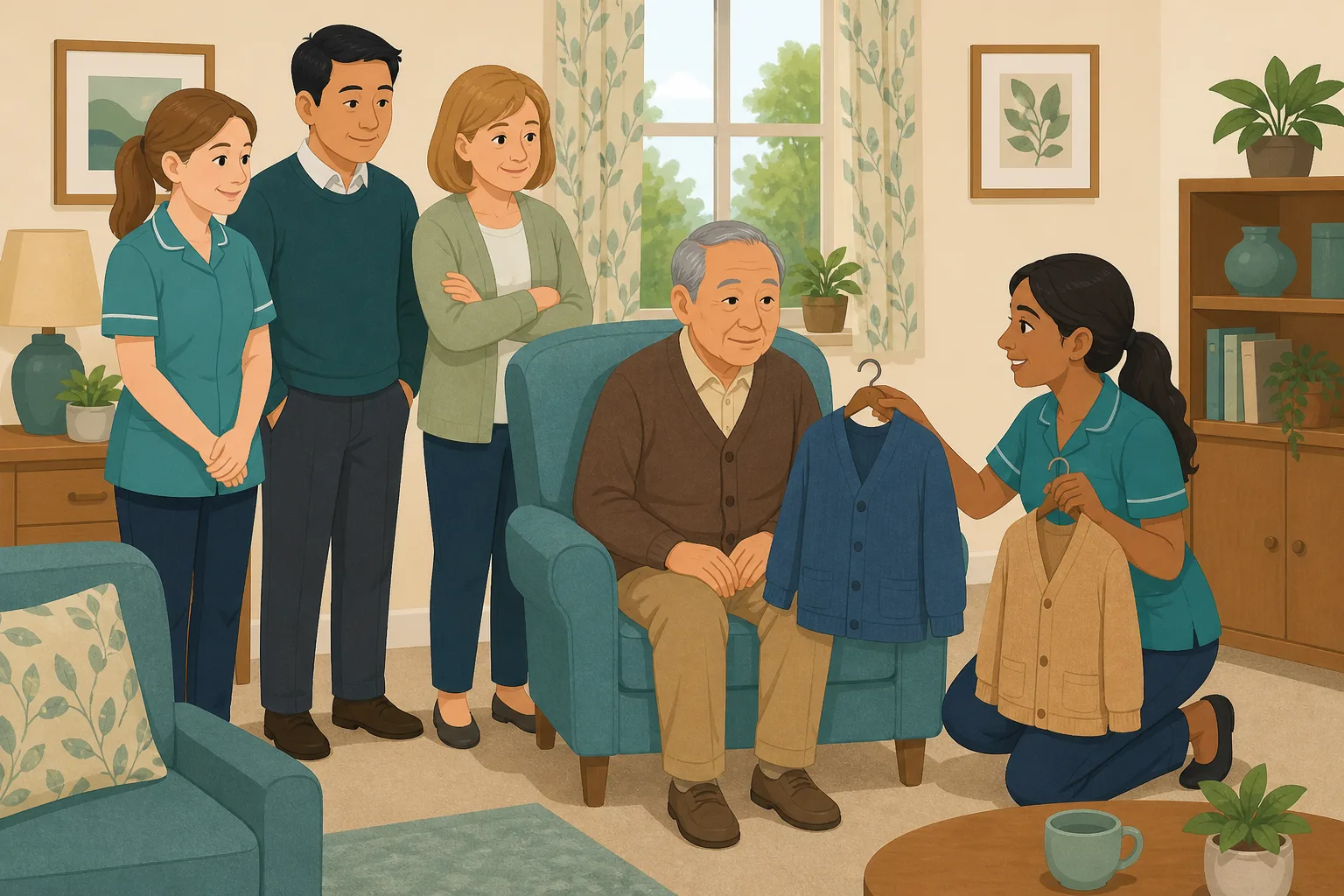
The mental capacity workshop went well. What did carers actually take away?
Capacity and consent are subtle, and a good session can still leave quiet misunderstandings. Allocate short training from your own policies, and a wrong answer becomes a short follow up lesson.
Read the scenario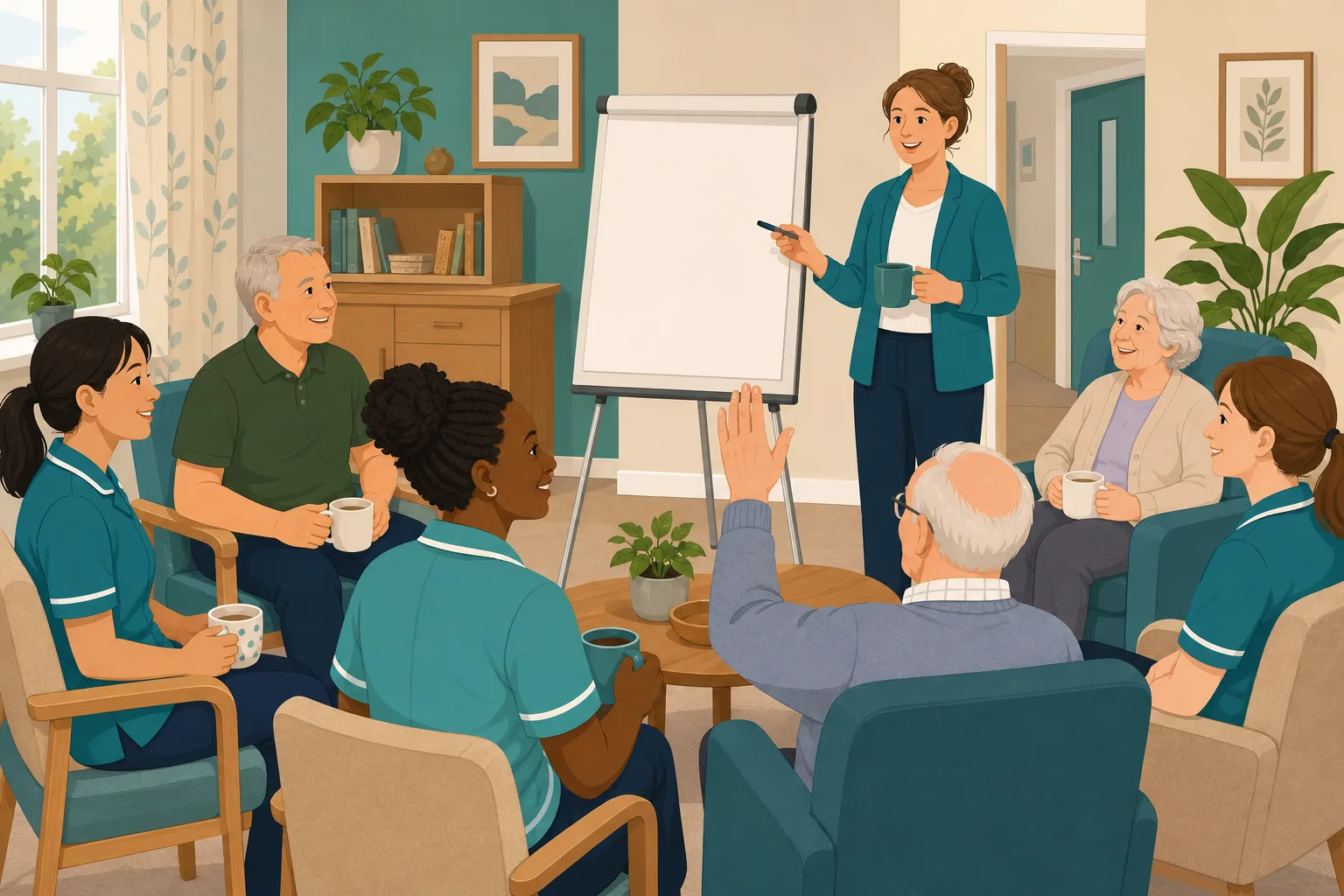
You briefed the team on a changed policy. Did they understand it?
Telling everyone at handover is not the same as everyone knowing. Allocate a short knowledge check built from your own policies, and a wrong answer becomes a short follow up lesson.
Read the scenario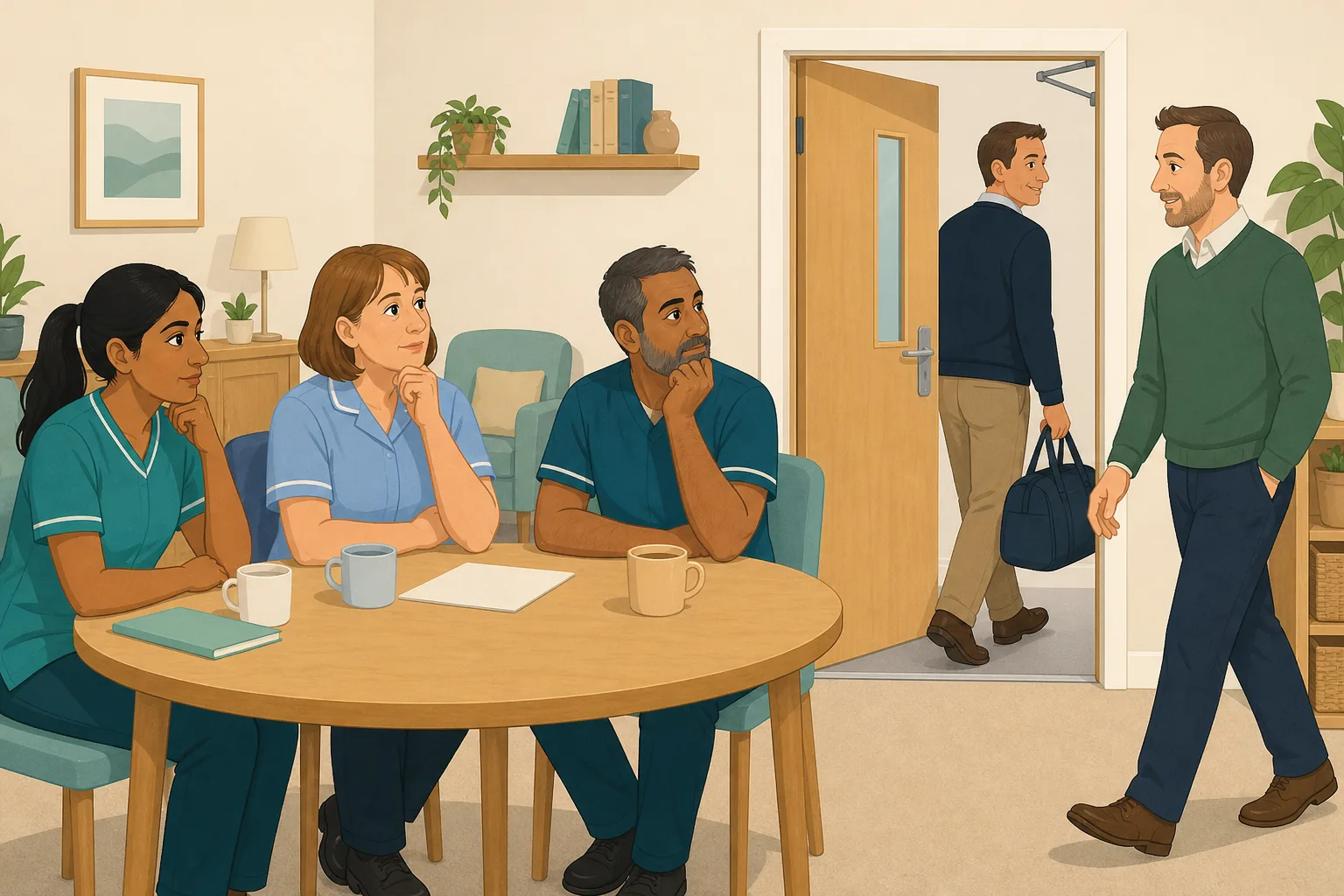
The visiting trainer has left. What did your carers not get to ask?
Quiet rooms hide unasked questions, and an outside trainer cannot be called back. Allocate short training built from your own policies, and a wrong answer becomes a short lesson.
Read the scenario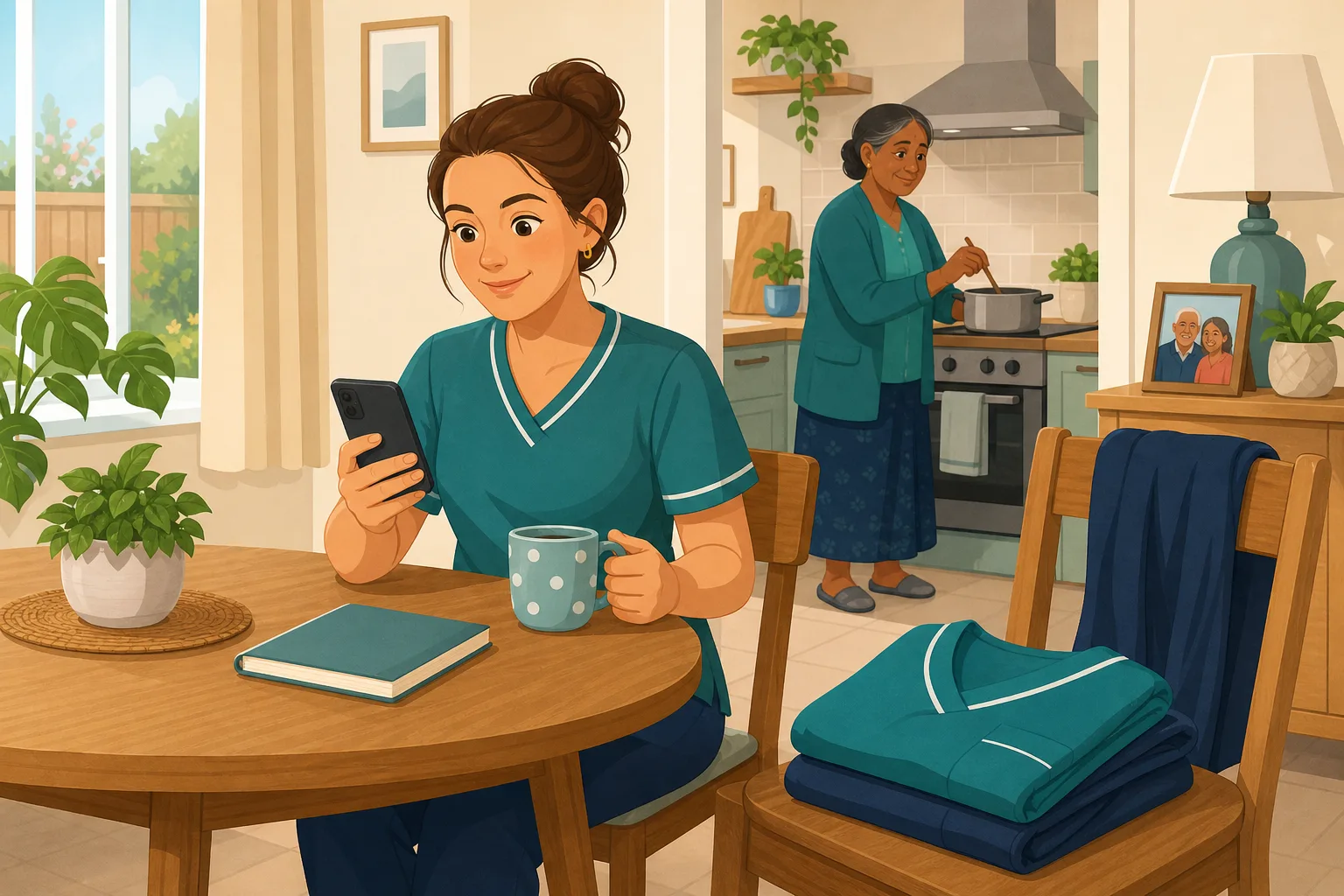
Someone missed the training session. How do they catch up?
Sickness and leave mean someone misses the session. Allocate short catch up training built from your own policies, check they understood it, and skip rebooking the trainer.
Read the scenario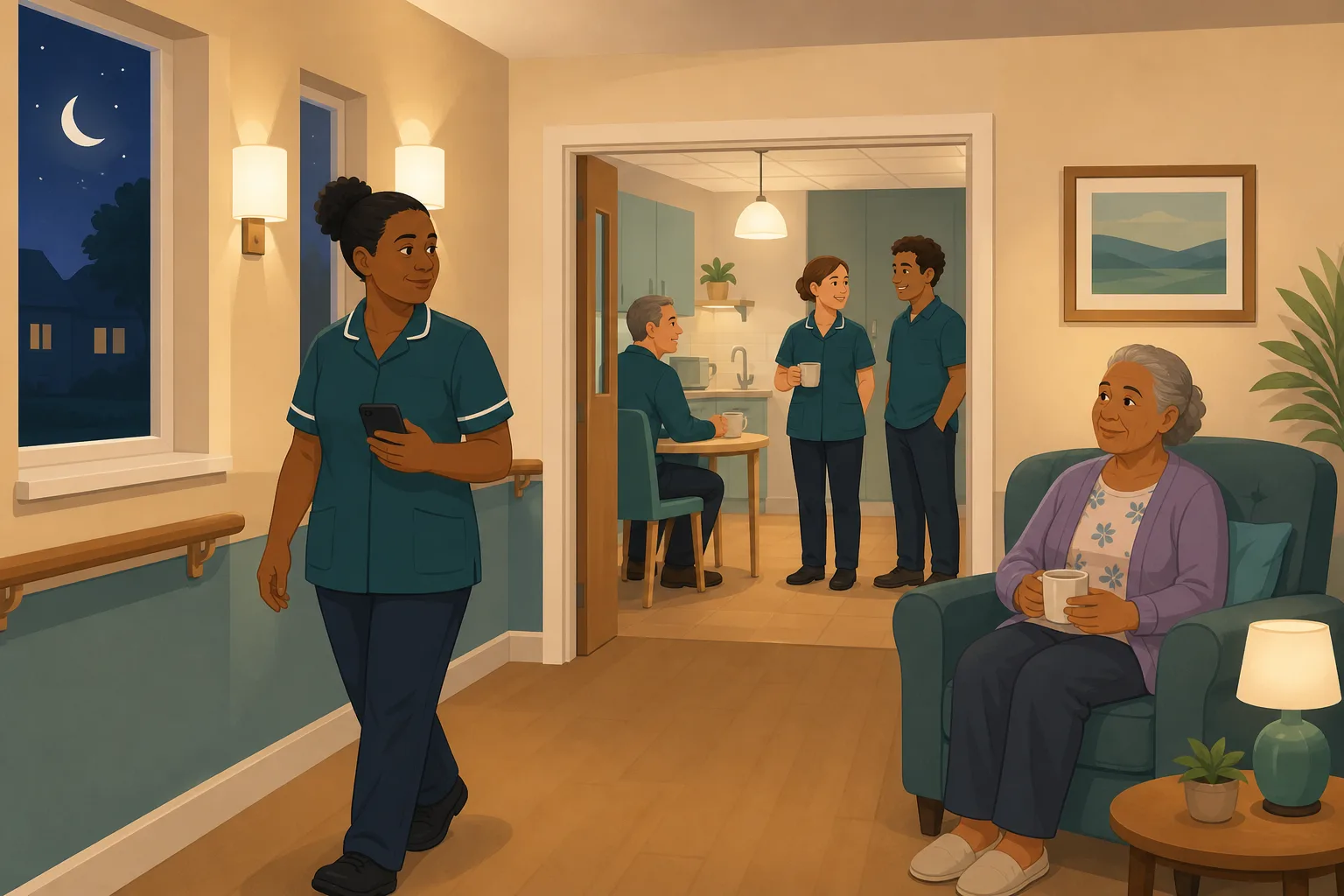
Your night staff could not come to the session. Now what?
Daytime training rarely fits a night rota. Allocate the same topic as short training built from your own policies, and night staff complete it on their own phone, at their own hour.
Read the scenario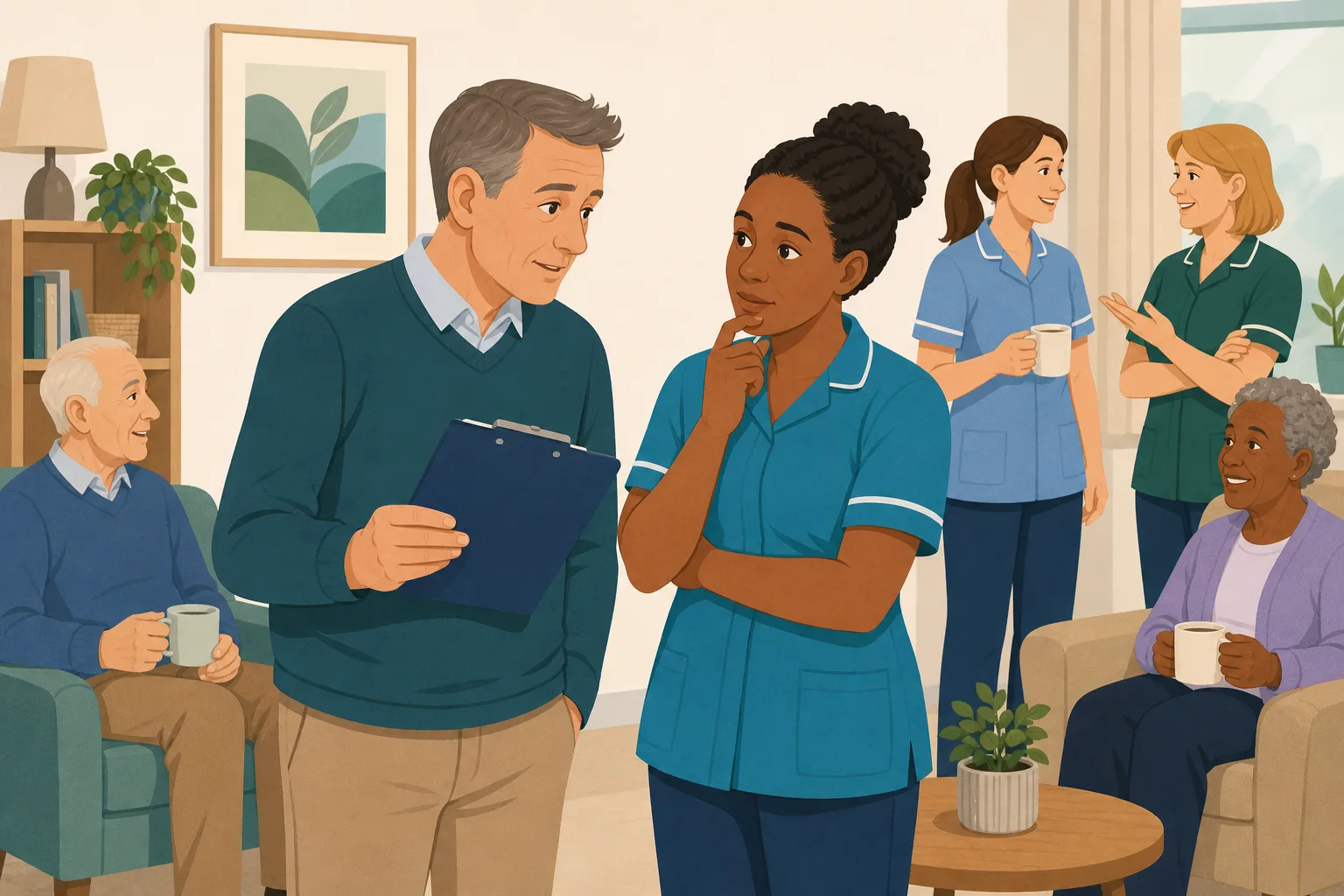
The trainer says everyone passed. Will they remember it next month?
Passing a test on the day does not show what a carer still knows weeks later. Ask again with short questions built from your own policies, and turn any wrong answer into a short lesson.
Read the scenario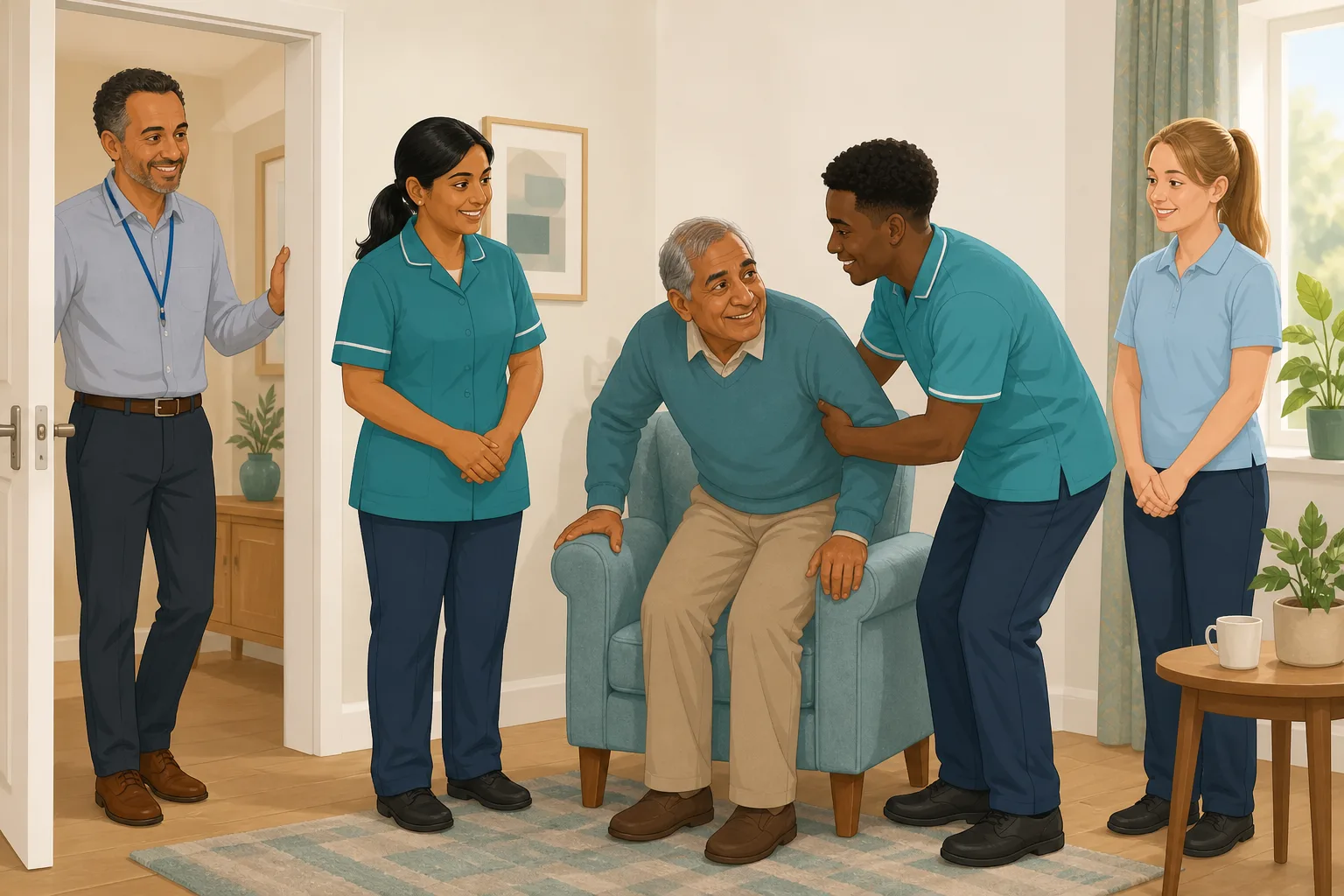
New carer shadowed for a day. Did they take it in?
Watching a senior shows how your home works, but not what they understood. Allocate a short knowledge check built from your own policies, and a wrong answer becomes a short lesson.
Read the scenario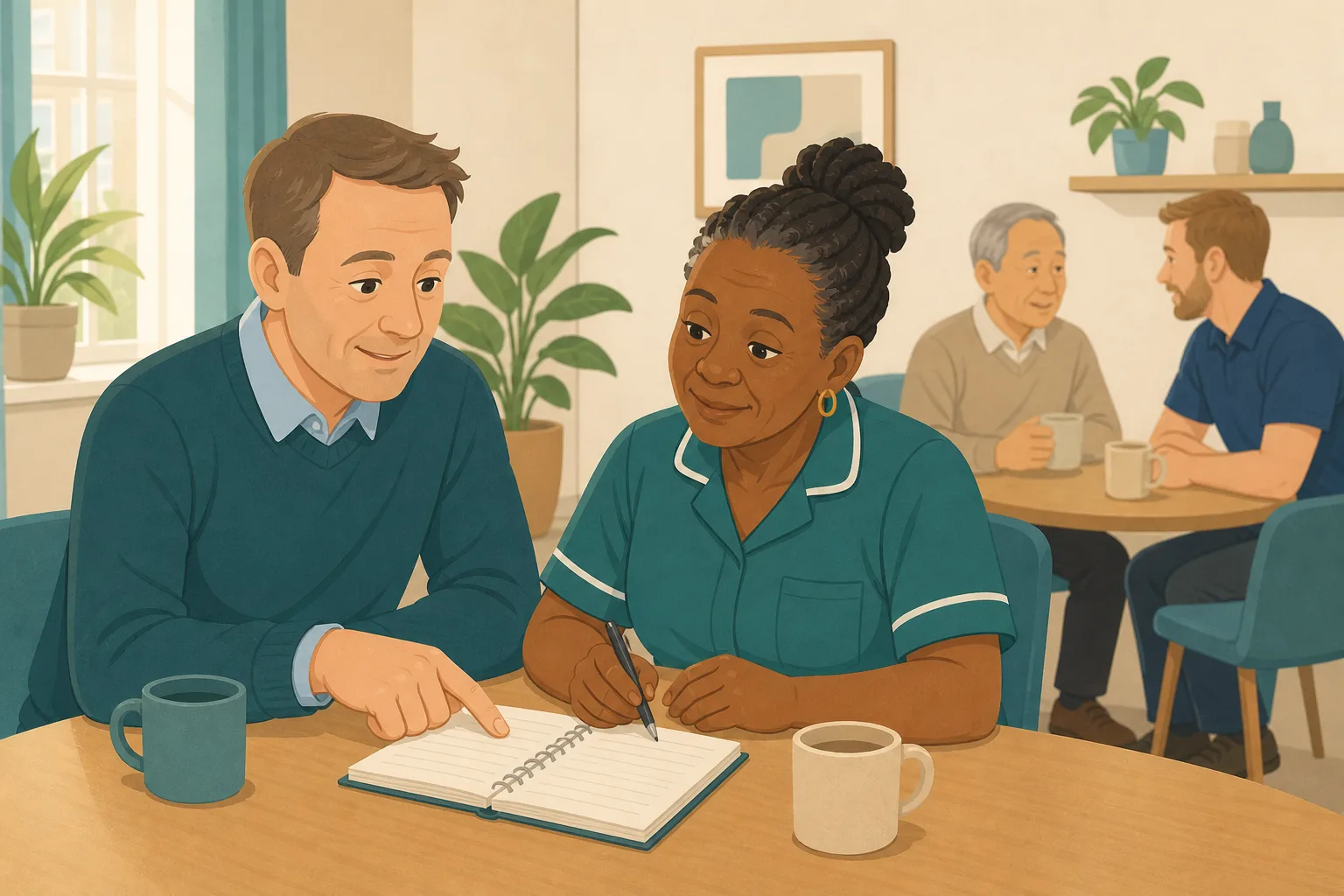
One carer keeps getting the same question wrong
A carer who keeps missing the same point is not a problem to punish. Short lessons, unlimited retries and a clear view of the pattern let a care home manager support them and see it close.
Read the scenario
Six carers gave the same wrong answer. Who needs retraining?
When a whole team misses the same question, the problem is usually the session or the policy, not the people. See how a care manager spots shared gaps and fixes the cause.
Read the scenario
Training is all ticked. Where are your staff actually shakiest?
Green ticks show who finished a course, not who still gets the answers wrong. Use short checks built from your own policies, and see your weakest topics before an inspection does.
Read the scenario
Ten minutes on Monday: what did staff get wrong last week?
You do not need to go looking for training gaps. A weekly digest tells you how many are open, who is affected and which questions staff keep missing, before the week gets busy.
Read the scenario
Supervision with something real to talk about
Before a supervision, see which questions a carer got wrong, whether they closed the gap and how. CareStream gives you the evidence, and you keep the conversation human.
Read the scenario
A close call on the medication round. What happens next?
Nobody was harmed, so it is easy to move on. Allocate a short module on the topic, built from your own policies, and a wrong answer becomes a quiet lesson, not a blame meeting.
Read the scenario
A complaint is closed. Do your staff understand the policy?
Telling the team about the policy is not the same as knowing they understood it. Allocate short adhoc training from your own policies, and turn any wrong answer into a short lesson.
Read the scenario
A concern was raised. Does the whole team share the same understanding?
After a safeguarding concern is handled, a team talk is not proof everyone took it in. Allocate short training built from your own policies to the whole team, so nobody is singled out.
Read the scenario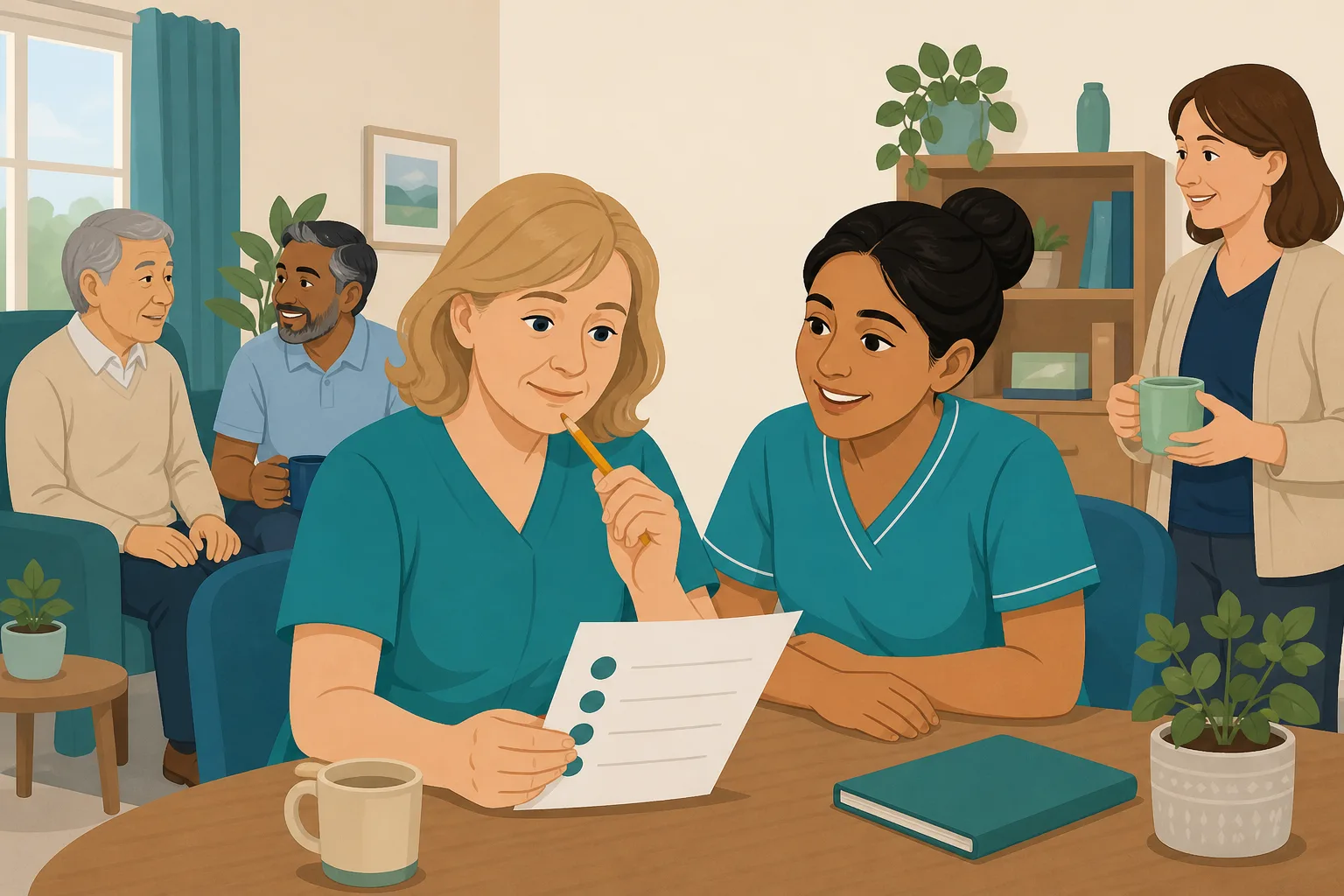
Some staff guess their way through the quiz. How would you know?
A pass mark can hide a lucky guess. Wrong answers lead to a short lesson and a fresh question, so you can tell understanding from luck, using training built from your own policies.
Read the scenario
A carer keeps getting the same question wrong. What now?
A retry that fails again is a signal, not a verdict. See how a gap stays open in your reports, even though nothing alerts you, and how to help the carer in person.
Read the scenario
Can you show that a training gap actually closed?
Wrong answers become open gaps, and a short lesson plus a fresh question closes them. Your manager view shows what is open, what closed and how, built from your own policies.
Read the scenario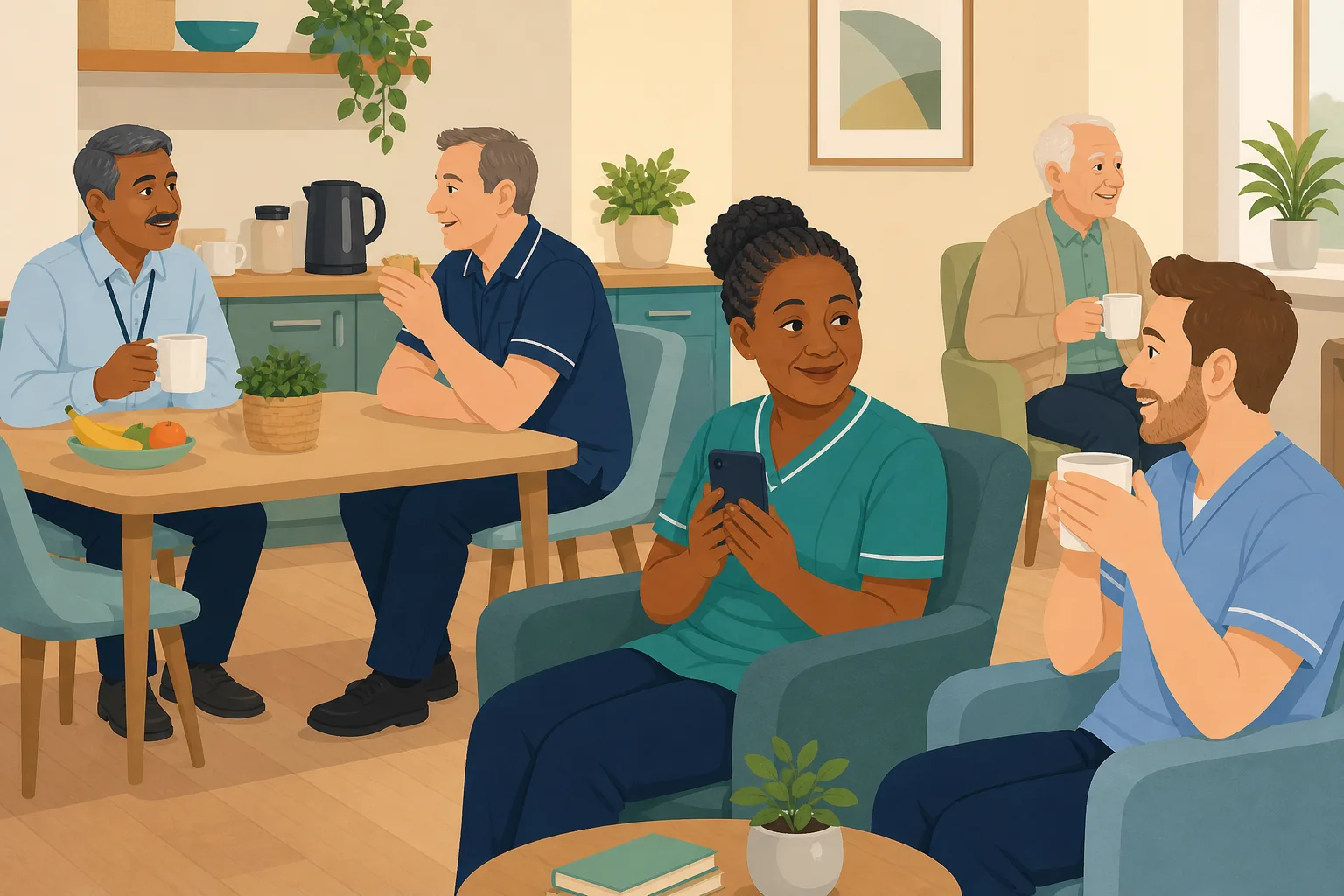
A wrong answer should show a knowledge gap, not a word gap
A carer who uses English as a second language may know the topic well and still miss one word in a question. Check understanding fairly, with lessons they can open in their own language.
Read the scenario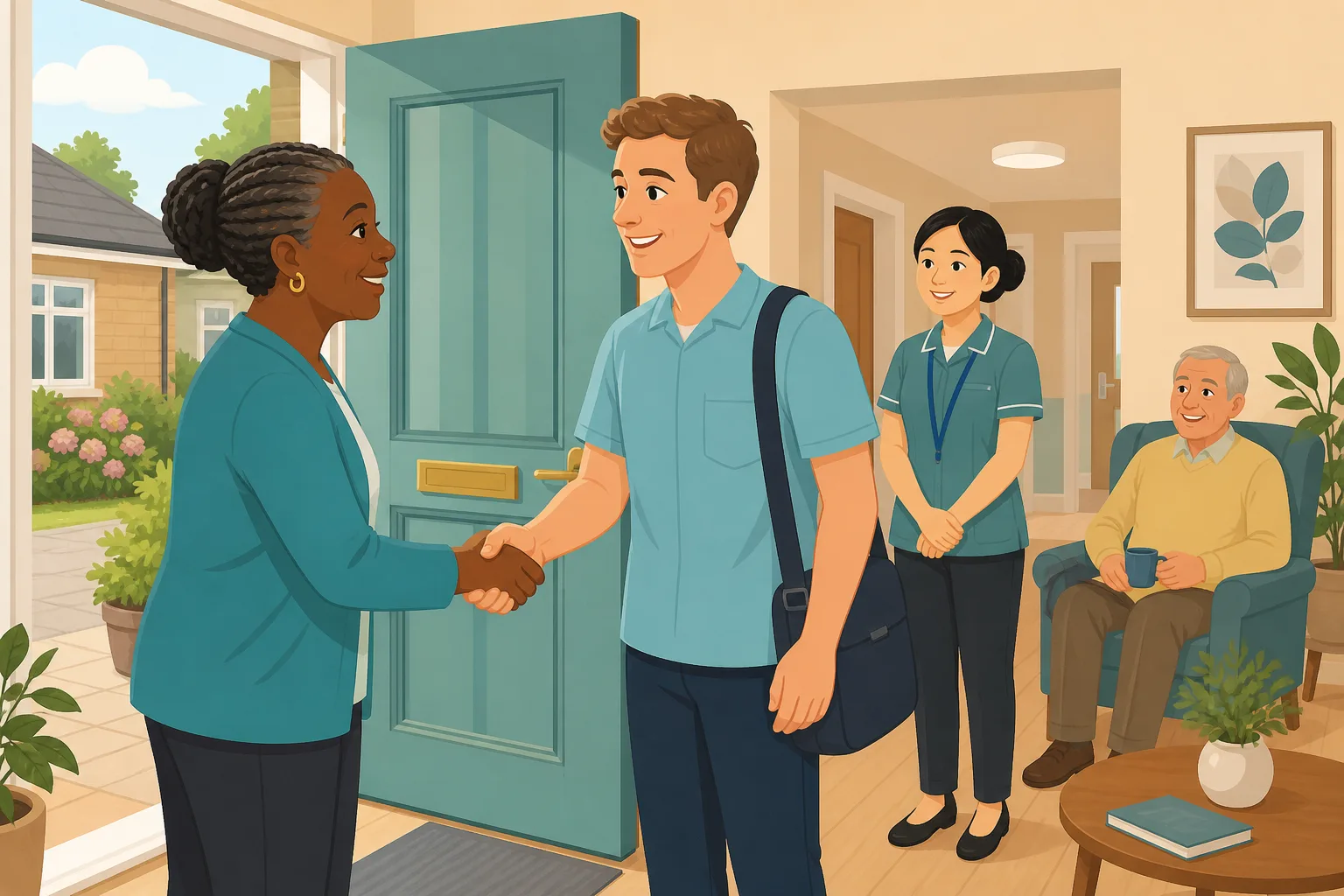
New from overseas. Did the induction land, or was it just signed?
A signed induction shows a new carer was handed the policies. It does not show what they understood. Short checks built from your own policies, in the language they think in, show the difference.
Read the scenario
One carer always translates for the team. Who checks what the others understood?
When one bilingual colleague quietly becomes everyone's interpreter, nobody knows what the others took in. Short training from your own policies, in each person's own language, shows who understood and who needs a closer look.
Read the scenario
Machine translation is not perfect. Let your carers correct it.
Staff read policies and training in their own language, and sometimes a word is off. Let chosen carers suggest a better translation, then approve it yourself so the fix reaches everyone.
Read the scenario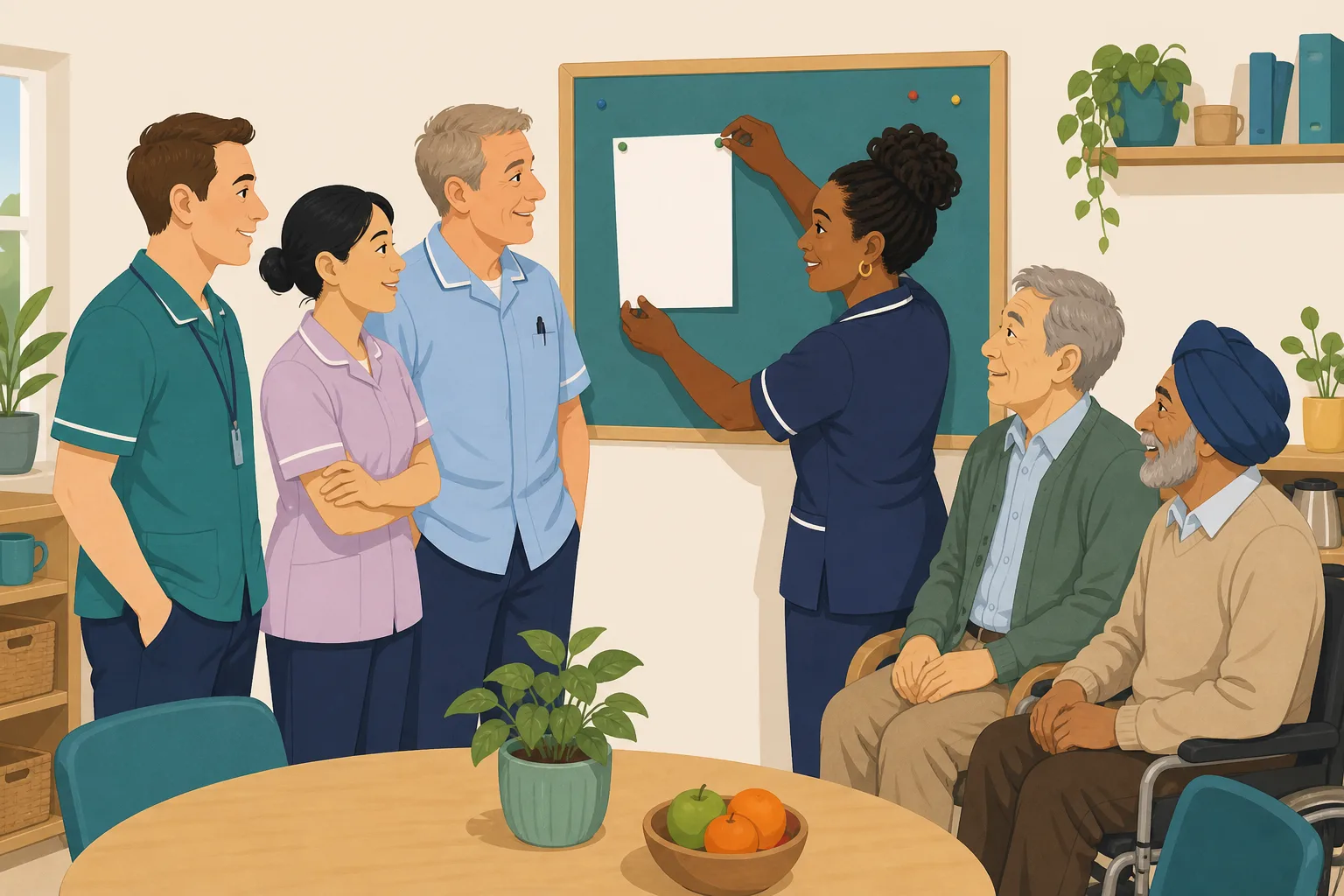
The policy changed. Did everyone understand it, in their own language?
Emailing a new policy proves it was sent, not that it was understood. Staff open it in their first language, then a short question set checks they took in the change.
Read the scenario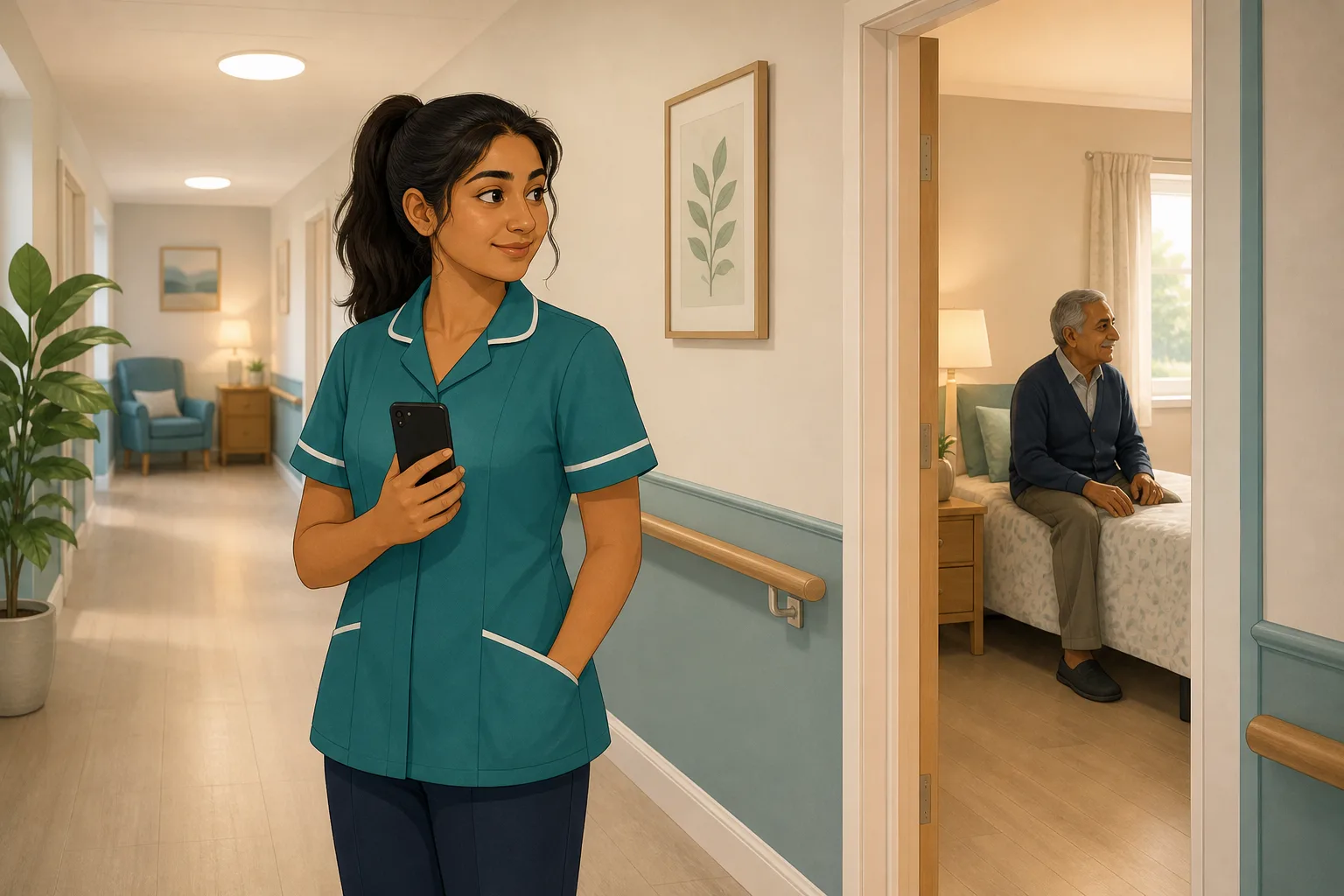
A carer is not sure, and does not want to ask in front of everyone
Some questions never get asked out loud. In the Staff Hub, carers can ask an assistant that answers from your own policies, with no audience. Managers can see what was asked.
Read the scenario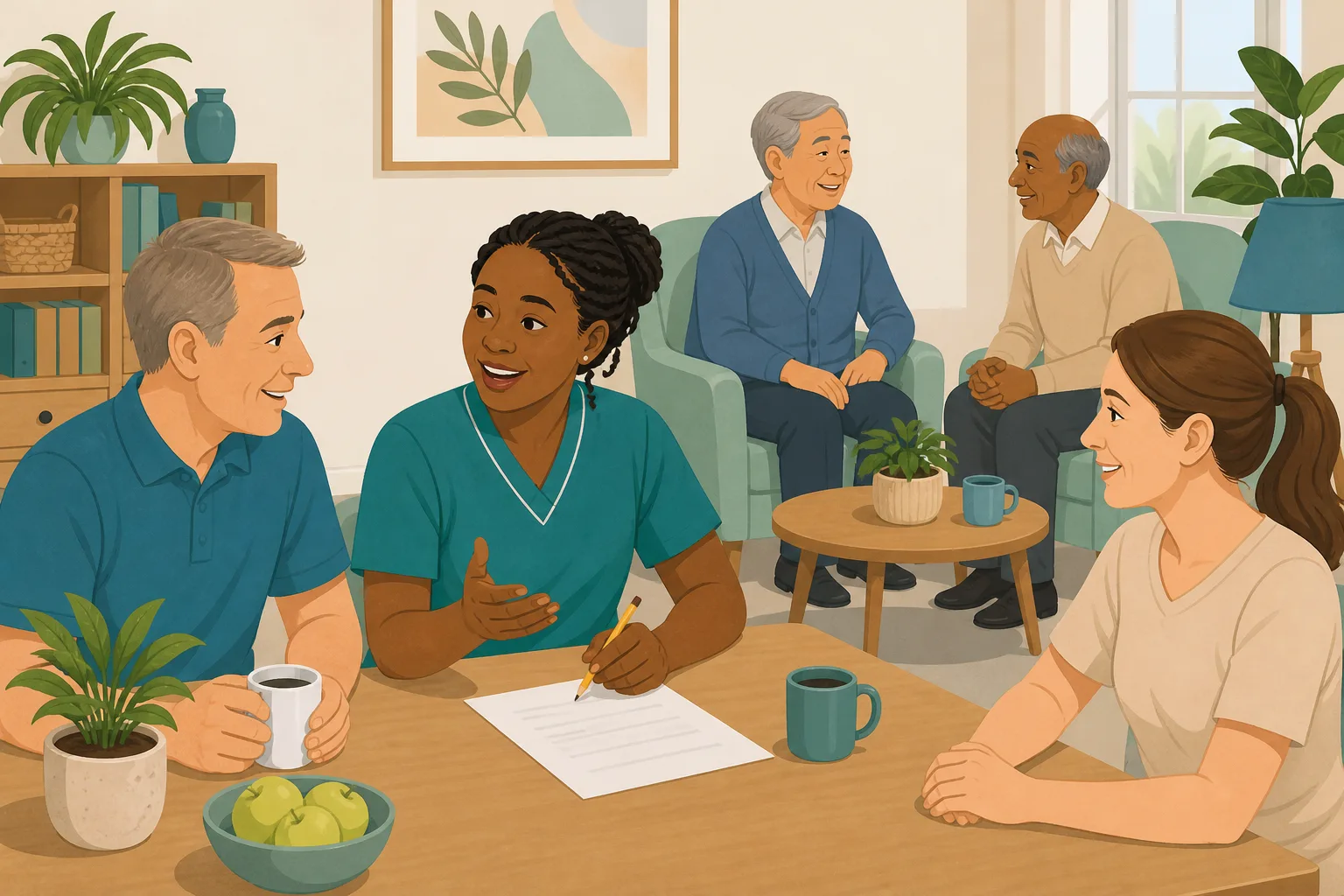
She speaks English well, but reads it slowly. Is the quiz fair?
A carer can be warm and fluent in conversation and still read long English text slowly. Let them open one lesson in their second language, so a wrong answer shows what they know.
Read the scenario
A week of reading is not the same as a week of learning
A new starter reads and signs for seven days. On day seven, nobody knows what went in. Add a question after each policy and see what they understood before they work alone.
Read the scenario
New starters, different jobs: one induction does not fit all
A cook needs food hygiene on day one. A domestic needs infection control. Give every new starter an induction flow for their own role, built from your policies, with a follow up on wrong answers.
Read the scenario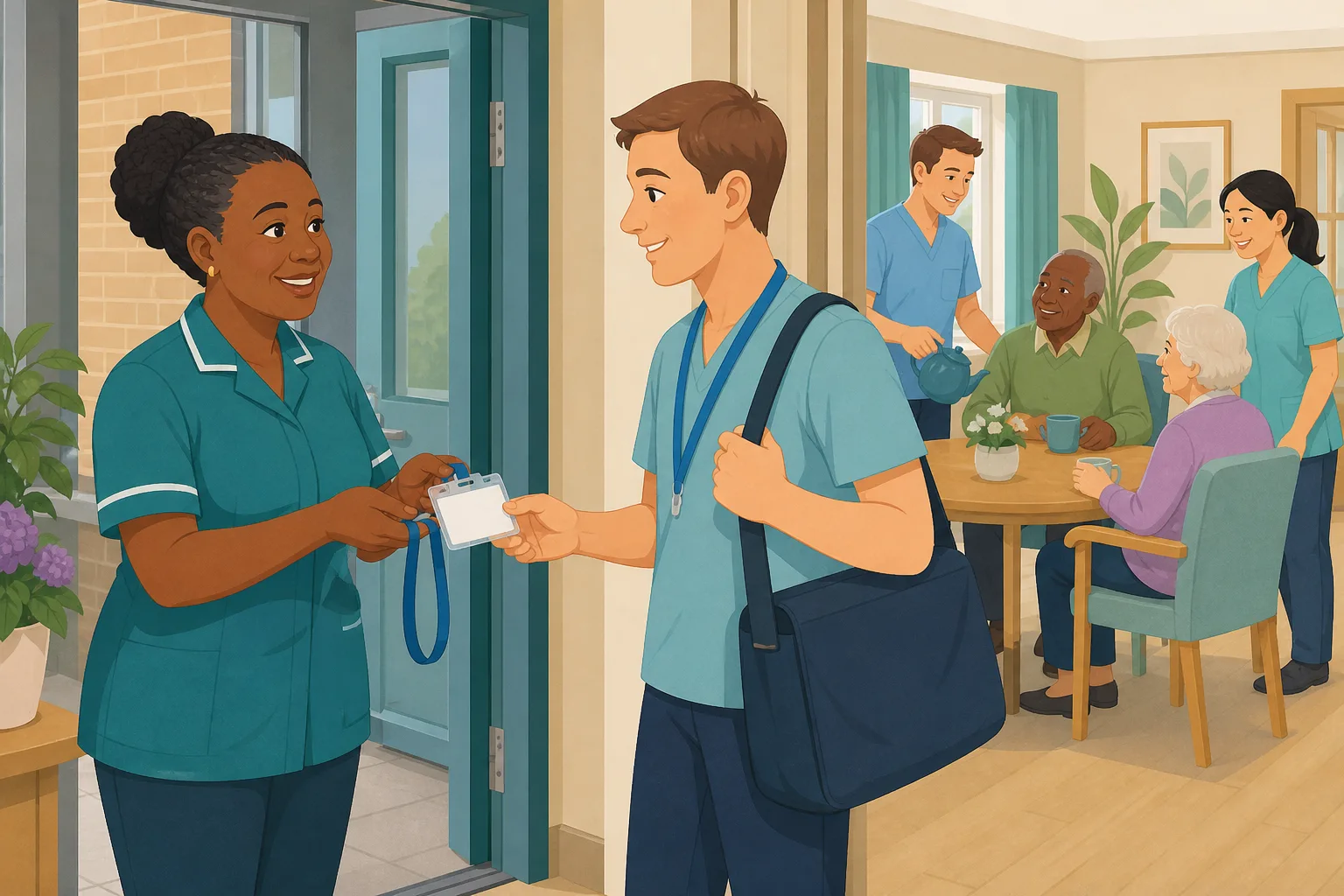
An agency worker arrives tomorrow. Are they ready for your service?
Agency staff arrive knowing their trade but not your building, your people or your policies. Add them with dates, give them a short local induction on their phone, and let access end when the booking does.
Read the scenario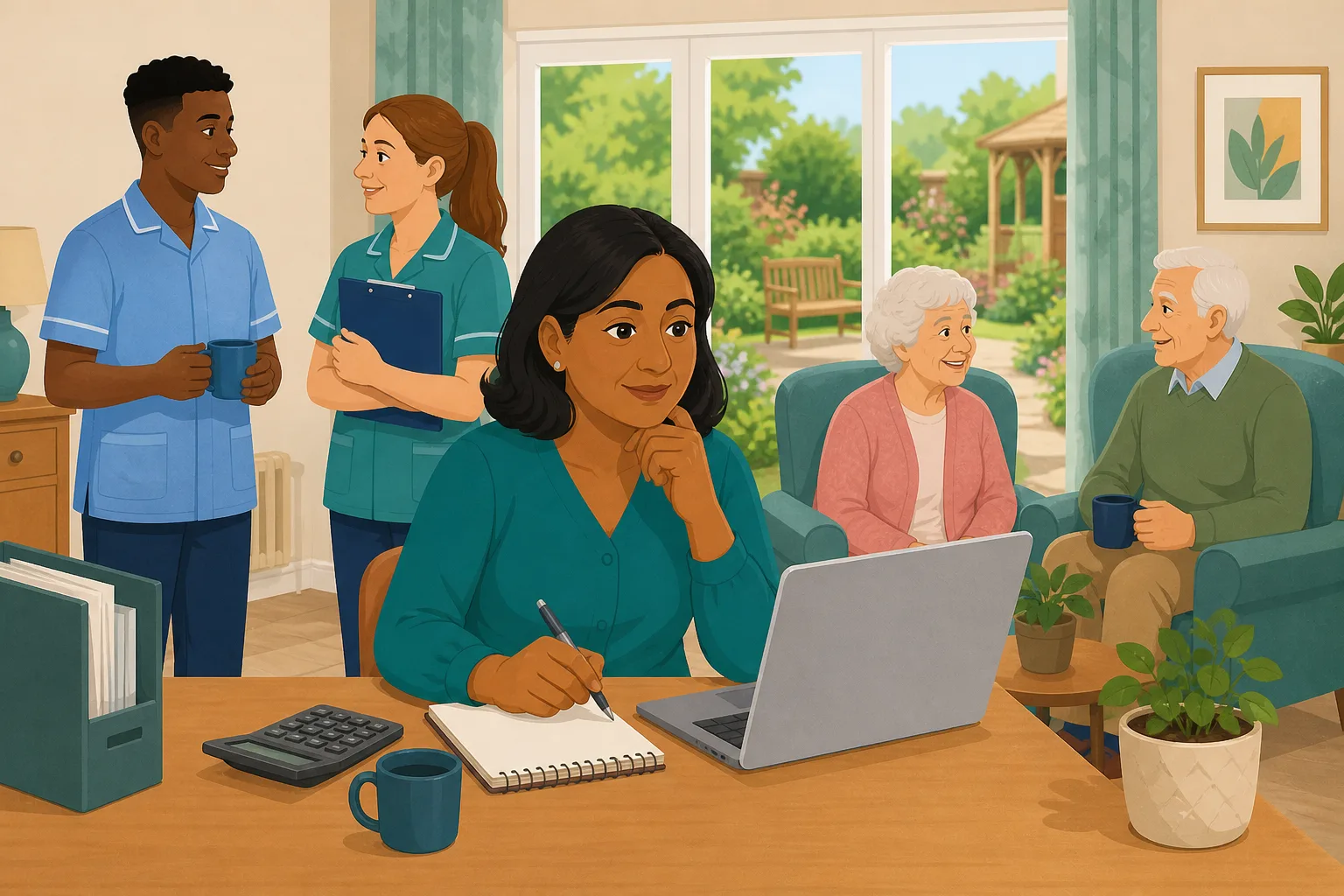
Agency cover is booked by phone. What does it add up to?
Add each booking with its dates and day rate, and the Staff page shows bookings, days and cost by agency for the last 12 months. Based on the figures you enter, not on invoices.
Read the scenario
Your new carer finished the course. Have you watched them work?
A course score shows what a new carer knows. CareStream holds the certificate until a manager records an observed practical, so the sign off carries a name and a date.
Read the scenario
Probation review: what has the new starter really learned?
A new carer's review is due on Friday. Their staff record shows induction progress, quiz results and follow ups from your own policies, so the meeting starts with evidence, not memory.
Read the scenario
Not sure your policies are in good shape? Check five of them free
Upload up to five of your own policies on the Free plan and see what a gap check finds, before you spend anything. The findings are suggestions for you to review, not automatic edits.
Read the scenario
Which of your policies are out of date? Get a plain list
A folder of policies looks complete until someone reads it closely. Scan your uploaded policies for old names, placeholders and overdue review dates, with no guesswork in the list.
Read the scenario
An incident changed the policy. Has the change reached the floor?
A new policy version is only half the job. Take the change through approval and sign off, then check staff understood it with short training built from your own policies.
Read the scenario
Your policy is signed off. Does it match the regulation?
A policy can be dated, signed and still miss something the regulation expects. A gap analysis compares your policies with the rules that apply to you and suggests fixes you approve.
Read the scenario
Two of your policies say different things. Who has noticed?
Policies written years apart can quietly disagree on timeframes, roles and thresholds. CareStream compares them, quotes each side and suggests one agreed wording for a person to approve.
Read the scenario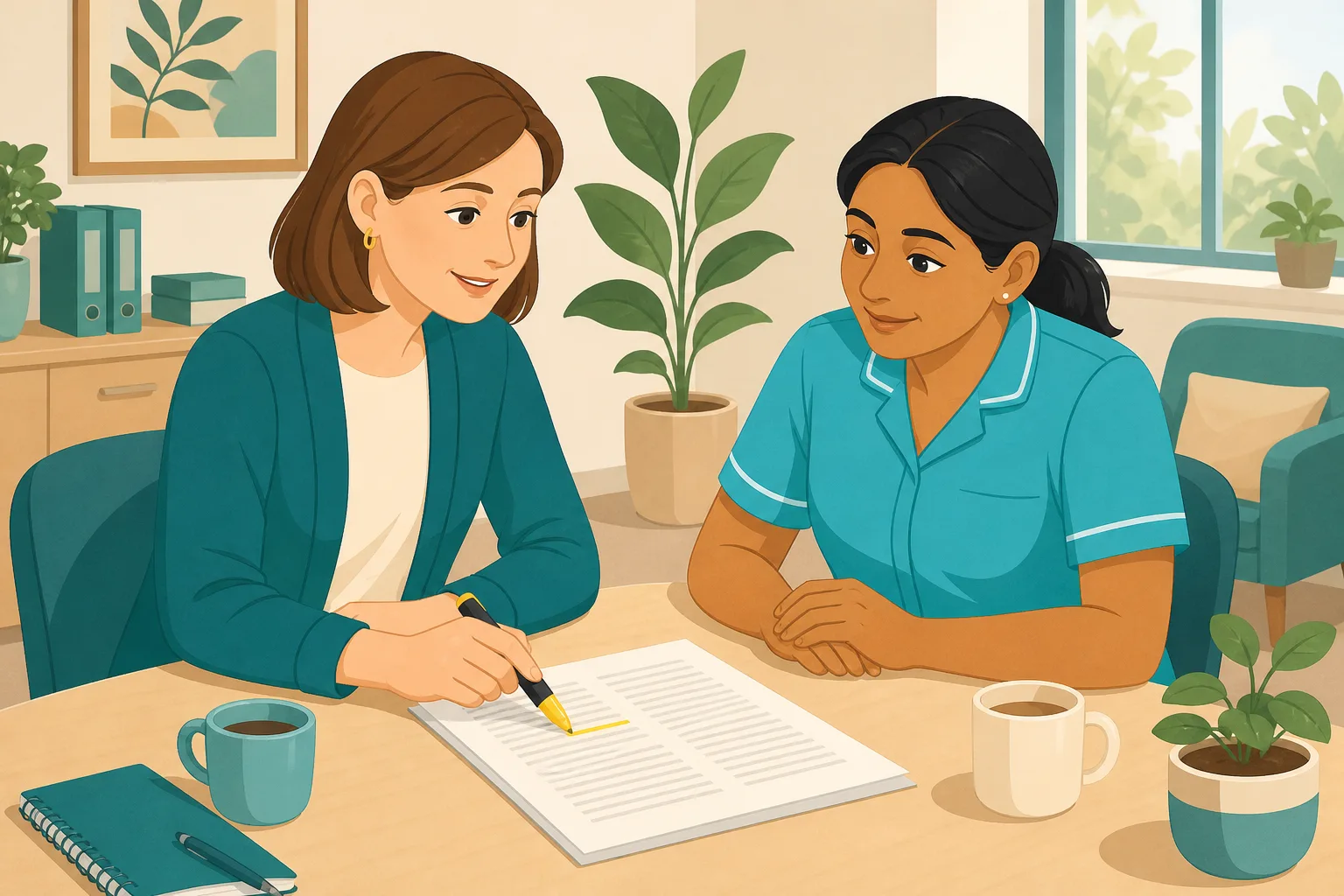
Your policies are right, but do they use the words inspectors look for?
Many care policies were written years ago in a different voice. CareStream checks each one against person centred qualities from the CQC quality statements and suggests wording you can accept, change or ignore.
Read the scenario
Is there a policy your home does not have?
A shelf of policies can look complete. CareStream reads what your policies actually say, flags a subject nobody has covered, and lets you add a written policy for it.
Read the scenario
Looking for a policy template? Get one written for your service
A downloaded template carries someone else's names and gaps. CareStream writes the policy from your details, checks it against the regulation checklist, and a person reads it before delivery.
Read the scenario
Who signs a policy off in your service, and in what order?
A policy changes, and nobody is sure who has to approve it. Set a care manager step and an optional external reviewer, then keep a clear history of every version.
Read the scenario
New manager, full shelf of policies. What did you inherit?
Starting a new role means inheriting a policy set nobody has summarised for you. Screen up to five policies for free, scan for outdated wording and see where to look first.
Read the scenario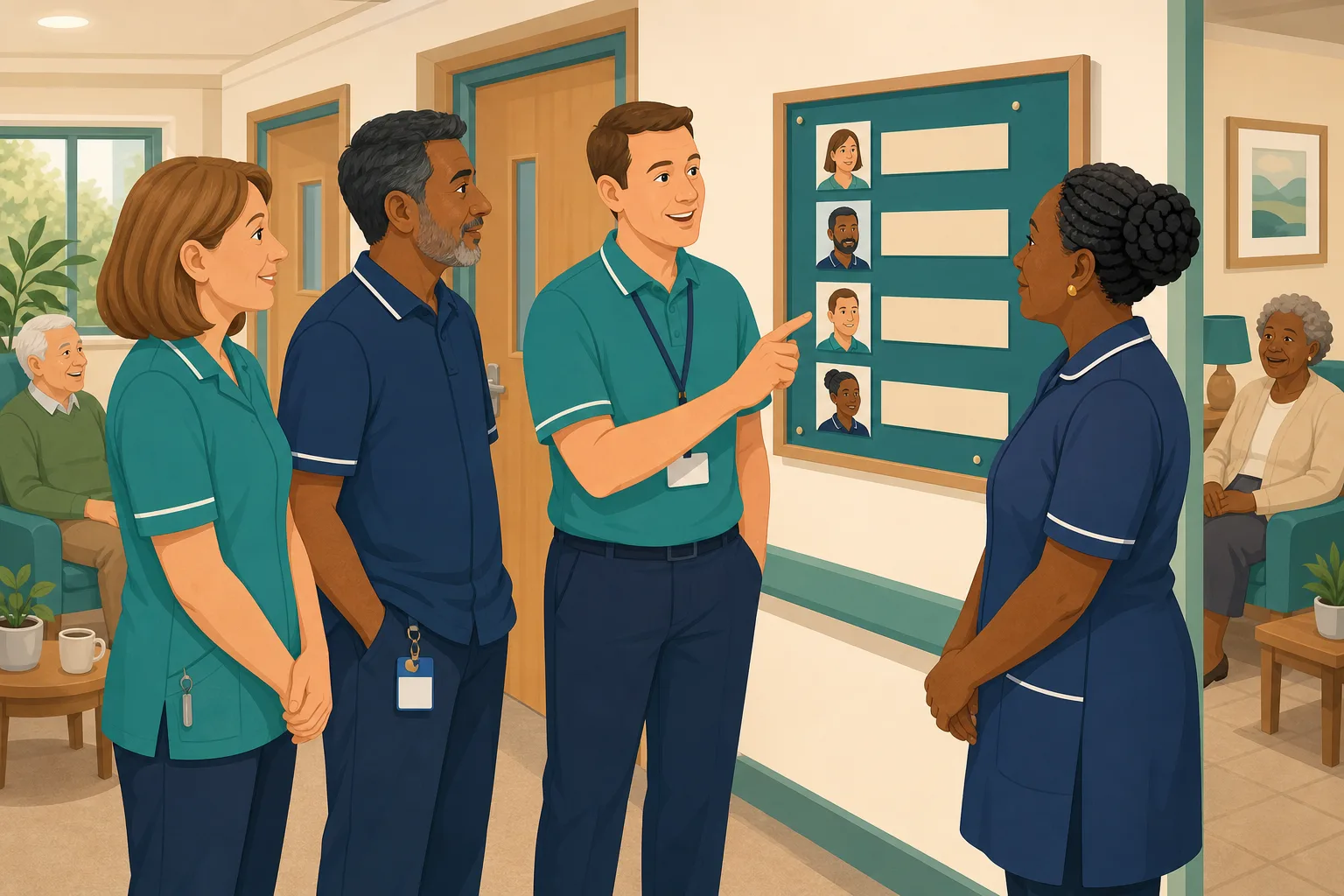
The right person named on each policy, so staff know who to go to
Policies often say "tell the lead" without saying who that is. See how naming each role holder once keeps your policies accurate and your team clear.
Read the scenario
“Everyone has read the policy.” How do you know?
A read record shows who opened a policy, for how long and whether they reached the end. It cannot show they understood it. Add short questions built from your own policies to find out.
Read the scenario
The policy is updated and read. Can staff answer questions on it?
Reading a policy is not the same as understanding it. CareStream turns your own policies into short questions staff answer on their phones, and a wrong answer becomes a short lesson.
Read the scenario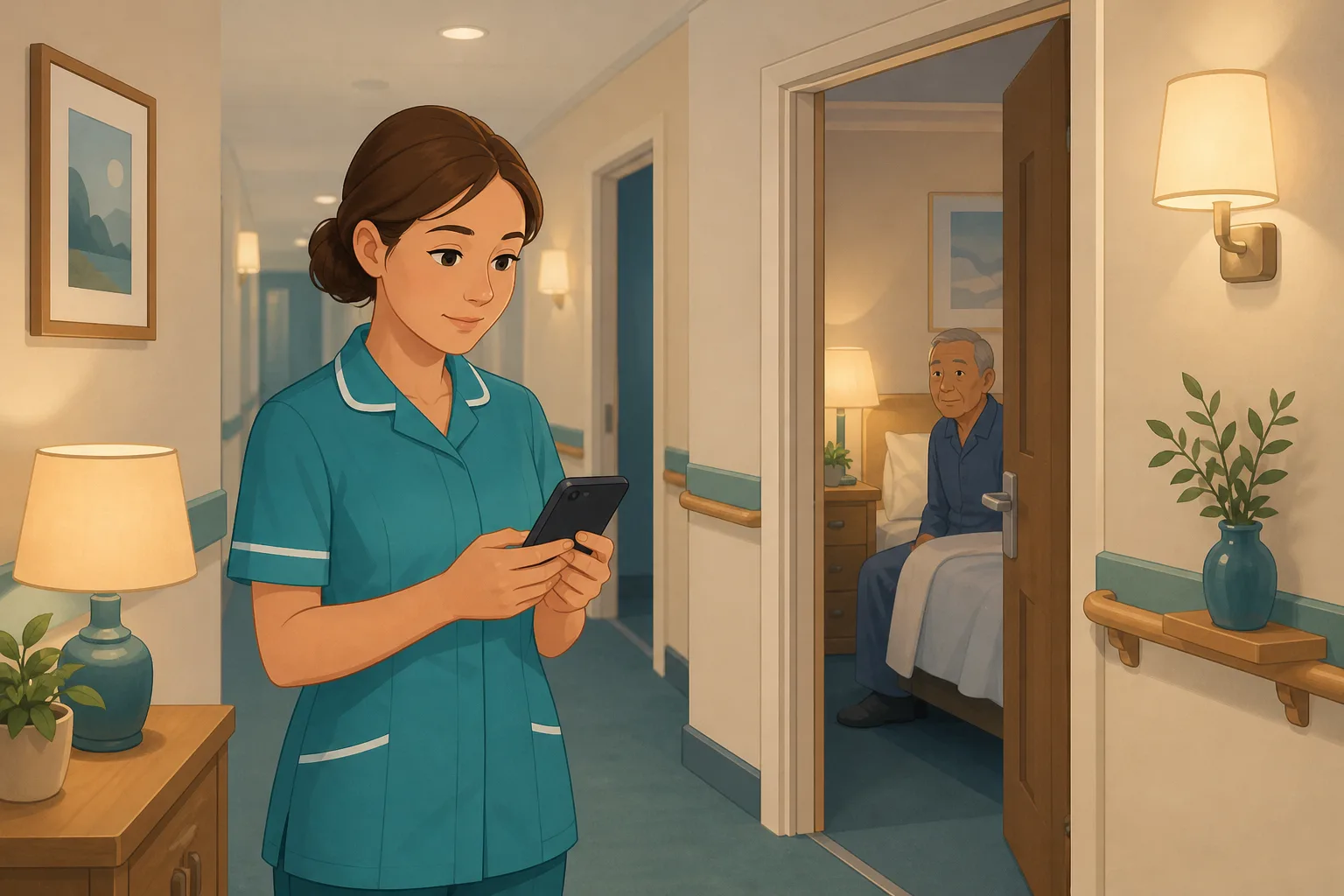
A carer is unsure at 3am and no manager is on site
Your policies are in a folder nobody can search at night. The Staff Hub assistant answers carers from your own documents, names the policy it used, and says so when it finds nothing.
Read the scenario
What are your staff unsure about? Read the questions they ask.
Staff ask the assistant questions all day. Recent queries shows who asked what, whether your own policies had an answer, and where a policy is missing.
Read the scenario
The assistant could not find an answer. Is a policy missing?
When staff ask a question your documents do not cover, the assistant says so instead of guessing. You see it as No match, and can check whether a policy is missing, unclear or worded differently.
Read the scenario
More than 100 free audits. Which do you run first?
A big audit library is only useful if you know where to begin. Adopt a handful, run them on a phone or tablet, get a score and a PDF report, and track every action. Free on every plan.
Read the scenario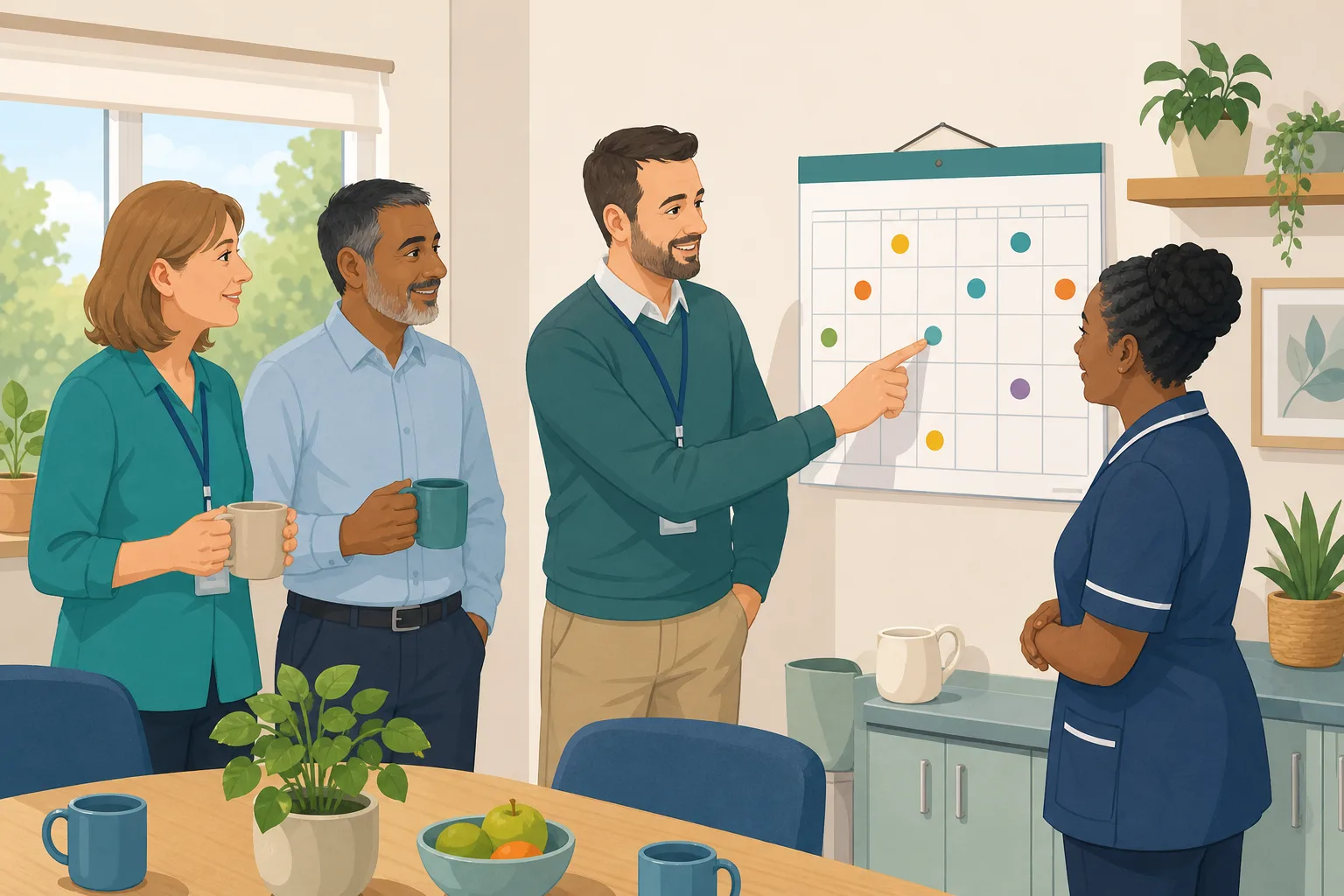
The monthly audit nobody was reminded about
Audits that rely on one person's memory get missed. Give each audit a named person, a due date and a repeat, and reminders and escalation go out by email without you chasing.
Read the scenario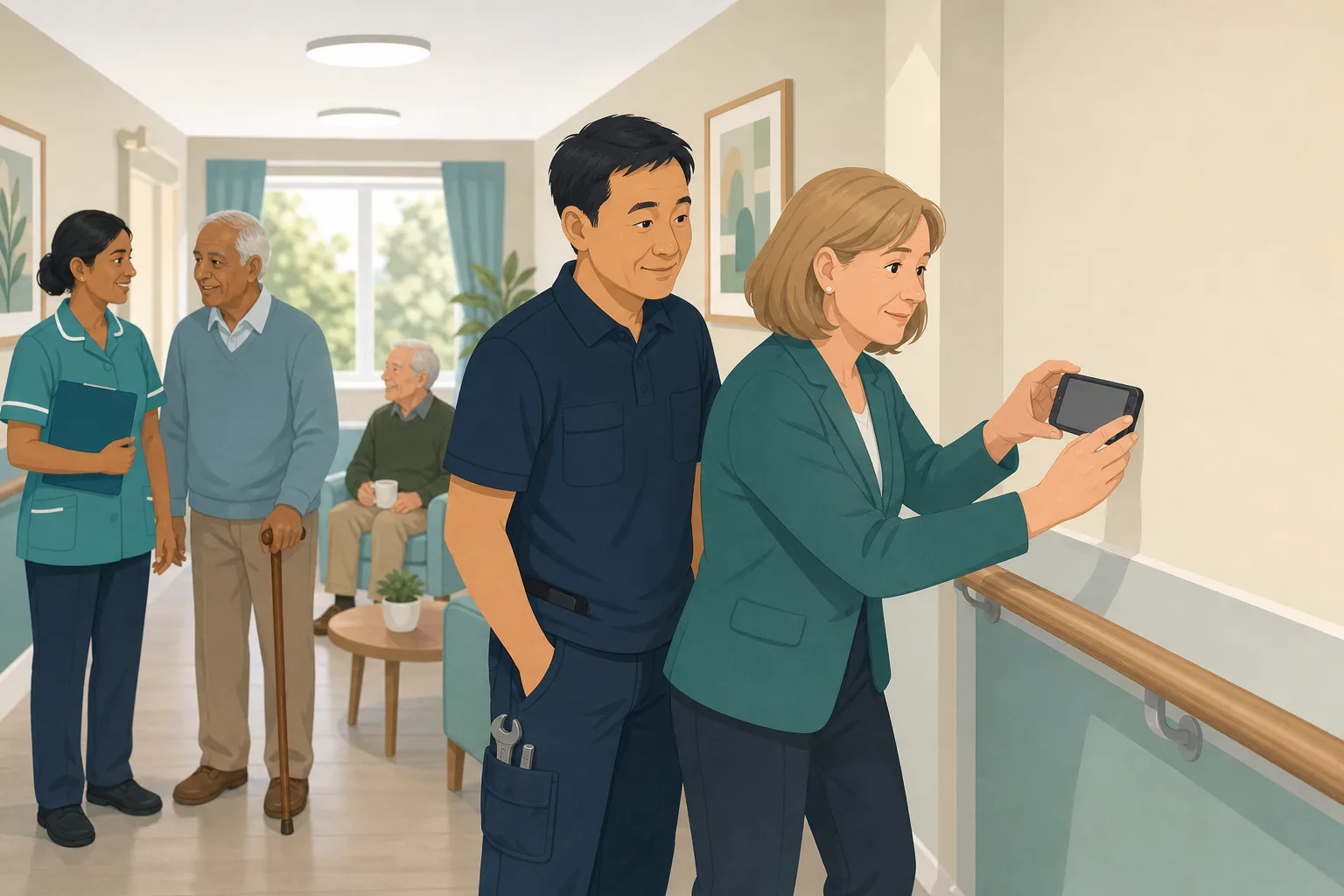
The audit found the problem. Can you prove it was fixed?
Every audit finding can become an action with an owner, a due date and photo proof, then be checked again at the next audit. More than 100 audits, free on every plan.
Read the scenario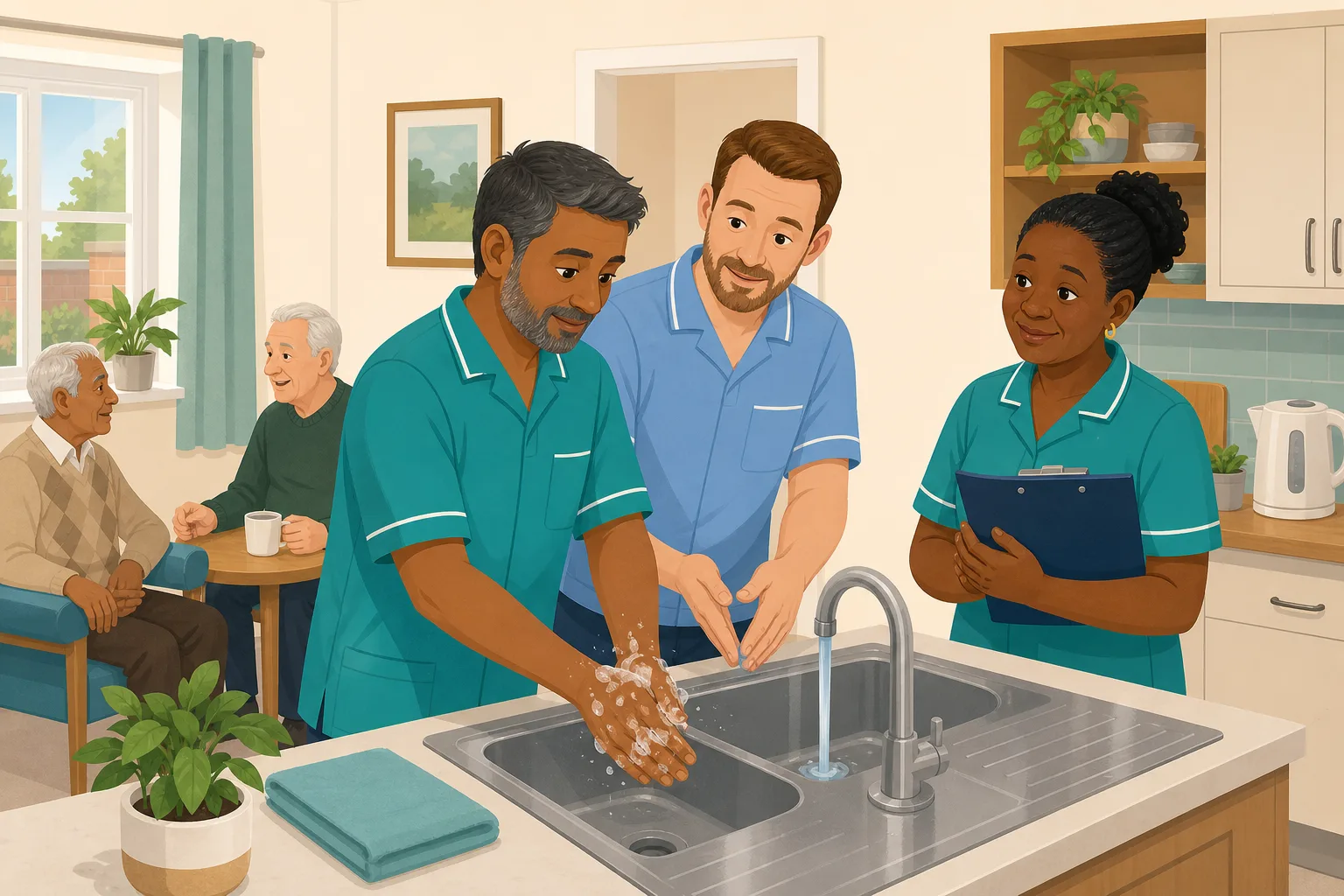
The audit keeps scoring low. Doing it again will not fix it.
Re-running an audit only tells you the problem is still there. Link the audit to training, give each action an owner, and check at the next audit whether the cause was fixed.
Read the scenario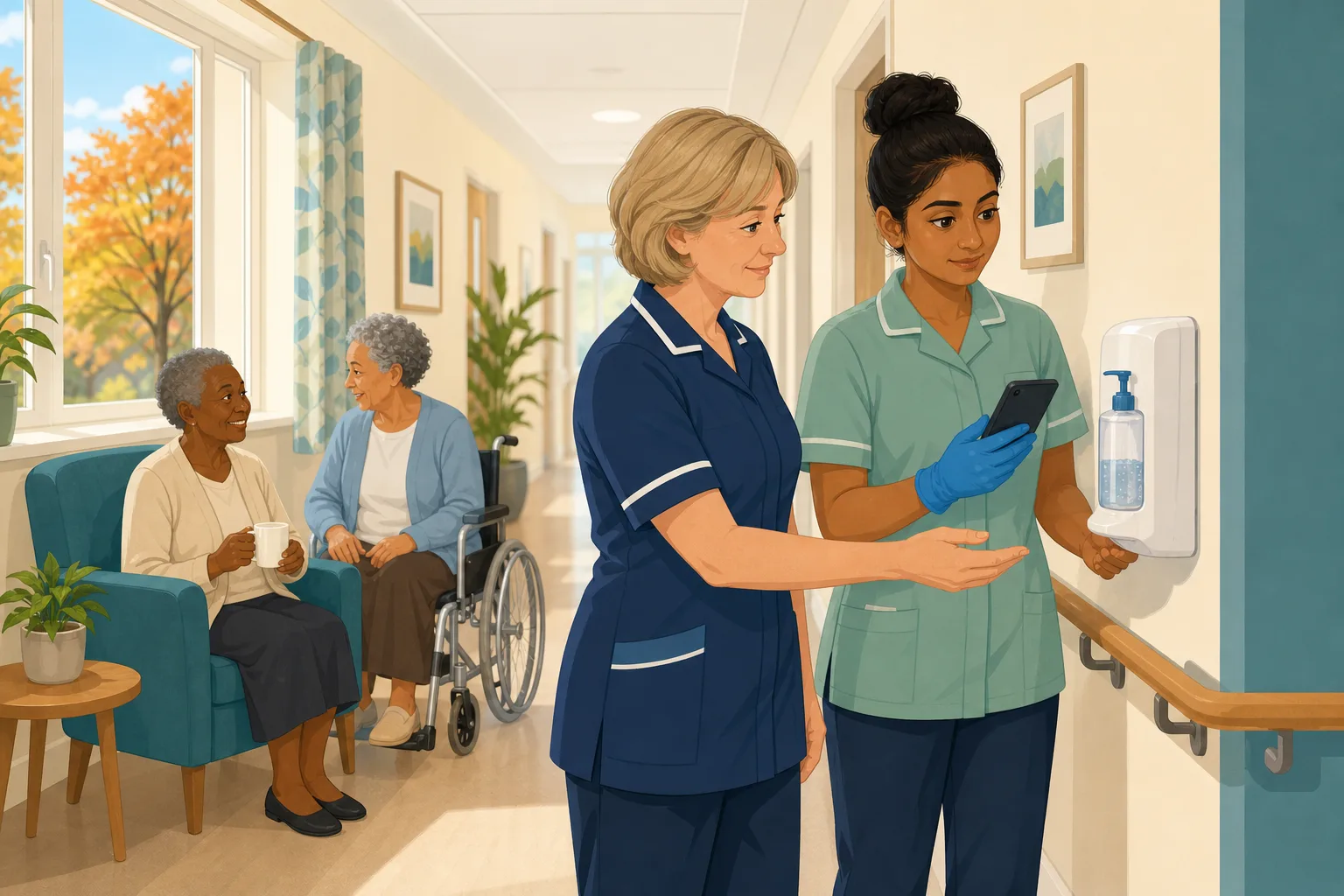
Audit infection control in autumn, not after the cold snap
Find the gaps while there is still time to fix them. More than 100 audits, free on every plan, run on a phone with photos, scored by section, with an owner for every action.
Read the scenario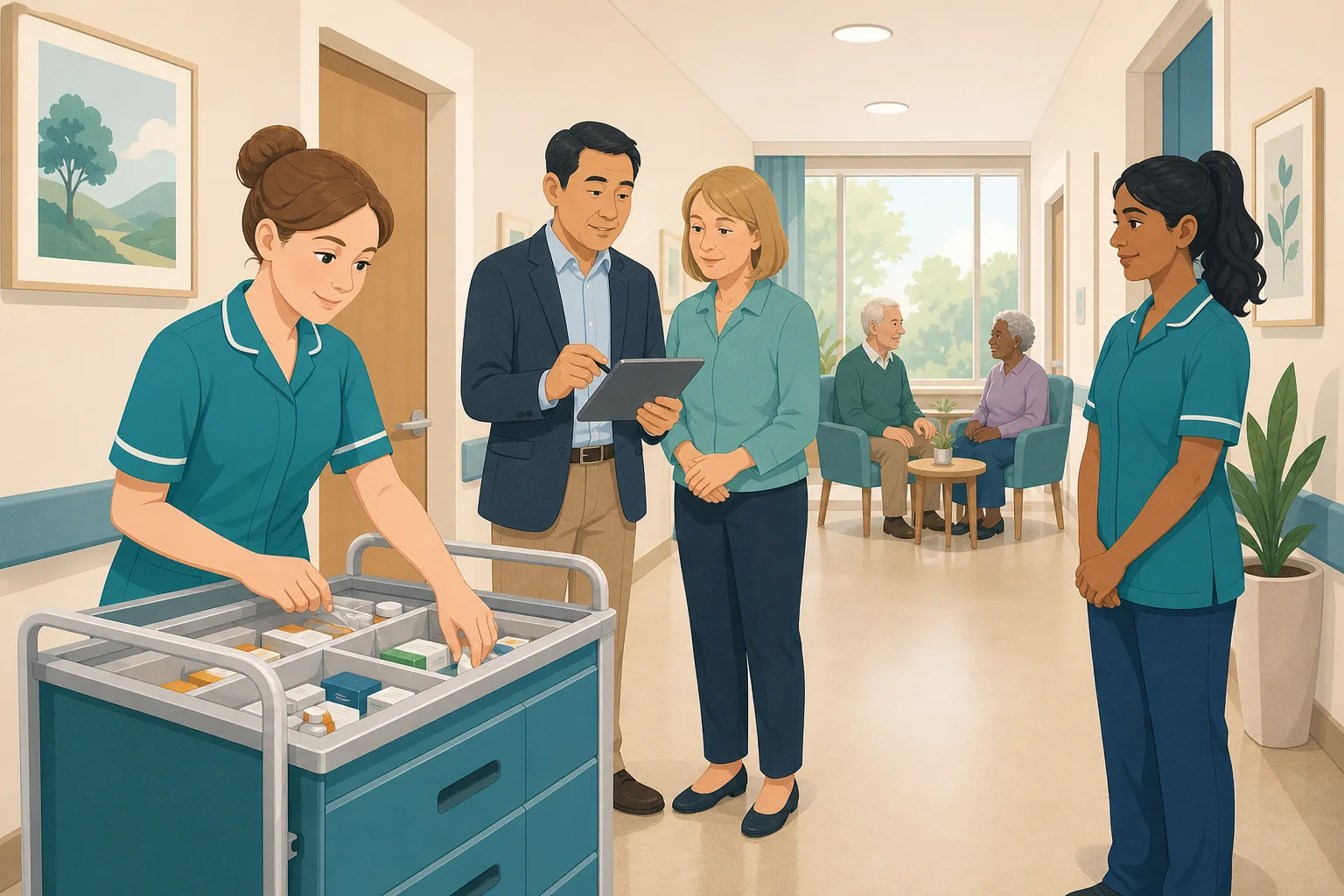
A medicines error was found. Was it one slip or the system?
Handling the error is only the start. Run an audit on your phone, give every finding an owner and photo proof, and check at the next audit that it was fixed. Audits are free on every plan.
Read the scenario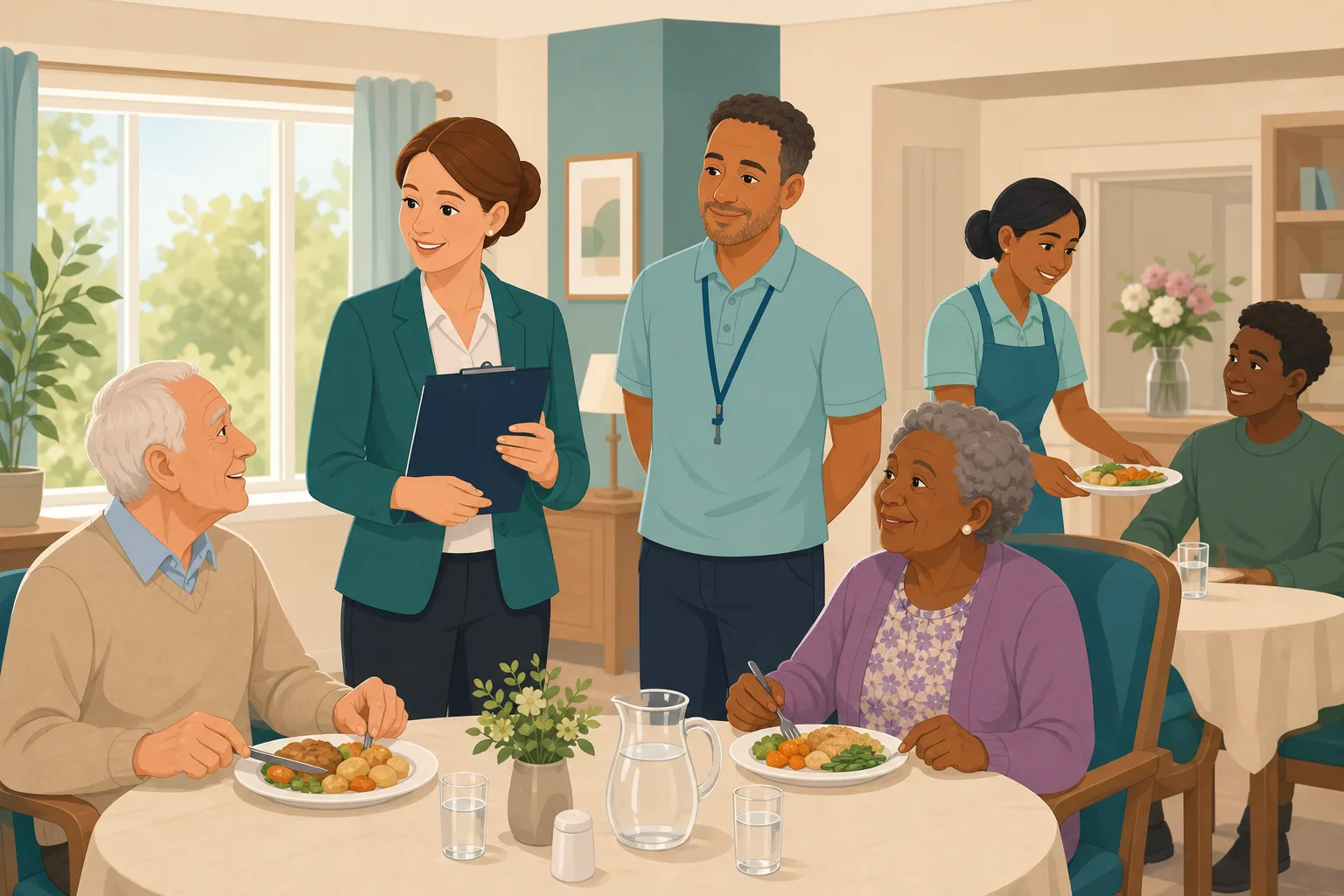
Falls, mealtimes, bed rails, resident of the day: one audit each
Ready made monthly audits for the checks every care home worries about. Run them on a phone, score them, photograph the problem and turn every gap into an action. Free on every plan.
Read the scenario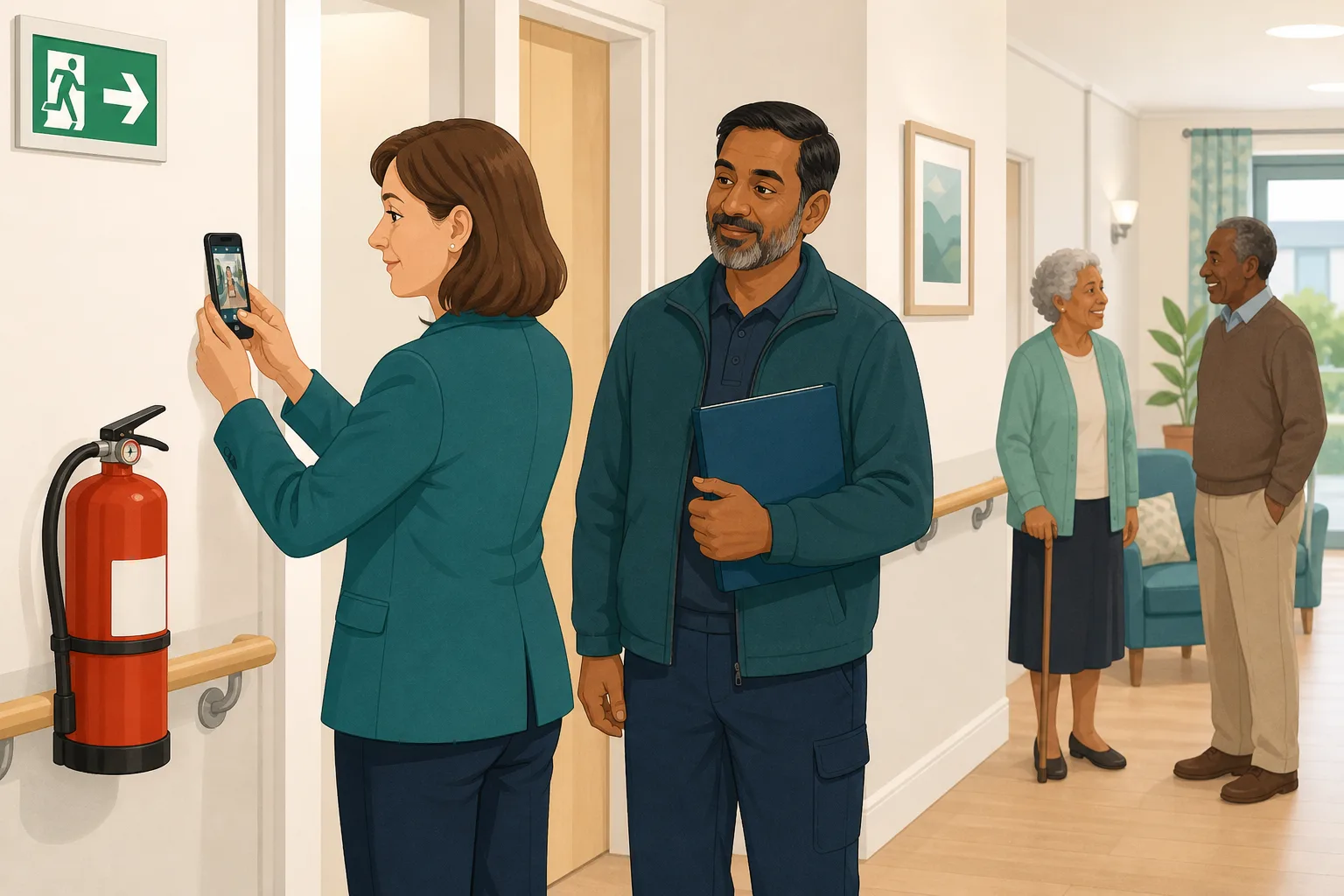
The fire checks were done. Can you show the dated evidence?
Before an assessment, a manager needs proof that fire and environment checks really happen. Run built in audits on a phone, add photos and signatures, and keep a dated PDF report for each one.
Read the scenario
The audit is done. Does anyone check it before it counts?
A senior carer finishes the monthly audit and files the report. An optional manager sign off sends each completed audit to your registered manager to approve or send back.
Read the scenario
The audit is finished. Who does what now?
An audit shows what failed, not who fixes it. CareStream drafts a short list of suggested actions from your audit answers. You edit it, name an owner, set a date and approve it.
Read the scenario
No audit asks the questions your specialist service needs
Library audits cover the broad ground. When your service has its own routines and risks, Enterprise lets you build a custom audit, run it on a phone and track every action to the end.
Read the scenario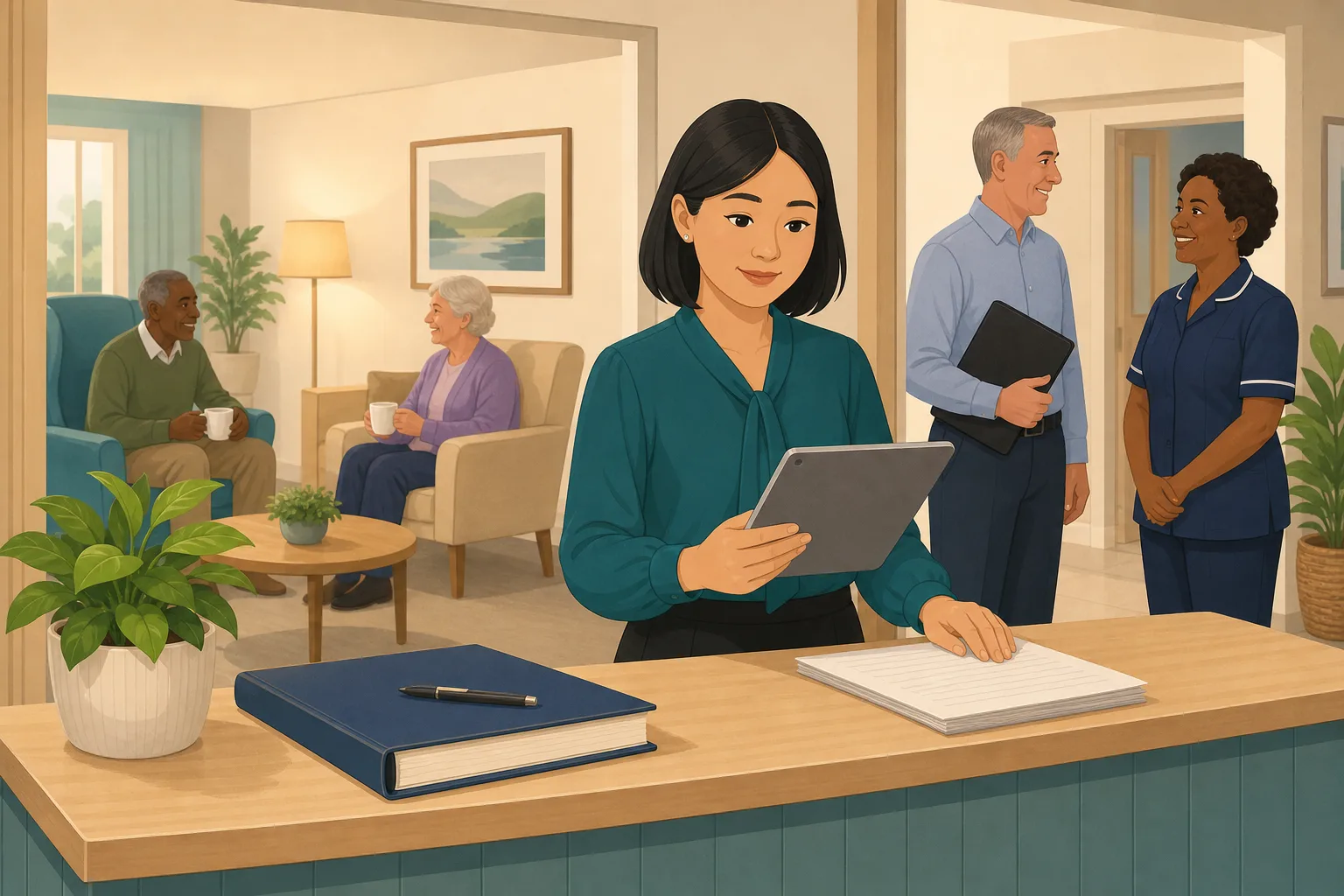
An inspector could arrive tomorrow. What can you see tonight?
A 24 hour check for care managers: find overdue audits, open actions, policy gaps and training gaps, and print evidence that staff use your policies. It shows you where you stand. It does not give you a rating.
Read the scenario
The paperwork is ready. Are your staff ready to answer questions?
Audits and policies show what the service has written down. Staff answers show what people can say. CareStream sends practice questions to each person's phone, with a score and feedback.
Read the scenario
The report says requires improvement. Where do you start?
Turn your own audits, policy gaps and staff records into a 90 day outline: know where you stand, fix it with owners and dates, then keep the proof. CareStream supports the plan. It does not write it.
Read the scenario
New manager? Know where the home stands in your first 30 days
You have just taken over a service and need a clear view of audits, policies, training gaps and evidence. Run free audits, screen your first policies and see what to do first.
Read the scenario
A visit is booked and your evidence is in six places
A local authority or commissioner visitor is coming. Your audits, action photos, policy checks and training records exist, but not in one folder. See how to gather them quickly.
Read the scenario
What does a CQC evidence report actually contain?
Policies on the shelf are not the same as policies in use. See the nine sections of CareStream's evidence report, what each one shows, and what it does not claim to prove.
Read the scenario
Staff finish their training. Does anyone say thank you?
Set up a monthly points campaign where staff earn points for finished training, CPD courses and practical sign-offs. A care manager approves it, and you pick the reward.
Read the scenario
Your carers work hard. Can they see that anyone has noticed?
Thank yous are easy to miss on a busy rota. Staff incentives give each carer a private view of their own points for finished, evidenced training, with rewards your manager approves.
Read the scenario
You talk to staff about their practice. Where is the record?
Supervision conversations happen, but what was agreed often lives in a notebook. CareStream keeps a dated record for each person, with agreed actions that follow through.
Read the scenario
A new resident moved in. Do your staff know the person?
A this is me document is only useful if staff know what is in it. Build a profile with the family, approve their answers, and let staff ask about the person by name.
Read the scenario
An agency carer meets a resident for the first time
Likes, routines and what helps when someone is upset are in the regular team's heads. Put them in a resident profile, so a new face can read them in the Staff Hub before the first cup of tea.
Read the scenario
A relative wants to share their mum's life story. Where does it go?
Invite family by private link to answer simple questions about a resident. You read, edit and approve every answer before the care team can see any of it.
Read the scenario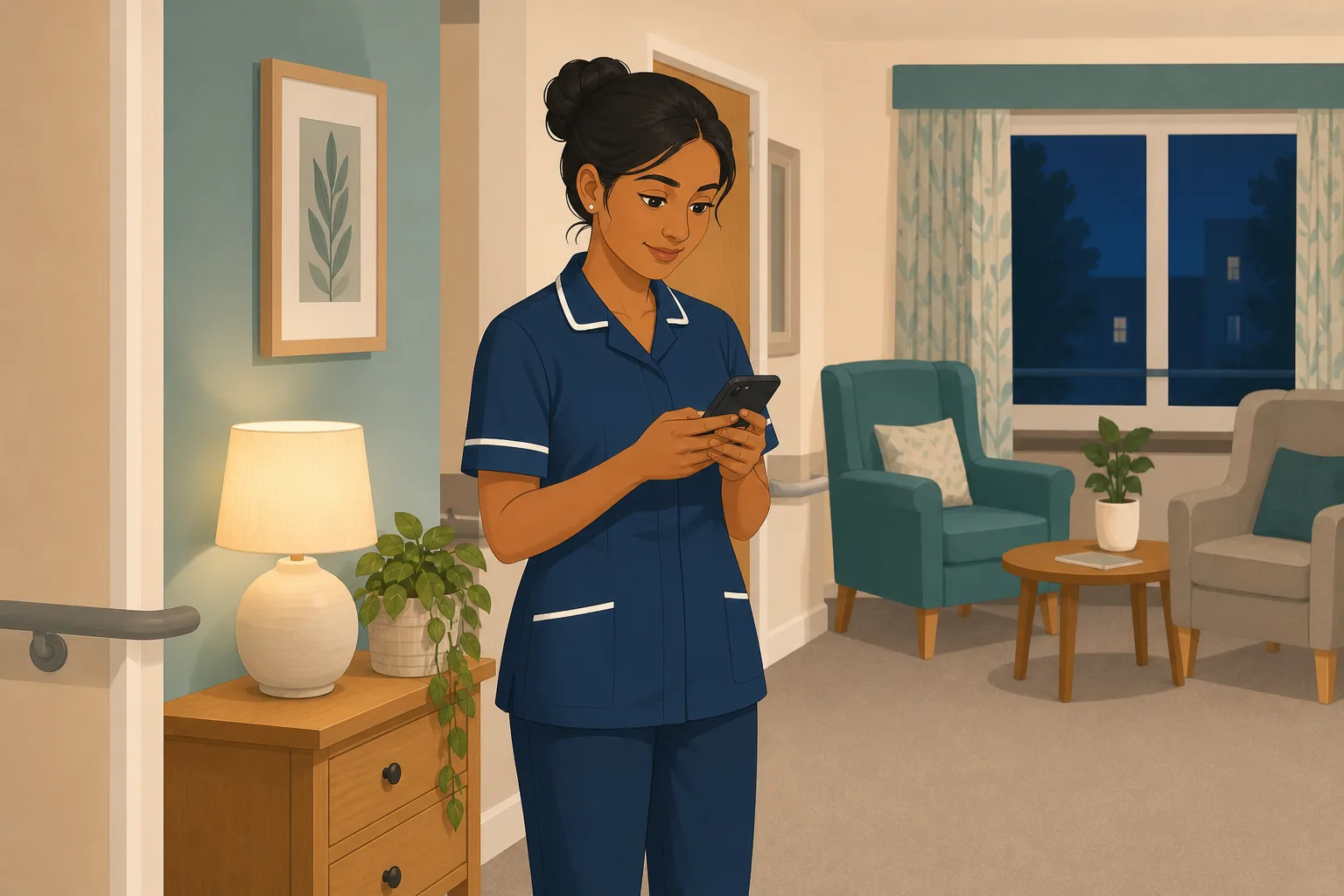
Moved to a unit they do not know, with nobody to ask
Sickness leaves a gap and a night carer is moved to a unit they have never worked. The care plan tells them the risks. The resident profile tells them who the person is, if they can reach it.
Read the scenario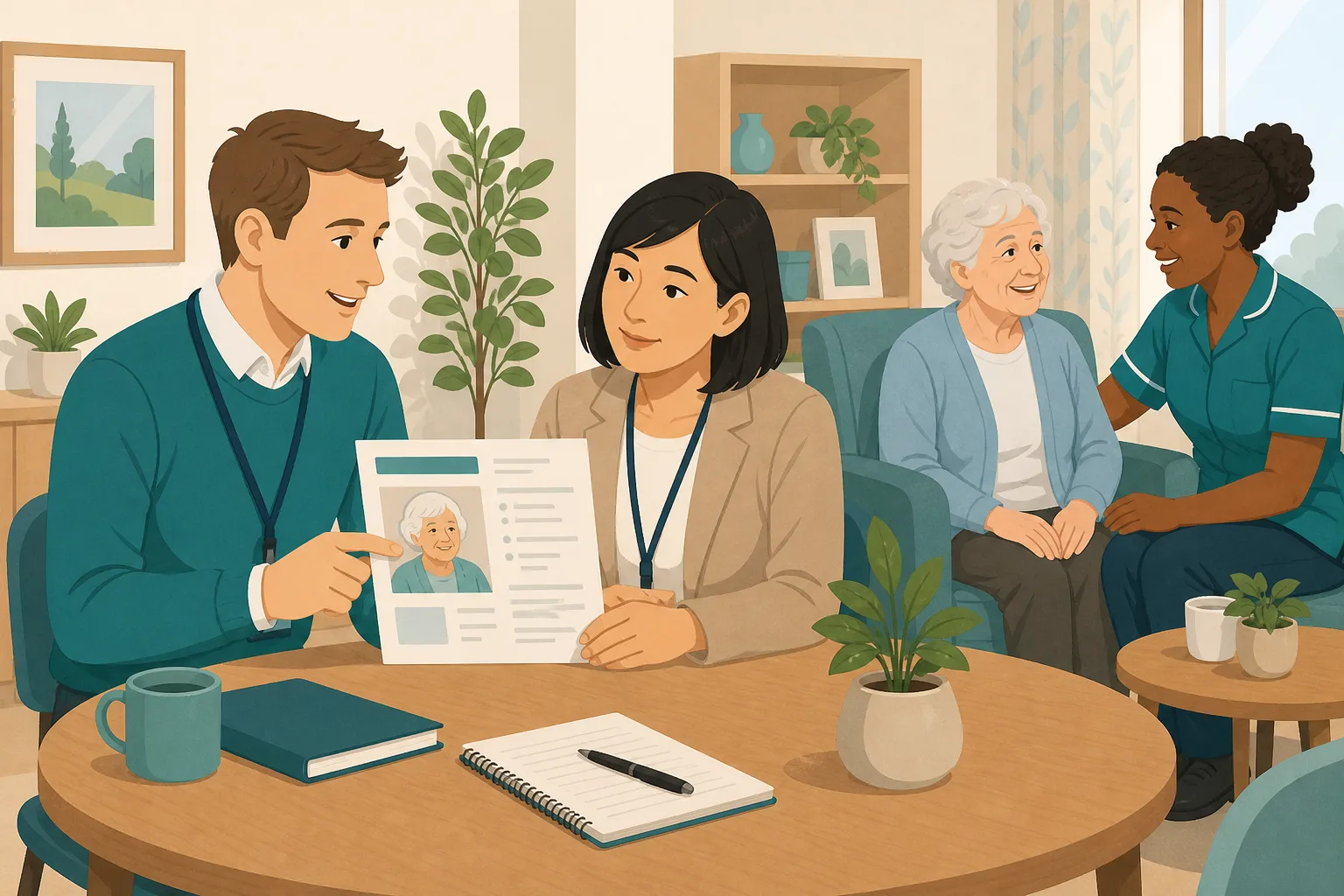
Showing an inspector that your staff know each person
Life stories sit in a drawer and nobody can say who has read them. Keep one profile per resident where staff can ask about them, and back it with audits that ask the person themselves.
Read the scenario
I am not clinical. How do I know things are running?
A care home owner who does not work on the floor still needs plain proof. See the weekly emails, audit scores, overdue audits, open actions and knowledge gaps you can check yourself.
Read the scenario
The training is done. Did it make any difference?
Completion rates show who finished, not what changed. See how knowledge checks, closed gaps and audit scores can be read together, with the limits stated plainly.
Read the scenario
Several homes, and no single picture of how they are doing
Each home keeps its own records, so the group picture is built from phone calls and spreadsheets. See audit scores, repeat failures and overdue actions for every home side by side.
Read the scenario
The renewal or tender wants your records. Can you find them fast?
Training, audit, supervision and policy records are often spread across folders and drives. See where each one lives in CareStream, and what you can export as a PDF or CSV.
Read the scenario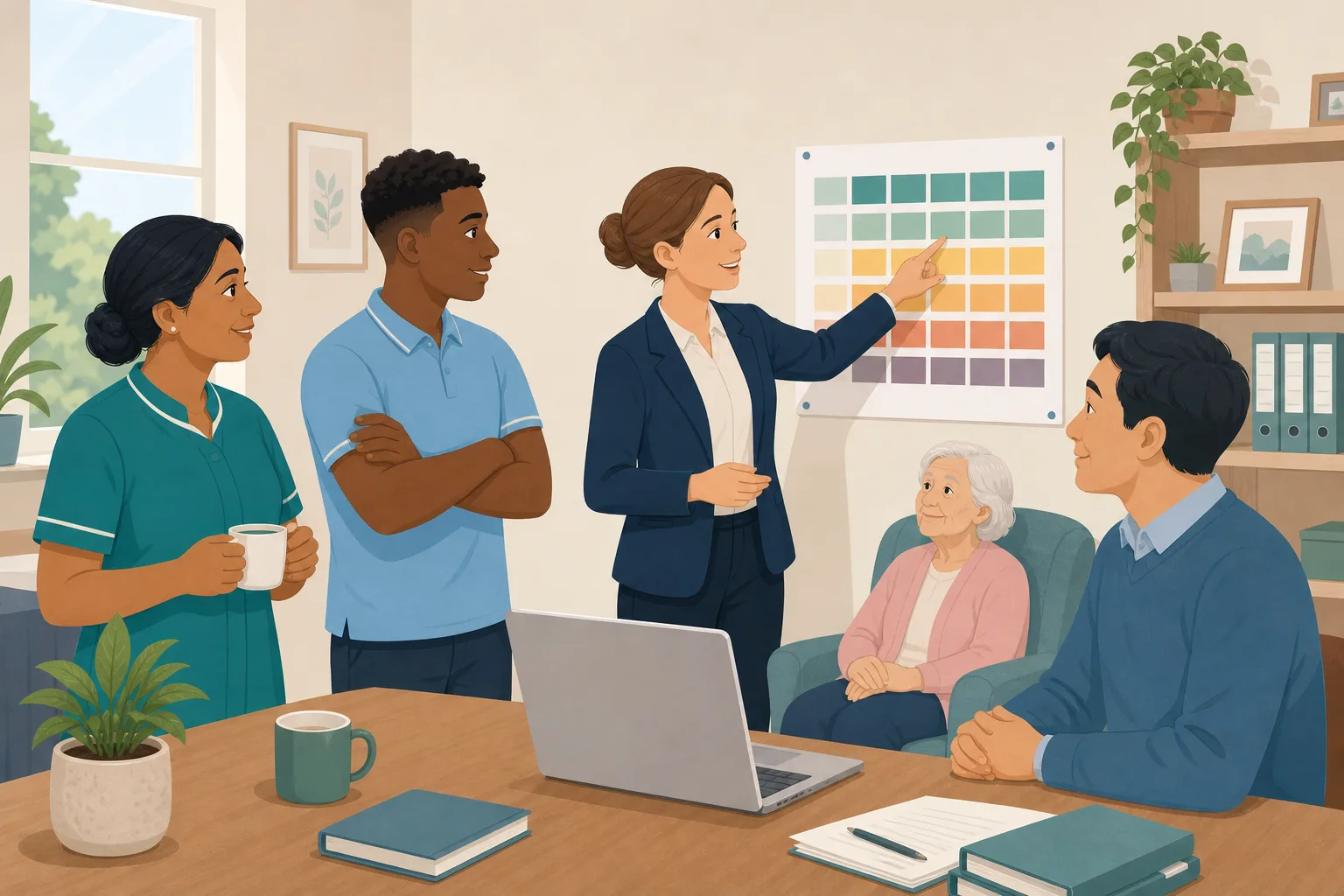
Who is in date? Your grid should answer in a minute
A hand coloured spreadsheet goes out of date the day after you edit it. See who is in date, due soon or expired from real training records, then export it or print it to PDF.
Read the scenario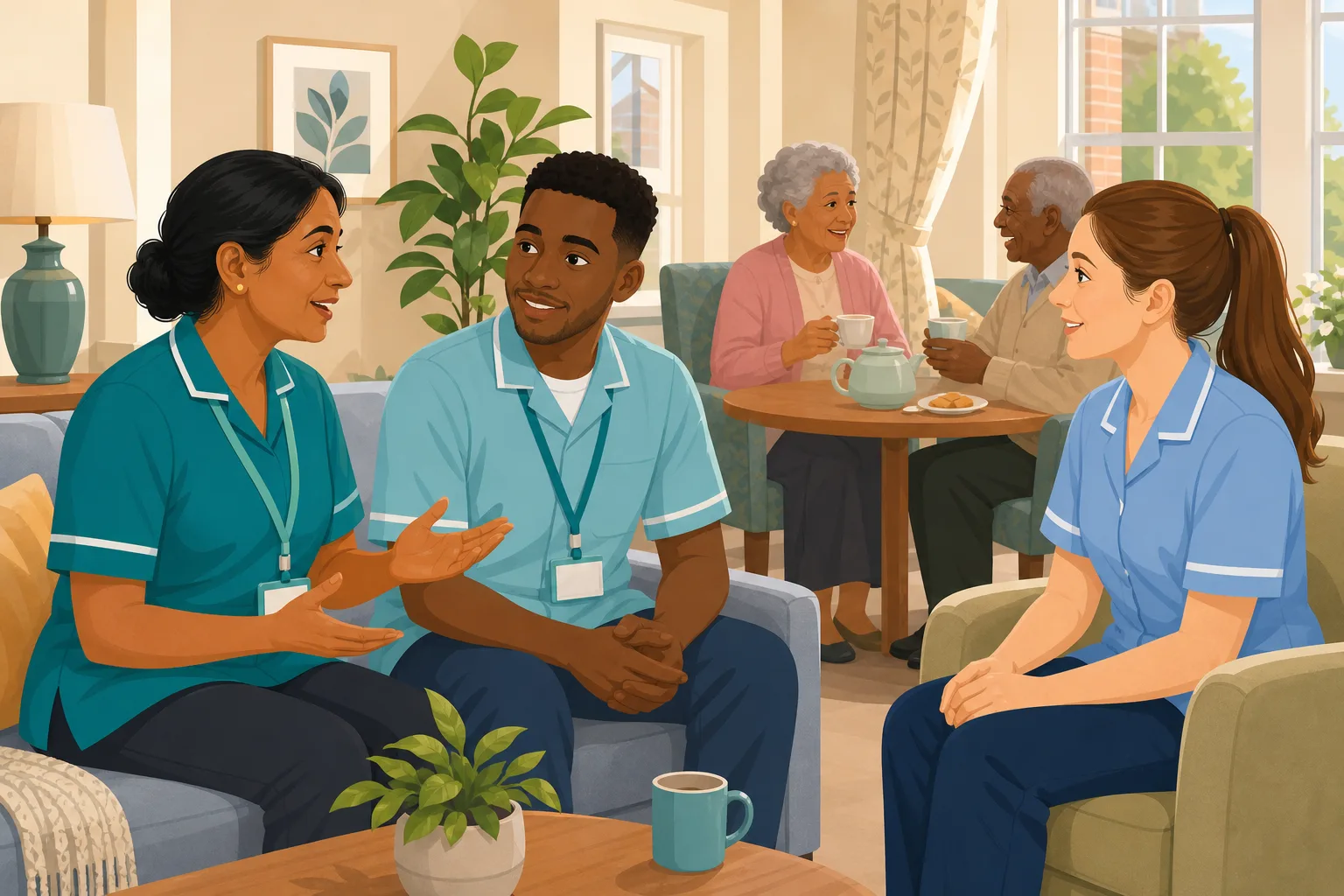
Only half the team heard the training. How do you reach the rest?
On 12 hour shifts, a session reaches whoever is on that day. Allocate a short module from your own policies to everyone, and a wrong answer becomes a lesson on that point.
Read the scenario
Nurses and care assistants heard the same session. Did it land?
In a nursing home the team is mixed, the shifts are round the clock and the risk is clinical. Allocate short training from your own policies after a session, and a wrong answer becomes a short lesson.
Read the scenario
Your carers work alone in other people's homes. How do you follow up their training?
Home carers are rarely in one room, so a briefing reaches some and misses others. Allocate a short module from your own policies, and a wrong answer becomes a lesson on their own phone.
Read the scenario
Your team is spread across houses. Who took the update in?
Support workers rarely sit in one room. Allocate a short module built from your own policies, and a wrong answer becomes a short lesson on their own phone.
Read the scenario
The support plan changed. Has every worker got the new approach?
A team meeting and an easy read sheet do not show who understood. Allocate short training built from your own policies, and a wrong answer becomes a quick lesson on that exact point.
Read the scenario
New unit routines. Does everyone on the floor know them?
You briefed the unit team and updated the policy. Now check it landed, including for cover staff from other floors. Short training from your own policies, with a lesson for every wrong answer.
Read the scenario
Free CPD courses for every member of staff
CPD certified courses, including the Care Certificate and annual refreshers, are free for every carer on every plan. Add training built from your own policies when you are ready.
Read the scenario
One renewal date, thirty staff, and no more chasing
When annual refreshers all fall due together, chasing each carer by hand eats weeks. Allocate the refreshers once, let reminders go out on their own, and see who is overdue in one place.
Read the scenario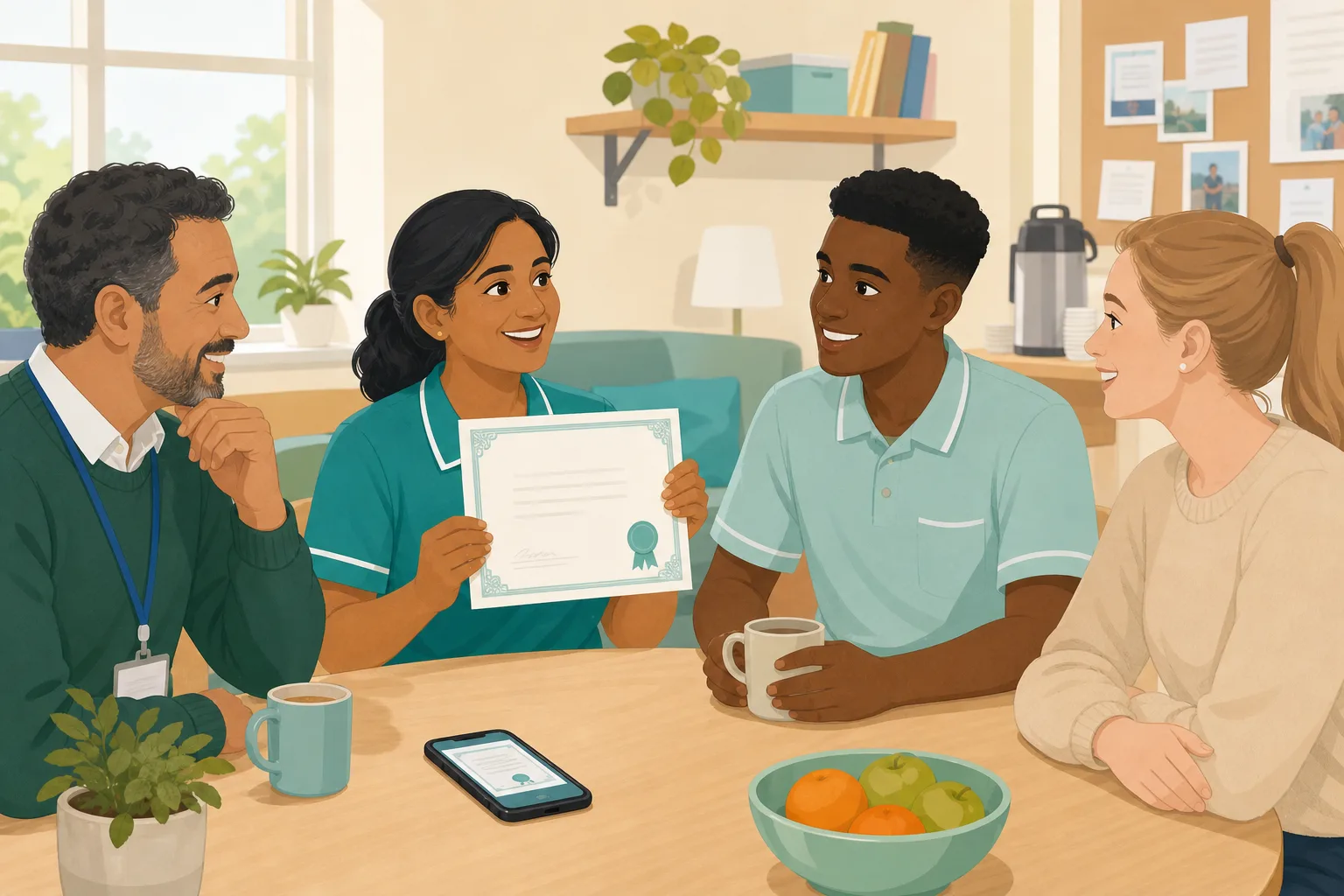
Staff pass the course. What do they walk away with?
A carer passes a course and wants proof. You want records for the inspector. CareStream issues a named certificate they can download, and keeps the record on your side.
Read the scenario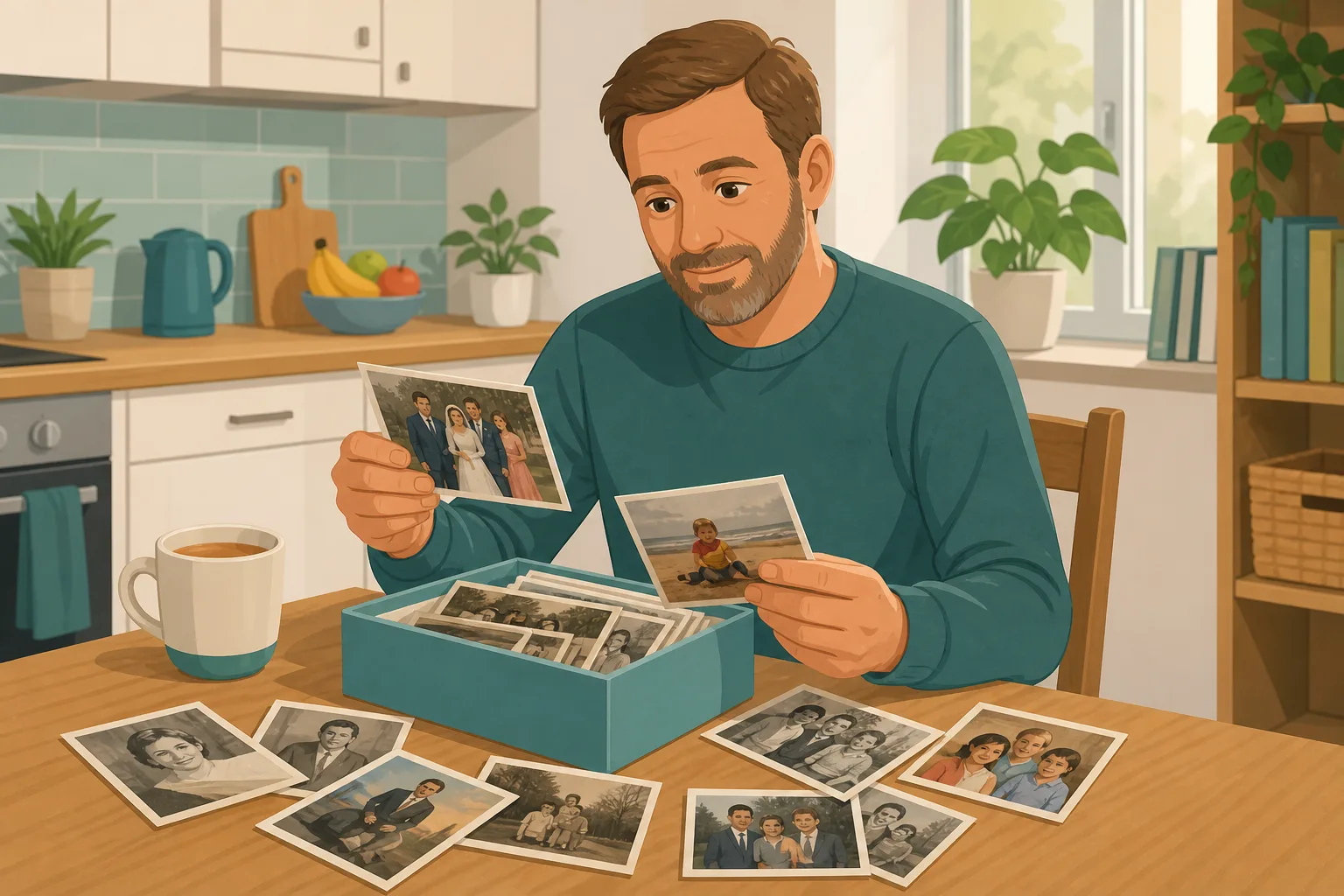
A son wants to send photos for his mother's profile. Who sees them first?
Invite family by private link to add captioned photos to a resident's profile. You approve, edit or reject every photo before the care team can see any of them.
Read the scenario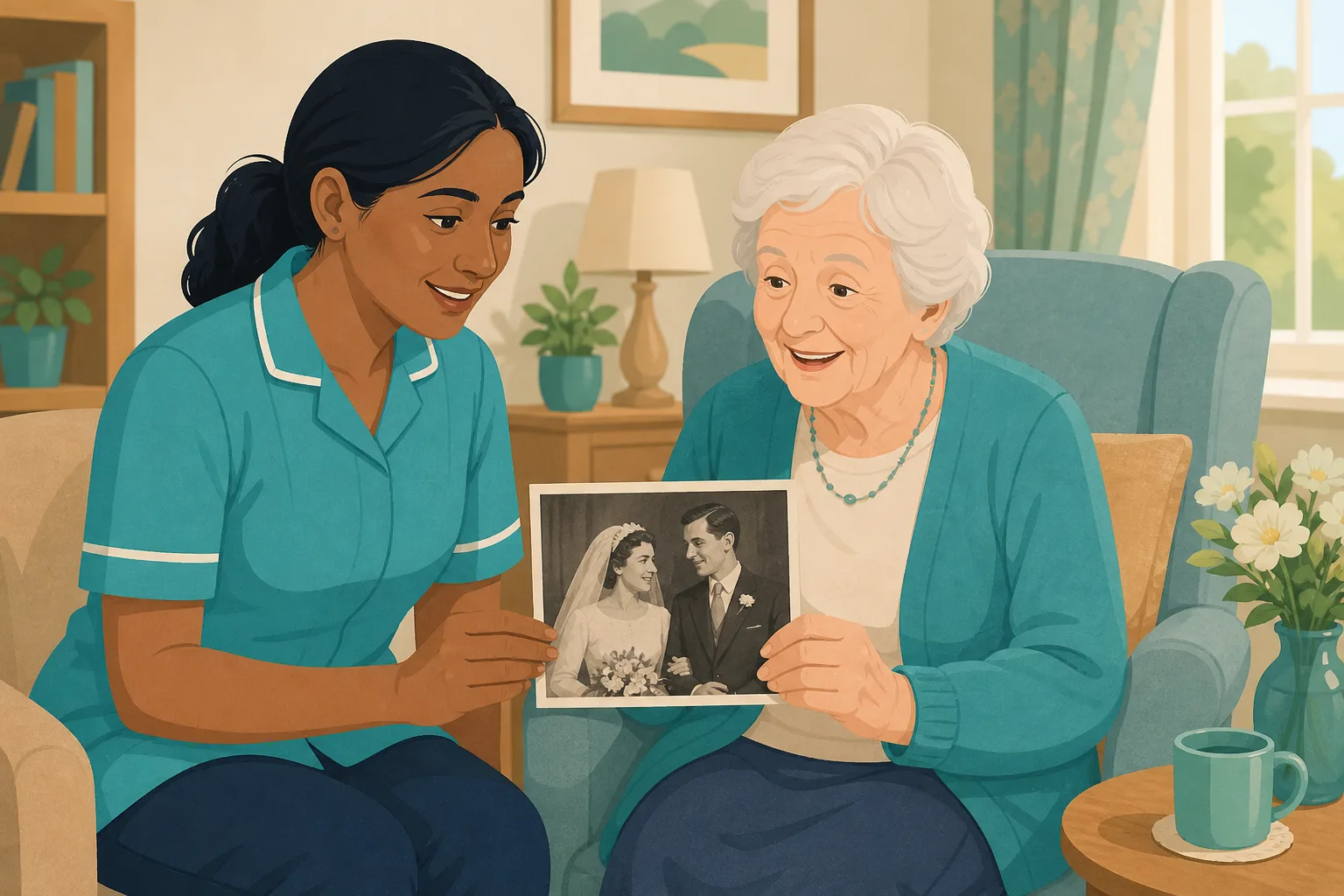
A resident is unsettled and the carer is new. Can she find the right photo?
Staff ask the Staff Hub chat for a photo, such as a wedding, and approved photos appear under the answer, found from the captions a manager approved.
Read the scenario
A daughter wants to send a video message for her father. Who checks it first?
Invite family by private link to record a short video message for a resident. You preview, title and approve it before any member of the care team can play it.
Read the scenario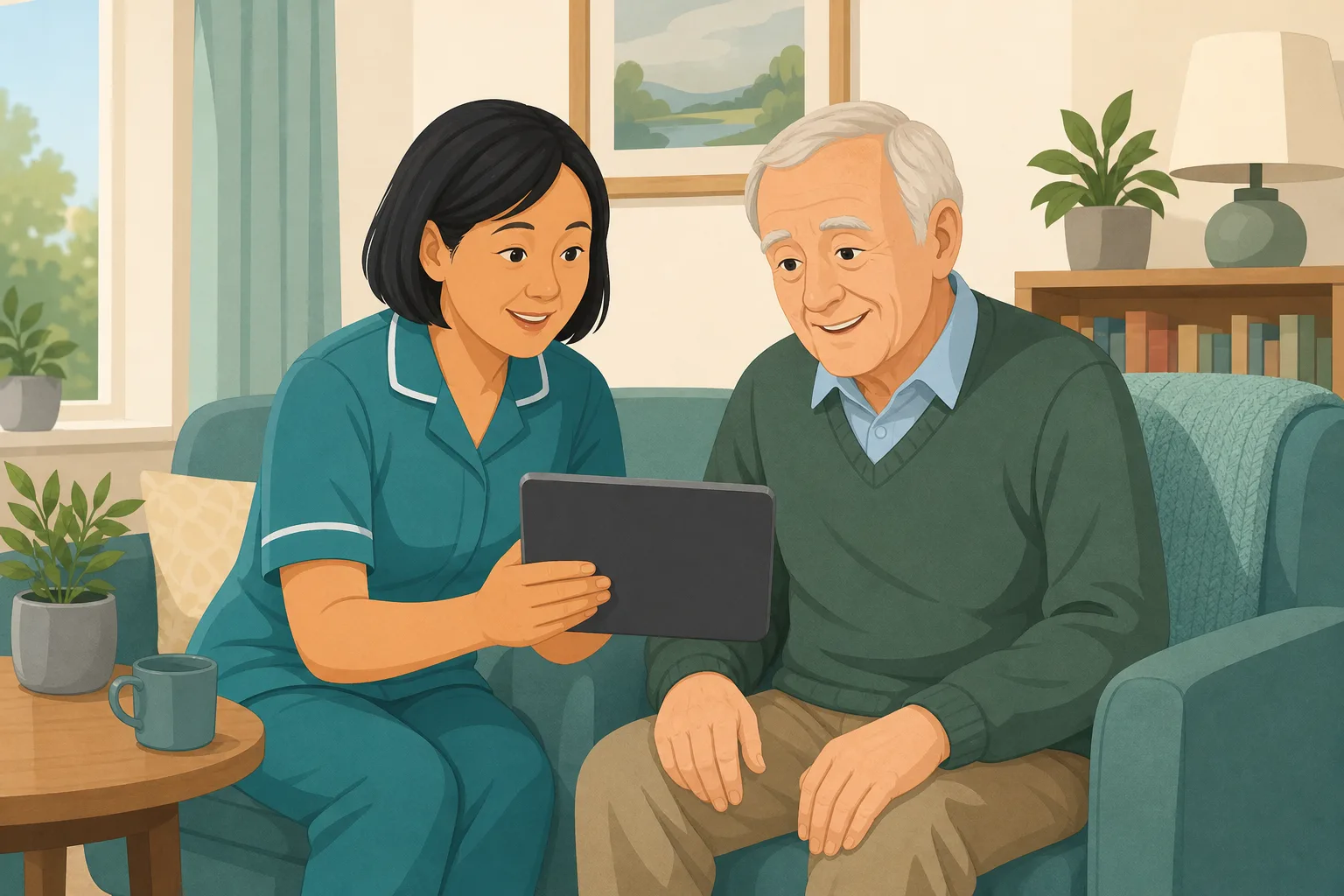
A resident is unsettled and a carer needs his daughter's video now
Staff ask the This is me chat for a family video, see it under the answer with the resident's name and room number, and play it full screen. Approved by a manager first.
Read the scenario
Families stop sending things after the first month. A gentle reminder helps
Ask each family contact, by email, to add a few words, a photo or a short video. Set it once, every link is fresh, and it stops when you or they say so.
Read the scenario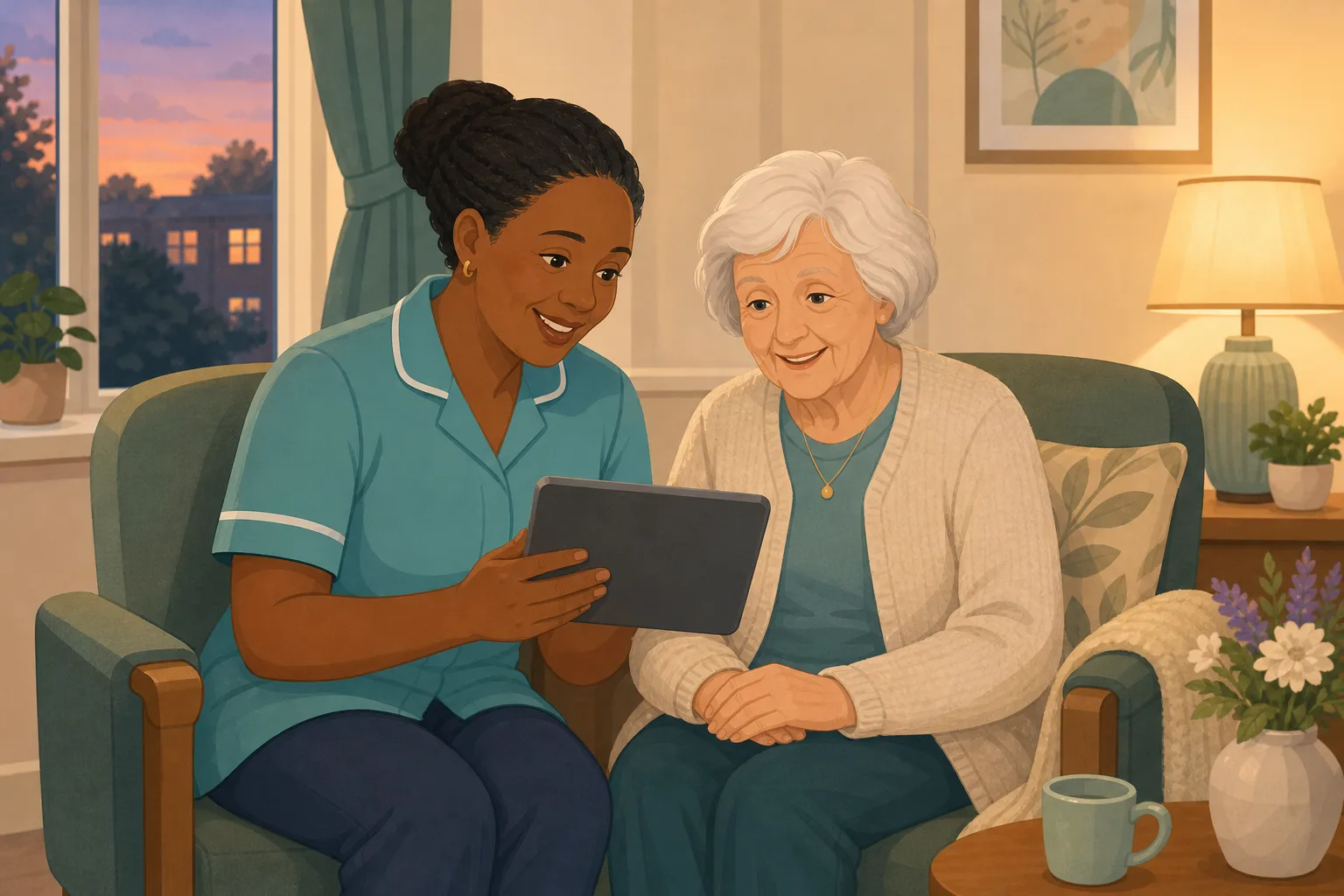
Evenings are hard for a resident, and her granddaughter's video is somewhere
A carer asks the This is me chat for a family video, sees it under the answer with the resident's name and room, and plays it. A manager approved it first. One gentle option, not a treatment.
Read the scenario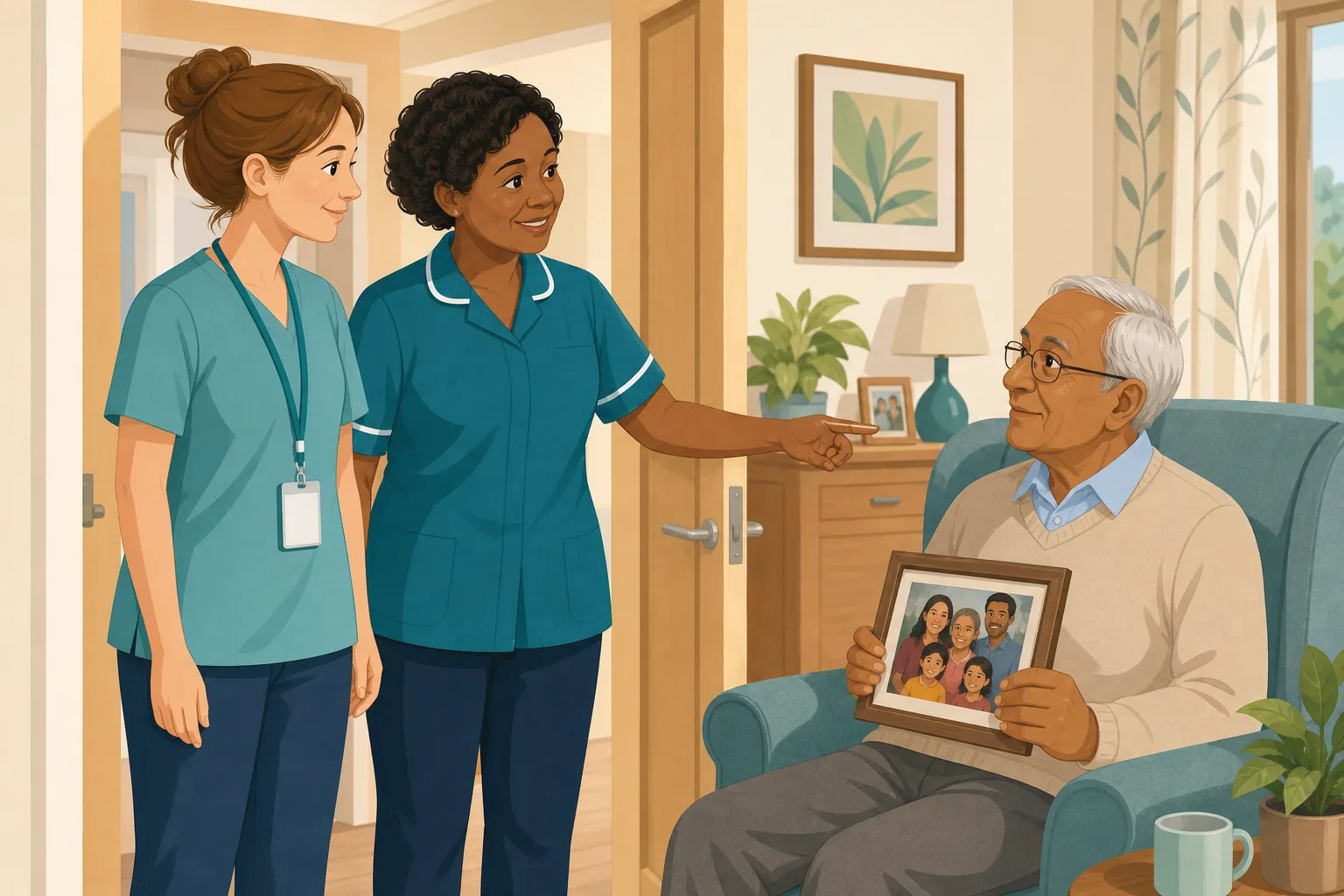
An agency carer starts a shift knowing only a name. What helps her know him?
Agency staff get hub access for their booking dates. They ask the This is me chat about a resident and see approved family photos with captions. Manager approved, one thing among others.
Read the scenario
A son abroad cannot be there at Christmas. Can his voice be?
Family record a short Christmas greeting on a private link, with no app or account. A manager approves it, staff play it at a good moment, and a gentle reminder invites another.
Read the scenario
Planning a small group session around family photos? Start with what is already approved.
An activities coordinator uses the Staff Hub to find approved family photos and captions for each resident, one at a time, then plans a session the residents can lead.
Read the scenario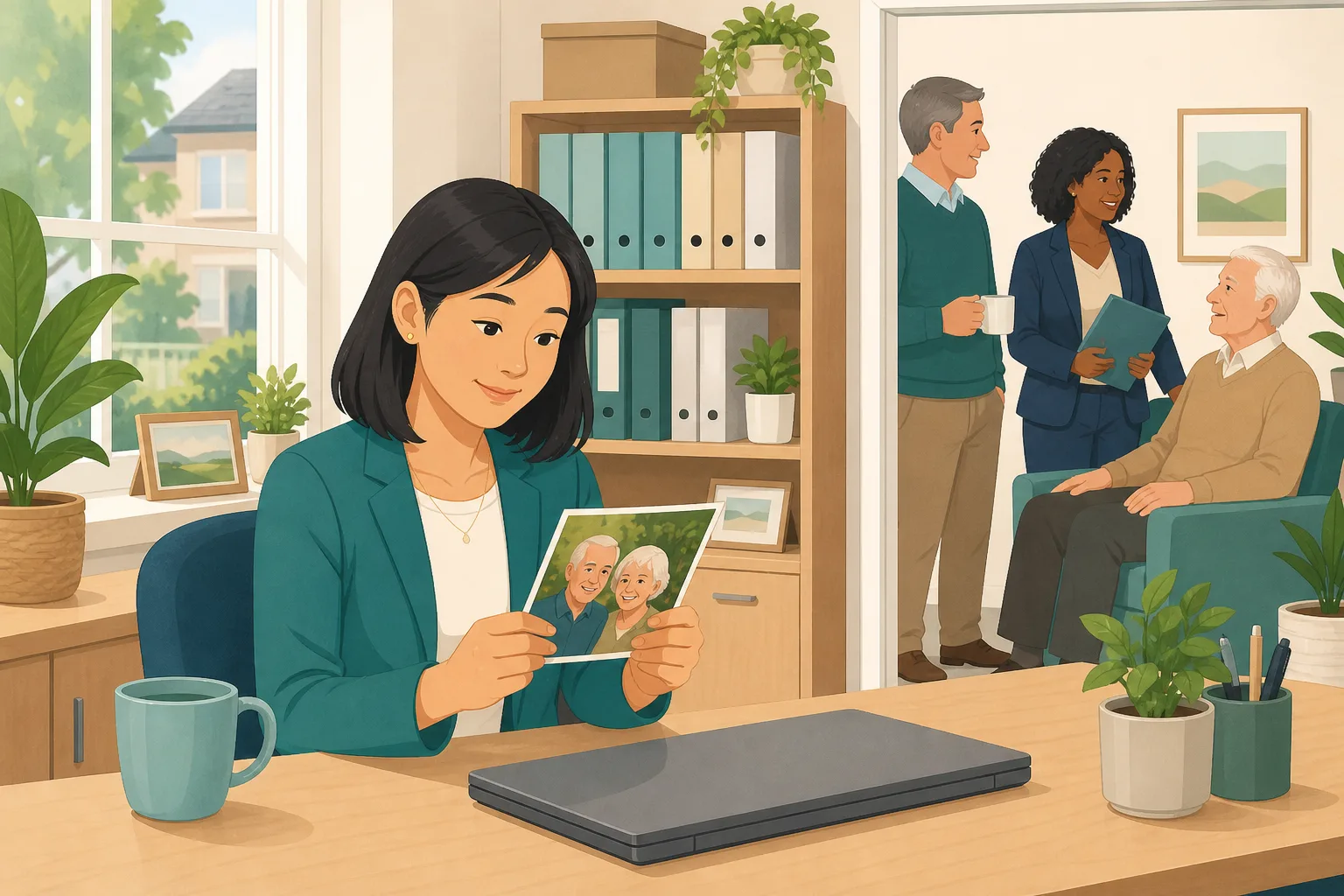
Families want to share photos and videos. How do you decide what staff see?
A manager works through the Approvals tab, previews each family photo and video, edits captions, rejects one that is unsuitable, and checks what each relative has shared.
Read the scenario
Family want to help a new resident settle. Where do the photos go?
Invite relatives by private link before a move. They send captioned photos and a short video, you approve each one, and your team can find them on the first evenings.
Read the scenario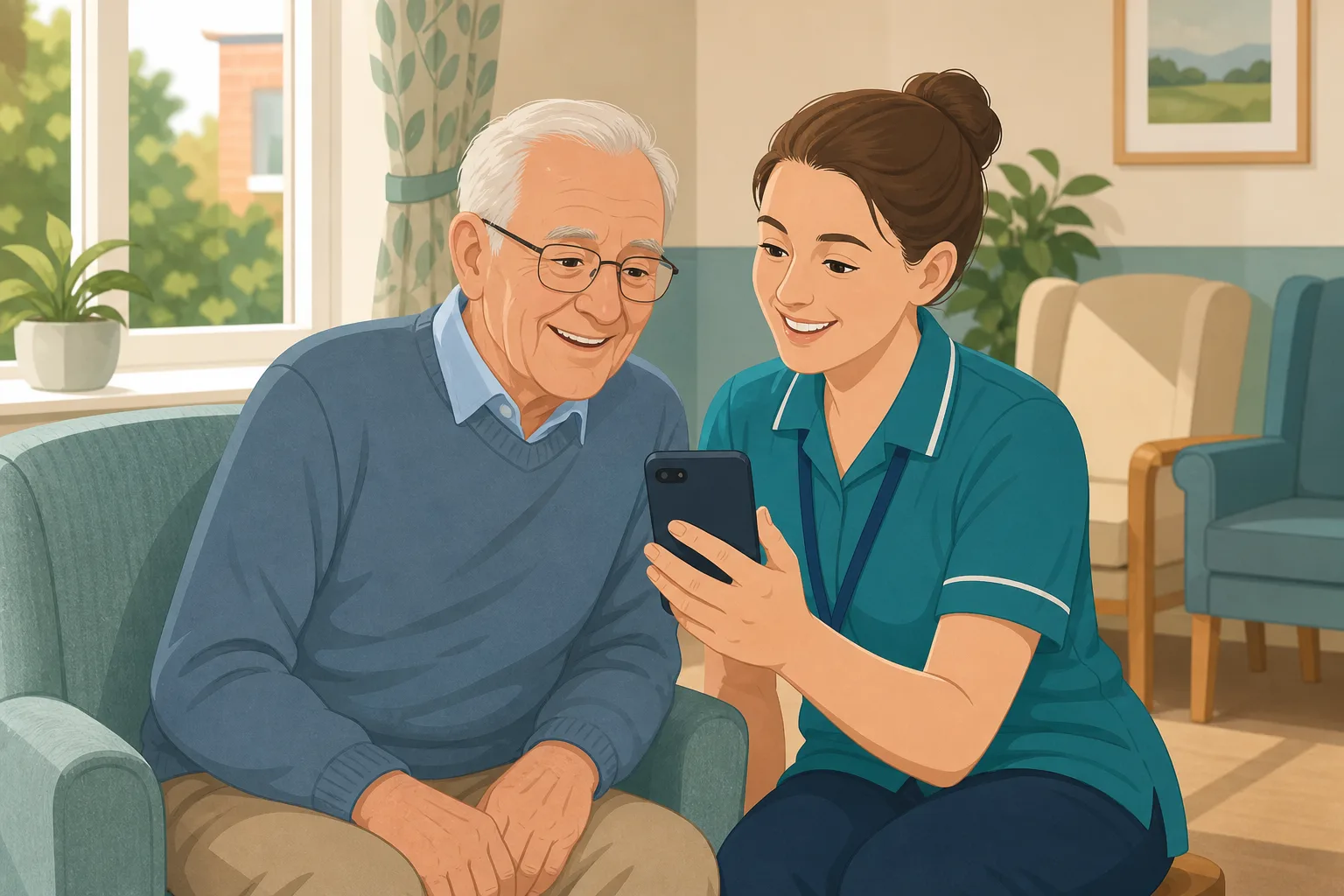
A resident has few visitors. Can family far away still send something personal?
Relatives abroad or in another city send short video messages by private link. You approve each one, staff play them, and gentle email reminders keep them coming.
Read the scenario
A daughter wants to sing her father a favourite song. Who checks it first?
Family record a short song or hum by private link. You watch it, title it and approve it before any carer can play it, and nothing reaches staff until you do.
Read the scenario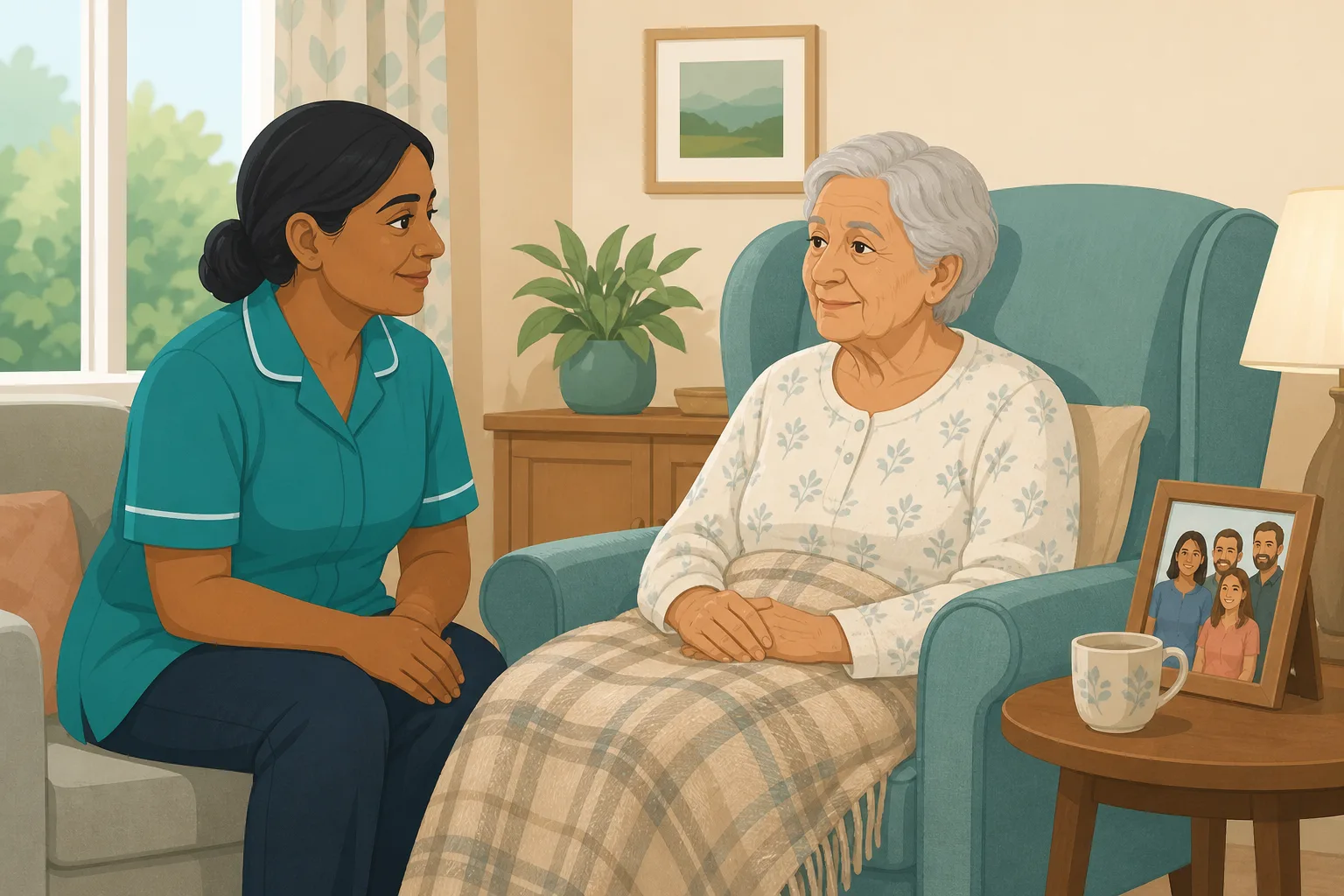
Family want to send photos and words in the last weeks of life. Who checks them?
Family send photos, a few words or a short video by private link. You check each one and the person's wishes first, and staff use them only if the person and family want that.
Read the scenario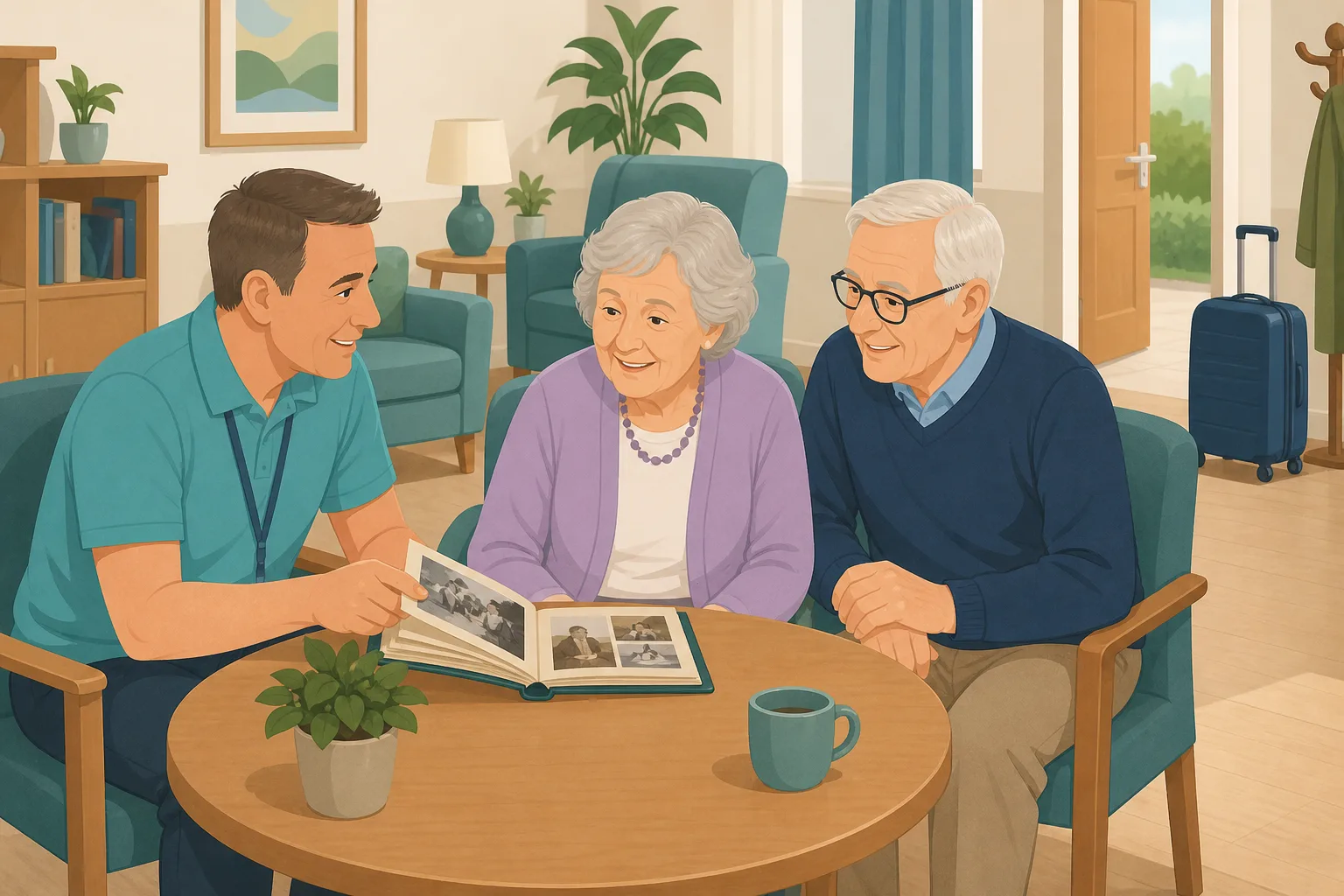
A respite stay starts in days. How do you know who is coming?
Family send photos with captions and a few words by private link before a short stay. You approve them first, and staff can find them from the first day.
Read the scenario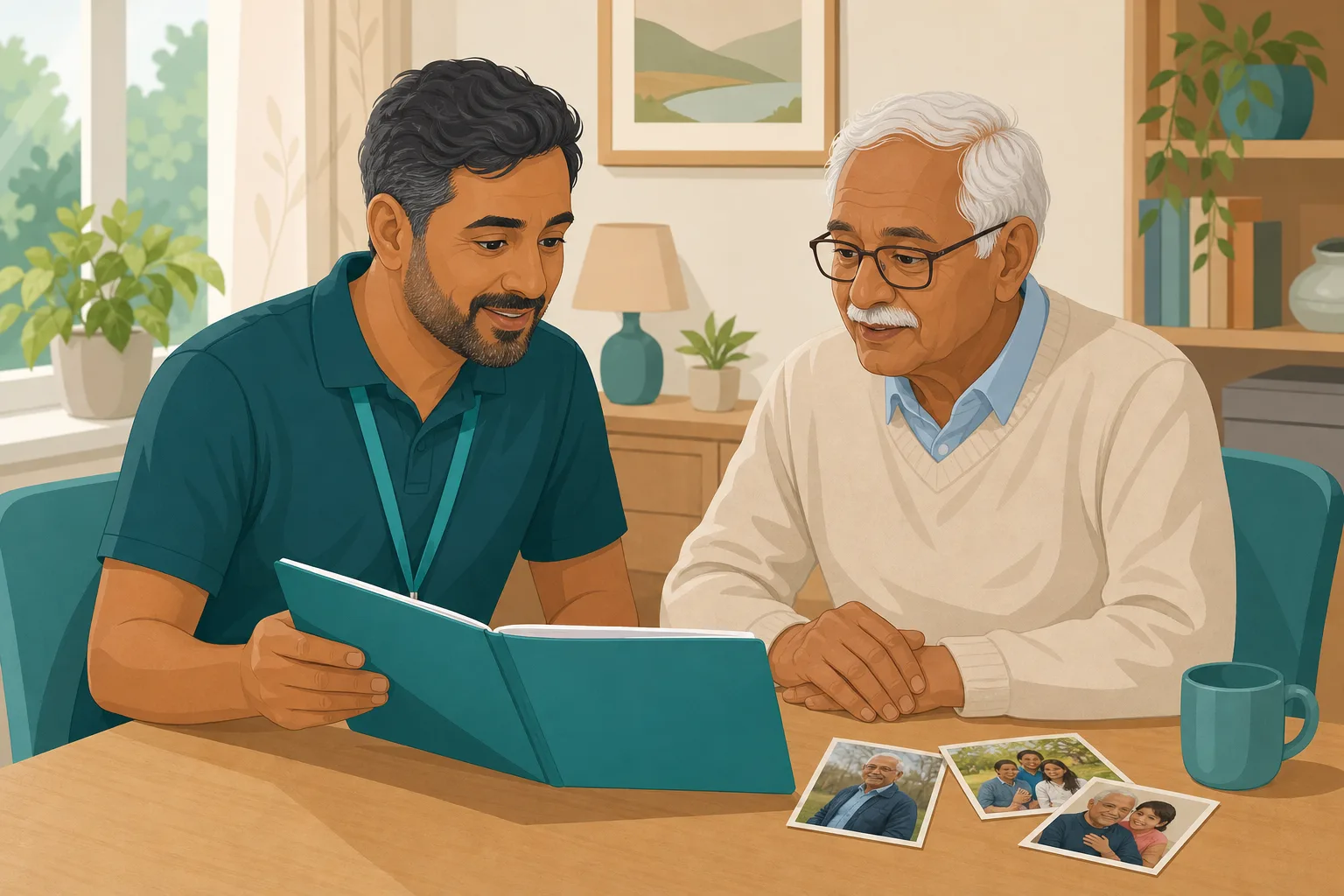
Reviewing a dementia care plan? Start with what the family has shown you
A senior carer prepares a review using the photos and video messages the family shared, the captions staff can find and a log of what was played, then records what she learns in the home's own care plan.
Read the scenario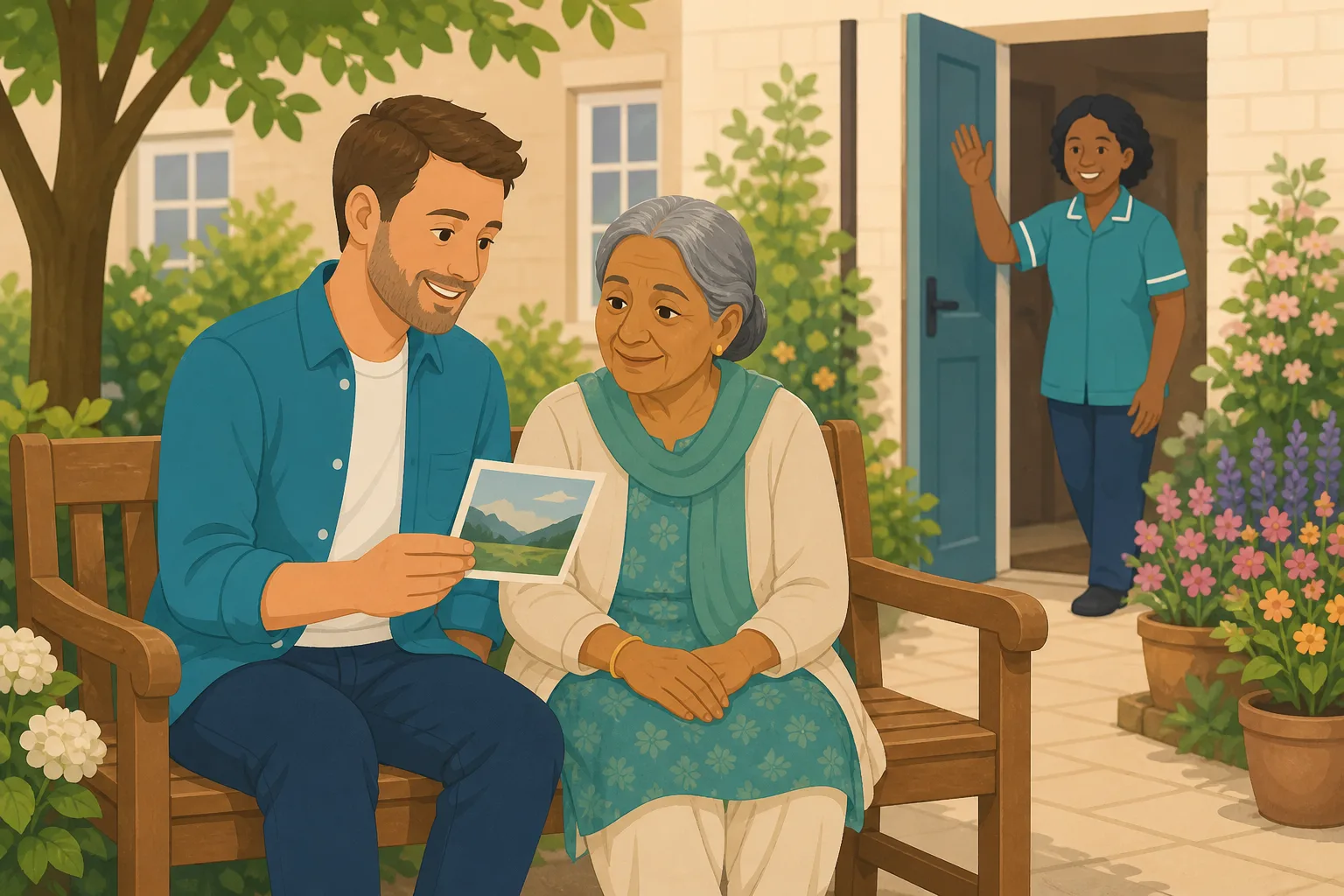
Visits are weekly. Can the family still say hello between them?
A son who visits every Sunday sends a short video mid-week. The manager checks it, a carer plays it, and the visit remains the heart of the week.
Read the scenario
He misses his dog. Family send a clip, you approve it, staff can play it.
A resident asks for the spaniel he left at his son's house. A short family video and captioned photos wait for a manager's approval, then staff can find and play them.
Read the scenario
A key worker prepares the monthly review with what family sent and staff played
Before the review, a key worker looks at what each relative has shared and which videos staff played, then asks the manager for more items or a gentle reminder.
Read the scenario



