
A near miss happened. Learn from it without a blame meeting.
A near miss is a gift if you use it. Nobody was hurt, but something nearly went wrong, and the people involved are still on shift. After you have recorded it, you can allocate short training built from your own policies to the team. It is learning, not a telling off.
14 day free trial · Set up in a day · UK data residency
Nothing happened. That is exactly why it is easy to forget.
A scenario we see in many care settings.
A senior carer is doing the morning medication round when she notices a dose that was almost given at the wrong time. She stops, checks and puts it right. Nobody is harmed. She tells the manager, who records it in the home's usual way. Everyone feels relieved and a little uneasy. The manager does not want a formal meeting that makes people feel accused, but a quiet word with two people will not reach the whole team either. The close call is logged. The learning has nowhere to go. Here is how that plays out.
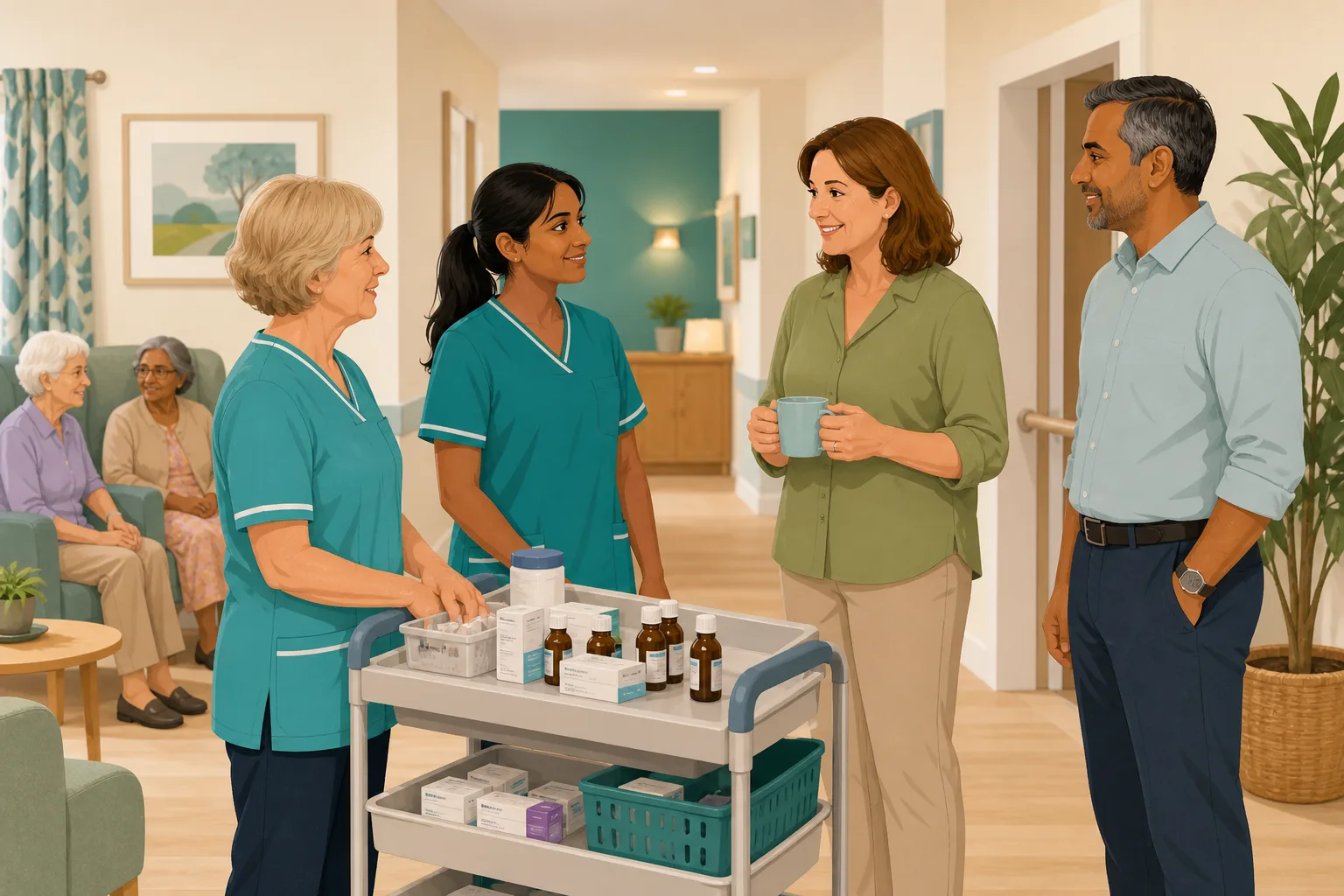
A carer stops herself before a dose goes out at the wrong time.
She tells the senior and the dose is put right. No harm done.
The manager records the close call in the way the home always does.
The manager wants the team to learn from it without anyone feeling blamed.
A team meeting feels heavy. A quiet word only reaches two people.
Nobody knows who else is unsure about the same step.
A new carer is shown the round. The close call is a line in a log.
“What did you learn from your close calls?” A list is not an answer.
The close call was handled well. The learning is the gap. Here is how CareStream helps with the part that comes after the record, without replacing how you report.
An example scenario, not a named service.
A log shows what happened. It does not show what the team now knows.
Learning from mistakes works best when it feels safe, quick and specific.
A blame meeting teaches people to stay quiet
If speaking up leads to a formal sit down, people think twice next time. A short, private check on the topic keeps the focus on the point, not the person.
One word does not reach everyone
The two people involved know what happened. Others on different shifts may share the same doubt and never hear about it.
Writing a refresher by hand takes time
Few managers can write a fresh module after each close call, so the learning stays a line in a log and the same slip can come back.
Your record stays where it is. The learning follows in CareStream.
This is the Training built from your own policies feature, in the order a manager and a carer meet it. CareStream does not hold your incident records, so you keep recording wherever you do now. See also turning an incident into adhoc training.
Allocate a short module on the topic of the close call
- Record the close call wherever you already do. CareStream does not do near miss reporting, so nothing here replaces that step
- In the Training screen pick the topic module that fits, such as medication, then preview and edit it first
- Choose the staff who should see it and, if you like, a due date. They complete it in the Staff Hub on their own phone
Illustration based on the Training screen. Example questions.
A wrong answer becomes a quiet, private follow up
- A wrong answer goes into the carer's Follow-up tab in the Staff Hub, and they get an email, at most once a day and in English
- They choose Learn & retry, a short lesson (why it matters, what to remember, a realistic situation) then a fresh question, or Just retry the same question
- They can retry as often as they need. There is no meeting, and the lesson is built from your own policies where they cover the point
A few things to revisit. Learn the point, then answer, or just retry. Either way it clears from here.
Telling the senior straight away lets the team put it right and learn from it, even when no harm was done.
Remember- Stop and do not give the dose
- Tell the senior on shift
- Record it as your home asks
You notice a dose is about to go out at the wrong time, and you are not sure whether to say.
Illustration based on the Staff Hub Follow-up tab. Example content.
Staff learn the lesson in the language they think in
- A carer who misses a question because of one word can open the lesson in their own language
- Your admin sets their second language, and they switch to it in the hub
- Training in different languages is part of the paid plans, and the reminder emails stay in English
Always communicate in their first language
All messages CareStream sends are translated into English.
Allow switching a set to their second language
In the hub they can flip any single training, induction or CQC set into Romanian, just for that set, if they are struggling in their first language.
Let them suggest better translations
They can propose improvements to translated content. Changes need your approval before going live.
Illustration based on the staff record Language settings. Translation is on the paid plans.
See the pattern across the team, without anyone being named in a meeting
- The Knowledge gaps view shows open gaps, staff affected, gaps closed in 30 days and how many have engaged with a lesson
- Most missed questions and weakest topics show whether the close call was one person's slip or a shared doubt
- A Monday digest email brings the picture to you. Nothing alerts you each time a carer answers wrongly
Illustration based on the Knowledge gaps view. Example figures.
The questions managers ask, and how CareStream answers them
Read this as a conversation. The questions are the ones we hear most.
Does CareStream replace how we record a close call?
No. CareStream does not hold your incident records or log events. You record the event wherever you do now, in your own system or on paper. CareStream is for the learning that follows, once the record is made.
How do I use it after a close call on the medication round?
Open the Training screen and allocate an adhoc module on the topic, medication for example. It is built from your own policies where they cover it, with general good practice as the fallback. You can edit and preview it, tick the staff, and set a due date if you want one.
How is this different from a team meeting about it?
Each carer answers a few questions privately on their own phone, so nobody is put on the spot in front of colleagues. It reaches people on every shift, not just those who were there. A wrong answer is information about a gap, not a mark against a person.
What happens when someone gets a question wrong?
The wrong answer goes into that carer's Follow-up tab in the Staff Hub, and they get an email, at most once a day. They choose Learn & retry, a short lesson then a fresh question, or Just retry the same question. They can retry as often as they like.
Will I be told every time someone gets one wrong?
No, and that is deliberate. Nothing alerts you on each wrong answer. You see the picture in the Knowledge gaps view in Analytics and in the Monday digest email. That keeps the tone calm and shows you patterns, not individual slips.
What if our policy does not cover the point?
Then the module falls back on general good practice. That is a useful prompt. If a close call shows your policy is thin, you can look at the gap and decide whether to improve the policy. The examples in any mock up are illustration only, not clinical advice.
Can staff who speak another first language follow it?
Yes. They can open the lesson in their own language, so a wrong answer points to a gap in knowledge and not in vocabulary. Translation is on the paid plans only, and the reminder emails are in English.
Can I try it on a real close call?
Yes. There is a 14 day free trial, and you can create a free account to look around. The adhoc training screen is part of the paid plans, so check the pricing page for what each plan includes.
The learning that follows, not the report itself
It is not a place to log the event
There is no way to log the event in CareStream. You keep recording wherever you do now, and use CareStream for the training that follows.
It does not investigate or give clinical advice
It does not find the cause of a close call or decide what went wrong. That is a manager's judgement, and your own procedures and clinicians still lead.
It does not alert you to every wrong answer
You see the picture in Knowledge gaps and the Monday digest. Adhoc training and translation are on the paid plans, and a close call does not trigger anything automatically.
Training built from your own policies
Everything on this page is part of the product. Here is where to read more.
Training built from your own policies
Ad hoc training from your policies, face to face training organised, and wrong answers that become lessons.
See the featureTurn an incident into training
Allocate a short module on the topic while the event is fresh, and see whether it landed.
See ad hoc trainingFind gaps in your policies
When a close call shows a policy is thin, the gap analysis shows where to improve it.
See policy gapsGuides on this subject
Incident-Led Training in Care: Turning What Went Wrong Into What Your Team Learns
Every incident is already a training moment. The medication error, the fall, the complaint from a family member, the near miss on a night shift. Each...
Read article
RIDDOR in Care Homes: What to Report, When and How
RIDDOR applies to care settings, but the specific triggers are often misunderstood. A clear breakdown of what must be reported, to whom, and within...
Read article
How often should care home audits be done? A suggested schedule
Four audits are daily, one is weekly, eighteen monthly, five quarterly and two periodic. The schedule laid out first, then the reasoning, the changes...
Read articleClose calls and CareStream, answered
About close calls
What counts as a close call in a care home?
It is an event that could have caused harm but did not, because someone caught it or luck intervened. A dose nearly given at the wrong time, caught before it reached the resident, is a typical example. Your own policy should say how your home defines and records them.
Do I have to report a close call under RIDDOR?
RIDDOR covers certain dangerous occurrences, which HSE describes as incidents with the potential to cause harm. Whether a particular event is reportable depends on the rules, so check the HSE guidance. Our post on RIDDOR reporting in care homes explains more.
What is near miss reporting, and does CareStream do it?
Close call reporting means recording events that nearly caused harm, so patterns can be seen. CareStream does not do it. Use the way your home already records them, then use CareStream for the follow up training.
Why does learning from incidents matter if nobody was hurt?
A close call shows where the system was one step from harm. Learning from incidents at this point costs nothing but time, and it can stop the same slip becoming an injury.
How do I get incident learning to reach every shift?
Allocate a short module to the whole team, not just the people involved. Each person completes it on their own phone when they are next on shift, and the Knowledge gaps view shows where it landed.
About the training
Is this the same as adhoc training?
Yes. Adhoc training is a short module you allocate when something happens. Here the trigger is a close call. The adhoc training page covers the wider idea, and this page is about keeping it blame free.
How do I make learning from mistakes feel safe for staff?
Say why you are doing it, and send it to everyone, not only those involved. Keep the questions about the topic, not the event. A wrong answer opens a short lesson, which treats it as a gap to fill. The incident led training post has more on tone.
What if a carer gets a question wrong?
It appears in their Follow-up tab. They can choose Learn & retry, a short lesson on that point followed by a fresh question, or Just retry the same question, as often as they need.
Can it help with medication specifically?
You can allocate a medication module and see which questions are missed. It does not replace competency checks. Our medication course covers the topic itself, and a competent person still observes practice.
A practical way to learn from a close call
A close call is the cheapest lesson a home ever gets. The skill is turning it into learning that is quick, kind and reaches everyone.
Keep the record and the learning apart
Record the event first, in the way your home always does. That record is your evidence of what happened and what you did. The learning is a separate, lighter step. Keeping them apart helps staff see that a short module is about the topic, not about blame.
Good governance expects services to assess and mitigate risk. Regulation 12 of the 2014 regulations includes assessing risks to people's health and safety, mitigating them, the proper and safe management of medicines, and staff having the competence and skills to do so safely. A close call on the medication round touches all of those.
Four steps that fit a busy day
- Same day: record the close call where you already do, and thank the person who spoke up.
- Within a few days: allocate a short module on the topic to the whole team, built from your policies.
- Whenever an answer is wrong: the carer opens a short lesson on that point, then a fresh question.
- Each month: look at the most missed questions and decide whether the policy, the training or the process needs a change.
What to say to the team
Tell people plainly why the module is coming. Something like: we had a close call, nobody was hurt, and we all want to be sure we are clear on this step. Say that wrong answers are normal and that the lesson is the point. Staff who feel safe will report the next close call sooner.
For the inspector. Keep the close call record, the module you allocated and the results together, so you can show what you did next as well as what happened.




