CQC inspectors speak to your staff directly. Are they ready to answer?
During every CQC inspection, inspectors speak to frontline care workers individually and ask them about safeguarding, medication, care planning, and values. Staff who have never practised those conversations give hesitant, inconsistent answers. CareStream lets every member of your team practise in their own words and shows you exactly where they stand before the inspector arrives.
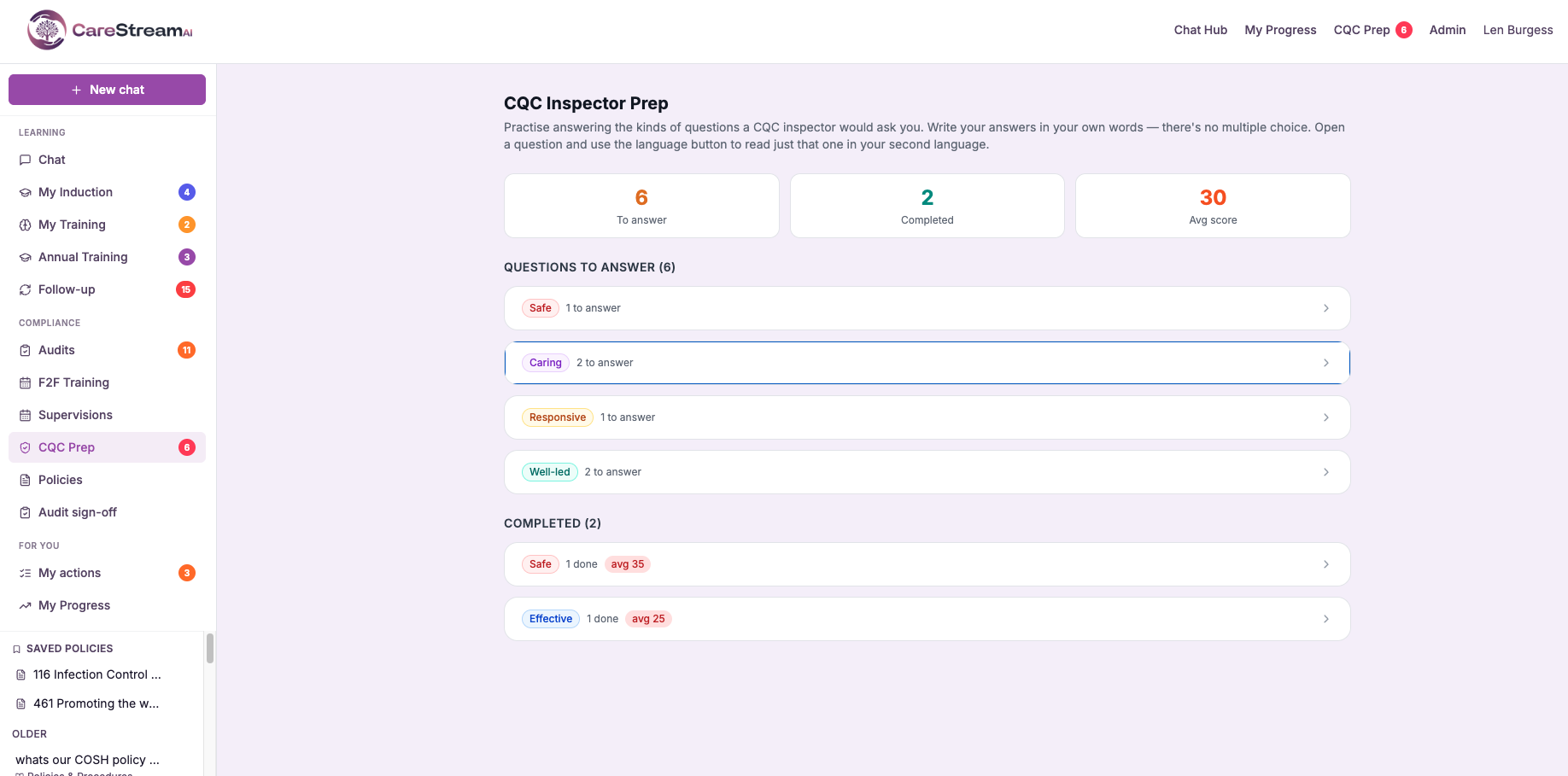
Inspectors ask your care workers questions you cannot predict in advance.
CQC inspectors are trained to seek out inconsistency. When they speak to a senior carer on the floor and a care assistant on a different unit and get two different answers to the same question, that becomes a finding.
Most managers focus inspection preparation on documentation, policies, and paperwork. The staff conversation is the part that is hardest to prepare for, because it needs every member of your team to have regular practice with the exact types of questions inspectors ask.
Staff give vague, inconsistent answers to inspector questions. Gaps in knowledge become visible in conversation, not in documentation.
Staff have practised answering inspector-style questions across all five key questions in the hub, with an AI score and feedback on every answer. Their answers are confident, consistent, and accurate.
Inspector-style questions, answered in their own words, scored instantly.
No training day and no classroom. Questions aligned to the five CQC key questions are sent to each staff member in the hub, answered in their own words, and scored instantly.
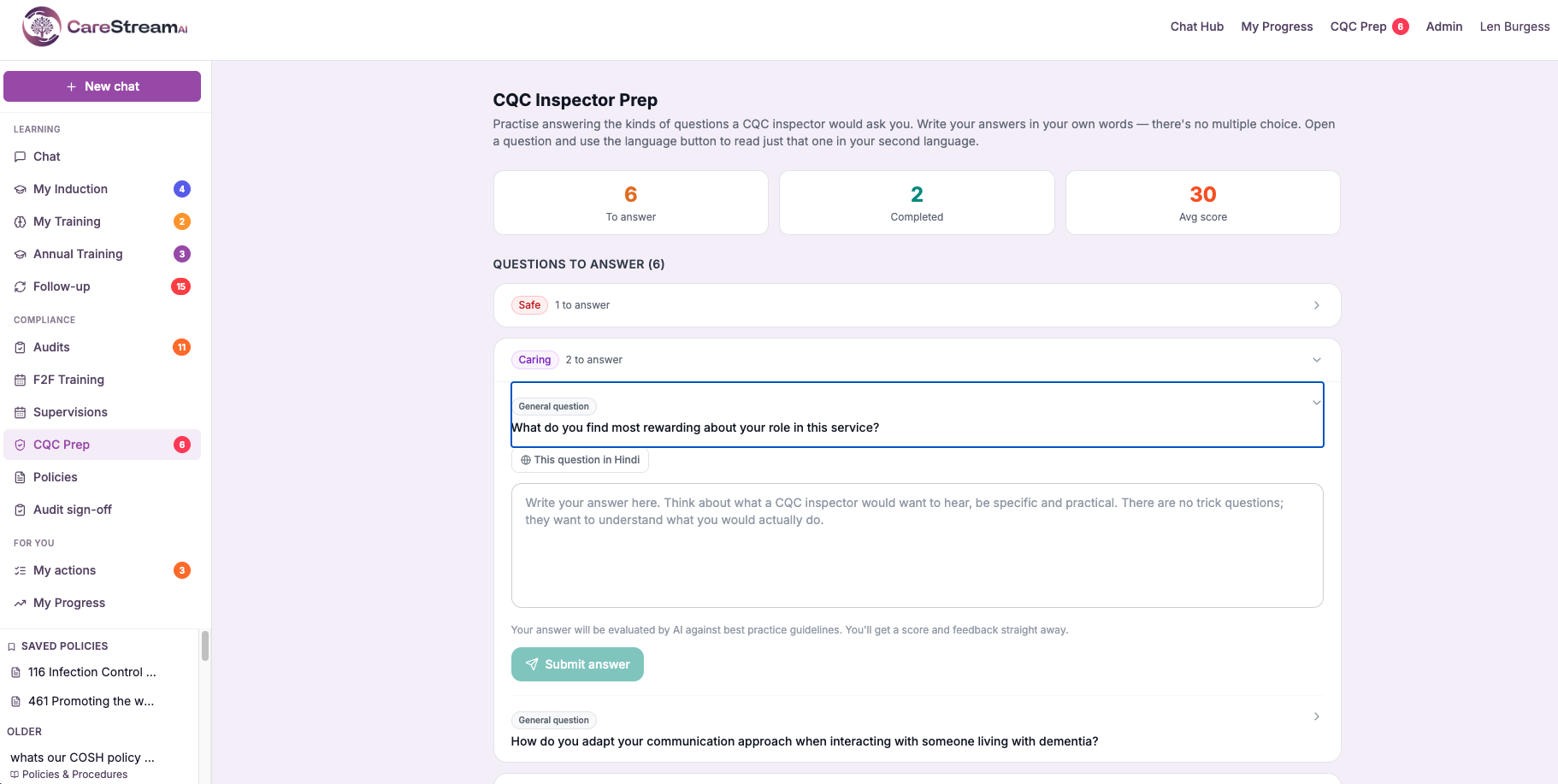
CareStream ships with a bank of open-ended, inspector-style questions covering all five CQC key questions: Safe, Effective, Caring, Responsive, and Well-led. Each one comes with a best-practice model answer, and you can generate more questions with AI whenever you need them.
Staff are notified in the hub and answer in their own time, writing a real answer rather than picking from options. Each question is reworded slightly on delivery, so staff build genuine understanding instead of memorising a fixed reply.
Every answer is scored out of 100 against the model answer, with clear feedback on what was strong and what to improve. Staff review the model answer and try the question again, and the improvement is tracked.
A practice question that mirrors exactly what an inspector asks.
CareStream does not send multiple-choice quizzes. It sends open-ended, scenario-based questions that reflect how inspectors actually test understanding. Staff are asked what they would do, and they write the answer themselves.
Questions are spread across all five key questions, so every member of the team builds familiarity with the full range of what an inspector may ask.
Open-ended, scenario-based questions across all five key questions.
A resident shows you an unexplained bruise and seems distressed. You are alone with them. What is your immediate responsibility?
A resident tells you they feel their preferences about personal care are not being respected. How do you respond?
A family member tells you their relative has been waiting three weeks to see a GP. What steps do you take?
Staff practise in their own language. Your reporting stays in English.
Care is delivered by people from all over the world. A member of staff who is most confident in Polish or Romanian knows the safeguarding procedure perfectly well, but will struggle to show it if they can only practise inspector questions in English.
CareStream shows the question, the model answer, and the feedback to each staff member in their own language, and lets them answer in it too.
Confidence in the answer, not in the English.
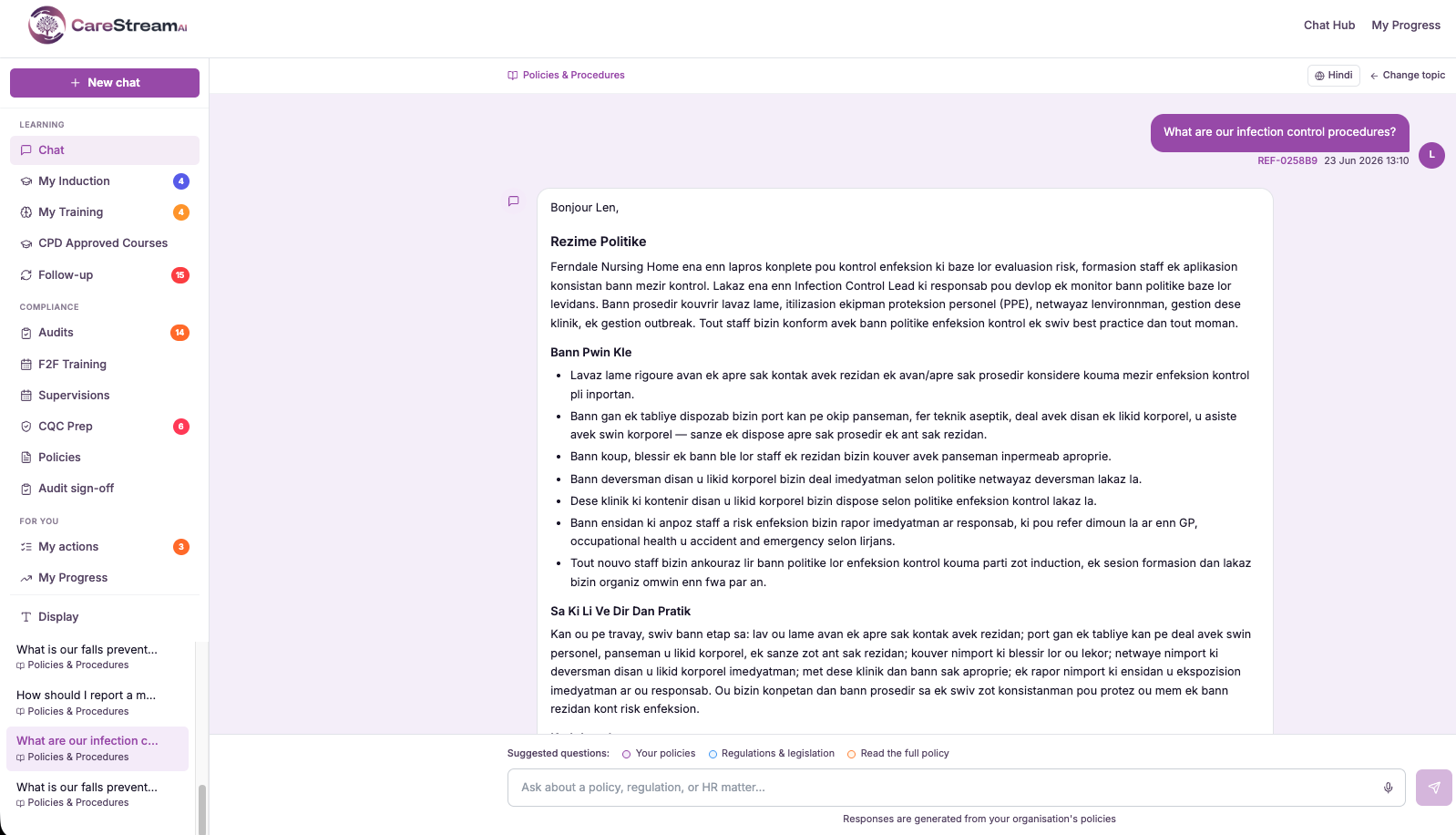
The language on each staff profile is used automatically, so staff do not have to choose it every time.
Staff reply in the language they think in, and still receive a score out of 100 with clear feedback.
The manager dashboard keeps every score and record in English, so the whole team can be compared at a glance whatever language each person practised in.
Know exactly where every member of your team stands before the inspector arrives.
CQC inspections are rarely announced with much notice. CareStream keeps your team in a state of continuous readiness and shows you the score for every member of staff across all five key questions.
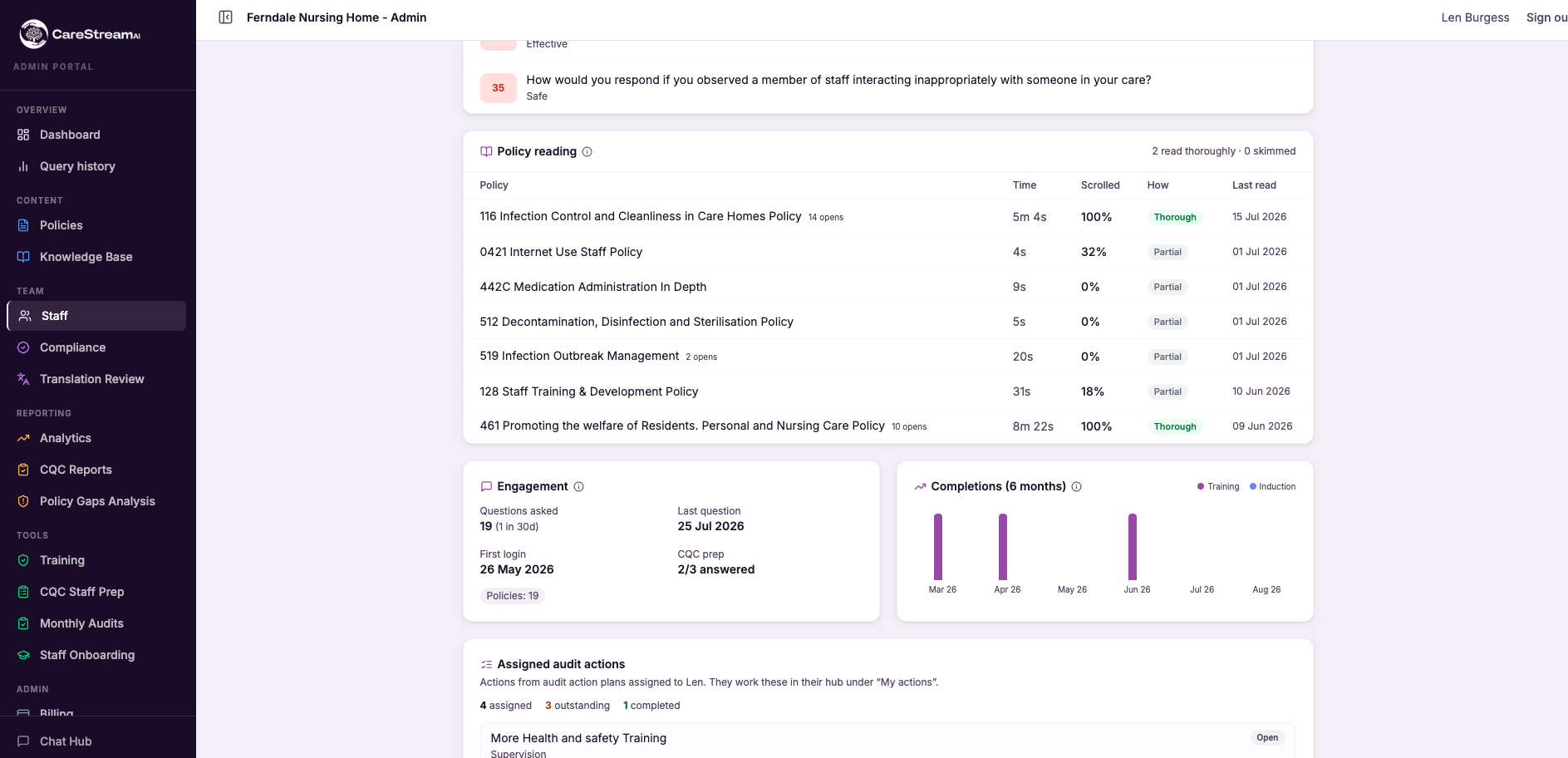
See the team average and the average score for each key question at any time, so you know which areas are strong and which need attention before the next inspection.
Every staff member has their own score in each key question. A new starter or recently returned member of staff is clearly visible and can be prioritised for catch-up practice.
After answering, staff see the model answer and the feedback, then try the question again. The improvement from their first attempt to their latest is tracked, so you can show real learning.
When the dashboard shows a key question is weak across the team, push a focused batch of practice questions to the staff who need it most, ahead of an inspection.
Each question is reworded slightly when it is sent, so it tests the same knowledge without letting staff fall back on a memorised reply. They build genuine understanding instead.
When every member of staff has practised the same questions against the same model answers, the team gives an inspector one consistent account rather than several conflicting ones.
A preparation record that shows inspectors exactly how you develop staff competence.
When an inspector asks how you ensure staff are competent to carry out their roles, a supervision record from six months ago is a limited answer. CareStream gives you something more current and specific.
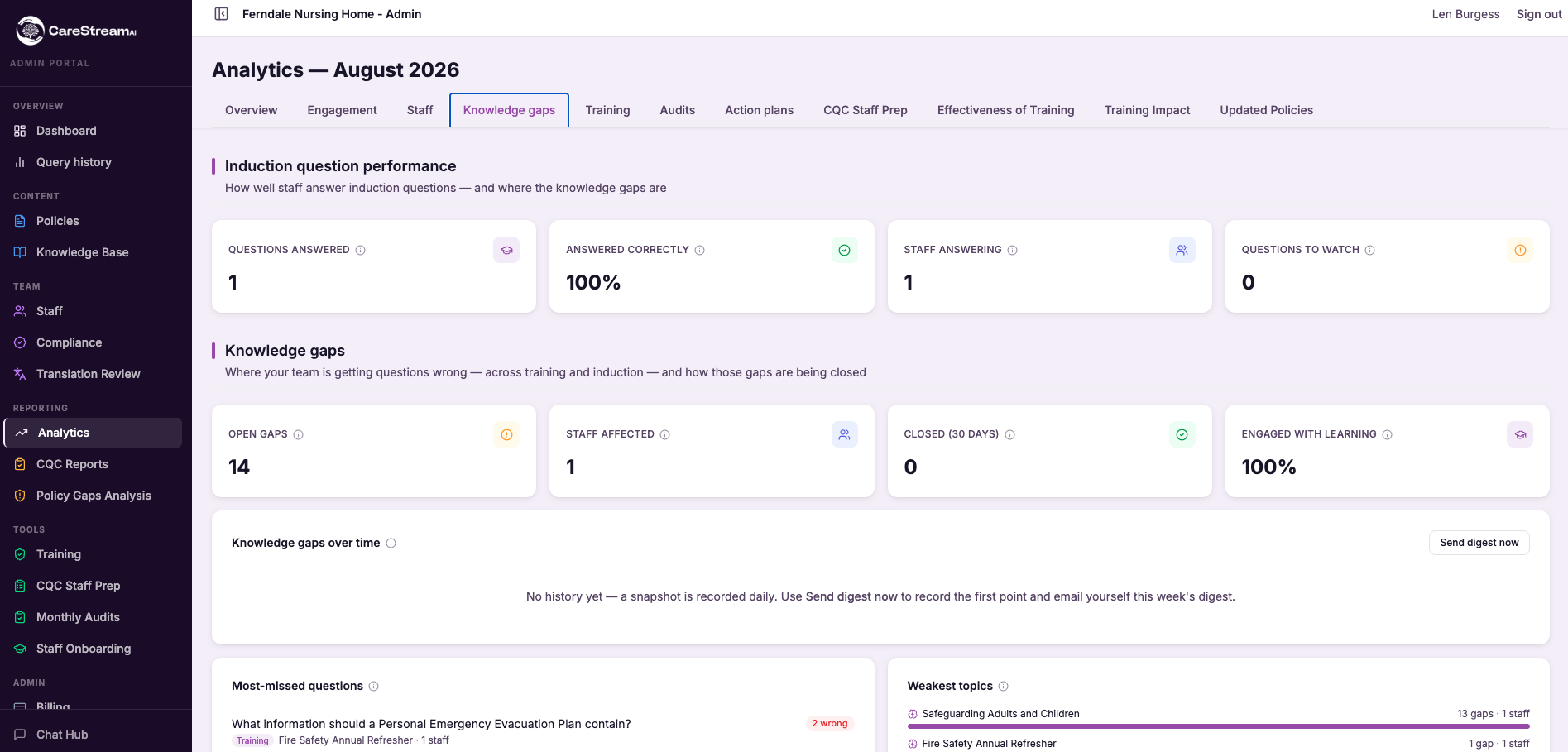
| What CareStream records | What this shows an inspector |
|---|---|
| Average score per key question, per staff member | Each staff member has a tracked score against every key question, showing how their knowledge compares across all five inspection categories. |
| Every question, answer, score and feedback | The exact question asked, the answer the staff member wrote, the AI score out of 100, and the feedback given. Evidence that staff knowledge is actively tested, not only supervised. |
| Improvement from first attempt to latest | Where a staff member reviewed the model answer and tried again, the record shows their score improving, demonstrating learning rather than a one-off result. |
| A live readiness dashboard | Team-wide and per-staff readiness across all five key questions, available at any point, showing inspection preparation is a structured, ongoing process. |
| Targeted practice to weaker areas | When a category is weak, the record shows the manager sent focused practice to the staff who needed it, which is exactly the type of active oversight inspectors look for. |
The complete CQC staff preparation toolkit.
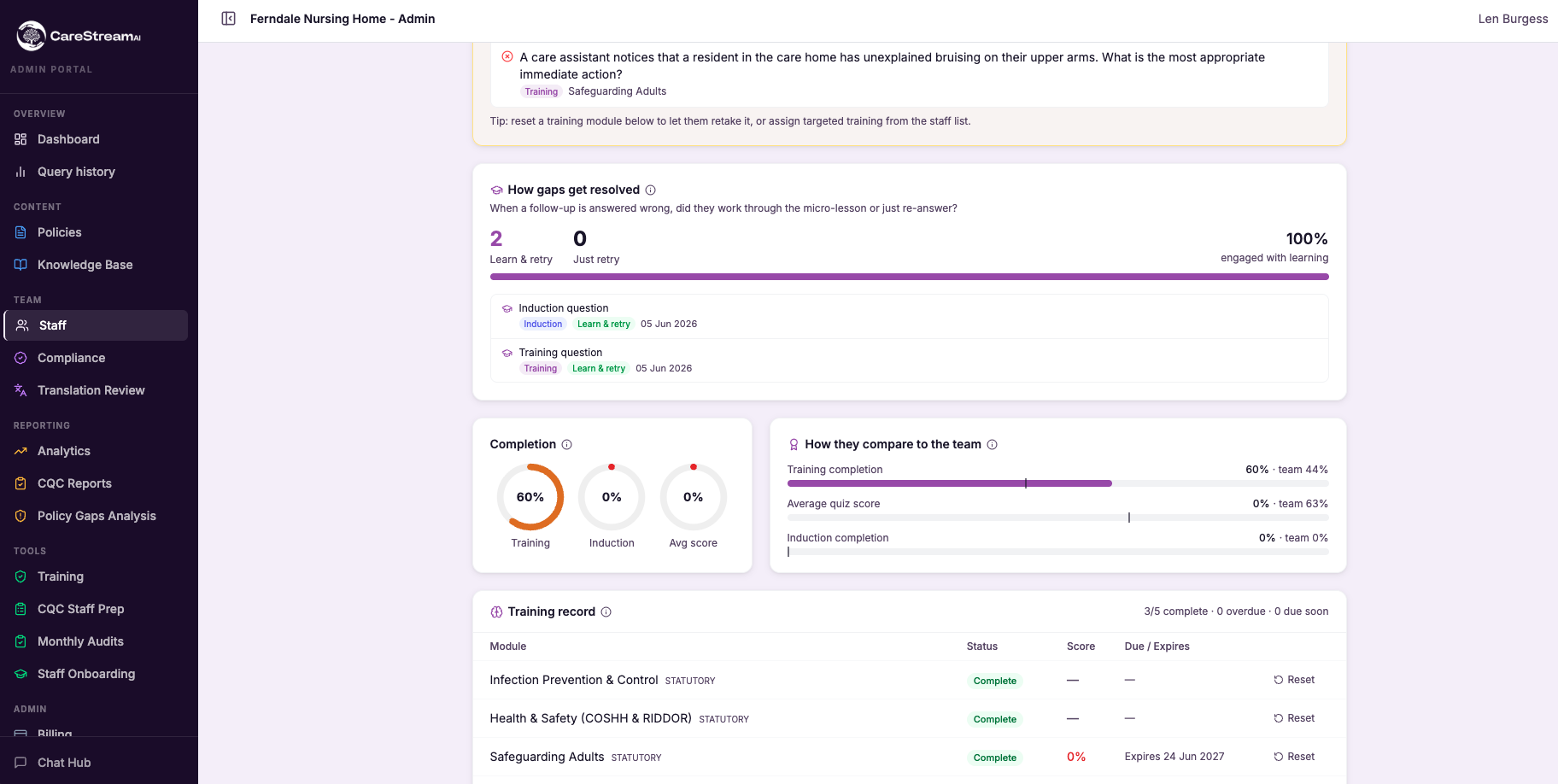
Open-ended, inspector-style questions across all five key questions, each with a model answer. Generate more with AI whenever you need them.
Staff write a real answer rather than picking from options, exactly as they would in conversation with an inspector.
Every answer is scored out of 100 against the model answer, with clear feedback on what was strong and what to improve.
Staff see the model answer after answering, then try again. The improvement from first attempt to latest is tracked.
Track each staff member and the whole team across Safe, Effective, Caring, Responsive, and Well-led. See gaps at a glance.
Send a focused batch of questions to any key question that is weak across the team, to the staff who need it most.
Staff see the question, the model answer, and the feedback in their own language, and answer in their own words, just like the rest of CareStream.
Staff are nudged with a notification when a new question is waiting, and answer in the hub on any device whenever it suits them.
CareStream maps every practice question to a specific key question, so you always know where your team is strong and where they need more work.
Staff answer in their own words in the hub, see exactly how they did, and try again to improve. One question, one answer, readiness score updated.
See CQC Staff Questions against your own policies
Inspection preparation for your whole team. Upload what you already have and see it working inside a fortnight.





