
Supported living training: the meeting covered it. Who in each house took it in?
Teams are spread across flats and shared houses, so a team meeting reaches some staff and misses others. After the meeting you allocate short training built from your own policies, and each support worker completes it on their own phone. Where someone answers wrongly, they get a short lesson on that point. That follows people to wherever they work.
14 day free trial · Set up in a day · UK data residency
Three houses, one meeting, and a policy that changed
A scenario we see in many care settings.
A registered manager runs a service with three houses and a few people living in their own flats. The decision making policy has been updated, so she gathers the team on a Tuesday evening. Seven of the eleven support workers are there. Two are on lone shifts in the houses and two are off. She talks it through, people nod and one person takes notes. By Friday she cannot say who has understood what changed, and the four who were not in the room have heard it, at best, secondhand.
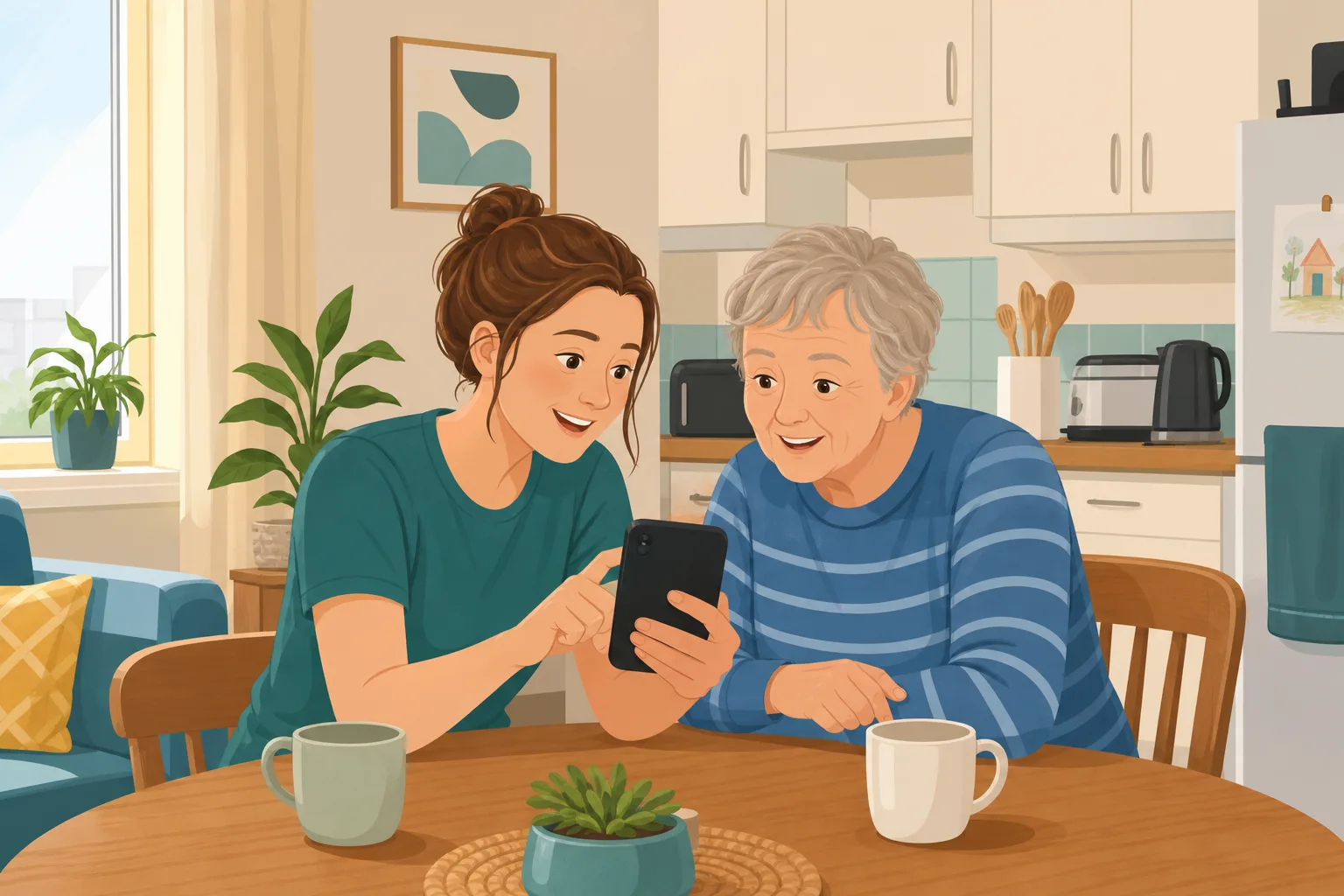
The manager walks the team through the updated policy.
Good questions are asked. People say the change makes sense.
Minutes are written up and the policy is saved in the shared folder.
Two support workers who were on lone shifts have not seen any of it.
A new starter asks a colleague what changed and gets a quick, partial answer.
The manager cannot say who has understood the change and who has only heard it.
Each house has quietly settled on its own way of doing it.
“How do you decide whether someone can make this choice?” The answer differs between houses.
The meeting was never the problem. The gap sits between the room and the people who were not in it. Here is how CareStream closes it, using your own policies, without replacing the meeting.
An example scenario, not a named service.
People support others alone, so the update has to reach them alone
In a flat or a shared house, nobody is listening over a colleague's shoulder.
One room cannot hold the whole team
Shifts, lone working and days off mean a meeting reaches only some of the people it is about. The rest rely on word of mouth.
Each house drifts on its own
Without a shared check, a change can mean one thing in one house and something else in the next. Nobody sees it until a person is affected.
Chasing each person by hand does not scale
Ringing every support worker to ask what they remember is work no manager has time for, so the gap stays open.
Your policies in, the follow up out.
This is the Training built from your own policies feature, in the order a manager and a support worker meet it. See also turning an event into ad hoc training and finding gaps in the policies themselves.
Allocate a short module on the topic, built from your own policies
- After the meeting, pick the topic module that matches it and tick the support workers it is for, in the Training screen
- CareStream builds the lessons and questions from your own policies where they cover the topic, with general good practice as the fallback, and you can edit and preview before anyone sees it
- Staff complete it in the Staff Hub, an installable app on their own phone, with an optional due date, so it works in any house or flat
Illustration based on the Training screen. Example questions.
A wrong answer becomes a short lesson on that point
- The wrong answer goes into the support worker's Follow-up tab in the Staff Hub, and they get an email, at most once a day, in English
- They choose Learn & retry, a short lesson (why it matters, what to remember, a realistic situation) then a fresh question, or Just retry the same question, as often as they need
- Nothing is sent to you each time. You see the pattern, not every slip
A few things to revisit. Learn the point, then answer, or just retry. Either way it clears from here.
A person is not to be treated as unable to decide just because they make an unwise decision.
Remember- Assume the person can decide
- Give practical help to decide
- Record what you did and why
A person you support says no to the activity you planned, and you are alone in the flat with them.
Illustration based on the Staff Hub Follow-up tab. Example content.
Staff learn in the language they think in
- A support worker who answers wrongly because of a missed word can open the lesson in their own language
- Your admin sets their second language, and they switch to it in the hub
- Training in different languages is part of the paid plans, and the reminder emails stay in English
Always communicate in their first language
All messages CareStream sends are translated into English.
Allow switching a set to their second language
In the hub they can flip any single training, induction or CQC set into Romanian, just for that set, if they are struggling in their first language.
Let them suggest better translations
They can propose improvements to translated content. Changes need your approval before going live.
Illustration based on the staff record Language settings. Translation is on the paid plans.
See the gaps across every house, and whether they closed
- The Knowledge gaps view shows the most missed questions and the weakest topics, so you see whether one person needs a conversation or the meeting needs a second go
- See how gaps are being closed, and mark a person's record as reviewed
- A Monday digest email brings the picture to you without you asking for it
Illustration based on the Knowledge gaps view. Example figures.
The questions managers ask, and how CareStream answers them
Read this as a conversation. The questions are the ones we hear most.
Is CareStream built specifically for supported living?
No, and we would rather say so plainly. CareStream works for many kinds of care service, and our who we serve pages cover supported living services among them. There is no separate setting, library or onboarding template. What you get is the same training loop, built from whatever policies your service has.
Half my team were not at the meeting. How do I reach them?
You allocate a short module on the topic, in the Training screen, and tick the support workers it is for. Each one completes it in the Staff Hub on their own phone, whichever house they work in and whatever shift they are on.
What happens when someone gets a question wrong?
It goes into their Follow-up tab and they get an email, at most once a day. They choose Learn & retry, a short lesson on that exact point followed by a fresh question, or Just retry the same question, as often as they need. You do not write or chase anything.
Will the questions reflect how our service works?
Where your own policies cover the topic, the lesson and questions are built from them. Where they do not, it falls back on general good practice, which is a useful prompt to improve the policy. You can edit and preview everything before it goes out.
Some of my support workers speak English as a second language. Does that matter?
It can. A wrong answer may be a missed word and not a gap in knowledge. On the paid plans they can open the lesson in their own language. Reminder emails stay in English.
How do I see how the team is doing across houses?
The Knowledge gaps view in Analytics shows open gaps, who is affected, the most missed questions and the weakest topics, and a digest arrives on Monday. Nothing alerts you each time someone answers wrongly.
Does this help with CQC?
It gives you a record of what people were asked, what they got wrong and the lesson they were given. That sits alongside your wider CQC evidence. It is not a rating, a pass or a regulator record, and CareStream does not tell you how an inspector will see your service.
What does it cost to try?
There is a 14 day free trial on the paid plans, and you can create a free account to look around. Ad hoc training is on the paid plans, so see the pricing page for what each plan includes.
A check on understanding, not a replacement for good support
It is not a dedicated setting
CareStream has no dedicated library or onboarding template. You use the same training loop, built from your own policies.
It does not watch practice in a person's home
Understanding a policy is not the same as supporting someone well. A manager or senior still needs to observe and talk with staff on the ground.
It does not alert you to every wrong answer
The picture reaches you in the Knowledge gaps view and the Monday digest. Ad hoc training and translation are on the paid plans.
Training built from your own policies
Everything on this page is part of the product. Here is where to read more.
Training built from your own policies
Ad hoc training from your policies, checked by questions, with wrong answers that become short lessons.
See the featureProperty and tenancy audit
A quarterly walk round of one property, from the free audit library that comes with every plan.
See the auditTraining in over 60 languages
Lessons in the language each support worker thinks in, on the paid plans.
See languagesGuides on this subject
Policy Changed. Who Needs Retraining? A Four-Question Framework for Care Managers
A policy update lands in your inbox at 4.45pm on a Friday. Your first instinct is to retrain everyone, because retraining everyone feels safe. It...
Read article
Face to Face Training in Care: What Actually Has to Be in the Room?
You have sat through the same moving and handling refresher four times. You have watched staff check their phones under the table. You have paid for...
Read articleSupported living training and CareStream, answered
About the training
What does supported living training need to cover?
It depends on your service and the people you support, so start with the topics your own policies cover and the needs in each person's support plan. The Care Certificate is a common starting point for new support workers, though what you need is your own call.
How do I follow up training for staff who work alone?
Allocate a short module after the session. Each support worker completes it on their own phone in the Staff Hub, and a wrong answer becomes a short lesson in their Follow-up tab. Read more on ad hoc training.
Can I use this after a policy changes?
Yes. Allocate a module on the topic and see who has understood the change. Our blog sets out a four question framework for who needs retraining.
Does a team meeting replace training?
No. A meeting is good for discussion. A short check afterwards shows what people took in, including those who were not there. See what has to be in the room.
Supported living and CQC
What does supported living CQC evidence look like for training?
Staff must receive the support, training, professional development, supervision and appraisal they need to do their work, as set out in regulation 18 of the 2014 regulations. A record of what each person was asked and how gaps closed is one piece of that evidence. See the questions CQC may ask staff.
Is it a separate setting in the product?
No. There is no dedicated setting or library for it. The training loop works the same way for any service that has policies and staff, and our who we serve pages describe how services use it.
Can staff in different houses see different training?
You choose which staff to tick for each module. There is no role picker, so you pick the people yourself.
Is there an audit for supported living properties?
Yes. The free audit library includes a property and tenancy audit for these services, available on every plan. See the full audit library.
A practical way to follow up a team meeting in supported living
A supported living team rarely sits in one room. A meeting ends, minutes are filed and everyone returns to a different house. The follow up is where a manager learns whether the update reached everyone.
Why the follow up matters for decisions in someone's own home
Support workers often make quick judgement calls, alone, in a person's own home. The Mental Capacity Act sets out that a person must be assumed to have capacity unless it is established that they lack it, and is not to be treated as unable to decide merely because they make an unwise decision. A short check after the meeting shows whether those principles are landing the same way in every house.
The same goes for the wider picture. CQC lists staffing and person-centred care among its fundamental standards, and training that staff can show they understood is part of showing both. For supported living CQC will want to see how a service knows its team is competent, and a signature does not show that.
Four checks that fit a spread out team
- Within a few days of the meeting: allocate a short module on the topic, built from your own policies.
- When an answer is wrong: the support worker opens a short lesson on that point, then a fresh question.
- Each month: look at the most missed questions and the weakest topics across houses.
- On the ground: a senior watches real practice and talks it through, since a phone check cannot do that.
For the visit. Keep the questions, the lessons and the results together, so you can show understanding as well as attendance, wherever each person works.




