
You gave the staff briefing at handover. Did the new policy land?
A policy changes, you brief the team, and everyone nods. A staff briefing tells people what changed. It does not show what they took in. CareStream lets you follow it with short training built from your own policies, so you can see who understood and who needs another look.
14 day free trial · Set up in a day · UK data residency
The briefing went well. What happened next?
A scenario we see in many care settings.
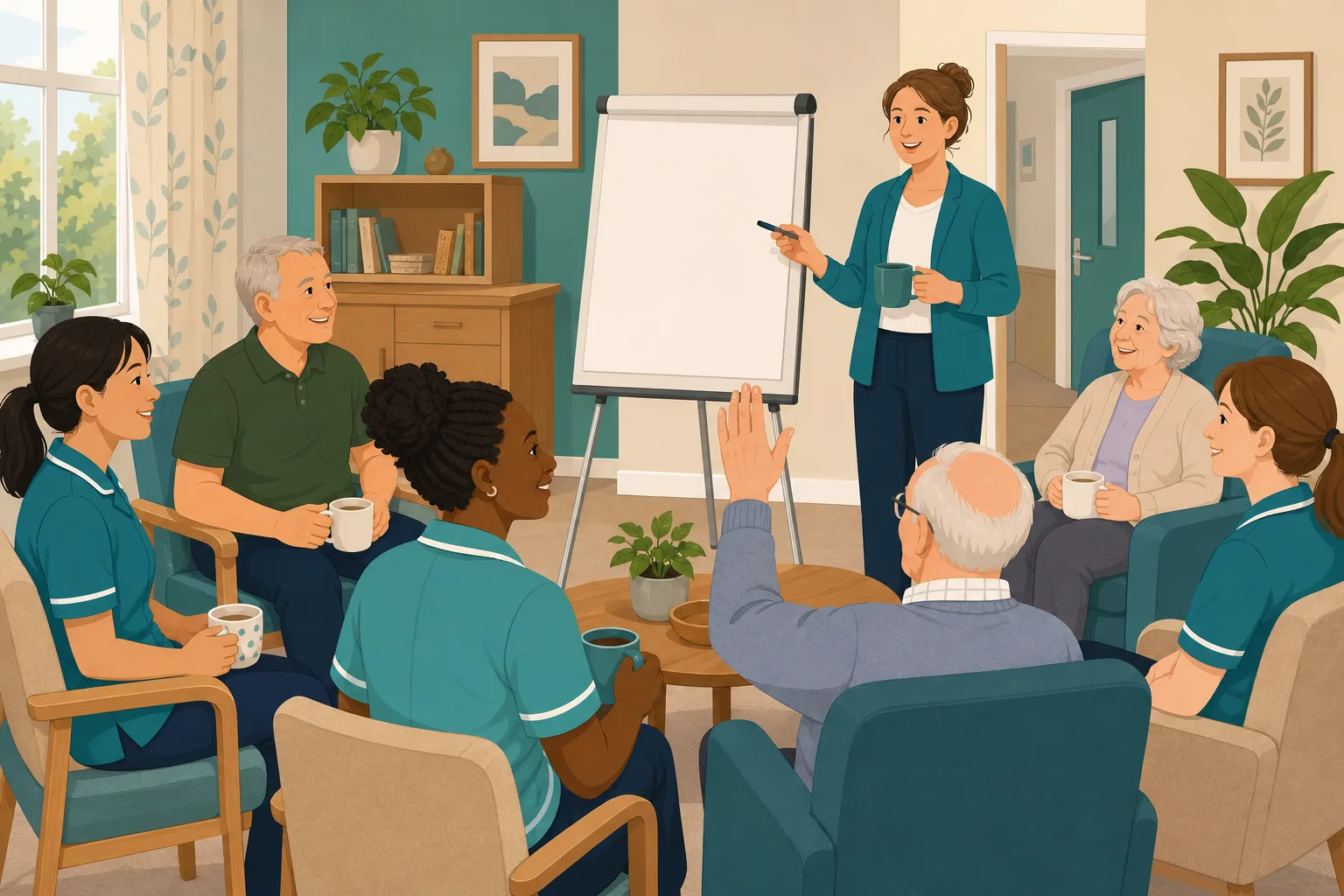
The falls prevention policy changed on Monday. Post fall checks now start with a different step, and the manager wants the whole team to know. She stands at the flip chart in the lounge at handover and talks it through. Six carers listen with their mugs in hand. One asks a good question. Everyone nods and goes back to the floor. Nothing else is recorded. Two weeks on, the night team has not heard it, and nobody can say whether the day team remembers the new first step. Here is how that plays out.
The falls prevention policy is updated and the new version is saved.
The manager walks six carers through the change at the flip chart.
One carer asks a question, the rest nod, and the team goes back to work.
Nobody has checked what the six carers took away.
Two carers on nights and one on leave never heard the briefing.
A newer carer followed the old first step after a fall, unsure which was current.
The policy changed and a talk was given. Not who understood it.
“What do you do first after a resident falls?” The answer is the old one.
The briefing was never the problem. The gap sits between the talk and the evidence. Here is how CareStream fills it, using your own policies, without replacing the talk.
An example scenario, not a named service.
Telling people is not the same as them knowing
A policy only protects residents if staff remember it on the floor.
A nod is not a check for understanding
People nod because the talk was quick, handover was busy or they did not want to ask in front of colleagues. Silence in the room tells you very little.
Not everyone is in the room
Night staff, part timers and people on leave miss the talk. Without a check, the only way to find the gap is an incident.
Memory fades within weeks
A change heard once at handover competes with everything else on the shift. Older habits come back unless someone checks the new one stuck.
Your changed policy in, the follow up out.
This is the Training built from your own policies feature, in the order a manager and a carer meet it. Start with the overview of how CareStream works if you are new.
Allocate a module on the changed policy
- After the briefing, open the Training screen and pick the topic module that matches the policy, such as Falls Prevention, then tick the staff you want to include
- CareStream builds the lessons and a knowledge check from your own policies, and you can edit and preview them before anyone sees them
- Staff complete it in the Staff Hub, on their own phone, with an optional due date, so night staff are not left out
Illustration based on the Training screen. Example questions.
A wrong answer becomes a short lesson
- The wrong answer goes straight into the carer's Follow-up tab in the Staff Hub, and they get an email to say so, at most once a day
- They choose Learn & retry, a short lesson (why it matters, what to remember, a realistic situation) then a fresh question, or Just retry the same question
- They can retry as often as they need, and the lesson is built from your own policies so it teaches what your home now does
A few things to revisit. Learn the point, then answer, or just retry. Either way it clears from here.
Moving someone too soon can make an injury worse, so check for injury and follow your post fall steps before anyone is helped up.
Remember- Stay with the resident and keep them calm
- Check for signs of injury before any movement
- Call for help and follow the post fall steps
You find a resident on the bedroom floor who says they feel fine and wants to get up.
Illustration based on the Staff Hub Follow-up tab. Example content.
Reach carers in the language they think in
- A carer who answers wrongly because of a missed word can open the lesson in their own language
- Your admin sets their second language, and they switch to it in the hub
- Translation is part of the paid plans, and the reminder emails stay in English
Always communicate in their first language
All messages CareStream sends are translated into English.
Allow switching a set to their second language
In the hub they can flip any single training, induction or CQC set into Polish, just for that set, if they are struggling in their first language.
Let them suggest better translations
They can propose improvements to translated content. Changes need your approval before going live.
Illustration based on the staff record Language settings. Translation is on the paid plans.
See who got the policy update, and who did not
- The Knowledge gaps view shows the most missed questions and the weakest topics, so you see which part of the briefing did not land
- See how gaps are being closed, and mark a person's record as reviewed
- A Monday digest email, so the picture arrives without you asking for it
Illustration based on the Knowledge gaps view. Example figures.
The questions managers ask, and how CareStream answers them
Read this as a conversation. The questions are the ones we hear most.
We already do a toolbox talk when a policy changes. Why add anything?
You would keep the talk. It is the best way to explain a change and take questions. CareStream adds the step after it: a short check on what people took in, so the talk is followed by evidence and not a hope.
How would I know my team understood the policy update?
After the briefing you allocate a short module on that topic, built from your own policies. Each carer completes it in the Staff Hub on their own phone, and their answers are scored, so you can see who understood and who did not.
What happens when someone gets a question wrong?
It goes into that carer's Follow-up tab in the hub, and they get an email, at most once a day. They choose Learn & retry, a short lesson on that point followed by a fresh question, or Just retry the same question. They can retry as often as they need.
Does it use our new version of the policy?
It builds from the policies held in CareStream, so make sure the new version is in your policy library first. Where your policies do not cover a point, it falls back on general good practice, which is a prompt to improve the policy. You can edit and preview everything before anyone sees it.
Does it record that staff have read the policy?
It records reading sessions: the time spent, how far they scrolled and whether they pressed Mark as read. It is not a signature, and it does not show they understood. The quiz results are what show understanding.
Will I get an alert every time someone is wrong?
No. The picture reaches you through the Knowledge gaps view in Analytics and a Monday digest email. That shows whether one person needs a conversation or the briefing itself needs another go.
Can I reach staff who missed the briefing?
Yes. You allocate the module to everyone who should know, including night staff and part timers, and they complete it on their own phone when they are on shift. It is not a replacement for a conversation, but it means nobody is missed by accident.
How do I try it, and what does it cost?
You can create a free account and start a 14 day free trial of the paid plans. The ad hoc training screen is on the paid plans, and you can see the plans on the pricing page.
A check after the briefing, not a replacement for it
It does not replace the briefing
A talk lets people ask questions and hear why a change matters. CareStream checks understanding afterwards. It does not run or record the talk itself.
It does not record a signature
It records reading sessions and quiz results. It does not hold signatures or confirm that someone agreed to a policy version.
It does not alert you to every wrong answer
You see the picture in Knowledge gaps and the Monday digest, not as a message each time someone slips. Ad hoc training and translation are on the paid plans.
Training built from your own policies
Everything on this page is part of the product. Here is where to read more.
Training built from your own policies
Short training from your policies, with wrong answers that turn into lessons.
See the featureAd hoc training
Allocate a short module on the changed policy the day after you brief the team.
See ad hoc trainingOut of date policies
Spot policies that have drifted before staff follow the wrong version.
See the scenarioGuides on this subject
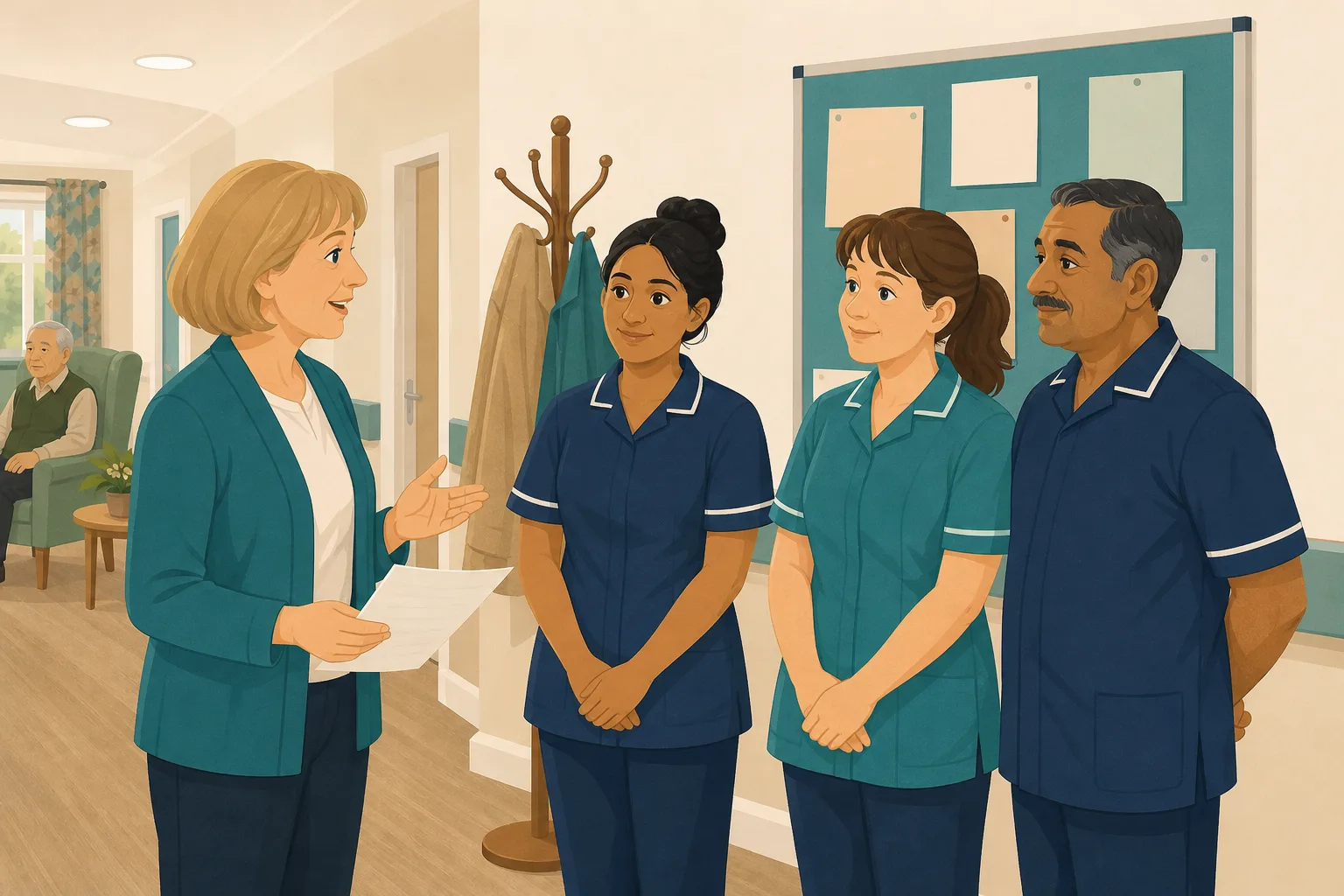
Policy Changed. Who Needs Retraining? A Four-Question Framework for Care Managers
A policy update lands in your inbox at 4.45pm on a Friday. Your first instinct is to retrain everyone, because retraining everyone feels safe. It...
Read article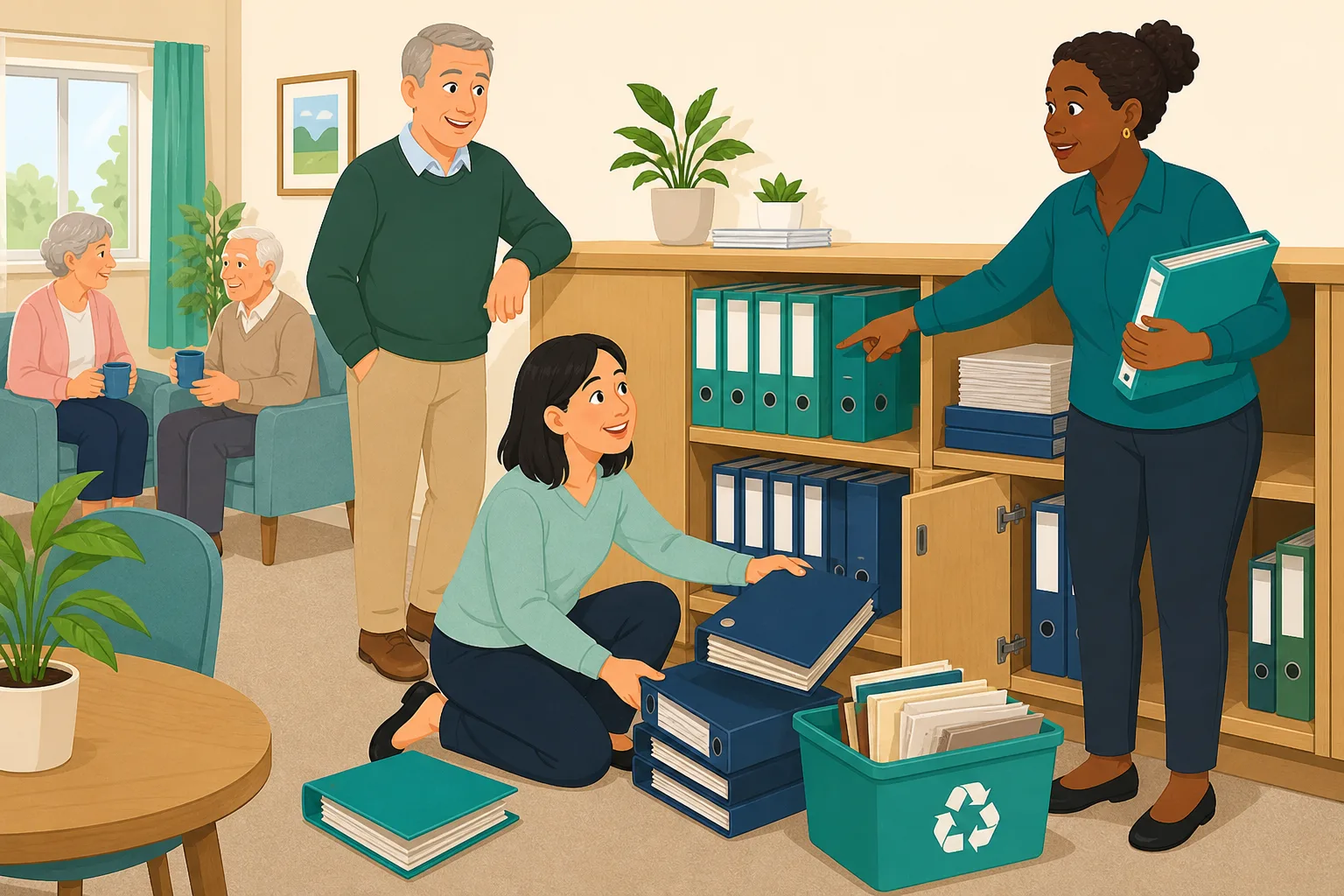
Care Policy Version Control: How to Know Which Version Is Current (Without Buying New Software)
The most dangerous document in your care service is not the one that is missing. It is the one that looks current but is not. Managing policy...
Read article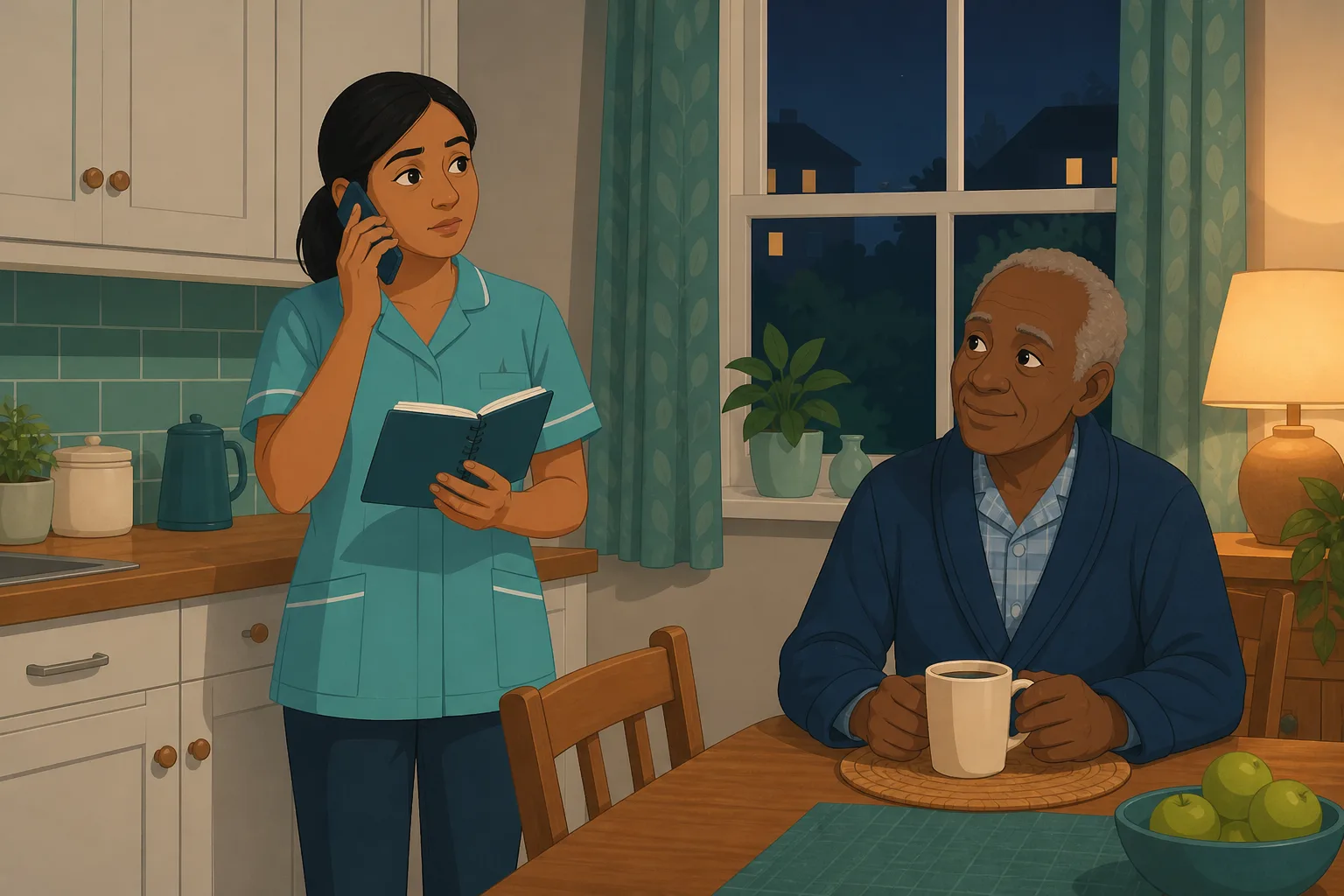
When Two Policies Disagree, Staff Follow the Wrong One
It is 3am and a domiciliary carer is standing in a client's kitchen, phone in hand, trying to remember which reporting route applies to the bruise...
Read articleStaff briefings on policy changes, answered
About the briefing and the check
What is a staff briefing in a care home?
A short, planned talk where a manager tells the team about something that has changed, such as a policy update. It works best when it is followed by a way to check people took it in. CareStream is built for that second step, as part of ad hoc training.
What is a toolbox talk?
A toolbox talk is a short talk on one topic, given to a team in the workplace. In care it is often a few minutes at handover or a team meeting. It is a good way to introduce a change, and a short quiz afterwards shows what stuck.
How do I do a check for understanding after a policy update?
Ask a few specific questions within a few days, ideally in writing so every carer answers for themselves. Cover the new first step, not the whole policy. CareStream builds those questions from your own policies, and you can edit them first.
What makes a good knowledge check?
Three or four questions on what staff actually do differently, written as realistic situations. Avoid questions that can be answered by guessing the longest option. You can edit CareStream's questions before you allocate them.
Does CareStream help when two policies say different things?
A briefing cannot fix a conflict between policies. The policy gap detection feature looks for gaps and inconsistencies, and the blog post on conflicting policies explains why this matters.
How soon after the briefing should I check?
Within a few days is a sensible rule: soon enough that the change is fresh, late enough to show what stuck. You choose when to allocate it and can set a due date.
About inspections
What do inspectors expect when a policy changes?
Regulation 18 says staff must receive the support, training and supervision they need to do their jobs, and Regulation 17 asks for systems to assess and improve quality and to keep records about staff. Neither sets out a briefing format, so you decide how to brief and show it. See Regulation 18 on staffing and Regulation 17 on good governance.
Is a record of the briefing enough?
A note that a briefing took place shows you told people. A short quiz shows what they understood. Together they are stronger, and they sit alongside the rest of your CQC evidence.
A practical way to brief the team on a policy change
A staff briefing is quick to give and easy to forget. A little structure turns it from a talk into something you can show.
Before you brief
Decide what has actually changed in practice, and say it in one sentence a carer could repeat. A policy update with ten changes is best briefed as the two that affect what staff do first. Upload the new version before the talk so the check is built from it. If the change touches several policies, read how to keep care policy versions under control.
Four steps that fit a busy shift
- Same day: give the toolbox talk, and say what changed in one sentence.
- Within a few days: allocate a short module on the topic, built from your policies, to everyone affected including nights.
- When an answer is wrong: the carer opens a short lesson on that point, then a fresh question.
- Each month: look at the most missed questions and the weakest topics, and decide whether the policy itself needs clearer wording.
For the inspector. Keep the policy version, the briefing date, the knowledge check results and the follow up together, so you can show understanding as well as a talk given.




