
A resident with few visitors, and loneliness dementia teams notice. Family far away can still send a message.
Some residents have few visitors, because their family live abroad, in another city or simply cannot get there often. Teams who think about loneliness dementia brings into a day want something personal to offer, without handing round personal phones. CareStream gives relatives a private link for short messages, holds each one for your approval, and reminds them gently to send more. It sits alongside your training and policy tools.
14 day free trial · Set up in a day · UK data residency
His son is seven hours behind. His niece is a long drive away.
A scenario we see in many care settings.
Mr Pryce, a retired joiner, has lived on the ground floor for a year. His son, Gareth, moved to Calgary for work and rings when the time difference allows. His niece, Mia, lives in Leeds and comes twice a year. In between, the afternoons are long. A carer, Imran, would love to give him something from the family, but there is only a birthday card on the shelf. Gareth offers to send a clip, and the manager does not want it on a personal phone.
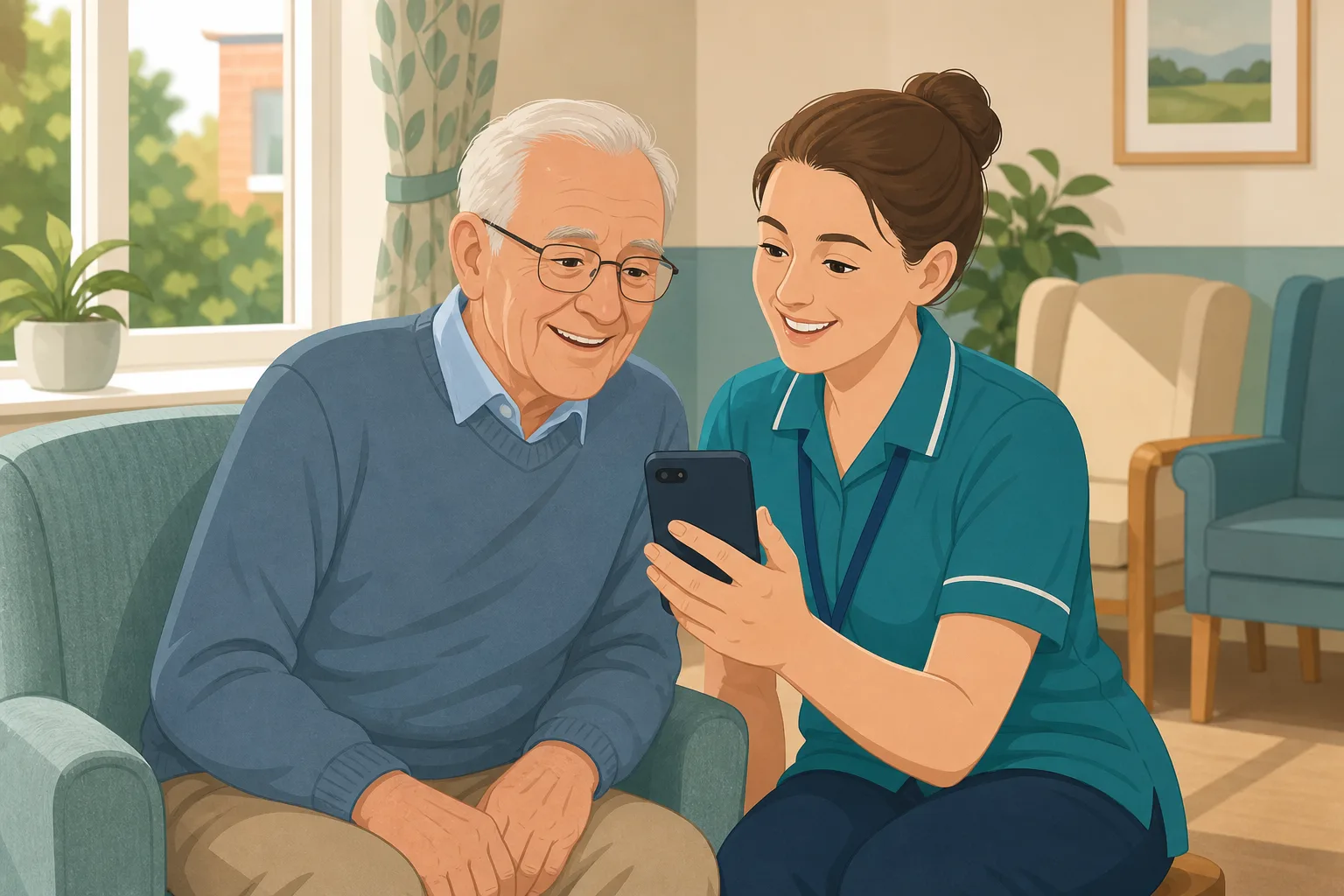
Mr Pryce moves in. Gareth visits for a week, then flies home.
Mia visits and writes down his favourite stories.
Gareth rings every second Sunday. Imran sits with him.
Gareth offers to send clips. There is no safe place for them.
A carer shows him one on her own phone. It is quietly stopped.
Few visitors, and nothing personal for staff to play.
Gareth and Mia ask what else they could do. Nobody tells them.
“How do you keep him connected to his family?” You have rings and a card.
The family have time and love, just not proximity. What is missing is a safe, simple way for it to arrive. Here is how CareStream collects short messages, lets you check them, and keeps the family coming back.
An example scenario, not a named service.
Distance does not mean the family do not care
Teams want something personal they can offer on a quiet afternoon.
Something personal to watch
Good dementia communication starts with knowing the person. A short message from a son, in his own voice, gives a carer something warm to sit beside and a way into a conversation. We do not claim it changes how anyone feels.
Care should reflect the person
Care must meet a person's needs and reflect their preferences. Where someone cannot decide for themselves, the Mental Capacity Act asks you to consider their past and present wishes and feelings, and to consult people interested in their welfare where practicable and appropriate.
Messages need a careful gate
A clip can show other people, or something the resident would not want played. Regulation 10 includes ensuring the privacy of the person. A private link and a manager's approval give you something you can explain.
From a private link to a message on a quiet afternoon.
Video messages and reminders are part of the resident profiles feature, in the same system as your policies and training. They are on Professional and above. See how staff use resident knowledge too.
Invite each relative by name
- On the resident's Family tab you add a name, an email and the relationship, for example Gareth, son, and Mia, niece. Each gets their own private link, with no account and no password
- On the page they tap Record a message, which opens the phone camera, or Choose a video. Each clip can run up to 60 seconds, with up to 5 on one link and up to 150MB per upload
- They can add a short title of up to 60 characters, and remove a clip before pressing Send. The upload carries on if the signal drops, which helps from abroad
Example only. Names and figures are illustrative.
You preview and approve each message
- A family video waits on the Approvals tab until a manager has watched it. You can edit the title and add a note for staff, then choose Approve or Reject
- Rejecting removes the video from storage straight away. A video you add yourself from the resident's record is approved at once
- Approved family videos also show on the From family tab, under the person who sent them
Example only. Nothing here has reached the care team.
Staff play them from the hub
- In the This is me chat a carer asks, for example, “do we have a video from Gareth?”. The answer is found from the approved titles and notes, and the video appears under it with the resident's name and room number and a play button
- A Messages from family button lists a person's approved videos, newest first, up to 10 per resident. Playing opens just the video on a dimmed backdrop
- Each play is logged with who and when, and managers see recent plays on the resident record
Example only. Illustration, not a real resident.
Reminders keep the messages coming
- On the Family tab, one accordion per contact lets a manager ask them gently, by email, to add something new: weekly, fortnightly or monthly, on a preferred weekday. It is off by default
- The email says “a few words, a photo or a short video message”, carries a fresh private link valid for 14 days, and has a Stop these reminders link
- You can set a Pause until date. After 3 reminders with no reply they stop and a manager is told. They also stop at once if the person dies or moves on
Example only. Wording summarised, not the exact screen.
The questions managers ask, and how CareStream answers them
Read this as a conversation. The questions are the ones we hear most.
A son abroad wants to send a message. What do I do?
You invite him from the resident's record with his name and email, and CareStream emails a private link. He records or chooses a short video and adds a title. Nothing reaches your team until you have watched it and approved it.
Will it help with loneliness in care homes?
We would not promise that. CareStream does not treat or change how anyone feels. What it does is give staff something personal from the family to play, safely, and a way for relatives to keep sending. How and when you use it is for you and your team to judge.
How do we get family to keep sending?
You can switch on gentle reminders for each contact: weekly, fortnightly or monthly, on a weekday they choose. Each email carries a fresh link and a Stop these reminders link, and reminders stop themselves after three with no reply.
Does the family need an account or an app?
No. The link is the way in. Once they press Send, that link is spent, so the next reminder brings a new one.
Can the system watch the video or describe it?
No. It never watches or describes a video. It only knows the title, your note and who sent it, so a clear title matters. There are no summaries and no speech to text.
Can the resident reply, or can we do a video call?
No. The family record once and the team plays it back. CareStream does not do video calls, and the resident cannot record a reply.
What happens if the resident passes away or moves on?
Their videos leave the hub straight away, reminders stop at once, and any video still waiting is deleted. Approved files stay in private storage for the retention period, then are deleted with the profile.
Which plan is it on, and can I try it?
Resident profiles, videos and reminders are on Professional and above. There is a 14 day free trial. You can create an account or book a demo, and the pricing page has the plan details.
Honest limits: a message, not a visit
It does not replace a visit or a call
A recorded message is not a conversation. CareStream does not do video calls, and the resident cannot record back. It does not measure or change how anyone feels, and we make no such claim.
Someone has to approve and someone has to play
A video does not reach staff by itself. A manager has to preview and approve each one, and a carer has to choose to play it. Nothing in CareStream tells staff when to do that.
Titles do the finding
The system cannot watch a clip. Staff find it from the title and your note, and the hub lists the newest ten per resident. If the family stop replying, reminders stop after three, and a manager is told.
Training built from your own policies
Everything on this page is part of the product. Here is where to read more.
Training built from your own policies
Ad hoc training from your policies, face to face training organised, and wrong answers that become lessons.
See the featureResident knowledge for your team
Quick, short answers about the people staff care for, drawn from what you have recorded and approved.
See resident knowledgeDementia awareness training
A course that helps staff understand the person behind the diagnosis.
See the courseGuides on this subject
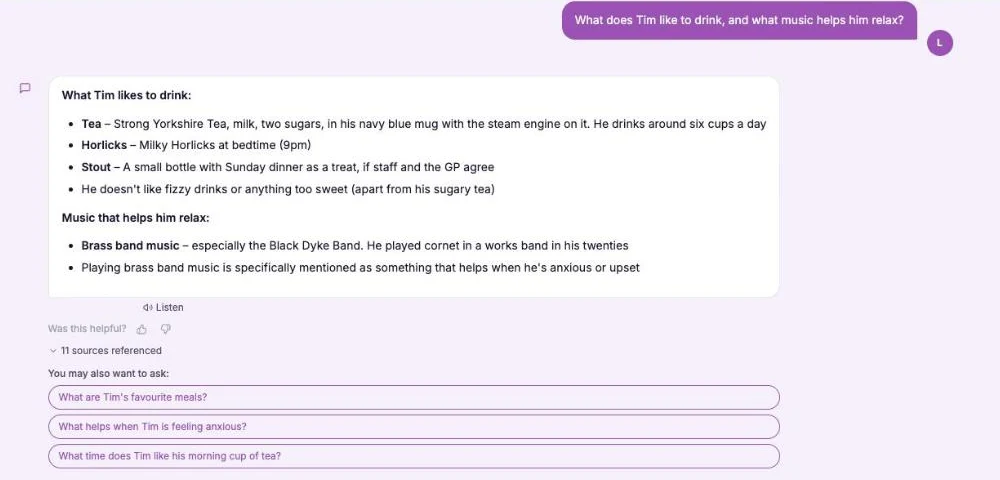
This Is Me Document: What Goes In It and How a Home Keeps It Alive
A line that says "likes tea" does nothing for a night carer. This reference sets out what a good This is me style document holds, and how a home...
Read article
Difference Between Policy and Procedure: Five Beliefs That Leave Care Staff Guessing
A policy says what a service commits to. A procedure says who does what. Five common beliefs about the two, tested against the law, and a quick test...
Read articleMessages, distance and loneliness, answered
About distance and loneliness
What can a care home do about loneliness in care homes when family live far away?
There is no single answer. Many teams combine visits, calls, activities and personal items from the family. A recorded message gives staff one more personal thing to offer. Read more in our guide to the this is me document.
Is loneliness dementia care teams see different from other loneliness?
We are not clinicians, so we will not make claims. What matters in practice is knowing the person, their family and what is familiar, and using it kindly. A short message is one way to bring a familiar voice in.
How does this help with dementia communication?
Good dementia communication depends on knowing the person. A video gives a carer a name, a voice and a story to ask about. It does not replace training, which is why the dementia awareness course matters.
Can the assistant describe what is in a video?
No. It never watches or describes a video. It only knows the title, the note and who sent it.
About approval, reminders and privacy
How long can a family video be?
Up to 60 seconds each, up to 5 on one link, and up to 150MB per upload. The family can add a title of up to 60 characters and remove a clip before pressing Send.
How do the reminders work?
A manager sets weekly, fortnightly or monthly emails for a contact, on a weekday they prefer, with an optional Pause until date. They are off by default and stop after three with no reply.
Are the videos private?
Yes. They are shown only through short lived links to signed in staff of your service, only for current residents, and never at a public address.
What do the regulations say about involving family?
Under regulation 9, care must meet needs and reflect preferences, and relevant persons are involved in decisions. Section 4 of the Mental Capacity Act 2005 asks you to consider a person's past and present wishes. Check your own policies on consent and recordings.
How to keep family connected from a distance
A few habits make the difference between one message that sits unseen and a steady trickle that staff actually use. Ask for short, ask for clear titles, and make playing them part of the day.
Ask for something short and ordinary
Tell relatives that 30 seconds is plenty: a hello, the person's name, and what they had for breakfast or saw out of the window. Ordinary things are easier to send again next month than a big speech. Ask for a title that says who it is from.
Before you approve a message
Watch it as a new carer would, and as the resident might feel about it. Edit the title so it is clear and kind. Reject anything that shows other people who might not want it shared. You can read what the law says about dignity and respect in regulation 10.
- Is the speaker someone the resident would be glad to hear?
- Does the title say who it is from?
- Does it show anyone else who might not want it shared?
- Would a carer know when to play it?
Make playing them part of the routine
Tell the key worker when a new message is approved and where to find it. Many teams choose a quiet time of day. Thank the relative personally, and let them know it was played. The Mental Capacity Act course covers wishes and best interests.
This page describes how the software works and is not legal advice. Check your own policies and local guidance for how you collect and share recordings of residents.




