
Searching for a policy template? Have one written for your service.
A policy template saves a morning and costs you later, because the blanks never quite fit your service. CareStream writes the policy for you from your details, then delivers it into your own library, ready for staff to read and train on.
14 day free trial · Set up in a day · UK data residency
You needed a policy last week. The template has someone else's name on it.
A scenario we see in many care settings.
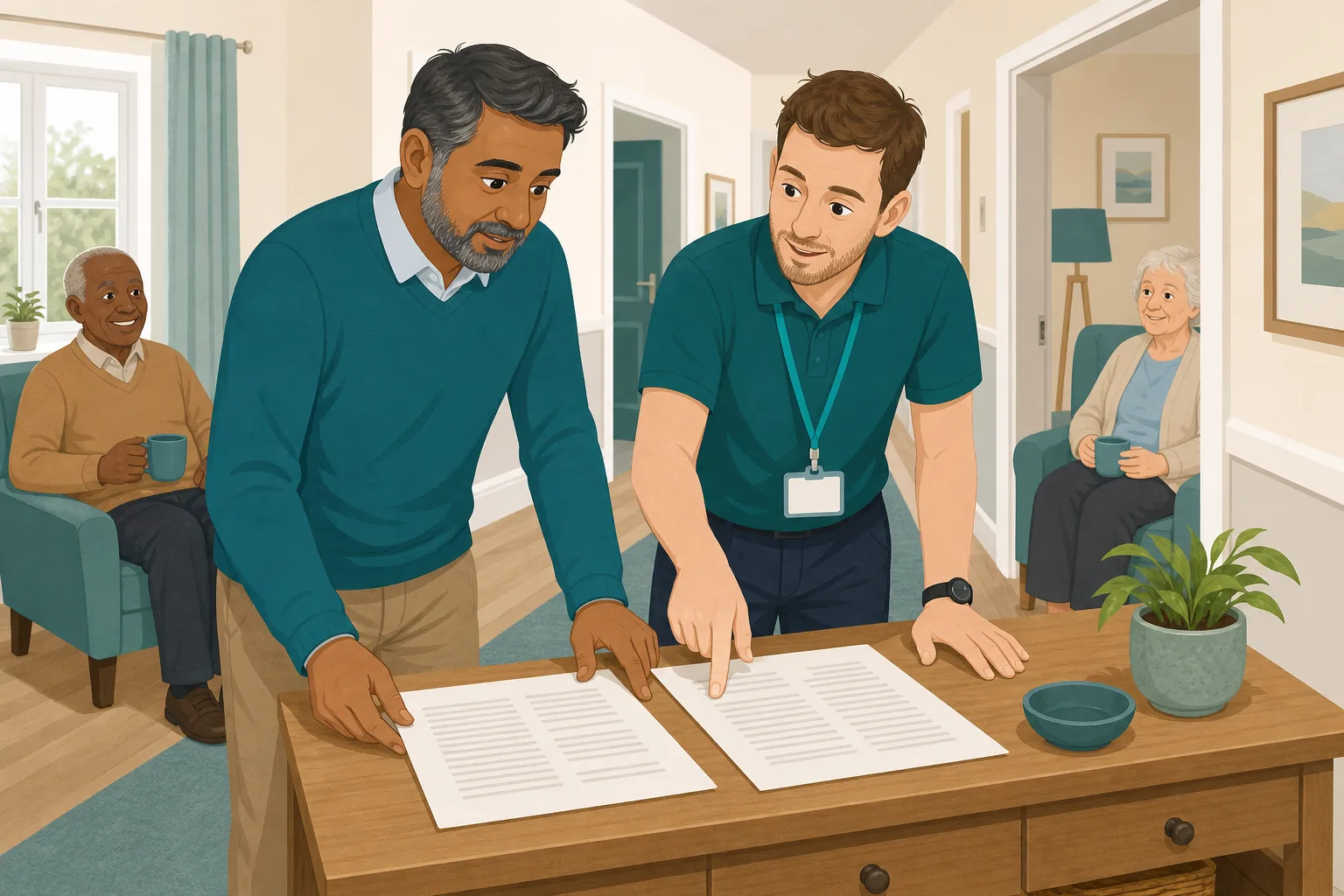
A new registered manager is tidying the policy folder before a visit. One policy is missing, so she searches online and downloads a policy template. It looks tidy. She types in the home's name and sends it round. A fortnight later a senior carer asks who the safeguarding lead is, because the document names a post the home does not have, and two paragraphs mention a body that no longer exists. Nobody meant any harm. The policy simply was never written for this service. Here is how that plays out.

A gap in the policy folder is spotted before a visit.
A template is found, the home's name typed in, the job ticked off.
The policy is shared with the team and filed.
A carer asks who the lead is. The policy names a role the home does not have.
Two sections mention a body that has since been replaced.
Nobody checked whether it matches what the home actually does.
A tidy file, and no clear view of whether staff follow it.
“Show me how this policy works here.” The file does not say.
The template was never the real problem. The gap is between a generic document and your service. Here is how CareStream closes it, and where it does not.
An example scenario, not a named service.
A policy has to describe your service, not a service in general
Staff follow what is written. If it is wrong for your home, they follow the wrong thing.
Blanks are not the same as fit
Swapping a company name into a template changes the cover page. It does not change the roles, the routines or the leads the policy describes.
A checklist beats a hunch
A good policy covers the points the regulation expects. Writing from a checklist is more reliable than adapting a document whose source you cannot see.
Old wording hides in the small print
Templates copied from older documents carry names of bodies and frameworks that have moved on. Staff trust them anyway, because they sit in your folder.
Your details in, a written policy out.
This is the policy shop alongside Training built from your own policies, in the order a manager meets it. See also how gaps in your policy set are found and what a missing policy looks like.
Choose the policy and answer a few short questions
- Pick the policy you need from the shop. It is bought on its own, separate from your subscription, through hosted Stripe Checkout
- You answer short questions once: company name, service address, registered manager, nominated individual and your provider and location IDs. Later purchases reuse them
- Some policies add a few questions of their own, so the policy says what your service really does
Illustration based on the Training screen. Example questions.
Then brief your staff on the new policy
- Once the delivered policy is live, allocate adhoc training on the topic in the Training screen. It draws on your own policies, and you can edit and preview it first
- A wrong answer goes into the carer's Follow-up tab and they get an email, at most once a day. They choose Learn & retry or Just retry, as often as they need
- Policy reading itself is recorded as read sessions in the hub, not as signatures
A few things to revisit. Learn the point, then answer, or just retry. Either way it clears from here.
The policy asks staff to report a concern to the safeguarding lead without delay, so that it can be looked at properly.
Remember- Report it to the safeguarding lead
- Record what you saw and heard
- Do not investigate it yourself
You notice an unexplained bruise while helping someone get dressed.
Illustration based on the Staff Hub Follow-up tab. Example content.
Staff can ask about it in their own language
- The policy stays in English underneath, and the assistant answers a question in the language it was asked in
- A carer can ask what the policy says without waiting for a colleague to translate
- Translation is part of the paid plans, and the Free plan is English only
Always communicate in their first language
All messages CareStream sends are translated into English.
Allow switching a set to their second language
In the hub they can flip any single training, induction or CQC set into Polish, just for that set, if they are struggling in their first language.
Let them suggest better translations
They can propose improvements to translated content. Changes need your approval before going live.
Illustration based on the staff record Language settings. Translation is on the paid plans.
See where staff are still unsure
- The Knowledge gaps view shows the most missed questions and the weakest topics on the briefing
- That tells you whether the policy needs clearer wording, or a team needs another conversation
- A Monday digest email brings the picture to you
Illustration based on the Knowledge gaps view. Example figures.
The questions managers ask, and how CareStream answers them
Read this as a conversation. The questions are the ones we hear most.
Is this just a policy template I download?
No. CareStream writes the policy from your details, against a checklist of what the regulation expects. Our own machine learning drafts it, an automatic check runs on it, and then a person reads it. It is delivered to your policy library, not as an instant download.
How long does it take?
Delivery is within 2 working days after you finish the short questions. That is slower than a download, because it is written and read rather than copied.
What do you need to know from me?
Your company name, service address, registered manager, nominated individual and your CQC provider and location IDs, plus a few questions specific to the policy. You answer the shared ones once, and later policies reuse them.
Will it use the names of our leads?
Yes, where the policy mentions a role. You can set named role holders such as the safeguarding lead, from a list of 24 roles. If nobody is named, the role is left plain rather than invented. Merging names into policies is on the Professional plan and above.
What checks happen before I get it?
An automatic gate checks that no blanks are left, that no defunct bodies are named, that your organisation is named, and that every required point of the regulation checklist is addressed. A person then reads it. That is a check on the draft, not a guarantee that it is right for every service.
Can I use it straight away?
It goes through your own approval chain first. Depending on your settings, that is your care manager, an external reviewer, or straight to live. Approval chain features are on the Professional plan and above.
What if I change my mind?
There is a fourteen day refund. If you want to try the wider product first, you can create a free account, and paid plans have a 14 day free trial.
Does a delivered policy make us compliant?
No. It gives you a well structured policy written for your service. Whether your team follows it is the part that shows in an inspection, so you still need to brief staff and review it. It is not legal advice and it does not guarantee a CQC rating.
A written policy is a start, not a finished compliance job
It is not instant, and not a download
The policy is written from your answers, checked and read by a person, and delivered within 2 working days. If you need something in the next hour, this is not it.
It does not decide how your home runs
The writer is told not to invent practices you have not confirmed, and flags any it cannot check. You still need to read the policy and make sure it matches your real routines.
Approval and gap tools sit on higher plans
Policies are bought separately from the subscription. Gap detection, the approval chain and name merging are on Professional and above. The Free plan screens up to 5 uploaded policies.
Training built from your own policies
Everything on this page is part of the product. Here is where to read more.
Training built from your own policies
Once a policy is live, staff can be briefed and checked on it in the Staff Hub.
See the featurePolicy gap detection
See which regulations your policies cover, and what example wording could close the rest.
See gap detectionOut of date policies
A quick scan for superseded terms, placeholders and policies overdue for review.
See the scanGuides on this subject
Why Downloaded Care Policy Templates Create Contradictions (And What to Do About It)
Most care services run on a patchwork of downloaded templates, and nobody reconciled them after they were assembled. That is the uncomfortable truth...
Read article
Policies Required by CQC for a Care Home: The Complete Checklist
There is no single, official list of policies required by CQC for a care home. That is the uncomfortable truth most registered managers discover...
Read article
Safeguarding Policy Care Home Example: One Bruise, Eight Steps
A made up bruise on an invented resident, followed step by step through what a safeguarding policy must make happen under Regulation 13, the Care Act...
Read articlePolicies and CareStream, answered
About the policies
Is a policy template good enough for a care home?
A policy template is a starting point, not a finished policy. It has to be matched to your roles, your routines and your service, otherwise staff follow wording that does not describe what you do. Our article on downloaded templates explains where the contradictions come from.
Which care home policies do we need?
It depends on your service. The guide to the policies a care home needs is a good starting point. CareStream's gap check can also show which regulations in scope for your service have no policy behind them yet.
How are care policies written for my service?
You answer short questions about your service. The policy is drafted against the regulation checklist, checked for blanks, defunct names and missing points, and read by a person before delivery. Staff can then be briefed on it in the Staff Hub.
Where do I find care home policy templates in CareStream?
CareStream does not offer care home policy templates to download. It writes policies for you. If you already have documents, you can upload them as they are and have them checked for gaps, out of date wording and conflicts.
Can I upload my own policy as well?
Yes. You can upload PDF, DOCX, ODT or TXT files. An uploaded policy is stored as it is and checked afterwards, whereas a shop policy is written from your details.
Do staff have to sign the policy?
CareStream records read sessions in the Staff Hub, including time spent, how far they scrolled and whether they marked it as read. It does not record signatures or version acknowledgements.
About approval and inspections
How does policy approval work?
A delivered policy goes through your own approval chain. Depending on your settings, it passes to your care manager, to an external reviewer by a one off link, or straight to live. The approval chain is on the Professional plan and above.
Which CQC policies will an inspector expect to see?
The regulations do not list a fixed set of documents. CQC guidance on Regulation 17 treats policies and procedures as part of your governance records, so you need ones that fit your service and are kept up to date. Our guide to required policies goes through the common ones.
Do cqc policies need a review date?
Good governance needs systems that help you keep policies current, and a review date is the simplest one. CareStream lets you set a review date and sends a reminder to your admins when policies fall due. See the out of date scan for more.
A practical way to choose and bring in a new policy
Whether you buy a written policy or adapt one yourself, the work that matters happens after the document arrives. This is a short way to make it count.
Before you start
Good governance depends on records that show how the service is managed. Regulation 17 of the 2014 regulations asks providers to have systems that assess, monitor and improve the quality and safety of the service. The CQC's guidance on the same regulation counts policies and procedures among the governance records. A policy is only useful if it describes what you do.
Five checks when a new policy arrives
- Read it start to finish and mark anything that does not match what your team does.
- Check the names, roles and leads match the people who hold them today.
- Put it through your approval chain and keep a record of who approved it and when.
- Set a review date so it does not drift out of date quietly.
- Brief the staff it affects and check what they took in, rather than only sending it round.
Keep the set consistent
Two policies can say different things about the same point, such as who to call or how soon. The gap check looks for these conflicts, and the CQC readiness report on the Professional plan shows how staff have engaged with your policies. The safeguarding course is a useful pairing when the new policy is about safeguarding.
For the inspector. Keep the policy, the approval record and the evidence that staff were briefed together. It shows the policy is used, not only filed.




