
After an incident, policy change management is more than a new version. Do staff understand it?
A resident falls, the policy changes, and the new version goes live. Good policy change management does not stop there. CareStream takes the update through your approval chain, then lets you brief staff with short training built from your own policies, so you can see who understood the change.
14 day free trial · Set up in a day · UK data residency
The policy is right now. Is the practice?
A scenario we see in many care settings.
A resident fell in the lounge late one evening and was found by a carer on a routine round. She was not badly hurt, but the manager looked hard at what happened and decided the falls prevention policy needed a clearer first step after a fall. She drafted the change, a second pair of eyes read it, and it went through the approval your service has set up. The new version is live. It is a good result, and it is not the end. A policy only protects people when the team who use it know what changed, and at the moment nobody can say whether they do.
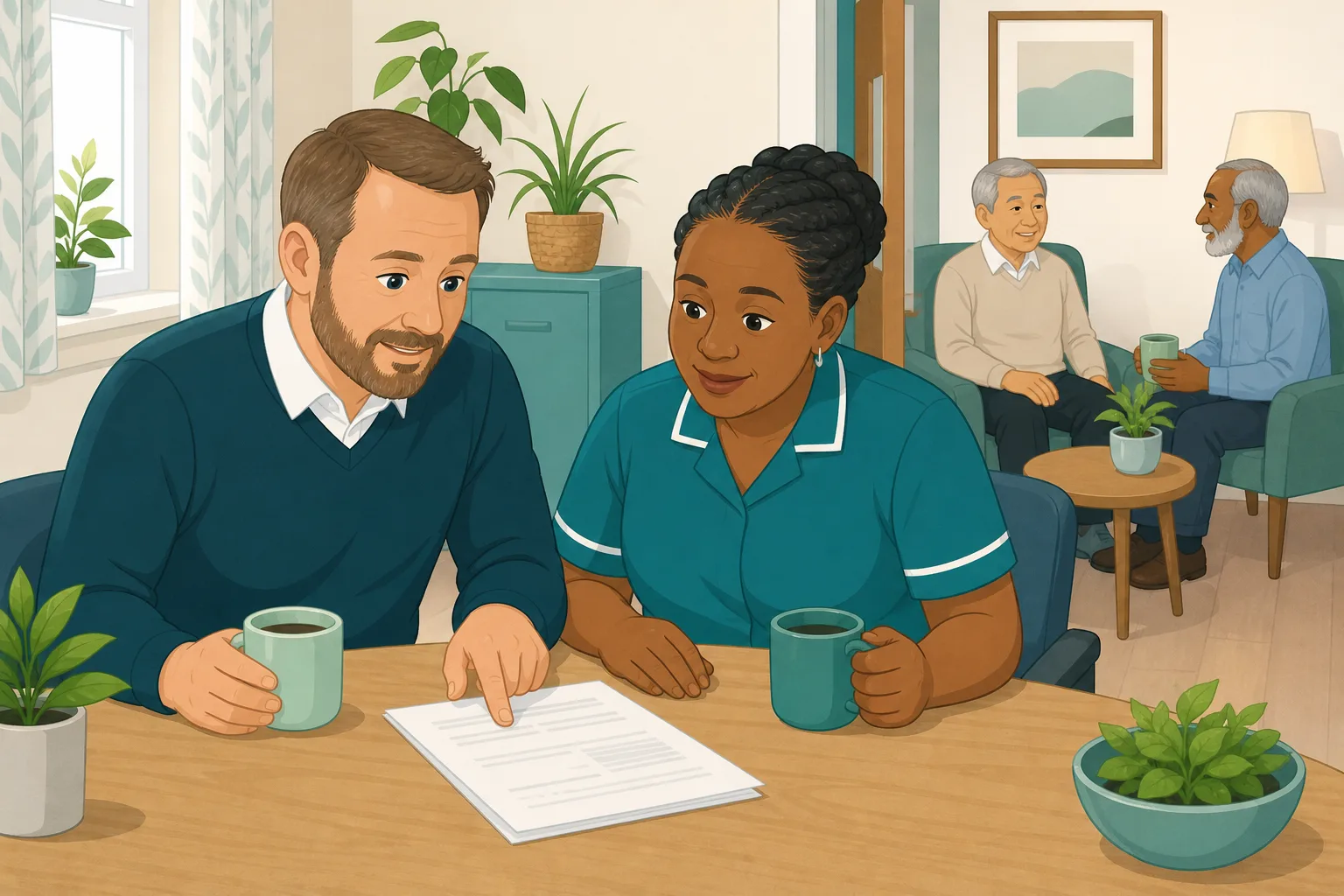
A resident falls in the lounge and is found on a routine round.
The manager reviews what happened and decides the policy needs a clearer first step.
The change is approved and the new version goes live.
The new version is on the system. Nobody has checked who has read it.
Two night carers and a bank carer who have not been on shift since the change.
A newer carer who reads the policy once and mixes up the old step with the new one.
An approved version and a date. Nothing that shows the team understood it.
“What do you do first?” The answer is the old one.
The approval was never the problem. The gap sits between a signed off policy and what staff do on shift. Here is how CareStream handles the route from incident to understanding, without pretending the system does your thinking for you.
An example scenario, not a named service.
A new version is a document. Understanding is the outcome.
After an incident, the question that matters is whether practice changed.
A version number tells nobody what changed
Staff who open the new policy may not spot the one step that moved. The change that came from a real incident is easy to read past.
Approval proves the paperwork, not the team
Sign off shows the right people reviewed the text. It cannot show that the night team, or a carer on their second week, understood it.
Briefing by hand is patchy
A talk at handover reaches whoever is in the room. People on other shifts miss it, and nobody records what anyone took away.
Incident to approval to understanding
This is how Training built from your own policies and your policy approval route work together. See also keeping policies up to date and turning an incident into adhoc training.
Take the policy update through your approval chain
- Adopt a change as a tracked edit on a draft. The uploaded original stays untouched, and a full policy version history is kept as part of your policy version control
- The draft goes to an admin, then to the care manager, and to an external reviewer by one off link if you switch that on. Policy approval and sign off sit in one trail, on Professional and above
- A reviewer who asks for changes sends it back to draft with a note, and publishing updates what the staff assistant answers from
Illustration based on the Training screen. Example questions.
Brief staff with short training on the changed policy
- Pick the Falls Prevention topic module and CareStream builds the lessons and questions from your own policies, which now hold the new wording
- You choose the module by topic, not by single policy, so review and preview it before anyone sees it
- Staff complete it in the Staff Hub, and a wrong answer goes to their Follow-up tab as a short lesson they open with Learn & retry
A few things to revisit. Learn the point, then answer, or just retry. Either way it clears from here.
Checking for injury before anyone moves the person keeps them safe, because moving someone with a hidden injury can make it worse.
Remember- Stay with the person and call for help
- Check for injury before moving them
- Record what happened and who you told
You find a resident on the floor beside their bed during a night round.
Illustration based on the Staff Hub Follow-up tab. Example content.
Reach carers in the language they think in
- A carer who misses a word in a new policy update can open the follow up lesson in their own language
- Your admin sets their second language and they switch to it in the hub
- Policy training in different languages is part of the paid plans
Always communicate in their first language
All messages CareStream sends are translated into English.
Allow switching a set to their second language
In the hub they can flip any single training, induction or CQC set into Romanian, just for that set, if they are struggling in their first language.
Let them suggest better translations
They can propose improvements to translated content. Changes need your approval before going live.
Illustration based on the staff record Language settings. Translation is on the paid plans.
See whether the change landed, across the team
- The Knowledge gaps view shows the most missed questions and the weakest topics, so you see which part of the change is still unclear
- See how gaps are being closed, and mark a person's record as reviewed
- A Monday digest email brings the picture to you, which supports your policy governance
Illustration based on the Knowledge gaps view. Example figures.
The questions managers ask, and how CareStream answers them
Read this as a conversation. The questions are the ones we hear most.
Our policy changed after an incident. What does CareStream do with the change?
You adopt the change as a tracked edit on a draft, and it goes through your approval chain before it is published. Once it is live, staff reading and the staff assistant use the new text. Approval and sign off are on Professional and above.
Who has to approve a policy change?
It depends on how you set it up. An admin approves first, then the care manager step is on by default, and an external reviewer by one off link is an option you can switch on. If nothing else is switched on, it publishes straight away after the admin.
What if I only fix a typo?
A typo or proofreading fix can be made as a minor edit. It skips the approval chain, is recorded as a tracked change and does not reset anything. A real change to what staff do goes through approval.
Does CareStream tell staff when a policy changes?
Not automatically. A new version going live does not send staff a message. To brief your team you allocate short training on the topic, which is the step that makes sure people have seen and understood the change.
How do I check people understood the change?
You allocate a topic module, such as Falls Prevention, built from your own policies. Each carer completes it in the Staff Hub, and a wrong answer goes to their Follow-up tab. They open a short lesson with Learn & retry, then answer a fresh question. They can retry as often as they like.
Can I choose the exact policy that changed?
No. You choose a topic module and CareStream draws on your policies for that topic. Because the new version is the live one, the training reflects the changed wording. You can edit and preview the module before staff see it.
What do I see across the team?
The Knowledge gaps view shows the questions most often missed, the weakest topics and how gaps are being closed, and a digest arrives on Monday. That tells you whether one person needs a conversation or the policy wording needs another look.
Can I try it?
Yes. There is a 14 day free trial on the paid plans, and you can create a free account to look around. The demo shows the approval and training flow end to end.
Support for good policy governance, not a substitute for it
It does not decide what the change should be
Suggested wording is a starting point your admin adopts, edits and sends through approval. Nothing is changed automatically, and it is not legal advice.
It does not message staff when a version goes live
A new version does not alert your team by itself. CareStream records reading sessions, not signatures, so you brief people through allocated training.
The approval chain and gap fixes need Professional
Adopting changes and the approval trail are on Professional and above. Allocating adhoc training is on the paid plans, and the free plan does not include it.
Training built from your own policies
Everything on this page is part of the product. Here is where to read more.
Training built from your own policies
Short training from your policies, checked by questions, with wrong answers that become lessons.
See the featureTurn an incident into adhoc training
Pick a topic module after something goes wrong and see who understood it.
See adhoc trainingPolicy gap detection
Find out of date wording and gaps, then adopt fixes through your approval chain.
See policy gap detectionGuides on this subject
Policy Changed. Who Needs Retraining? A Four-Question Framework for Care Managers
A policy update lands in your inbox at 4.45pm on a Friday. Your first instinct is to retrain everyone, because retraining everyone feels safe. It...
Read article
Care Policy Version Control: How to Know Which Version Is Current (Without Buying New Software)
The most dangerous document in your care service is not the one that is missing. It is the one that looks current but is not. Managing policy...
Read article
Updating COVID Policies in Care Homes: What to Keep, What to Cut, and What to Rewrite
Your policy library is carrying dead weight. Somewhere between the fire safety folder and the medication management file sits a visiting policy that...
Read articlePolicy change management, answered
Changing and approving a policy
What is policy change management in a care service?
It is the route a policy takes from a reason to change, such as an incident, through drafting, review, approval and publishing, to staff understanding the change. The last step is the one most services skip.
How does policy approval work in CareStream?
A change is adopted onto a draft, an admin approves it, then the care manager step applies unless you switch it off, and an external reviewer can be added by one off link. Rejected changes go back to draft with a note. This is on Professional and above.
What does policy sign off involve?
Your own approval chain is the sign off, and the trail is kept. You can also print a policy on your letterhead with a sign off block for registered manager, approved by, date approved and next review.
How does policy version control work?
Real changes create a new major version with a read only snapshot, and the History tab lists earlier versions. Document version history is on every plan. A minor edit, such as a typo, does not start a new approval.
Who is responsible for policy governance?
The provider is. The law asks registered providers to operate systems to assess, monitor and improve quality and safety, and to keep the records needed. See Regulation 17 on good governance. CareStream gives you a place to run that process, not the duty itself.
Briefing staff after the change
What is policy training, and does CareStream do it?
Policy training means making sure staff know and can apply the policy. CareStream builds short training from your own policies, checks it with questions and turns wrong answers into short lessons. A competent person still shows practical skills.
Does an incident mean staff need retraining?
Not always. If the change affects what people do, a short check is sensible. Our guide on who needs retraining gives four questions to decide.
What does the law say about training and risk?
Providers must assess risks and do all that is reasonably practicable to mitigate them, and make sure staff have the competence and skills to provide care safely. See Regulation 12 on safe care and treatment. Staff must also receive the support and training they need, in Regulation 18.
Can I use this for a falls prevention policy change?
Yes, it is a good fit. The Falls Prevention topic module is built from your policies once the new version is live. Pair it with the moving and handling course for the hands on side.
A practical route from incident to understanding
Whatever tools you use, these steps keep policy change management clear and calm after something goes wrong.
Decide what the incident really changes
Start with the fact, not the fix. Write one plain sentence on what happened and one on what staff should now do differently. If you cannot write the second sentence, the policy may not need to change yet.
Keep the change small and specific. A policy that moves one step is easier to brief and easier to check than one that was rewritten end to end.
Run the change through the right approval
Match the level of approval to the size of the change. A typo is a minor edit. A change to what carers do deserves a second reader, and your care manager or an outside reviewer where you use one. Keep the reason for the change on the record. See policy version control for the habits that stop old versions circulating.
- Name the incident and the date in the change note
- Have the change read by someone who did not write it
- Approve it through the chain your service has set up
- Publish it and confirm staff can see the new version
Brief people and check it landed
Publishing is not briefing. Within a few days, give every affected carer, including nights and part time staff, a short check on the change. Look at the most missed questions, and go back to the policy wording if the same point trips several people. For more, see our guide to incident led training and updating policies after big changes.
This guide is general good practice, not legal advice. Check your own duties and your regulator's guidance for your service.




