
Respite care dementia: the family send photos and words first, so the stay begins with something familiar.
A short stay can be unsettling for the person and for the family who love them. For respite care dementia teams, the first day is when you know least about the person. CareStream lets the family send photos with captions and a few words by private link before arrival, holds each one for your approval, and lets staff find them from the first day. See the rest of your training and knowledge tools too.
14 day free trial · Set up in a day · UK data residency
Two weeks is short. The first day matters.
A scenario we see in many care settings.
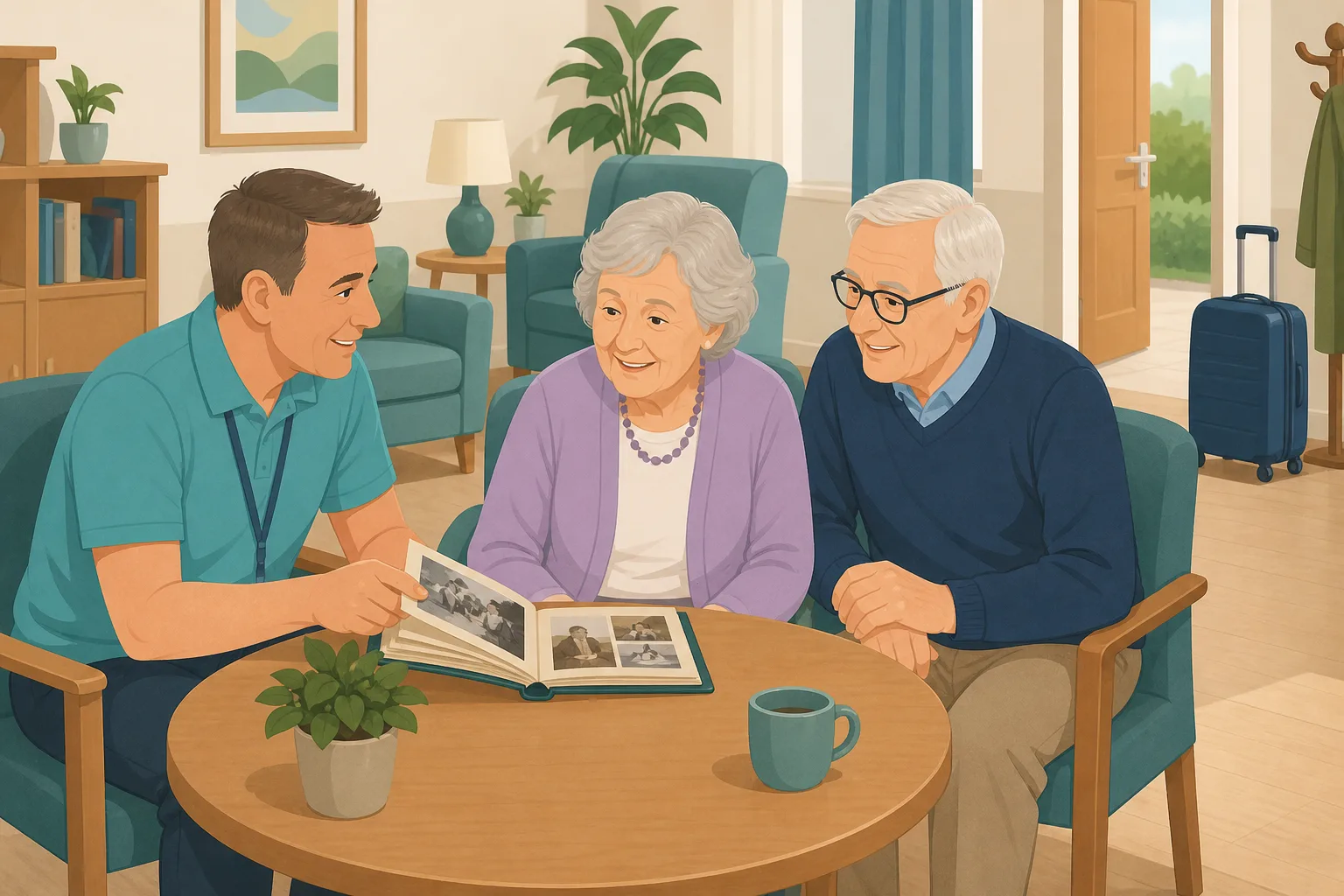
Joan Hollis is coming for two weeks while her husband, Brian, has a hip operation. She has lived with dementia for some years, and they have never been apart for more than a night. Their daughter Claire has the photographs, the names of the grandchildren and a few stories her mother loves to hear. The home has a pre-admission form and a phone call booked. Joan will arrive on Monday morning, with a suitcase, and staff she has never met.
The home books the stay and takes a pre-admission call.
The key worker reads the assessment and the care needs.
Claire offers photographs and some words about her mother.
They go to the office email, where nobody checks it.
Joan asks for Brian, and staff do not know his name.
A carer prints a photo from a phone and puts it up.
Nobody is sure where the photos went afterwards.
“How did you get to know her in a short stay?” You cannot show.
The family had what staff needed. The gap was a safe way to send it in time. Here is how CareStream collects it before arrival, holds it for your approval, and lets it go when the stay ends.
An example scenario, not a named service.
A short stay leaves little time to learn a person
Photos and a few words give staff a head start.
Names and faces from the first hour
A captioned photograph tells a carer who Brian is and what Joan calls her granddaughter. Many families offer to help with respite care dementia stays, but have nowhere safe to send things. We make no claim about how someone will settle.
Care should reflect the person
Care must meet needs and reflect preferences. Where someone cannot decide for themselves, the Mental Capacity Act asks you to consider their past and present wishes and feelings and to take into account, where practicable, the views of people interested in their welfare. Family input before arrival is one way to hear them.
Short stays still need a careful gate
A family photo might show other people, or something Joan would not want shown. A manager should check each one, and the files should not live on a personal phone. Regulation 10 includes ensuring the privacy of the person.
From a private link to a stay that begins with something familiar.
Photos, videos and reminders are part of the resident profiles feature, in the same system as your policies and training. They are on Professional and above. See how staff use resident knowledge too.
Set up the profile and invite before she arrives
- Create the resident's record, then invite Claire by name and email. She gets a private link and does not create an account
- Each link takes up to 5 photos, each up to 5MB, in JPEG, PNG or WebP, and up to 5 videos of up to 60 seconds each. Photos can carry a caption of up to 140 characters and a note on who is in the picture
- Each photo is checked, scanned for viruses and saved again without location data. After she presses Send, the link is spent, so send another if she has more
Example only. Names and wording are illustrative.
You approve before the first day
- Photos and videos wait on the Approvals tab. You can preview each, edit the caption or title, add a note for staff, and approve or reject. Rejecting deletes the file at once
- You can also add photos and videos yourself from the resident's record, and they are approved at once
- Nothing is seen by staff until approved. A number on the Approvals badge shows what is waiting
Example only. Nothing here has reached the care team.
Staff use them from day one
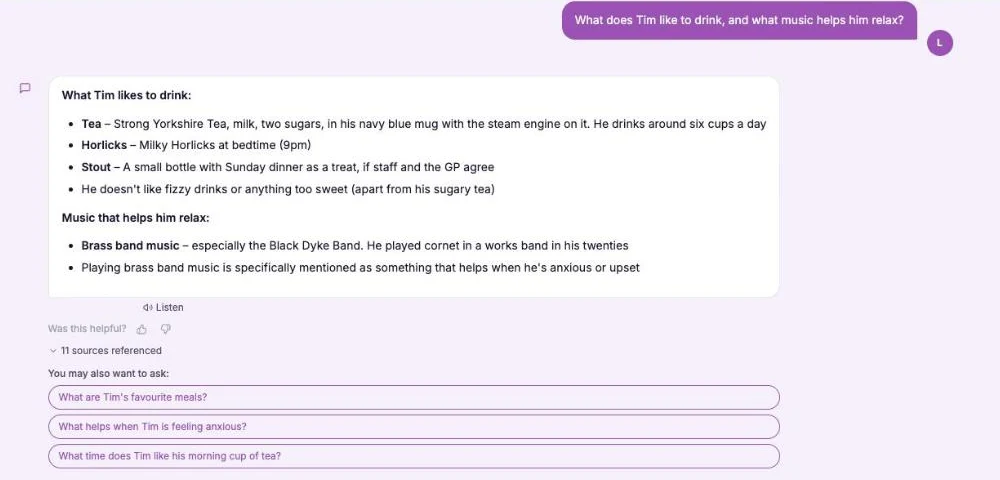
- In the Staff Hub, a carer opens the This is me topic and asks, for example, whether there is a photo of Joan's husband. The answer comes from approved captions and notes
- Photos appear as thumbnails under the answer. Videos appear with her name and room number. The assistant never looks inside a picture or watches a video
- Your own pre-admission form and dementia care plan stay where they are. The hub holds only what you approved from the family
Example only. Illustration, not a real resident.
When the stay ends, the hub lets go
- A manager chooses Mark as died or moved on, picks Moved on and enters the date. She disappears from the hub and the assistant at once, and open family links are cancelled
- Photos still waiting are deleted, and family reminders stop
- Approved files stay in private storage for the retention period, like the written profile, then are deleted with it
Example only. Wording summarised, not the exact screen.
The questions managers ask, and how CareStream answers them
Read this as a conversation. The questions are the ones we hear most.
Can family send photos before a respite stay starts?
Yes, once the resident's record exists. You invite the relative by name and email, and they use a private link with no login. Everything waits for your approval, so you can check it all before the first day.
How much staff time does this take?
The invite is quick to send, and approving takes as long as it takes you to look at each photo and video. Staff then ask the hub about the person in plain words and get answers from approved captions and notes.
Does it replace our pre-admission assessment or dementia care plan?
No. Your pre-admission form and your dementia care plan stay in your own records and lead. CareStream does not edit them or link to them. The hub only holds family photos, videos and notes you have approved.
What if the family forgets?
You can turn on a gentle email reminder to a family contact, weekly, fortnightly or monthly, on a weekday you choose. It is off by default, every email has a stop link, and it stops after three reminders with no reply, with a manager told.
Can the assistant describe what is in a photo?
No. It never looks inside a picture. It reads only captions and notes, matched by meaning. If nothing is captioned that way it shows that person's photos and says none is captioned that way.
What happens when the stay ends?
You mark the stay as moved on, with the date. Photos leave the hub at once, waiting ones are deleted, and open links are cancelled. Approved files stay in private storage for the retention period, then are deleted.
Can she come back for another stay?
An archived profile cannot be edited or sent new invitations, so for a repeat stay you would create a new resident record and invite the family again.
Which plan is it on, and can I try it?
Resident profiles, photos and videos are on Professional and above. There is a 14 day free trial, and the pricing page shows what each plan includes. You can create an account or book a demo to see it first.
Honest limits: a head start, not a substitute for knowing her
It does not assess or plan care
CareStream does not decide what a person needs, does not write or change a dementia care plan, and does not treat, prevent or improve any condition. Your pre-admission assessment and your team's judgement lead.
It reads words, not pictures
The assistant cannot look inside a photo or watch a video. Staff find things through captions, titles and notes, so a vague caption is hard to find. The hub shows up to 10 newest videos per resident.
Stays end, and so does the profile
Marking a stay as moved on archives the profile, and an archived profile cannot take new photos or invitations. Nothing is automatic: a manager must approve each item. It is on Professional and above.
Training built from your own policies
Everything on this page is part of the product. Here is where to read more.
Training built from your own policies
Ad hoc training from your policies, face to face training organised, and wrong answers that become lessons.
See the featureResident knowledge for your team
Give staff quick, short answers about the people they care for, drawn from what you have recorded and approved.
See resident knowledgeDementia awareness training
A course that helps staff understand the person behind the diagnosis.
See the courseGuides on this subject
This Is Me Document: What Goes In It and How a Home Keeps It Alive
A line that says "likes tea" does nothing for a night carer. This reference sets out what a good This is me style document holds, and how a home...
Read article
Difference Between Policy and Procedure: Five Beliefs That Leave Care Staff Guessing
A policy says what a service commits to. A procedure says who does what. Five common beliefs about the two, tested against the law, and a quick test...
Read article
Dementia Training Standards Framework: What Should Happen After the Course
A seven step walkthrough of the Dementia Training Standards Framework, from choosing a tier to the follow-up and refresher that happen after the...
Read articleRespite stays and family photos, answered
About respite stays
What should we ask the family before respite care dementia stays?
Ask about names, routines, favourite things and what usually helps, and invite photos with captions. Your own pre-admission assessment and care plan still lead. Read our guide to the this is me document.
How does respite compare with dementia day care?
Dementia day care is a daytime service, and a respite stay is a short stay in the home. Either way, staff meet someone with little time to learn about them. Both are covered by the same resident profile route, so check the pricing page for what each plan includes.
Can a dementia care plan include family photos?
A plan is yours to write and hold in your own records. CareStream does not link to or edit it. Photos in the hub sit beside it, so staff can look up a name or a face quickly.
Can the assistant tell me what is in a photo?
No. It only reads the captions and notes that people wrote. It never looks inside a picture.
About approval, privacy and limits
Does a manager have to approve every photo?
Yes. A family photo stays hidden from staff until you approve it. You can edit the caption first, or reject it. Photos you add yourself are approved at once.
Are photos private?
Yes. They are shown only to signed in staff of your service through short lived links, never a public address, and only for current residents. Location details are removed.
What happens to files when a short stay ends?
They leave the hub at once. Anything pending is deleted. Approved files stay in private storage for the retention period, like the written profile, then are deleted with it.
What do regulations say about involving family?
Under section 4 of the Mental Capacity Act 2005, where practicable and appropriate, you take into account the views of anyone interested in the person's welfare. Regulation 9 requires care to reflect people's preferences. Check your own policies.
How to prepare for a respite stay with family photos and messages
A short stay gives you days, not months. A little preparation before arrival makes the first day calmer for everyone.
Ask early, ask simply
As soon as the stay is booked, tell the family what you would find useful: a handful of photographs with names and a line about each, and a few words about routines. Five clear photos are worth more than fifty.
Before you approve
Look at each photo as a new carer would. Edit captions so they say who is in the picture, and add a note for staff where it helps, such as that a husband is in hospital this week. Reject anything that shows others who may not want to be seen.
- Does each caption say who is in the photo?
- Does any photo show other people who may not want to be shown?
- Is there a note on anything staff should handle gently?
- Has the family been told what happens to the files after the stay?
Close the stay properly
On the day she leaves, mark the stay as moved on and tell the family what happens to the files. Check your retention policy. The dementia awareness course helps staff meet a new person well.
This page describes how the software works. It is not legal or clinical advice. Your pre-admission assessment, care plan and own policies lead.




