
Before you update a dementia care plan, look at what the family has already shown you.
A dementia care plan review is only as good as what the team knows about the person today. CareStream gives staff approved family photos and video messages, and shows which ones get used, so the review starts from real evidence. Everything sits alongside your policies, training and knowledge tools.
14 day free trial · Set up in a day · UK data residency
The review is on Thursday. The folder is thin.
A scenario we see in many care settings.
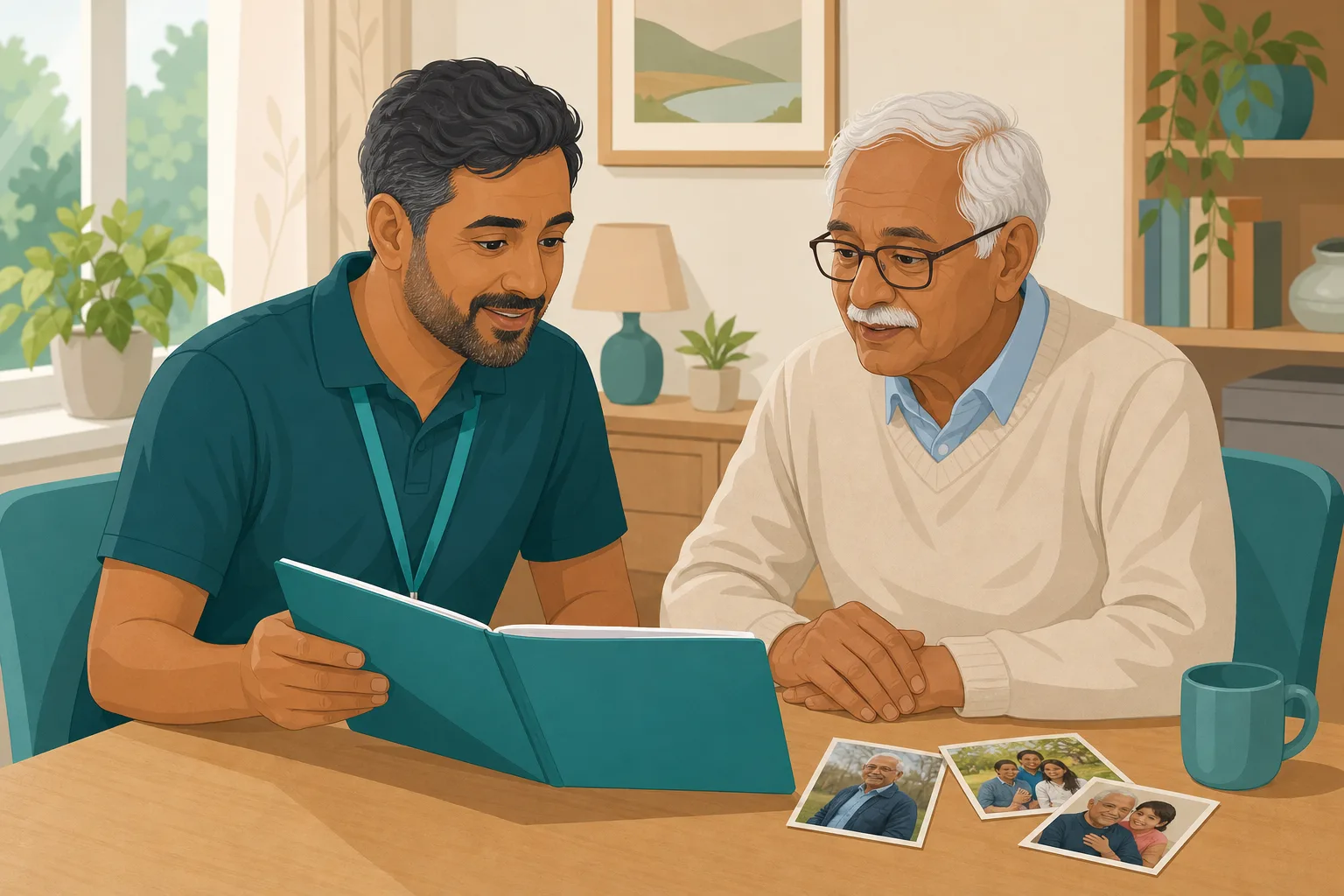
Priya is a senior carer on a dementia unit. Mrs Bell's care plan review is on Thursday, and her daughter Ruth will join it. The plan says Mrs Bell "enjoys music" and "likes company". Priya knows there is more to it. Ruth has sent three photographs and a short video over the last two months, and carers talk about which ones help in the afternoon. None of that is written down in a form Priya can bring to the table. She has an hour to prepare, a handwritten page and a feeling that the plan is out of date.
Ruth fills in a life story page. It is good.
Ruth sends photographs. Staff enjoy them.
A video message arrives and the manager checks it first.
Carers pick up what helps. It lives in their heads.
The afternoon carer does not know what the morning carer found.
Priya cannot say which photo or message is actually used.
Ruth asks what has changed since she wrote the first page.
“How does the plan reflect what matters to her?” The plan says music.
The knowledge exists, and nobody has gathered it. Here is how a senior carer can gather it using CareStream, and where the software stops and the team's own care plan begins.
An example scenario, not a named service.
Why a review needs more than the original form
People change, and so does what comforts them.
A first page goes stale
What a relative wrote on admission is a starting point. Months later, the song, the photograph or the story that settles someone may be different. Life story work dementia families begin on day one needs revisiting, or the plan is easy to write and hard to defend.
The rules ask for preferences and involvement
Under regulation 9, care must reflect the person's preferences, and relevant people are to be involved in decisions about care. Section 4 of the Mental Capacity Act asks decision makers to consider a person's past and present wishes and feelings, and to consult people who care for them, where practicable.
Knowledge in heads leaves with the shift
Good person centred care examples are often small: a name used, a photograph passed over, a story asked for. If only one carer knows, the next shift starts again.
From what the family shared to what the team writes down.
Photos and video messages are part of the resident profiles feature, on Professional and above. CareStream helps staff find and use them. It does not write your care plan. See how staff use resident knowledge.
The family shares, and a manager approves first
- Ruth opens a private link from the resident's Family tab, with no login. She can add up to 5 photos and up to 5 short video messages, with a caption or title and a note on who is in the photo
- A manager previews each item on the Approvals tab and can edit the caption or title. Staff see nothing until it is approved
- Plain, specific captions matter, because staff and the This is me chat find items by those words
Example only. Names and captions are illustrative.
Staff ask the chat, and photos and videos appear under the answer
- In the Staff Hub, a carer picks the This is me topic and asks a question such as whether there is a photo of Mrs Bell dancing. The answer is found from the approved captions and notes, matched by meaning
- Photos appear as thumbnails under the answer, and videos appear with the resident's name and room number and a play button. A Messages from family button lists a person's approved videos, newest first
- The chat never looks inside a picture or watches a video. It only reads the words people wrote, so a poor caption means a poor result
Example only. This shows how results appear, with invented names.
Before the review, the senior carer opens the record
- On the resident's record, From family lists each relative's approved photos and videos, with the captions staff can find them by
- Recently played shows who played a video and when. It records that a video was played. It does not record how the person felt
- Put that beside your own observation notes. A video played most afternoons at four tells you something. What it means is a conversation for the review
Example only. The log shows plays. Observations come from your own team.
The team records what it learns in its own care plan
- At the review, Priya and Ruth go through the photographs and the plays. They agree what seems to help, and what Ruth would like staff to know that the first page left out
- The team notes it in their own care plan, in the way your policy requires. CareStream does not write the care plan, edit it or keep a copy of it
- Ruth can be invited again from the Family tab, and a gentle email reminder can ask for something new, weekly, fortnightly or monthly
Example only. This is wording your own team might write, not a CareStream screen.
The questions managers ask, and how CareStream answers them
Read this as a conversation. The questions are the ones we hear most.
Does CareStream write or update our care plan?
No. You keep your own care plan, and your team writes into it. CareStream helps staff find and use what the family has shared, and shows you what has been played. What you conclude, and how you record it, stays with you.
What can a senior carer actually see before a review?
The approved photos and videos with their captions and titles, who sent each one, and a Recently played list showing who played a video and when. A short list of facts, not a verdict.
Can the chat tell me what is in a photograph?
No. It never looks inside a picture or watches a video. It finds items from the captions, titles and notes that people wrote, matching meaning, so a search for wedding can find a caption that says married.
Does a log of plays prove a video helped?
No. It shows a video was played, by whom and when. It cannot show how the person responded, and we do not claim it treats or improves anything. Your team's observations carry that part.
Who decides what staff are allowed to see?
A manager. Every photo and video waits on the Approvals tab, and staff see it only once approved. Photos and videos are private, shown through short lived links to signed in staff, and only for people currently living in the home.
What if the person moves on or passes away?
Photos and videos leave the hub at once, and anything pending is deleted. Approved files stay in private storage for the retention period, like the written profile, then are deleted with it.
Which plan is it on, and can I try it?
Resident profiles, photos and video messages are on Professional and above, with a 14 day free trial. See the pricing page. You can create an account or book a demo to see it first.
Honest limits: the software helps you gather, and your team decides
It does not touch the care plan
CareStream does not write, edit, store or send anything into your care plan. The team records what it has learned, in your usual way, and reviews it with the person and family as your policy requires.
Captions are only as good as the words
The chat reads captions, titles and notes. It cannot see a picture or watch a video. A photo captioned "Mum" will be found for questions about Mum and little else, so ask your manager to edit captions before approving.
Plays are logged, outcomes are not
You can see who played a video and when. CareStream does not record how the person responded, and nothing here shows that anyone is better or worse. Use your own observations, and the person's own wishes, for that.
Training built from your own policies
Everything on this page is part of the product. Here is where to read more.
Training built from your own policies
Ad hoc training from your policies, face to face training organised, and wrong answers that become lessons.
See the featureResident knowledge for your team
Give staff quick, short answers about the people they care for, drawn from what you have recorded and approved.
See resident knowledgeDementia awareness training
A course that helps staff understand the person behind the diagnosis.
See the courseGuides on this subject
This Is Me Document: What Goes In It and How a Home Keeps It Alive
A line that says "likes tea" does nothing for a night carer. This reference sets out what a good This is me style document holds, and how a home...
Read article
Dementia Training Standards Framework: What Should Happen After the Course
A seven step walkthrough of the Dementia Training Standards Framework, from choosing a tier to the follow-up and refresher that happen after the...
Read article
Difference Between Policy and Procedure: Five Beliefs That Leave Care Staff Guessing
A policy says what a service commits to. A procedure says who does what. Five common beliefs about the two, tested against the law, and a quick test...
Read articleDementia care plan reviews, answered
Reviewing the plan
What should a dementia care plan review include?
Your own policy decides the format. It usually covers what has changed for the person, what helps and what does not, and what the person and their family would like. Photographs and messages from the family can show what matters to them in the family's own words. See our guide to the this is me document.
What are some person centred care examples for someone with dementia?
Using the name they like, playing the song that belonged to a particular decade, asking about a job they were proud of, or having a familiar photograph on hand in the afternoon. Each one starts with something a relative or the person told you. Our dementia awareness course covers the thinking behind it.
How is life story work different from this?
Life story work is the wider practice of recording a person's history and preferences, and the book or page is yours to keep. CareStream adds a way for staff to find and use approved photos and messages from it. It does not replace the book.
Can relatives take part in the review?
Yes, and the rules support it. Regulation 9 refers to involving relevant people in decisions. Relatives can also share more beforehand through a private link.
Using CareStream for it
Can I see who has played a video?
Yes. Recently played on the resident's record lists who played it and when. Each play is logged.
What does the Mental Capacity Act say about wishes and feelings?
Section 4(6) asks the decision maker to consider the person's past and present wishes and feelings, and the beliefs and values likely to influence their decision. Check what it means for your service with your own policies and the Mental Capacity Act course.
How to prepare for a care plan review using what the family shared
A good review feels like a conversation, not a form. A little preparation turns scattered small things into something you can talk through together.
Gather three kinds of evidence before the meeting
Pull together what the family has shared, what staff have seen and what the person has said or shown. Keep them separate, because they answer different questions. The person's own voice comes first.
- Which photos and messages are approved, and are the captions clear and kind?
- Which have staff actually used in the last month, according to the plays log?
- What have carers on different shifts noticed in their own notes?
- What would the person, or the family on their behalf, like to change?
Write down what you learn in your own care plan
Keep the entry short and factual: what was tried, what seemed to help, and who agreed it. The person-centred care regulation asks for care that reflects preferences, so say whose preference it is. If the person lacks capacity for a decision, follow your Mental Capacity Act process and record who was consulted.
This page describes how the software works and is not legal or clinical advice. Check your own policies, your care planning process and local guidance for how you review care plans and share family photos and videos.




