
Staff can spot a wrong word. A translation review lets you fix it.
Training and policies in a carer's own language only help if the wording is right. CareStream translates by machine, so it lets chosen staff suggest a better version, and you approve each one in a simple translation review. It is part of training built from your own policies.
14 day free trial · Set up in a day · UK data residency
The carer who reads it best is the one who notices.
A scenario we see in many care settings.
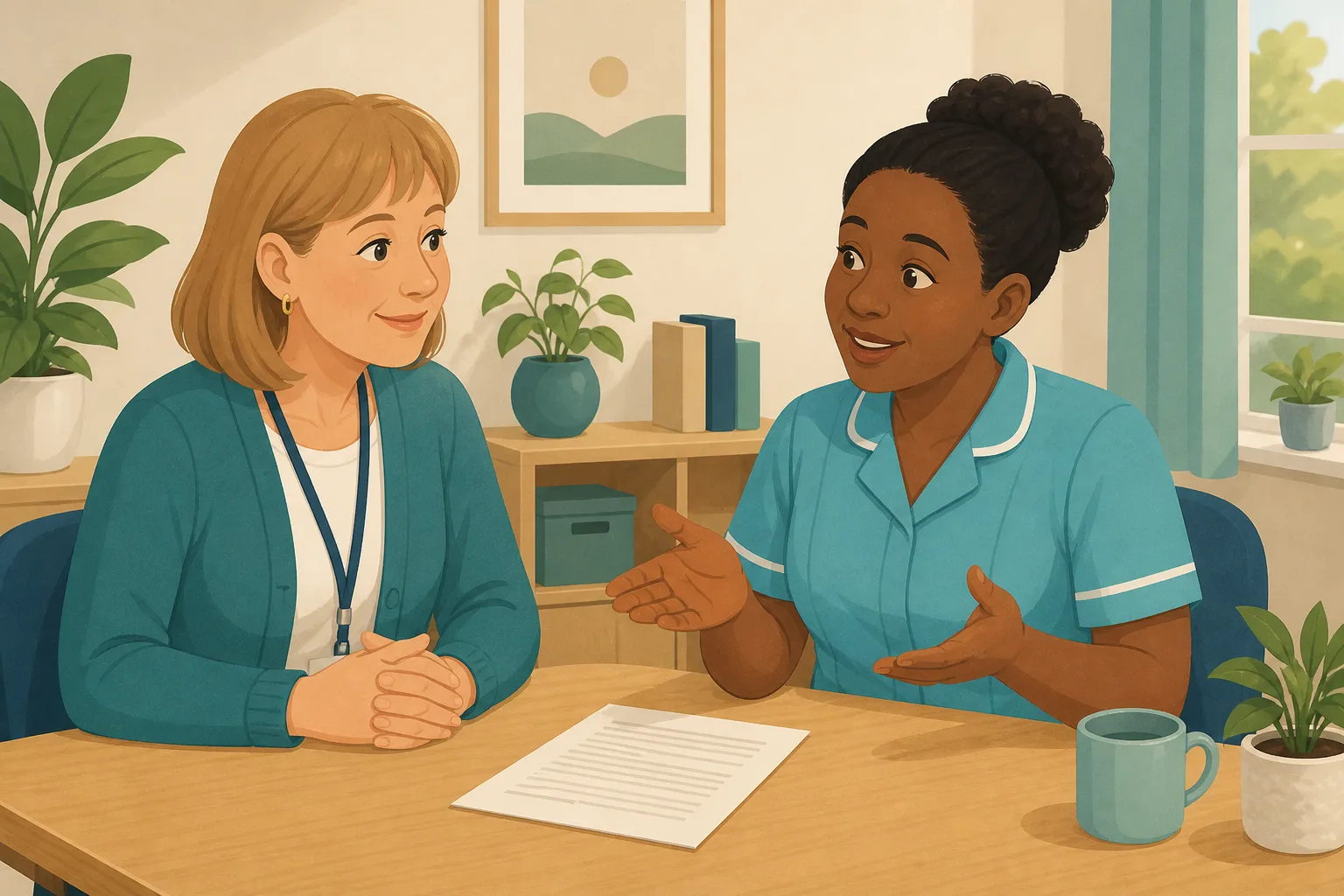
A manager switches on translation so her team can read the infection control lesson in their first language. Within a week, one carer tells her that a phrase about hand hygiene reads strangely. It is understandable, but it is not how a colleague would say it. The manager has no way to check, and no wish to ask a carer to translate in a corridor. She wants the people who read the language every day to put it right, and she wants to be the one who decides what stays. Here is how that plays out.

The manager allocates an infection control lesson to the team.
Each carer opens it in their own first language.
One carer says a hand hygiene phrase reads oddly.
The manager cannot check the wording herself.
The same phrase is read by everyone who speaks that language.
Nobody knows if a wrong answer was the topic or the wording.
The odd phrase is still there, because there was no way to correct it.
“How do you know your staff understand the policy they are given?”
The translation was never the whole problem. The gap is that nobody on the team could fix it. Here is how CareStream gives chosen carers a way to suggest wording, and keeps you in charge of what is approved.
An example scenario, not a named service.
A machine gets you most of the way. Your team can finish the job.
The people who use the wording every day are best placed to say when it is wrong.
Machine translation is a starting point
CareStream translates with our own machine learning, not a professional human translator. Most of it reads well, and some phrases will not suit how your team speaks.
A wrong answer should show a knowledge gap
If a carer misses a question because the wording was odd, you learn nothing about their understanding. Better wording keeps the picture honest.
You decide what changes
Suggestions wait for your approval. You can edit the wording before you accept it, or reject it, so nothing changes without you.
From a carer's suggestion to wording everyone sees.
This sits alongside training built from your own policies. See also the Staff Hub in your carers' own language and how languages work.
Give the lesson to the team, in their own languages
- Pick the topic module, such as Infection Prevention and Control, and allocate it from the Training screen
- CareStream builds the lessons and questions from your own policies, and you can edit and preview them first
- Each carer opens it in the Staff Hub in their first language, set by you on their record
Illustration based on the Training screen. Example questions.
A carer sees a word that is off and says so
- You choose who can suggest improvements, one staff member at a time, with the tick box Let them suggest better translations
- They see a Suggest a better translation option and a pencil on translated text, already filled with the current wording
- Their suggestion goes to you as pending, and the carer carries on with the lesson
A few things to revisit. Learn the point, then answer, or just retry. Either way it clears from here.
Hands carry germs between people, so washing at the right moments protects residents and colleagues.
Remember- Wash before and after personal care
- Wash after handling soiled items
- Use soap and water when hands are visibly dirty
You have just changed a resident's bedding and the next call light is already on.
Illustration based on the Staff Hub Follow-up tab. Example content.
You approve it, and the better wording replaces the machine's
- Open the translation review page, where suggestions sit under Pending, Approved and Rejected
- Edit the wording if you wish, then approve or reject. A switch for auto approve is there if you trust your team
- Once approved, the corrected text shows wherever that exact English text appears in that language in your home. Translation is on the paid plans, and menus stay in English
Always communicate in their first language
All messages CareStream sends are translated into English.
Allow switching a set to their second language
In the hub they can flip any single training, induction or CQC set into Polish, just for that set, if they are struggling in their first language.
Let them suggest better translations
They can propose improvements to translated content. Changes need your approval before going live.
Illustration based on the staff record Language settings. Translation is on the paid plans.
See whether the gaps are about knowledge or wording
- The Knowledge gaps view shows the most missed questions and the weakest topics
- If one question is missed by many people in one language, read the wording before you assume a training problem
- A Monday digest email brings the picture to you
Illustration based on the Knowledge gaps view. Example figures.
The questions managers ask, and how CareStream answers them
Read this as a conversation. The questions are the ones we hear most.
How good is the translation in the first place?
It is machine translation, done by our own machine learning, using your own translation glossary and any wording your team has approved. It is not a professional human translation, and we do not measure quality language by language. That is exactly why the suggestion step exists.
How do staff suggest a better translation?
You tick Let them suggest better translations on a person's record. In the Staff Hub they then see a Suggest a better translation option and a small pencil on translated text. The box is already filled with the current wording, so they only change what is wrong.
Do I have to approve every suggestion?
Yes, unless you choose otherwise. Suggestions wait on the translation review page under Pending. You can edit the wording, then approve or reject. There is also an auto approve switch for homes that want to skip the check, but you may prefer to keep your eyes on it.
What happens once I approve one?
The approved wording replaces the machine's version wherever that exact source text appears in that language in your home. It keeps working across the Staff Hub, so one carer's fix helps everyone who reads that language.
Can I keep some terms exactly as they are?
Yes. Your translation glossary in Settings keeps terms verbatim, such as drug names, role titles, the home's name and CQC, and you can add notes on meaning. That helps the machine get your own terms right before anyone has to correct them.
Does this mean you certify the translation?
No. We do not describe it as certified or professional translation. The only review step is your own approval of what your team suggests. For wording where a mistake would matter a great deal, you may still want a second person who knows the language to read it.
Does this replace my own policies?
No. The translation comes from your own policies and training, so what you write stays the source. Policies translate when a carer opens them in their first language, and the first view may show English before the translation catches up.
What does it cost, and can I try it?
Translation is part of the paid plans, and the free plan is English only. There is a 14 day free trial, and you can create a free account to see it. Check the pricing page for current plan details.
A way to improve wording, not perfect translation
It is not professional translation
The text is machine translated, and quality is not measured for each language. Approved suggestions improve it, but nothing here is certified.
Menus and buttons stay in English
Policies, lessons, questions and follow ups are translated. The hub's menus and buttons are English, and so is the wrong answer email.
Suggestions are only as good as the suggester
You choose who can suggest, and you read each one. If nobody on the team reads a language well, you may want outside help. Translation is on the paid plans.
Training built from your own policies
Everything on this page is part of the product. Here is where to read more.
Training built from your own policies
Ad hoc training from your policies, and wrong answers that become short lessons.
See the featureStaff Hub in their own language
Policies, lessons and questions in the language each carer reads best.
See the Staff HubLanguages
How translation works, and what stays in English.
See languagesGuides on this subject
Translating Care Policies: What Gets Lost, and How to Check Understanding
Your care policies are written in English. A significant portion of your workforce thinks, dreams, and asks questions in another language....
Read article
Overseas Care Workers and Your Policies: Four Ways to Make Them Understood
Overseas care workers can pass an English test and still misread a policy. Four ways to close that gap, compared on cost, accuracy after updates and...
Read article
Onboarding International Care Staff: A 4-Week Induction Playbook for UK Providers
The uncomfortable truth is this: the Health and Care Worker visa route for care workers has closed. Every international recruit you hire from now on...
Read articleTranslating care content, answered
About translation
How accurate is the machine translation in CareStream?
It is done by our own machine learning, with your own glossary and approved staff suggestions, and accuracy is not measured per language. Most text reads well, and some phrases will not suit your team. Treat machine translation accuracy as good, not perfect, and use suggestions to improve it.
How can I improve translation for my team's language?
Add care terms and names to your translation glossary so they stay as written. Then let a trusted carer suggest better wording where the text reads oddly. You review each suggestion and approve it, and the fix applies across your home.
Which staff can suggest a better translation?
Only the people you choose. It is a setting on each person's record, so you decide who can make suggestions. Staff cannot change their own language settings, which you control.
Is staff translation the same as professional translation?
No. It is machine translation, shaped by your glossary and the corrections your own staff suggest, which you approve. CareStream does not include a professional human translator.
What does policy translation cover?
Policies are translated when a carer opens them in their first language, and then kept ready for next time. The first open may show English before the translated version appears. Lessons, questions and follow ups are translated too. Menus stay in English.
Is translation on the free plan?
No. Translation is part of the paid plans and the free plan is English only. You can try a paid plan free for 14 days.
About inspections
Why does wording matter to an inspector?
The Care Quality Commission looks for staff who are given the training they need. Regulation 18 requires staff to receive appropriate support and training to carry out their duties. Training only works if the person can follow what it says.
What does CQC guidance say about training and support?
The CQC guidance on Regulation 18 says staff must receive the support, training, professional development, supervision and appraisals that are necessary. Clear wording in your own language helps that to work.
A simple weekly routine for approving suggestions
Reviewing suggestions does not need to take long. A few minutes a week, with the right people, keeps wording clear and keeps you in control.
Choose your suggesters carefully
Pick people who read the language well and who know your service. A senior carer or a team leader is a good start. A suggestion that sounds natural to one person may read strangely to another, so keep the group small and check each change before you approve it.
Remember what the tool is. It is machine translation with your corrections added. It is not a human translator, and a wrong answer in a lesson might still be about knowledge, so look at the question as well as the wording.
A weekly routine for approving suggestions
- Open the translation review page and read what is pending.
- Check each suggestion against the English source, and edit it if needed.
- Approve what is right and reject what is not, with a quick word to the carer.
- Look at the Knowledge gaps view for questions missed by many in one language.
For the inspector. Keep the approved wording, the training results and your own notes together, so you can show how you help every carer follow what they are given.




