
The audit follow up is done, the score is the same. Fix the cause, not just the result.
Your hand hygiene audit has scored low three months running, and doing it again has not changed the answer. A proper audit follow up asks why staff keep missing the same step. CareStream's training built from your own policies sits next to the audit, so the cause gets fixed and the next audit can show it.
14 day free trial · Set up in a day · UK data residency
The audit is done every month. The same line keeps failing.
A scenario we see in many care settings.
A deputy runs the hand hygiene audit on the first Tuesday of every month. Each time, the same questions fail: handwashing steps skipped, gel used on visibly dirty hands, sleeves not rolled up. Each time the manager writes an action, reminds the team at handover and books the next audit. Three months on the score has barely moved. Nobody is careless. Nobody has checked whether the team ever learned the steps properly, or whether the habit has simply drifted. An inspector reading the file will see the pattern straight away.
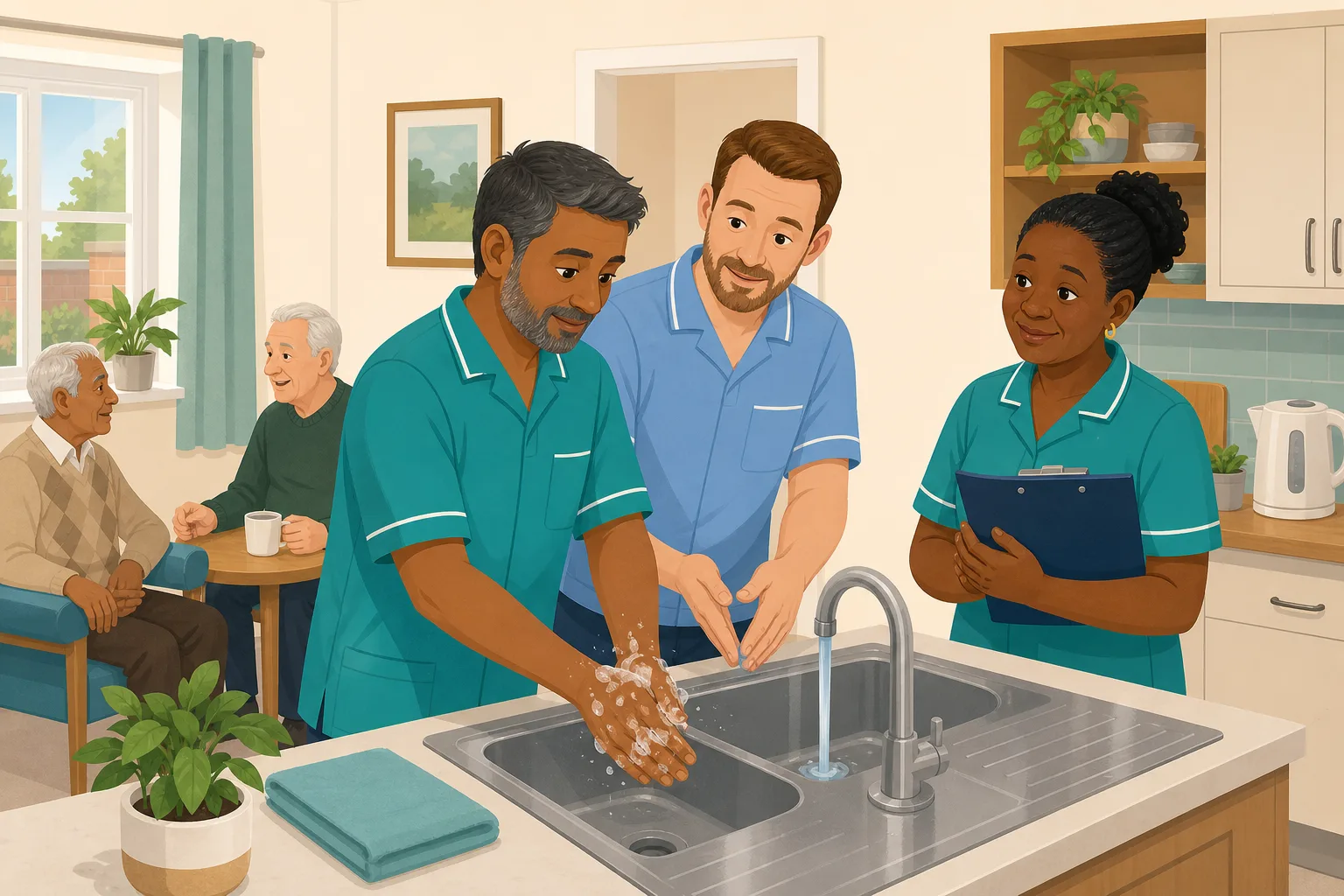
The hand hygiene audit is done on time, on a phone, with photos.
The score is recorded and the audit report is saved.
Actions are written and the team is reminded at handover.
The audit is done again. The same three questions fail.
Another reminder. The score moves by two points.
Whether the team ever learned the steps, or when they last practised them.
Three reports, one repeating problem, and no change in what staff were taught.
“You have known about this for three months. What did you change?”
Running the audit again is checking, not fixing. The gap is between the weak result and a change in what staff know and do. Here is how CareStream helps close it, step by step, with the limits stated plainly.
An example scenario, not a named service.
A repeated low score is a message about the cause
A quality audit tells you where practice slips. It cannot tell you why.
The same question fails again
When one question fails in consecutive audits, the problem is not bad luck. It usually means a skill, a habit or a piece of knowledge that nobody has revisited.
A handover reminder is easy to forget
Reminding people is quick, but it leaves no trace of what they were taught, and the people who were off that day never hear it.
Evidence of change matters most
Under the regulations, providers must assess, monitor and improve the quality and safety of the services provided. Improvement is the part a repeated score cannot show.
From a weak audit to a fix you can show.
This is the audit library working alongside training built from your own policies, in the order a manager meets it. The audit screens below are examples, not a live record.
Run a care quality audit and see exactly what failed
- Pick an audit from the library, such as the infection control audit, and run it in the Staff Hub on a phone, tablet or desktop
- Add photos as evidence, score each question and finish with a PDF audit report that shows what passed and what failed
- Audits are free on every plan, including the Free plan
Illustration of an audit screen. Example content.
Set actions, then check them at the next audit
- Write actions with an owner and a due date, and staff see theirs in the hub, mark them done and can add photos as proof
- Recommendations and a drafted action plan, from our own machine learning, are on the paid plans. You can always add actions by hand on any plan
- At the next audit of the same kind, the earlier actions are listed and the auditor marks each one fixed or not fixed. Not fixed reopens it
Illustration of an audit screen. Example content.
Link the audit to training so the cause gets addressed
- On the audits page you can link an audit to the free CPD courses and to your own training modules, up to 20 links. The completed audit then shows a “Train your team on this” panel listing them, with an Assign to staff button
- It offers training. It does not assign it for you. You decide who gets what, and nothing is sent because a score was low
- Linked training is shown against your own plan, so see the pricing page for which plan includes it
Illustration of an audit screen. Example content.
Allocate a short module on the exact topic, then re-check
- On the paid plans, allocate an adhoc training module on hand hygiene from the Training screen. It is built from your own policies where they cover it, with general good practice as the fallback, and you can edit and preview it first
- Staff complete it in the Staff Hub and a wrong answer goes into their Follow-up tab. See how adhoc training works
- At the next audit, repeat failures show on the Insights tab, so you can see whether the same question is still failing
Illustration of an audit screen. Example content.
The questions managers ask, and how CareStream answers them
Read this as a conversation. The questions are the ones we hear most.
Our audit keeps scoring low on the same thing. What should we do differently?
Treat the repeat as a sign of a cause, not a lapse. Set clear audit actions, check them at the next audit, and link the audit to training so staff can refresh the exact knowledge behind the failing questions. Then look at whether the same question still fails.
Does a low score automatically give my staff training?
No. Nothing is assigned on its own. You link an audit to courses or your own modules, and the completed audit offers them with an Assign to staff button. You choose who gets what.
Which plan includes linking audits to training?
The plans differ on this point, so please check the pricing page for which plan includes it. Running the audits themselves, with scoring, photos, a PDF report, actions and scheduling, is free on every plan.
Can I build the training from our own policies?
Yes, on the paid plans. In the Training screen you allocate an adhoc module on the topic, built from your own policies where they cover it, with general good practice as the fallback. You can edit and preview it first. This is a separate step you take, after the audit.
How do I know the fix worked?
At the next audit of the same kind, the earlier actions are listed and the auditor marks each one fixed or not fixed. The Insights tab also shows repeat failures, meaning a question failing in consecutive audits. If the repeat disappears, you can show the change.
What do staff see when they get an action?
They see it under My actions in the Staff Hub, can set it to open, in progress or done, add a note, and attach up to 10 photos as proof. Reminders go to the owner before it is due and when it is overdue.
Is the audit score a CQC rating?
No. The score is CareStream's own measure of how many checks passed. It is useful for your own tracking, but it is not a CQC rating and it is not a record submitted to the regulator.
A way to link and track the fix, not a way to fix it for you
A low score does not trigger training
Linking an audit makes the completed audit offer the training. It never assigns anything automatically, so a manager still decides who needs what.
It does not watch practice on the floor
Training shows what staff know. Whether they wash their hands properly on a busy shift still needs someone to observe, which is what the audit itself is for.
Scores are not a CQC rating
Audit scores are CareStream's own measure, and audits are not a regulator submitted record. Recommendations, action plans and adhoc training are on the paid plans.
Training built from your own policies
Everything on this page is part of the product. Here is where to read more.
Training built from your own policies
Ad hoc training from your policies, so a weak result can be followed by a short lesson on the exact point.
See the featureOver 100 audits, free on every plan
Scoring, photos, a PDF report, actions and scheduling, ready to use in the Staff Hub.
See the audit libraryTurn a problem into training
Allocate a short module on the topic, built from your own policies, editable before anyone sees it.
See adhoc trainingGuides on this subject
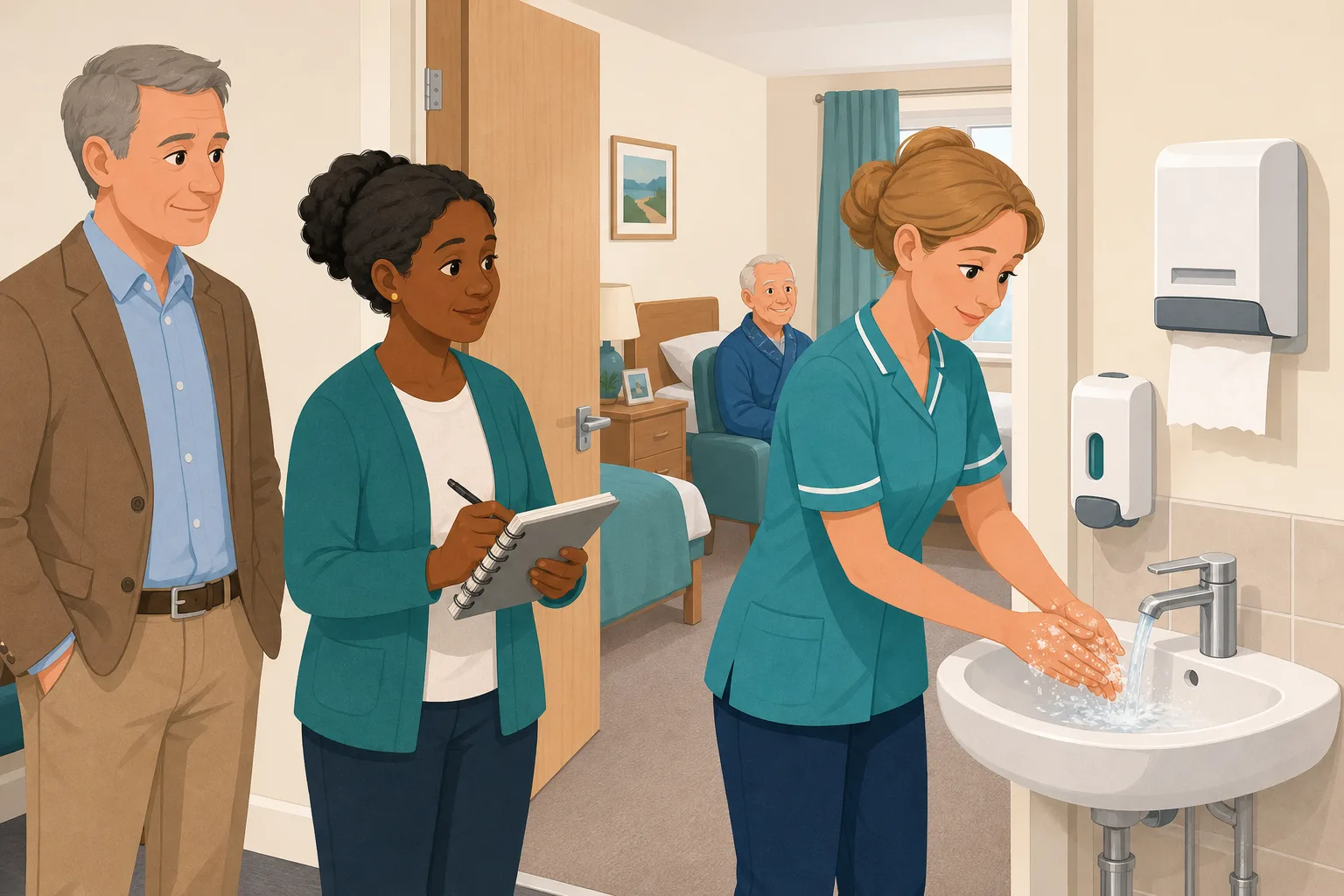
How to run a hand hygiene audit in a care home: watch one person, record what you see
A deputy watches one care worker through a morning round and records every hand hygiene moment, the technique, the basin and the kit, then turns each...
Read article
Incident-Led Training in Care: Turning What Went Wrong Into What Your Team Learns
Every incident is already a training moment. The medication error, the fall, the complaint from a family member, the near miss on a night shift. Each...
Read article
How do you run in house training in a care home when nobody has a spare hour?
The scarce resource in a care home is not the training material; it is the person delivering it. Most in-house training fails because it is designed...
Read articleAudit follow up in care, answered
About audits and actions
What is an audit follow up?
It is what you do after the audit: record the audit actions, give each an owner and date, check they were done, and look at the next result to see whether the problem went away. A score on its own is only the start.
What is a quality audit in a care home?
A quality audit is a planned check of one area, such as infection control, medicines or the kitchen, against a list of questions. The result shows where practice is strong and where it slips. See the audit library for examples.
What should a care quality audit cover?
That depends on the service. A care home often starts with infection control, health and safety, medicines and the kitchen. The library suggests a core set based on your care setting, and you can add more over time.
What should be in an audit report?
The date, who did it, the score, which questions passed and failed, any photos, and what you will do about it. CareStream creates a PDF audit report when an audit is completed, and it includes the action plan outcomes and re-check results.
How do audit actions get closed?
The owner marks the action done, adds a note and can attach up to 10 photos. At the next audit of the same kind, the auditor checks it. If it is not fixed, the action reopens and the owner is emailed.
Can I schedule the audit so it is not forgotten?
Yes. Schedule an audit for a named person with a due date and a repeat of daily, weekly, monthly or quarterly. They get reminders, and managers are told if it becomes overdue. Scheduling is available on every plan.
About training and inspections
Can I link an audit to training?
Yes. You can link an audit to the free CPD courses and to your own training, and the completed audit then offers them. Which plan includes this differs, so check the pricing page. A suitable starting point is the infection prevention and control course.
What does the law say about monitoring quality?
Regulation 17 requires systems to assess, monitor and improve the quality and safety of the services provided, and to assess, monitor and mitigate risks to people using the service. Repeat audits that never change anything are hard to square with that.
What does it say about infection control?
Regulation 12 includes preventing, detecting and controlling the spread of infections, and requires staff to have the competence and skills to provide care safely. A hand hygiene audit and linked training support both.
A practical way to handle a repeating audit result
When an audit keeps failing in the same place, doing the audit again will not help. Use the next result as a test of a change you actually made.
Find out what kind of problem it is
Look at the failing questions, not just the total. If one question fails across several staff, it is probably knowledge or habit, and training will help. If it fails because gel is not on the wall or sinks are blocked, it is an equipment problem and an action for an owner. A good audit report separates the two.
Be honest about the audit too. A staff member who is watched may behave differently, so vary the day and shift. Where it helps, ask a second person to audit the same area once.
A short plan for the next four weeks
- Week 1: write each audit action with an owner and a date, and fix any equipment problem straight away.
- Week 1: link the audit to training and assign it to the staff involved.
- Week 3: ask the team how the training landed, and observe one hand wash on the floor.
- Week 4: run the audit again and mark each earlier action fixed or not fixed.
For the inspector. Keep the audit report, the actions, the training given and the next score together, so you can show what you changed and whether it worked.




