
Dementia and music: a daughter sings her father's favourite song, and you check it before staff play it.
Ruth cannot visit her father every week, but she can sing him the song he sang to her. You think about dementia and music a good deal, and you would like her voice in the home without a clip on someone's personal phone. CareStream gives her a private link, holds her video for your approval, and lets staff find it once approved. It sits alongside the rest of your training and knowledge tools.
14 day free trial · Set up in a day · UK data residency
He sang in a choir for forty years. Now he rarely says much.
A scenario we see in many care settings.
Walter Pearce sang bass in a male voice choir for most of his adult life. Since moving in he says little at mealtimes, though staff have seen his fingers tap along when the radio is on. His daughter Ruth lives in Aberdeen. She says her dad always sang Moon River to her mum, and she could hum it for him. She offers to send a recording to the activities coordinator's phone. The manager is not sure where it would be kept, or who else it might show.
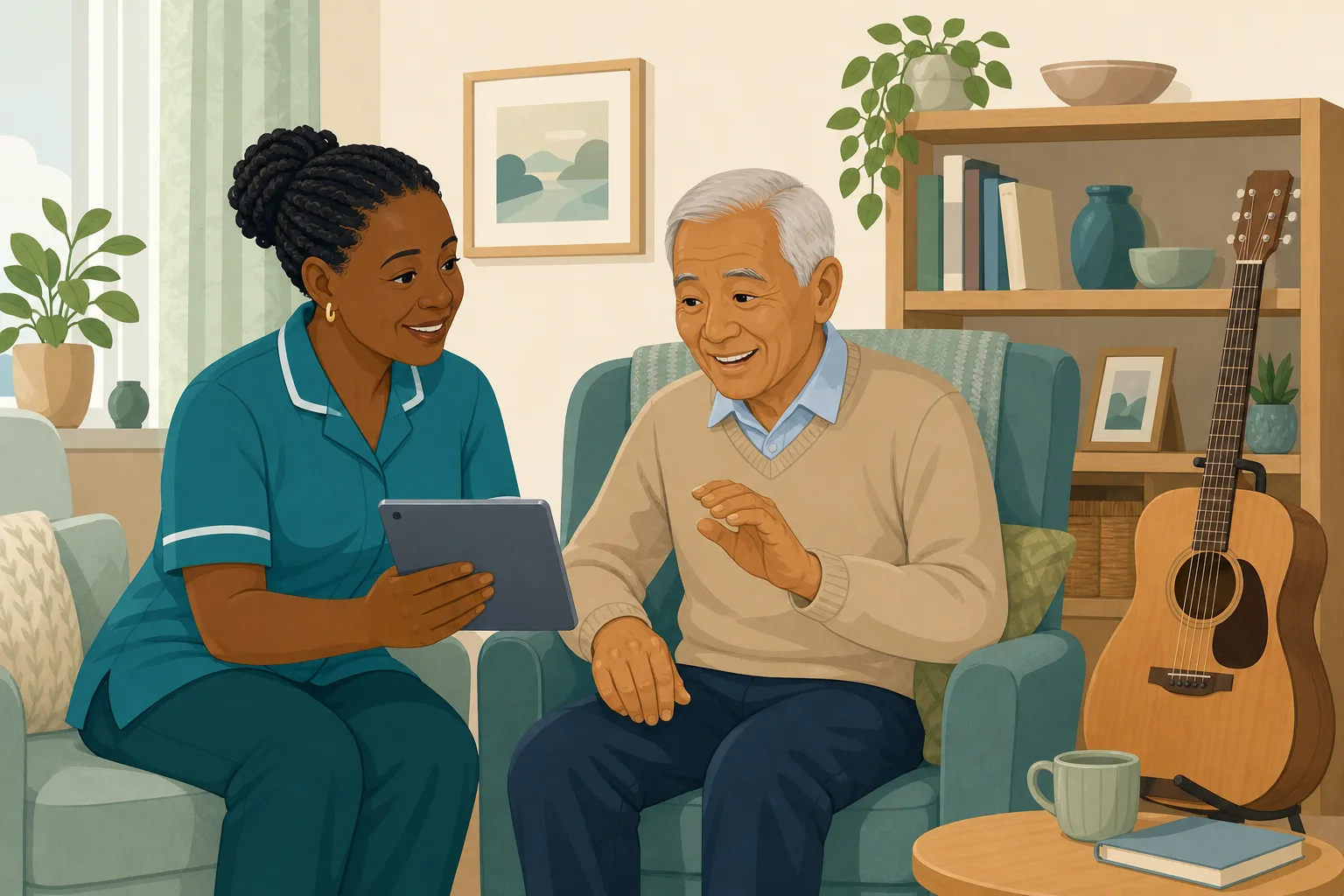
Walter moves in. Staff note that he used to sing in a choir.
Staff notice him tapping along to the radio in the lounge.
Ruth asks, “Could I sing him his favourite song?”
There is no safe place to send a recording.
She sends it to a carer's phone. It is not on the home's system.
The carer leaves. The clip leaves with her.
The activities coordinator has never heard of it.
“How do you use his family's input in his day?” Nobody knows.
The family had something real to give. The gap is between that kindness and a place where it can be checked, kept and found. Here is how CareStream collects the song, holds it for your approval, and puts only approved clips in front of staff.
An example scenario, not a named service.
A song from someone he knows is worth keeping safe
Voices carry what a profile can only describe.
A familiar voice gives staff a way in
Many teams talk about dementia and music because a known tune can start a conversation. A song sung by his own daughter gives a carer something to say and him something to answer. We make no claim about what it does for anyone's health.
Care should reflect the person
Care must meet needs and reflect preferences. Where someone cannot decide for themselves, the Mental Capacity Act asks you to consider their past and present wishes and feelings and, where practicable, to take into account the views of people interested in their welfare. A favourite song is one small, concrete way to do that.
Home recordings need a careful gate
A clip can show people who did not agree to be filmed, or play something the person would not want. A manager should watch each one first, and the file should not sit on a personal phone. Regulation 10 includes ensuring the privacy of the person.
From a private link to a song the team can play.
Video messages are part of the resident profiles feature, in the same system as your policies and training. They are on Professional and above. See how staff use resident knowledge too.
Ruth sings through the same private link
- You invite her by name and email from Walter's record. She gets a private link and does not create an account
- She taps Record a message, which opens her phone camera, or Choose a video. A clip can run up to 60 seconds, so a verse and a chorus is plenty
- She can add a short title of up to 60 characters, such as the name of the song, and remove a clip before pressing Send
Example only. Names and figures are illustrative.
You watch it, name it, then approve or reject
- The clip waits on the Approvals tab under Videos waiting for approval. You can play it there before anyone else can
- You can edit the title and add a note for staff, such as that Walter used to sing this one to his wife. Then you choose Approve or Reject. Rejecting removes the file straight away
- You can also add a video yourself from the resident's record, and it is approved at once because you are the approver
Example only. Illustration, not a real resident.
Staff find it by asking, and play it in a quiet moment
- In the Staff Hub, a carer opens the This is me topic and asks, for example, whether there is a video of Walter's daughter. The answer comes from approved titles and notes only
- The video appears under the answer with Walter's name and room number, a poster and a play button. There is also a Messages from family button that lists his approved videos, newest first
- Playing opens just the video on a dimmed backdrop. Each play is logged, with who and when, and managers can see recent plays on the resident record
Example only. Illustration, not a real resident.
Private, and gone when the person moves on
- Videos are private. Signed in staff of your service reach them through short lived links, only for current residents, and never through a public address
- When someone dies or moves on, their videos leave the hub at once and any video still waiting is deleted
- Approved files stay in private storage for the retention period, like the written profile, then are deleted with it
Example only. Illustration, not a real resident.
The questions managers ask, and how CareStream answers them
Read this as a conversation. The questions are the ones we hear most.
A daughter wants to sing her father a favourite song. What do I do?
You invite her from the resident's record with her name and email, and CareStream emails a private link. She records or chooses a short video and adds a title. Nothing reaches your team until you have watched it and approved it.
Is this music therapy?
No. It is a way for a family member's voice to reach the person through the people caring for them. CareStream does not offer music therapy, does not claim that a song treats, prevents or improves anything, and does not tell staff when to play a clip.
Can staff play it as part of our planned activities?
Yes, if you decide so. Approved videos are found in the Staff Hub and play on a phone or tablet. A coordinator can look one up by asking about the person, then play it in a quiet moment or as one part of a session. Judgement stays with your team.
What stops an unsuitable clip reaching staff?
You do. Each family video waits on the Approvals tab. You preview it, edit the title, add a note for staff, and approve or reject it. Rejecting deletes the file at once.
What happens if he passes away or moves on?
His videos leave the hub straight away, any still waiting are deleted, and open family links are cancelled. Approved files stay in private storage for the retention period, then are deleted with the profile.
Which plan is it on, and can I try it?
Resident profiles, photos and videos are on Professional and above. There is a 14 day free trial, and the pricing page shows what each plan includes. You can create an account or book a demo to see it first.
Honest limits: a way to find and play, not a therapy
It does not treat or prevent anything
CareStream does not diagnose, treat or promise a response. It does not choose songs, schedule plays or judge whether a clip suits the moment. Some days a song will be welcome and some days it will not, and your care plan stays where it is.
It reads titles, not clips
The assistant cannot listen to a video or describe what is in it. A clip is found from its title and note, so a vague title is hard to find. The hub shows up to 10 newest videos per resident, and the family cannot see the profile or message you through the link.
Nothing is automatic
A video does not reach staff by itself. A manager has to preview and approve each one, so someone needs to check the Approvals tab. Plays are logged, not alerted, and the residents cannot record a reply. It is on Professional and above.
Training built from your own policies
Everything on this page is part of the product. Here is where to read more.
Training built from your own policies
Ad hoc training from your policies, face to face training organised, and wrong answers that become lessons.
See the featureResident knowledge for your team
Give staff quick, short answers about the people they care for, drawn from what you have recorded and approved.
See resident knowledgeDementia awareness training
A course that helps staff understand the person behind the diagnosis.
See the courseGuides on this subject
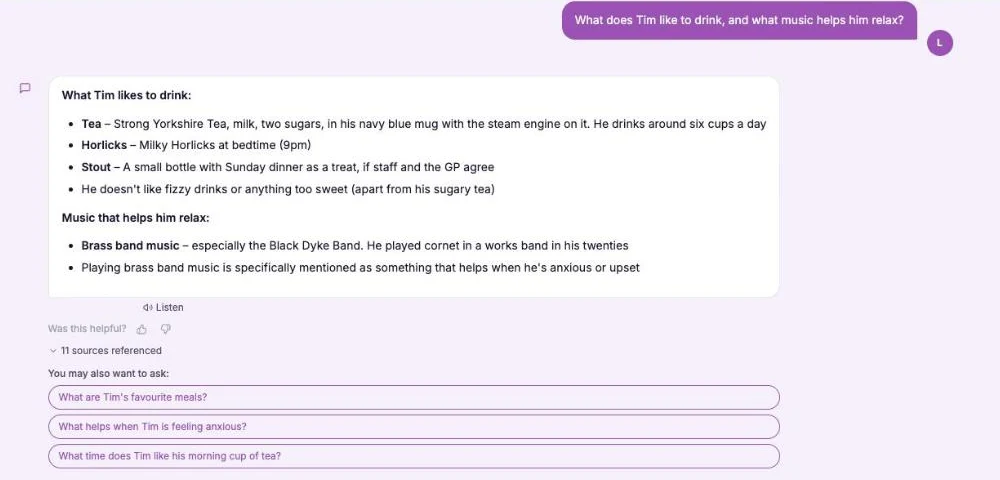
This Is Me Document: What Goes In It and How a Home Keeps It Alive
A line that says "likes tea" does nothing for a night carer. This reference sets out what a good This is me style document holds, and how a home...
Read article
Difference Between Policy and Procedure: Five Beliefs That Leave Care Staff Guessing
A policy says what a service commits to. A procedure says who does what. Five common beliefs about the two, tested against the law, and a quick test...
Read article
Dementia Training Standards Framework: What Should Happen After the Course
A seven step walkthrough of the Dementia Training Standards Framework, from choosing a tier to the follow-up and refresher that happen after the...
Read articleFamily video and music, answered
About music and family video
How can dementia and music work together in a care home?
Many homes include familiar songs in daily life, as a quiet moment with one person or as part of a group. A recording by a relative adds a voice the person knows. How it is used is for your team and the person's care plan, and we make no health claims.
What care home activities can a family video support?
A short clip can be one part of a singing session, a one to one chat or a quiet afternoon. It does not replace a planned activity. It gives your activities coordinator something personal to build around, once you have approved it.
Can a song say anything about dementia memory?
We do not claim that. Families often tell us a song brings back a name, a place or a feeling, and staff can note what they see. CareStream does not measure or treat dementia memory. It only helps you find the approved clip.
About approval, privacy and limits
Does a manager have to approve every video?
Yes. A family video stays hidden from staff until you approve it. You can edit the title first, or reject it. Videos you add yourself are approved at once.
Who else might appear in a home recording?
The family page asks senders to share only a message they are happy for the care team to play, and a manager checks every video. Still, watch for others on screen. Regulation 10 includes ensuring the privacy of the person.
What does the law say about involving family?
Under section 4 of the Mental Capacity Act 2005, where it is practicable and appropriate, you take into account the views of anyone interested in the person's welfare. Regulation 9 requires care to reflect people's preferences. Check your own policies on consent and recording.
How to bring a favourite song into care home activities
A recording only helps if it is easy to find and kind to use. Ask early, ask for a clear title, and check before you approve.
Ask for something short and unpolished
Tell the relative that a verse, a hum or a few lines is plenty, and that it does not need to be in tune. Ask for the name of the song in the title, because staff find a clip by its title.
Before you approve a video
Watch it as a new carer would, and then as the resident might feel about it. Edit the title so it is clear and kind. Reject anything that shows other people who may not want to be seen, or anything the person would find upsetting.
- Is the singer someone the resident would be glad to hear?
- Does the title name the song and who sings it?
- Does the clip show anyone else who might not want it shared?
- Would a new carer know when it might be welcome?
Tell the team and note what you see
Tell the key worker and the activities coordinator when a clip is approved, and show them where to find it. The dementia awareness course helps new staff see why such details matter.
This page describes how the software works. It is not legal or clinical advice, and it does not claim that music treats or improves any condition. Check your own policies on collecting and sharing recordings of residents.




