
A policy review in week one: what did you inherit?
You start on Monday and the policies are already there. A first policy review tells you what you are really holding. CareStream screens up to five of your policies on the Free plan and scans for outdated wording, and a training platform built on your own policies then helps you brief the team.
14 day free trial · Set up in a day · UK data residency
Day one: the policies are all there. Nobody has told you which ones to trust.
A scenario we see in many care settings.
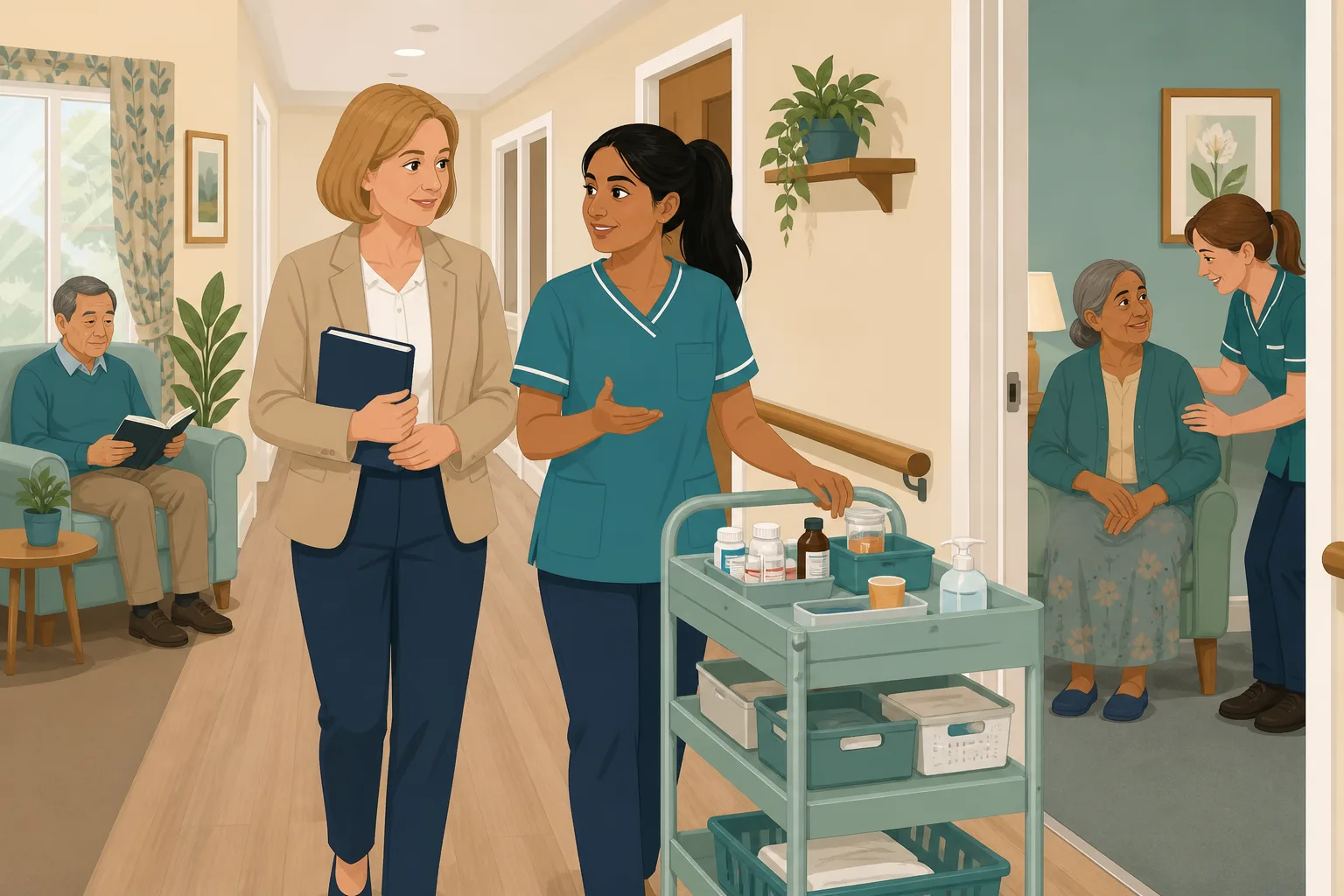
A new registered manager starts on a Monday. The deputy has been there for years and hands over the first folder with pride. There are policies in ring binders, more on a shared drive, and a handbook that nobody can date. The previous manager has left a kind note but no summary. The new manager has a week to form a view, and a notebook that keeps filling with questions. Which policies are current, which contradict each other, and what has quietly gone missing? Here is how that week can go.

A warm welcome, a tour and a stack of folders.
The deputy talks through how things work on the floor.
The manager reads the first ten policies and takes notes.
Two policies give different timescales for the same task.
One still names a body that no longer exists.
Nobody can say when half of them were last reviewed.
Reading every policy by hand would take weeks, and there is a home to run.
“When did you last review this policy?” You started three weeks ago.
The shelf is not the problem. Not knowing its state is. Here is how a manager can get a first picture fast, with the limits stated plainly.
An example scenario, not a named service.
You are accountable for a set you did not write
A new manager gets the responsibility on day one and the history only slowly.
Handovers share stories, not status
A long serving deputy knows how things work in practice. That is useful, but it is not the same as knowing what the written policy says or how recently anyone checked it.
Drift is invisible from the shelf
Old terms, a missing review date or two policies that disagree look fine in a binder. You only notice when someone asks, and that someone may be an inspector.
Reading everything by hand does not scale
A careful read of the whole set is a job for weeks. A quick screen first tells you where to spend those hours.
A policy review you can start this week.
This is the policy gap detection and training from your own policies, in the order a new manager might use them. See also finding gaps in your policy set.
Screen your first five policies, then brief the team
- Upload up to five care home policies on the Free plan. All four checks run on them: regulation coverage, out of date wording, contradictions between policies and CQC wording
- The out of date scan is a plain rule based check. It uses no machine learning and no credits, so run it as often as you like
- When you know what matters, allocate adhoc training on that topic to staff, built from your own policies. You can edit and preview it first. Adhoc training is on the paid plans
Illustration based on the Training screen. Example questions.
If someone misses the point, they get a short lesson
- A wrong answer goes into the carer's Follow-up tab in the Staff Hub, and they get an email, at most one a day, in English
- They choose Learn & retry, a short lesson then a fresh question, or Just retry the same question, as often as they need
- Nothing alerts you each time. You see the pattern in the Knowledge gaps view
A few things to revisit. Learn the point, then answer, or just retry. Either way it clears from here.
The person needs checking quickly, and the team needs to know so that it can be put right.
Remember- Tell the senior on shift straight away
- Make sure the person is safe
- Record it as your policy says
You find that a morning dose was missed and the person is now asleep.
Illustration based on the Staff Hub Follow-up tab. Example content.
Staff read policies in the language they think in
- Once a policy is updated, staff can read it and ask questions about it in the Staff Hub
- Your admin sets a carer's second language and they switch to it in the hub
- Translation is on the paid plans only, and the Free plan is English only
Always communicate in their first language
All messages CareStream sends are translated into English.
Allow switching a set to their second language
In the hub they can flip any single training, induction or CQC set into Polish, just for that set, if they are struggling in their first language.
Let them suggest better translations
They can propose improvements to translated content. Changes need your approval before going live.
Illustration based on the staff record Language settings. Translation is on the paid plans.
See what the team is still unsure about
- The Knowledge gaps view shows open gaps, the most missed questions and the weakest topics
- It shows how gaps are being closed, so your first month has a visible before and after
- A Monday digest email brings the picture to you without you asking
Illustration based on the Knowledge gaps view. Example figures.
The questions new managers ask, and how CareStream answers them
Read this as a conversation. The questions are the ones we hear most.
I have a week. What is the quickest way to see the state of our policies?
Upload your first policies and run the checks. On the Free plan CareStream screens up to five uploaded policies in total, with regulation coverage, out of date wording, contradictions and CQC wording. It gives you a first picture and a list of where to look. It does not replace reading the policies that matter most.
How does it spot outdated policies?
The out of date scan is a rule based check with no machine learning. It looks for things such as superseded legislation or bodies, wording from the pandemic, unfilled placeholders like TBC, very thin policies and policies that are overdue for review or have no review date. Each finding comes with a suggested fix you can review.
What can I do on the Free plan, and what needs a paid plan?
The Free plan screens up to five policies, and opens three examples of suggested wording. For the whole set, policy gap detection and the full set of fixes, including adopting a suggestion through approval, are on Professional and above. The Free plan has no adhoc training and no translation.
Does it change our policies automatically?
No. Gap fixes, wording suggestions and regulation updates are suggestions until an admin adopts them and your approval steps finish. The uploaded original stays untouched. The example wording is drafted by our own machine learning, so read it and adapt it to your service.
Can it tell me what a new manager must do by law?
No. CareStream does not give legal advice, and it does not guarantee compliance or a rating. For your duties as a registered manager, go to the CQC guidance on Regulation 17.
Once I know what needs fixing, how do I get the team to follow it?
Allocate short adhoc training on the topic, built from your own policies where they cover it. Staff complete it in the Staff Hub. A wrong answer becomes a short lesson in their Follow-up tab, and you see the pattern in the training reporting.
Will it show which staff have read a policy?
It records reading sessions: time spent, how far someone scrolled and whether they marked it as read. It does not record signatures. It is evidence that staff opened and used a policy, not a signed register.
How do I try it?
You can create a free account and screen your first policies. The paid plans have a 14 day free trial. See pricing for what each plan includes, or create your account.
A first picture, not a verdict on your policies
It does not give legal advice
Suggestions are guidance to review, adapt and approve for your service. It does not guarantee compliance or a CQC rating.
The Free plan covers five policies, not the whole shelf
A larger set, with the full gap fixes and approval steps, needs Professional or above. Starter does not include gap analysis.
It does not rewrite anything without you
Every fix is a suggestion until an admin adopts it and the approval steps finish. It does not edit your policies automatically.
Training built from your own policies
Everything on this page is part of the product. Here is where to read more.
Training built from your own policies
Short training from your own policies, with wrong answers turned into short lessons.
See the featurePolicy gap detection
Check your policies against the regulations, for outdated wording and for contradictions.
See policy gap detectionOutdated policies, found early
See which policies have drifted and what to fix first.
See out of date policiesGuides on this subject
Policy Gap Analysis for Care Homes: A Step by Step Guide
Most care homes do not fail inspection because they lack policies. They fail because the policies they have do not match what actually happens on...
Read article
Six signs your policy set has quietly drifted out of date
Every care service has out-of-date care policies. Not because anyone is negligent, but because a policy library is a living thing, and living things...
Read article
CQC Inspection: How Long It Takes, What Happens and What Follows
CQC sets no fixed length or gap for an inspection. Here is what its own pages say about frequency, triggers, notice, the report and your right to...
Read articleReviewing inherited policies, answered
Starting the review
How do I do a policy review when I start a new job?
Start with a quick screen, then read in depth. List the policies, note when each was last reviewed, run a scan for outdated wording and read the ones that carry the most risk first. CareStream does the screening and scanning, and you do the judging.
What should be on a new manager checklist for policies?
A short new manager checklist: a full list of policies, a review date for each, the policy owner, any contradictions and what staff actually do. The policy gap analysis guide shows how to go further.
How often should care home policies be reviewed?
There is no single rule that fits every policy, so set an interval that suits each one. CareStream lets you record 6 months, 12 months, 2 years or 3 years, and it can email you a reminder when policies fall due.
What is a policy audit?
A policy audit checks each policy for age, accuracy and use in practice. Our scan covers wording and review dates, and a manager still has to check against what happens on the floor. For practice, see care audits.
What is a policy gap analysis?
A policy gap analysis compares your policies with the regulations to find what is missing or only partly covered. It is on Professional and above, and the Free plan runs it on up to five policies.
Can I check care home policies we bought or inherited?
Yes. Upload them as they are. The uploaded file is not altered, and suggestions only change anything once an admin adopts them.
Inspections
What does the law say about good governance?
Regulation 17 requires systems or processes that are established and operated effectively, including to assess, monitor and improve the quality and safety of services. It does not say how often to review each policy.
What does CQC expect from governance?
The CQC guidance on Regulation 17 says providers should run regular audits and review their systems regularly to check they stay fit for purpose. A dated record of your own policy review fits that.
Will CareStream get us a better rating?
No tool can promise that. It shows you the state of your policies and records how staff use them. What you do with it is up to you.
A practical first week with an inherited policy set
The aim of the week is not to fix everything. It is to know what you have, what is risky and what to do first, so that you can say so with confidence when someone asks.
Build your own picture before you change anything
Begin with a list: every policy, where it lives, who owns it and when it was last reviewed. You will find duplicates and policies with no review date. Treat that as information. A dated, written policy review in your first month also shows a systematic approach, which is what the CQC governance guidance asks providers to have.
A first week checklist
- Day 1 to 2: list every policy and note its last review date, or the fact it has none.
- Day 3: screen the first five policies and run the scan for outdated policies.
- Day 4: read the highest risk policies in full, such as safeguarding, medication and infection control.
- Day 5: choose three fixes, tell the deputy and book the review dates.
Ask the people who use the policies
Your deputy and senior carers know where a policy and practice have drifted apart. Ask them. Then compare their answers with the written policy, and with what a drifting policy set looks like.
For the inspector. Keep a dated note of what you checked in week one, what you found and what you changed. It shows that a new manager took the policy set seriously from day one.




