
A daughter wants to help with life story work. Nothing she writes shows until you approve it.
A relative offers to tell you everything about their mum, and you want it in the care team's hands without it getting lost in an inbox. CareStream sends a private link, collects the answers and holds them until you approve them. It sits alongside the rest of your training and knowledge tools, and the family never gets a login.
14 day free trial · Set up in a day · UK data residency
The family wants to help. The question is where it all goes.
A scenario we see in many care settings.
Mrs Harlow moved in on Monday. Her daughter, Jan, stayed for tea and said she would happily write down anything that helps. She knows that her mum hums when she is anxious, that she only drinks tea from a china cup and that she was a seamstress for forty years. The key worker is delighted and says to send it over. Jan writes a long, loving email that night. It lands in the manager's inbox between a staffing query and a supplier invoice, and the team never sees any of it.
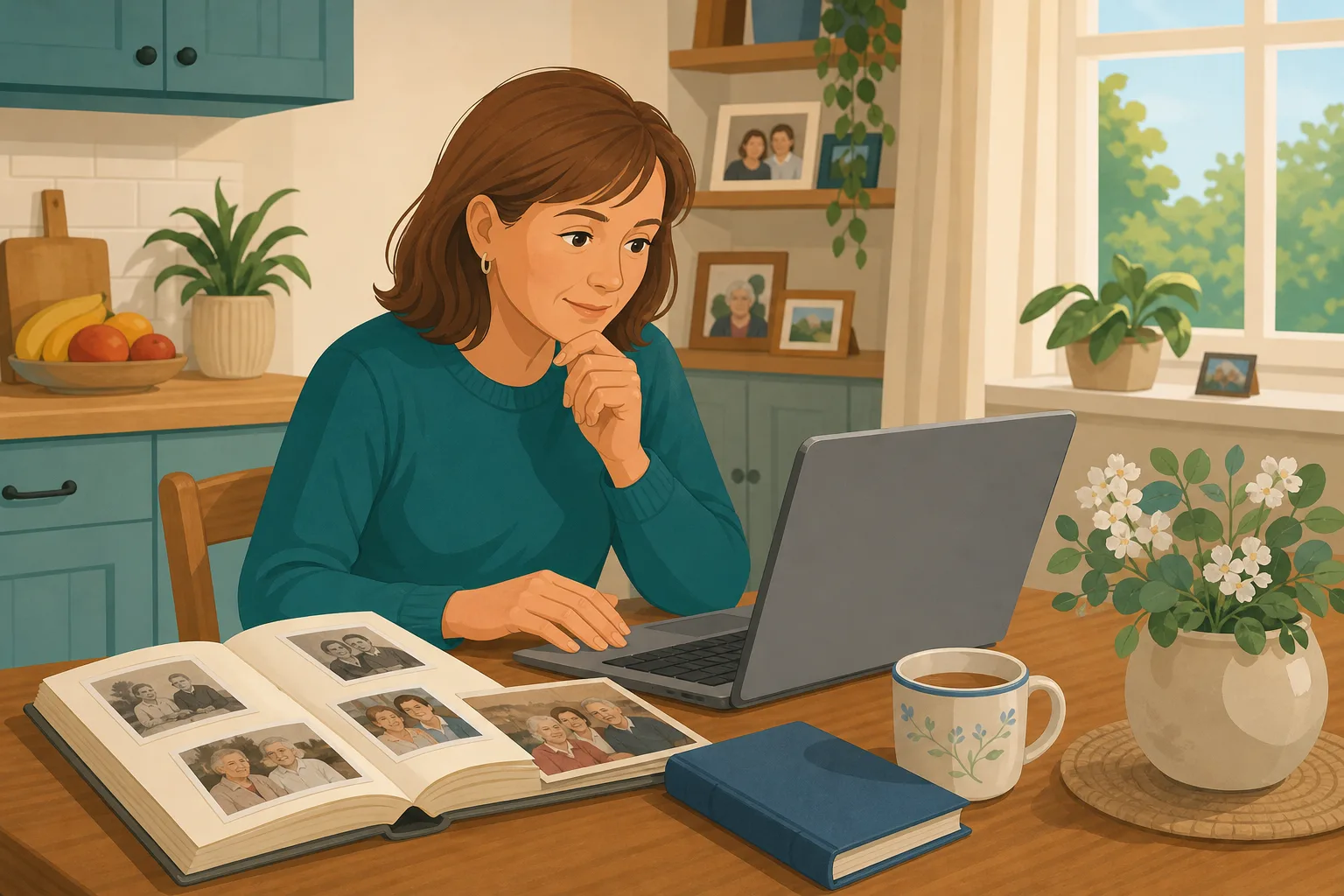
Mrs Harlow moves in. Her daughter stays for tea.
Jan offers to write down everything that helps.
The key worker says, “Please do. It will really help us.”
Jan emails three pages to the manager.
It sits in an inbox. Nobody on the floor has read it.
A night carer does not know the humming means she is worried.
Jan asks if anyone has used what she wrote. Nobody can say.
“How do you know what matters to her?” An inbox is not an answer.
The family did their part. The gap is between a loving email and what the team can use. Here is how CareStream collects it, lets you check it, and puts it where the team can find it.
An example scenario, not a named service.
Good life story work is more than one conversation
The people who know a resident best are often the ones outside the building.
Relatives hold the detail
Her favourite song, the name she answers to, the neighbour she still asks after. A family life story fills in what an admission assessment never quite reaches.
The law points to the person
Care must reflect the person's preferences. Where someone cannot decide for themselves, the Mental Capacity Act asks you to consider their past and present wishes, beliefs and values, and to consult people who care about them.
A long email does not reach the floor
Typed notes go missing and paper goes in drawers. And what a relative writes may include things you would want to read first, before the whole team does.
From a private link to a profile the team can use.
This is the resident profiles feature in the same system as your policies and training. It is on Professional and above. See how staff use resident knowledge too.
Invite a friend or relative by name and email
- Open the Residents screen from the Knowledge page, choose the resident and add the person's name, email and how they are related
- They get an email with a private link that works for 14 days, and you can invite up to 10 people for each resident
- You can resend an invitation or cancel it, and nobody has to create an account
Example only. Names and figures are illustrative.
The family answers a few warm, simple questions
- The page opens with “Hello Jan. Your home would love your help getting to know Mrs Harlow”, and asks for their name and how they know her
- There is one question for each part of the profile, from where she grew up and what she did for work to what calms her and what she likes to be called. They can answer as many or as few as they like
- A note tells them that answers go to you first, and asks them not to include medical or private financial details
Example only. The family page is a form, not an account.
You read every answer first, then approve, edit or reject it
- When a relative sends answers, the admin who invited them gets an email, and the answers wait in the Approvals tab
- For each answer you can approve it as written, edit it and then approve it, or reject it
- Only approved text joins the profile, with the person's name and relationship added after it. Staff and the hub assistant see nothing that is still waiting
Example only. Nothing here has reached the care team.
The care team finds it in the Staff Hub
- Staff can see profiles for current residents that have something filled in, and can ask the hub assistant a short question such as what helps when she is upset
- It answers only from the profile, keeps answers short, and says “not recorded in their profile yet” when the detail is not there
- Where a detail came from family, the answer can say so, for example “per Jan, her daughter”. The chat can also show approved photos under an answer, found from their captions, not from what is in the picture.
Example only. Illustration, not a real resident.
The questions managers ask, and how CareStream answers them
Read this as a conversation. The questions are the ones we hear most.
A relative wants to help with our life story work. What do I actually do?
You add them to the resident's record with their name, email and how they are related, and CareStream emails them a private link. They fill in a short form at their own pace. Nothing they write goes to the team until you have read it.
Does the family need to sign up or log in?
No. The link is the way in. There is no account, no password and no messaging. It works for 14 days, you can resend it or cancel it, and each link is a one off. If they want to add more later, you send a new one.
What stops something unsuitable reaching my staff?
Every answer waits for you in the Approvals tab. You can approve it, edit it and then approve it, or reject it. Staff and the assistant only see approved text. The form also asks relatives not to include medical or private financial details, though you are still the one who checks.
Does this make a life story book I can print and give to the family?
No. CareStream builds a profile with eleven sections, such as life story and background, interests, likes and dislikes, daily routine and what helps when someone is upset. It is not a laid out keepsake. If you want a life story book for a resident to enjoy, you would make that separately.
Is it the same as the This is Me form from the Alzheimer's Society?
No, and we would not want you to think so. Our profile covers similar ground, but it is our own form and sections. If you already use another this is me form for hospital stays, you can carry on.
How does my team use it?
Staff can see the profile in the Staff Hub and can ask the hub assistant a short question. It answers only from the approved profile, keeps it brief, and says so plainly when something has not been recorded yet. It does not give clinical advice.
Can I see what we were told and by whom?
Yes. Approved text carries the person's name and relationship, and there is a tab that groups each person's approved answers so you can check them against the profile.
Which plan is it on, and can I try it?
Resident profiles are on Professional and above. There is a 14 day free trial, and the pricing page shows how it works and which plan includes this. You can create an account or book a demo to see it first.
Honest limits: a gathering tool, not a family account
Nothing is automatic
Answers do not reach staff by themselves. A manager has to read and approve each one, so someone needs to check the Approvals tab. You get an email when answers arrive, but they will wait if nobody acts.
It is a form, not a family space
There is no family login, no messaging and no way for a relative to see the profile. Each link is a one off and cannot be reused once they have sent their answers.
It is not your care record
The profile is about who the person is. It does not replace the care plan, risk assessments or clinical notes, and dietary needs belong in the care plan, not here. It is also on Professional and above.
Training built from your own policies
Everything on this page is part of the product. Here is where to read more.
Training built from your own policies
Ad hoc training from your policies, face to face training organised, and wrong answers that become lessons.
See the featureResident knowledge for your team
Give staff quick, short answers about the people they care for, drawn from what you have recorded.
See resident knowledgeDementia awareness training
A course that helps staff understand the person behind the diagnosis.
See the courseGuides on this subject
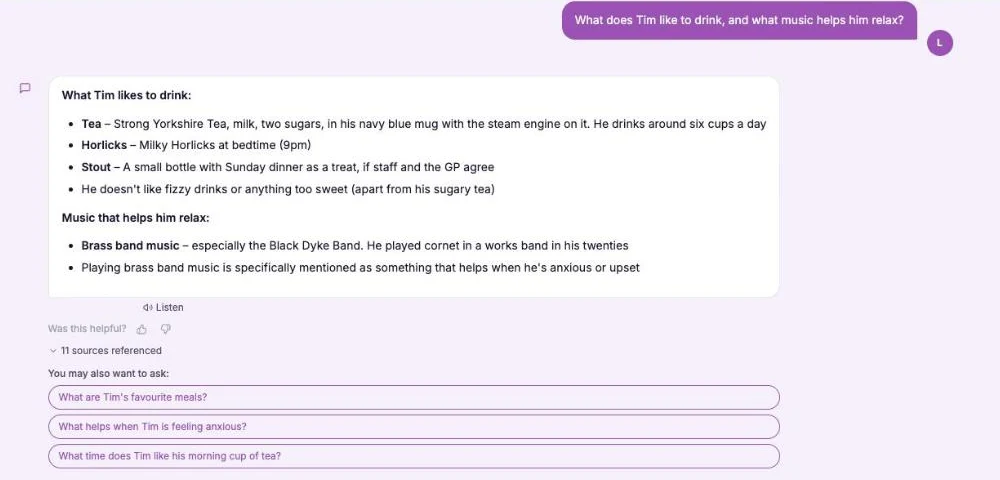
This Is Me Document: What Goes In It and How a Home Keeps It Alive
A line that says "likes tea" does nothing for a night carer. This reference sets out what a good This is me style document holds, and how a home...
Read article
Difference Between Policy and Procedure: Five Beliefs That Leave Care Staff Guessing
A policy says what a service commits to. A procedure says who does what. Five common beliefs about the two, tested against the law, and a quick test...
Read article
Dementia Training Standards Framework: What Should Happen After the Course
A seven step walkthrough of the Dementia Training Standards Framework, from choosing a tier to the follow-up and refresher that happen after the...
Read articleLife story work and family input, answered
About life story work
What is life story work in a care home?
It is the practice of finding out about a person's history, relationships, routines and preferences, so that care feels personal. For someone living with dementia it helps staff understand behaviour and start good conversations. You can read more in our guide to the this is me document.
Why involve a family life story rather than ask the resident alone?
Relatives can fill gaps, especially where memory or speech is affected. They often know small things, like a favourite chair or a pet's name. Under the Mental Capacity Act, section 4, the people who care about someone should be consulted where practicable on what is in their best interests.
Is a life story book the same as a profile in CareStream?
Not quite. A life story book is usually a keepsake with photos and pages that a resident and family enjoy together. A CareStream profile is a set of short written sections for staff to use every day. The two work well side by side.
About the family form
Is there a this is me form relatives can fill in online?
Yes, in the sense that relatives get a short online form with a question for each profile section. It is our own form, not the Alzheimer's Society leaflet. They complete it from a private link without logging in. The same link lets them add up to 5 photos too, each up to 5MB, with a caption and a note on who is in it. Every photo waits for your approval, just like the written answers.
How long does the family link last?
The emailed link works for 14 days. You can resend it or cancel it from the Family tab, and you can have up to 10 invitations open for each resident.
Can the family see what we approve?
No. The page they use is only for sending answers, and each link is a one off. If you want to share the approved profile or a keepsake with them, you would do that yourselves.
What happens if a resident passes away or moves on?
Marking them as passed away or moved on removes them from the hub and the assistant straight away, cancels any family links and rejects anything still waiting. The profile is archived for admins, with a retention period set in the system.
How to do life story work well with families
A few habits make the difference between a profile that sits unread and one that changes how the team talks to someone. The first is to ask early, and the second is to ask well.
Ask in the first week, then keep it short
Relatives are usually most willing to help soon after a move, when they are worried and want to be useful. Send the invitation within a day or two, and tell them they can answer as few or as many questions as they like.
Before you approve an answer
Read each answer as a new night carer would. Edit anything that could upset another relative or reveal something private, and leave out medical or financial detail, which belongs elsewhere. You can read what the regulation expects in regulation 9 on person-centred care.
- Is it about who the person is, not their clinical care?
- Is the wording respectful, now and in future?
- Would a new carer know what to do with it?
- Does it involve anyone else's private details?
Close the loop with the team and the family
Tell the key worker when a profile has been approved and show them how to ask the hub assistant. Thank the relative personally. A dementia awareness course such as our own helps staff see why these details matter, and the Mental Capacity Act course covers wishes and best interests.
This page describes how the software works and is not legal advice. Check your own policies and local guidance for how you share information about residents.




