
Families send one message, then life gets busy. A gentle reminder keeps a this is me passport alive.
A good this is me passport is never finished, but families send one lovely page and then stop. You do not want to chase them by phone every month. CareStream can email each family contact a gentle reminder with a fresh private link, and it stops when they say so. It sits alongside the rest of your training and knowledge tools.
14 day free trial · Set up in a day · UK data residency
The first page was lovely. Then it went quiet.
A scenario we see in many care settings.
Mrs Bell's this is me passport was full in her first fortnight. Her son wrote about her garden and her sister, her niece sent a photo of the Whitby trip, and her grandson said he would record something. Four months later, nobody has added a word. The manager means to ask each of them, but there are rotas to fix. She worries about nagging, and about asking someone who has said they would rather not. Mrs Bell's profile is still the one written in week one.
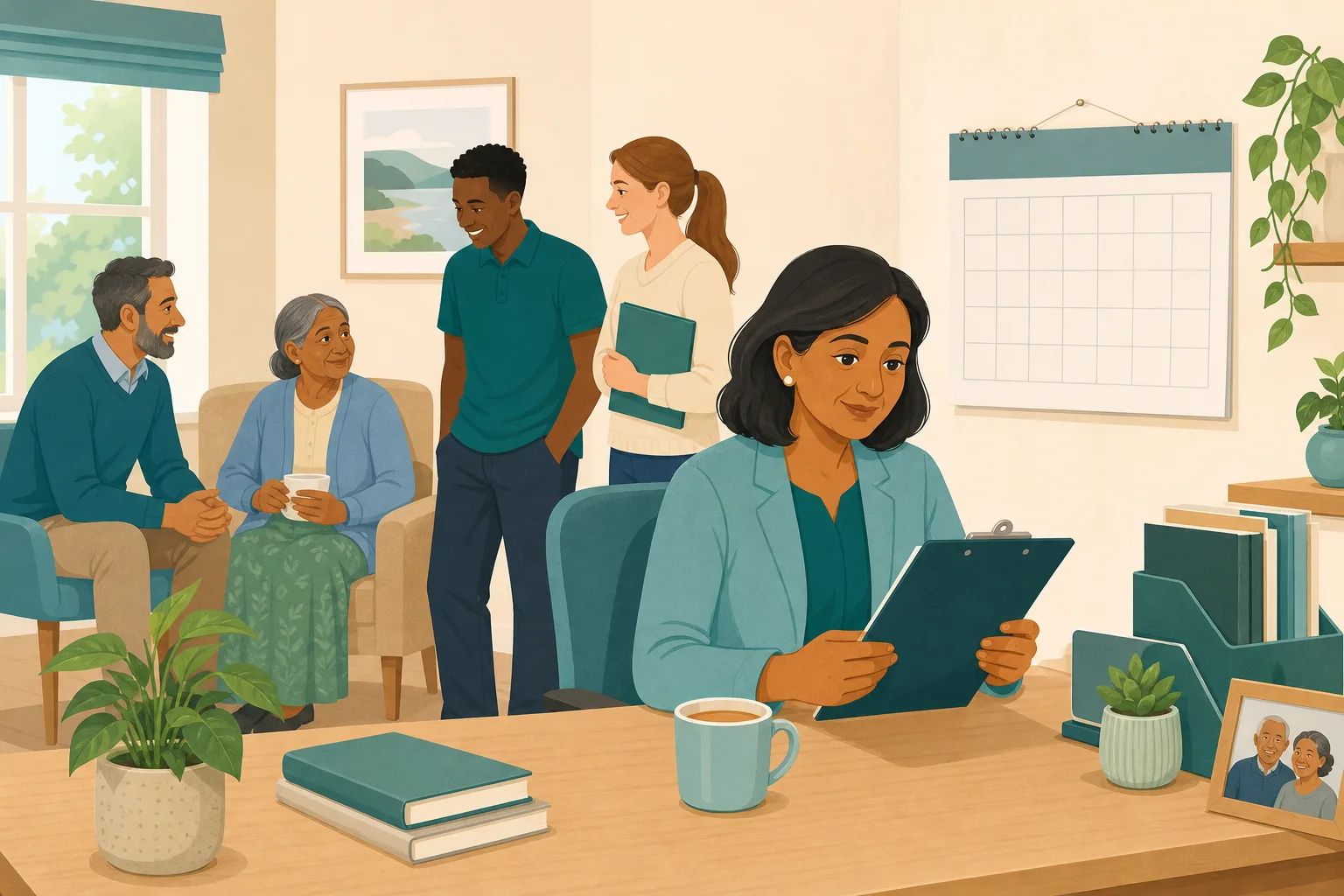
Three relatives are invited to add to Mrs Bell's profile.
Her son writes a page and her niece sends a photo.
Her grandson says he will send a message soon.
Nobody has added anything since. The manager plans to ask.
A new carer reads the profile. It is already out of date.
The grandson has forgotten. The niece does not like to ask.
Mrs Bell's son asks if anyone reads what he wrote. Nobody can say.
“How do you keep this up to date with her family?” A single page from May.
Families rarely mean to go quiet. They need a nudge that is kind, easy to act on and easy to stop. Here is how CareStream sends one, and how it knows when to stop.
An example scenario, not a named service.
A this is me passport only helps while it stays true
People change, and so does what matters to them.
Small updates keep the team close
A this is me dementia document tends to describe a person on one day. A new story, a recent photo or a short hello from a grandchild keeps life story work for dementia current, and gives staff something fresh to talk about.
Involving family is part of good practice
Care must reflect people's preferences, and under section 4 of the Mental Capacity Act 2005 you take into account, where practicable, the views of people interested in someone's welfare. Asking again is one way to keep that going.
Chasing can feel like nagging
A reminder that cannot be stopped is irritating, and one sent forever is worse. Families need a clear way out, and a manager needs to know when someone has gone quiet, so nobody is pestered.
From a setting on the Family tab to a fresh link in their inbox.
Reminders are part of the resident profiles feature, in the same system as your policies and training. They are on Professional and above. See how staff use resident knowledge too.
You set it once for each contact
- On the resident's Family tab there is one accordion per contact who has an email address. Each opens to show How often, Preferred day and Pause until
- You can ask them every week, every two weeks or every month. The default is No reminders, so nothing is sent unless you choose it
- You can also choose a reminder when you first send an invitation, under Gentle reminders. A manager or admin can set it
Example only. Names and dates are illustrative.
What the family member receives
- A short, warm email asking whether they would like to share something for the resident, a few words, a photo or a short video message. It says the manager reads what they send first
- A button to share something, with a fresh private link that stops working after 14 days. The previous link stops working at the same time
- A Stop these reminders link in every email. One click, and the reminders end. The Family tab then shows that they stopped them
Example only. Wording summarised, not the exact email.
It stops, and you are told
- No more than one reminder in any 6 days, and after 3 reminders with no reply they stop. Anything they send resets the count
- When that happens a notice appears at the top of Approvals and on the Family tab, saying the contact has not replied to the last 3 reminders. You can switch them back on
- Reminders stop at once when the person dies or moves on, and the same retention rules apply as for the written profile
Example only. Names and dates are illustrative.
What comes back still waits for approval
- Anything a relative sends through a reminder link goes to the Approvals tab like any other family contribution, and nothing is seen by staff until you approve it
- Approved answers, photos and videos then appear on the From family tab, under the name of the person who gave them
- Photos and videos can then be found in the Staff Hub This is me chat. Read our guide to the this is me document for what to record
Example only. Illustration, not a real resident.
The questions managers ask, and how CareStream answers them
Read this as a conversation. The questions are the ones we hear most.
How do I keep a this is me passport up to date with family?
You choose how often each family contact is gently asked to add something: every week, every two weeks or every month. CareStream emails them a fresh private link. What they send waits for you to approve it.
Is it on by default?
No. The default is No reminders. A manager or admin switches it on for each contact, and you can set a preferred weekday and a pause until date.
What does the email say?
It is short and warm. It asks whether they would like to share a few words, a photo or a short video message for the resident, says the manager reads it first, and gives a button to a fresh private link. Every email has a Stop these reminders link.
Can a relative stop the reminders?
Yes, with one click on the Stop these reminders link in any email. The Family tab then shows that they stopped them, and nothing more is sent.
What if someone never replies?
After 3 reminders with no reply they stop, and a notice appears at the top of Approvals and on the Family tab. CareStream never sends more than one in 6 days. You can switch the contact back on if you wish.
What happens if the resident moves on?
Reminders stop at once when the person dies or moves on.
Do I still approve what comes back?
Yes. Anything sent through a reminder link waits on the Approvals tab. Staff see only what you approve.
Which plan is it on, and can I try it?
Resident profiles and family reminders are on Professional and above. There is a 14 day free trial, and the pricing page shows which plan includes it. You can create an account or book a demo to see it first.
Honest limits: a nudge, not a chase
It is only email
Reminders go by email, to contacts who have an email address. There is no text message or phone call. A contact with no email will not be reminded.
It will not make anyone reply
Some families will not respond, and that is their right. After 3 unanswered reminders it stops. It is up to you to talk to them in person if you wish.
A notice, not an alarm
The notice for a quiet contact sits on the Approvals and Family tabs. It does not email you. Someone has to look, and approvals still need a manager. It is on Professional and above.
Training built from your own policies
Everything on this page is part of the product. Here is where to read more.
Training built from your own policies
Ad hoc training from your policies, face to face training organised, and wrong answers that become lessons.
See the featureResident knowledge for your team
Give staff quick, short answers about the people they care for, drawn from what you have recorded and approved.
See resident knowledgeDementia awareness training
A course that helps staff understand the person behind the diagnosis.
See the courseGuides on this subject
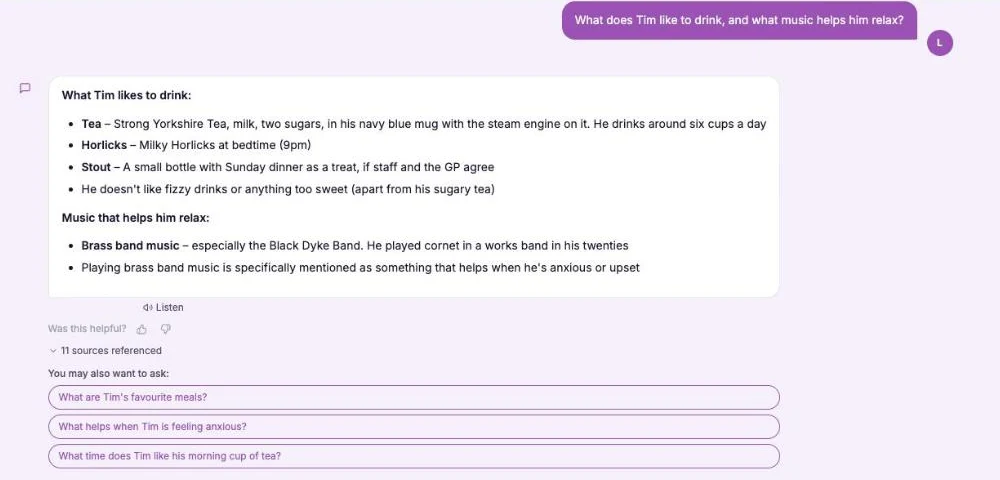
This Is Me Document: What Goes In It and How a Home Keeps It Alive
A line that says "likes tea" does nothing for a night carer. This reference sets out what a good This is me style document holds, and how a home...
Read article
Difference Between Policy and Procedure: Five Beliefs That Leave Care Staff Guessing
A policy says what a service commits to. A procedure says who does what. Five common beliefs about the two, tested against the law, and a quick test...
Read article
Dementia Training Standards Framework: What Should Happen After the Course
A seven step walkthrough of the Dementia Training Standards Framework, from choosing a tier to the follow-up and refresher that happen after the...
Read articleFamily reminders and this is me profiles, answered
About the profile and reminders
What is a this is me passport?
It is a short record of a person's life, likes, routines and what matters to them, used to give care that fits. Read more in our guide to the this is me document.
What is a this is me dementia document?
It is the same idea used for someone living with dementia, so that staff, including new and agency staff, can see the person behind the diagnosis. A this is me dementia document is best kept current.
How does this help life story work in dementia care?
Life story work dementia teams do is only useful if it stays fresh. Regular nudges to family help bring new stories, photos and videos into the profile.
Can I choose a reminder when I first invite someone?
Yes. When you send an invitation there is an optional Gentle reminders choice. Otherwise you can set it later on the Family tab.
About limits, privacy and the law
How often will a family member be emailed?
At the frequency you pick: weekly, fortnightly or monthly, on the day you choose. Never more than one in 6 days.
How do reminders stop?
By the family clicking Stop these reminders, after 3 unanswered reminders, when you pause or switch them off, or at once when the person dies or moves on.
Is the link safe?
Each reminder carries a fresh private link that is valid for 14 days. What comes back waits for a manager to approve it before staff see it.
What do the regulations say?
Under section 4 of the Mental Capacity Act 2005 you take into account the views of people interested in someone's welfare where practicable, and regulation 9 requires care to reflect preferences. Check your own policies on contacting families.
How to keep a this is me passport fresh without nagging
The aim is a warm, light touch. Ask kindly, make it easy, and let people say no.
Tell families about the reminders at the start
When you invite someone, say that they may get a gentle email now and then, and that they can stop it with one click. People who expect a nudge rarely mind one.
Pick a rhythm that fits the person
Monthly suits most families. Weekly can feel heavy. Use Pause until around holidays or a bereavement. A dementia awareness course helps staff see why small updates matter, and the Mental Capacity Act course covers wishes and best interests.
- Does each contact have a current email address?
- Have they been told they can stop the reminders?
- Is someone checking the Approvals tab each week?
- Do you thank people when they send something?
When someone goes quiet
If a notice says a contact has not replied, ring or speak to them before you switch reminders back on. They may prefer a visit, or may want to stop. See resident knowledge for how approved updates reach staff.
This page describes how the software works and is not legal advice. Check your own policies and local guidance on contacting families.




