
Everyone has read the new policy. Does your policy training show they understood it?
A policy that is reviewed, updated and marked as read has only been delivered. With CareStream, policy training built from your own policies turns the text into short questions your staff answer on their phones. Wrong answers become a short lesson, and you see where the gaps are.
14 day free trial · Set up in a day · UK data residency
Everyone has read the policy. Nobody has checked what stayed with them.
A scenario we see in many care settings.
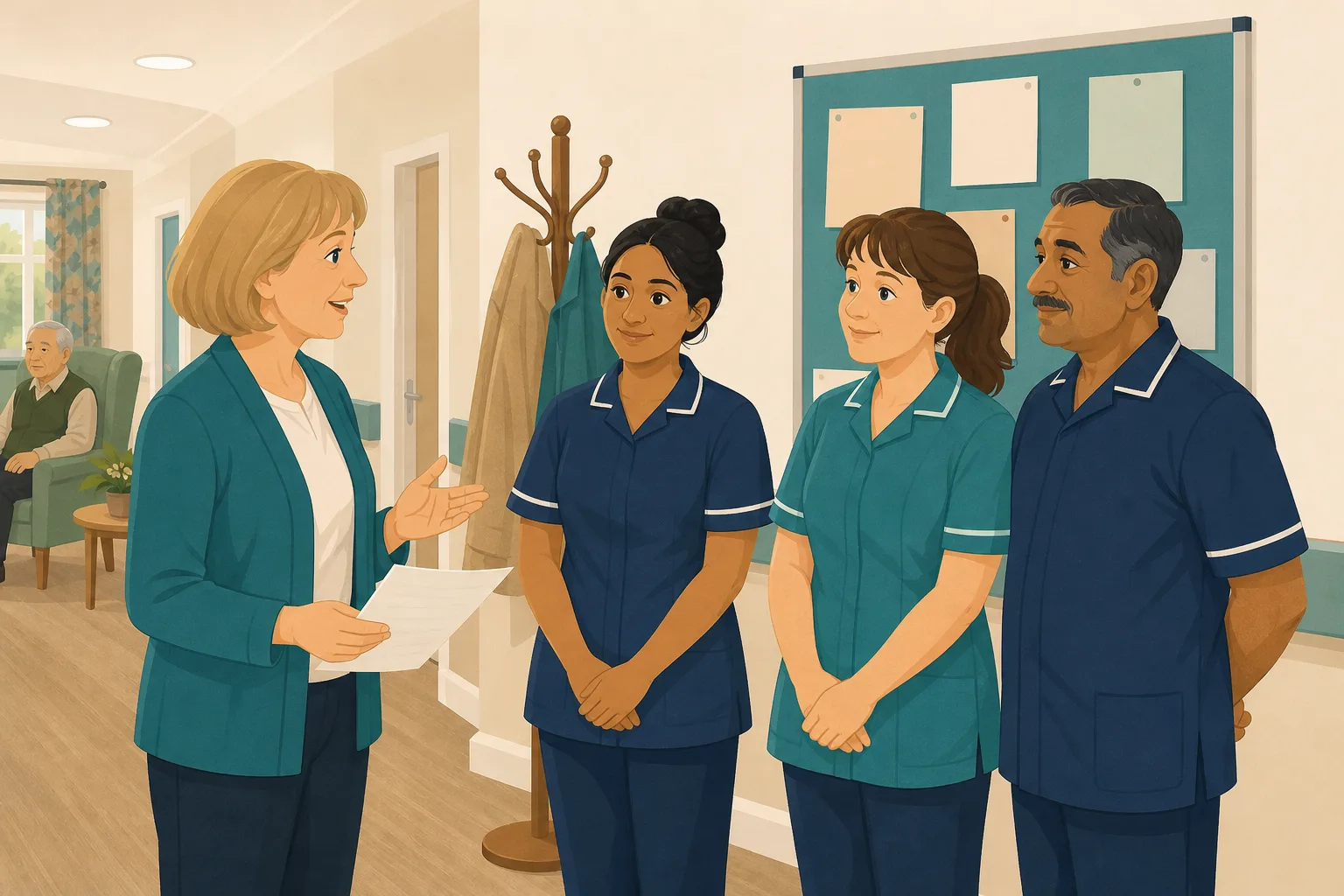
After a routine policy review, a registered manager rewrites the safeguarding policy. A new section explains what to do when a person asks you to keep a disclosure secret. She shares it, and by the end of the fortnight every carer has opened it and marked it as read. A team leader asks over coffee who the safeguarding lead is, and gets three different answers. Nobody did anything wrong. The policy was long, the shifts were busy and the reading was quick. The manager knows who opened the policy, but not who could act on it.

The manager finishes a policy review and rewrites the safeguarding policy.
A new section covers disclosures and who to tell.
Every carer opens the policy and marks it as read.
A team leader asks who the safeguarding lead is and gets three answers.
A carer who skimmed it between a call bell and a medication round.
A newer carer who read it but was unsure what some phrases meant.
A list of who opened it. Nothing that shows who could act on it.
“What would you do if a resident asked you to keep something secret?” The policy is on the shelf. The answer is not.
The policy was never the problem. The gap is between reading it and being able to use it. Here is how CareStream fills that gap, starting from the policies you already have.
An example scenario, not a named service.
Marked as read does not mean read and understood
A policy only protects people if staff remember it at the moment they need it.
Reading is quick, remembering is not
People skim long documents between tasks. A carer can open every page and still be unsure what the policy asks of them.
A read count is not a knowledge check
Knowing who opened a policy tells you it reached them. It does not tell you whether a carer could answer a simple question about it.
Writing questions by hand rarely happens
A good policy quiz takes time to write and mark, so most managers never get round to it. The gap stays unseen until a resident or an inspector finds it.
Your policy in, the questions out.
This is the Training built from your own policies feature, in the order a manager and a carer meet it. If the trigger is an event instead of a policy, see turning an incident into adhoc training.
Pick the topic and generate a lesson and questions from your policies
- In the Training screen, open the adhoc training modules and choose the topic module, such as safeguarding. CareStream searches your own policies on that topic
- Where your policies do not cover a point, it falls back on general good practice, which is a prompt to improve the policy
- Edit the lesson and questions, preview them as staff will see them, and lock the questions when you are happy
Illustration based on the Training screen. Example questions.
A wrong answer becomes a short lesson on that exact point
- Allocate the module to staff. They complete it in the Staff Hub, on their own phone
- A wrong answer goes into the carer's Follow-up tab, and they get an email about it, at most once a day and in English
- They choose Learn & retry, a short lesson then a fresh question, or Just retry the same question. They can retry as often as they need
A few things to revisit. Learn the point, then answer, or just retry. Either way it clears from here.
You cannot promise to keep a safeguarding disclosure secret, because the person may be at risk.
Remember- Listen and stay calm
- Explain who you must tell
- Record what was said
A resident says something worrying and asks you not to tell anyone.
Illustration based on the Staff Hub Follow-up tab. Example content.
See which parts of the policy people missed
- The Knowledge gaps view shows open gaps, staff affected and gaps closed in the last 30 days
- It lists the most missed questions and the weakest topics, so you see which part of the policy is not landing
- A Monday digest email brings the picture to you, and you can mark a person's record as reviewed
Illustration based on the Knowledge gaps view. Example figures.
Close the loop on the policy itself
- If many people miss the same point, the policy may be unclear. Treat the gap as a prompt to reword it, not only to retrain
- Policy gap detection checks your uploaded policies against regulation and suggests what to add. On the paid plans from Professional, you decide what to adopt
- Gap fixes are suggestions until an admin adopts them and your approval steps finish. Nothing edits itself
Illustration based on the Training screen. Example questions.
The questions managers ask, and how CareStream answers them
Read this as a conversation. The questions are the ones we hear most.
We already ask staff to read new policies. What would this add?
Reading shows that a policy reached someone. Questions show whether it stayed with them. CareStream records that staff opened and read a policy. This adds a short check built from your own policies, so you can see who could answer and who could not.
Can I choose one policy and turn it into questions?
Not quite. You choose a topic module, such as safeguarding, and CareStream searches your own policies on that topic to build the lesson and questions. You cannot pick a single policy or section. Where your policies do not cover a point, it falls back on general good practice, and you can edit everything before staff see it.
Will I see the questions before staff do?
Yes. You can edit the lesson and questions, preview them exactly as staff will see them, and lock the questions. Nothing goes to staff until you allocate the module, and you can add an optional due date.
What happens when someone gets a question wrong?
It goes into that carer's Follow-up tab in the Staff Hub, and they get an email, at most once a day and in English. They choose Learn & retry, a short lesson on that exact point and then a fresh question, or Just retry the same question. They can retry as often as they need.
Do I get an alert every time someone slips?
No. Nothing alerts you on each wrong answer. You see the pattern in the Knowledge gaps view, in the most missed questions and the weakest topics, and in a Monday digest email.
Does this prove our policy compliance?
It does not prove it, and no software can. It gives you evidence of what staff were asked, what they got wrong and whether it then closed. That sits alongside your wider CQC evidence. It is not legal advice and it does not guarantee a rating.
What if my policies are out of date, or have gaps?
Then the questions will reflect that. Policy gap detection checks your uploaded policies against regulation. From the Professional plan you can adopt suggested fixes through your own approval steps. The free plan screens up to 5 uploaded policies in total with the same four analyses. Nothing changes without an admin adopting it.
How do I try it, and does it cost anything to start?
You can start a 14 day free trial by creating a free account. Adhoc training is part of the paid plans. The free plan does not include it. Check the pricing page for what each plan includes.
A check on understanding, not a legal review
It does not pick a single policy
You choose a topic module and CareStream searches your policies on that topic. It cannot build a quiz from one named policy or section.
It does not record signatures
CareStream records that staff opened and read a policy, not a signature. It does not replace a signed read register if your service keeps one.
Adhoc training is on the paid plans
The adhoc training screen is part of the paid plans, and the free plan does not include it. Translation is also paid plans only, and the reminder emails are in English.
Training built from your own policies
Everything on this page is part of the product. Here is where to read more.
Training built from your own policies
Short training and questions from the policies you already have, with wrong answers that become lessons.
See the featureTurn an incident into adhoc training
Allocate short, targeted training on a topic whenever something happens on the floor.
See adhoc trainingFind the gaps in your policies
Check your policy set against regulation and see what is missing, out of date or contradictory.
See policy gap detectionGuides on this subject
Policy Changed. Who Needs Retraining? A Four-Question Framework for Care Managers
A policy update lands in your inbox at 4.45pm on a Friday. Your first instinct is to retrain everyone, because retraining everyone feels safe. It...
Read article
Safeguarding Policy Care Home Example: One Bruise, Eight Steps
A made up bruise on an invented resident, followed step by step through what a safeguarding policy must make happen under Regulation 13, the Care Act...
Read article
How Often Should Care Policies Be Reviewed? The Honest Answer for UK Care Providers
The sector baseline has settled on annual review for most core policies. That is the defensible starting point, but it is not the whole answer. The...
Read articlePolicy training and CareStream, answered
About policy training
How do I turn a policy into a knowledge check?
In the Training screen you choose the topic module, and CareStream builds a lesson and a bank of questions from your own policies on that topic. You edit and preview them, then allocate the module to staff, who answer in the Staff Hub. See how it works.
What makes a good policy quiz for care staff?
Ask about actions, not wording. A good question describes a real situation, such as a resident asking you to keep a disclosure secret, and asks what you would do. Three or four questions per policy is plenty. Avoid trick questions.
How is this different from asking staff to read and sign?
Reading shows a policy was opened. A knowledge check shows whether someone can use it. CareStream records read sessions, not signatures, so it adds the second layer rather than replacing the first.
Is policy training the same as annual training?
No. Annual training is the yearly refresh on set topics. Policy training is a short, targeted check after a policy changes or when you want to test one. They work well together.
How do I tell staff what changed after a policy update?
Record what changed and why, update the policy, then check the people who need to know. Our guide to who needs retraining when a policy changes sets out a four question framework.
How can I be sure staff have read and understood a policy?
You cannot be certain from a tick box. Staff reading it is the first step. Short questions on the key points are the second, and a conversation at supervision is the third.
About inspections
Does this help with policy compliance for CQC?
It gives you evidence that staff were asked about your policies and what happened next. Regulation 17 asks for systems to assess, monitor and improve the quality and safety of services. It does not guarantee a rating.
What does the law say about staff training?
Regulation 18 says staff must receive the support, training, professional development, supervision and appraisal they need to carry out their duties. It does not list courses, so each provider decides what its staff need and must be able to show it.
A practical way to check understanding after a policy review
A policy review ends with a better document, but the document only helps if staff can use it. This is a simple routine for turning an updated policy into a check that fits a busy service.
Write questions about actions, not wording
A good knowledge check asks what someone would do. Start from the one or two points in the policy that carry the most risk, such as who to tell and how to record a concern. Describe a short situation, then ask for the next step. If the answer could be copied from the page without thinking, rewrite the question.
Keep it short. Three or four questions on a policy is enough to show where understanding is thin, and short checks are far more likely to be finished on a shift.
Four steps after a policy review
- Within a week of the update: allocate a short module on the topic, built from your policies.
- When an answer is wrong: the carer opens a short lesson on that point, then a fresh question.
- Each month: look at the most missed questions and the weakest topics.
- If many people miss the same point: reword the policy, then check again.
For the inspector. Keep the policy, the questions, the lessons and the results together, so you can show that staff were asked and that gaps were closed.




