
Run your infection control audit in autumn. Fix the gaps before winter.
An infection control audit is only useful if the gaps are found while there is still time to fix them. CareStream gives you more than 100 built in audits, free on every plan, to run on a phone or tablet, with photos, a score for each section and an owner for every action. It sits beside your training built from your own policies.
14 day free trial · Set up in a day · UK data residency
The last audit was in spring. It is now October.
A scenario we see in many care settings.
A registered manager knows the service looks clean. Cleaning schedules run, hand gel is topped up and staff did their annual refresher in the summer. The last audit was done in spring, on paper, and it scored well. Now the evenings are drawing in and she wants a fresh look before the colder months. The trouble is that a folder of old forms cannot tell her what has changed since, which checks were missed, or who was meant to fix what.
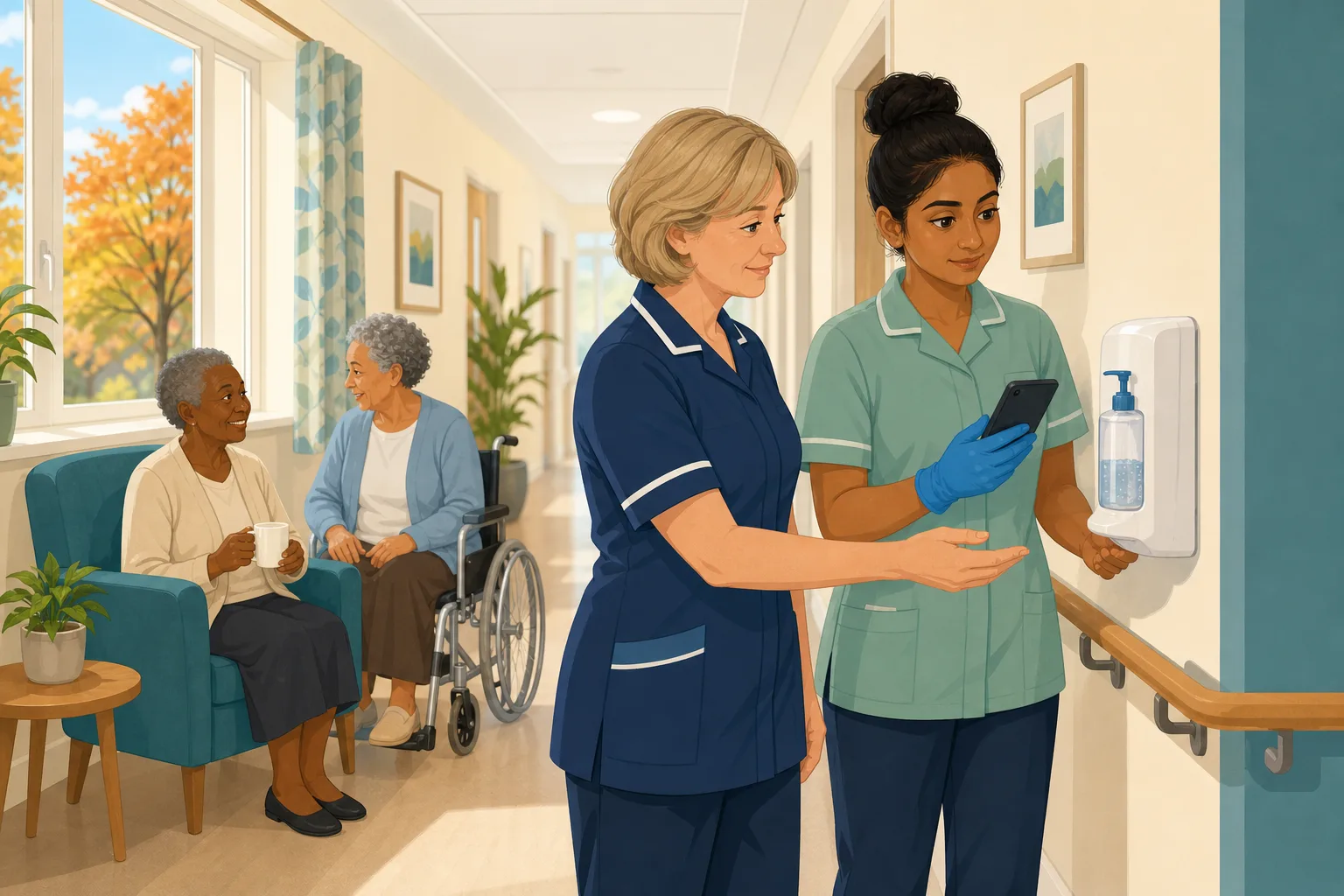
The last audit is done and filed. The score is good.
Cleaning schedules run, hand gel is topped up and the annual refresher is completed.
The manager decides to repeat the audit in autumn, ahead of the colder months.
The spring audit is still in a folder. Nobody has looked at it since.
A hand gel dispenser was not refitted on one corridor. Nobody told the manager.
Two sluice and laundry checks were skipped. No photo, no owner, no date.
The weather turns, and the paper audit is still the latest evidence you have.
An inspector asks when you last audited infection control and what you changed.
Doing the audit was not the hard part. The hard part is finding the gaps early, giving each one an owner and showing that it was fixed.
An example scenario, not a named service.
Why autumn is the time to audit
A winter audit finds problems you then have to live with. An autumn audit finds them while you can still act.
Time to fix what you find
An audit in October leaves weeks to replace a dispenser, retrain a shift or re-order stock. One run in the middle of a busy spell only tells you what has already gone wrong.
Paper hides the pattern
A pile of old forms rarely shows whether the same question keeps failing. A saved score for each section shows where the weak spots are, and whether they are moving.
A score without actions is a number
Finding a gap helps nobody until someone owns it. Every gap needs a named person, a date and proof that it was done, so the next audit can check it.
From the first check to the fixed gap.
This is how the audits in CareStream are used for an autumn check, in the order a manager and the team meet them. See the full audit library and the infection prevention and control course.
Choose the audit and book it in
- Pick a built in audit, such as the monthly one that checks practice, cleaning, equipment and outbreak readiness, or Infection Control (quarterly, with waste, laundry, pest control and staff health)
- Use Schedule an audit to name the person, set the due date and choose a repeat. They are emailed straight away
- Staff with Staff + Audits access run only the audits you have ticked for them
Illustration of an audit screen. Example content.
Run it in the Staff Hub, with photos
- Audits run in the Staff Hub, a web app that works on a phone, tablet or desktop, so the check happens in the corridor and not at a desk afterwards
- Each question can carry a photo, and a No is marked as a genuine gap or as the correct answer, so the score is honest
- Every question has to be answered, and the auditor signs before finishing. The result is scored for the whole audit and for each section
Illustration of an audit screen. Example content.
Give every gap an owner, a date and proof
- Add an action for any gap, with an owner, a due date and a priority. The owner can be a member of staff or an outside contractor
- Owners see their jobs in the hub under My actions, and can add up to 10 photos as proof when the job is done
- On the paid plans, recommendations from our own machine learning draft an action plan for you to edit and approve. On the Free plan you add actions yourself
Illustration of an audit screen. Example content.
See the pattern, and check the fix next time
- At the next audit of the same kind, last time's actions are listed and the auditor marks each one fixed or not fixed. A not fixed action reopens and the owner is emailed
- Your results show the score by month and any question that fails audit after audit
- You can link an audit to the free infection prevention and control course, so a weak section points straight to training
Illustration of an audit screen. Example content.
The questions managers ask, and how CareStream answers them
Read this as a conversation. The questions are the ones we hear most.
Why audit in autumn and not wait for the next quarter?
Because you get time to act. An audit in October finds the empty dispenser, the skipped check or the out of date schedule while there are still weeks to put it right. You can keep your normal schedule as well. This is simply a deliberate check before the colder months.
Which audit should I use?
It depends on the service. The Infection Control Audit is monthly and checks practice, cleaning, equipment and outbreak readiness. Infection Control is quarterly and covers general precautions, specimen handling, waste, laundry, pest control, staff health, food safety and MRSA management. For care at home there is the Home Care Infection Prevention and PPE Audit, run once a month for each care worker.
Is this really free?
Yes. Audits are free on every plan, including the Free plan. You get the library, scoring, photos, the PDF report, actions, scheduling and approval. Recommendations from our own machine learning and the drafted action plan are on the paid plans only. You can create a free account to look around.
Do my staff need to sit at a computer to do it?
No. Audits run in the Staff Hub, a web app that works on a phone, tablet or desktop. The auditor walks the corridor, answers each question and adds a photo where it helps. Staff only see the audits you allocate to them.
What does the score tell me?
It is the share of scored questions that passed, shown for the whole audit and for each section. That points you to the weak section. It is CareStream's own score. It is not a CQC rating, and an audit is not a record that you send to the regulator.
What happens to the things we find?
Each gap becomes an action with an owner and a due date. The owner sees it in the hub, can ask for more time and can add photo proof when it is done. At the next audit of the same kind, the earlier actions are listed and the auditor marks each one fixed or not fixed.
Can I link a weak result to training?
You can link any audit to the free infection prevention and control course or to your own training modules, so the finished audit offers them. A manager still decides who needs what, and nothing is sent automatically. You can also set up short adhoc training on the paid plans.
How do I try it?
Create a free account, open the audit library and schedule your first audit. The paid plans have a 14 day free trial if you want the extra features. See the pricing page for what each plan includes.
What CareStream does not do here
It does not replace walking the building
An audit records what a person sees and answers. Someone still has to look at the dispenser, open the sluice door and watch a colleague wash their hands.
The score is not a CQC rating
Audit scores are CareStream's own, and an audit is not a record submitted to the regulator. Use it to find and fix gaps and to show what you did about them.
It cannot give you an outbreak plan
The audits ask whether your arrangements are in place. They do not write your outbreak plan or give clinical advice. Follow the guidance for your service and your local health protection team.
Training built from your own policies
Everything on this page is part of the product. Here is where to read more.
Training built from your own policies
Short training from your own policies, so the gaps an audit finds can be taught as well as fixed.
See the featureCare audits library
More than 100 built in audits, scored by section, with photos, actions and a PDF report.
Browse the auditsCQC and compliance
Evidence that builds as you work, kept together so it is ready when someone asks.
See CQC and complianceGuides on this subject
Infection Control Audit: A Walk Round, a Score and a Plan
A walk round the building with the free infection control audit, section by section, then how to score it, how often to repeat it and how to turn...
Read article
How to run a hand hygiene audit in a care home: watch one person, record what you see
A deputy watches one care worker through a morning round and records every hand hygiene moment, the technique, the basin and the kit, then turns each...
Read article
Infection Control Training for Care Staff: A Guide for Managers
Infection control training gives care workers the knowledge to stop infections spreading between the people they support, their colleagues and...
Read articleAutumn audit questions
Choosing and running the audit
What is an infection prevention audit?
It is a structured check of how well your service prevents and controls infection, covering practice, cleaning, equipment, waste and laundry. A scored, repeatable audit lets you compare one round with the next. Read more in our guide to auditing infection control.
How often should we audit infection control?
That is for you to decide from your own risk assessment. In CareStream the Infection Control Audit starts as monthly and Infection Control as quarterly, and you can set a repeat when you schedule it. The Hand Hygiene Observation Audit is monthly too.
Is there an infection control audit tool I can use free?
CareStream's audit library is free on every plan, including the Free plan. It includes scoring, photos, a PDF report, actions and scheduling. Other free tools exist, so choose the one your team will actually use. See the audit library.
Do you have an audit checklist for care at home?
Yes. The Home Care Infection Prevention and PPE Audit has 44 questions, run monthly for each care worker. It covers PPE use, hand hygiene, waste, laundry, spillages, uniform and training.
After the audit
Can staff do the audit on their own phone?
Yes, if you give them Staff + Audits access and tick the audits they can run. They use the Staff Hub in a browser or as an installed app. Admins can run every audit.
Do I get a report I can show someone?
Yes. A finished audit gives you a PDF report. It can also go through a manager sign off first if you switch that on in Settings. Remember that the score is CareStream's own, not a CQC rating.
How do I prove that a gap was fixed?
The action owner marks it done, adds a note and can attach up to 10 photos. At the next audit of the same kind the auditor checks the earlier actions, and a gap that is not fixed reopens.
Where do the rules come from?
The Regulated Activities Regulations 2014, regulation 12 sets out safe care and treatment, including preventing and controlling infection. A government code of practice on preventing and controlling infections also applies to adult social care providers in England. Your audit helps show you are acting on both.
A practical autumn audit of infection control
You do not need a big project. You need a date, a person, a good audit checklist and a way to keep the results together.
Set it up so it actually happens
Pick one audit and book it in with a named person and a date, rather than leaving it as an intention. If you already audit every month or quarter, treat this round as the one you finish before the colder months. Decide in advance which areas will be walked, so the check does not drift towards the easy ones.
Under regulation 12, providers must assess the risk of, and prevent, detect and control the spread of, infections. A repeatable audit gives you a dated record of how you did that in your own service.
Four steps for the week of the audit
- Schedule the infection prevention audit with a named person and a due date.
- Walk the areas with a phone, answer every question and add a photo for each gap.
- Turn every gap into an action with an owner, a date and a priority.
- Add the next date to your calendar, so last time's actions are checked at the next audit.
Make the follow up the habit
The audit finds, but the actions fix. Review open actions in your regular management meeting, ask owners for proof and let the next audit confirm the fix. Where a weak section points to a skills gap, link the audit to the infection prevention and control course so the training is one tap away.
For the inspector. Keep each audit, its photos, the actions with owners and the re-check together, so you can show what you found, what you changed and when.




