
A night shift carer moved to a unit they do not know has nobody to ask. Let them ask the profiles.
A night shift carer is moved to a unit they have never worked on, and the senior is on another floor. They can follow the care plan, but they cannot learn the people in one handover. With CareStream, staff can ask the resident profiles your home has written, from their own phone.
14 day free trial · Set up in a day · UK data residency
Sickness leaves a gap. Someone who does not know the unit fills it.
A scenario we see in many care settings.
At 6pm a carer rings in sick on the dementia unit. The manager moves an experienced night shift carer over from the ground floor, which is the sensible call. The handover is given, the unit is toured and the care plans are where they should be. But the people are strangers. Mr Hughes is awake at 11pm asking for someone called Annie, and nobody on the unit that night knows who Annie is. The home knows. It is just not written anywhere a carer can reach with one hand and a torch.
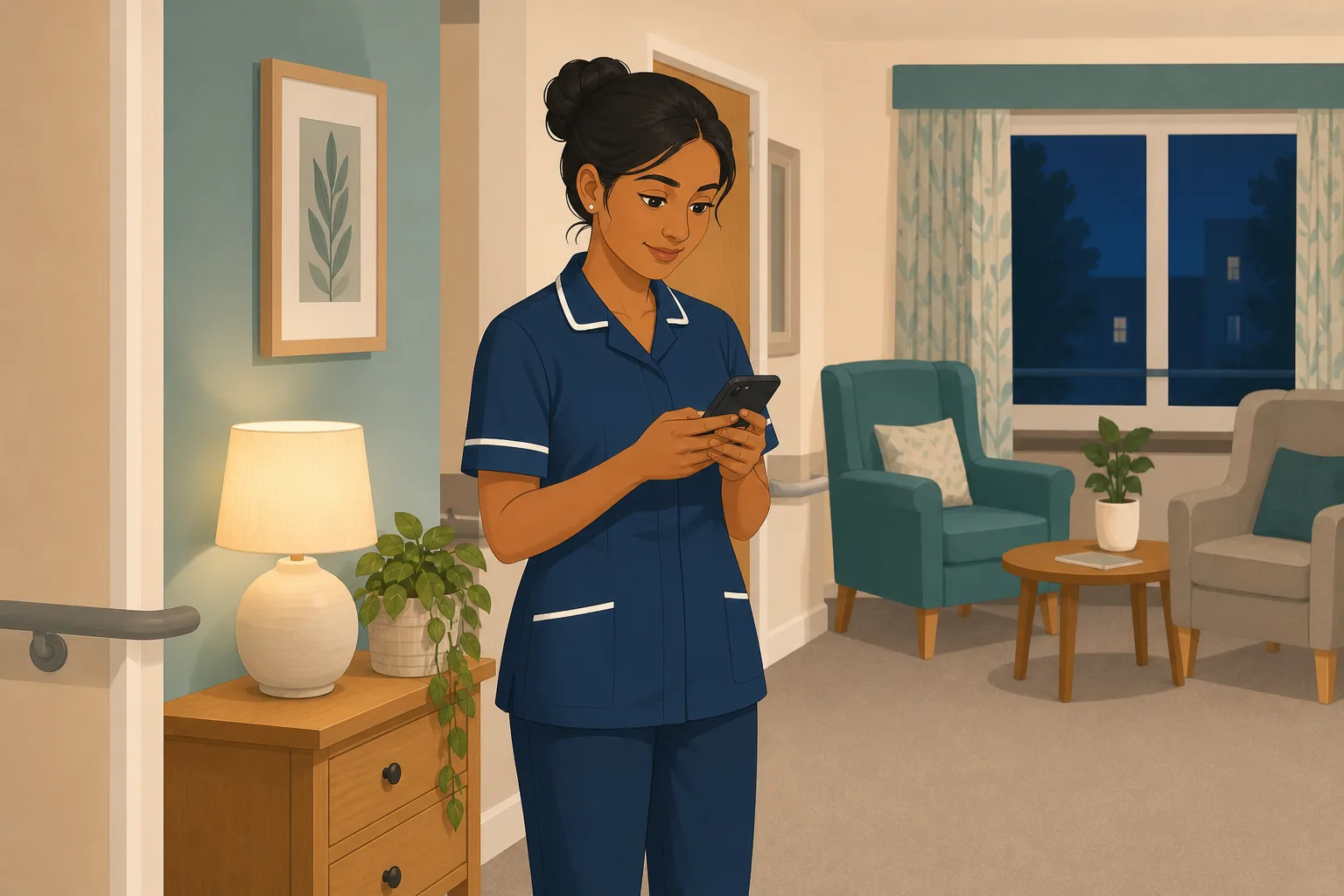
A carer is moved to the dementia unit. Handover is given in ten minutes.
A quick tour. Fire exits, the drug trolley and the call bells are all pointed out.
Care plans and the medication charts are where they should be.
Mr Hughes is up asking for Annie. Nobody on the unit tonight knows who she is.
Another resident is unsettled. What calms her is in a daughter's head, not on file.
The other carer is on a break. The senior is on another floor.
The notes say “unsettled, refused tea”. Nothing about what would have helped.
“How do staff who cover other units get to know people?” The manager has no answer.
The cover was never the problem. The gap is between knowing the risks and knowing the person. Here is how CareStream helps, with its limits stated plainly.
An example scenario, not a named service.
A care plan tells you what is safe. It does not tell you who someone is
A good handover covers risks. The small things that settle a person are usually missing from it.
Handover does not carry people
Ten minutes cannot hold what the day team has learned over months. The night shift carer is left to guess.
Night teams cover more units
When days are short staffed, nights move people around, and each move means more people to learn in a hurry.
The people who know are asleep
The family, the day team and the manager are not available at 3am. If the knowledge is not written down and reachable, it might as well not exist.
From the profile to the person, at 3am.
This is the resident knowledge part of CareStream, alongside training built from your own policies. It is available on the Professional and Enterprise plans. Every screen below is an example.
Write a resident profile for each person, in their own words
- Managers add a profile with 11 sections, from life story and daily routine to what helps when they are upset or anxious
- It is about who the person is, not their care record. Dietary needs and risks stay in the care plan
- It works as a living this is me form, and you can keep the one you already use alongside it. See our guide to the This Is Me document
Example only. Your profiles are written by your team, and only what is written can be found.
A night carer asks, and gets a short answer from the profile
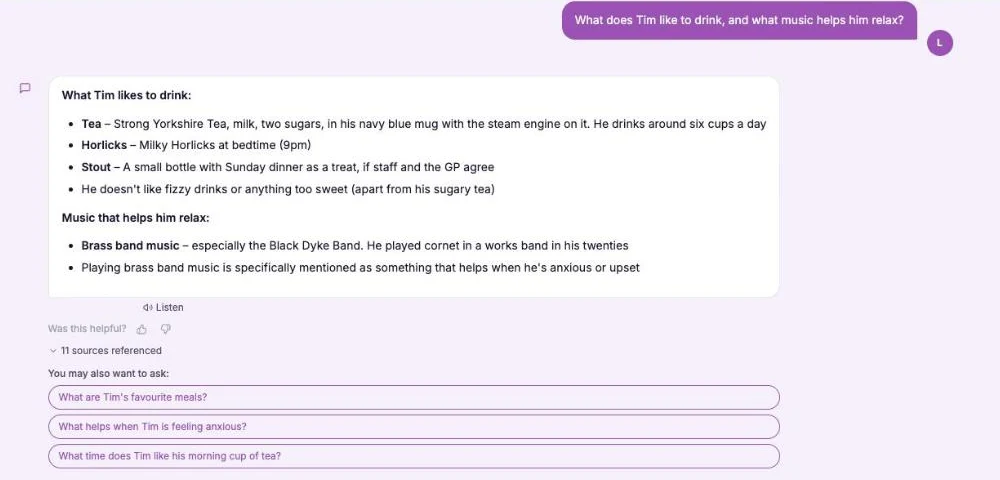
- In the Staff Hub, on their own phone, the carer opens the “This is me” chat and asks about a person by name
- Answers come only from the resident profiles your home has written and approved, and they are kept short for a busy shift
- If it is not recorded, the answer says so, and suggests asking the person, their family or the team. The manager can then add it
Example only. The chat does not give clinical advice.
Ask families for what only they know, and approve it first
- A manager can invite a family member or friend to answer a few questions about the person by email, with a private link that lasts 14 days
- Their answers wait for you. Staff only see an answer after an admin has approved it, and you can edit or reject it first
- Person centred care examples are often small: the name they like, the song, the chair. This is where those details are gathered. Family can add photos through the same link too, up to 5 per link, and a manager approves each one first.
Example only. The family page is a form, not a login or a portal.
Check the night as well as the day
- The built in audit library includes a night shift walkround, an unannounced visit that records staffing, call bells, night checks and fire exits
- One question is whether staff knew who was in charge and how to contact the on-call manager, a good check after a move
- The audit library is on every plan, and a finding can become an action to follow up
Example only. The observation line is typed by the person doing the visit.
The questions managers ask, and how CareStream answers them
Read this as a conversation. The questions are the ones we hear most.
What does a carer actually do when they are covering a unit they do not know?
They open the Staff Hub on their phone, choose “This is me” and ask about a person by name, such as what helps when they are upset. The answer comes only from the profile your home has written for that person, and they are kept short.
What if the answer is not in the profile?
The chat says it is not recorded in the profile yet and suggests asking the person, their family or the team. It does not guess. Not recorded means not recorded, and the manager can add it afterwards, so the next night shift carer finds it.
Does it replace the care plan or the handover?
No. The profile is about who the person is, not their care record. For medicines, diet texture, mobility, risks or safeguarding the chat points the carer back to the care plan and the senior. Follow the care plan and handover for care and risk.
Who writes the profiles?
Your team does. A manager adds each resident and fills in up to 11 sections. You can also invite family and friends to answer a few questions by email, and nothing they write reaches staff until an admin approves it.
Can I see what my night staff are asking?
Yes. Questions staff ask the assistant are recorded against their name and visible to admins under Recent queries. A question with no match shows where a profile needs more detail. Staff should know their questions are not private.
Is this the same as a This Is Me form?
It covers the same ground, but it is built into the hub so it can be searched at 3am rather than found in a folder. If you already use a this is me form, keep it. The This Is Me document guide explains what goes in one.
Will it tell me which units my staff have covered?
No. CareStream does not know where anyone worked that night, and it will not warn you that a carer is on an unfamiliar unit. It makes the information available when they ask for it.
What does it cost and can I try it?
Resident profiles are on the Professional and Enterprise plans, and you can start with a 14 day free trial. The pricing page shows what each plan includes, and you can create a free account to look around.
Who a person is, not a substitute for the plan
It only knows what has been written
If a profile is thin, the answer is thin. It does not fill a gap with a guess. The value comes from your team and families writing the details down.
It is not clinical and not a handover
It does not give clinical advice or replace the care plan, risk assessments or a proper handover. Those stay the source for care and risk.
It does not know who is covering where
CareStream does not know where anyone is working, so nothing warns you when a carer moves unit. Resident profiles are on Professional and Enterprise.
Training built from your own policies
Everything on this page is part of the product. Here is where to read more.
Training built from your own policies
Ad hoc training from your policies, an assistant staff can ask, and wrong answers that become lessons.
See the featureWhat residents are like, ready when staff need it
Resident profiles that staff can ask about, answered only from what your home has written.
See resident knowledgeAudits that check the night too
A built in library of audits, including a night shift walkround, on every plan.
See the audit libraryGuides on this subject
This Is Me Document: What Goes In It and How a Home Keeps It Alive
A line that says "likes tea" does nothing for a night carer. This reference sets out what a good This is me style document holds, and how a home...
Read article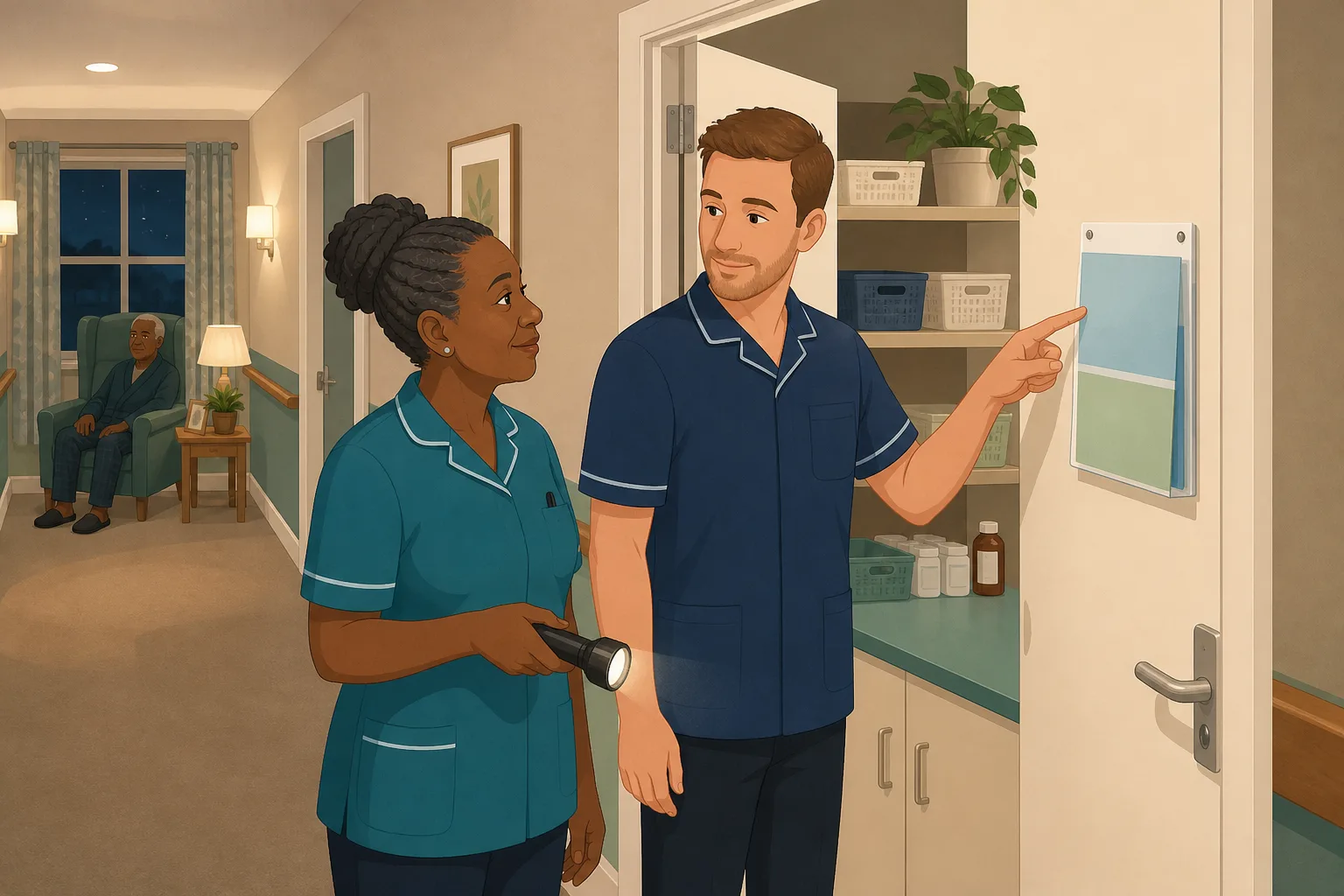
Night Shift Care Home Walkthrough: Who Answers the Question When the Manager Is Asleep
A night shift in a care home followed in order, showing where staff meet questions the policy folder cannot answer fast, and what a manager can put...
Read article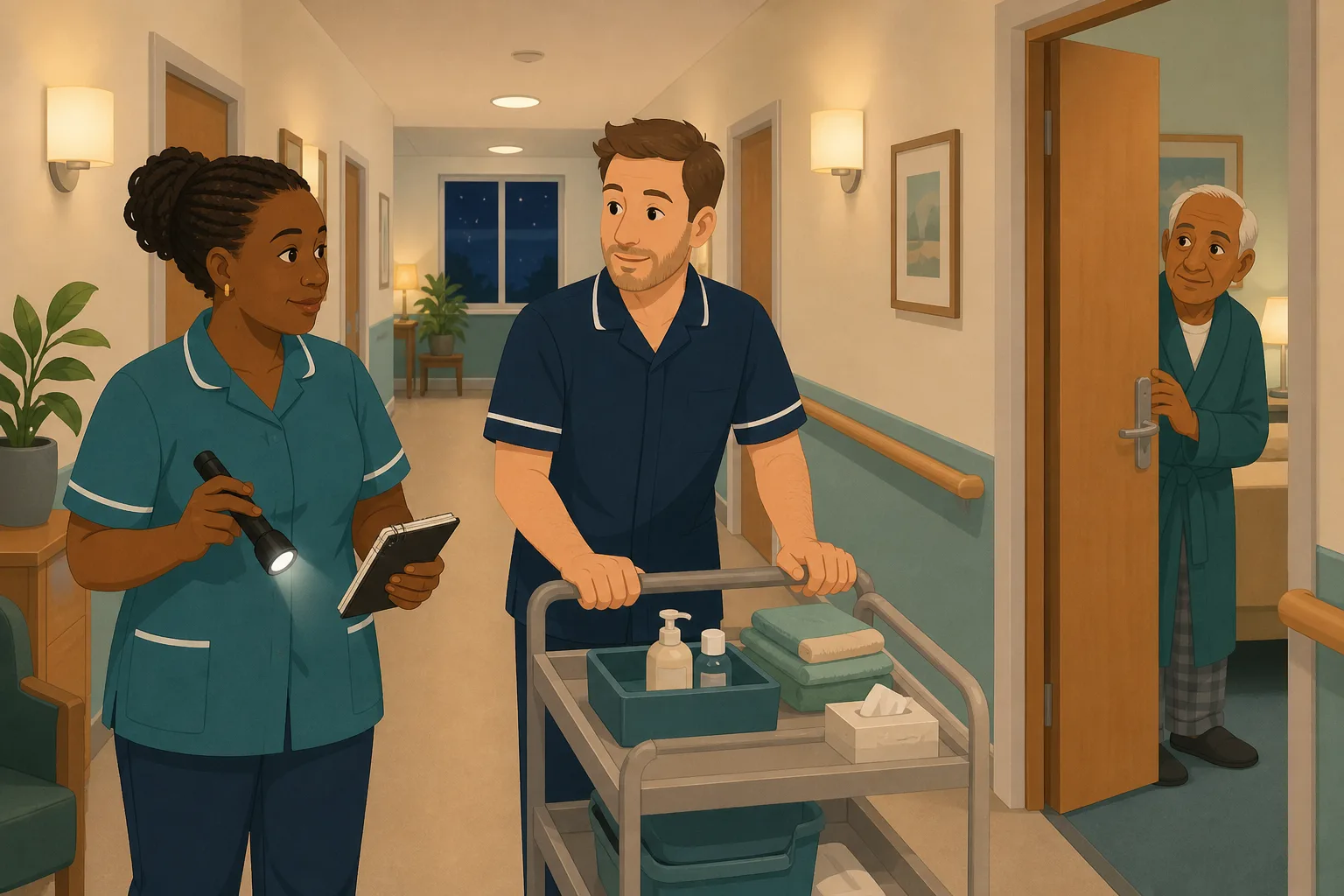
Care home software: what to ask before you pay for a system your night staff will actually open
Most systems fail on adoption rather than features. Five criteria for choosing care home software, the four shapes it comes in, and a way to test one...
Read articleNight staff, resident profiles and CareStream, answered
About the feature
How does a night shift carer find out about a resident they do not know?
They ask the “This is me” chat in the Staff Hub, which answers only from the resident profile your home has written and approved. For care and risk they still follow the care plan and handover. Staff can also ask the chat for a photo, such as a wedding. Approved photos whose captions match appear under the answer. The chat reads captions only and does not look inside a picture.
What is in a CareStream profile for a resident?
It is a short, living record of who the person is. It has 11 sections, including life story, likes and dislikes, daily routine and what helps when they are upset. It is not a clinical record. More in resident knowledge.
Do I still need a this is me form?
You can keep whichever form you already use. The profile does the same job in a form staff can ask questions of, on their own phone, at any hour.
Who can see the profiles?
Admins manage them. Signed in staff can ask about living residents who have at least one section filled in. Family answers stay hidden until an admin approves them.
Which plans include resident profiles?
Professional and Enterprise. The pricing page has the full comparison.
What are some person centred care examples for night staff?
Small things: calling someone by the name they like, keeping the radio or the lamp they are used to, knowing when they like to settle and what helps when they wake anxious. Each one is a detail a profile can hold.
About inspections and training
What does the law say about person centred care?
Regulation 9 says the care and treatment of service users must be appropriate, meet their needs and reflect their preferences. Knowing a person's preferences is the first step to meeting them.
What does the law say about supporting staff?
Regulation 18 says staff must receive the appropriate support, training, professional development, supervision and appraisal they need to carry out their duties. It does not say how, so each provider decides what its staff need.
What training does a night shift carer need?
The same as the day team, plus the practical knowledge of the people they support. The Care Certificate course covers the basics, and annual training keeps it current.
A practical way to prepare for cover on an unfamiliar unit
Moving a carer at short notice will happen. What you can control is how much they know about the people when they get there.
Start with the details nights need most
Start with the residents most likely to be awake, unsettled or distressed at night. For each one, write the name they like to be called, what settles them, who matters to them and what a good night looks like. Those details are what a carer who has never met them needs most.
Make it a habit, not a project
- Write a profile for the residents who are most often awake or anxious at night first.
- Invite one family member or friend per resident to add what only they know.
- When a night note says “unsettled”, add what helped to the profile the next morning.
- Ask the night team once a month what they could not find out, and write it down.
For the inspector. Be ready to show how staff who cover other units get to know people. Keep the profiles current, and keep the care plan as the source for care and risk.




