
The dementia care training went well. Does everyone on the unit know the routines?
Your unit team has been briefed, and the policy has been updated. CareStream does not replace the briefing. It adds dementia care training built from your own policies, so you can see who understood it, including the carers who only cover the unit now and then.
14 day free trial · Set up in a day · UK data residency
The unit is ready. Is the team?
A scenario we see in many care settings.
The first floor has been refurbished as a specialist unit, with softer colours, clear signs and a quieter lounge. The unit lead ran two handover huddles on the new routines, and the home's dementia care policy was updated to match. A week later, carers from other floors begin covering shifts there, and a new starter on nights learns the routine from whoever is nearest. The manager has a revised policy and a huddle note. Nothing shows who understood what to do. Here is how that plays out.
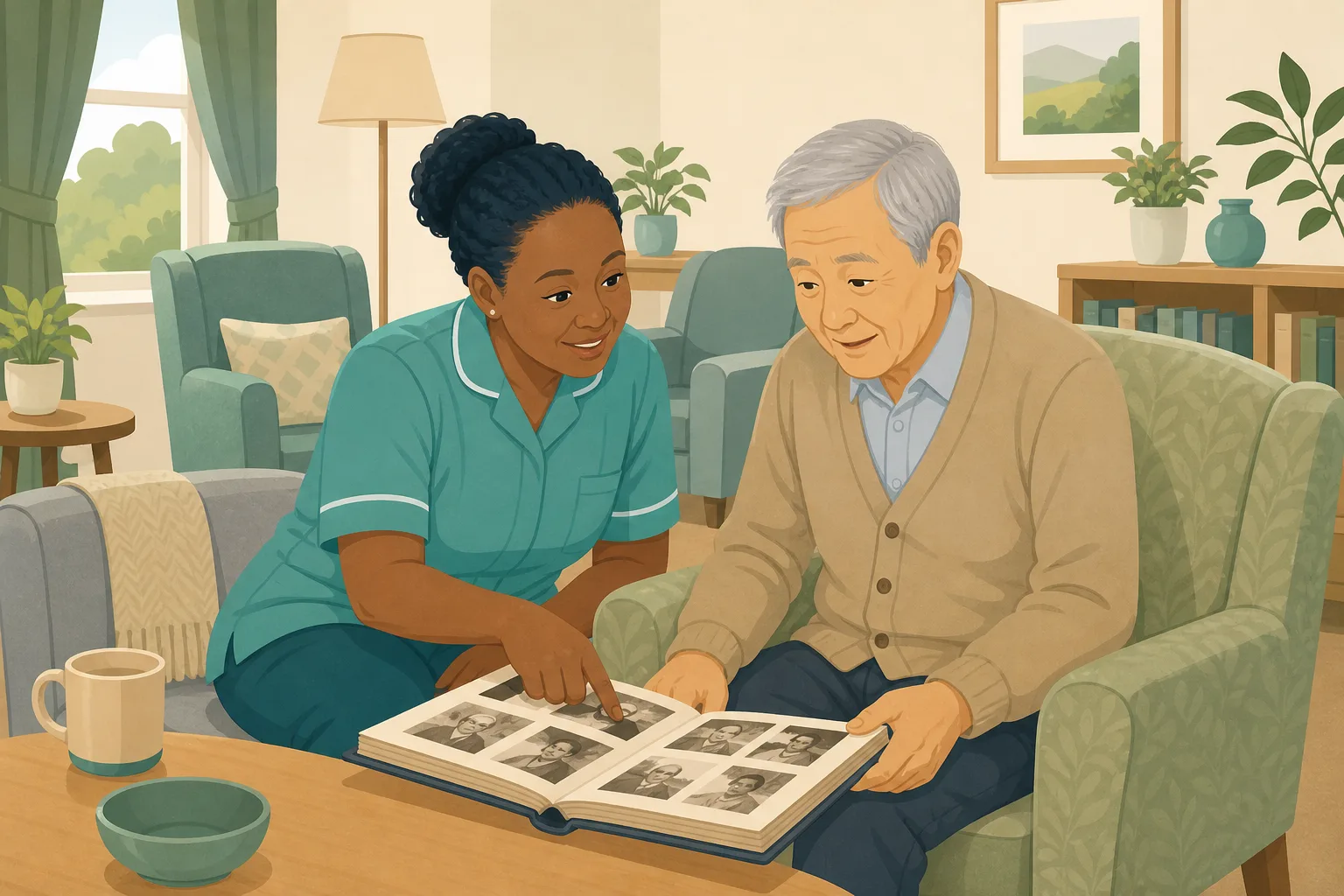
The first floor reopens with new signs and a calmer lounge.
The unit lead runs two huddles on mealtimes, evenings and what each resident likes.
The home's dementia care policy is updated and shared with the unit team.
Carers from other floors start covering shifts on the unit.
A new starter learns the routine from whoever happens to be nearest.
Nobody can say who read the new policy or took in the huddle.
A policy version and a huddle note. Nothing about what each person understood.
“How do you know staff on the unit can support each person?” A huddle note is not an answer.
The briefing was never the problem. The gap sits between what the unit lead said and what each carer can do on the floor. Here is how CareStream closes it, using your own policies.
An example scenario, not a named service.
A briefing reaches the people in the room, not the people who cover
A dementia unit depends on a team that shares the same approach, shift after shift.
Cover staff miss the huddle
People from other floors, bank hours or an extra shift were not in the room. They meet the unit's routines for the first time on the shift itself.
A policy update is not a check
Sending out a revised policy tells people it exists. It does not tell you whether anyone could say what it asks them to do.
Chasing it by hand does not scale
Quizzing every carer yourself, one tea round at a time, is a job nobody has time for. So the gaps stay where they are.
Your policies in, the follow up out.
This is the training built from your own policies feature, in the order a manager and a carer meet it. It is the same loop as following up a face to face session, set on one unit. See also adhoc training after an incident.
Allocate dementia training to the unit team
- In the Training screen, pick the Dementia Awareness module. Lessons draw on your own dementia policies where they cover a point, and on general good practice where they do not
- Preview and edit it before anyone sees it, then tick the unit team and anyone who covers the unit. There is no unit or role picker, so you choose the people
- Staff complete it in the Staff Hub, on their own phone, with an optional due date
Illustration based on the Training screen. Example questions.
A wrong answer becomes a short lesson on that exact point
- The wrong answer goes into the carer's Follow-up tab in the Staff Hub, and they get an email, at most once a day, in English
- They choose Learn & retry, a short lesson (why it matters, what to remember, a picture of the situation) then a fresh question, or Just retry the same question, as often as they need
- Nothing is sent to you each time. A carer who slips is not reported, they simply get a second look at the point
A few things to revisit. Learn the point, then answer, or just retry. Either way it clears from here.
Being lost in a familiar building can be frightening. A calm, kind response helps the person feel safe, and pointing or correcting rarely does.
Remember- Use their name and stay at their side
- Walk with them rather than pointing
- Tell a senior if it keeps happening
It is mid morning. A resident stands in the corridor looking at three doors that seem the same.
Illustration based on the Staff Hub Follow-up tab. Example content.
Staff who read more easily in another language
- A carer who answers wrongly because of a missed word can open the lesson in their second language
- Your admin sets that language on the staff record, and the carer switches to it in the hub
- Translation is on the paid plans only, and the reminder emails stay in English
Always communicate in their first language
All messages CareStream sends are translated into English.
Allow switching a set to their second language
In the hub they can flip any single training, induction or CQC set into Polish, just for that set, if they are struggling in their first language.
Let them suggest better translations
They can propose improvements to translated content. Changes need your approval before going live.
Illustration based on the staff record Language settings. Translation is on the paid plans.
See the gaps across the unit, and whether they closed
- The Knowledge gaps view shows open gaps, staff affected, the most missed questions and the weakest topics, so you can see where the briefing needs another look
- See how gaps are being closed, and mark a person's record as reviewed after a conversation
- A Monday digest email brings the picture to you without you asking for it
Illustration based on the Knowledge gaps view. Example figures.
The questions managers ask, and how CareStream answers them
Read this as a conversation. The questions are the ones we hear most.
Is a specialist unit a separate setting in CareStream?
No. A unit sits inside your residential or nursing care home. CareStream does not hold a separate unit or wing for staff, so when you allocate training you tick the people you want, such as the unit team and anyone who covers it.
How would I know whether my unit team understood the briefing?
After the briefing you allocate short training on the topic, built from your own policies. Each carer completes it in the Staff Hub on their own phone, and their answers are scored, so you see who understood and who needs another look.
What happens when someone gets a question wrong?
It goes into their Follow-up tab in the hub, and they get an email, at most once a day. They choose Learn & retry, a short lesson on that point followed by a fresh question, or Just retry the same question. They can retry as often as they need.
Is the lesson generic, or about how our unit works?
It draws on your own policies where they cover the point. Where they do not, it falls back on general good practice, which is a prompt to improve the policy. You can preview and edit the module before you allocate it.
Can I give cover staff the same check?
Yes. Tick them when you allocate. It does not matter which floor they usually work on. They complete it in the Staff Hub like everyone else, and their answers show in the same view.
Will you tell me every time a carer gets one wrong?
No. Nothing alerts you on each wrong answer. You see the pattern in the Knowledge gaps view, and the Monday digest email brings it to you each week. That shows whether one person needs a conversation or the briefing needs another go.
Does this replace dementia training from a trainer?
No. Keep your sessions and your observation of practice. CareStream checks what people took in afterwards. It also offers a dementia awareness course for the topic itself, and it gives no clinical advice.
How do I try it?
You can start with a 14 day free trial on the paid plans, or create a free account to look around first. Adhoc training is on the paid plans, so see the pricing page for what each plan includes.
A check on understanding, not a substitute for good care
It does not give clinical advice
Lessons teach good practice and your own policies. Decisions about a person's care stay with your care plans, your seniors and the professionals involved.
It does not alert you to every wrong answer
The picture reaches you through the Knowledge gaps view and the Monday digest, not as a message each time someone slips. It also does not assign by unit, so you tick the people.
Some parts depend on your plan
Adhoc training and translation are on the paid plans. The free plan does not include them. Resident profiles are on Professional and above, so see the pricing page for which plan includes what.
Training built from your own policies
Everything on this page is part of the product. Here is where to read more.
Training built from your own policies
Short training from your own policies, with a lesson for every wrong answer.
See the featureTraining in over 60 languages
Lessons for carers in the language they think in. Paid plans.
See languagesCare audits
Built in audits, including Dementia Care Environment, free on every plan.
See the auditsGuides on this subject
Dementia Training Standards Framework: What Should Happen After the Course
A seven step walkthrough of the Dementia Training Standards Framework, from choosing a tier to the follow-up and refresher that happen after the...
Read article
Policy Changed. Who Needs Retraining? A Four-Question Framework for Care Managers
A policy update lands in your inbox at 4.45pm on a Friday. Your first instinct is to retrain everyone, because retraining everyone feels safe. It...
Read article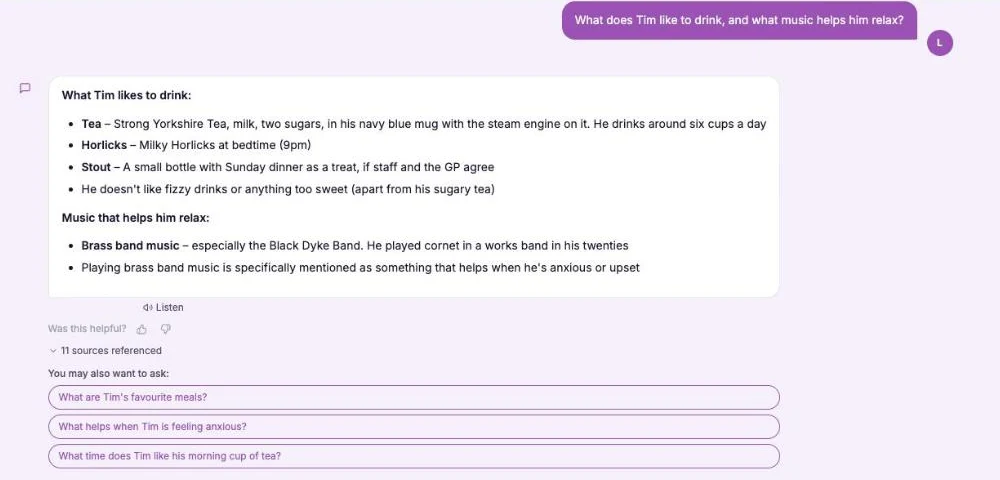
This Is Me Document: What Goes In It and How a Home Keeps It Alive
A line that says "likes tea" does nothing for a night carer. This reference sets out what a good This is me style document holds, and how a home...
Read articleQuestions about dementia care training and follow up
About the training
What should dementia care training for a unit cover?
That is for you and your policies to decide, and it should fit the people you support. Many homes start with understanding dementia, communication, person centred routines and knowing who to tell about a change. The dementia awareness course is a six lesson course with a scored assessment and a certificate for each learner.
Is dementia training for care staff different on a specialist unit?
The need is the same, but a unit asks more of a team that shares one approach. Your own policies say how your unit does things, and a check after the briefing shows whether each carer, including cover staff, can say what they would do.
How does a dementia care home follow up its dementia training?
A dementia care home, or a unit within a larger home, can allocate short training after a briefing, then watch the Knowledge gaps view for the questions most often missed. Wrong answers become short lessons the carer opens themselves.
Can staff do the follow up on their own phones?
Yes. The Staff Hub is an installable app that works on a carer's own phone. They open the module, answer the questions and see anything to revisit in their Follow-up tab.
Does CareStream work for a single unit and not only a whole home?
CareStream sees your home as one service. You choose which staff to allocate each module to, so a unit team is simply the people you tick. It does not hold units or wings as separate groups.
About records and inspections
What does the law say about training for staff?
Regulation 18 says staff must receive the support, training, professional development, supervision and appraisal that is necessary to carry out their duties. It does not list courses, so each provider decides what its staff need.
What does CQC say about monitoring training?
The CQC guidance on Regulation 18 says that learning and development, and the required training completed, should be monitored. Questions, lessons and results in one place help you do that.
What are "This is me" profiles and how do they fit in?
On Professional and above, you can record each resident's life story, likes and what helps when they are upset. Staff can ask the assistant about a resident from that profile. It is about who the person is and is not a care record. See the guide to the This is me document.
A practical way to follow up dementia care training on a dementia unit
Dementia care training does not end when the briefing does. A briefing ends, a policy is shared and the shift carries on. The follow up is where a manager learns whether it worked, including for the people who were not in the room.
Check the people who were not in the room
On a unit, the team is rarely the same two shifts running. Cover staff, bank hours and new starters meet the routines on the shift itself. Write down who actually works on the unit over a month, not only who is named for the unit, and give each of them the same short check.
Keep the questions practical. Ask what a carer would do first, where they would find what helps a resident, and who they would tell. Where a policy has changed, ask what the policy now asks. The four question framework can help you decide who needs it.
Four checks that fit a busy dementia unit
- Within a week of a briefing or policy change: allocate short training on the topic, built from your own policies.
- Whenever an answer is wrong: the carer opens a short lesson on that point, then answers a fresh question.
- Each month: look at the most missed questions and the weakest topics in the Knowledge gaps view.
- On the floor: watch real practice, such as how staff greet people. The Dementia Care Environment audit covers signage, lighting and daily experience.
For the inspector. Keep the questions, the lessons and the results together with your policy, so you can show understanding as well as attendance.




