
A carer is unsure at 3am. A policy assistant that answers from your own policies.
It is the middle of the night, a resident needs something, and the carer cannot find the right page in the folder. A policy assistant in the Staff Hub answers in plain words from the documents you uploaded and names the policy it used. It sits inside training built from your own policies, and it does not replace you.
14 day free trial · Set up in a day · UK data residency
Nobody is on site, and the answer is somewhere in a folder.
A scenario we see in many care settings.
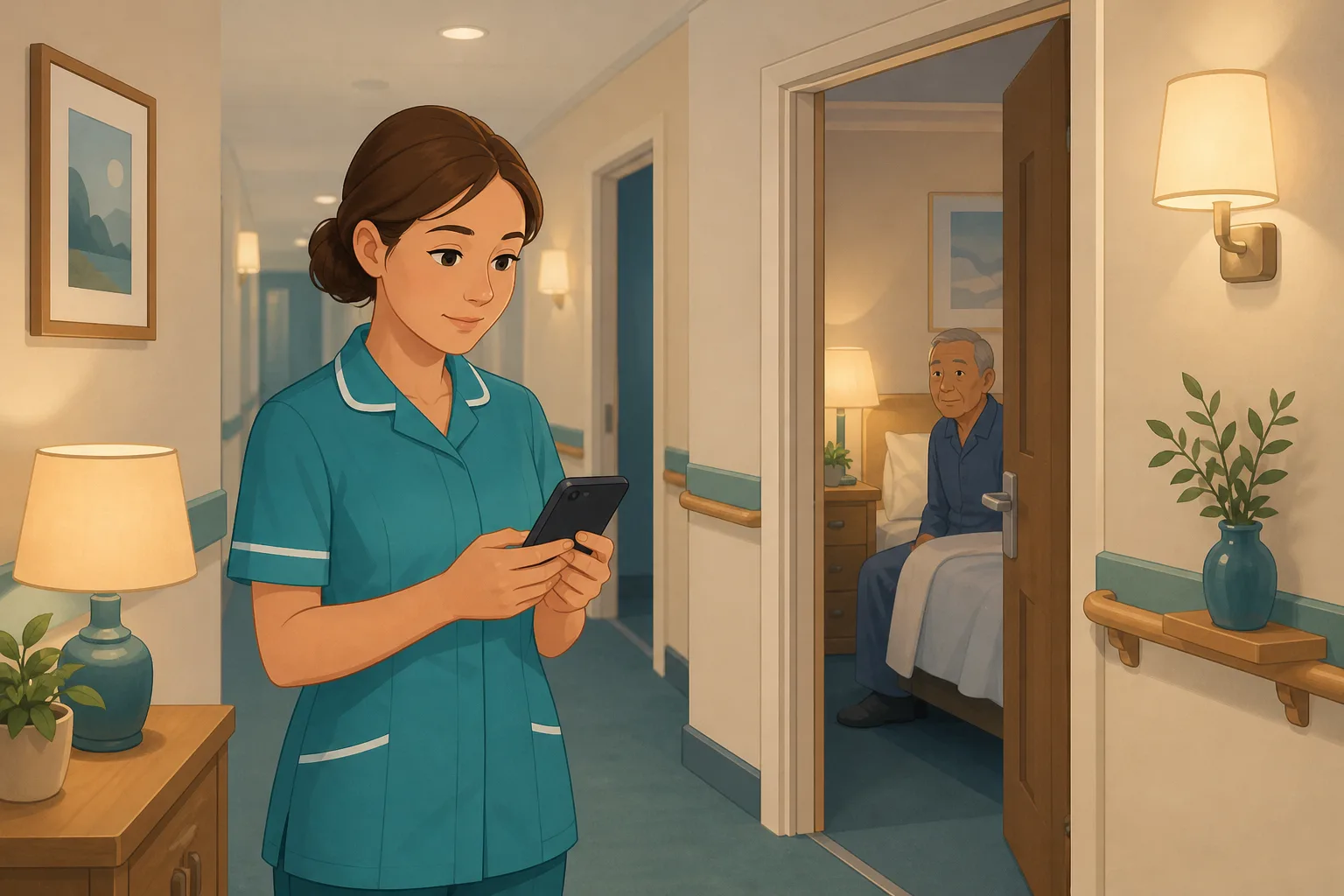
It is ten past three. A carer on a quiet night shift finds a resident who has refused their medication, or who is sitting on the floor and says they are fine. The registered manager is at home asleep. The senior is busy on another floor. The carer knows your service has a policy for this, but the paper folder is a metre of plastic wallets and the shared drive has four files with similar names. She does not want to guess, and she does not want to wake someone over something she could have looked up.
Your care home policies are reviewed, signed off and filed.
New carers are shown where the policies are kept.
Night staff start the shift briefed and well meaning.
A carer is unsure what the policy says about the situation in front of her.
The folder is thick and the shared drive search returns six files.
She guesses, or waits for a call back, or rings someone out of hours.
Nobody knows what she did or which version she read.
An inspector asks how night staff find the right policy.
The policies exist. Finding the right one at the right moment is the gap. Here is how a carer can ask in plain words and get an answer from your own documents, with the limits said plainly.
An example scenario, not a named service.
A folder full of policies is not much use at 3am
Staff do not need a perfect memory. They need a quick, reliable way to look things up.
People ask in their own words
A carer does not know the title of the policy she needs. She knows what is in front of her. A plain question works better than a filename.
Search should name its source
A carer needs to see which policy the answer came from, so she can trust it, open the full policy, and tell the manager what she relied on.
A guess is worse than a call
If the documents do not cover the question, the right outcome is to say so and escalate as your policy says. It must never be a confident invention.
Ask in plain words. Answered from your own policies.
This is the Staff Hub assistant, part of training built from your own policies. See also finding the gaps in your policies and how CareStream works.
The carer picks a topic and asks, on her own phone
- In the Staff Hub, she opens Chat and picks a topic such as Policies & Procedures, then types her question or speaks it, depending on what her browser supports
- Topics with nothing uploaded are greyed out, and each topic suggests starter questions to get her going
- It works like a policy chatbot that stays inside your documents, and it is not a general internet search
Illustration based on the Training screen. Example questions.
The answer comes from your policy, and names it
- The answer is taken from your own uploaded documents, and it shows which policy it used, so she can ask for the full policy if she wants it
- Each answer comes back with suggested follow up questions, and she can give a thumbs up or down
- If nothing matches closely enough, it says it could not find a matching policy and offers a list headed Did you mean one of these? It does not make something up
A few things to revisit. Learn the point, then answer, or just retry. Either way it clears from here.
Your Medication Policy says a refusal must not be forced or hidden, and that it is recorded and passed on as the policy sets out.
Remember- Do not pressure or hide medication
- Record the refusal as your policy says
- Tell the person in charge as your policy says
It is 3am, nobody senior is on the floor, and the carer has the policy in her pocket.
Illustration based on the Staff Hub Follow-up tab. Example content.
Answers in the language the carer thinks in
- Your admin sets each carer's first language, and chat answers then come back in it, with a Reply in picker in the chat
- Policies are translated when she opens them, so she can read your care home policy in her own language
- Translation is machine translation and is on the paid plans, so a Free account's staff are English only
Always communicate in their first language
All messages CareStream sends are translated into English.
Allow switching a set to their second language
In the hub they can flip any single training, induction or CQC set into Polish (example), just for that set, if they are struggling in their first language.
Let them suggest better translations
They can propose improvements to translated content. Changes need your approval before going live.
Illustration based on the staff record Language settings. Translation is on the paid plans.
What the manager sees, openly and honestly
- Admins see every question in Recent queries: who asked, when, and whether the result was Matched, Partial or No match. Staff cannot hide it
- A No match is a hint that a policy may be missing, and the screen suggests uploading one that covers the topic
- The Knowledge gaps view shown here is separate. It is built from missed training questions, so allocate a short adhoc module afterwards if you want to check the team understood
Illustration based on the Knowledge gaps view. Example figures.
The questions managers ask, and how CareStream answers them
Read this as a conversation. These are the questions we hear most.
What does a carer actually do?
She opens the Staff Hub on her phone, taps Chat, picks a topic such as Policies & Procedures and asks in plain words. She can speak the question if her browser supports it, and every answer has a Listen button that reads it aloud.
Where do the answers come from?
From the documents you uploaded, and from any knowledge entries you added by hand. The answer names the policy it used. Where we have a regulatory reference base, it can also be used as a source.
What if the policy does not cover it?
The assistant only answers when the match is close enough. Below that it says it could not find a matching policy and offers a list headed Did you mean one of these? Then she follows your escalation route.
Does it give clinical advice or replace my senior?
No. It tells the carer what your own policy says. She must still follow the policy, use her judgement and escalate to the person your policy names. If a resident is in danger, she calls for help first.
Can I see what my staff asked?
Yes. Recent queries lists who asked, when, the first question, the language and whether it matched. You can open the whole conversation. If a carer deletes a chat from her own history, the record stays for you, so tell your team that plainly.
Is it only as good as my policies?
Yes. If a policy is missing, out of date or vague, the answer will be too. A No match is useful because it points at the gap. You can also run a policy gap check.
Can I be sure it never gets it wrong?
We do not promise that. Answers are drawn from your documents and checked against a minimum match, and staff can mark an answer down. Treat it as a fast way to find your policy, not as the final word.
How do I try it?
Create a free account at the registration page and start the 14 day free trial on a paid plan, then upload your policies. Look at pricing for what each plan includes.
A quick way to look things up, not a substitute for judgement
It is only as good as your uploaded policies
It answers from your own documents. Missing, outdated or contradictory policies give weak answers, and it cannot invent a procedure you never wrote.
It does not give clinical advice or replace a senior
It reports what your policy says. Carers must follow the policy and escalate to the people it names. It does not call anyone, and it does not alert you to each question.
Questions are not private from you
Admins can see who asked what and when in Recent queries, and staff cannot erase it. Do not promise anonymity. Tell your team what you can see and why.
Training built from your own policies
Everything on this page is part of the product. Here is where to read more.
Training built from your own policies
Your policies power short training and the Staff Hub assistant, so staff learn and ask from the same source.
See the featureStaff Hub in the language each carer thinks in
Answers and policies in a carer's first language, on the paid plans.
See the multilingual Staff HubFind the gaps in your policies
A question your documents cannot answer shows you where a policy is missing or thin.
See policy gapsGuides on this subject

Difference Between Policy and Procedure: Five Beliefs That Leave Care Staff Guessing
A policy says what a service commits to. A procedure says who does what. Five common beliefs about the two, tested against the law, and a quick test...
Read article
When Two Policies Disagree, Staff Follow the Wrong One
It is 3am and a domiciliary carer is standing in a client's kitchen, phone in hand, trying to remember which reporting route applies to the bruise...
Read article
Translating Care Policies: What Gets Lost, and How to Check Understanding
Your care policies are written in English. A significant portion of your workforce thinks, dreams, and asks questions in another language....
Read articlePolicy assistant questions, answered
How it works
What is a policy assistant for care staff?
It is a chat tool that answers a carer's question from your own policies and names the policy it used. In CareStream it lives in the Staff Hub, in training built from your own policies.
Is it the same as a policy chatbot?
In everyday words, yes. It is a policy chatbot that stays inside your documents. If it cannot find a close enough match, it says so instead of guessing.
How is it different from document search on a shared drive?
Ordinary document search needs the right filename or keyword and gives back a list of files. The assistant takes a plain question and gives a short answer with the policy named, and lets her open the full policy.
Can staff do a policy search in their own language?
Yes, on the paid plans. Chat answers come back in the carer's first language and policies are translated when opened. See the multilingual Staff Hub.
Your policies and the law
Do our care home policies and procedures need to be uploaded first?
Yes. The assistant answers from what you upload, so start with the policies staff need most at night, such as medication, falls and safeguarding. Our complete guide to care home policies helps with the list.
What does the law say about staff and policies?
The regulations do not mention policies by name. Regulation 17 requires systems or processes to be established and operated effectively, and Regulation 18 requires staff to receive appropriate support and training. Easy access to your policy is one practical way to support that.
What should one care home policy cover for night staff?
Say who to call, in what order, and what to record, because a carer alone at night needs those three things. Check that your wording does not disagree with another policy, as staff follow the wrong one when it does.
What happens after the carer gets an answer?
Nothing is triggered automatically. You can see the question in Recent queries, and you can then allocate a short adhoc training module on the topic if you want to check understanding.
How to make your policies findable at 3am
A good assistant cannot rescue a policy nobody can read. These steps help whether or not you use one.
Write for a person standing in a corridor
Put the first action at the top of each policy: who to call, and what to do while waiting. Use headings that match the words carers use, such as refusing medication or found on the floor, rather than internal titles.
Under Regulation 18, staff must receive the support and training they need to do their job. A policy a carer can find and follow in a minute is part of that support, alongside your supervision and training.
Check your night time policies before you upload
- Medication: refusals, missed doses and who to call out of hours.
- Falls: what to do before moving anyone, and what to record.
- Safeguarding: who to tell and how to reach them at night.
- Escalation: a named person to call if the first one does not answer.
Tell your team what you can see
Explain that Recent queries shows who asked what. Say you use it to fix policies and support staff, not to catch anyone out. People ask more honest questions when they know the rules.
For the inspector. Be ready to show where staff find policies out of hours, and what you changed when a question found no match. See the Care Quality Commission for its own guidance.




