
An agency worker arrives tomorrow. Who tells them where the fire exits are?
An the worker is booked for tomorrow and the agency has sent a name and a start time. They need a safe first shift, which means a local induction on how your service works. With short training built from your own policies, you add them with their dates and they can start the induction on their own phone before they arrive.
14 day free trial · Set up in a day · UK data residency
The booking came in at four. The shift starts at seven tomorrow.
A scenario we see in many care settings.
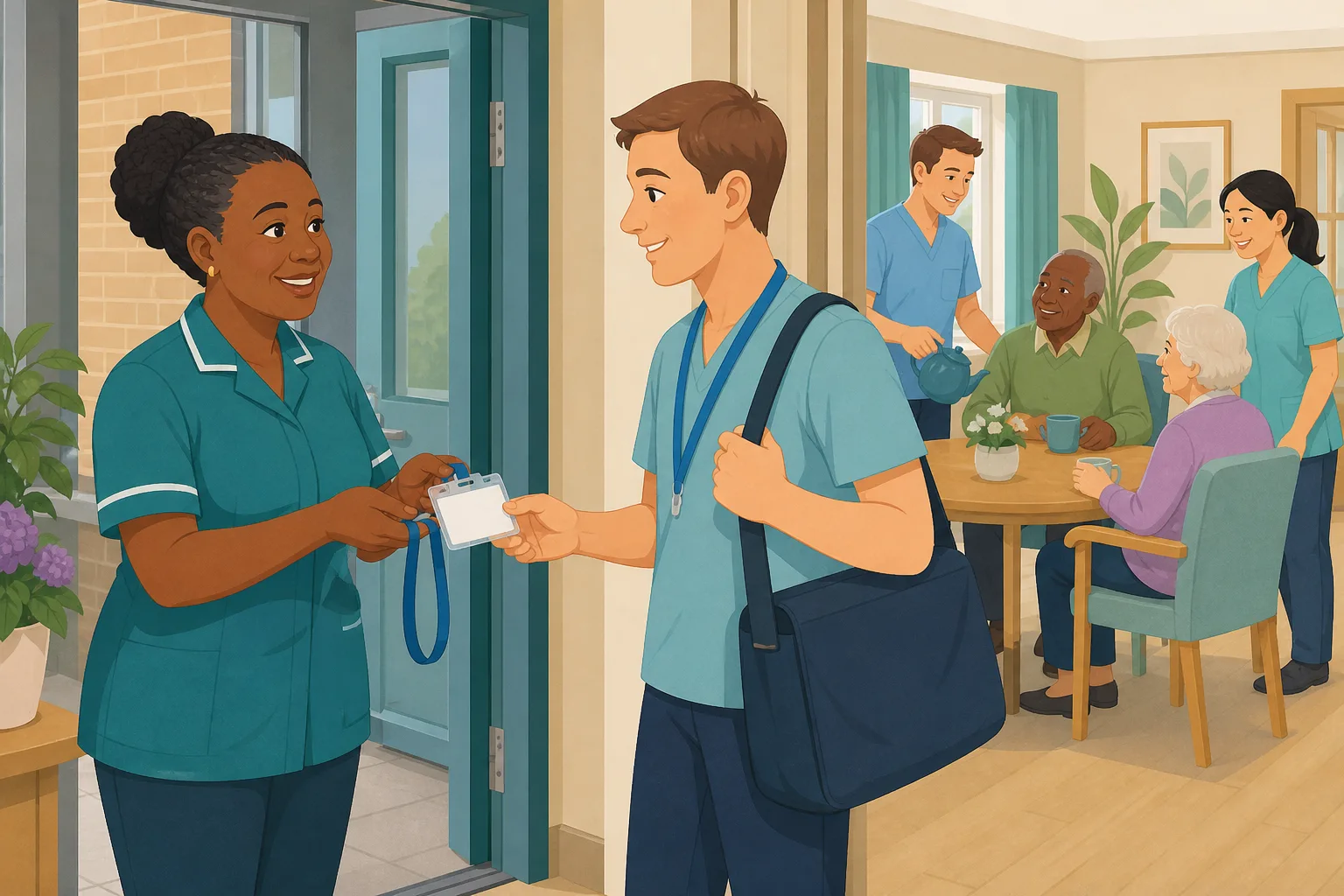
A carer rang in sick, so the manager called the agency. By late afternoon a name came back: an experienced agency carer, starting at seven tomorrow. The agency has checked who they are and what they are qualified to do. What the agency cannot do is teach them your building, your fire exits, your safeguarding lead or the way your service handles a fall. The usual answer is five minutes at the door and a hope that someone remembers to show them round. Here is how that plays out.
The agency confirms a worker for tomorrow's shift.
The manager passes on the name, the unit and the start time.
The agency carer arrives on time with a lanyard and a smile.
The handover is busy. The tour is shortened to the kitchen and the medication room.
Nobody has mentioned the fire exits, the safeguarding lead or who to call.
The booking is extended by a week. Nobody has noted what was covered.
The account the worker used is still open, and no one remembers when it should end.
“How do agency staff learn how your service works?” The answer is a hope.
Agency cover was never the problem. The gap is between a worker who arrives and one who is ready for your service. Here is how CareStream closes it, without adding a seat to your plan.
An example scenario, not a named service.
A good the worker still does not know your service
The agency checks the person. Only you can show them how your service works.
The first hour is the busiest hour
Handover, medication and a call bell all compete for the same minutes. The welcome is the first thing that gets squeezed.
Local rules are not on the agency CV
Where the exits are, who the safeguarding lead is and what your service does after a fall differ in every building.
Access should end when the booking does
A date set at the start removes the job of remembering.
From a name on a booking to a worker who knows your service.
This is the Training built from your own policies feature, in the order a manager and a visiting carer meet it. See also follow up on adhoc training and a four week induction playbook.
Add the agency worker with their dates, and give them a local induction
- On the add staff form, choose the staff type Agency staff, then enter the agency name, first day, last day and, if you wish, a day rate
- They are enrolled only in the induction flows you have ticked as suitable for agency staff and that match their job role
- It is a short induction for new staff on your local arrangements: read the policy, then answer a question on it
Illustration based on the Training screen. Example questions.
A wrong answer becomes a short lesson, not a missed point
- In an induction flow, a wrong answer must be retried, and it also creates an item in the worker's Follow-up tab in the Staff Hub
- They get an email to say so, at most once a day and in English, and choose Learn & retry (a short lesson, then a fresh question) or Just retry
- The lesson comes from your own policies, so the the worker learns what your service does, not what a textbook says
A few things to revisit. Learn the point, then answer, or just retry. Either way it clears from here.
In a fire you act on the plan for your service. Raising the alarm and keeping the person safe come before anything else.
Remember- Know the nearest exit from every area you work in
- Follow your service's evacuation plan
- Report to the person in charge at the assembly point
You are halfway through helping a resident to dress when the alarm sounds in a unit you only met this morning.
Illustration based on the Staff Hub Follow-up tab. Example content.
Access runs for the booking, then ends without anyone remembering
- Their Staff Hub access runs for the first day to the last day you entered, and agency staff read policies like any member of staff
- Admins get an email three days before the booking ends. Extending the booking clears the warning
- Access stays on for 24 hours after the last day, so a night shift is not cut off. Then the account is deactivated, not deleted, and the record is kept
Illustration based on the Training screen. Example questions.
See what agency cover costs and what the induction found
- Once you have an the worker on file, the Staff page shows agency spend for the last 12 months, by agency, from the day rates you entered. That helps you keep an eye on agency staff costs
- The Knowledge gaps view shows the most missed questions and the weakest topics, so you can see what your local induction needs to explain better
- A Monday digest email brings the picture to you, so you do not have to go looking
Illustration based on the Knowledge gaps view. Example figures.
The questions managers ask, and how CareStream answers them
The questions we hear most.
An agency worker starts tomorrow. What can I do tonight?
Add them on the staff form as an The worker, with the agency name, first day and last day. They can then open the Staff Hub on their own phone and start your local induction before they walk in, so the first hour is not spent on the basics.
What does the induction actually contain?
Whatever you have ticked as suitable for agency staff and that matches their job role. Each step is either read a policy and mark it as read, or answer a multiple choice question. It is built around your own policies, so it covers your fire arrangements, your safeguarding lead and the way your service works.
What if they get a question wrong?
They have to retry it, and it also goes into their Follow-up tab with an email, at most once a day. They choose Learn & retry, a short lesson on that point and then a fresh question, or Just retry the same one. They can do so as often as they need.
Do agency staff use a seat on our plan?
No. Agency staff do not count towards your staff limit. They use the Staff Hub and read policies like the rest of your team, but their access is time boxed to the dates you entered.
What happens when the booking ends?
Admins are emailed three days before the last day. Extend the booking and the warning clears. If you do nothing, access stays on for 24 hours after the last day so a night shift is not cut off, and then the account is deactivated. It is not deleted, so the record survives.
Can I see what we spend on agency staff?
Yes. Once you have agency bookings on file, the Staff page shows agency spend for the last 12 months: bookings, people, days and cost, with a breakdown by agency. Cost comes from the day rate you entered. If you leave the day rate blank, the cost shows as unknown rather than nothing.
Does it hold the agency worker's DBS or right to work documents?
No. The agency holds those checks. CareStream does not capture them, so you will still ask the agency for what you need. What CareStream adds is the local induction and a record of what the worker read and answered.
Can I try this before I commit?
Yes. There is a 14 day free trial on the paid plans, and you can create a free account to look around. Adhoc training and translation are on the paid plans, so check pricing for what each plan includes.
A local induction, not a compliance check on the agency
It does not hold agency checks
DBS and right to work documents stay with the agency. CareStream does not store them, and the staff record marks the checks as held by the agency.
An induction flow has no signature step
Steps are read a policy or answer a question. There is no manager sign off or signature step inside the flow, so a walk round the building still needs a person.
It does not alert you to every wrong answer
You see the picture in the Knowledge gaps view and the Monday digest. Agency staff are also left out of supervisions and staff incentives.
Training built from your own policies
Everything on this page is part of the product. Here is where to read more.
Training built from your own policies
Short lessons and questions drawn from your own policies, in the Staff Hub on any phone.
See the featureFollow up on training that did not land
Turn a wrong answer into a short lesson on that exact point, then a fresh question.
See adhoc trainingStaff Hub in over 60 languages
Policies, lessons and questions in the language each person thinks in. Paid plans.
See the Staff HubGuides on this subject

Onboarding International Care Staff: A 4-Week Induction Playbook for UK Providers
The uncomfortable truth is this: the Health and Care Worker visa route for care workers has closed. Every international recruit you hire from now on...
Read article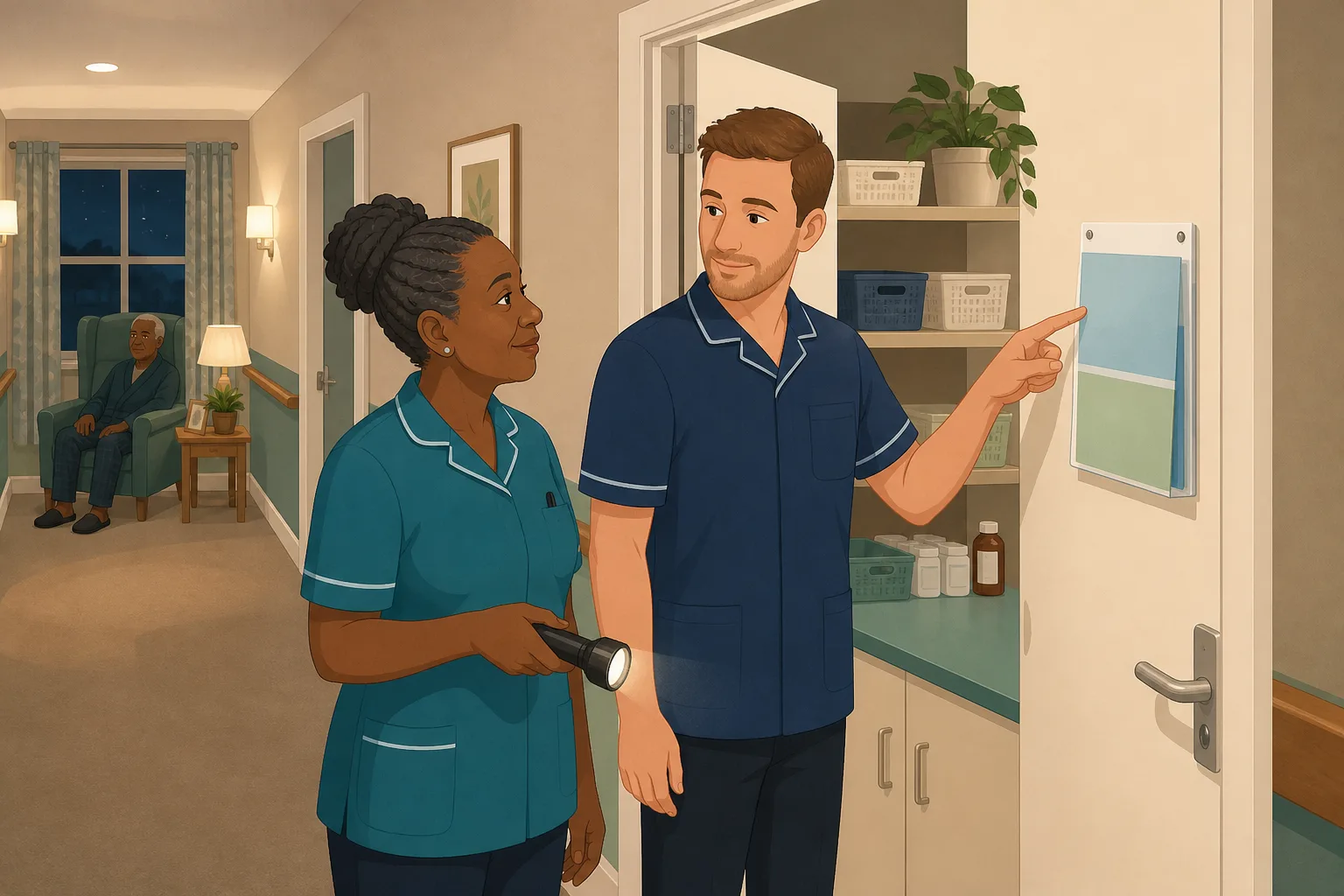
Night Shift Care Home Walkthrough: Who Answers the Question When the Manager Is Asleep
A night shift in a care home followed in order, showing where staff meet questions the policy folder cannot answer fast, and what a manager can put...
Read article
Overseas Care Workers and Your Policies: Four Ways to Make Them Understood
Overseas care workers can pass an English test and still misread a policy. Four ways to close that gap, compared on cost, accuracy after updates and...
Read articleAgency staff and CareStream, answered
Setting up
How do I add an agency worker to CareStream?
On the add staff form, choose The worker as the staff type. Enter the agency name, first day and last day, and a day rate if you want one. Their Staff Hub access runs for those dates.
What is employee induction for agency staff?
For an the worker it is a short local induction on your service: your policies, your fire arrangements and who to go to. In CareStream it runs in the Staff Hub, using only the induction flows you have ticked as suitable for agency staff.
Do I need a separate induction for new staff and agency staff?
You choose. Staff added as a New starter are enrolled in the flows that match their job role. Agency staff are enrolled only in flows you have marked as suitable for agency, so you can keep theirs short. That is useful induction for new staff who will be with you for a few shifts.
Is there a standard for what induction training should cover?
For people new to care, the Care Certificate standards can help plan induction. Skills for Care says the standards can inform what is covered in induction. A local induction for an the worker is a different, shorter thing: how your own service works.
Access, cost and records
Do agency staff use up a seat on our plan?
No. Agency staff do not use a seat on your plan.
How do I keep track of agency staff costs?
Add the day rate when you add the booking. The Staff page then shows agency spend for the last 12 months, by agency.
What happens to their record after the last day?
The account is deactivated 24 hours after the last day. It is not deleted, so what they read and answered stays on record. If the agency sends the same person back, you can reactivate them.
Does the induction replace my duty to support staff?
No. Regulation 18 of the 2014 regulations says staff must receive such appropriate support, training, professional development, supervision and appraisal as is necessary to carry out their duties. A short online induction supports that, but it does not replace a conversation on the floor.
A practical way to bring in an agency carer
Most agency shifts are arranged in a hurry. A few fixed habits make a hurried shift safer, and they cost very little time once they are set up.
What a local induction should cover
Keep it to what is true only in your building. The agency covers general skills. Your induction covers the things nobody else can: where the exits are, who the safeguarding lead is, how to raise a concern and who to call at night. Four or five reads and a handful of questions is enough.
Before the shift
- Add the booking with the agency name, first day and last day.
- Send the worker the Staff Hub link, so they can start the local induction on their own phone.
- Keep one person to meet them at the door, show the building and introduce the team.
- Check on the staff record that the induction has started, then follow up on the day.
At the end of the booking
Watch for the three day warning email. If the booking is extended, update the last day so the warning clears. If it is not, let access end by itself, then keep the record.
For the inspector. Keep the induction, the questions and the results together, so you can show how a visiting worker learned how your service works.




