
CQC compliance in your first 30 days: know where you stand
You have about 30 days to learn where your service really stands on CQC compliance: the audits, the policies, the training and the evidence. CareStream gives you a first picture across all four, and a training platform built on your own policies for the follow up. It is plain about what it cannot tell you.
14 day free trial · Set up in a day · UK data residency
Day one: a kind team, a thick folder and no clear picture.
A scenario we see in many care settings.
A new registered manager has started at a home that runs well on the surface. The team is kind, the residents are settled and the handover notes are thorough. But in the first fortnight the questions pile up. When were the audits last done? Which policies are current? Who is behind on training? Where is the evidence kept? The knowledge simply sits in several heads, folders and spreadsheets. The manager wants a clear view by day 30, and a short list of what to do first.

A warm welcome, a tour of the home and a thick handover folder.
The senior carers explain how each shift really runs.
You meet every resident and see the home on a night shift.
The audit folder has gaps. Some audits were last done months ago.
Policies sit in binders and on a shared drive, with few review dates.
Training records live in a spreadsheet that one person updates.
Nobody can say which actions from the last audits were closed.
The provider, or an inspector, asks: where does the home stand?
Learning the position is a proper first job. You do not have to fix everything in a month. Here is how a manager can see the whole home, with the limits stated plainly.
An example scenario, not a named service.
You are accountable for a home whose history you do not yet hold
The responsibility starts on day one. The full picture arrives slowly.
A handover tells the story, not the position
It is valuable, but it is not the same as knowing which audits are current, which policies are in date and who still needs training.
Evidence is spread across folders and heads
Audit sheets, policy binders, training spreadsheets and action lists each live somewhere different. Pulling them together by hand takes weeks.
A dated, honest baseline is a good first result
By day 30 you can say what you checked, what you found and what you will do first.
A first 30 days you can follow, step by step.
This is how care audits, policy gap detection and training from your own policies fit together for CQC compliance work. See also how CareStream works.
Weeks 1 and 2: run your first few audits, free on every plan
- Pick three or four audits from a library of more than 100, such as infection control, medicines management and health and safety
- Audits are free on every plan, including Free. Staff you give audit access can complete them in the Staff Hub on a phone or tablet, with photos as evidence
- Each audit scores every section. Schedule it for a named person with a due date and an optional repeat, so the next one is already booked
Example figures for illustration. Your own audit shows your own results.
Week 3: screen your policies, up to five on the Free plan
- The Free plan screens up to five uploaded policies in total, with all four analyses: regulation coverage, out of date wording, contradictions between policies and CQC wording
- The out of date scan is a plain rule based check that uses no tokens. It looks for superseded names, pandemic era wording, unfilled placeholders and missing review dates
- The full policy gap view across your whole set is on Professional and above. Fixes stay suggestions until an admin adopts them
Example findings for illustration. Read the suggestions and adapt them to your service.
Turn findings into actions with an owner and a date
- Any plan can add actions to an audit by hand. Give each one an owner, who can be a staff member or an outside contractor, and a due date
- An action can hold up to 10 photos as proof it was done. At the next audit of the same kind, the earlier actions are listed to be marked fixed or not fixed
- A drafted action plan from audit results is on the paid plans only. Whatever you use, your CQC action plan is yours to write and approve
Example actions for illustration.
Week 4: close the training gaps you found and watch them close
- When the audits point to a topic, allocate an adhoc training module on it. It is built from your own policies where they cover it, and you can edit and preview it first. Adhoc training is on the paid plans
- Staff complete it in the Staff Hub. A wrong answer goes to their Follow-up tab with an email, at most one a day, in English. They choose Learn & retry or Just retry, as often as they need
- Nothing alerts you on each wrong answer. You see open gaps and the weakest topics in the Knowledge gaps view, and in a Monday digest email
Illustration based on the Knowledge gaps view. Example figures.
The questions new managers ask, and how CareStream answers them
Read this as a conversation. The questions are the ones we hear most.
What is the quickest way to see where a home stands on CQC compliance?
Run a few audits, screen your first policies and look at where staff are unsure. Audits are free on every plan and the Free plan screens up to five uploaded policies in total. That gives you a first picture, not a verdict.
Can CareStream tell me we are inspection ready?
No. It does not simulate an inspection and it cannot predict or prove a CQC rating. On Professional and above there is also a CQC readiness score. It is CareStream’s own blend of audit performance and policy coverage, so treat it as a guide to where to look, not a CQC rating.
What do I get on the Free plan?
Every audit in the library, with reports and action tracking, and screening of up to five uploaded policies in total with all four analyses. The Free plan has no adhoc training and no translation, and audit recommendations are on the paid plans.
How does it find outdated policies?
The out of date scan is a rule based check. It looks for superseded legislation or bodies, pandemic era wording, unfilled placeholders such as TBC, very thin policies and overdue or missing review dates. Nothing changes until an admin adopts a fix.
Does it give me a CQC inspection checklist or a CQC action plan?
Not a ready made one. You choose the audits, and library questions can be tagged to CQC quality statements. Findings become actions with an owner and a due date. You decide what goes into your own plan.
Is there a report I can show an inspector?
On Professional and above, the CQC Inspection Evidence Report shows how staff have used your policies over a period you choose, 12 months by default. You print it or save it as a PDF from your browser. It is evidence of use, not a pass or a rating, and it is not a one click bundle.
Can I practise inspector style questions with my staff?
Yes, with CQC Staff Prep. You pick staff and they get practice questions suited to their job role, plus a core set. They answer in the Staff Hub, get a score and feedback, and can retry. It is practice for staff. It is not an inspection.
How do I try it?
Create a free account and run your first audits and policy screen. The paid plans have a 14 day free trial. See pricing for what each plan includes, or create your account.
A first picture, not a prediction
It does not simulate or predict an inspection
CareStream cannot tell you what an inspector will find or what rating you will get. The readiness score is its own blend of audit performance and policy coverage, and it is not a CQC rating.
It does not do the fixing for you
Policy suggestions stay suggestions until an admin adopts them. The full policy gap view and fixes are on Professional and above.
Evidence shows what staff did, not a ready made bundle
The Inspection Evidence Report is on Professional and above and shows staff use of policies. Certificates, sign in sheets and audit reports are separate items. Nothing here is a pass.
Training built from your own policies
Everything on this page is part of the product. Here is where to read more.
Training built from your own policies
Short training from your own policies, with wrong answers turned into short lessons.
See the featureAudits for every area of the home
More than 100 audits, free on every plan, with scores, actions and re-checks.
See care auditsPolicy gap detection
Check your policies against the regulations, for outdated wording and for contradictions.
See policy gap detectionGuides on this subject

Difference Between Policy and Procedure: Five Beliefs That Leave Care Staff Guessing
A policy says what a service commits to. A procedure says who does what. Five common beliefs about the two, tested against the law, and a quick test...
Read article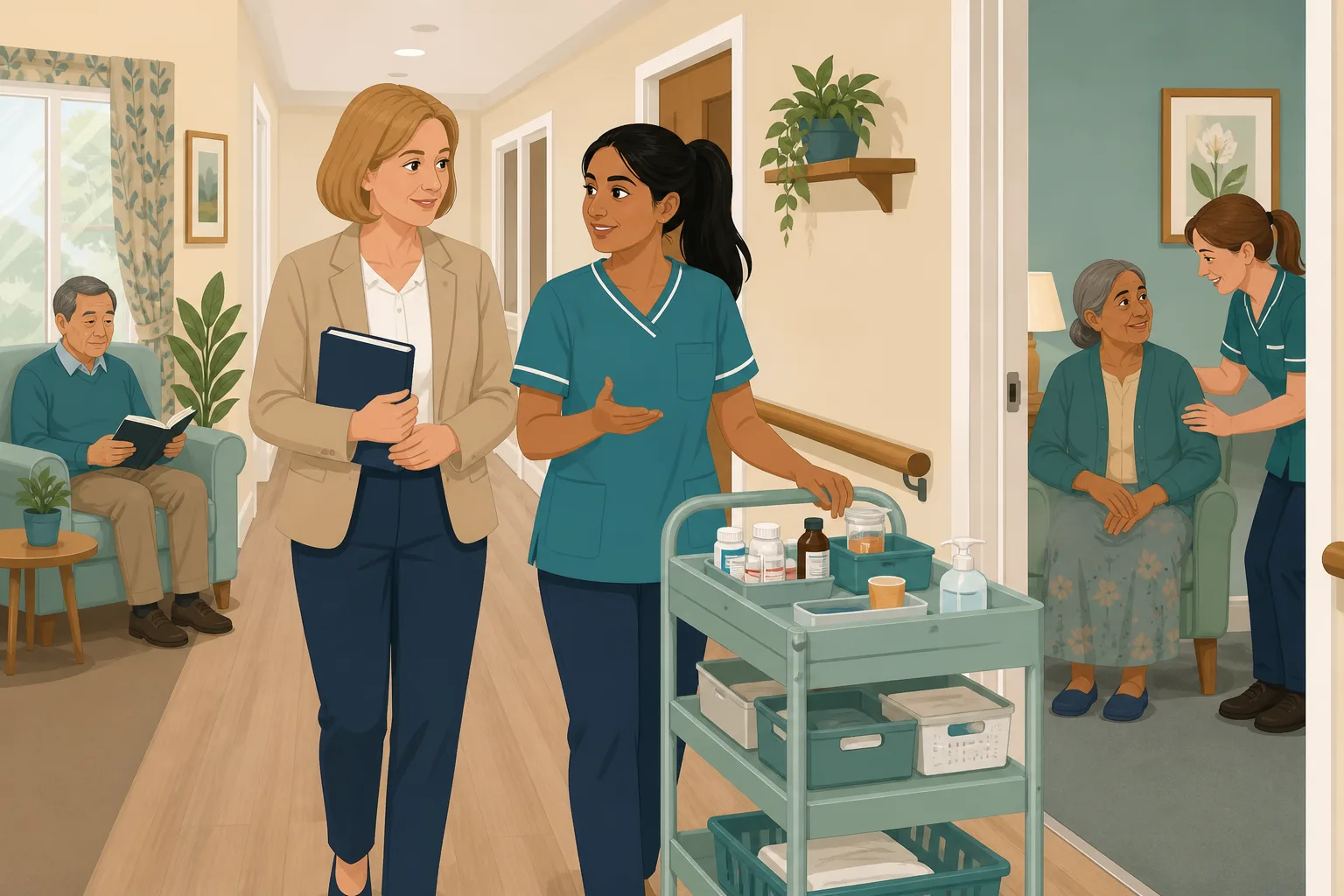
Policy Gap Analysis for Care Homes: A Step by Step Guide
Most care homes do not fail inspection because they lack policies. They fail because the policies they have do not match what actually happens on...
Read article
CQC Readiness Report: What It Is, What It Holds and What It Cannot Tell You
A CQC readiness report is a private record of how prepared a service is. See how it differs from the regulator's report and a mock inspection, and...
Read articleYour first 30 days, answered
Starting at a new home
What should be on a CQC inspection checklist for a new manager?
List your audits and when each was last done, your policies and their review dates, who has gaps in training, where your evidence is kept and which actions are open. The week by week guide below turns that into a plan, and care audits give you the first set of answers.
How do I get the home inspection ready in 30 days?
Thirty days is enough to learn the position and fix quick wins, not everything. Aim to be able to say what you checked, what you found and what you are doing about it.
What is a CQC action plan and how do I keep one?
It is your own list of what you will change, who owns each item and by when. In CareStream, audit actions carry an owner, a due date and optional photos, and they are re-checked at the next audit. The wider plan stays yours.
Governance and evidence
What does the law say about good governance?
Regulation 17 says systems or processes must be established and operated effectively, and that the registered person must be able to assess, monitor and improve the quality and safety of the services provided.
What does the law say about safe care and treatment?
Regulation 12 says care and treatment must be provided in a safe way. It includes assessing risks to health and safety, the proper and safe management of medicines, and preventing and controlling the spread of infections.
Does CareStream give us CQC compliance?
No tool can. It helps you see your position through audits, policy checks and staff knowledge, and it keeps records you can show. Meeting your duties is down to you and your team.
Your first 30 days, week by week
The aim is not to fix everything. It is to know where the home stands, what is risky and what comes first, so that you can say so with confidence when the provider or an inspector asks.
Week 1: listen and look before you change anything
Walk the home at different times, including a night shift. Ask the senior carers what worries them and write it down. Treat gaps as information, not blame. The governance duty in Regulation 17 is about systems that work over time, and a dated baseline is a good first step towards showing yours.
Week 2: run three or four audits
- Choose audits from different areas, such as infection control, medicines management and health and safety.
- Give each one a named person and a due date.
- Ask for photos where something is not right.
- Note any audit you could not find a recent record of.
Week 3: look at policies and training together
Screen your first policies for outdated wording, missing review dates and contradictions. Then ask where staff are unsure. Short checks on the flagged topics show whether policy and practice match. See policy gap analysis.
Day 30: a simple CQC inspection checklist for your own use
- Which audits have a recent, dated result, and which do not.
- Which policies are in date, which are not and which you screened.
- Which topics staff are unsure about, and what you did about them.
- Which actions are open, who owns them and when they are due.
For the provider and the inspector. Keep a dated one page note of what you checked in your first month, what you found and what you will do first. It shows a new manager taking the position seriously from day one.




