
The fire safety audit was done. Can you prove it when the assessor asks?
An assessment is coming, and the fire and environment checks are done, but they live in a folder, a diary and someone's memory. With a simple audit trail and training built from your own policies, every fire safety audit leaves a dated, scored record with photos and signatures. You can show it in minutes, not hunt for it.
14 day free trial · Set up in a day · UK data residency
The checks happen. The proof is scattered.
A scenario we see in many care settings.
A manager hears that an assessment is coming in about a month. She is confident the home is safe. The maintenance lead checks the fire panel, the exits and the extinguishers every day, and a fire drill was held last quarter. But the daily checks sit in a spiral book, some pages are undated, and the drill notes are on a loose sheet in a folder. The water temperature checks are in a different diary. Nothing is wrong on the floor. The trouble is that nobody can lay the whole picture on a table in ten minutes.
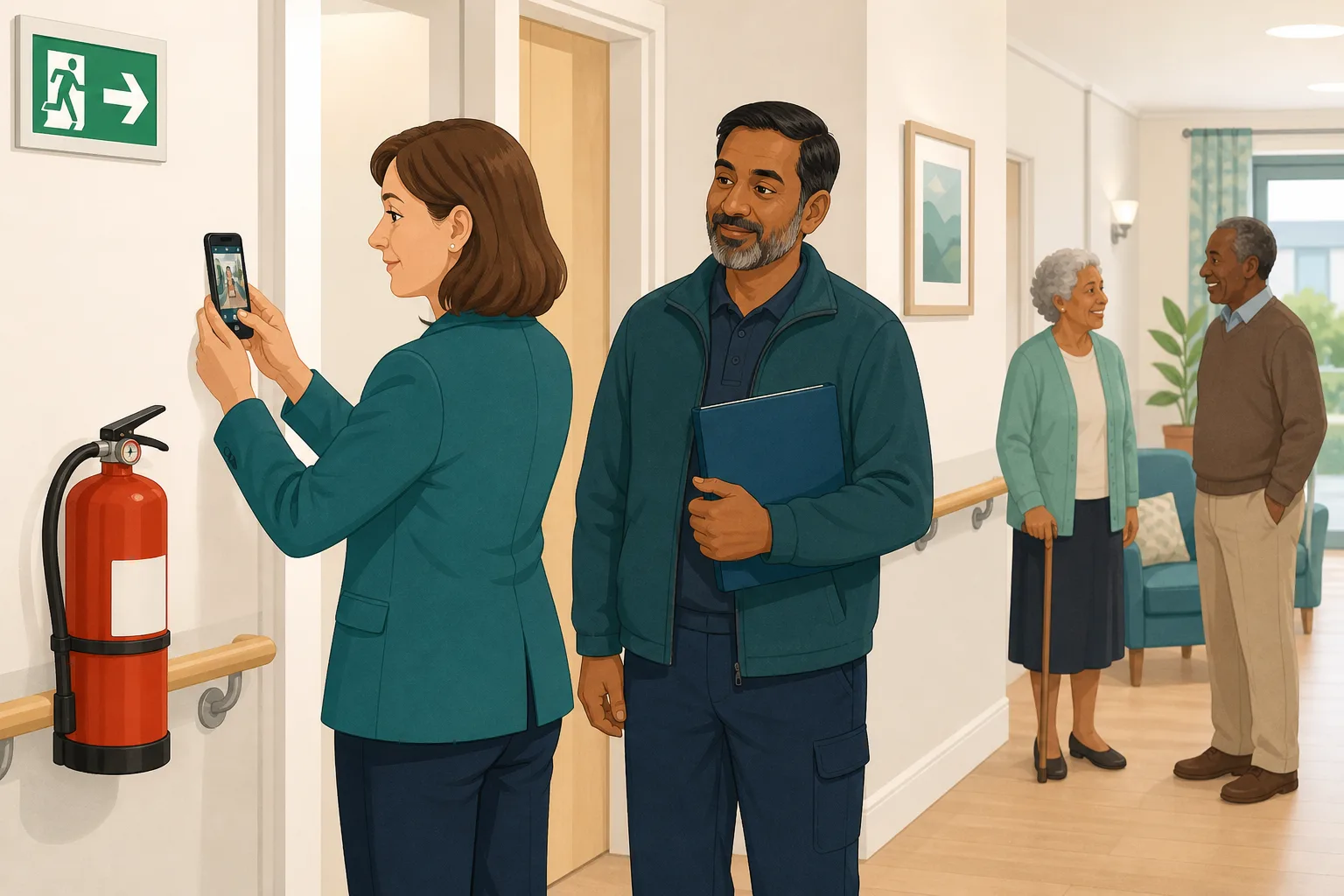
The maintenance lead walks the corridors and checks the fire panel, exits and extinguishers.
The manager does a health and safety walk round and notes the findings.
A fire drill was held and everyone on shift took part.
The spiral book has gaps, and two pages have no date.
The drill notes are on a loose sheet. Nobody is sure which shifts were covered.
Temperatures sit in a separate diary, with a few weeks missing.
A fire door that would not close was fixed, but there is no photo or date.
“Can I see your environment and fire checks for the last six months?”
The checking was never the problem. The gap is between the check and the evidence. Here is how CareStream closes it, using audits that are free on every plan.
An example scenario, not a named service.
A check you cannot show is hard to count as a check
An assessor will not take your word for it. They will ask to see dates, results and what you did about problems.
Memory is not audit evidence
“We check the exits every day” is true and still not enough. A dated record with a result, a name and a photo is what turns a habit into proof.
Paper records drift apart
Spiral books, diaries and loose sheets each tell part of the story. Put together after the event, they rarely line up with each other.
Fixes need a trail too
A fault found and mended is only half a story. Without the finding, the owner, the date and a photo of the fix, a good response looks like no response.
From a daily walk round to a record you can show.
Audits are built into the Staff Hub and the Audits page, and they are free on every plan. See the care audits library, and how audits link to training built from your own policies.
Run the fire checks as a daily audit on a phone
- The Fire Marshall Checklist is a built in daily audit covering the fire panel, exits, doors, extinguishers, combustibles, hazards, signage and emergency lighting
- The Fire Drill Record Audit, a monthly built in audit, checks that drills are held, recorded and followed up, with every shift and every person covered
- Whoever you give audit access to runs it in the Staff Hub, on a phone, tablet or desktop, and finishes by signing on screen
Illustration of an audit screen. Example content.
Add photos and scores to the health and safety audit
- The monthly Health & Safety audit is a full health and safety audit, covering building safety, fire safety, infection control, kitchen and food safety, equipment and more, scored by section
- Water Safety & Legionella is a monthly built in audit for water temperature checks, flushing and Legionella controls
- Attach a photo to any question from your phone camera, and mark it up before it is saved, so the evidence shows what you saw
Illustration of an audit screen. Example content.
Turn every finding into an action with proof
- A No can become an action with an owner and a due date, and the owner can be a staff member or an outside contractor
- The owner closes it with a note and up to 10 photos, so the fix is shown as well as the fault
- At the next audit of the same kind, last time's actions are listed and the auditor marks each one fixed or not fixed
Illustration of an audit screen. Example content.
See the scores, the open actions and the repeat failures
- Every completed audit has a score overall and by section, and can produce a PDF report with answers, photos, actions and signatures, saved against that run
- A scheduling board shows what is done, in progress, overdue and missed, so a skipped check stays visible instead of vanishing
- The Insights tab shows score by month and any question that keeps failing, so you can fix a pattern before an assessor spots it
Illustration of an audit screen. Example content.
The questions managers ask, and how CareStream answers them
Read this as a conversation. The questions are the ones we hear most.
We already do our fire checks. Why would I change anything?
You would not change the checks. You would change where they are recorded. A daily check on a phone leaves a dated, signed record that cannot lose a page, and it is there when the assessment comes.
Which audits would I use for fire and the environment?
A good starting set is the Fire Marshall Checklist (daily), the Fire Drill Record Audit (monthly), Health & Safety (monthly) and Water Safety & Legionella (monthly). For a dementia service, the Dementia Care Environment audit looks at signage and orientation cues, quarterly.
Who runs the audits, and where?
Anyone you give audit access to, for the audits you choose, using the Staff Hub on a phone, tablet or desktop. You can schedule an audit to a named person with a due date and a repeat, and they get an email reminder before it is due.
What counts as evidence in the record?
Each audit has dated answers, a score overall and by section, photos you attach to questions, and an on screen signature from the auditor. If you switch on manager approval, the registered manager can approve it with their own signature. A PDF report is saved against the run.
What happens when a check fails?
The failed item can become an action with an owner and a due date. The owner closes it with a note and photos, and at the next audit of the same kind, the auditor re-checks it. Recommendations drafted by our own machine learning are on the paid plans. You can write actions yourself on any plan.
Does this replace our fire risk assessment?
No. The fire risk assessment is a separate piece of work that a competent person has to do. Audits show that the day to day checks happen and that problems get fixed. They sit alongside the assessment, not instead of it.
Does a good audit score mean we will get a good rating?
No. Scores are CareStream's own, worked out from your answers. They are not a CQC rating and not a record submitted to any regulator. They show you where you stand and give you something to show, which is all they claim to do.
What does it cost to try?
The audits are free on every plan, including the Free plan, so you can create a free account and run one today. The paid plans add things like drafted recommendations and training from your own policies, with a 14 day free trial. Our pricing page shows the detail.
A tidy record of your checks, not a replacement for expertise
It does not replace the fire risk assessment
A competent person must carry out the fire risk assessment. CareStream records your own checks. It does not tell you whether your assessment is right or complete.
A score is not a rating
Audit scores are CareStream's own and are not a CQC rating. An audit is not a record submitted to a regulator, so treat it as your own evidence.
It records the check, it does not do it
Someone still has to walk the corridor and test the equipment. Drafted recommendations from our own machine learning are on the paid plans, not the Free plan.
Training built from your own policies
Everything on this page is part of the product. Here is where to read more.
Training built from your own policies
Short training from your own policies, so a gap an audit finds can become a lesson your team completes.
See the featureCare audits library
More than 100 built in audits, scored, with photos, signatures and a PDF report. Free on every plan.
See the auditsCQC and compliance
Evidence that builds itself as your team works, ready for the day an assessor asks.
See CQC and complianceGuides on this subject
CQC Inspection: How Long It Takes, What Happens and What Follows
CQC sets no fixed length or gap for an inspection. Here is what its own pages say about frequency, triggers, notice, the report and your right to...
Read article
How often should care home audits be done? A suggested schedule
Four audits are daily, one is weekly, eighteen monthly, five quarterly and two periodic. The schedule laid out first, then the reasoning, the changes...
Read article
The Complete Guide to Care Home Audits: Digital Solutions for Daily, Weekly and Monthly Compliance
As a care home manager, you are expected to juggle dozens of regulatory checks each month, from the medicine cupboard to fire evacuations.
Read articleFire and environment audits, answered
About the audits
What is a fire safety audit in a care home?
It is a regular, recorded check of fire precautions: the panel, exits, doors, extinguishers, signage and lighting. It is different from the fire risk assessment. The audit shows the checks are being done day to day. The Fire Marshall Checklist is a built in example.
What is an environmental audit?
It is a walk round of the building and its surroundings to check that they are safe, clean and well kept. In CareStream, Health & Safety and Resident Bedrooms cover much of that ground, scored by section.
How often should we run a health and safety audit?
The built in Health & Safety audit is set to monthly, and the Fire Marshall Checklist to daily. You decide what suits your service and can schedule each with a repeat.
What audit evidence does CareStream keep?
The dated answers, scores, photos, signatures, actions and a PDF report, all saved against that audit run. You can open earlier runs and see how scores moved over time.
Are the audits really free?
Yes. The audit library, scoring, photos, PDF report, actions, scheduling and approval are free on every plan, including the Free plan. Recommendations and drafted action plans from our own machine learning need a paid plan.
About assessments and the law
What should a fire risk assessment care home need to include?
The government publishes a fire safety risk assessment guide for residential care premises for employers, managers, occupiers and owners. Use it, and your competent person, to shape your assessment. Your audits then show the day to day checks around it.
Does the law say how often a fire risk assessment is reviewed?
The Fire Safety Order says the responsible person must make a suitable and sufficient assessment of risks, and must review it regularly to keep it up to date. See Article 9 of the Regulatory Reform (Fire Safety) Order 2005. It does not set one fixed interval, so ask your competent person what suits your building.
Does the CQC care about the building?
Yes. Regulation 15 on premises and equipment says premises must be clean, secure, suitable, properly used and properly maintained. Dated checks help you show this.
A practical way to get ready with dated evidence
Four weeks is enough to turn habits into records, if you start with the checks you already do. The aim is not more work. It is the same work, written down in a way you can show.
Start with what you already check
- List the checks done daily, monthly and quarterly, and who does each one.
- Match each to a built in audit, such as the Fire Marshall Checklist or Health & Safety.
- Schedule each audit to a named person, with a repeat that matches how often it is really done.
- After two weeks, open the scheduling board and look for anything overdue or missed.
Where the audit sits beside the fire risk assessment
Your fire risk assessment care home paper is the foundation. A competent person writes it, and you review it as things change. The Fire Safety Order says the responsible person must keep it up to date, as in the text of Article 9. Audits do a different job. They show the checks happen between reviews, and that findings are fixed.
Make the evidence easy to find
Finish each audit with a signature, and attach a photo wherever it helps. For an environmental audit, photograph the thing that failed and the thing once mended. When the assessor asks, open the audit, show the score, the photos and the PDF report, and show the actions closed.
For the assessor. Keep the audit, its photos, its signatures and the closed actions together, so you can show the check, the finding and the fix in one place.




