
The trainer has gone. How do you check for understanding now?
A visiting trainer finishes at four and drives away, and you cannot ring them back to ask what carers missed. You can still check for understanding. After the session you allocate short training built from your own policies, and any wrong answer becomes a short lesson on that exact point.
14 day free trial · Set up in a day · UK data residency
The trainer was good. The questions still went unasked.
A scenario we see in many care settings.
An outside trainer spends a day on safeguarding with a mixed group of day and night carers. She is clear, kind and runs to time. At the end she asks, "Any questions?" Nobody speaks, so she packs her bag and goes. The next morning, in the office, one carer admits she was not sure who to tell if the manager was the worry. Two others nod in agreement. The trainer is now thirty miles away and the booking is closed. The manager has certificates and a tidy folder, but no idea what else went unsaid.
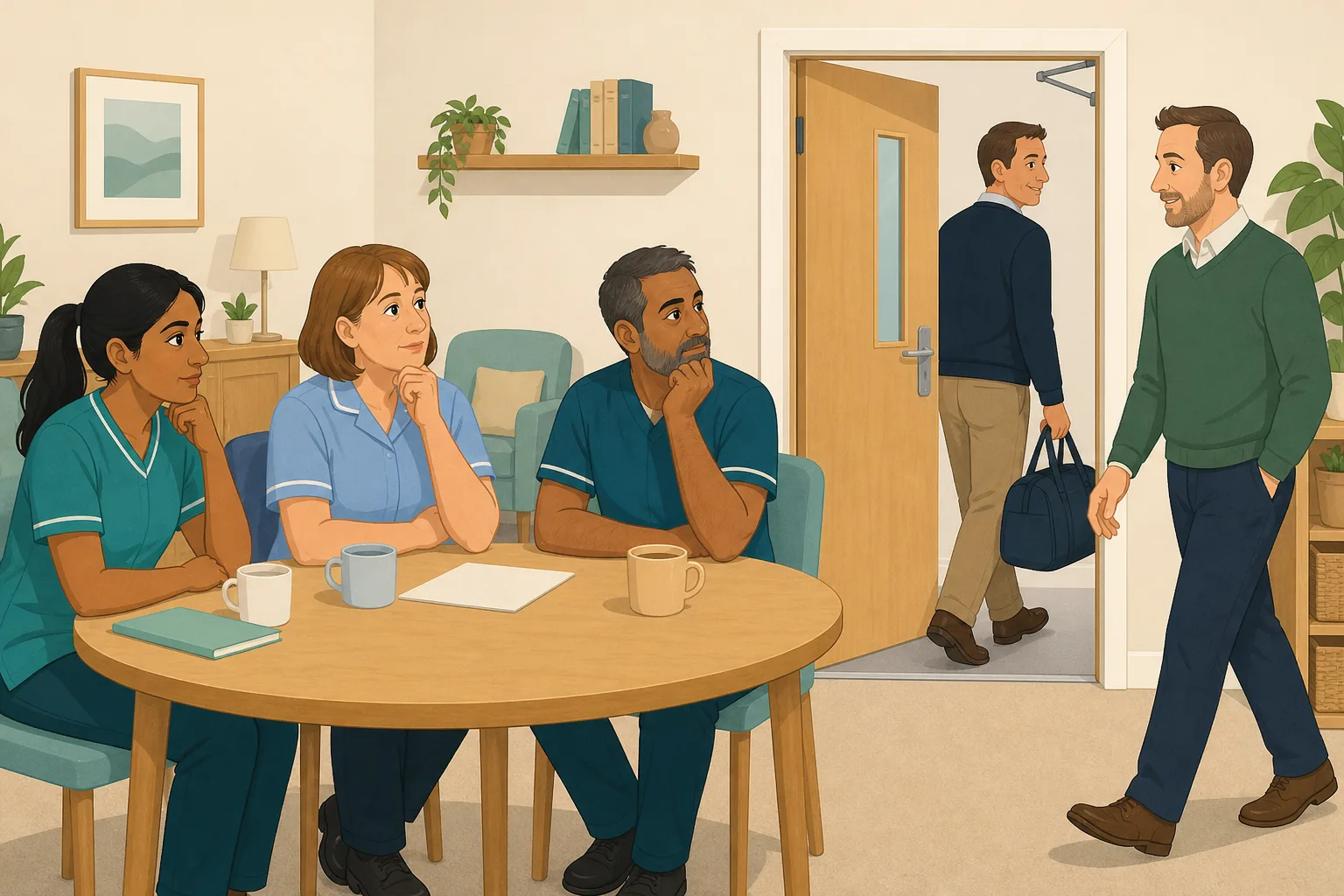
A visiting trainer starts safeguarding for a mixed day and night group.
Clear slides, good examples and plenty of nodding.
"Any questions?" Silence. Certificates are handed out.
A carer quietly says she was not sure who to tell if the manager was the concern.
Two colleagues nod. Nobody knows if they feel the same.
Booked and paid for one day. Now thirty miles away, and no follow up is on offer.
Certificates and feedback forms. Nothing on what each carer took in.
A visitor asks a carer who she would tell about a concern. She hesitates.
The trainer did the job they were hired for. The gap is what comes after, when the questions that were not asked still need an answer. Here is how CareStream helps you find them.
An example scenario, not a named service.
No questions in the room does not mean no questions
Silence at four o'clock is often politeness, tiredness or worry about looking foolish.
People rarely say it in front of colleagues
A carer unsure about reporting a concern about a manager may not say so in a group. The question goes home with them, unasked.
A certificate is not a learning assessment
It shows a session took place. It does not show who can explain the key points, or who would know what to do on a hard shift.
The trainer cannot be called back
A visiting trainer is booked for a day. Chasing them for extra sessions or notes is rarely possible, so the gap is yours to close.
Your policies in, the follow up out.
This is the Training built from your own policies feature, in the order a manager and a carer meet it. See also how CareStream works.
Allocate adhoc training on the topic the trainer covered
- The day after, open the Training screen and pick the topic module that matches the session, such as Safeguarding Adults
- CareStream builds lessons and questions from your own policies where they cover the topic, with general good practice as the fallback. Edit and preview them first
- Tick the staff who attended and add an optional due date. They complete it in the Staff Hub on their own phone
Illustration based on the Training screen. Example questions.
A wrong answer becomes a short lesson on that exact point
- The wrong answer goes into the carer's Follow-up tab, and they get an email, at most once a day and in English
- They choose Learn & retry, a short lesson with a fresh question, or Just retry the same question. They can retry as often as they need
- Nothing is sent to you each time. The carer simply gets the point they missed, in their own time
A few things to revisit. Learn the point, then answer, or just retry. Either way it clears from here.
A concern about a manager still has to be raised, so you need to know your service's other route.
Remember- Know the second person to tell
- Do not wait until you are certain
- Record what you saw and heard
You see something worrying and the person in charge is the one involved.
Illustration based on the Staff Hub Follow-up tab. Example content.
Staff learn in the language they think in
- A carer who gets a question wrong because of a missed word can open the lesson in their own language
- Your admin sets their second language, and they switch to it in the hub
- Training in different languages is part of the paid plans, and reminder emails stay in English
Always communicate in their first language
All messages CareStream sends are translated into English.
Allow switching a set to their second language
In the hub they can flip any single training, induction or CQC set into Polish, just for that set, if they are struggling in their first language.
Let them suggest better translations
They can propose improvements to translated content. Changes need your approval before going live.
Illustration based on the staff record Language settings. Translation is on the paid plans.
See the gaps across the team, and whether they closed
- Knowledge gaps shows your open gaps, how many staff are affected, the most missed questions and the weakest topics
- See how gaps are being closed, so knowledge retention becomes something you can see rather than guess
- A Monday digest email brings the picture to you without you asking
Illustration based on the Knowledge gaps view. Example figures.
The questions managers ask, and how CareStream answers them
Read this as a conversation. The questions are the ones we hear most.
The trainer has already gone. Is it too late to check for understanding?
No. You do not need the trainer. After the session you allocate short training on the same topic, built from your own policies. Carers answer in the Staff Hub, and their answers show what stuck and what did not.
How do I find the questions nobody asked?
You cannot see them directly, but wrong answers point to them. If five carers miss the same question, that is probably a question the room never raised. The Knowledge gaps view shows the most missed questions and the weakest topics.
What happens when someone gets a question wrong?
It goes into their Follow-up tab in the Staff Hub, and they get an email, at most once a day. They choose Learn & retry, a short lesson (why it matters, what to remember, a realistic situation) then a fresh question, or Just retry the same question. They can retry as often as they like.
Will you tell me every time someone gets one wrong?
No. Nothing alerts you on each wrong answer. You see the pattern in Knowledge gaps, and a digest arrives on Mondays. A personal conversation stays your call.
Is the lesson about how we work, or generic?
It is built from your own policies where they cover the topic, so it teaches what your service does. Where they do not, it falls back on general good practice, which is also a hint that the policy needs work.
Does the training follow up start by itself after the trainer's session?
No. A face to face session does not trigger anything automatically. You pick the topic and allocate it. On Professional and above you can also use the face to face router to send a catch up module.
Can I check my own edits before staff see it?
Yes. You can edit and preview the lessons and questions before you allocate them, so nothing reaches carers that you have not read.
How do I try it, and what does it cost?
You can start a 14 day free trial by creating a free account, and the pricing page shows the plans. Adhoc training sits on the paid plans.
A check on understanding, not a replacement for the trainer
It cannot ask the trainer for you
If a carer has a question about the session itself, CareStream cannot reach the trainer. It checks understanding against your own policies and good practice, so a carer with a real question still needs you.
It does not start by itself
A session ending triggers nothing. You choose the topic, tick the staff and allocate it. Wrong answers do not alert you one by one.
Adhoc training and translation are on the paid plans
Both come with the paid plans, and the face to face router starts at Professional. Practical skills still need a competent person to watch them done.
Training built from your own policies
Everything on this page is part of the product. Here is where to read more.
Training built from your own policies
Ad hoc training from your policies, face to face training organised, and wrong answers that become lessons.
See the featureAdhoc training after a session
Pick a topic, tick who was there, and check what stayed with them.
See adhoc trainingFace to face training, followed up
Keep the room. Add a check on what people took away.
See face to face trainingGuides on this subject
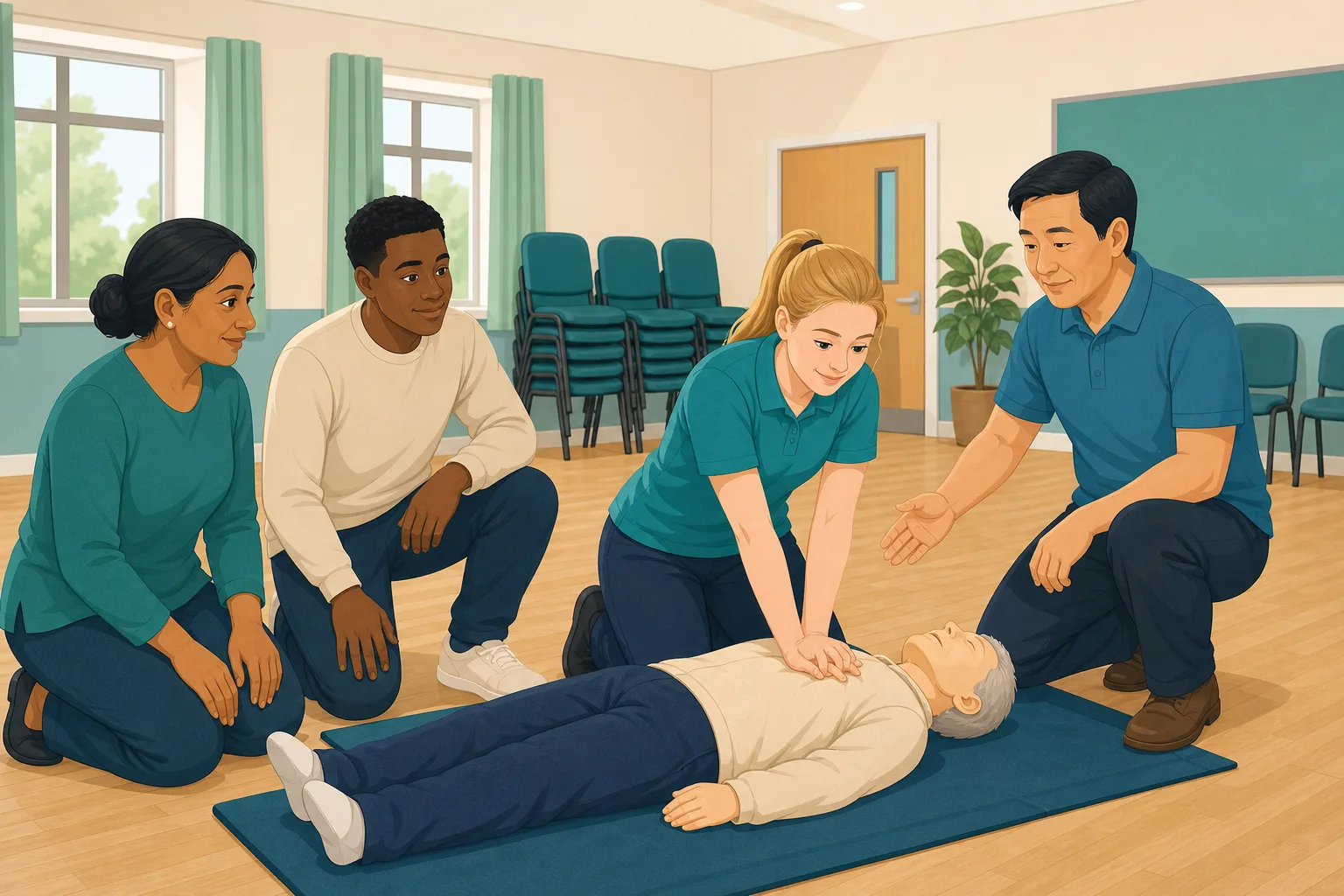
Face to Face Training in Care: What Actually Has to Be in the Room?
You have sat through the same moving and handling refresher four times. You have watched staff check their phones under the table. You have paid for...
Read article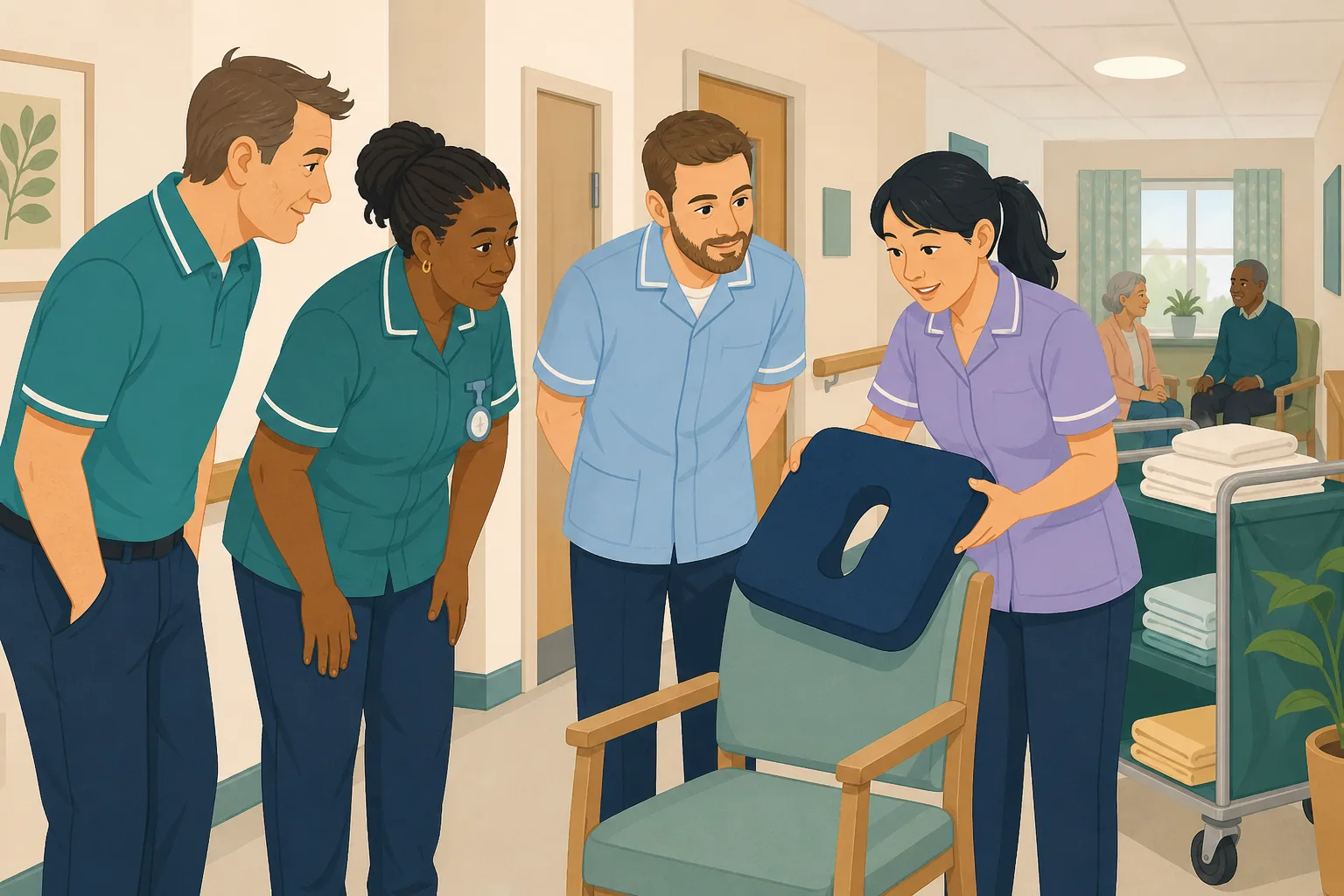
How do you run in house training in a care home when nobody has a spare hour?
The scarce resource in a care home is not the training material; it is the person delivering it. Most in-house training fails because it is designed...
Read article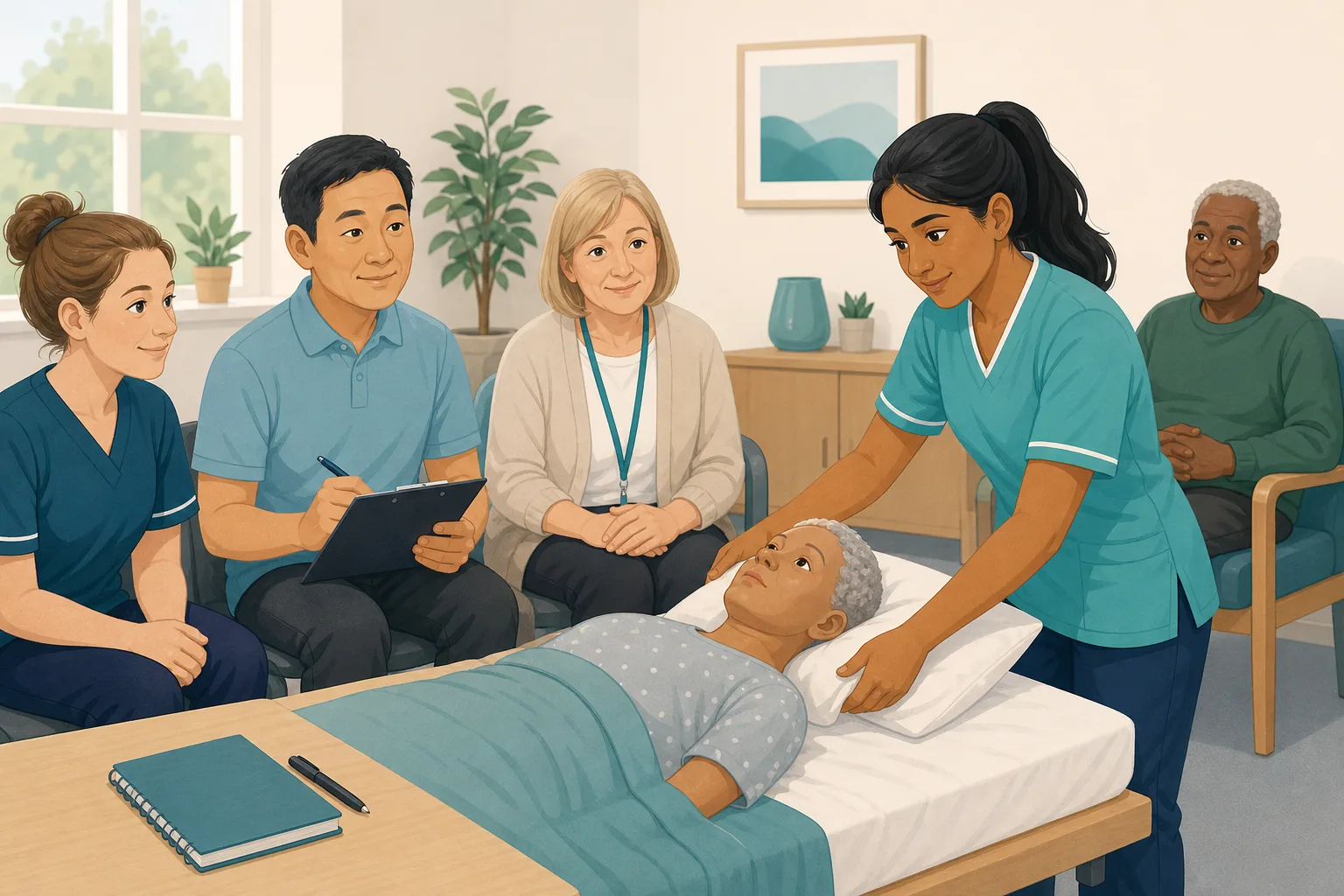
How do you record in person training so it counts as CQC evidence?
A certificate proves attendance, not competence. CQC expects evidence that staff are suitably qualified, competent and skilled under Regulation 18 of...
Read articleChecking understanding after a visiting trainer, answered
After the session
How do I check for understanding after face to face training?
Allocate a short topic module the next day and ask a few questions in the Staff Hub. Answers show who understood and who needs another look. Read more on face to face training follow up.
What is a post training evaluation, in practice?
A post training evaluation asks two things: did people like it, and did they learn it. Feedback forms answer the first. A short knowledge check after the session answers the second.
How soon should the training follow up go out?
Within a few days is sensible. It is soon enough that the session is fresh and late enough to show what stayed. You choose the date and can add a due date.
What if a carer gets a question wrong?
It appears in their Follow-up tab. They can choose Learn & retry or Just retry, as often as they need. Treat it as information, not failure.
Retention and evidence
How do I improve knowledge retention after a one day course?
Ask again within days, in short bursts. A few questions in the Staff Hub, followed by a short lesson on any missed point, do more than another folder of notes. This is also how you watch training retention rather than hope.
Is a certificate enough as a learning assessment?
A certificate shows attendance. A learning assessment shows understanding. Regulation 18 says staff must receive the support, training, professional development, supervision and appraisal needed for their duties, so keeping both is wise.
What should I keep as evidence?
Keep the questions asked, the lessons given and the results, next to the certificate. Regulation 12 requires that people providing care have the qualifications, competence, skills and experience to do so safely, and results help show competence. See CQC and compliance.
A practical way to follow up a visiting trainer
Outside trainers are good value, but they leave. The follow up is yours, and it does not have to be big.
Why quiet rooms hide questions
A group of colleagues, a trainer they may not see again and a clock on the wall. That is not an easy place to admit you are unsure. Many carers will keep their questions, so silence tells you very little.
Give them a private way to answer instead. A short check on their own phone asks the same questions without an audience, and it is easier to answer honestly.
Four steps after the trainer leaves
- Next day: ask the trainer for the topic list and allocate matching short training from your policies.
- Within the week: look at who has answered and who has not, and nudge the gaps.
- When an answer is wrong: the carer opens a short lesson on that point, then gets a fresh question.
- Monthly: check the most missed questions and the weakest topics, and tell your next trainer what to cover.
For the inspector. Keep the certificate, the questions, the lessons and the results together. It shows what was taught and what was understood.




