
Your staff supervision is a good conversation. Where is the record of what was agreed?
Good staff supervision is a conversation, and the conversation is the point. What goes missing is the record of what was said and what was agreed. CareStream keeps a dated supervision record for each person, with agreed actions that sit alongside the training built from your own policies.
14 day free trial · Set up in a day · UK data residency
The conversation was good. The notebook is somewhere.
A scenario we see in many care settings.
A registered manager sits down with a senior carer, as she does every couple of months. They talk about a hard shift, about a resident who is refusing food, and about a medication course the carer has been meaning to finish. They agree a few things. The manager writes them in a notebook and means to type them up. Three months on, a new deputy asks what was agreed last time. Nobody can say for certain, and the notebook is in a drawer in another building.

A supervision is booked and held with a senior carer.
They talk honestly about a hard shift and about food refusal.
Three things are agreed, including finishing a medication course.
The notes are in a notebook, to be typed up later.
Nobody checks whether the course was finished.
A new deputy asks what was agreed last time. The notebook is elsewhere.
A memory of a good chat and a date in a diary.
“How do you support and develop this member of staff?” Which record answers it?
The supervision itself was not the problem. The gap is between the conversation and the record. Here is how CareStream keeps that record, without turning a conversation into a form to be filled in.
An example scenario, not a named service.
A diary date shows a meeting was planned, not what came of it
Regulation 18 asks that staff receive support, training, professional development, supervision and appraisal. A record is how you show it happened.
The good bit is hard to write down
The honest part of supervision is spoken. Managers are busy, so the write up slips, and what was agreed is only in two heads.
Actions fade without a home
A promise to finish a course or shadow a colleague has nowhere to live. By the next meeting it has been forgotten, or it is raised again as if new.
Preparation takes a trawl
Before each conversation the manager checks what training the person has done, what is overdue and what they scored. Doing that by hand, for every carer, is slow work.
Book it, prepare it, record it, follow it up.
This is the supervisions feature of the CareStream platform, in the order a manager and a carer meet it. Which plan includes each part is shown on the pricing page.
Book a session and keep every supervision record in one place
- Choose a staff member, pick supervision or appraisal and set a date: a future date books it, and a past date records one already held
- The carer is emailed straight away and reminded the day before, and you add who is conducting it and when the next one is due
- Each person shows their last and next supervision dates, so you see who is on track, due soon or overdue across the team
Example only. Your screen shows your own team.
Look at their training before you sit down
- Before the meeting the supervisor can open a short brief of that person's training, built from the training records already in CareStream
- It lists what is overdue, due soon, in progress or completed since the last meeting, with scores, and a short list of points worth raising
- It is shown to the supervisor and admins only, and a few of its facts are saved into the record when the supervision is completed
Example only. The brief is built from your own training records.
Record what was said and what was agreed
- The person conducting it completes a recording form in their own hub, with the same set of headings every time, so it works as a supervision template you do not have to build
- The headings cover actions from last time, achievements, challenges, learning, goals, feedback from the supervisor and other areas of discussion
- Agreed actions are written as rows, and each can allocate a training module, an induction flow or a CQC prep question to the carer
Example only. The headings are the same for every person, the answers are yours.
Agreed actions land with the carer and close themselves
- Agreed actions appear in the carer's own hub under My actions, next to any audit actions they have been given
- Where an action asked for a course, it is tied to that carer's enrolment, and it is marked done when they complete the course
- When you allocate training you can tick a box to add it to each person's next booked supervision, and nothing is added unless you tick it
Example only. Actions are agreed by you and the carer.
The questions managers ask, and how CareStream answers them
Read this as a conversation. The questions are the ones we hear most.
Will this turn my supervision conversations into form filling?
It should not. The conversation is still yours. CareStream gives the person conducting it a recording form to complete afterwards in their own hub, and the form holds what was said and what was agreed. The headings stay the same, so you are not building a layout each time.
What do we record, exactly?
A dated record of each session: the type (supervision or appraisal), the date, who conducted it, when the next one is due, any notes, and the completed form with its agreed actions. Each person's history sits on their staff record and on the supervisions screen.
Can I see who is overdue?
Yes. The supervisions screen shows each person's last and next dates for both, marked on track, due soon (within 30 days) or overdue, with four summary cards for the whole team. Agency workers are not included.
How does training come into it?
Before a session, you can open a brief of that person's training: what is overdue, due soon, in progress or recently completed, with scores. When you allocate adhoc training you can add it to the person's next booked supervision. Which plan includes the training link is on the pricing page.
Does the brief judge my carer?
No. The suggestions in it are worked out by fixed rules from real scores and answers, and each one shows the evidence it is based on. They are prompts for a conversation, not a verdict. Nothing is saved unless you choose to add one as an agreed action.
Does completing a course prove someone is competent?
No. A completed course and a score show what someone knew when they answered. Competence is about what they do on shift, and that still needs your observation and your judgement. The record shows that the conversation happened and what was agreed.
Which plan do I need?
The supervisions rows are set out on the pricing page, which shows what each plan includes. It is the page to check before you decide, because the training link and the supervisions screen are listed separately.
Can I try it before I commit?
Yes. There is a 14 day free trial on the paid plans, and you can create a free account to look around. Set up takes about a day, and you can book a demo if you would like to see supervisions first.
A record of the conversation, not a verdict on the person
It does not hold the conversation
The talking, the listening and the judgement stay with you. CareStream keeps the record and the follow through, and it does not give HR or employment advice.
It does not prove competence
A completed course shows what a carer knew on the day. Whether they are competent in practice is for you to observe and decide, and the record does not replace that.
It is not a regulator record or a rating
The record is yours, held for your own use and to show your inspector. It is not a CQC document, and it does not give you a grade or a pass.
Training built from your own policies
Everything on this page is part of the product. Here is where to read more.
Training built from your own policies
Allocate short training from your own policies, and let a wrong answer become a lesson.
See the featureA ready made supervision audit
A ready made audit that checks whether your supervision schedule and your records stand up.
See the auditCQC and compliance
Evidence that builds itself while the team gets on with the work.
See CQC and complianceGuides on this subject

What "Compliant" Actually Means for One Care Staff Member
The word "compliant" gets thrown around in team meetings, handover notes and inspection prep, but ask two managers to define it, and you will get two...
Read article
How do you record in person training so it counts as CQC evidence?
A certificate proves attendance, not competence. CQC expects evidence that staff are suitably qualified, competent and skilled under Regulation 18 of...
Read article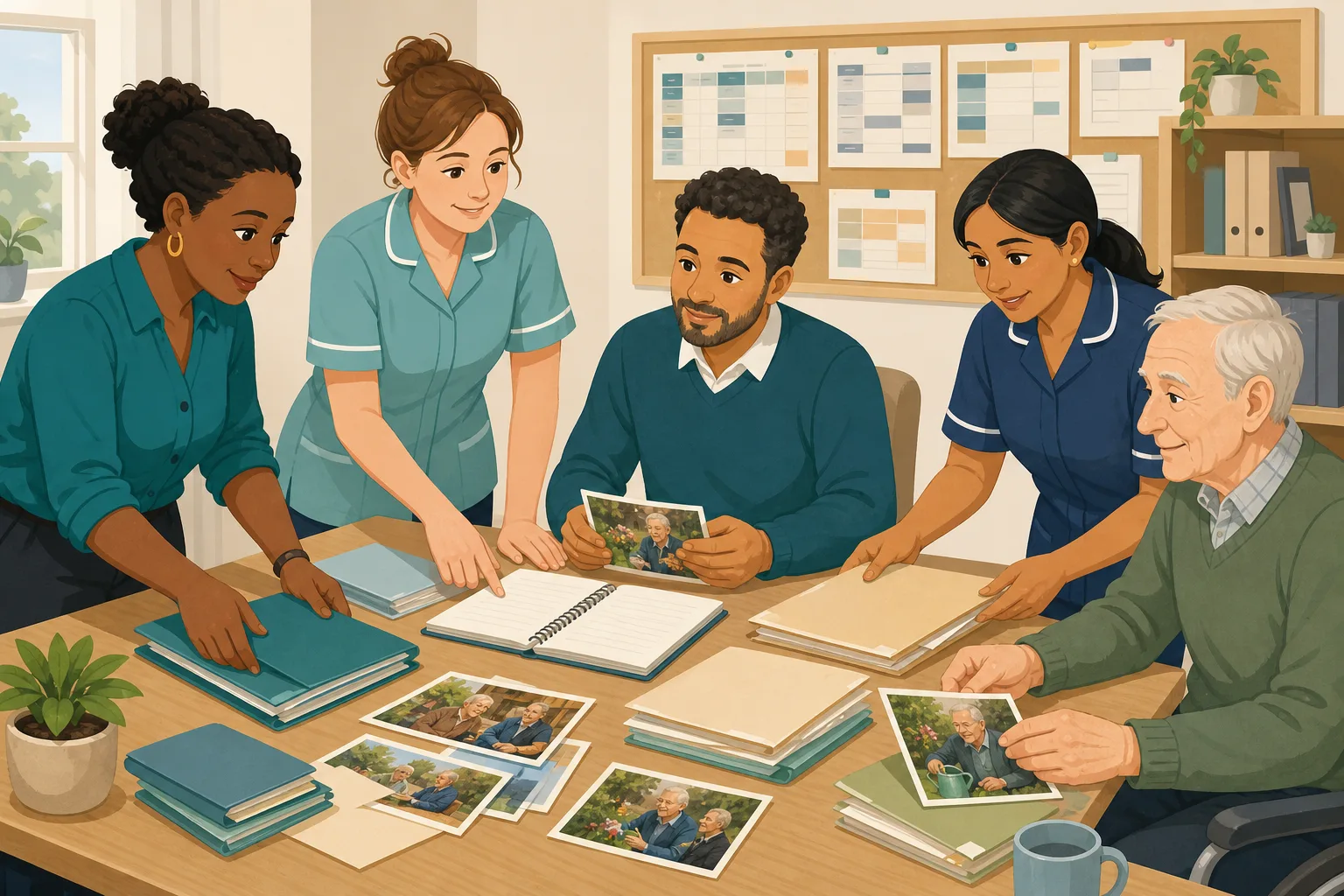
CQC Evidence Categories Explained: Where Your Evidence Base Is Thin, and How to Fix It
Your filing cabinet is full. Your training matrix is colour-coded. Your supervision records are signed and dated. And somewhere in the gap between...
Read articleStaff supervision and CareStream, answered
About supervision records
What should supervision records contain?
At least the date, who took part, what was discussed, what was agreed and when the next session is due. CareStream records each of these, and the completed form and agreed actions stay on the person's staff record.
Is there a supervision template I can use?
The recording form is built in. It has the same headings every time, from actions since last time to goals before the next session, plus rows for agreed actions. You can also look at the staff supervision and appraisal audit for a check of your own schedule and records.
What is the difference between supervision and appraisal?
Supervision is a regular conversation about the work, and appraisal is usually a yearly look back and forward. Skills for Care describes supervision as a manager meeting regularly with a worker. CareStream tracks both, as two separate types of record.
How often should care staff supervision happen?
That is for your service to set, and Skills for Care does not give a set interval. CareStream lets you set the next due date for each session and marks anyone overdue.
Using CareStream
Can I book a supervision and have the carer reminded?
Yes. Choose a future date and the carer is emailed straight away and reminded the day before. The person conducting it is told to complete the recording form in their own hub.
Does a supervision record count as evidence for CQC?
It can be part of it. Regulation 18 says staff must receive such appropriate support, training, professional development, supervision and appraisal as is necessary to carry out their duties. A dated record shows you did it, alongside the rest of your CQC evidence, but it is not a rating.
Can I link a new carer's Care Certificate to their supervision?
You can allocate a course to a person and add it to their next booked supervision. The Care Certificate course is one a manager can allocate, and it still needs your observation before the certificate is issued.
Are agency workers included?
No. Agency workers do not take a plan seat and are not given supervisions or appraisals in CareStream. Their agency holds their records.
Keeping supervision records you can stand behind
A good record is short, dated and specific. It does not need to be long. It needs to show that the conversation happened and what each of you agreed to do.
Before the session
Look at what the person has been asked to do since last time, and at how they got on. A few minutes of preparation changes the conversation, because you arrive with questions and not guesses.
Take the open actions from the last record and ask about each one first. An action that is raised again every time tells you something is stuck.
- Open the actions agreed last time
- Check training that is overdue or due soon
- Note any low scores worth asking about
- Decide one thing to praise and one thing to explore
Writing the record
Write it in plain words soon after, while it is fresh. Record what the person said in their own terms where you can, and keep your feedback separate so it is clear whose view is whose.
Keep each agreed action to one clear task, with an owner and, where it helps, a date. A vague action such as improve confidence cannot be closed. Shadow a colleague at two mealtimes can.
- Date, type and who conducted it
- What was discussed, briefly
- Each agreed action with an owner
- The next due date
After the session
Check actions at the next supervision, and in between if one is time sensitive. If a course was agreed, see whether it was finished and what the person made of it. You can read more on how this fits with recording in person training.
This page describes how CareStream works. It is not legal, HR or employment advice, and example screens are for illustration only. For what a regulated service must do, read the primary source, such as Regulation 18 of the 2014 Regulations.




