
Someone missed the session, and refresher training is due. How do they catch up?
A carer was off sick on the day, so their refresher training did not happen. Rebooking the trainer for one person is hard to justify. CareStream lets you allocate short training built from your own policies, so the person who missed the session can catch up on their own phone.
14 day free trial · Set up in a day · UK data residency
The session happened. One person was not there.
A scenario we see in many care settings.
Every year the home runs refresher training on safeguarding, and every year someone is missing. This time Priya was off sick with a chest infection, and two weeks later she is back at work. The trainer is booked up until spring. The manager could ask for another full session for one person, or hope she picks it up from colleagues. Neither is a plan. The sheet shows a gap, but nothing shows when it closed, or whether Priya understood the topic once it did.
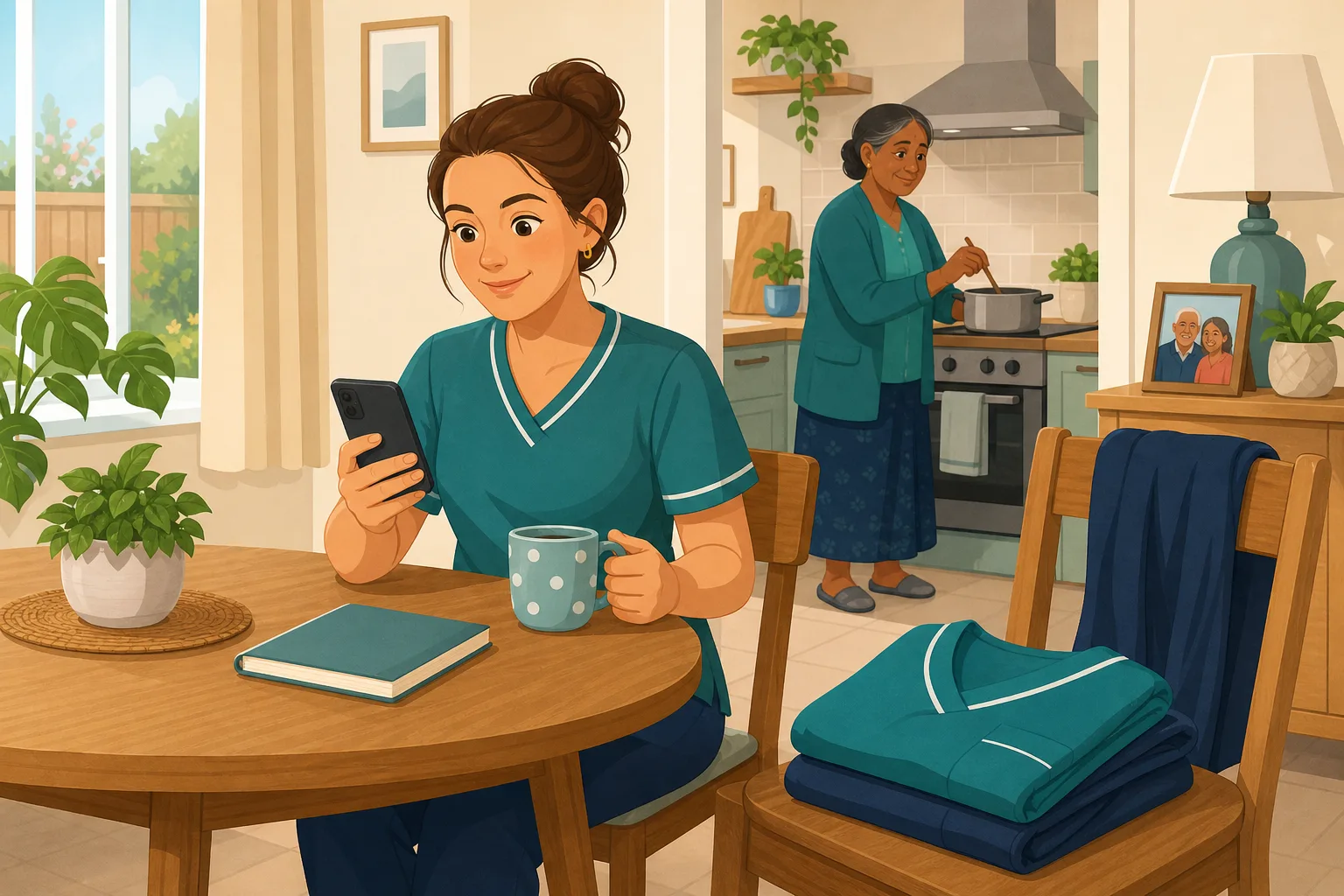
The trainer delivers the annual safeguarding refresher.
Most of the team attend and take part.
The sheet is signed. Priya's line is blank, marked sick.
Priya returns. Everyone assumes someone will sort her session.
Fully booked for months, and a half day for one carer is hard to justify.
A colleague says she will “fill her in” on a break. Nobody records it.
The blank line is still there. Nobody knows what Priya took in.
“How do you know everyone is up to date?” One blank line is the answer.
The session was not the problem. The gap is what happens to the person who missed it. Here is how CareStream closes that gap, without rebooking anyone.
An example scenario, not a named service.
A missed session is a gap that usually stays open
Sickness, leave and shift patterns mean missed training is normal. Leaving it undone should not be.
Nobody owns the catch up
The trainer has moved on and the manager is busy. Without a clear next step, the blank line on the sheet just sits there.
A chat on a break is not a record
Colleagues mean well, but a quick word on the floor cannot show what was covered or whether it stuck.
Attendance is not the same as understanding
Even people who were in the room need a check later. For the person who was not, a knowledge check is the only way to know.
Your policies in, the catch up out.
This is the Training built from your own policies feature, in the order a manager and a carer meet it.
Allocate catch up training on the topic that was missed
- Pick the topic module that matches the session, such as safeguarding, and tick only the person or people who missed it
- CareStream builds the lessons and questions from your own policies where they cover the topic, with general good practice as the fallback. You can edit and preview before anyone sees it
- On Professional and above, you can also use Send digital module in the face to face section to send a session's linked module to the people who missed it. It is manual, so you choose who gets it
Illustration based on the Training screen. Example questions.
A wrong answer becomes a short lesson on that point
- The carer completes the module in the Staff Hub, the installable app on their own phone, so it works on a day off or between shifts
- A wrong answer goes into their Follow-up tab and they get an email, at most once a day, in English
- They choose Learn & retry, a short lesson (why it matters, what to remember, a realistic situation) then a fresh question, or Just retry the same question, as often as they need
A few things to revisit. Learn the point, then answer, or just retry. Either way it clears from here.
You cannot promise to keep a safeguarding concern secret, because the person may be at risk.
Remember- Listen and stay calm
- Explain who you must tell
- Record what was said
A resident tells you something worrying and asks you not to tell anyone.
Illustration based on the Staff Hub Follow-up tab. Example content.
If English is a second language, the lesson can be in theirs
- A carer who answers wrongly because of a missed word can open the lesson in their own language
- Your admin sets their second language, and they switch to it in the hub
- Translation is on the paid plans only, and the reminder emails stay in English
Always communicate in their first language
All messages CareStream sends are translated into English.
Allow switching a set to their second language
In the hub they can flip any single training, induction or CQC set into Polish, just for that set, if they are struggling in their first language.
Let them suggest better translations
They can propose improvements to translated content. Changes need your approval before going live.
Illustration based on the staff record Language settings. Translation is on the paid plans.
See whether the catch up closed the gap
- The Knowledge gaps view shows open gaps, staff affected and gaps closed in the last 30 days
- See the most missed questions and the weakest topics, and how gaps are being closed
- A Monday digest email brings the picture to you. Nothing alerts you on each wrong answer
Illustration based on the Knowledge gaps view. Example figures.
The questions managers ask, and how CareStream answers them
Read this as a conversation. The questions are the ones we hear most.
A carer missed the session. Do I have to rebook the trainer?
Not necessarily. You can allocate a short module on the same topic to just that person. They complete it in the Staff Hub on their own phone, and you see how they got on. The session in the room still happened. This covers the person who was not in it.
Where does the catch up content come from?
You pick a topic module. CareStream builds the lesson and questions from your own policies where they cover the topic, and from general good practice where they do not. You can edit and preview it before you assign it. You cannot pick a single policy or section.
Does CareStream spot who missed a session?
No. A session does not trigger anything on its own. You know who was absent, and you allocate the catch up. On Professional and above, the face to face section has a Send digital module action that sends a session's linked module to the people you choose.
How do I know they understood it, and did not just click through?
Each module ends in questions. A wrong answer goes into the carer's Follow-up tab, where they can take a short lesson and answer a fresh question, or retry the same one. You see the result in the Knowledge gaps view, so you check for understanding, not only completion.
Will they be told they got something wrong?
Yes. The wrong answer appears in their Follow-up tab, and they get an email, at most once a day. The email is in English. Nothing is sent to you each time, so the manager picture comes through Analytics and the Monday digest.
Can the carer do it from home on a day off?
They can open the Staff Hub on their own phone whenever they choose. Whether that time is paid is your decision under your own rules, so decide it before you ask.
Is it the same as sitting in the room?
No. A session gives discussion and the chance to ask questions. Catch up training gives you a record that the topic was covered and checked. For skills that need hands on practice, a competent person still needs to watch it done.
What does it cost, and can I try it?
There is a 14 day free trial on the paid plans, and you can create a free account to look around. Adhoc training is on the paid plans, and the face to face section is on Professional and above. The pricing page has the current details.
A catch up and a check, not a second trainer
It does not detect who missed the session
You decide who was absent and allocate the catch up. Nothing is triggered by a session, and the face to face Send digital module action is manual.
It does not teach hands on skills
Moving someone safely or using equipment needs a competent person to show the technique and watch it done. A phone module cannot replace that.
It does not alert you to every wrong answer
You see gaps in Knowledge gaps and the Monday digest. Adhoc training and translation are on the paid plans, and the face to face router is Professional and above.
Training built from your own policies
Everything on this page is part of the product. Here is where to read more.
Training built from your own policies
Adhoc training from your policies, face to face sessions organised, and wrong answers that become short lessons.
See the featureAdhoc training after a session
How a manager allocates a short module on any topic, to the people who need it.
See adhoc trainingFace to face training, followed up
Keep the room. Add a check on what people took in afterwards.
See face to face follow upGuides on this subject
How do you schedule care staff training around a rota?
The rota is the constraint, not the training. Any plan that ignores minimum staffing, skill mix and night cover will collapse by week three. The...
Read article
The Annual Training Plan That Survives Contact with the Rota
Most training plans are written in January, laminated, and dead by March. You know the feeling. You booked a full day of manual handling refreshers,...
Read article
Chasing Staff Training Completions? Reminder Emails Are Making It Worse
You send the reminder email at 9am on Monday. Two people open it. By Friday, you send another one, slightly more pointed this time. The same two...
Read articleMissed training and catch up, answered
About catching up
What is the best way to handle missed training in a care home?
Record who missed the session and why, then give them a short catch up on the same topic within a few weeks. Add a check at the end so you know it landed. With CareStream you allocate adhoc training to that person and see the result.
Can catch up training replace refresher training in the room?
It can cover the person who missed a session. It does not replace sessions where people practise a skill together. Keep your face to face training for what needs a room, and use catch up for who was absent.
What is a knowledge check?
A short set of questions after a lesson, to see what someone took in. In CareStream a wrong answer goes to the Follow-up tab, and the carer can take a short lesson and answer a fresh question.
How soon after the session should the catch up happen?
Sooner is better, because the rest of the team has just covered the topic. A few weeks is a sensible limit. You choose the timing, and you can set a due date when you assign it.
How do I check for understanding after someone catches up?
Look at their answers and at the Knowledge gaps view. A retry that is eventually right shows the gap closing. Pair it with a quick conversation on the floor. See our guide to chasing completions.
About inspections
What do the regulations say about staff training?
Regulation 18 on staffing says staff must receive the appropriate support, training, professional development, supervision and appraisal necessary for their duties. It does not set a course list, so the provider decides and must be able to show it.
Does the law say employers must give adequate training?
The HSE guidance on training says employers must give workers clear instructions and information, as well as adequate training and supervision.
What could I show an inspector for someone who missed a session?
A record of the topic, the date the catch up was allocated, what the person was asked, anything they got wrong, the lesson they took and whether they then got it right. It sits alongside your other CQC evidence.
A practical way to handle missed training
Every home has people who miss a session. A simple routine means the gap gets closed, not forgotten, and you do not need to rebook a trainer to do it.
Record the miss on the day
Write down who was absent and why, on the same sheet you use for attendance. Sickness and leave are normal reasons, and a note takes seconds. Without it, the gap only shows up months later, when someone asks. Your training schedule is easier to keep when misses are visible.
Four steps for the catch up
- Within a week of their return: allocate a short module on the missed topic.
- Set a due date so it does not drift.
- When an answer is wrong: they take the short lesson, then a fresh question.
- After a few weeks: check the Knowledge gaps view and have a quick chat about the topic on the floor.
Know what the catch up cannot do
A module checks knowledge. It does not show that someone can use a hoist or give medicines safely. Those skills still need a competent person to watch them done. Plan a short observation for any practical topic, and note it on the person's record.
For the inspector. Keep the absence note, the catch up, the questions and the results together, so one blank line on a sheet becomes a closed gap with a record.




