
Your policy translation has gone out. Has every carer understood it?
Policy translation is only half the job. CareStream opens each policy in the carer's first language, then you allocate a short check on the change, built from your own policies. That is how you see who understood it. Training built from your own policies does the rest.
14 day free trial · Set up in a day · UK data residency
You sent the new policy. Now you need to know it was understood.
A scenario we see in many care settings.
After a fall on the stairs, a manager rewrites the falls prevention policy. The new version asks for a different response after an unwitnessed fall. She uploads it, emails the team and pins a one page summary in the staff room. The team includes carers whose first language is not English, and the change is detailed. A week later three people have opened it and nobody has said a word. She cannot tell who read it, who understood it, or who is quietly unsure. Here is how that week plays out.
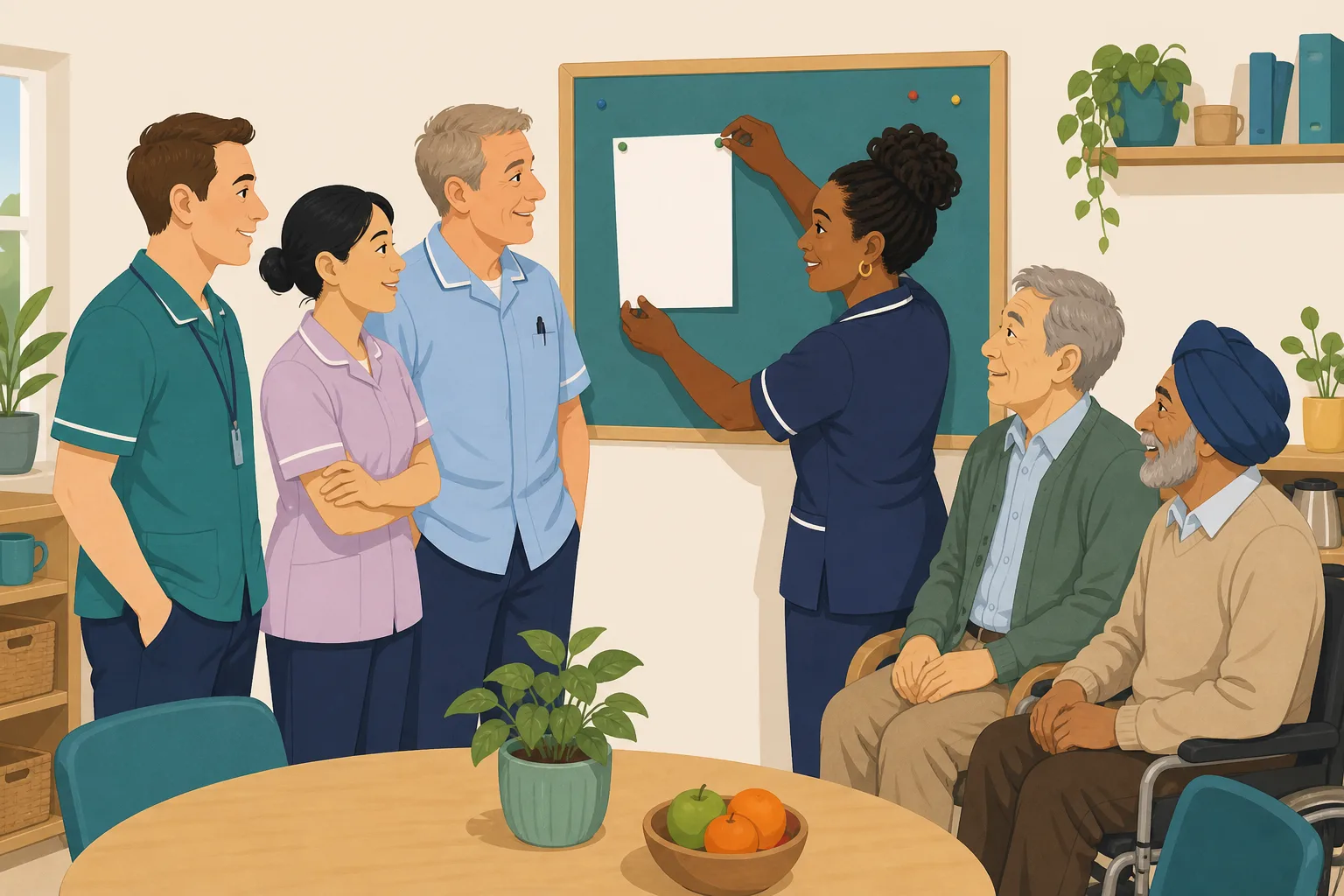
The manager rewrites the falls prevention policy after a fall on the stairs.
She uploads it and emails the whole team.
A one page summary goes up on the staff room board.
Only three carers have opened the new version.
Some carers read English as a second language. A detailed change is easy to half follow.
Nobody asks questions. Nodding is not the same as knowing.
An email that was sent and a policy that was opened. Nothing about understanding.
After another fall: “What are you now meant to do first?” Three answers, three versions.
Sending the policy was never the problem. The gap is between a policy update that went out and proof that each person understood it. Here is how CareStream closes it, in each carer's own language.
An example scenario, not a named service.
Opening a policy does not show it was understood
A changed policy only protects people if every carer does the new thing, not the old one.
A word can hide a whole step
A carer can know falls prevention well and still miss one phrase in a long document. That is a word gap, not a knowledge gap, and it is easy to confuse the two.
Emails prove sending, not reading
An email shows you sent it. CareStream records read sessions, such as time spent and scrolling, and a "Mark as read" tap. It does not record a signature or an acknowledgement.
Old habits survive a change
People keep doing what they did last month. Without a quick check on the change itself, the old way can carry on until an incident shows it.
The changed policy in, understood in every language out.
This is the Training built from your own policies feature, in the order a manager and a carer meet it. See also the multilingual Staff Hub and turning a change into adhoc training.
Upload the new version, then allocate a check on the change
- Upload the changed policy, then pick the matching topic module in the Training screen, such as falls prevention
- The lessons and questions are built from your own policies where they cover the topic, and from general good practice where they do not. Edit and preview them first
- Tick who it is for, add an optional due date, and staff complete it in the Staff Hub on their own phone
Illustration based on the Training screen. Example questions.
A wrong answer becomes a short lesson, not a telling off
- A wrong answer goes straight into the carer's Follow-up tab in the Staff Hub, and they get an email to say so, at most once a day
- They choose Learn & retry, a short lesson then a fresh question, or Just retry the same question. They can retry as often as they need
- The email is in English, and the manager is not alerted to each wrong answer
A few things to revisit. Learn the point, then answer, or just retry. Either way it clears from here.
Moving someone too soon can make an injury worse, so the first step is to check how they are before anything else.
Remember- Stay with the person and keep them calm
- Check for pain or injury before any move
- Get help and record what you found
You find a resident on the floor beside the bed. They say they are fine and want to get up.
Illustration based on the Staff Hub Follow-up tab. Example content.
Policies and questions in the language each carer thinks in
- Policy translation happens when a carer opens the policy: it appears in their first language, with an admin setting the first and an optional second language
- With allow switching on, a carer can flip one lesson or question set into their second language with Read in <language>
- Translation is machine translation, shaped by your own glossary and by staff suggestions that your admin approves. It is on the paid plans, and menus and buttons stay English
Always communicate in their first language
All messages CareStream sends are translated into English.
Allow switching a set to their second language
In the hub they can flip any single training, induction or CQC set into Polish, just for that set, if they are struggling in their first language.
Let them suggest better translations
They can propose improvements to translated content. Changes need your approval before going live.
Illustration based on the staff record Language settings. Translation is on the paid plans.
See who understood the change, and whether gaps closed
- The Knowledge gaps view shows the most missed questions and the weakest topics, so you can see whether one person or the whole message needs another look
- See how gaps are being closed, and mark a person's record as reviewed
- A Monday digest email brings the picture to you without you asking
Illustration based on the Knowledge gaps view. Example figures.
The questions managers ask, and how CareStream answers them
Read this as a conversation. The questions are the ones we hear most.
We emailed the new policy. Why is that not enough?
An email shows it was sent. It does not show who opened it, still less who understood it. After a policy update, you can allocate a short check built from your own policies and see each person's answers.
How does a carer read the policy in their own language?
Your admin sets each person's first language, and an optional second. When they open a policy it is translated into their first language and kept for next time. The first time may show English while it translates, then it appears on the next open. The menus and buttons in the hub stay in English.
How good is the translation?
It is machine translation, not a professional human translator. It uses your own translation glossary, so terms you want kept as they are stay put, and carers can suggest a better wording that your admin approves. Treat it as a strong help for understanding, and do not treat it as a certified translation.
How do I check that people understood the change?
Allocate an adhoc module on the topic, such as falls prevention. Questions come to carers in their own language, and each answer is scored. A wrong answer is information, and it points to a gap in knowledge rather than a gap in vocabulary.
What happens when someone gets a question wrong?
It goes into their Follow-up tab in the Staff Hub and they get an email, at most once a day, in English. They choose Learn & retry, a short lesson then a fresh question, or Just retry the same question. They can retry as often as they need.
Will CareStream tell my team when a policy changes?
Not automatically. You decide who needs to know and allocate the module yourself. That keeps you in charge of who is asked what, and when.
Is this a read and sign register?
No. CareStream records read sessions, such as time spent and scrolling, and a Mark as read tap. It does not record signatures or acknowledgement. The questions are your evidence of understanding. See the compliance picture.
Can I try it, and does it cost anything?
Yes. Create a free account and try it for 14 days on a paid plan. Adhoc training and translation are on the paid plans, and the free plan is English only. See the pricing page for the plans, or register to start.
Honest about what this does and does not do
It is not professional translation
Translation is done by machine, with your glossary and approved staff suggestions. Nothing here is certified, and no human translator checks it. Safety critical wording is still worth a conversation.
It does not notify staff when a policy changes
You allocate the module and choose who gets it. Nothing alerts you to each wrong answer either, so the picture comes through the Knowledge gaps view and the Monday digest.
Translation and adhoc training are on the paid plans
The free plan is English only and does not include adhoc training. Hub menus and buttons, and the wrong answer email, stay in English on every plan.
Training built from your own policies
Everything on this page is part of the product. Here is where to read more.
Training built from your own policies
Short training from your policies, with wrong answers that become short lessons.
See the featureStaff Hub in dozens of languages
Policies, lessons and questions in the language each carer thinks in.
See the Staff HubTurning a change into adhoc training
Allocate a short module on the topic that changed, whenever you need it.
See adhoc trainingGuides on this subject
Translating Care Policies: What Gets Lost, and How to Check Understanding
Your care policies are written in English. A significant portion of your workforce thinks, dreams, and asks questions in another language....
Read article
Policy Changed. Who Needs Retraining? A Four-Question Framework for Care Managers
A policy update lands in your inbox at 4.45pm on a Friday. Your first instinct is to retrain everyone, because retraining everyone feels safe. It...
Read article
Care Policy Version Control: How to Know Which Version Is Current (Without Buying New Software)
The most dangerous document in your care service is not the one that is missing. It is the one that looks current but is not. Managing policy...
Read articlePolicy translation and understanding, answered
About translation and languages
What is policy translation in CareStream?
When a carer opens a policy, it appears in their first language and is saved for later. It is machine translation, helped by your own glossary. See the multilingual Staff Hub for the full picture.
How do you support a multilingual workforce in a care service?
Give people policies, lessons and questions in the language they think in, then check understanding with questions rather than assuming. Your admin sets each person's first language and an optional second, as described on the languages page.
Can a carer switch to a second language?
Yes, if your admin turns on allow switching. They can flip one lesson or question set into their second language with Read in their language. Their first language stays the default.
Does a wrong answer mean the carer is not good at their job?
No. It may be a missed word, a long sentence or a rushed read. That is why questions arrive in the person's own language, so a wrong answer points at knowledge and not at vocabulary.
Is the translation done by a person?
No. It is machine translation, with your own glossary and staff suggestions that your admin approves. We do not offer certified or professional translation. Read more in translating care policies.
About checking understanding
What is a good policy update process for a care home?
Upload the new version, tell people what changed, then run a check for understanding. A short knowledge check on the changed topic shows who has taken it in. The four question framework helps you decide who needs more than a read.
What is a knowledge check, and how long should it be?
A short set of questions on one topic. Keep it to a few questions on the change itself. CareStream builds it from your own policies, and you can edit and preview it first.
Does CareStream record that staff signed or acknowledged the new version?
No. It records read sessions, not signatures or acknowledgement. Your evidence is the questions asked, the answers given and the lessons followed.
What do inspectors expect on staff training?
Regulation 18 says staff must receive the support, training, professional development, supervision and appraisal they need to do their jobs. The CQC guidance on Regulation 18 says completion of training should be monitored, with prompt action when requirements are not met.
A practical way to roll out a changed policy to every carer
A policy update is only finished when people do the new thing. A good rollout checks understanding in a language each person is comfortable in, and does not rely on goodwill or a reminder email.
Keep the change small, then check it
Start by writing down what is actually different, in two or three lines. If the whole policy changed, say so, but a manager usually finds that only one or two steps are new. Questions on those steps tell you far more than questions on the entire document.
Then decide who needs it. A policy on falls matters to every carer, but a night team, an agency worker and a new starter may all need a different nudge.
A rollout that works for a mixed team
- Upload the new version and say plainly what changed.
- Allocate a short module on the topic, with a due date.
- Let carers read in their first language, and offer a second language where it helps.
- Review the most missed questions after a week and talk to the people who need it.
Use mistakes as information
A wrong answer after a policy update is a signal that the message did not land, not a mark against the person. If several people miss the same question, change how you explain it. If one person misses it, a quiet conversation is usually enough.
For the inspector. Keep the changed policy, the questions, the answers and the lessons together, so you can show that people understood the change as well as received it.




