
Your next policy review: which of your policies are out of date?
A good policy review starts with knowing which documents have drifted. CareStream scans your uploaded policies for old names, leftover placeholders and overdue review dates, then gives you a plain list. It is a deterministic check, so there is no guesswork in the list itself.
14 day free trial · Set up in a day · UK data residency
The folder looks complete. Is it?
A scenario we see in many care settings.
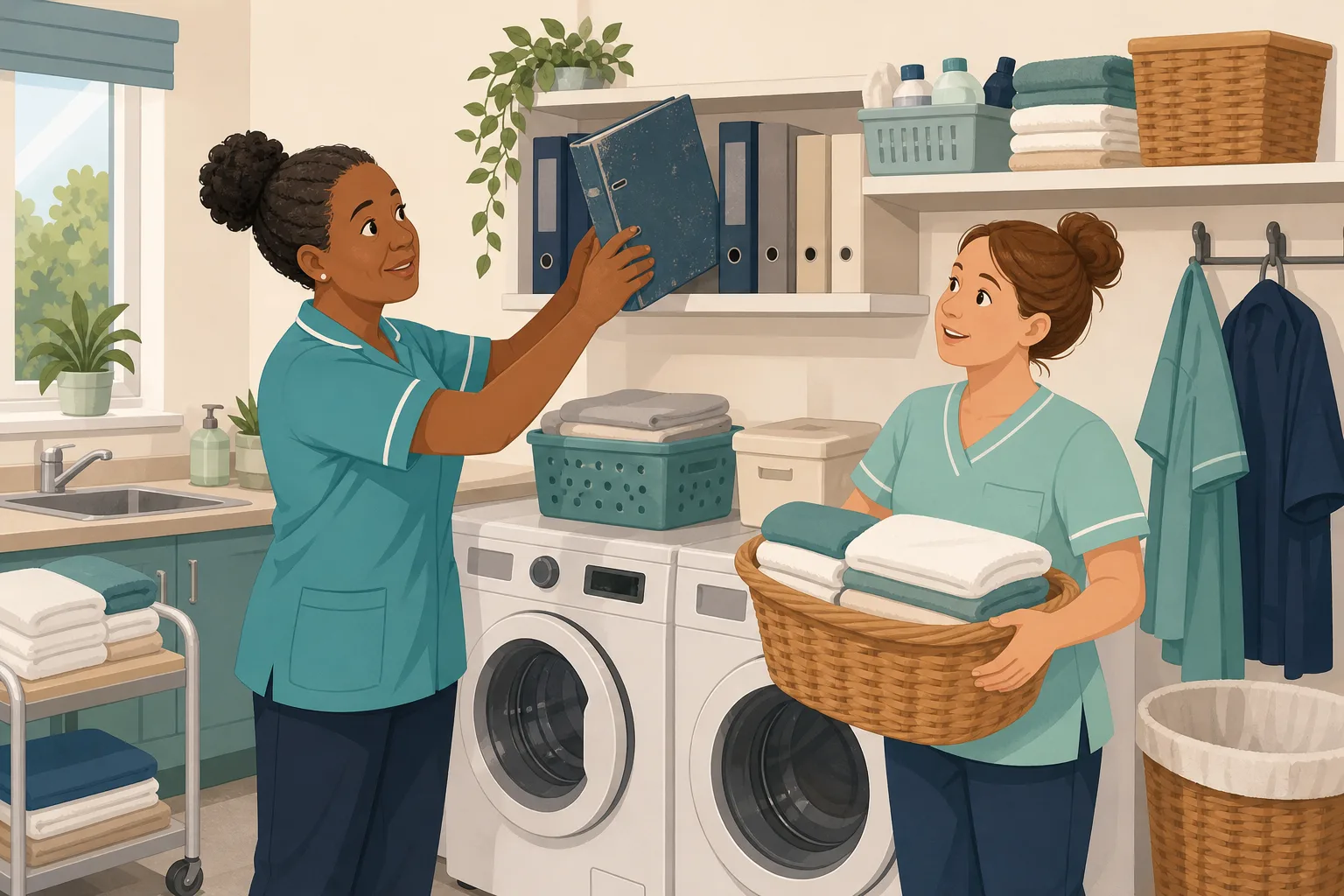
A manager and her deputy are tidying the policy folder before a busy quarter. Every policy is there, and a few have coloured tabs from past reviews. Then the deputy reads the infection control policy properly. It still carries wording from the pandemic. The safeguarding policy names a body that no longer exists under that name. The medication policy has a gap where a name should go. Nobody did anything wrong. The documents were fine once, and time moved on. The manager now needs a list, not a hunch. Here is how that plays out.

The home reviews its policies. Tabs go on the folder.
New staff are told to read the folder. Most do.
The manager is confident the set is in good order.
Pandemic era wording stays in the infection control policy.
An old agency name sits in the safeguarding policy.
A placeholder such as [insert name] was never filled in.
Three policies have no review date recorded anywhere.
“When was this last reviewed, and what changed?” The manager has tabs, not answers.
The policies were never the problem. The gap is between a folder that looks current and one you can prove is. Here is how CareStream gives you the list, using your own documents.
An example scenario, not a named service.
Outdated policies hide in plain sight
Nobody notices a stale sentence until a member of staff acts on it.
Staff follow what is written
A carer who asks the assistant or reads the policy gets the old wording as if it were current. The policy is the instruction.
Reviews slip quietly
A policy review schedule is easy to set and easy to forget. Without a date on record, nobody can say which policies are overdue.
Checking by hand takes days
Reading every page of every policy for old names and blanks is slow, and tired eyes miss things. So it waits until it is urgent.
Your policies in, the plain list out.
This works on the policies you upload to CareStream, as part of policy gap detection. For a wider view of the problem, see out of date policies and briefing staff with adhoc training.
Scan for old wording, then brief staff on the change
- On the Gaps page, the Out-of-date content step has a Scan policies button. It runs at once and uses none of your tokens
- It looks for superseded names, pandemic era wording, unfilled placeholders, very thin policies and overdue reviews, each marked high, medium or low
- Once you have updated a policy, allocate an adhoc training module on that topic so staff are checked on the new wording. You can edit and preview it first
Illustration based on the Training screen. Example questions.
A wrong answer becomes a short lesson on the new wording
- A wrong answer goes into the carer's Follow-up tab in the Staff Hub, and they get an email, at most once a day, in English
- They choose Learn & retry, a short lesson then a fresh question, or Just retry the same question, as often as they need
- Nothing alerts you to each wrong answer. The picture reaches you in Analytics and the Monday digest
A few things to revisit. Learn the point, then answer, or just retry. Either way it clears from here.
Acting quickly on a suspected outbreak protects residents and colleagues, so the right person must hear first.
Remember- Tell the senior on shift straight away
- Keep the person comfortable and apart
- Write down what you saw and when
A resident has been unwell all morning and two others now feel sick.
Illustration based on the Staff Hub Follow-up tab. Example content.
Updated policies reach staff in the language they think in
- Once a policy is updated, staff who read best in another language can read it in theirs in the Staff Hub
- Translation is machine translation, and staff can suggest better wording for an admin to approve
- Translation is part of the paid plans, and hub menus stay in English
Always communicate in their first language
All messages CareStream sends are translated into English.
Allow switching a set to their second language
In the hub they can flip any single training, induction or CQC set into Romanian, just for that set, if they are struggling in their first language.
Let them suggest better translations
They can propose improvements to translated content. Changes need your approval before going live.
Illustration based on the staff record Language settings. Translation is on the paid plans.
See where staff are still unsure after a policy update
- The Knowledge gaps view shows the most missed questions and the weakest topics after you change a policy
- See how gaps are being closed, so a policy update becomes understanding and not just a new file
- A Monday digest email brings the picture to you without you asking for it
Illustration based on the Knowledge gaps view. Example figures.
The questions managers ask, and how CareStream answers them
Read this as a conversation. These are the questions we hear most.
How does CareStream tell me which policies are out of date?
You upload your policies, then run the Scan policies step on the Gaps page. It checks the text for superseded names, pandemic era wording, unfilled placeholders, thin content and overdue review dates, and gives each policy a severity and a score. It is a fixed check with no machine learning in it, so you get the same list each time for the same text.
Does it find every outdated point?
No. It finds what its catalogue of signals knows about. It does not read for clinical accuracy and it cannot tell whether your own procedure is wise. Treat it as a fast first pass that you follow with your own review.
What happens when it finds something?
You open Review and fix. For superseded terms it pre fills the old wording with the current term from the catalogue, so you can check it and accept it. Nothing is changed for you without you looking, and you can ignore a finding for one policy or for the whole account.
What about policies with no review date?
They are counted, not marked as faults. You then set a date and an interval, such as 6 months, 12 months, 2 years or 3 years, and that policy joins your review schedule. Once a date is past, it appears in the Policies due for review panel and you get one reminder email per review cycle.
Can I tell staff when a policy changes?
Yes, in the sense that you can allocate an adhoc training module on that topic, built from your own policies where they cover it. Staff complete it in the Staff Hub, and a wrong answer becomes a short lesson. Changing a policy does not trigger training by itself. You choose to allocate it.
Does it keep a record of policy versions?
Document version history is on every plan. Uploading a replacement raises the version number and the older one is kept in History. CareStream records that staff read a policy, with time and whether they pressed Mark as read. It does not record signatures or which version a read was against.
Is this part of the free plan?
The free plan screens up to 5 uploaded policies in total with all four gap checks, including the out of date scan. The scan on the whole set, the gap fixes and the approval steps are on Professional and above.
How do I try it?
There is a 14 day free trial on the paid plans, and you can create a free account to see the scan on up to 5 of your own policies. The pricing page shows what each plan includes.
A plain list of what to look at, not a verdict
It does not find every outdated point
The scan matches known signals such as old names, pandemic wording and blanks. It cannot judge clinical accuracy or spot every change in practice.
It does not rewrite policies on its own
Fixes are suggestions you check and accept. Wording from the gap checks is drafted by our own machine learning and is for you to review, adapt and approve.
It is not legal advice or a guarantee
A clean scan does not guarantee compliance or a CQC rating. Full scanning of a large library, gap fixes and approvals are on Professional and above.
Training built from your own policies
Everything on this page is part of the product. Here is where to read more.
Training built from your own policies
Short training from your policies, with wrong answers that become short lessons.
See the featureOut of date policies
How the scan finds old wording, placeholders and overdue reviews in one list.
See out of date policiesPolicy gap detection
Check your policy set against the regulations that apply to your service.
See policy gap detectionGuides on this subject
Six signs your policy set has quietly drifted out of date
Every care service has out-of-date care policies. Not because anyone is negligent, but because a policy library is a living thing, and living things...
Read article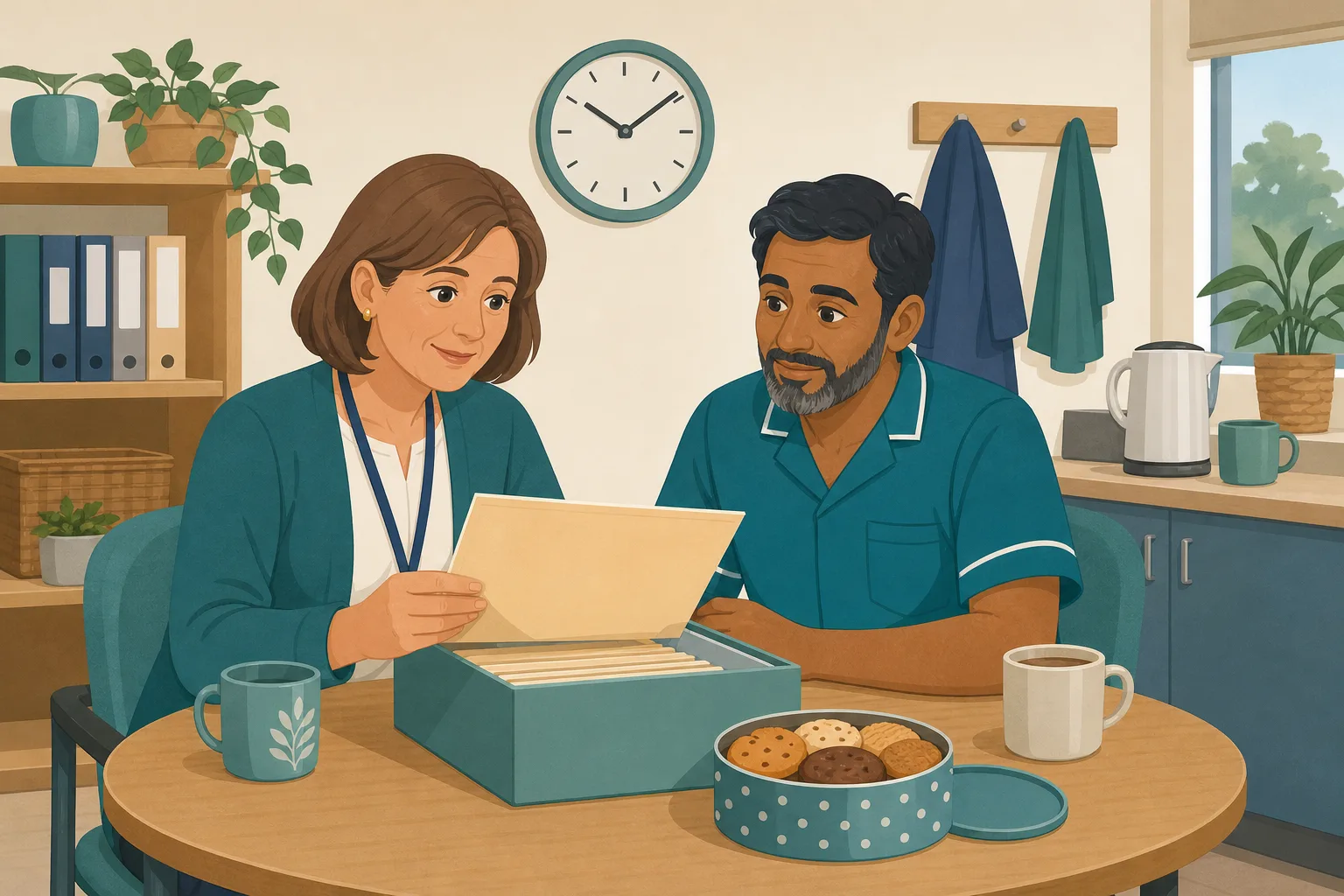
How Often Should Care Policies Be Reviewed? The Honest Answer for UK Care Providers
The sector baseline has settled on annual review for most core policies. That is the defensible starting point, but it is not the whole answer. The...
Read article
Keeping Care Policies Current When CQC Regulation Moves: A Guide for Registered Managers
You cannot read gov.uk every day. You have a rota to fill, a supervision backlog, and a team that needs you on the floor, not in a browser tab. Yet...
Read articleOut of date policies, answered
About the scan
What counts as outdated policies in the scan?
Old names for bodies, laws and frameworks, pandemic era wording, unfilled placeholders such as XXXX, TBC or [insert name], very little content or no purpose or scope, and overdue or missing review dates. Each finding is high, medium or low.
Does the scan use machine learning?
No. The out of date scan is a fixed check and uses none of your tokens. Some other gap checks, such as example wording, are drafted by our own machine learning and are suggestions for you to review.
Can I run a policy update check on only a few policies?
Yes. The free plan screens up to 5 uploaded policies in total. Upload your most used policies first, such as infection control, safeguarding and medication.
Does it replace my own review?
No. It gives you a starting list so your review is quicker. You still decide what is right for your service. See how often care policies should be reviewed.
About review dates and records
How do I set up a policy review schedule?
Record a last reviewed date and an interval for each policy: 6 months, 12 months, 2 years or 3 years. Overdue policies show in the Policies due for review panel, and the admins get a reminder email.
What is a good policy review checklist?
Start with the checklist in the guide below: names, dates, placeholders, who it applies to, and who needs to know about any change. The scan covers the first few for you.
Does CareStream do policy version control?
Document version history is on every plan, and a replacement upload raises the version number while the older one stays in History. Edited policies approved on Professional and above get major version numbers. See care policy version control.
Which care home policies should I scan first?
Start with the ones staff use daily or that carry the most risk, such as safeguarding, medication and infection prevention and control, then work through the rest of your care home policies.
A practical way to run a policy review
A review does not need a weekend. It needs a short list of what to check, a date, and a record of what changed. Regulation 17 on good governance asks for systems or processes that are established and operated effectively, and that let you assess, monitor and improve the quality and safety of the service. The regulation does not name policies, but a dated review is one simple way to show that you do this.
Why staff training follows the policy
A policy that changes is only useful once the people doing the work know about it. Regulation 18 on staffing says employed persons must receive such appropriate support, training, professional development, supervision and appraisal as is necessary to carry out their duties. After any policy update, a short check on the change shows whether staff took it in.
A policy review checklist you can copy
- Names: do bodies, laws and frameworks still carry their current names?
- Blanks: are there placeholders, such as a missing role or a TBC?
- Dates: is there a last reviewed date and a next review date on record?
- People: who needs to hear about the change, and have they been checked on it?
Set a rhythm and keep the record
Pick an interval that suits each policy, put it on record, and let the reminder do the nagging. Keep the old version in your history and note what changed. Then the answer to “when was this last reviewed?” takes seconds, not an afternoon.
For the inspector. Keep the scan result, the review date, the version history and the staff check together, so you can show what you found and what you did about it.




