
Planning dementia activities around family photos, one person at a time.
Thursday afternoon is when Ruth, the activities coordinator, plans Friday's session. Good dementia activities often start with something familiar, and for many people that means a photograph from home. CareStream gives staff approved family photos and captions in the Staff Hub, alongside the rest of your training and knowledge tools.
14 day free trial · Set up in a day · UK data residency
The best ideas for the session are scattered across the building.
A scenario we see in many care settings.
Ruth wants Friday's small group session to feel personal. She has three residents in mind: Mr Okafor, Mrs Bell and Mr Lindqvist. Mrs Bell's daughter handed over holiday snaps, Mr Okafor's nephew emailed some pictures, and nobody remembers what Mr Lindqvist's family left. Ruth spends an hour opening drawers and asking colleagues. By the time she has found a handful, the planning time has gone and she is not sure which ones the families were happy to share.
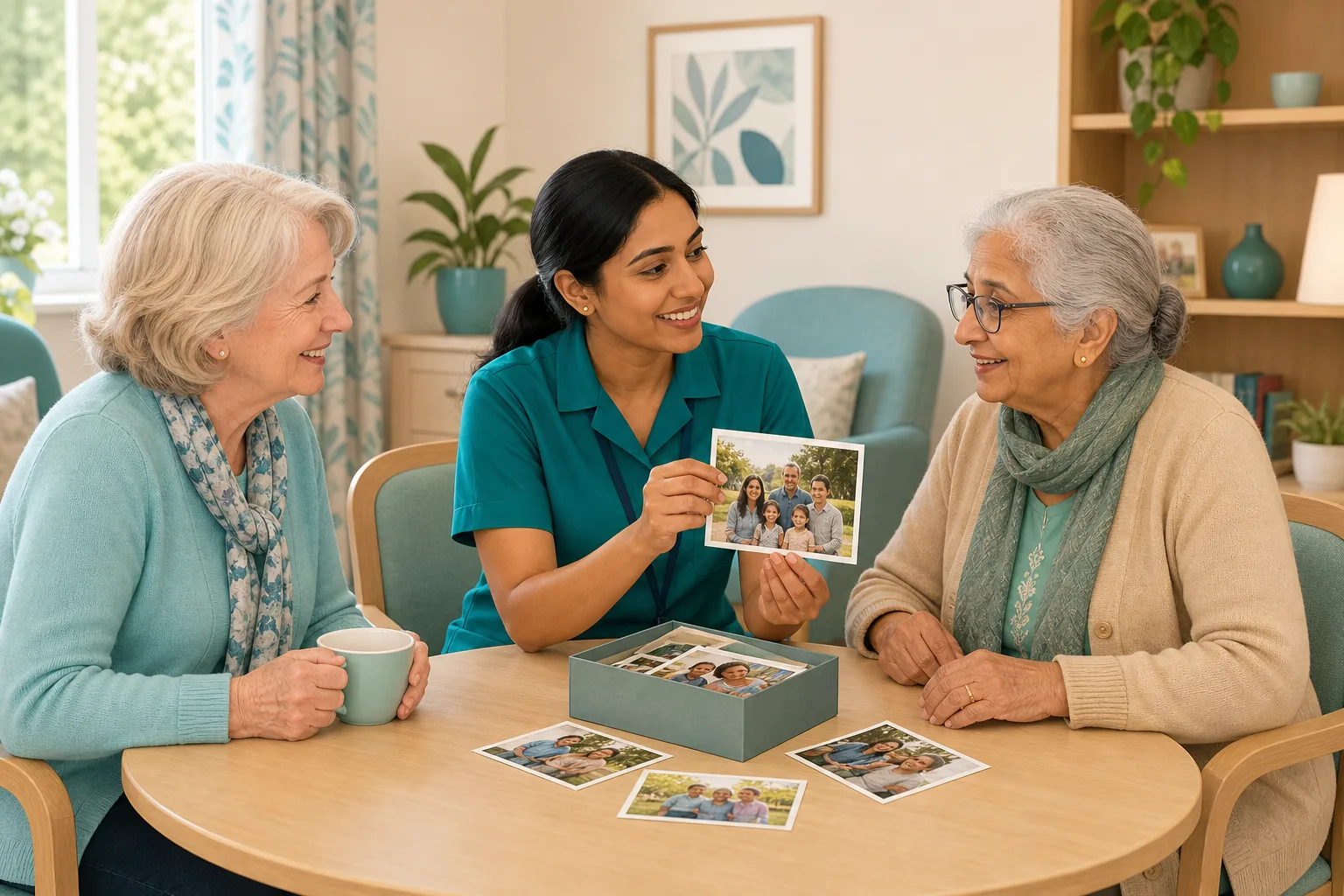
Ruth chooses three residents who enjoy a chat together.
She wants a few personal photos for each person.
She knows families have shared things over the years.
The photos are in a drawer, an inbox and a shared folder.
Some have no names on them. She cannot tell who is who.
One photo shows another resident. Nobody asked her.
A daughter asks where her photos were shown. Nobody can say.
“How do you use what families tell you?” The answer is a drawer.
The photos existed. What was missing was one checked place to find them, with the words that explain them. Here is how CareStream helps with the finding, and where your team's judgement takes over.
An example scenario, not a named service.
Why a well planned session starts with the person
Familiar pictures can open a conversation that a generic activity cannot.
Personal beats generic
A quiz about the 1960s suits some people. A photo of your own street, your own dog or your own wedding speaks to one person.
Privacy and dignity are part of the plan
The regulations ask providers to ensure the privacy of the service user and to support their autonomy. A photo of one person shown to a table of others needs that person's agreement first.
Unchecked photos cause problems
A picture with a stranger in it, or one the family did not mean to share round a table, can upset people. Checking before a session is far easier than apologising after it.
From a loose pile of photos to an approved set for each person.
Photos are part of the resident profiles feature, in the same system as your policies and training. They are on Professional and above. See how staff use resident knowledge too.
Photos arrive through a private link and wait for a manager
- Relatives and friends add photos through a private link, up to 5 per link, with an optional caption and a note on who is in the photo
- Every family photo waits on the Approvals tab. The manager can edit the caption, approve it or reject it
- Staff see only approved photos of current residents, so Ruth is never choosing from an unchecked pile
Example only. Names and captions are illustrative.
Ruth looks at one person's photos at a time
- In the Staff Hub, she opens the This is me topic and asks about one resident at a time, so for a group she asks about each person in turn
- She can name the person and the subject, such as “do we have a photo of Mr Okafor's shop?”, and matching photos appear under the answer
- If her question does not name a resident and several have photos, the chat asks who she means
Example only. Illustration, not a real resident.
Captions do the work, so Ruth reads them
- The chat finds photos from the approved captions and notes people wrote, matched by meaning. A caption of “seaside” also finds “beach”
- It does not look inside a picture. A photo with no useful caption is hard to find by asking, so Ruth looks at that person's photos directly instead
- She taps a photo to enlarge it, and reads the caption and the note on who is in it before she decides
Example only. Illustration, not a real resident.
The team builds the session, and the people at the table lead it
- Ruth asks each person, in a way that suits them, whether they are happy for their photo to be seen by the others. If not, it stays out of the group
- She shows photos on a tablet or phone, and can add real objects of her own, like a reminiscence box with a tin of buttons or an old bus ticket
- CareStream does not plan or run the session. It helps her find approved photos and read what families wrote
Example only. This is a note your team might keep, not a CareStream screen.
The questions managers ask, and how CareStream answers them
Read this as a conversation. The questions are the ones we hear most.
Can staff use CareStream to plan dementia activities in our care home?
It helps with one part of the job: finding approved photos and the captions families wrote. Staff open the Staff Hub, find the person and look at their photos, or ask the This is me chat. The planning, the running of the session and the judgement about each person stay with your team.
Can the chat pull photos for a whole group at once?
No. It works with one resident at a time. If a question does not name a resident and several have photos, it asks who is meant. For a group session, the coordinator looks at each person's photos in turn.
How does it know which photo is which?
It reads the approved captions and the notes on who is in the photo, matched by meaning. It does not look inside a picture and says so if asked to describe one. Photos are not used for the chat's other answers.
Can I print the photos for a reminiscence box?
CareStream does not offer downloads or printing for staff. Photos are shown in the hub to signed in staff. If a family would like a real print in a box, they can bring one in, and your team decides how it is stored and returned.
What if a photo shows another resident?
That is for the manager to decide before approval. The Approvals tab lets you reject a photo, and a rejected file is removed from storage straight away. You can explain kindly to the relative, and ask for another picture without other residents in it.
Does a photo need the resident's agreement before we show it to others?
CareStream cannot record or judge that for you. Your team should ask the person, in the way that works for them, and follow your own policies. If they do not want a photo shown to the group, leave it out.
What happens when a resident moves on or passes away?
Their photos leave the hub at once, and any still waiting for approval are deleted. Approved files stay in private storage for the retention period, like the written profile, then are deleted with it.
Which plan is it on, and can I try it?
Resident profiles and photos are on Professional and above. There is a 14 day free trial, and the pricing page shows which plan includes it. You can create an account or book a demo to see it first.
Honest limits: a way to find the photo, not a way to run the session
It does not run or record activities
CareStream does not plan sessions, keep an activities diary or measure how a session went. It helps staff find approved photos. The session itself belongs to your team.
It reads captions, not pictures
The chat cannot see inside a photo or describe it, and it handles one resident at a time. Ask families for a few clear words and the names of the people in the photo.
It cannot decide who consents
A manager approves each family photo, but approval is not the same as the resident agreeing to be shown to others. That conversation is yours. Photos also cannot be downloaded or printed by staff.
Training built from your own policies
Everything on this page is part of the product. Here is where to read more.
Training built from your own policies
Ad hoc training from your policies, face to face training organised, and wrong answers that become lessons.
See the featureResident knowledge for your team
Give staff quick, short answers about the people they care for, drawn from what you have recorded and approved.
See resident knowledgeDementia awareness training
A course that helps staff understand the person behind the diagnosis.
See the courseGuides on this subject
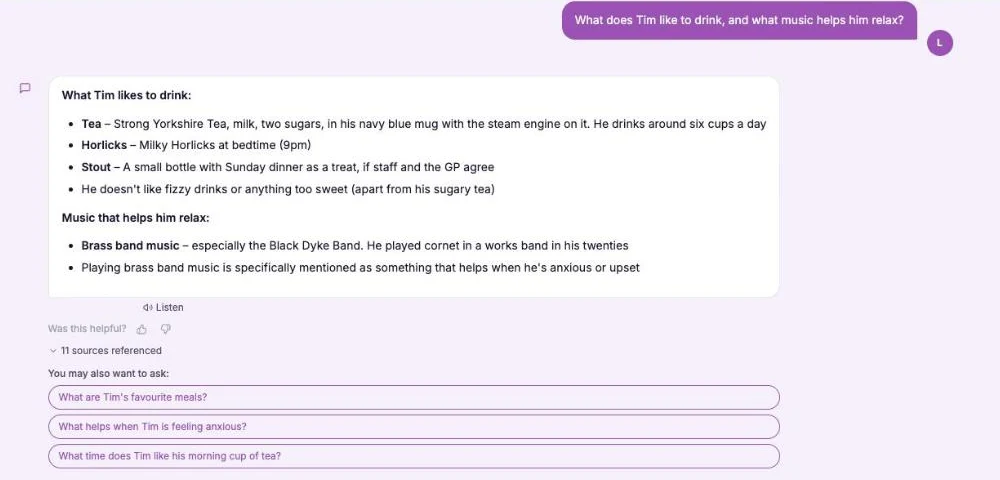
This Is Me Document: What Goes In It and How a Home Keeps It Alive
A line that says "likes tea" does nothing for a night carer. This reference sets out what a good This is me style document holds, and how a home...
Read article
Dementia Training Standards Framework: What Should Happen After the Course
A seven step walkthrough of the Dementia Training Standards Framework, from choosing a tier to the follow-up and refresher that happen after the...
Read article
Difference Between Policy and Procedure: Five Beliefs That Leave Care Staff Guessing
A policy says what a service commits to. A procedure says who does what. Five common beliefs about the two, tested against the law, and a quick test...
Read articlePhotos, group sessions and privacy, answered
Planning sessions
What are good dementia activities care home teams can run with photos?
Small group chats where each person has one or two pictures that matter to them tend to work well, because people can speak about their own lives. Many teams add objects, like a reminiscence box. CareStream helps you find approved photos. What you do with them is for your team to decide. Our guide to the this is me document explains how personal histories are gathered.
What should go in a reminiscence box?
Anything familiar and safe to handle that relates to the people using it, such as old tools, fabrics, postcards or tins. CareStream does not manage a reminiscence box, but approved photos and captions can give you ideas for what to include.
Do dementia activities in a care home need to be planned around each person?
They work better when they are. Regulation 9 asks for care that meets each person's needs and preferences, as set out in the person-centred care regulation. Knowing who and what matters to someone is where planning starts.
Can the chat describe what is in a photo?
No. It finds photos from the captions and notes and shows them. It does not look inside a picture.
Approval and privacy
Do staff see photos before a manager approves them?
No. Staff and the chat see only approved photos of current residents. Pending photos wait on the Approvals tab.
How are the photos stored?
Privately. Staff see them through short lived links when signed in, and there is no public web address. Each photo is checked, scanned and saved again without location data.
Do we have to use photos with every resident?
No. Photos are optional for each person. Where there are none, the chat answers from the written profile as usual. See resident knowledge for more.
What do the data protection rules say about consent?
The ICO explains that consent is one of several lawful bases, and that if someone withdraws consent you must stop using their information. Take advice on the right basis for your own service.
How to plan a photo based session that respects everyone at the table
A good small group session is short, calm and led by the people in it. A little preparation helps, mainly in choosing photos and checking who is happy to share what.
Choose with the person, not for them
Look at each person's approved photos, then ask what they would like to bring. Some people love a crowd and some prefer to look alone. You can read about the duty to support privacy and autonomy in regulation 10 on dignity and respect.
- Have I asked each person if they want their photo seen by the group?
- Is there anyone else in the photo who might not want to be shown?
- Do I have a plain caption that tells me who and what it is?
- Am I ready to put it away if it upsets someone?
Keep captions short and specific
Ask relatives for a few plain words and the names of the people in the photo, such as “Brighton pier, summer 1974”. Edit any caption on the Approvals tab before you approve it, because staff and the chat will find the photo by those words.
Help the whole team get the habit
Show new and agency staff how to find a person's photos in their first shift. A dementia awareness course helps them see why a familiar picture matters, and the Mental Capacity Act course covers wishes and best interests.
This page describes how the software works and is not legal or clinical advice. Check your own policies and local guidance for how you use photos and reminiscence with residents.




