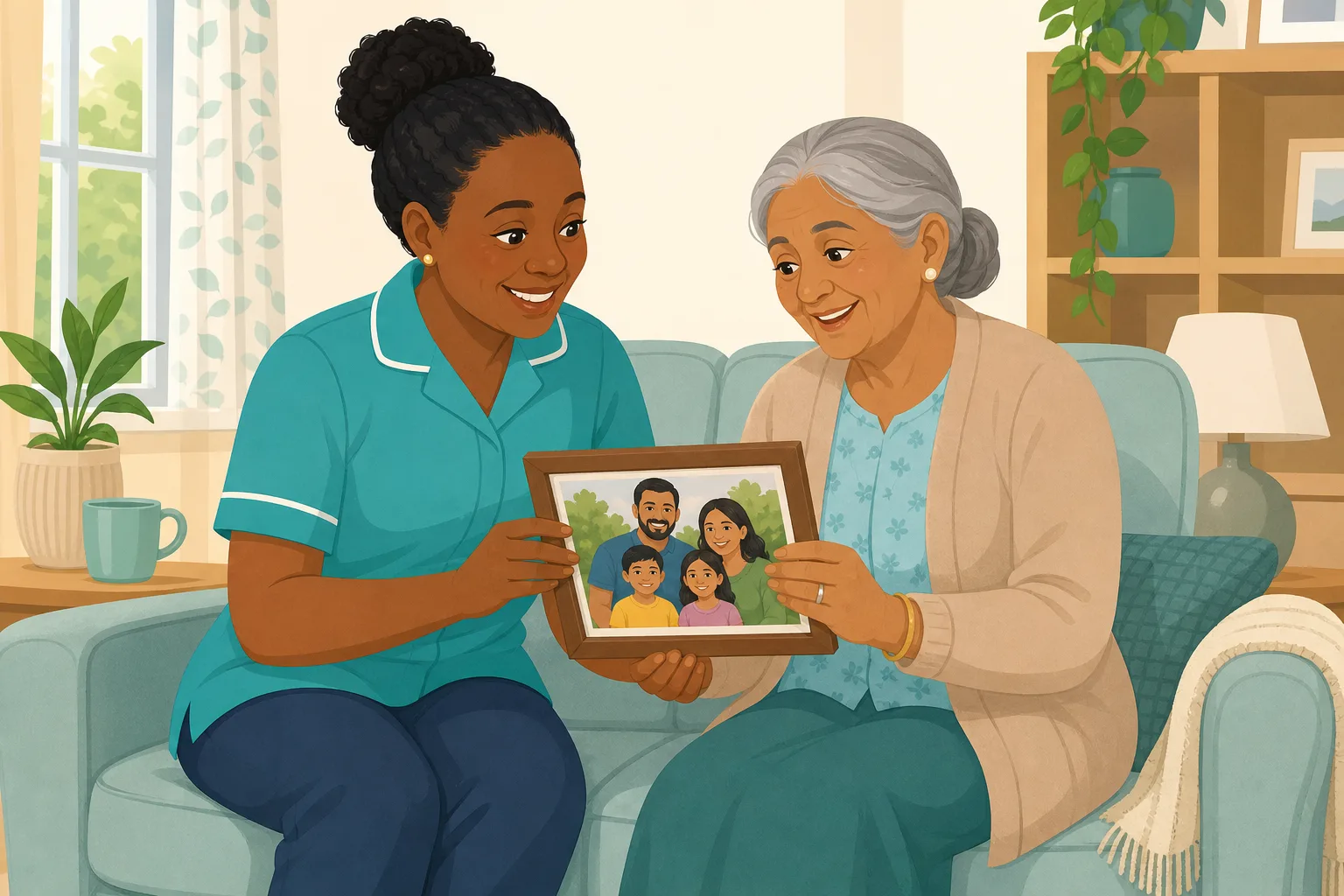
Dilys has been looking out of the lounge window for most of the morning. A carer crouches beside her chair and holds up a phone. Her granddaughter appears at a garden gate, waves, and says the dog has learned to sit.
Dilys laughs, and says the girl's name twice. That small moment is life story work dementia care can use every week, if the home sets it up well.
Life story work does not stop at admission
Most homes treat a life history as a form: filled in once, then filed. But a person's story keeps moving, and so does their family's.
A dementia life story is as much about now as then. A new photo of a grandchild in school uniform, or a clip of a son reading the same poem he read at the wedding, adds to it. So does a street from their old town.
NICE guideline NG97 on dementia says staff training should cover the person as an individual, and their life story. That is the reason to treat family messages as part of the record, not as a nice extra.
Step 1: ask families for the right things
A blank invitation produces a blur of holiday snaps. Ask for particulars. These work well as life history dementia prompts:
- A photo of a place the person lived or worked, with its name.
- Photos of people they still ask about, with names and how they are related.
- A short message from someone they miss, saying who they are and where they are.
- Reminiscence photos tied to a routine, such as the allotment, the dance hall or the family car.
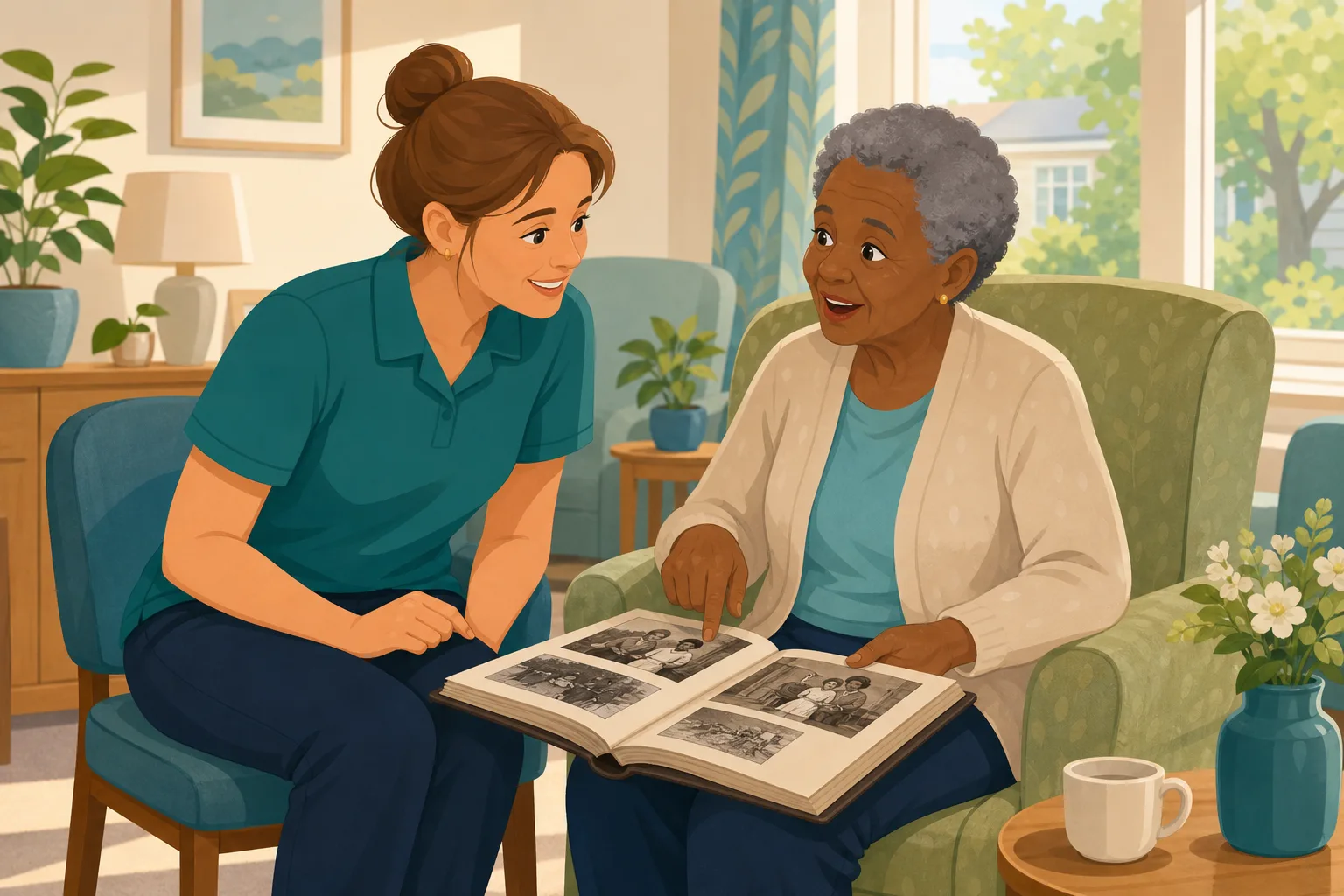
The same NICE guideline says to consider group reminiscence therapy for people with mild to moderate dementia. A good photo gives that session something real to hold.
What makes a good caption
A caption is the part staff will actually search, so it carries more weight than the picture. We suggest three things in every caption: who is in it, where, and why it matters to the person.
Compare two captions. "Wedding" tells a carer little. "Tim and Mary outside St Peter's, the day he wore his father's watch" gives a carer something to say.
Add the name the person uses for the people in the photo. If they call their daughter by a pet name, put it in the note.
Step 2: make it easy for people who live far away
A daughter in another country will not log in to a portal. She will tap a link from her phone, once, while her coffee is hot.
Book a short demo and see how CareStream keeps your policies, training and CQC evidence in one place.
Book a demo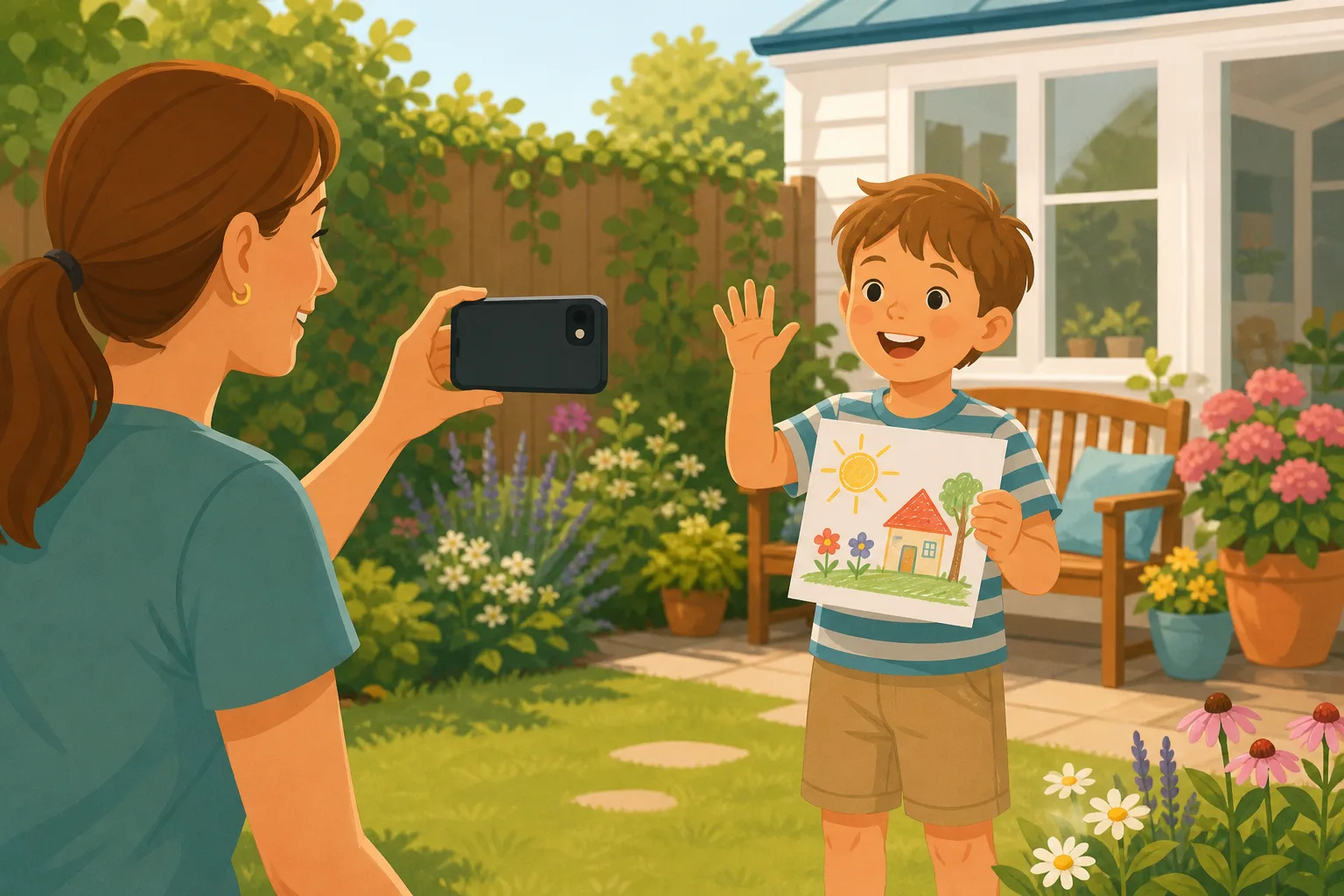
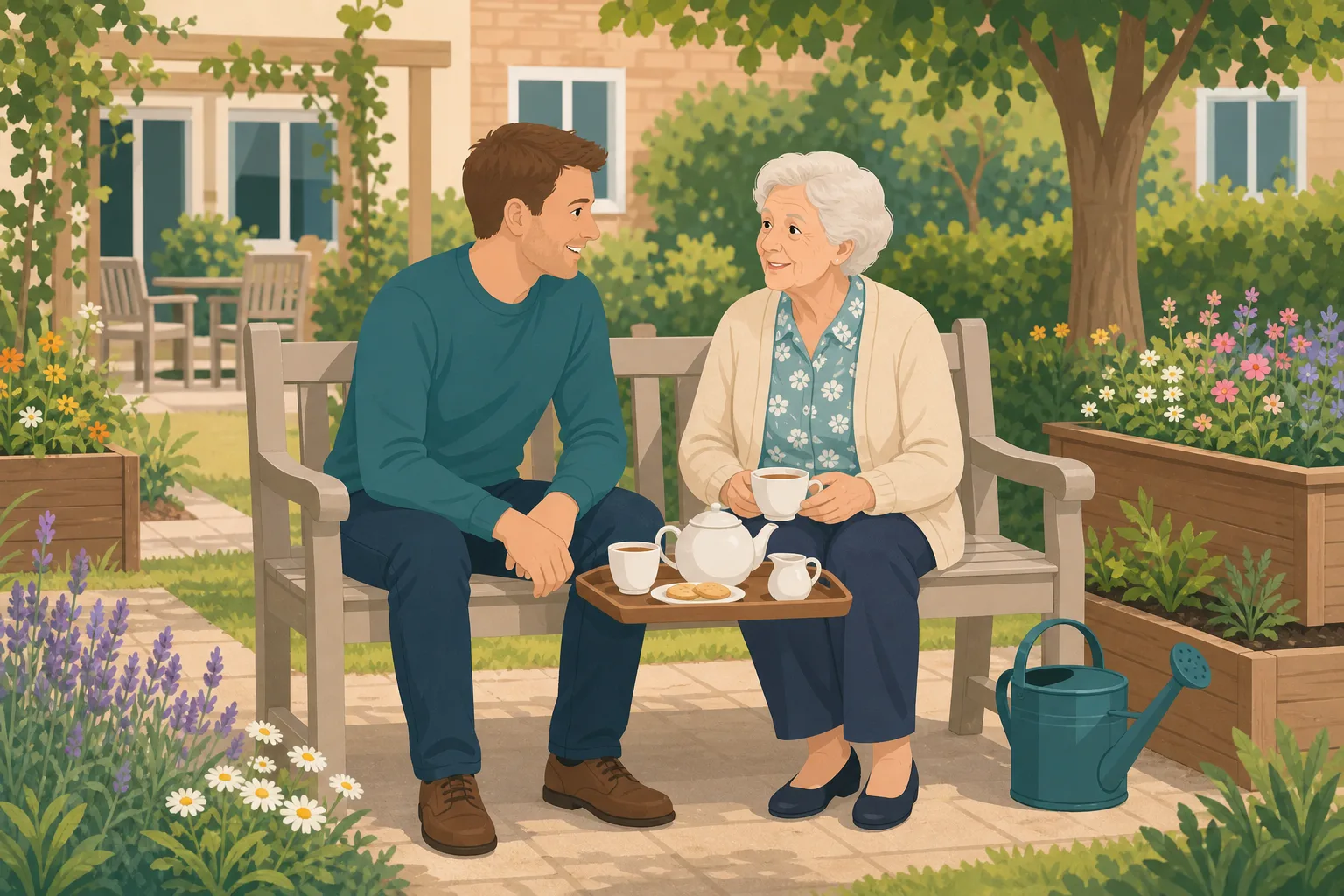
Figure: a short greeting filmed in a garden, the kind of video message that works well.
In CareStream, family and friends use the same private invite link that collects the written profile answers. They need no login. Each link takes up to five photos and up to five videos, and a link is spent once the sender presses Send.
Photos can be JPEG, PNG or WebP, up to five megabytes each. Each photo is checked, scanned and saved again without its location data.
How long should video messages be?
Shorter than most families expect. We suggest ten to thirty seconds: one person, facing the camera, saying who they are and one thing about today.
CareStream allows up to sixty seconds. The sender taps Record a message, which opens the phone camera, or chooses a video already on the phone. Upload shows progress and can resume after a lost signal.
Ask senders to say the person's name at the start, speak slowly and keep the background quiet. A title of up to sixty characters, such as "Sam from the garden", is what staff will see in a list.
Step 3: check before anyone sees it
Nothing a family sends should reach the lounge unchecked. Approval is where dignity and consent are protected.
In CareStream, a manager sees every family photo and video on the Approvals tab first. For a video they can preview it, edit the title and add a note. They can approve it, or reject it and the file is deleted at once.
Before approving, a short checklist helps:
- Is the person in the clip someone the resident knows and would welcome?
- Does the sender sound calm and kind, with nothing that could confuse or upset?
- Could anyone else be identified, such as another resident in the background?
- Is the caption or title clear enough to find it later?
Consent, dignity and privacy
Regulation 9 is about care built around the person. The Care Quality Commission guidance on Regulation 9 says providers must think about whether each person can agree. They must also talk to families where it is right.
Some residents cannot decide for themselves. The Mental Capacity Act 2005 then asks the decision maker to consider the person's past and present wishes and feelings. It also asks them to consult those who care for the person, where practicable.
Regulation 10 covers dignity and respect. Each person's privacy needs should be identified, recorded and met as far as reasonably possible. A video played in a shared lounge is a privacy question, so decide where it is played.
We suggest recording, in the resident's profile, who agreed to messages being kept and played, and what the resident's own reaction has been. If a person seems distressed by a clip, that is a reason to stop and review it.
When a family member sends something unsuitable
It will happen. A clip is a little long, a photo shows another resident, or a message says something that may upset. Almost always the sender meant well.
Reject it, or fix the caption if the content itself is fine. Then call or write to the sender, thank them, and tell them what would work better.
Keep the reply short and warm. Say what you loved about it, then say what would work better next time, such as a shorter clip or a named photo. The sender will remember the manager's tone more than the rejection.
A quick demo shows exactly how CareStream would work for your service. Book a time that suits you.
Book a demoStep 4: show it at a good moment
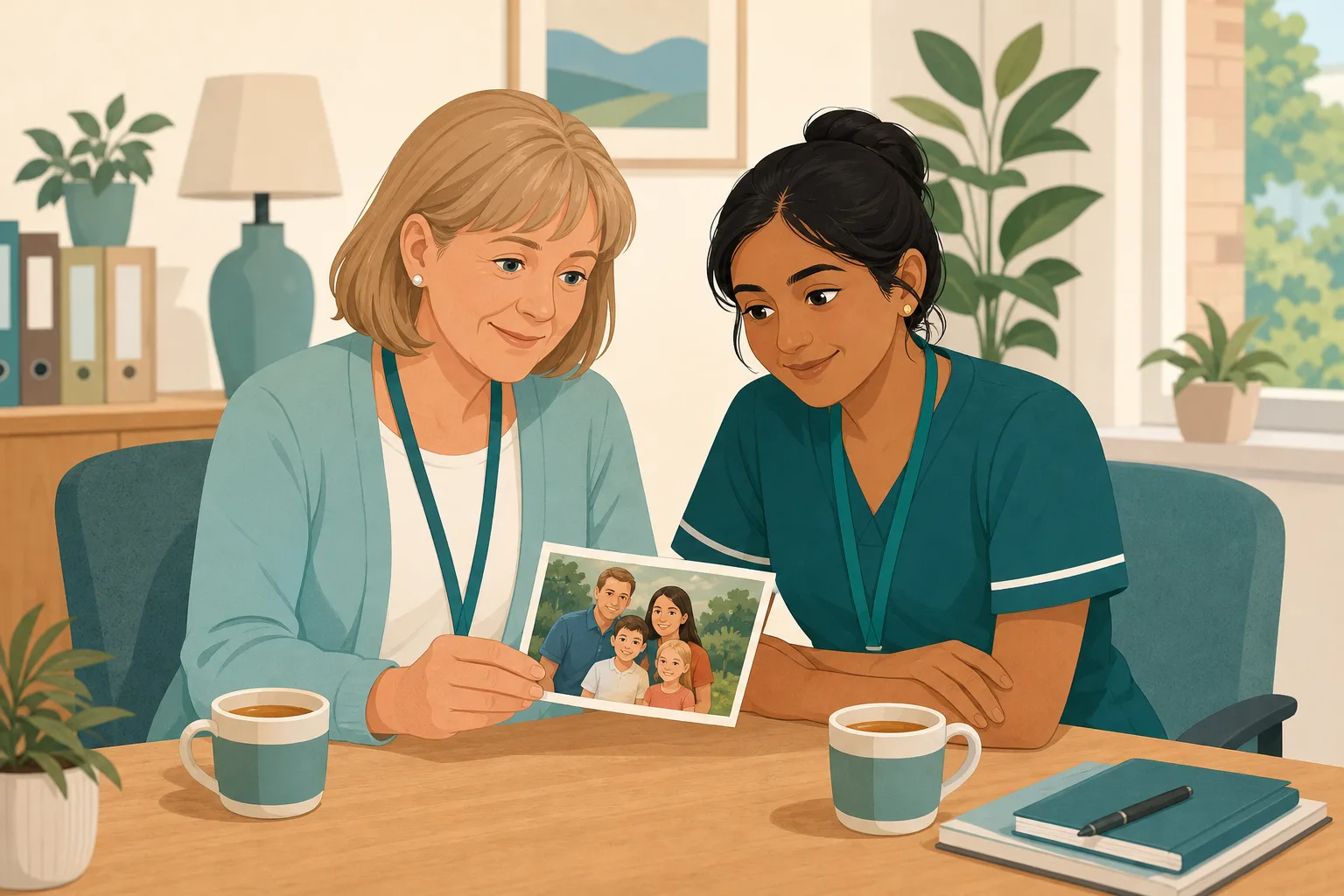
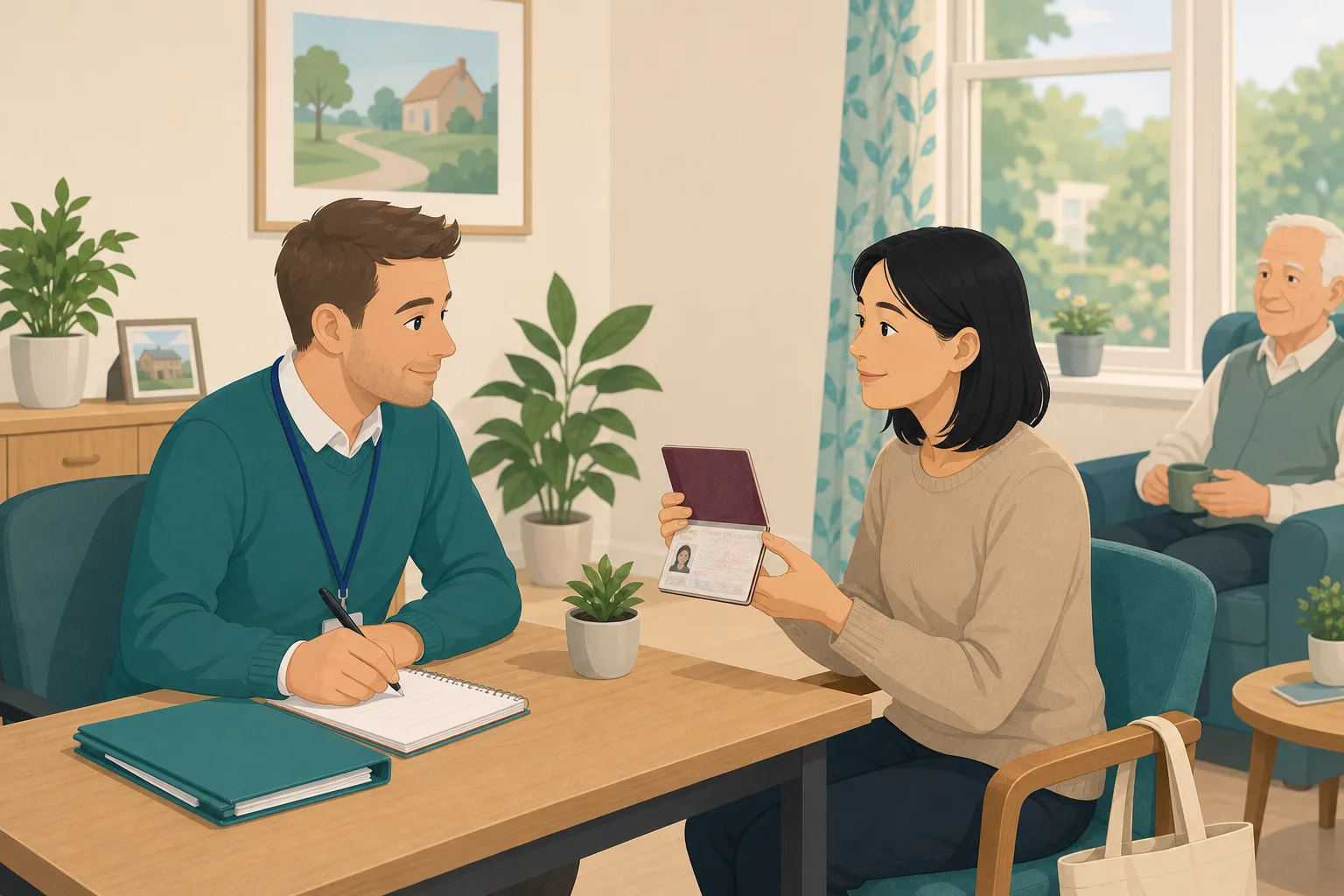
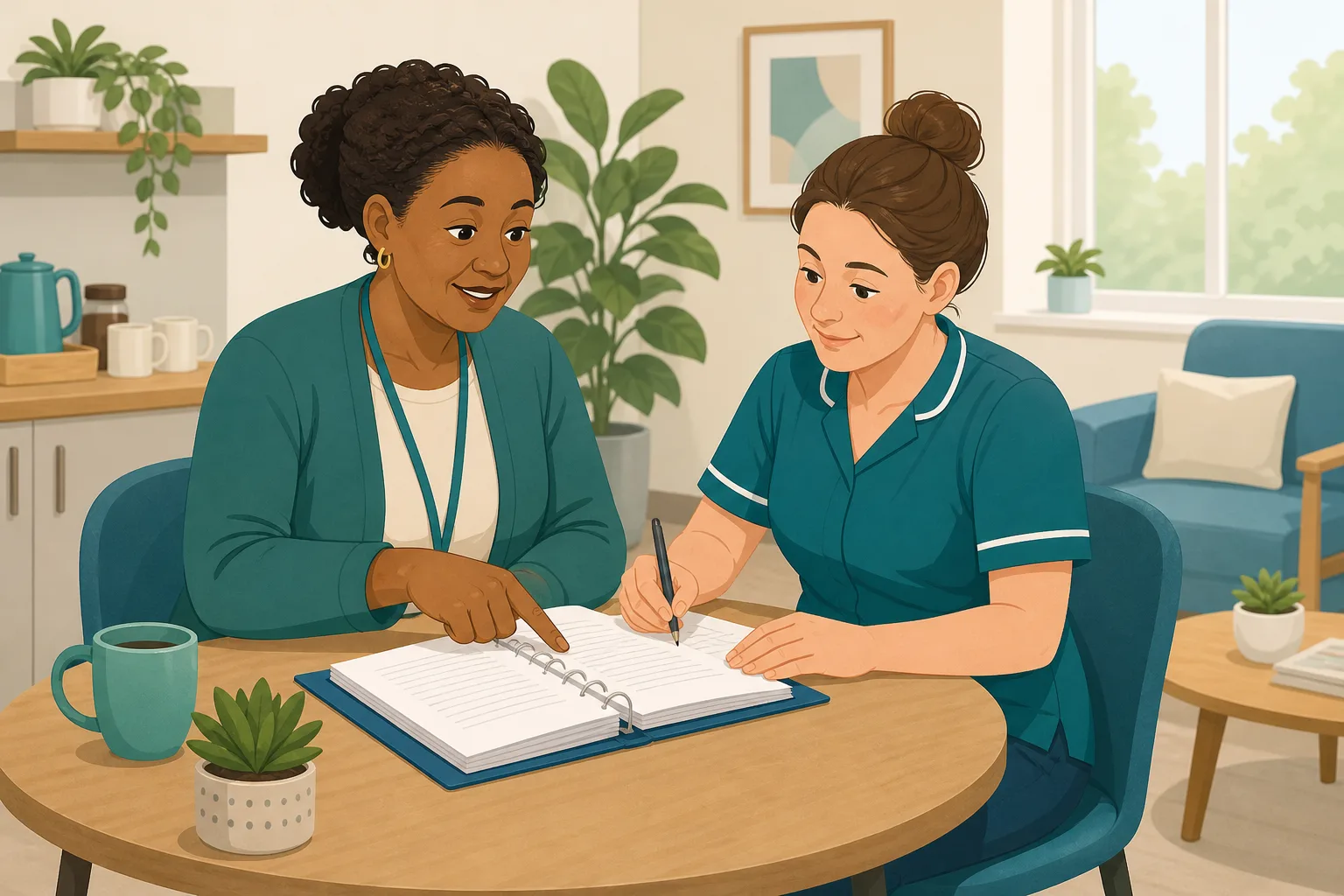
Figure: reviewing a family photo with the deputy before it joins the resident's profile.
Timing matters more than the clip. We suggest a quiet part of the day, after a drink and before tiredness sets in, with one carer sitting beside the person, not standing over them.
Say who is coming before the play button is pressed. Afterwards, stay, listen and note what the person said. Those remarks are often the best additions to the profile.
In CareStream, a carer can open the Messages from family button in the This is me topic. It lists a person's approved videos, newest first, with up to ten shown for each resident. Playing opens just the video on a dimmed backdrop.
Step 5: keep new things coming with gentle reminders
Family photos and clips start well, then life takes over. A kind prompt every few weeks does more than a long request at the start.
On the Family tab, a manager or admin can set a reminder for one contact: weekly, fortnightly or monthly, on a weekday they prefer, with a pause date. It is off by default.
Each email asks for a few words, a photo or a short video message, and carries a fresh private link that is valid for fourteen days. Every email has a Stop these reminders link.
After three reminders with no reply, the reminders stop and a manager is told. They also stop at once when the person dies or moves on.
How private storage and retention work
Files are private. Staff see them through short-lived links when signed in, never at a public address. Only approved files of living residents are shown. A consent line sits above the upload buttons, so senders know a manager checks every video.
When someone dies or moves on, their photos and videos leave the hub at once. Approved files stay in private storage for the retention period, like the written profile, then are deleted with it.
What the assistant can and cannot see
Staff can ask the chat, for example, whether there is a photo of a wedding. The assistant answers from approved captions and titles, and shows thumbnails or a play button under its answer. It never looks inside a picture or watches a video.
Each play is logged with who and when, and managers see recent plays on the resident record. CareStream does not offer video calls, nor a way for residents to record back, and it does not summarise video.
Benefits of CareStream for life story work dementia
For life story work dementia teams, photos and video messages sit within resident profiles. Those are on the Professional and Enterprise plans. The pricing page shows what each plan includes, and the resident profiles feature page shows the screens.
Start with one family and one question
Pick one resident whose life story work dementia profile says little about their family. Choose the one relative who always asks how they can help. Ask them for one named photo and one thirty second hello.
Approve it, play it at a calm time, and write down what the resident said. For the wider written profile, see our post on the This is me document and how a home keeps it alive.
Sources
- NICE guideline NG97: Dementia, assessment, management and support (recommendations) · nice.org.uk
- Care Quality Commission: Regulation 9, person-centred care · cqc.org.uk
- Care Quality Commission: Regulation 10, dignity and respect · cqc.org.uk
- legislation.gov.uk: Mental Capacity Act 2005, section 4, best interests · legislation.gov.uk
Frequently asked