Policy management software should take the whole shelf. Upload them all in one go.
Most services do not need policy management software to write new policies. They need the ones they already have in one place, searchable, with one live version each. Upload Word, PDF, ODT and text files together, let the duplicate check sort them out, and the same text goes on to feed training built from your own policies.
14 day free trial · Set up in a day · UK data residency
The policies exist. Nobody can say where all of them are.
A scenario we see in many care settings.
A manager takes over a small service and goes looking for the policy set. Some of it is in a ring binder by the office printer. Some is on a memory stick in a drawer. The rest arrived as email attachments from a consultant two years ago. There are two medication policies that disagree, three copies of the safeguarding policy under different names, and one document with XXXX where a name should be. None of it is wrong, exactly. It is just not a library.
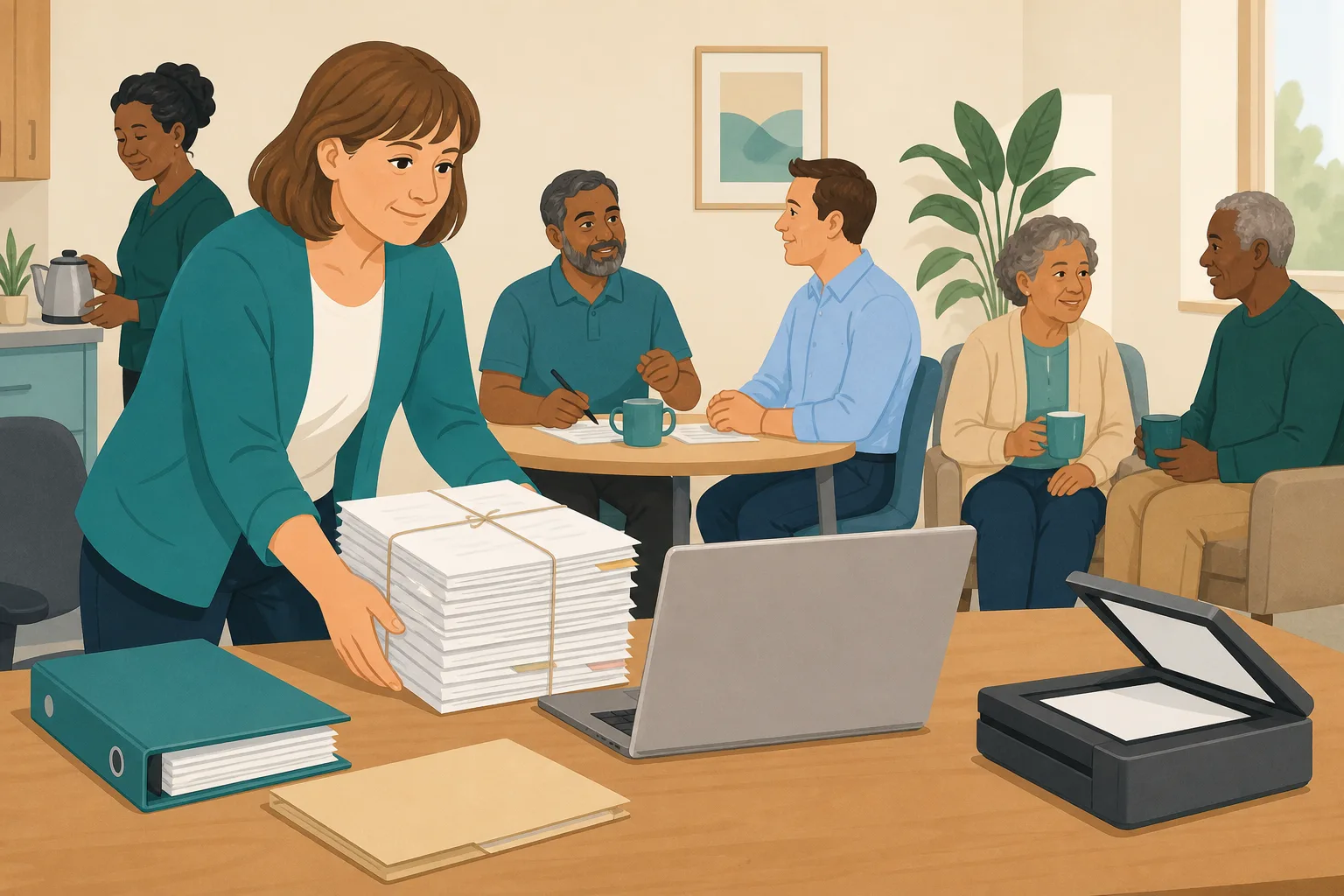
A new manager finds the policy set in a binder, a memory stick and an email thread.
Forty eight files are copied into one folder on the desktop.
Most of them look sensible and properly written.
Two medication policies disagree about who checks the fridge temperature.
Three files are the same safeguarding policy under three names.
One still names a national body that no longer exists.
Which of these versions staff were ever actually given.
“Show me the current version of your medication policy.”
The policies were never the problem. The folder is. Here is how CareStream takes the whole shelf in one go, catches the copies, keeps one live version of each, and tells you when a review is due.
An example scenario, not a named service.
A folder of files is storage. A library is something you can answer questions from
<a href="https://www.legislation.gov.uk/uksi/2014/2936/regulation/17">Regulation 17 of the Health and Social Care Act 2008 (Regulated Activities) Regulations 2014</a> says systems and processes must be established and operated effectively. A shared folder is not a system.
Nobody knows which copy is live
If two versions of one policy sit side by side, half the team will follow the wrong one, and neither of you will find out until something goes wrong.
The same policy, three times over
Renamed copies multiply quietly. Each one looks like a separate policy in a list, so the set appears more complete than it is.
Old wording hides in plain sight
A policy can read perfectly and still name a body that was replaced years ago, or carry a placeholder nobody filled in.
Everything in first, then sorted out.
This is the policy library in the CareStream platform, in the order you meet it. What each plan includes is set out on the pricing page.
Upload the whole shelf at once
- Select every file together: Word, PDF, ODT and plain text are accepted, up to 50 MB each, and each policy is named from its file name
- A large selection is sent up in batches by itself, so a folder of fifty documents does not need fifty separate presses
- Each file is filed as an internal policy, a staff handbook, a business continuity document or a category you have added, with an optional section
Example only. Your library shows your own documents.
Duplicates caught before anything is stored
- Every file is checked first and sorted into three piles: new, the same name as one you already hold, or exactly the same document
- An exact match is found from the contents rather than the name, so a renamed copy of a policy you already have is still recognised
- Where two documents are close but not identical you decide: keep both, replace the older one, or discard it
Example only. Nothing is replaced unless you choose it.
One live version, with the old ones kept behind it
- Uploading a replacement creates the next version number, and the copy staff can see stays live until the new text has been read in
- The library has tabs for active policies, archived policies and the version history, so an older version is kept rather than lost
- A printable copy carries your letterhead and a sign off block, footed with a line saying it is uncontrolled when printed
Example only. Version numbers are kept for you as you upload.
Set a review date, then let it ask you
- Give each policy a review interval of six months, a year, two years or three, and anything falling due shows in a panel at the top of the library
- Administrators get one email a review cycle listing everything due, and it arms again once you record a new review date
- A separate scan reads your text for wording that has gone out of date, such as a body that no longer exists or a placeholder nobody filled in, and it uses none of your monthly allowance
Example only. This scan is a prompt to read the policy, not a verdict on it.
The questions managers ask, and how CareStream answers them
Read this as a conversation. The questions are the ones we hear most.
I have about fifty policies. Is this genuinely one go?
Yes. Select them all and they go up together, in batches handled for you. The checking happens before anything is stored, so you see what is new, what is a copy and what shares a name with something you hold, then you decide.
Which file types work?
Word, PDF, ODT and plain text, up to 50 MB each. There is no support for the old .doc format, for images, or for spreadsheets. If a policy only exists as a spreadsheet, the quickest route is to save it as a document first.
Most of ours are scans from a filing cabinet. Will that work?
Probably not well, and it is better to know now. A PDF made by photographing a page has no text inside it to read, so it comes in poorly or not at all. Those are the ones worth retyping, or having written properly.
What happens to the duplicates?
Nothing you did not choose. Exact copies are recognised from their contents, so a renamed file is still caught. For near duplicates you keep both, replace the older one or discard it.
Once they are in, will it tell me what is missing?
It can. The analysis reads inside your policies against a regulation set scoped to your type of service, and reports what is covered, partly covered or absent. A free account covers five policies in total. Which plan opens example wording for each gap is on the pricing page.
Do staff see the policies straight away?
Yes. Staff read them in the hub and can ask questions answered from the text, with the policies used shown underneath. Reading is recorded as time spent, how far they scrolled and whether they pressed Mark as read.
Does uploading mean CareStream rewrites our policies?
No. An uploaded policy is stored as you wrote it. Suggestions are offered separately, and nothing changes your text until someone at your service adopts a change and it passes your own approval steps.
Can we try it before paying for anything?
Yes. A free account takes five policies in total with no card, which is enough to see how the library and the checks behave. The paid plans have a 14 day free trial, and you can create a free account or book a demo first.
A library and a set of checks, not a filing clerk
It cannot read a photograph of a page
Scanned documents with no text inside come in badly or not at all, and there is no support for .doc files, images or spreadsheets. Those need retyping or rewriting.
Uploading is not approving
Your text is stored exactly as you wrote it. CareStream does not tidy it, merge your duplicates for you or decide which of two policies is right. Those stay your calls.
There is no signed read register
Staff are not asked to sign that they have read a policy, and nobody is made to read it again when a new version goes up. You get time spent, scroll depth and a Mark as read press.
Training built from your own policies
Everything on this page is part of the product. Here is where to read more.
Training built from your own policies
Once your policies are in, short training can be made from the text your service actually wrote.
See the featurePolicy gap detection
What your policy set covers, where it is thin, and what to add, read from inside the text.
See gap detectionCQC and compliance
One library, one live version each, and a record of who read what.
See CQC and complianceGuides on this subject

Difference Between Policy and Procedure: Five Beliefs That Leave Care Staff Guessing
A policy says what a service commits to. A procedure says who does what. Five common beliefs about the two, tested against the law, and a quick test...
Read article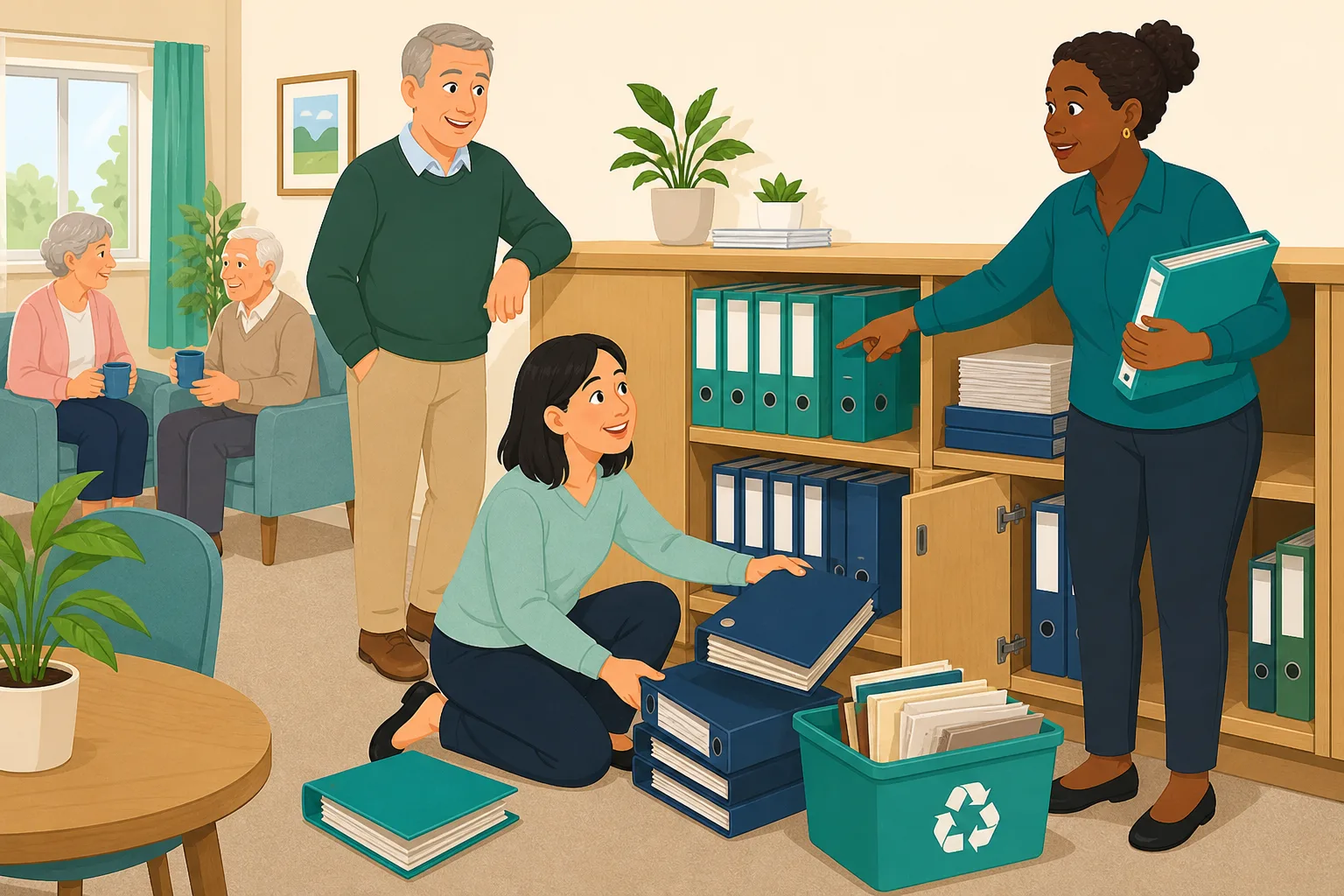
Care Policy Version Control: How to Know Which Version Is Current (Without Buying New Software)
The most dangerous document in your care service is not the one that is missing. It is the one that looks current but is not. Managing policy...
Read article
Policy Gap Analysis for Care Homes: A Step by Step Guide
Most care homes do not fail inspection because they lack policies. They fail because the policies they have do not match what actually happens on...
Read articleGetting your policies into one library, answered
Uploading and duplicates
What file types can I upload?
PDF, Word, ODT and plain text, up to 50 MB per file. Older .doc files, images and spreadsheets are not accepted, so save those as a document first.
How are duplicate care home policies handled?
Each file is checked before storage and sorted into new, same name, or exactly the same document. Exact copies are matched on contents rather than file name. You choose whether to keep both, replace the older one or discard it.
Can I upload a newer version of a policy I already have?
Yes. It becomes the next version number, and the copy your staff can open stays live until the new text has been read in. The older version is kept in the history rather than deleted.
How many policies can I store?
A free account holds five in total for the life of the account. The paid plans hold more, and the numbers for each one are set out on the pricing page.
Is this policy management software, or a place to buy policies?
Both sit side by side, and they are different things. The library holds, versions and checks the policies you already wrote. Separately, a policy can be written for your service where one is genuinely missing, which you can read about on the care policies page.
Keeping a library current
What does the out of date scan look for?
Wording that has been overtaken: bodies that no longer exist, superseded legislation, references to an inspection framework replaced by the Single Assessment Framework, placeholders such as XXXX or TBC, and policies with no review date recorded.
Does a tidy policy library prove anything to an inspector?
It proves what you hold and who has read it, which is not the same as a rating. The Care Quality Commission guidance on Regulation 17 says providers must securely maintain records about the management of the regulated activity. A library with one live version of each policy helps you do that.
How often should we review our policies?
In our view, annually for anything clinical or safeguarding related, and every two to three years for the rest, unless something changes sooner. CareStream offers intervals of six months, a year, two years and three, and tells you when one is due.
Getting years of policies into one library in a morning
The upload is the easy part. Policy management software earns its keep in the twenty minutes of sorting afterwards, while you still remember which copy came from where.
Before you upload anything
Gather everything into one folder first, including the copies you suspect are duplicates. Let the duplicate check find them rather than guessing, because the renamed ones are the hardest to spot by eye.
Leave the scans to one side. They need retyping or rewriting, and mixing them in makes the first upload look as though it failed.
- One folder, every policy, duplicates included
- Scans and photographed pages set aside
- Spreadsheets saved as documents
- The newest copy of anything obvious renamed clearly
Sort it the same morning
Work through the three piles while it is fresh. Discard the exact copies, choose which of a pair of near duplicates is live, and name the category each one belongs to.
Then set a review date on each. It takes a few minutes for a whole set, and it is what turns a pile of files into something that asks you for attention instead of waiting to be found out.
Then read what the checks tell you
The out of date scan is quick and costs you nothing, so run it first and read the high severity findings. A placeholder, or a body that no longer exists, is a ten minute fix that would look careless to a visitor.
This page describes how CareStream works, and the example screens are illustrations. A policy is only worth what the practice behind it is, and care must be provided in a safe way under Regulation 12 on safe care and treatment. Nothing here is legal or compliance advice.