Document versioning
Policies in adult social care are living documents. They get updated when guidance changes, when a risk is identified, when an audit throws up a gap or simply when practice moves on, and every one of those changes needs to be traceable. CareStream versions every policy automatically, so each edit or approved change creates a new version without you having to remember to save a copy or rename a file.
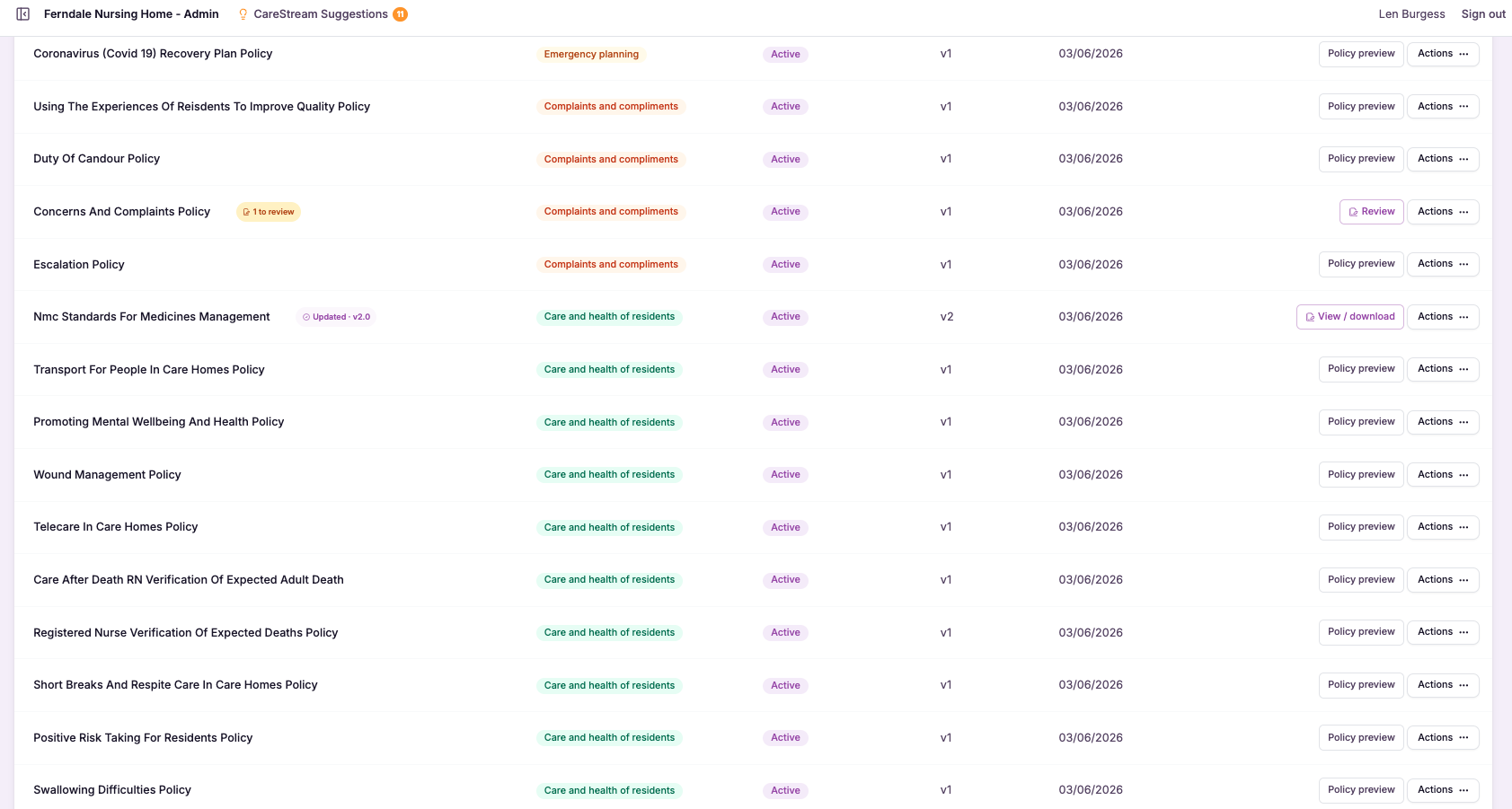
A full, automatic history behind every policy.
Document versioning captures the state of a policy at every meaningful point in its life. Whenever a policy is edited or an approved change is made, CareStream saves that as a distinct version, keeping the older versions intact rather than overwriting them, and recording the date and the person responsible for the change.
This matters because policy history is evidence. Inspectors, auditors and your own governance want to know not just what a policy says today but how it got there, when it last changed and who signed that change off. Manual version control through renamed files and shared drives is fragile and easily broken, whereas automatic versioning gives you a reliable, continuous record of your policies and procedures in health and social care.
That means you always have a full history behind every care home policy and nursing home policy, with clear dates and a record of who made each change. You can view earlier versions, compare what changed and restore a previous version if you need to, so nothing is ever lost and your policy history is always defensible.
Any care home, nursing home or care provider that needs a reliable, dated history behind its policies and procedures rather than a folder of renamed files.
When an inspector asks how and when a policy changed, you can show the exact version history, dated and attributed, without hunting through drives or emails.
The difference it makes day to day
- Keep a complete history of every policy without ever having to save copies by hand.
- See exactly what changed between one version of a policy and the next.
- Know who made each change and when, for every policy you hold.
- Restore a previous version instantly if a change needs to be rolled back.
- Show inspectors a clean, dated trail behind any policy they ask about.
- Avoid the confusion of duplicate files and uncertain which version is current.
How document versioning works.
Versioning runs quietly in the background, so you do not have to think about it. Every time a policy is edited or a change is approved, CareStream records a new version and files the previous one safely in the history.
When you need to look back, the full timeline is there. You can open any earlier version, compare it against another to see exactly what moved, and if necessary bring a previous version back as the current one, all from the policy itself.
Edit as normal
You work on your policy the way you always would, with no extra steps to save or preserve the old version.
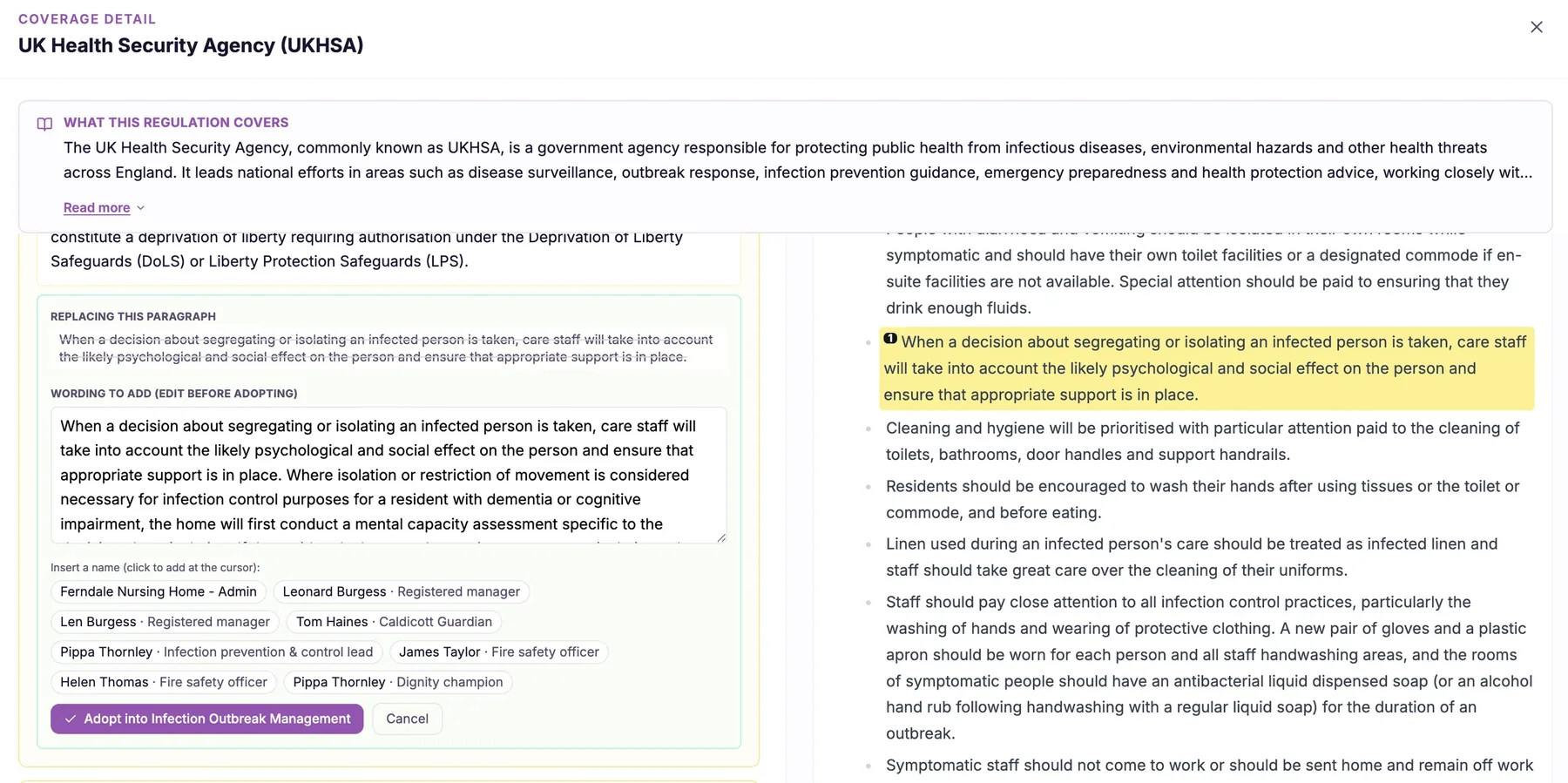
A version is captured
Each edit or approved change automatically creates a new version, dated and attributed to whoever made it.
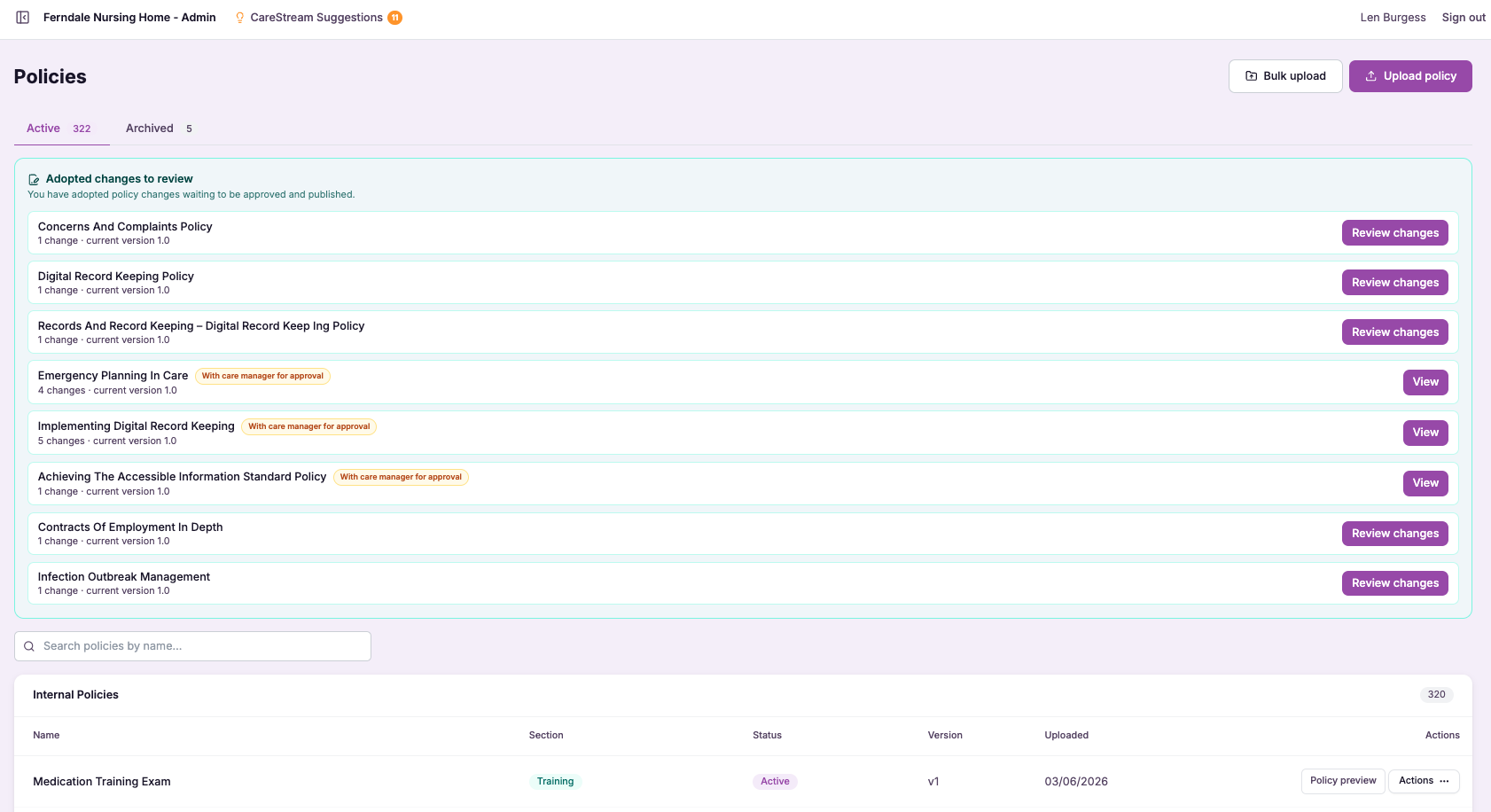
History builds up
Every version is kept in a clear timeline, so the full life of the policy is always visible.
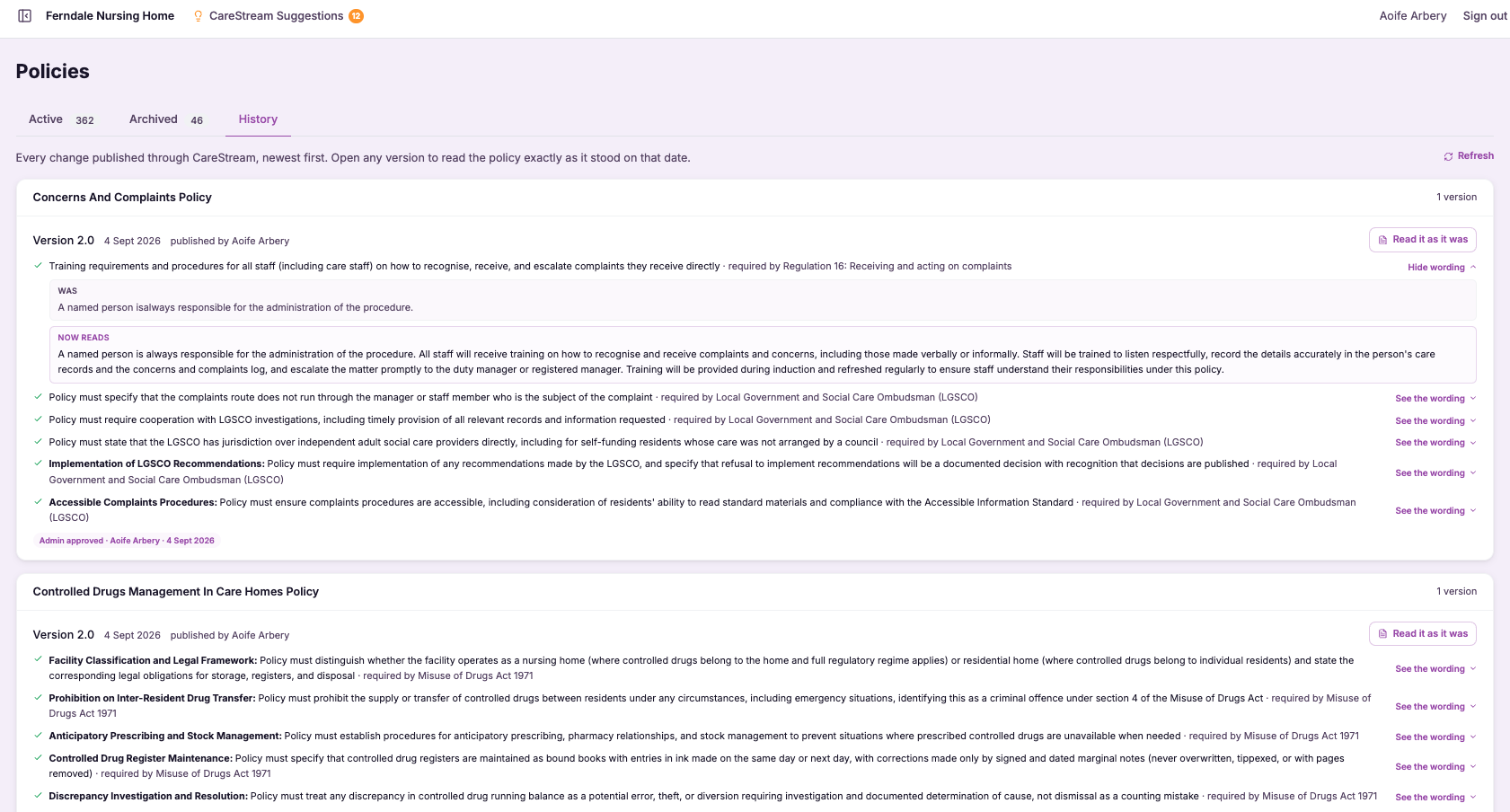
Open any earlier version to read exactly what the policy said at that point in time.
Set two versions side by side to see precisely what was added, removed or reworded.
Bring back a previous version as the live policy whenever a change needs to be reversed.
- Every edit or approved change creates a new version automatically
- Previous versions are preserved, never overwritten
- Each version records the date and the person who made the change
- You can view, compare and restore earlier versions
- Gives you a continuous, defensible policy history for inspection
Nothing lost, everything traceable.
Policy governance falls down when version control is left to people to manage by hand. Files get renamed inconsistently, the wrong copy gets shared, and when a change is questioned nobody can prove what the policy said before or who altered it.
Automatic versioning removes that risk entirely. Because CareStream captures every version as it happens, with the date and the author attached, your history is always complete and always trustworthy, which is exactly what governance and inspection depend on.
Every edit or approved change is captured as a version with no manual saving to remember.
Previous versions are preserved, so your policy history is always complete and recoverable.
Each version records when the change was made and who made it, for every policy.
See exactly what changed between versions and roll back to a previous one when needed.
Frequently asked
Do I have to remember to save each version myself?
No. Versioning is fully automatic. Every time a policy is edited or an approved change is made, CareStream captures that as a new version and keeps the previous one intact, so there is nothing for you to save, rename or file manually. This is a deliberate move away from the fragile habit of renaming files on a shared drive. Because the platform handles it every time, your version history is always complete, and you never have to worry that a change slipped through without a record.
Can I see what actually changed between two versions?
Yes. You can open any two versions of a policy and compare them, so you can see exactly what was added, removed or reworded rather than just knowing that something changed. This makes it easy to review the impact of an update or to explain a change to a colleague or inspector. Each version also carries the date it was created and the person who made the change, so alongside seeing what moved, you can see who was responsible and when. Together that gives you the full picture behind any policy revision.
What happens if a change needs to be reversed?
Because previous versions are preserved rather than overwritten, you can restore an earlier version and make it the live policy again whenever a change needs to be rolled back. Nothing is ever truly lost, so a mistaken or premature edit is easy to undo. The restore is itself captured in the history, so the record stays honest. You can see that a previous version was brought back, when and by whom, which keeps your policy trail transparent even when you have had to reverse a decision.
How does versioning help at a CQC inspection?
Inspectors often want to understand not just what a policy says now but how it has evolved, when it was last reviewed and who signed changes off. Automatic versioning gives you a clear, dated history for every policy, so you can answer those questions immediately instead of searching through drives or emails. This strengthens your governance evidence considerably. Being able to show a continuous, attributed history behind your policies and procedures in health and social care demonstrates that your document control is deliberate and well managed, which is exactly the kind of assurance inspection looks for.
Explore more features
More of what the CareStream compliance platform does for UK care providers.
Keep a defensible history behind every policy.
See how CareStream versions your policies automatically, so you can view, compare and restore any change with confidence.





