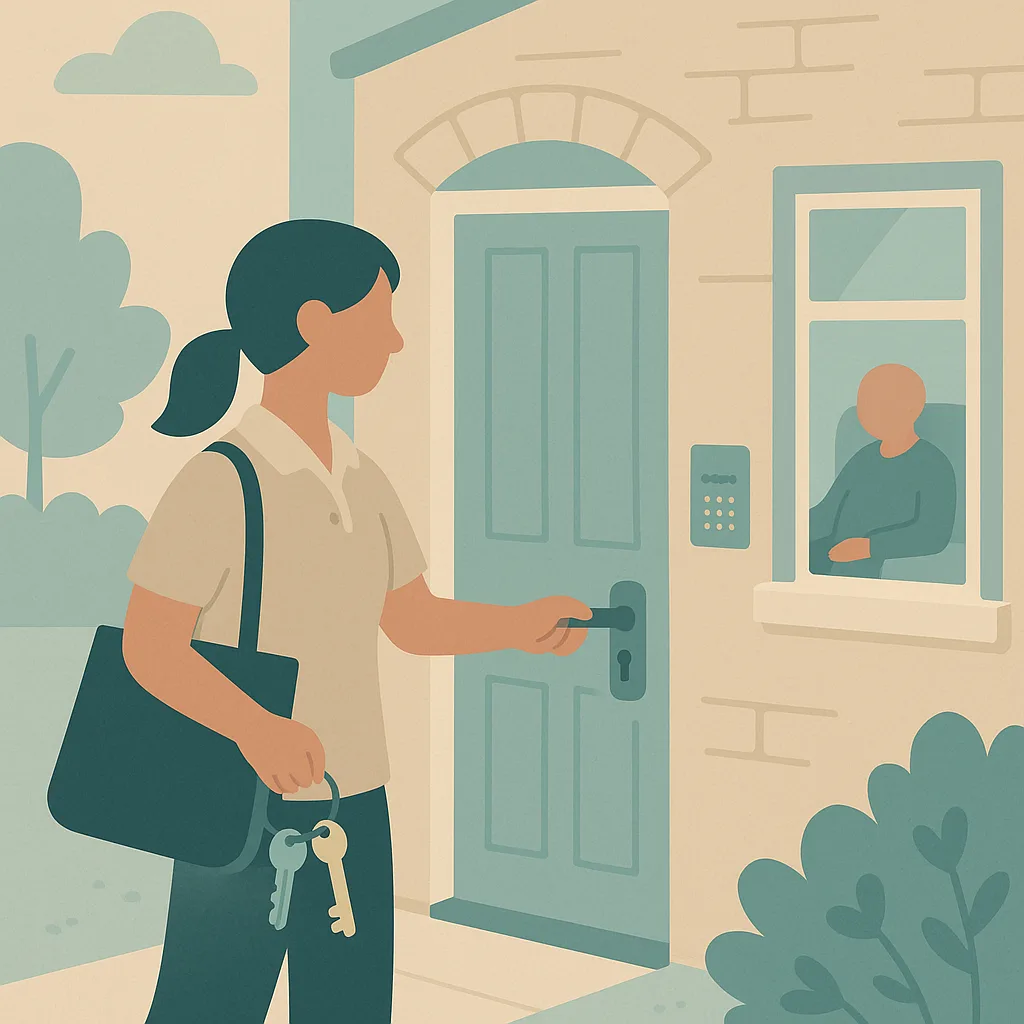
Keys, Entry and Home Security training for your team
Licence this one module for the staff who need it. No CareStream subscription, no minimum order, no annual contract. One licence covers one member of staff for the complete Keys, Entry and Home Security module, in the language they think in.
- Teach, then assessA full lesson with a real care scenario, followed by an assessment that checks they can apply it.
- Over 60 languagesStaff read the lesson and answer in their first language. Your records stay in English.
- Wrong answers get followed upA short micro-lesson goes back to the staff member on the exact point they missed, then they retry.
- Evidence you can hand overA dated completion record and a certificate per person, ready for your CQC file.
Keys, Entry and Home Security, start to finish.
This training ensures you can safely and respectfully access the homes of the people you support, protect the keys and codes entrusted to you, leave each property secure, and respond correctly when you cannot gain entry. Because you routinely let yourself into vulnerable people's homes, often when they cannot reach the door themselves, this training protects them from theft and unauthorised access while protecting you from false accusation. This is the same module CareStream subscribers get, written for care settings rather than adapted from a generic course. It runs about 35 minutes and ends with a 20 question assessment.
- Why Secure Access Matters
You hold the means to enter vulnerable people's homes, often because they cannot reach the door due to frailty, immobility or dementia.
- Using Key Safes Correctly
Most people you support have a key safe, a combination lockbox fixed to their property.
- Handling Physical Keys Securely
Some people's keys are held at the office rather than in a key safe.
- Entering a Home Respectfully
Even though you have a key, you are entering someone's private home, not walking into a workplace.
- The No Reply and No Access Procedure
Sometimes you will arrive and cannot gain entry or cannot rouse the person.
- Leaving Homes Secure and Reporting Concerns
At the end of every visit, you must leave the property properly secure.
What your team will be able to do.
- Describe the correct procedures for using key safes and handling physical keys in line with our agency policies
- Explain how to enter a person's home respectfully and courteously while maintaining security
- Apply the no reply and no access procedure correctly when you cannot gain entry or rouse the person
- Identify situations that require immediate reporting, including lost keys, compromised codes and security concerns
- Recognise your responsibilities under data protection law when handling key safe codes and access information
Keys, Entry and Home Security in facts.
About 35 minutes, 6 lessons
20 questions, pass mark 80%
Every year
None, completed fully online
What staff come away with
Always enter key safe codes discreetly, return keys to the safe and scramble the code after every visit
Keep physical keys secure on your person, never label them with names or addresses, and sign them in and out correctly
Knock, call out and announce yourself when entering, even though you have a key, because it is someone's private home
Follow the no access procedure immediately if you cannot gain entry or rouse the person, because they may have collapsed inside
Leave every property properly secure by locking doors, checking windows and returning keys
Report lost keys, compromised codes and any security or safeguarding concerns to the office immediately
Three steps, and nothing to set up.
Checkout takes a minute. Your licences and a receipt arrive by email straight away.
Enter their names and emails, or paste a list. They get an invite to the hub on any device.
You see who has finished, their score, and their certificate as each one comes in.
Everything a licence includes.
Dated, named, and downloadable as a PDF for your training file.
Over 60 languages, chosen per staff member. Your reporting stays in English.
Buy one module for one person if that is all you need. Nothing recurring.
Licences do not expire the moment you buy. Staff have a year to complete.
Before you buy.
How long does Keys, Entry and Home Security training take?
About 35 minutes, across 6 short lessons, followed by a 20 question assessment with a pass mark of 80%. Staff can stop and pick up where they left off.
What does the Keys, Entry and Home Security module cover?
6 lessons: Why Secure Access Matters, Using Key Safes Correctly, Handling Physical Keys Securely, Entering a Home Respectfully, The No Reply and No Access Procedure and Leaving Homes Secure and Reporting Concerns. Each one pairs the teaching with a care scenario and a quick check.
How often do staff need to refresh Keys, Entry and Home Security?
CareStream sets this module so it renews every year. Staff and managers are reminded before a certificate lapses, so the refresher is booked before the gap appears.
Is Keys, Entry and Home Security completed fully online?
Yes. It is knowledge based, so staff complete the lessons and the assessment online and receive their certificate at the end. There is no practical sign-off.
Do I need a CareStream subscription to buy this?
No. This page exists precisely so you do not. You buy the licences you need, your staff complete the module in the CareStream hub, and that is the end of it. There is no trial to start, no card kept on file, and no subscription that begins quietly afterwards.
If you later decide you want the full platform, anything your staff have already completed carries across into your account.
What does one licence actually cover?
One licence covers one named member of staff for this one module, including the lesson, the assessment, any follow-up questions triggered by a wrong answer, and their certificate. Licences are not shared between people, because the completion record has to belong to an individual to be worth anything at inspection.
How quickly can staff start?
Immediately. The licences are on your account as soon as the payment clears, and staff get their invite the moment you add them. There is no onboarding call and no setup period.
Can staff complete it in another language?
Yes. Each staff member has a first language on their profile, and the lesson, the questions and the feedback all arrive in it. They answer in that language too. What you see as a manager stays in English, so the record reads the same whoever completed it.
What if someone fails the assessment?
Nothing is lost. A wrong answer triggers a short follow-up lesson on that specific point, and they retry it. The record shows the improvement from the first attempt to the latest, which is stronger evidence than a single pass mark, because it shows the gap was found and closed.
Can I buy for more than one service?
Yes. Buy the total number of licences you need and allocate them across your services when you add staff. If you are licensing for a group and want an invoice rather than a card payment, get in touch and we will raise one.
Licence any of these the same way.
Same price, same terms, no subscription needed.