Care manager approval step (optional)
Different services want different levels of control over how policy changes are adopted. A large group with layered governance may want more than one person to sign off a change, while a small team may prefer a leaner route. CareStream does not force a single model on you.
An extra approval, only if you want it.
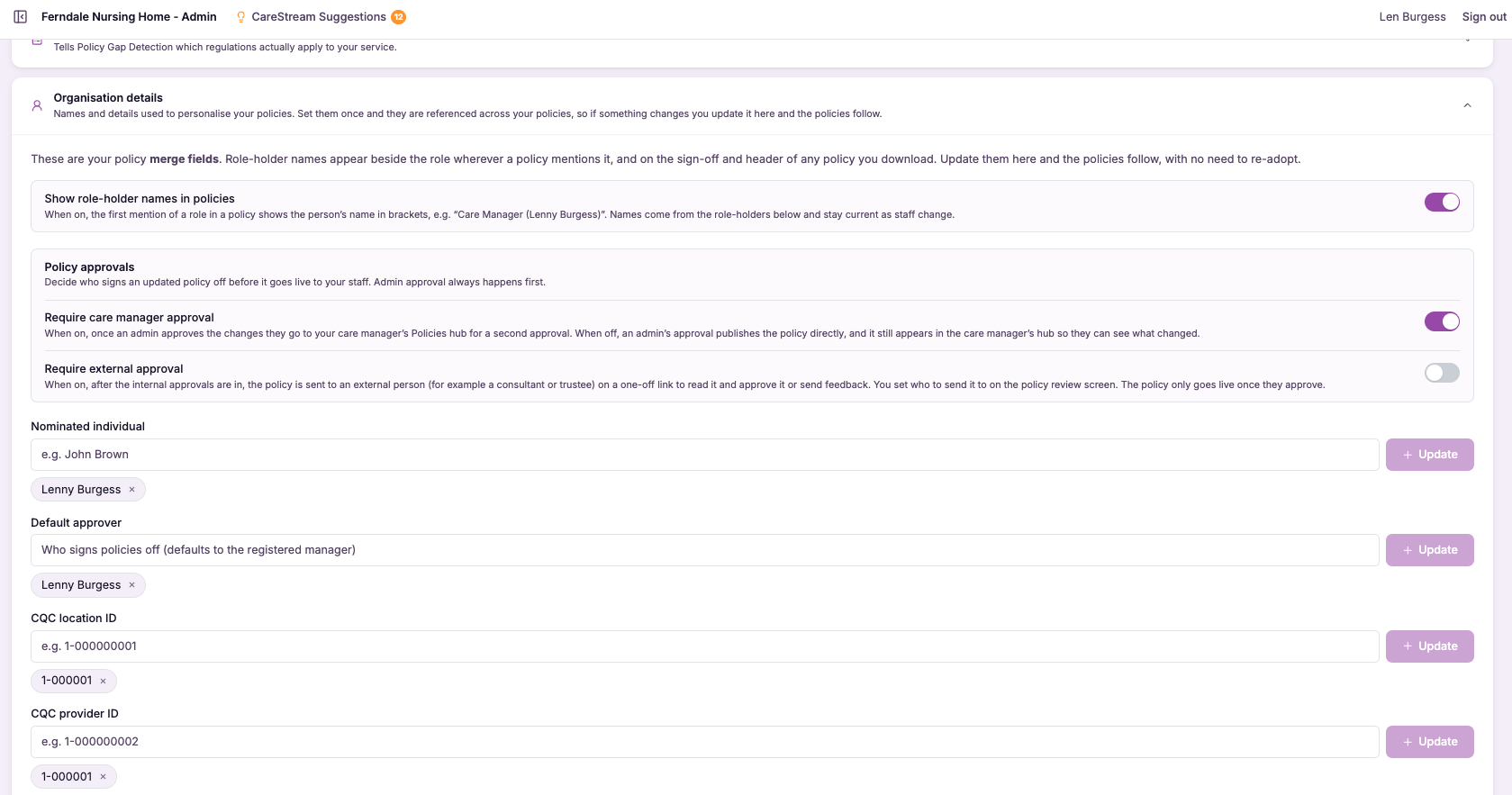
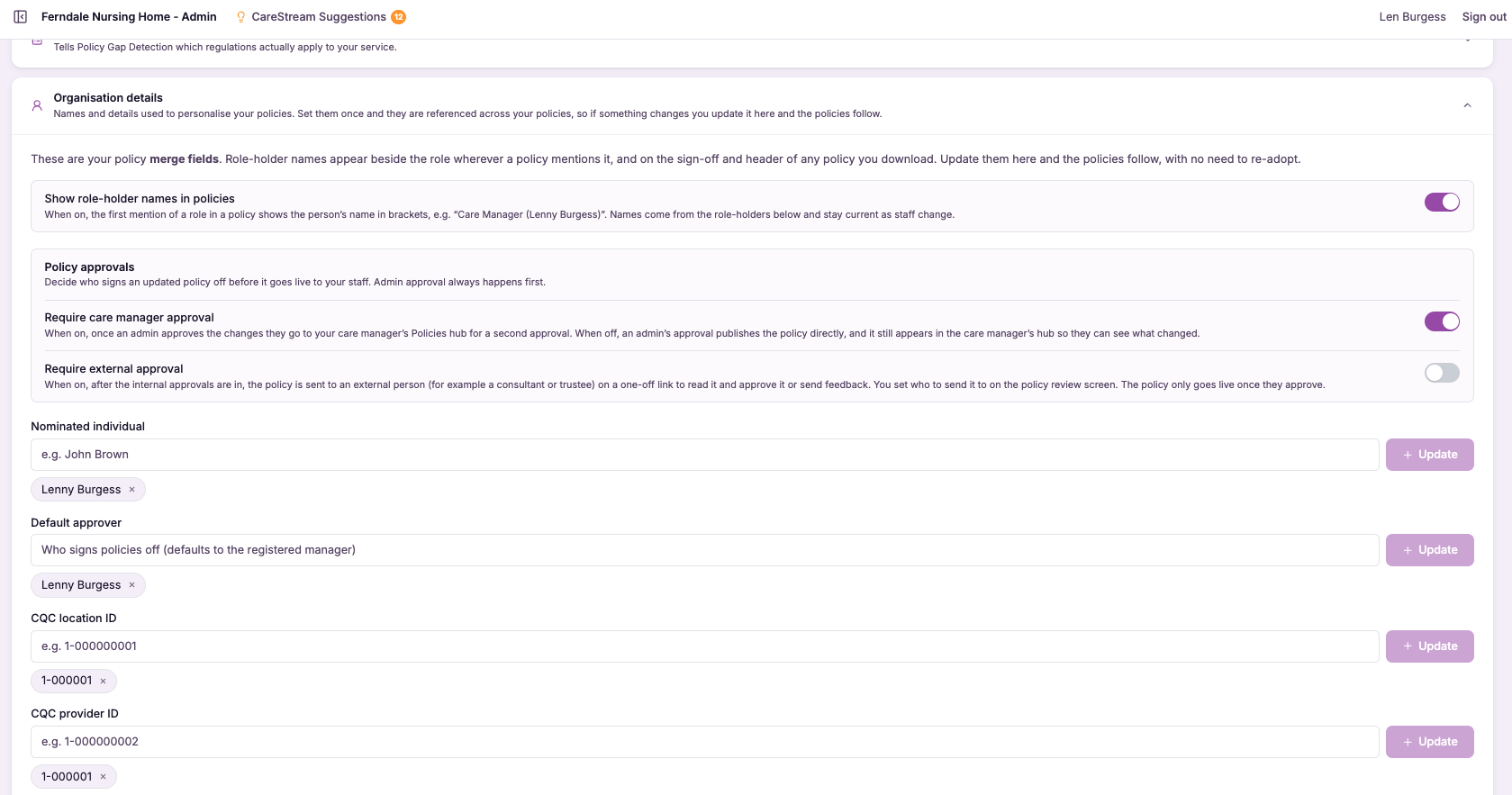
The optional care manager approval step lets you require a care manager to sign off a policy change before it is adopted, adding a second pair of eyes to the process. It is a switch you control: services that want that extra layer can turn it on, and services that prefer a simpler route can leave it off.
This matters because governance should fit the service, not the other way around. A larger provider managing many policies across multiple sites may want a care manager to review changes as an added safeguard, while a smaller team may find a single approval entirely sufficient. By making the step optional, CareStream lets you set a level of control over your care home policies and nursing home policies that genuinely matches how you operate.
With the optional care manager approval step, you decide whether a change needs a second pair of eyes before it is adopted. Turn it on for the extra oversight some services want, or leave it off to keep a simpler route, so the control you apply to your care home policies and nursing home policies matches how you actually operate.
Providers of any size, from single homes to large groups, who want to set their own level of policy approval control.
You can show a governance model matched to your service, with a documented extra review step where you have chosen to require one.
The difference it makes day to day
- You can require a care manager to sign off changes, or choose not to.
- Services that want a second pair of eyes get one built into the process.
- Smaller teams can keep a leaner approval route without unnecessary steps.
- Your governance matches your service rather than a one size fits all model.
- Extra oversight is available for the policies where it matters most.
- You retain a controlled, accountable adoption path whichever setting you choose.
How the optional step works.
The care manager approval step is a setting you decide on. When it is on, a policy change must be signed off by a care manager as part of the adoption path. When it is off, the change follows the standard approval route without that extra stage.
Because it is optional, you can tune the level of control to your service, and you can change your mind as your needs evolve. The controlled adoption path remains intact either way.
Decide your setting
Choose whether your service requires a care manager approval step before a change is adopted.
Turn it on
If you want a second pair of eyes, enable the step so changes must be reviewed by a care manager.
A change is proposed
When a policy change is prepared, it enters the adoption path you have configured for your service.
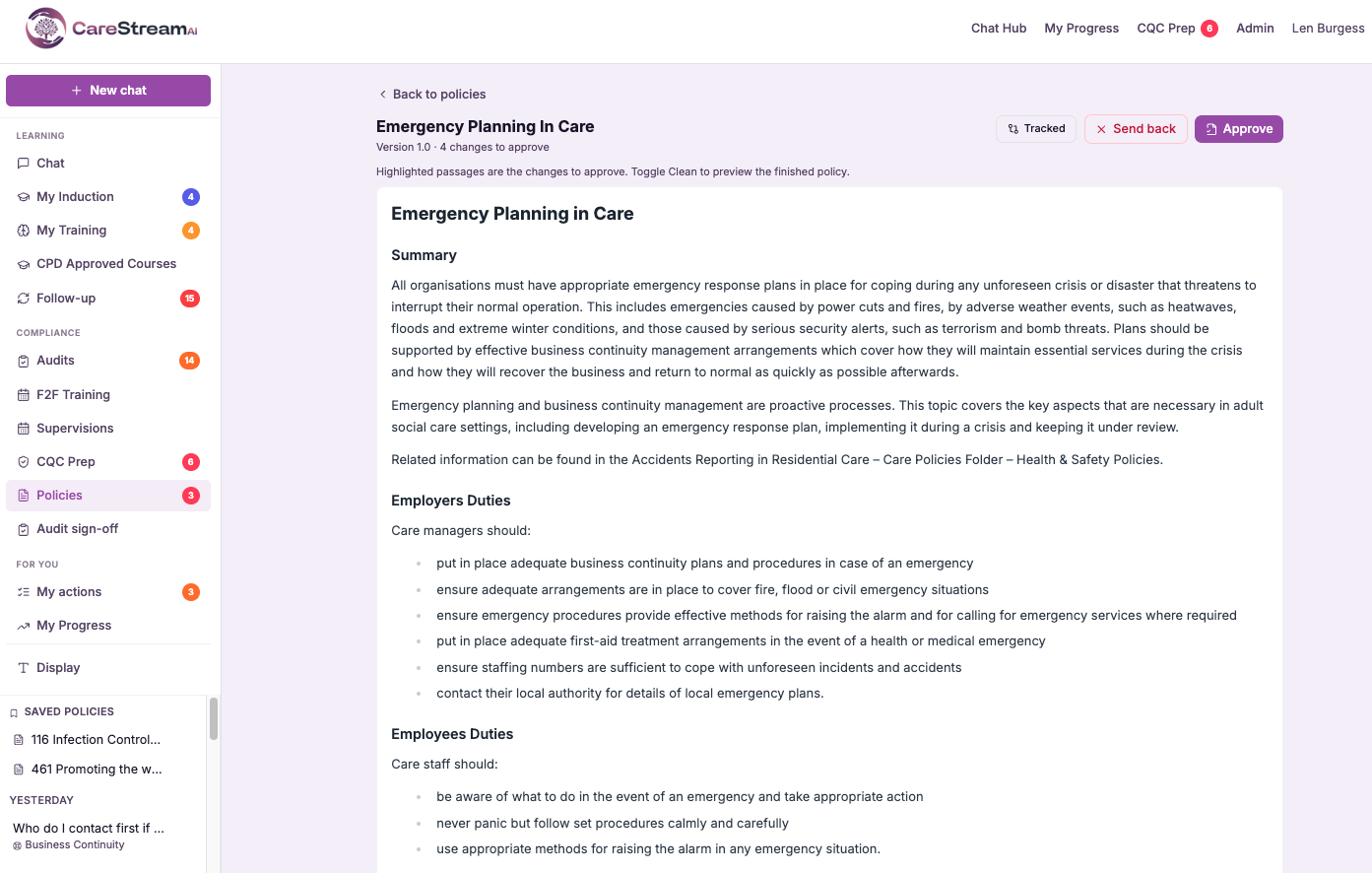
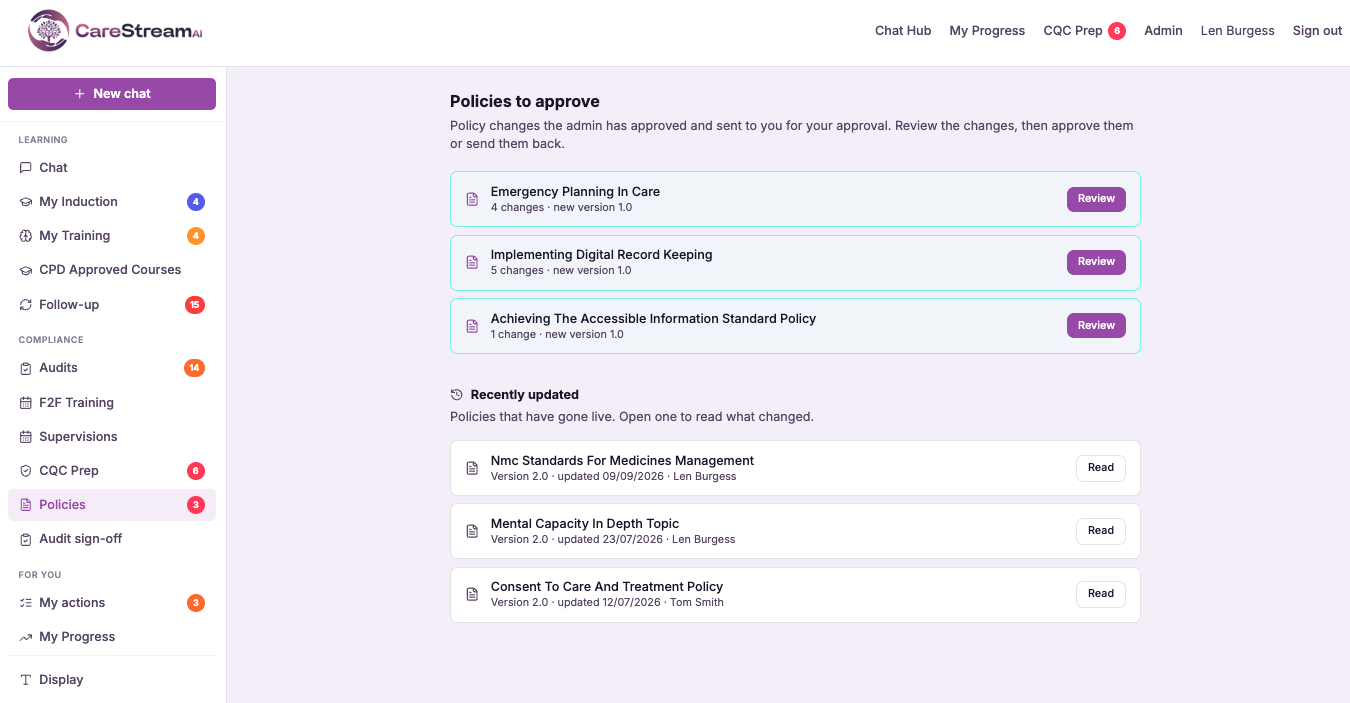
With the step enabled, a care manager reviews and approves the change before it can move forward.
Smaller teams can keep the step disabled, so changes follow the standard approval route without it.
Change the setting as your service grows or your governance needs shift, without disrupting existing policies.
- The care manager approval step is optional, not mandatory.
- Enable it to add a second pair of eyes before a change is adopted.
- Leave it off for a leaner route suited to smaller teams.
- The controlled adoption path stays intact whichever setting you choose.
- You can change the setting as your governance needs evolve.

Control that fits your service.
There is no single right amount of approval for every care provider. Too little oversight worries a large group, while too many steps frustrate a small team, so the answer has to be a choice rather than a fixed rule.
By making the care manager approval step optional, CareStream lets you set the right level of control for your service, adding a second pair of eyes where it adds value and keeping things lean where it does not.
Turn the extra approval on or off to match how your service governs policy.
When enabled, a care manager reviews each change before it is adopted.
Smaller teams can keep a simpler route without an unnecessary stage.
Change the setting as your service grows or your governance needs shift.
Frequently asked
Is the care manager approval step required?
No, it is entirely optional. You decide whether your service requires a care manager to sign off a policy change before it is adopted. Services that want that extra layer can enable it, and those that prefer a simpler route can leave it off. This flexibility exists because governance should fit the service. A larger provider may want a care manager to review changes as an added safeguard, while a smaller team may find a single approval sufficient, and CareStream supports both without forcing one model on everyone.
Why would a service turn this step on?
Turning it on adds a second pair of eyes to the adoption of any policy change. For services that manage many policies, operate across multiple sites, or simply want extra assurance on sensitive documents, that additional review can be valuable. With the step enabled, a care manager reviews and approves each change before it can move forward, which strengthens oversight without abandoning the controlled adoption path. It is a way to build more governance into the process precisely where a service feels it is warranted.
Can smaller teams leave it off?
Yes, and many will. A small team often has a single responsible person who is entirely sufficient to approve policy changes, and adding a second required step would only introduce delay without adding real control. By leaving the care manager approval step off, those teams keep a leaner route where changes follow the standard approval path. The controlled adoption path still applies, so nothing goes live without sign-off, but the process stays proportionate to the size and structure of the service.
Can I change the setting later?
Yes. The care manager approval step is a setting you can adjust as your service evolves. A home that starts small and later becomes part of a group, or one that decides it wants more oversight on its policies, can enable the step when the time is right. Changing the setting does not disrupt your existing policies or their version history. It simply adjusts the adoption path that future changes follow, so your governance can grow and adapt alongside your service.
Explore more features
More of what the CareStream compliance platform does for UK care providers.
Set the right level of control.
See how CareStream lets you add an optional care manager approval step so your governance fits your service exactly.





