Email interface
The email interface for care management software lets people receive and respond to CareStream by email, so they can stay engaged without leaving the tool they already use. For care providers, this removes a real barrier to adoption. Training reminders by email for care staff, compliance prompts and questions can land directly in someone's inbox, and they can respond straight from there, with no separate login and no new habit to build. It meets staff and managers where they already are.
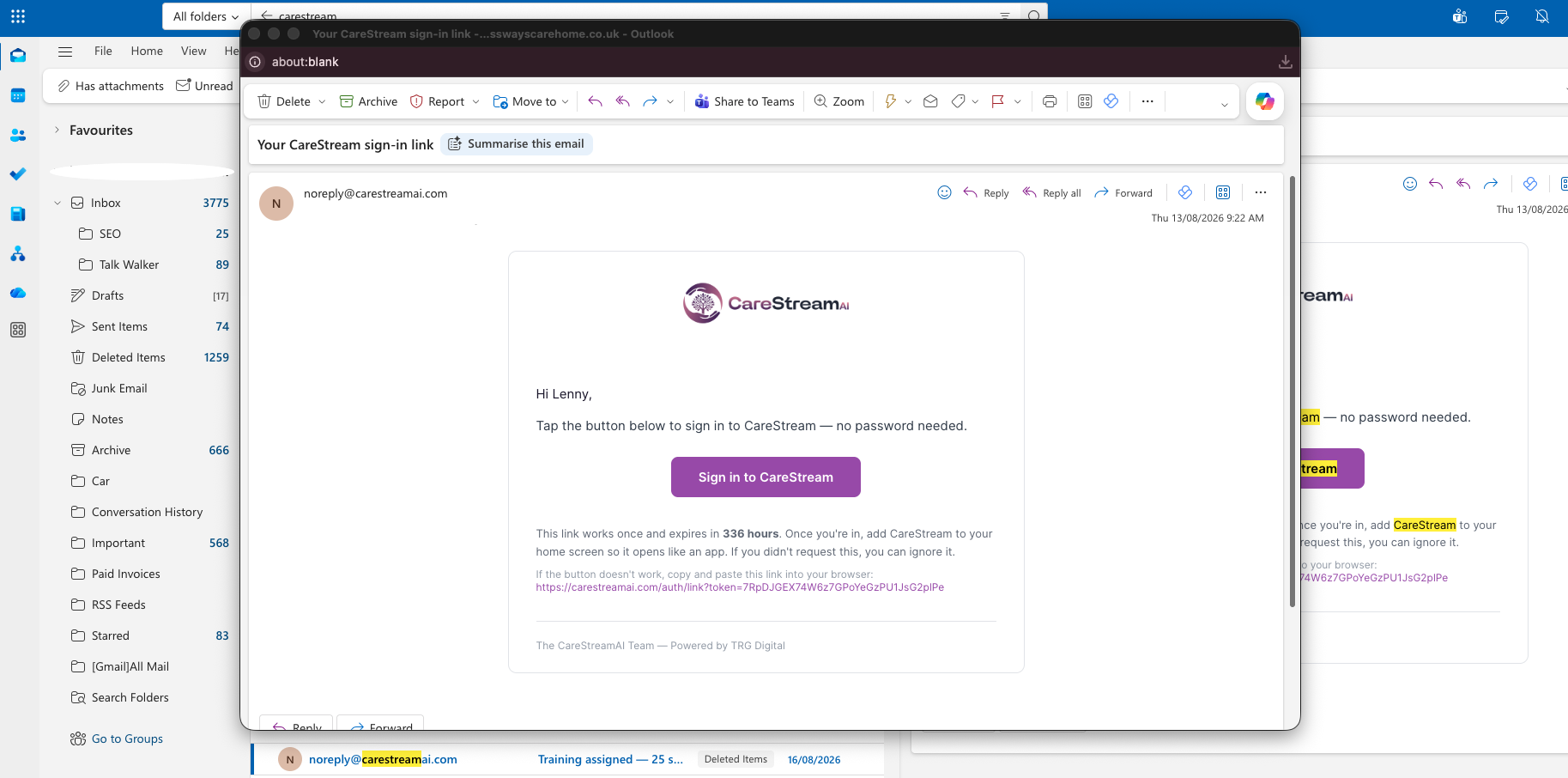
CareStream, in your inbox.
The email interface lets care staff and managers interact with CareStream entirely through their inbox, alongside the app. Training reminders by email for care staff, compliance questions and other prompts arrive directly in a person's inbox, and they can respond simply by replying. There is no separate login, no new password to remember, and no additional system to open. This care platform email integration works as a genuine alternative channel, not just a notification tool. It matters because adoption is the quiet make-or-break of any care platform. Busy staff working across care home and nursing home policies, audits and daily routines will engage with what is easy and overlook what adds steps. By routing compliance activity through email, a channel staff already check constantly, CareStream keeps care staff training engagement and compliance activity tracking moving even for those who rarely or never open the app.
For managers overseeing care home audits or nursing home audits, this means compliance activity does not stall simply because a staff member has not logged in. Engagement happens through the channel that is already part of the working day.
For teams managing care home audits or nursing home audits alongside day-to-day responsibilities, reducing the number of systems staff must actively check can make a meaningful difference to how consistently compliance activity is completed and tracked.
Care homes, nursing homes and home care services with staff or managers who live in their inbox and resist logging into another system.
Higher engagement means training reminders and prompts get actioned, so your compliance and training records stay current and inspection-ready.
The difference it makes day to day
- Let staff and managers engage with CareStream without logging into a separate system.
- Deliver training reminders straight to the inbox people already check.
- Allow people to respond simply by replying to an email.
- Reach staff who prefer email over apps, lifting overall engagement.
- Remove a common barrier to adoption across your team.
- Keep compliance and training activity moving without new habits to build.
How the email interface works.
CareStream's care platform email integration makes email a genuine two-way channel rather than a one-way notification feed. Staff can receive and act on tasks, training reminders and compliance prompts directly from their inbox, without needing to open a separate application or remember login details. The app and the email channel sit side by side, so care home staff engagement tools remain consistent across both. Staff who are comfortable in the app carry on as before, and those who work better through email are not left behind or pushed onto a channel that does not suit them.
This approach is particularly relevant when reviewing care home policies or nursing home policies around staff communication, because it means care management software without login requirements becomes a realistic option for a wider range of staff, including those who are less confident with dedicated platforms.
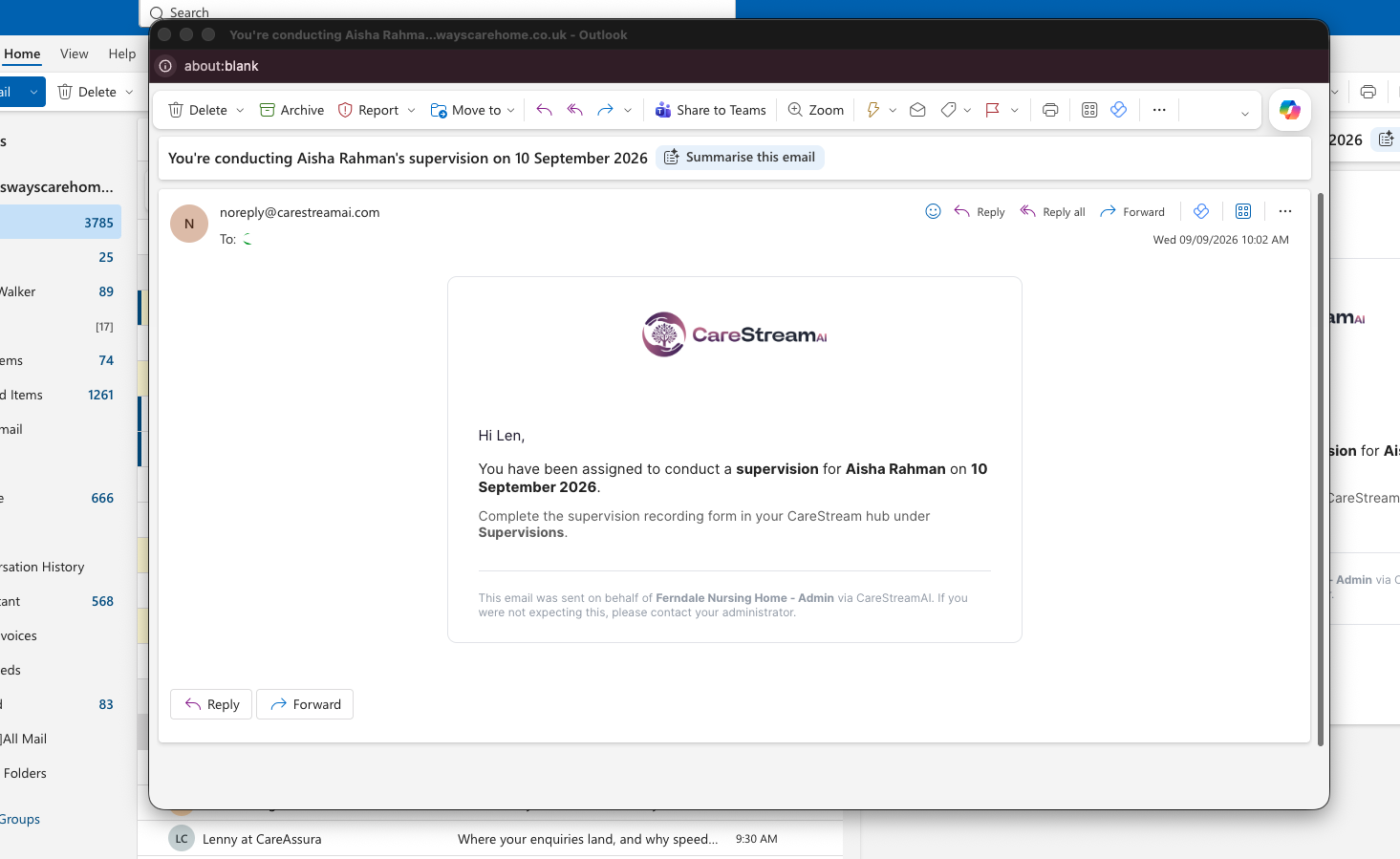
Send to the inbox
Training reminders, prompts and questions arrive by email in the inbox people already check daily.
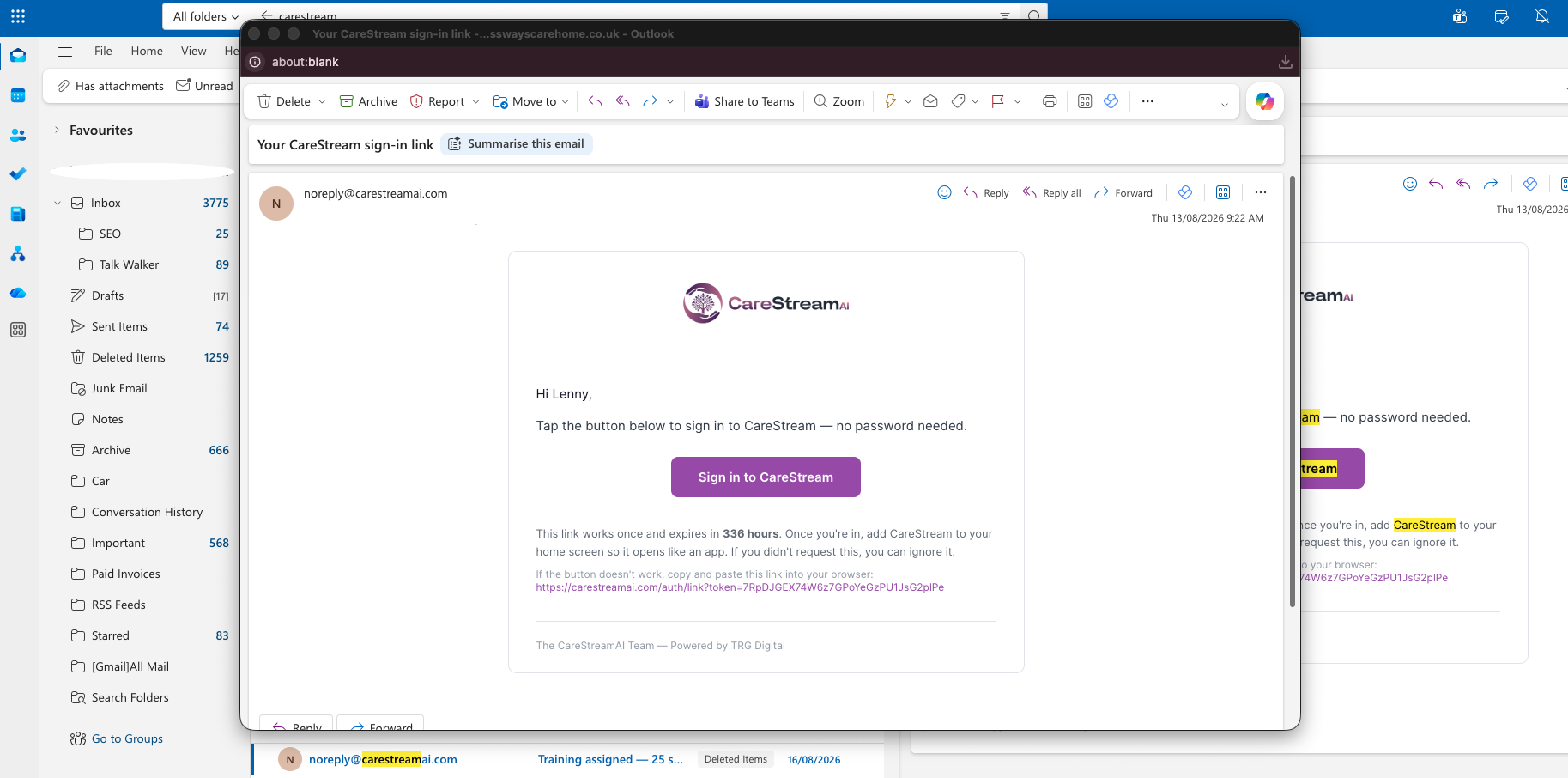
Read in place
Staff and managers see what is being asked without opening a separate app or logging in.
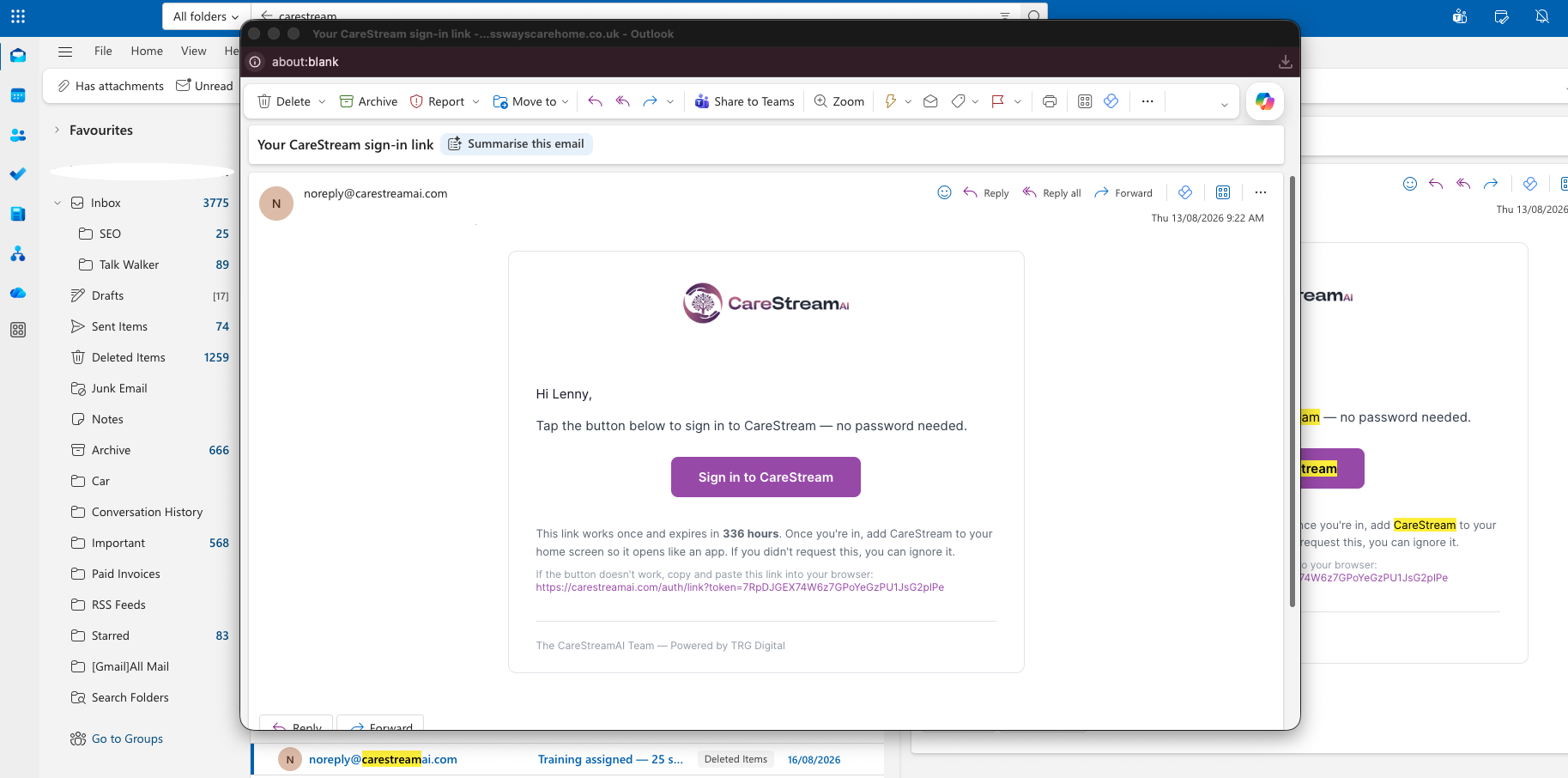
Reply to respond
People act by replying to the email, so responding takes no new tool or password.
Responses flow back into the platform so records and training progress stay up to date.
The email channel works in parallel with the app so each person uses whatever suits them.
Because there is no login friction, reminders and questions are far more likely to get a response.
- Lets staff and managers interact with CareStream by email as well as the app
- Sends things like training reminders and questions to the inbox
- People respond simply by replying, with no separate login
- Runs alongside the app so each person uses their preferred channel
- Removes login friction that often blocks staff engagement
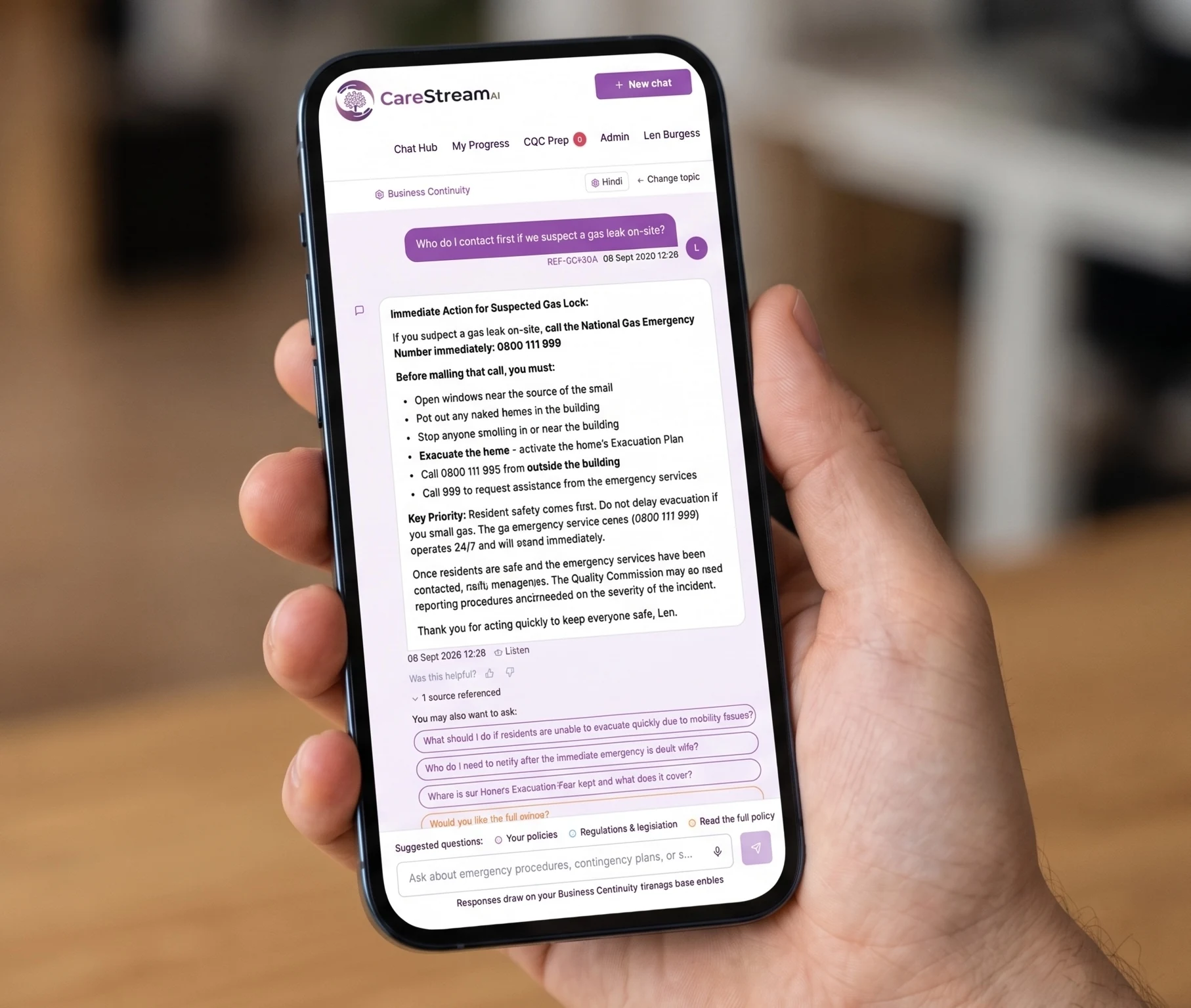
Meet people where they already are.
The biggest risk to any care management software is not what it can do, it is whether your staff ever open it. An email interface for care management software works because it meets people where they already are, removing the need to remember a separate login and reducing the friction that quietly kills adoption. When training reminders by email for care staff land in the same inbox people check throughout their shift, responding becomes a natural part of the day. Compliance activity tracking by email stays current, care home audits and nursing home audits reflect real engagement, and your care home policies and nursing home policies remain active rather than gathering dust behind a login screen.
Reducing care platform adoption barriers through a familiar email channel for care providers means your investment in staff training engagement is not wasted on a tool people avoid using.
Working from the inbox removes the password and app step that stops people engaging.
Email is a channel staff and managers open constantly, so messages actually get seen.
Responding by reply is a habit people already have, so nothing new has to be learned.
Running in parallel means each person uses whichever channel keeps them engaged.
Frequently asked
What can staff actually do by email?
The email interface is a two-way channel, so it is more than notifications. Staff and managers can receive things like training reminders and questions in their inbox, and they can respond straight back by replying, without opening the app or logging in anywhere. Those responses feed back into CareStream, so records and training progress stay current. For someone who spends their day in email, this means they can stay fully engaged with the platform without ever changing where they work.
Does using email mean staff miss out on the app?
No. The email interface runs alongside the app rather than replacing it. People who like the app carry on using it, and people who prefer email get the same engagement through their inbox, so nobody is forced onto a channel that does not suit them. This flexibility is the point. Different members of a care team work in different ways, and letting each person use whichever channel they are comfortable with is what keeps engagement high across the whole team.
Why does an email option matter for adoption?
Adoption is where most care platforms quietly fail. Busy staff and managers will engage with what is easy and ignore what adds steps, and having to log into a separate system is one of the most common reasons good intentions stall. By letting people work from the inbox they already check all day, the email interface removes that barrier. Reminders and questions are far more likely to get actioned when responding is as simple as replying to an email, which keeps your training and compliance activity moving.
Will email engagement still keep our records up to date?
Yes. When someone responds by email, that response flows back into CareStream, so training progress and related records stay current just as they would if the person had used the app. The channel changes, not the record keeping. That is important for inspection readiness, because it means the higher engagement you get from meeting people in their inbox translates directly into up-to-date compliance and training records rather than activity that happens outside the system.
Explore more features
More of what the CareStream compliance platform does for UK care providers.
Let people work the way they already do.
Book a demo to see how CareStream's email interface keeps staff engaged from the inbox, with no extra login to manage.





