Voice input
On a busy shift, stopping to type is not always realistic, and for some staff typing is a barrier in itself. Voice input lets care workers speak to CareStream instead, so they can ask a question or interact simply by talking, hands free and on the move.
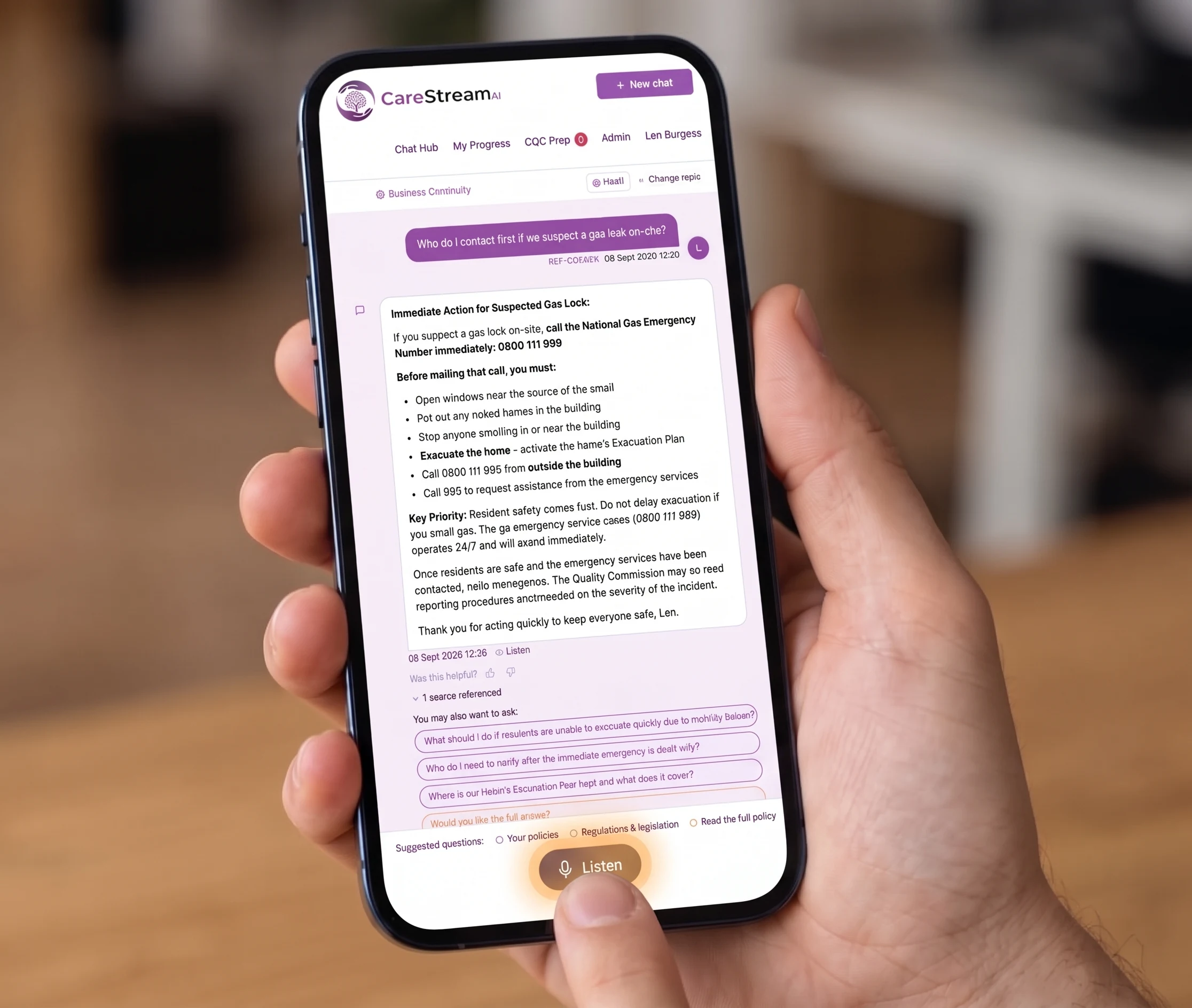
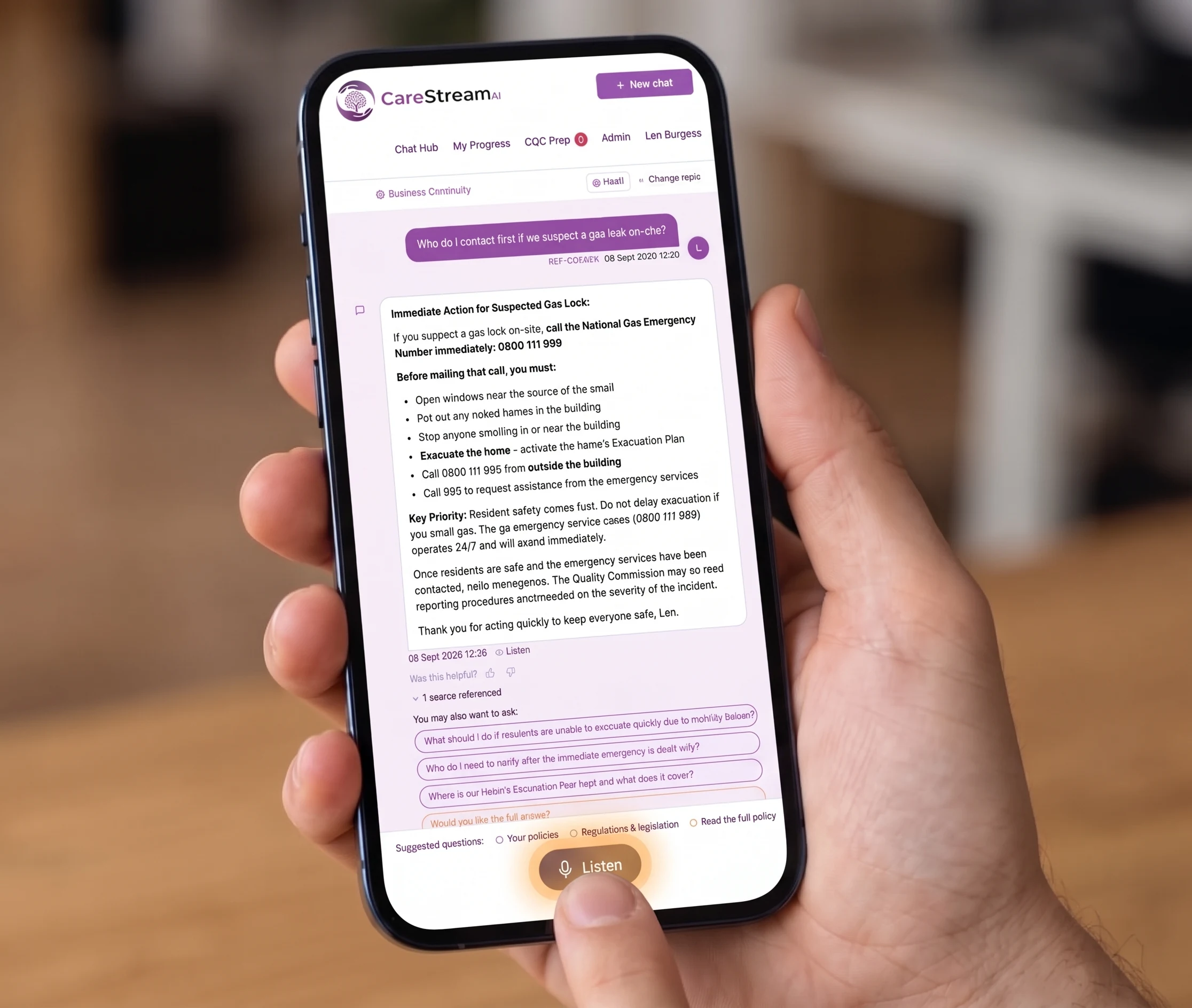
Just say it.
Voice input lets staff talk to CareStream rather than type. A care worker can ask a question or interact with the platform out loud, and CareStream responds, so engaging does not depend on stopping to find a keyboard or being confident with typing.
This matters because care is a hands-on, on-the-move job, and not every member of staff finds typing easy or quick. By allowing voice, CareStream removes a practical and a confidence barrier at once, making sure the platform is genuinely usable during a busy shift by everyone on the team, not just the fast typists at a desk.
For care providers, this widens who can actually use the platform. A member of staff mid-round, or someone who is less confident typing, can still get an answer or engage with training just by speaking. It makes CareStream more accessible in the real conditions of a care setting.
Care workers in care homes, nursing homes and home care who are on the move or less confident typing and need to interact by voice.
When every member of staff can engage easily by voice, training and questions get actioned on shift, keeping practice and records current for inspection.
The difference it makes day to day
- Let care workers ask questions by speaking instead of stopping to type.
- Support staff who are less confident typing so they can still engage fully.
- Keep hands free for care tasks while interacting with CareStream.
- Make the platform usable on the move during a busy shift.
- Widen access across the team, whatever each person's comfort with typing.
- Get quick answers out loud without breaking the flow of care.
How voice input works.
Voice input turns speech into the way you interact with CareStream. Instead of typing a question, a member of staff speaks it, and the platform understands and responds, so the whole exchange can happen out loud.
It sits alongside typing rather than replacing it, so people choose whichever suits the moment. On the move it might be voice, at a desk it might be typing, and either way the same platform responds.
Tap to speak
A member of staff starts voice input and simply talks instead of reaching for a keyboard.
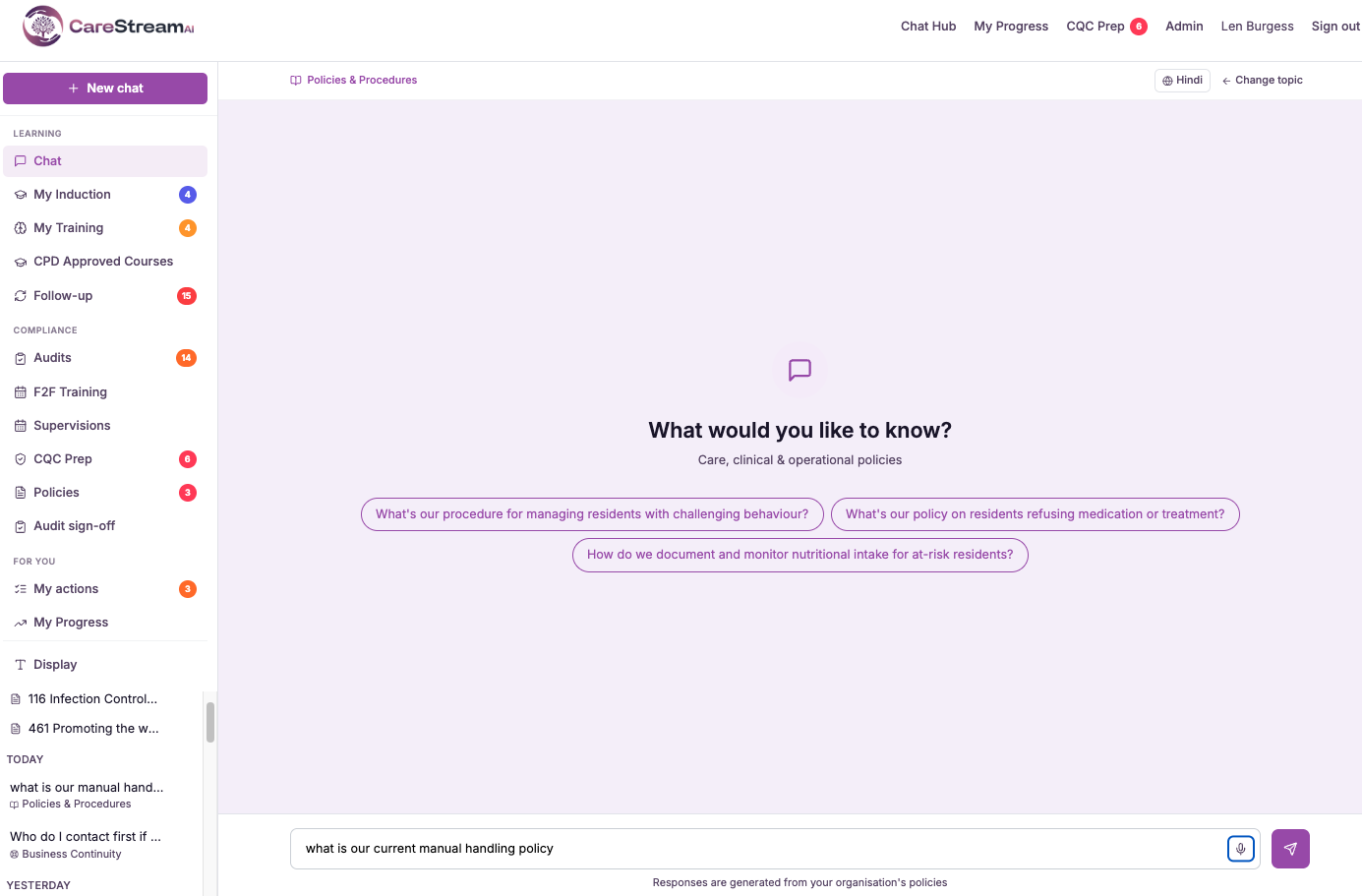
Speak the question
They ask their question or interact out loud, in natural everyday language.
CareStream understands
The platform interprets what was said so the spoken request is acted on like a typed one.
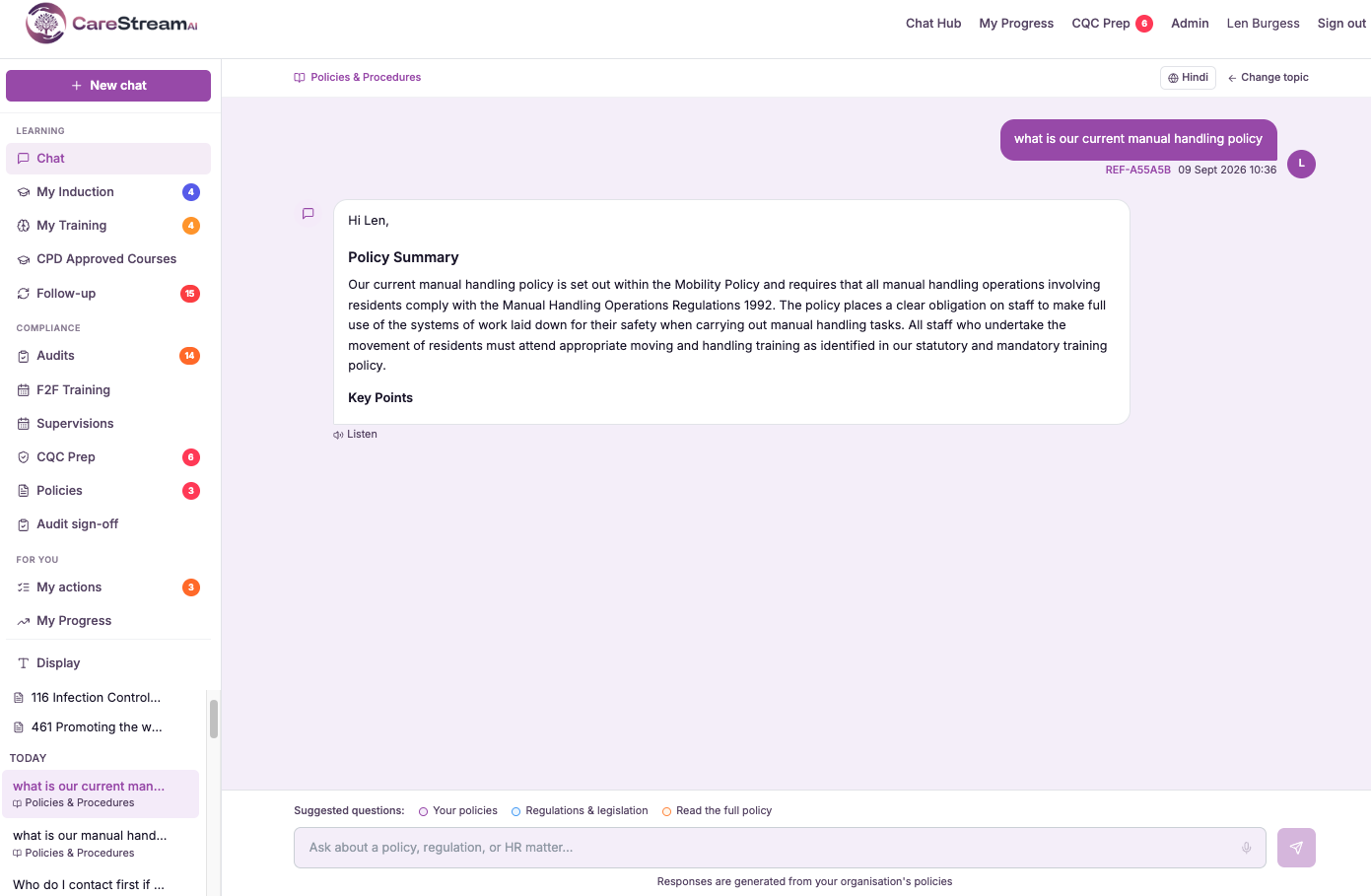
An answer comes back so the member of staff can carry on without stopping to type.
Because it is hands free, staff can use it mid-round or between tasks on a busy shift.
Voice runs alongside typing so each person uses whichever is easiest in the moment.
- Lets staff speak to CareStream instead of typing
- Supports care workers on the move and those less confident with typing
- Keeps hands free during hands-on care tasks
- Works alongside typing so people choose what suits the moment
- Makes the platform more accessible in a real care setting
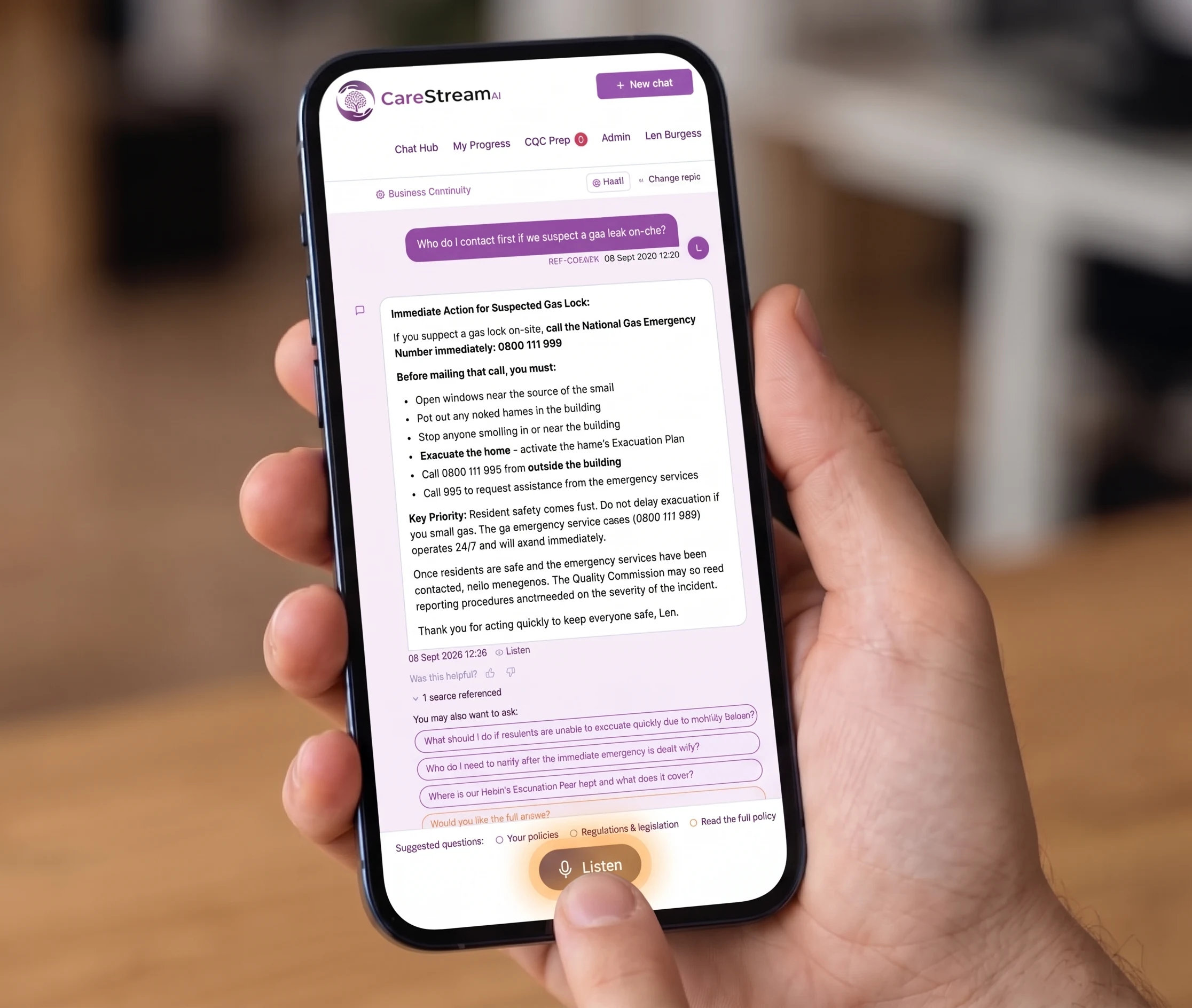
Care happens on your feet, not at a desk.
A platform only helps if staff can use it in the conditions they actually work in, and care rarely happens sitting still at a keyboard. Voice input works because it fits the real rhythm of a shift, letting people engage without stopping what they are doing.
It also removes a quieter barrier. For staff who find typing slow or daunting, speaking is far more natural, so voice brings people into the platform who might otherwise disengage.
Speaking leaves hands free for care tasks, so the platform fits the flow of a shift.
Voice removes the barrier for staff who find typing slow or off-putting.
Being able to ask out loud means staff can engage mid-round, not only at a desk.
Offering voice alongside typing brings the whole team in, whatever their comfort with a keyboard.
Frequently asked
Who benefits most from voice input?
Two groups in particular. First, care workers who are on the move, mid-round or between tasks, who cannot easily stop to type but can ask a question out loud and carry on. Second, staff who are less confident typing, for whom speaking is far more natural than a keyboard. By supporting both, voice input widens who can genuinely use the platform on a busy shift. It means engagement no longer depends on being a fast or confident typist sitting at a desk, which makes CareStream accessible to the whole team.
Does voice input replace typing?
No. Voice input sits alongside typing rather than replacing it, so each member of staff can choose whichever suits the moment. On the move it might be voice, at a desk it might be typing, and the same platform responds either way. That choice is the point. Different people and different situations call for different input, and letting staff pick keeps CareStream usable across the whole range of a care worker's day rather than forcing one way of interacting.
How does a member of staff use voice input?
It is designed to be simple. A member of staff starts voice input and speaks their question or request in ordinary everyday language, and CareStream interprets what was said and responds, so the whole exchange can happen out loud without reaching for a keyboard. Because it is hands free, this works well in the real conditions of a care setting, letting staff ask something mid-task and get an answer without breaking the flow of care they are providing.
Why does voice input matter for a care service?
Care is a hands-on, on-the-move job, and a platform only helps if staff can actually use it in those conditions. Voice input matters because it fits the reality of a shift, letting people engage without stopping what they are doing and without the barrier that typing can present for some staff. When the whole team can interact easily, questions get answered and training gets actioned on shift rather than being put off, which keeps practice and records current. That accessibility is what turns a platform staff could use into one they actually do.
Explore more features
More of what the CareStream compliance platform does for UK care providers.
Let your team just speak.
Book a demo to see how voice input makes CareStream accessible on a busy shift, for every member of your care team.





