National Data Opt-out training that gets your team CQC-ready
- CQC-aligned, mapped to the Care Certificate framework
- Completed in the hub in over 60 languages
- A certificate for every staff member, for your CQC evidence
- A wrong answer triggers a follow-up lesson, so gaps are closed
No subscription needed. Bulk discounts from 10+ licences.
From £25.99 per staff member, one-off. No subscription needed.
Trusted by UK care providers
Specialists in the technology behind it all
The same technology behind the world's best products powers CareStream, so your team's national data opt-out training stays accurate, always up to date with the latest guidance, and is delivered in over 60 languages.
What is the National Data Opt-out
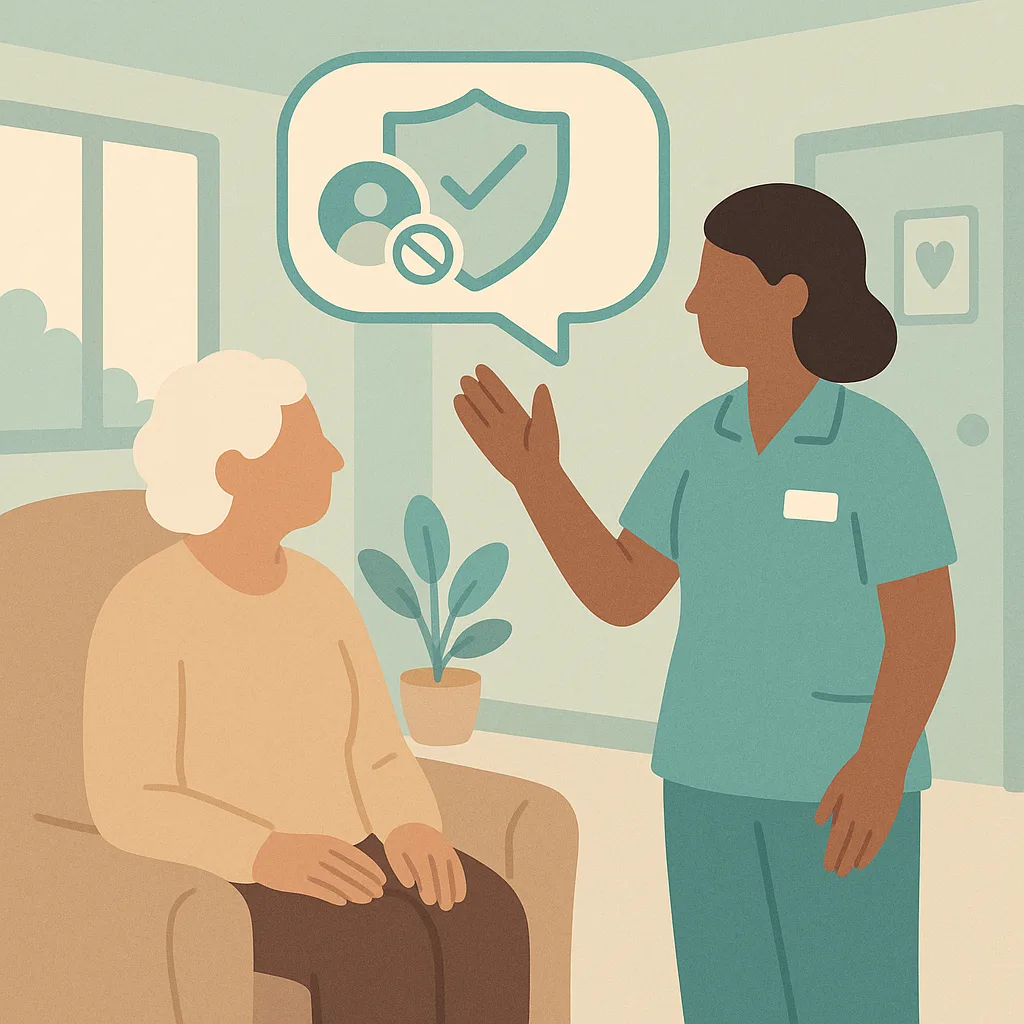
The National Data Opt-out lets people choose whether their confidential health and care information can be used for research and planning purposes. When someone registers an opt-out, their information can still be used for their direct care, but not for wider purposes like medical research or service planning.
This is a legal right under data protection law. your service must respect these choices and check the register before sharing information for research or planning.
What does the National Data Opt-out allow people to do?
In the hub, a wrong answer sends the staff member a short follow-up lesson and a fresh question on the same point. They close the gap before they can finish the module, and every attempt is recorded for your CQC evidence.
That is how the training works. Give your whole team the full National Data Opt-out module.
Avg. Duration
About 35 minutes
Certificate
For every staff member
Available Languages (60+)
Course Published by

A clear, practical grounding in national data opt-out.
This training explains the National Data Opt-out system and how it affects the way we handle personal information about the people we support. You will learn what the opt-out means, how to check if someone has registered, and how to respect their choices when sharing information. This protects people's rights and keeps your service compliant with data protection law.
By the end, your staff will be able to:
- Explain what the National Data Opt-out is and why it exists
- Identify when you need to check if someone has registered an opt-out
- Apply the correct procedures when someone has opted out of data sharing
- Recognise situations where the opt-out does not apply
- Describe how to support people who want to register or change their opt-out choice
A closer look at the national data opt-out module.
The module is built in short, practical sections. Each one teaches a part of the topic, then applies it to a real care scenario and checks understanding before moving on.
What is the National Data Opt-out
The National Data Opt-out lets people choose whether their confidential health and care information can be used for research and planning purposes. When someone registers an opt-out, their information can still be used for their direct care, but not for wider purposes like medical research or service planning. This is a legal right under data protection law. your service must respect these choices and check the register before sharing information for research or planning.
When the opt-out applies
The National Data Opt-out applies when we want to share confidential information for purposes beyond direct care. This includes sharing for research studies, planning services, or analysing trends. It does not apply to sharing information needed to provide direct care and treatment to the person. It also does not apply when we are legally required to share information, such as safeguarding concerns or reporting to regulators like CQC.

How to check the register
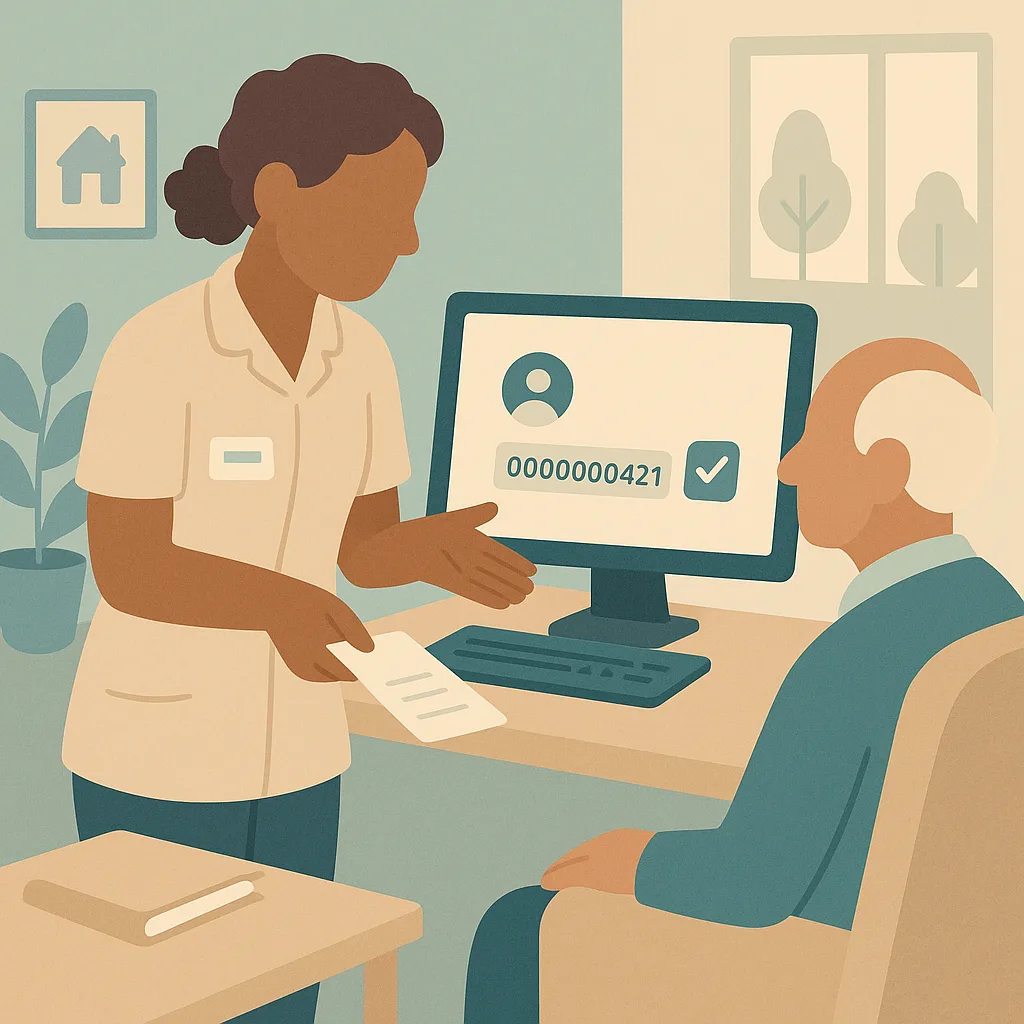
Before sharing any confidential information for research or planning, you must check if the person has registered an opt-out. Your manager or the person responsible for information governance will access the National Data Opt-out register using the secure NHS system. You need the person's NHS number to check. If you are asked to help with this process, follow your manager's instructions. Never assume someone has or has not opted out without checking.
What to do when someone has opted out
If someone has registered a National Data Opt-out, you must not include their confidential information in any data shared for research or planning purposes. This applies even if the data will be anonymised. Keep a record that you checked and found an opt-out, and document that their information was excluded. If excluding their data creates problems for a research project, explain the situation to the requester but do not override the opt-out. The person's choice must be respected.
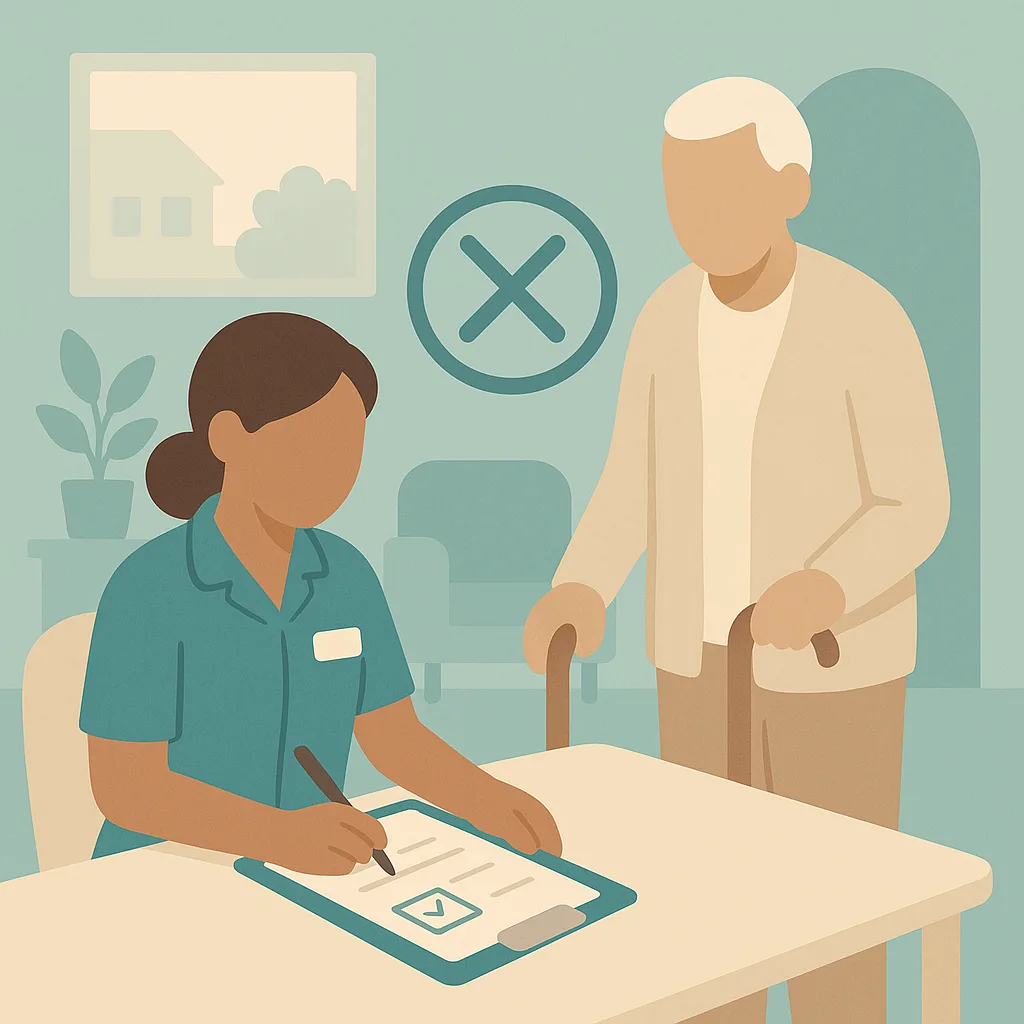
Supporting people to make informed choices
People have the right to register, change or cancel their National Data Opt-out at any time. If someone asks about the opt-out, explain it clearly in simple terms. Tell them it only affects research and planning, not their direct care. Help them access the NHS website or phone line to register their choice if they want to. Never pressure someone to opt in or out. Record any conversations about this in their notes. Respect that some people may need time or support to decide.
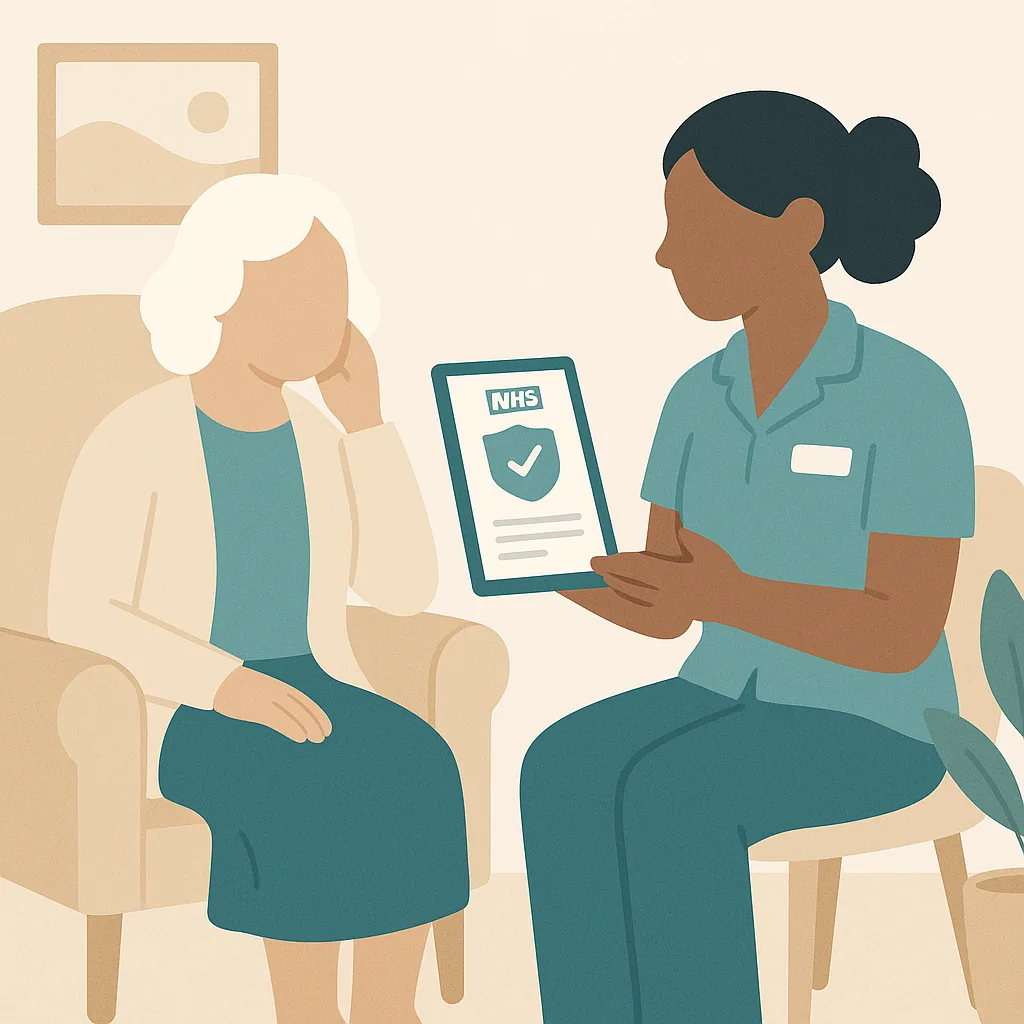
Recording and documenting opt-out checks
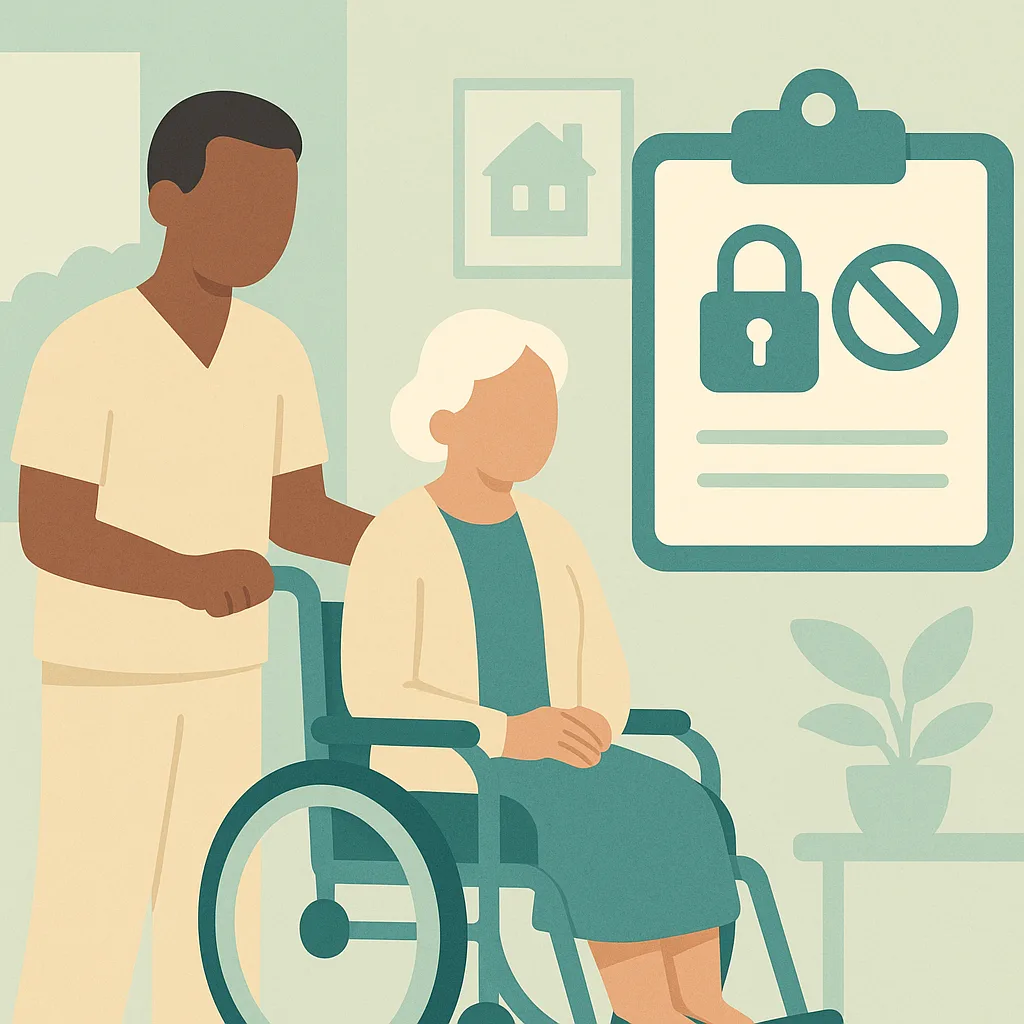
Good record keeping is essential when handling National Data Opt-out checks. When you check the register, document the date you checked, what you found, and what action you took. If someone has opted out, record that you excluded their information. If they have not opted out, record that you checked and confirmed this before sharing. This creates an audit trail showing your service respected people's choices and followed data protection law. Keep these records secure according to our data protection policy.

The things your team must remember.
- The National Data Opt-out lets people control whether their information is used for research and planning, but does not affect their direct care
- Always check the register before sharing information for research or planning purposes using the person's NHS number
- If someone has opted out, you must exclude their information even if it creates difficulties for researchers
- The opt-out does not apply to direct care, treatment, safeguarding or legal requirements
- Support people to make informed choices about opting out but never pressure them either way
- Document all opt-out checks and actions taken to create a clear audit trail
Not a slideshow once a year. Training that sticks.
CareStream delivers national data opt-out training in the hub your team already uses, grounded in best practice and your own policies, so it fits your care setting and not a generic template.
Short teaching sections and a real care scenario, then an assessment that checks understanding.
Staff complete it in over 60 languages, while your records stay in English.
A wrong answer triggers a short follow-up lesson and a fresh question, so the gap is closed.
Automatic reminders at 90, 30 and 7 days, with a live compliance dashboard.
From your dashboard to your team, in the CareStream hub.
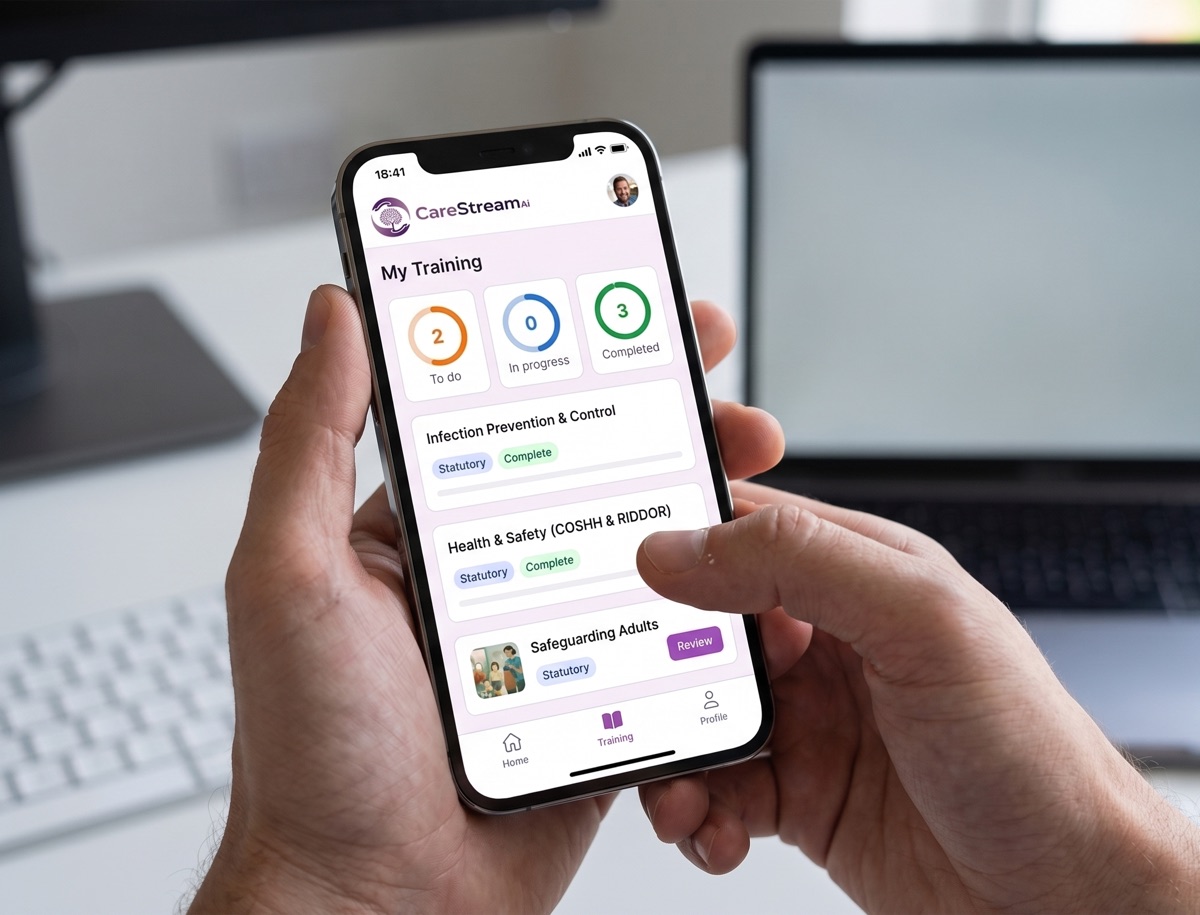
Training is delivered in the hub each staff member logs into. You allocate the modules, they complete them in their own language, and you get the completion records and certificates for your CQC evidence, with any gaps closed by automatic follow up training.
Assign National Data Opt-out to each staff member in seconds. No course builder and no setup for each person.
Staff work through the module on any device, in over 60 languages, teaching then checking understanding. A wrong answer sends a short follow up lesson.
See live completion status and a certificate for every person, ready as evidence for CQC.
Any step, in their language, in one tap.
Care teams are diverse and training should not leave anyone behind. On any lesson or question, a staff member taps the language button and the whole step flips into the language they think in. They understand it properly, and your records stay in English.
- One tap flips any lesson or question into their language, instantly.
- Over 60 languages, with no setup and no separate versions to manage.
- Completions and certificates stay in English for your CQC evidence.
Try the language buttons in the preview above.
Built for real learning, not box ticking
Every CareStream course goes further than a lesson and a quiz. These features come as standard on every course, giving your staff a richer way to learn and giving you the evidence to prove it.
Every course is built on recognised UK guidance and cites its sources, from NICE and Skills for Care to the NHS and the legislation itself.
A plain English glossary of the technical terms in each course. A simple way to support every learner, including staff with English as a second language.
A quick knowledge check before the lesson is compared with the final assessment, so every certificate comes with evidence of how much the course actually taught.
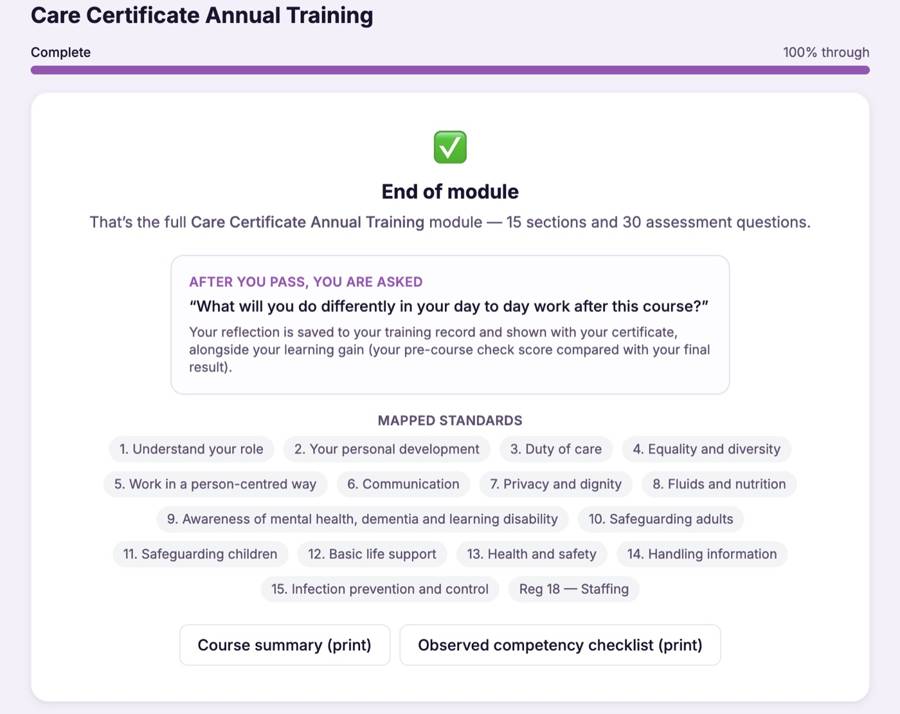
After passing, staff record what they will do differently in their day to day work. Their reflection is saved to their training record and shown with their certificate.
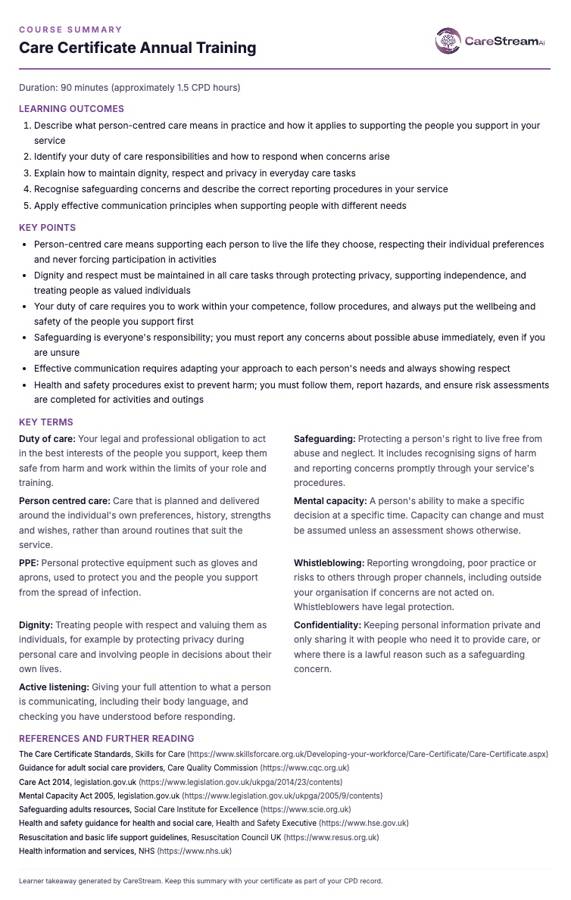
A printable one page takeaway of the outcomes, key points and key terms. Perfect for staff files, supervision conversations and the staff room wall.
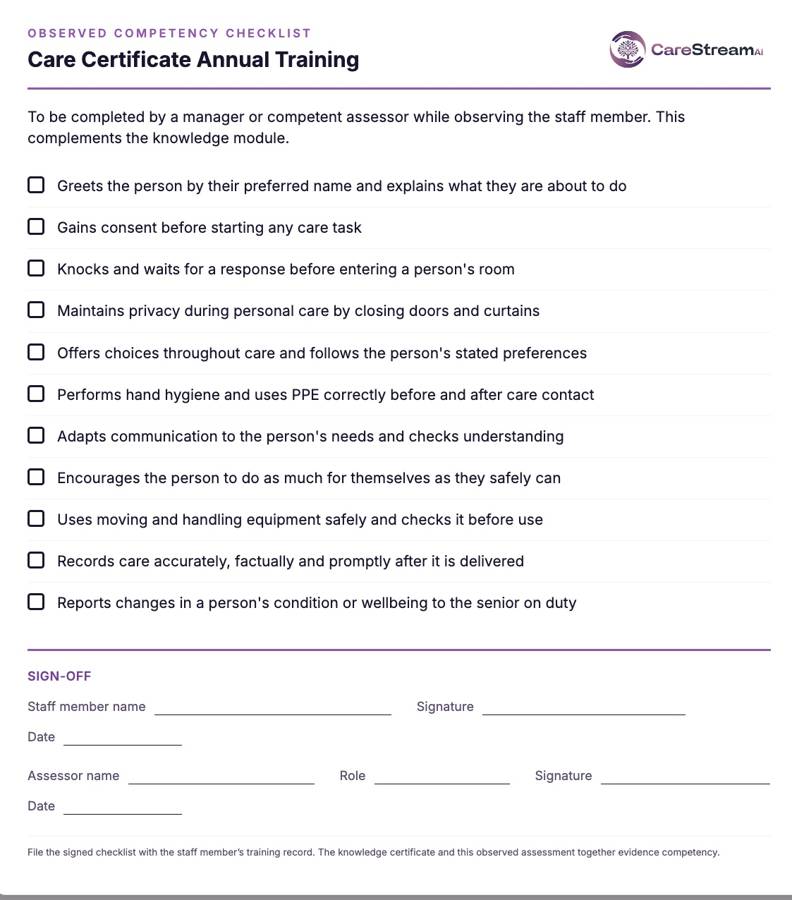
A printable checklist for managers to confirm skills in practice, with a sign off section. It completes the picture beyond the knowledge assessment.
Wrong answers become lessons, not failures
Most e learning marks an answer wrong and moves on. CareStream does not. Every wrong answer triggers an automatic follow up loop that teaches the point again and rechecks it, so no knowledge gap is left behind.
A wrong answer immediately opens a short lesson explaining the point, so the gap is closed there and then.
A fresh question on the same point checks the lesson has landed. The loop repeats until it has.
Staff move on to the next module and their certificate once they genuinely know the answer, not just after one lucky guess.
Why choose CareStream?
Training built for the care sector, delivered the way busy teams actually learn.
- 90+ care-specific training courses
- Bitesize, engaging lessons your staff actually finish
- Mapped to the Care Certificate & CQC standards
- Available in 60+ languages
- Instant certificate on completion
- Flexible learning, anytime, on any device
- Content kept up to date with UK care regulations
- Time to complete: ~35 min
Frequently asked questions.
Is National Data Opt-out training mandatory in care settings?
How often should staff complete National Data Opt-out training?
Can CareStream deliver National Data Opt-out training in other languages?
Does the training include an assessment?
More training your team may need
More mandatory and role-specific training CareStream delivers to your team, in the hub, in any language. Add any of these to your basket.
 Annual Certificate
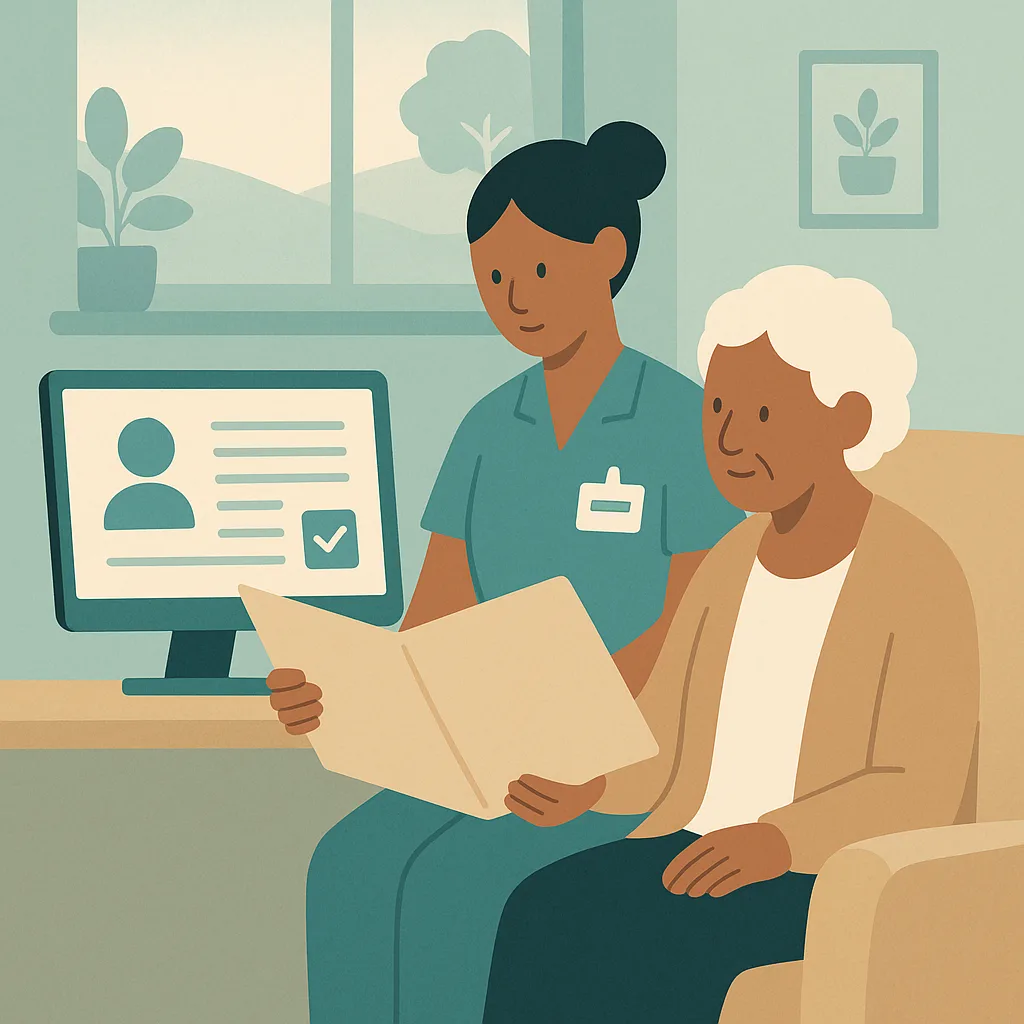
GDPR / Data Protection
This training covers how we protect personal information at our home in line with GDPR and our Data Protection policies. You will learn about lawful processing, consent, data security, handling breaches, and responding to access requests. Understanding these rules protects residents, staff, and our service from harm and legal issues.
Bulk discounts from 10+ licences
 Annual Certificate
Documentation and Record Keeping
This training covers how we keep accurate, secure records in our home, including our digital record keeping system. Good record keeping protects the people we support, helps us provide better care, and meets our legal duties under data protection law and CQC standards.
Bulk discounts from 10+ licences
 Annual Certificate
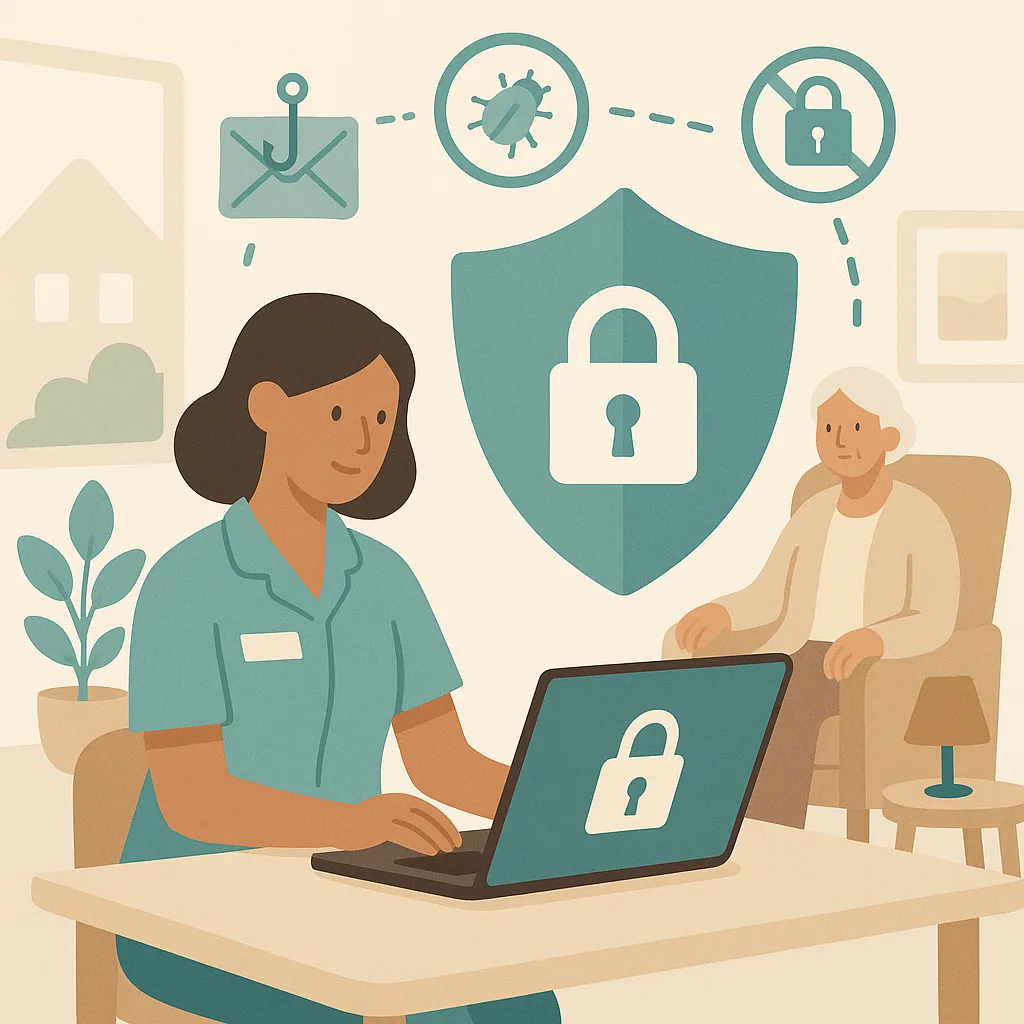
Cyber Security
This training covers how to protect our computer systems, data and the people we support from cyber threats. You will learn our security procedures, how to recognise risks like phishing and viruses, and your responsibilities under data protection law. Cyber security is everyone's responsibility and protects both our service users and our organisation.
Bulk discounts from 10+ licences
 Annual Certificate
ICO Training
This training covers your responsibilities under UK data protection law when handling personal information about the people we support, colleagues, and others. You will learn how to protect privacy, handle information correctly, and respond to data breaches in line with our service's policies and ICO requirements.
Bulk discounts from 10+ licences
 Annual Certificate
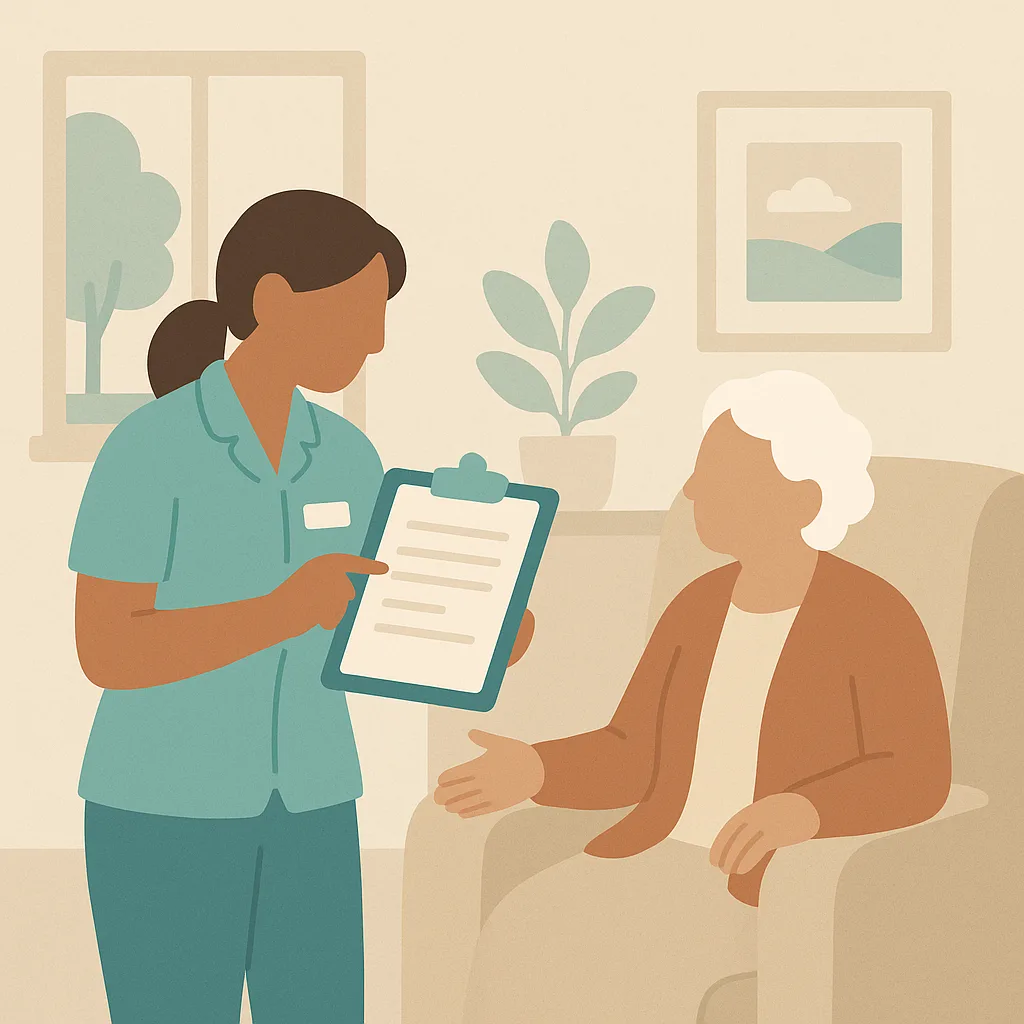
Person-Centred Care Planning
This training covers how to create and maintain care plans that truly reflect each resident's individual needs, preferences, and goals. You will learn how to involve residents and their families in planning care, and how to ensure care plans guide daily practice in a way that respects dignity, choice, and independence.
Bulk discounts from 10+ licences
 Annual Certificate
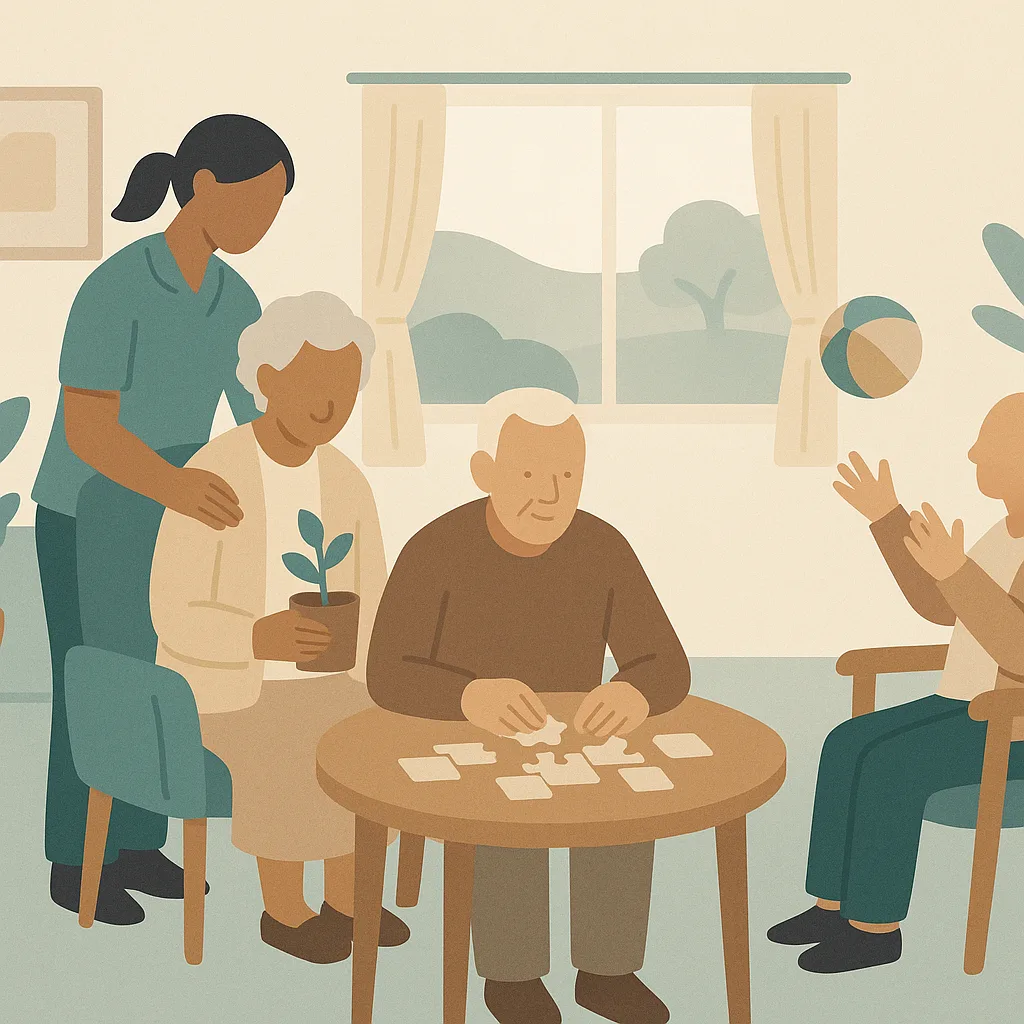
Activities, Wellbeing and Meaningful Occupation
This training helps you support residents to live fulfilling lives through meaningful activities and occupation. You will learn how to recognise individual interests, promote wellbeing, and create opportunities for engagement that respect each person's abilities and preferences. This matters because meaningful activity is central to quality of life and is a CQC fundamental standard.
Bulk discounts from 10+ licences
Give your team national data opt-out training that actually sticks.
Add it to your basket, allocate it in seconds, and let the evidence build itself.
Compared
Three ways to train a care team.
These modules are written and kept current by us, so your managers do not have to write or maintain them. We have compared what each approach does rather than naming providers, because products change and this should still be true next year.
| CareStream | A generic e-learning library | A trainer you book | |
|---|---|---|---|
| Try a real lesson and a real question before you buy | |||
| Learning outcomes and time to complete stated up front | |||
| Written lesson sections, each with its own illustration | |||
| Interactive exercises after the lesson that teaches them, in every module | |||
| Assessment in every module, with the key points to revisit | |||
| Taken in any of sixty plus languages | |||
| A wrong answer triggers a follow-up lesson, not just a re-sit | |||
| Practical sign-off by a manager where the subject needs it | |||
| Completion files itself into your training matrix and evidence pack | |||
| Bought one module at a time, with no annual contract |
Generic libraries are often cheaper per learner. They teach a national standard rather than being built, updated and evidenced around the way a CQC-registered service is actually inspected.
Care policies
Every module is written from a policy
If the policy behind it is out of date, the training inherits that. Sixty six policies written for your service, checked against current law and read by a person before they carry your name, from £39.