Telephone Triage and Care Navigation training that gets your team CQC-ready
- CQC-aligned, mapped to the Care Certificate framework
- Completed in the hub in over 60 languages
- A certificate for every staff member, for your CQC evidence
- A wrong answer triggers a follow-up lesson, so gaps are closed
No subscription needed. Bulk discounts from 10+ licences.
From £25.99 per staff member, one-off. No subscription needed.
Trusted by UK care providers
Specialists in the technology behind it all
The same technology behind the world's best products powers CareStream, so your team's telephone triage and care navigation training stays accurate, always up to date with the latest guidance, and is delivered in over 60 languages.
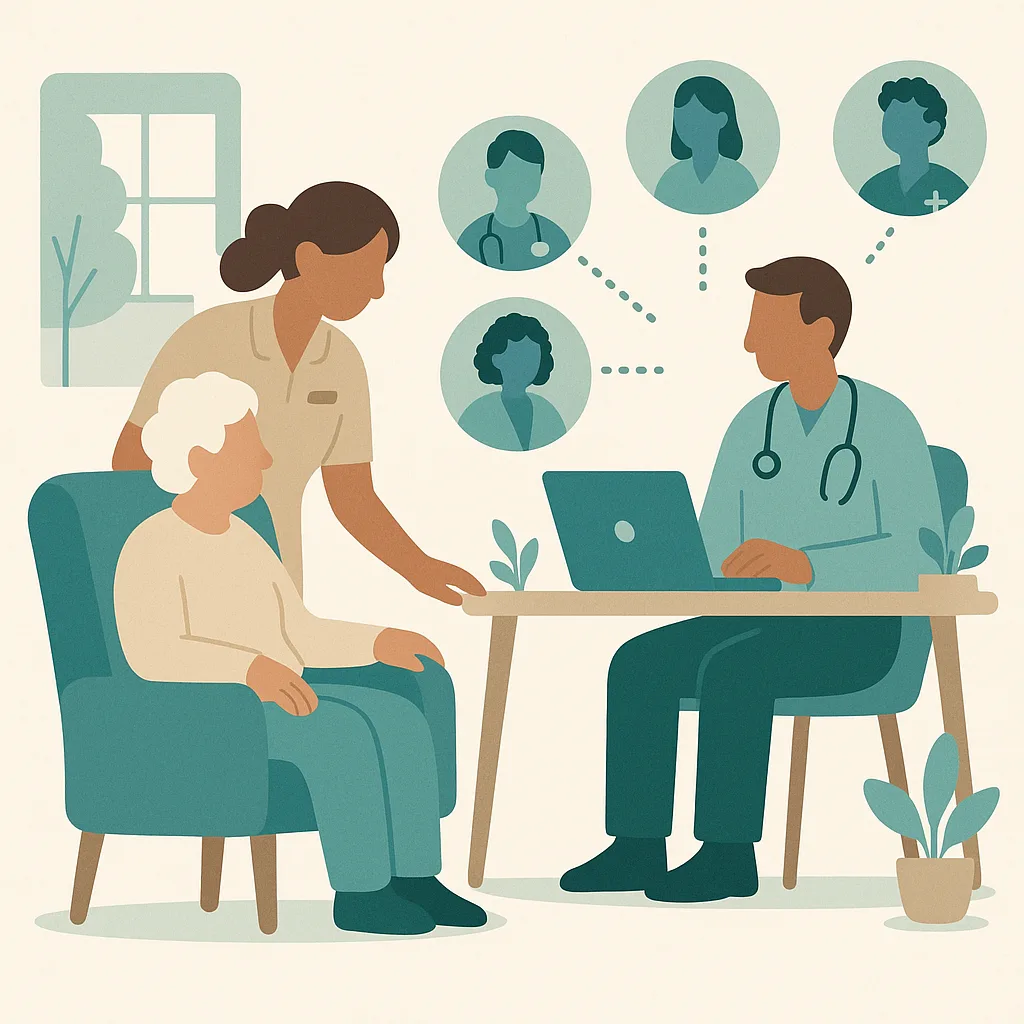
Understanding the Modern General Practice Model
Our practice uses a total triage model where every patient request is assessed before an appointment is simply booked. This means we match patients to the right professional in our expanded team, which includes GPs, nurses, clinical pharmacists, physiotherapists, paramedics, mental health workers and social prescribers.
The morning surge of calls and online requests is our busiest time, when every contact needs to be understood and directed appropriately. This model helps manage demand fairly while keeping patients safe and getting them to the right care at the right speed.
A care navigator receives a call from a patient asking for antibiotics for a cough. What is the most appropriate action?
In the hub, a wrong answer sends the staff member a short follow-up lesson and a fresh question on the same point. They close the gap before they can finish the module, and every attempt is recorded for your CQC evidence.
That is how the training works. Give your whole team the full Telephone Triage and Care Navigation module.
Avg. Duration
About 35 minutes
Certificate
For every staff member
Available Languages (60+)
Course Published by

A clear, practical grounding in telephone triage and care navigation.
This training explains how our practice assesses patient requests by telephone and directs them to the right service or professional. You will learn the difference between care navigation (signposting patients to appropriate services) and clinical triage (assessing urgency and need), how to work safely within your role boundaries, and how to ensure fair access for all patients including those who struggle with telephone or digital systems.
By the end, your staff will be able to:
- Explain the difference between care navigation and clinical triage and identify which tasks belong to each role
- Apply the practice's telephone triage protocols to direct patients safely to the appropriate service or team member
- Recognise urgent or emergency situations that require immediate escalation during telephone contact
- Demonstrate how to protect patient confidentiality and fair access during telephone triage and navigation
- Describe appropriate safety netting and documentation requirements for telephone assessments
A closer look at the telephone triage and care navigation module.
The module is built in short, practical sections. Each one teaches a part of the topic, then applies it to a real care scenario and checks understanding before moving on.
Understanding the Modern General Practice Model
Our practice uses a total triage model where every patient request is assessed before an appointment is simply booked. This means we match patients to the right professional in our expanded team, which includes GPs, nurses, clinical pharmacists, physiotherapists, paramedics, mental health workers and social prescribers. The morning surge of calls and online requests is our busiest time, when every contact needs to be understood and directed appropriately. This model helps manage demand fairly while keeping patients safe and getting them to the right care at the right speed.
Care Navigation and Active Signposting
Care navigation means directing patients to the most suitable service or professional, often done by trained reception staff. As a care navigator you signpost within agreed protocols and never give clinical advice or diagnose conditions. You must know local services well, use the navigation directory accurately, and work strictly within your competence. When anything is clinical, uncertain or outside your training, you escalate to the triage clinician or duty doctor rather than guessing. Active signposting helps patients reach the right care faster and protects GP time for complex medical needs.
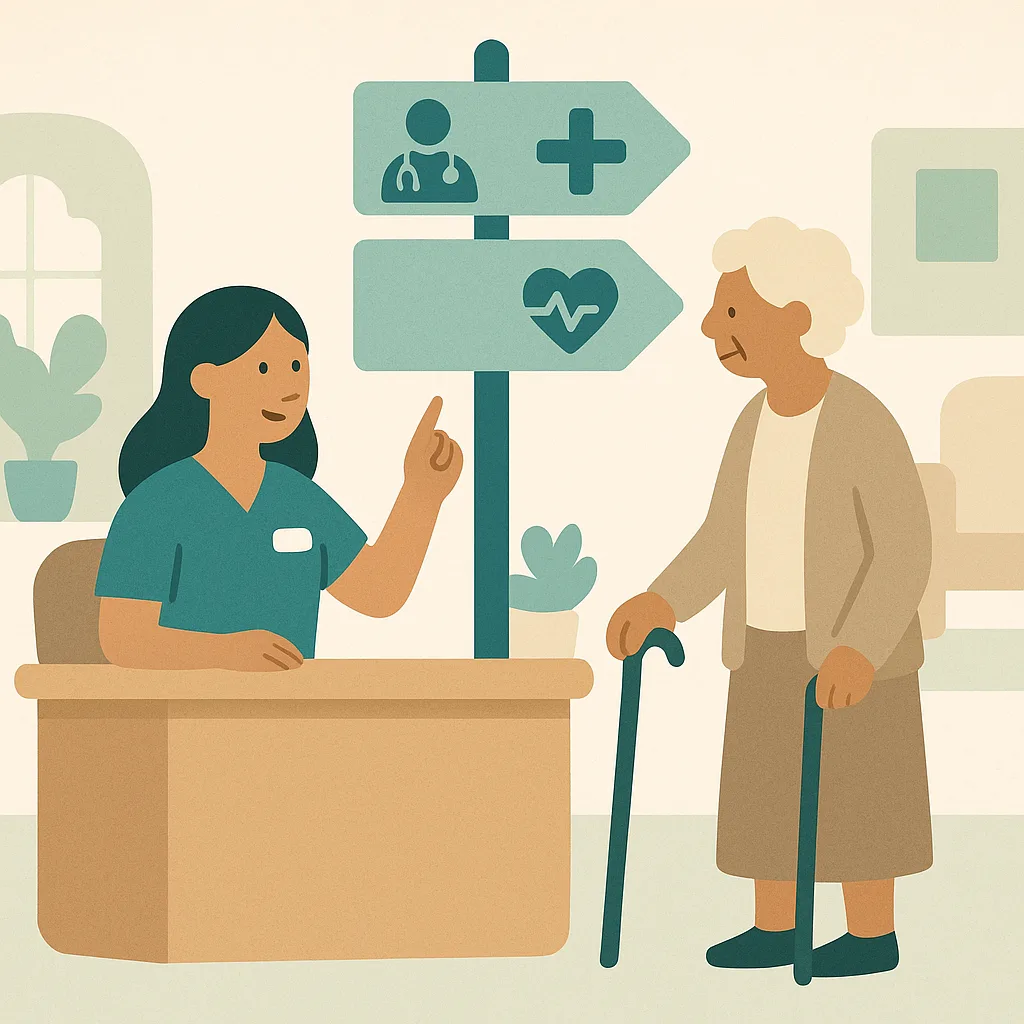
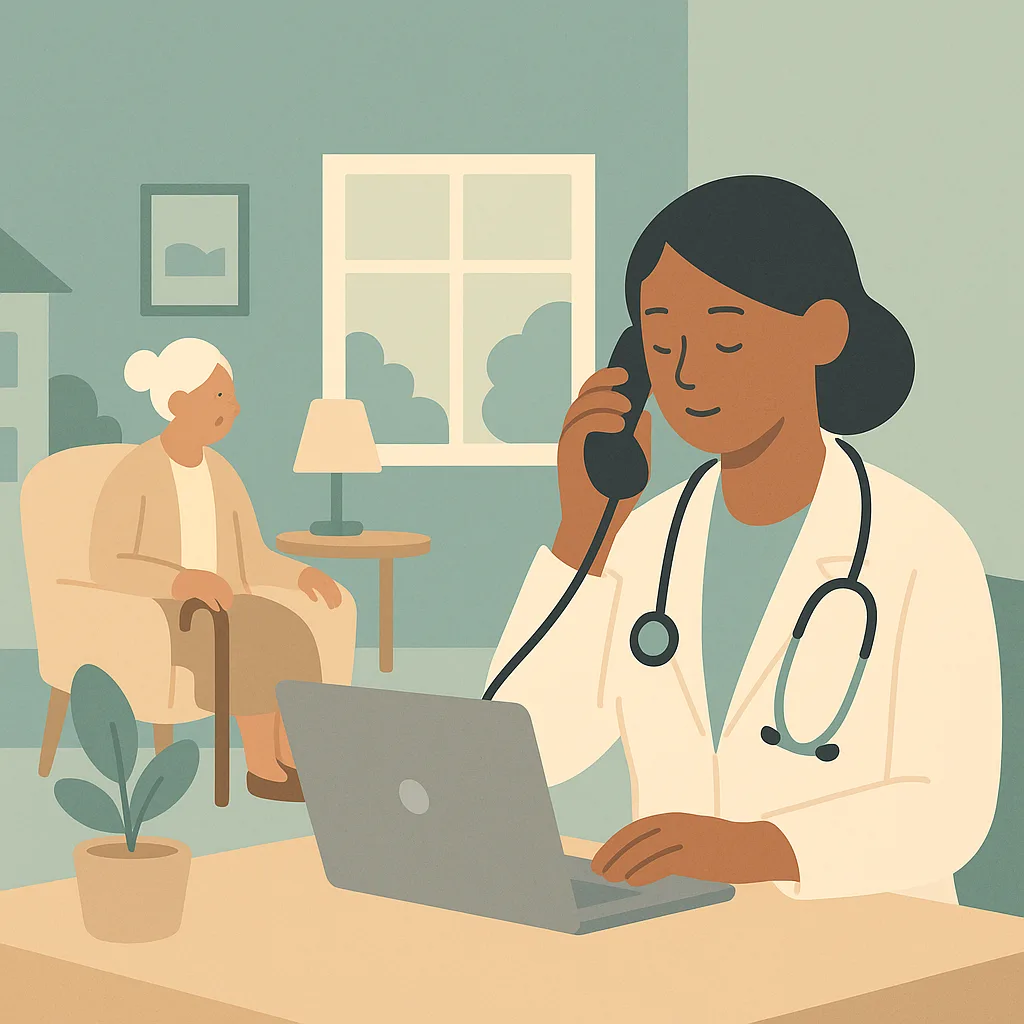
Clinical Telephone Triage
Clinical telephone triage is the assessment of a patient's urgency and need by a GP, nurse or paramedic to decide on the right action. The triage clinician calls the patient back, assesses them over the phone, and decides whether they need advice, a prescription, a face to face appointment, or urgent referral. Telephone triage requires skill because you cannot see the patient, so you must listen carefully, ask the right questions, recognise red flags, and give clear safety netting about what to watch for and when to seek further help. It is always better to see someone face to face if there is any doubt.
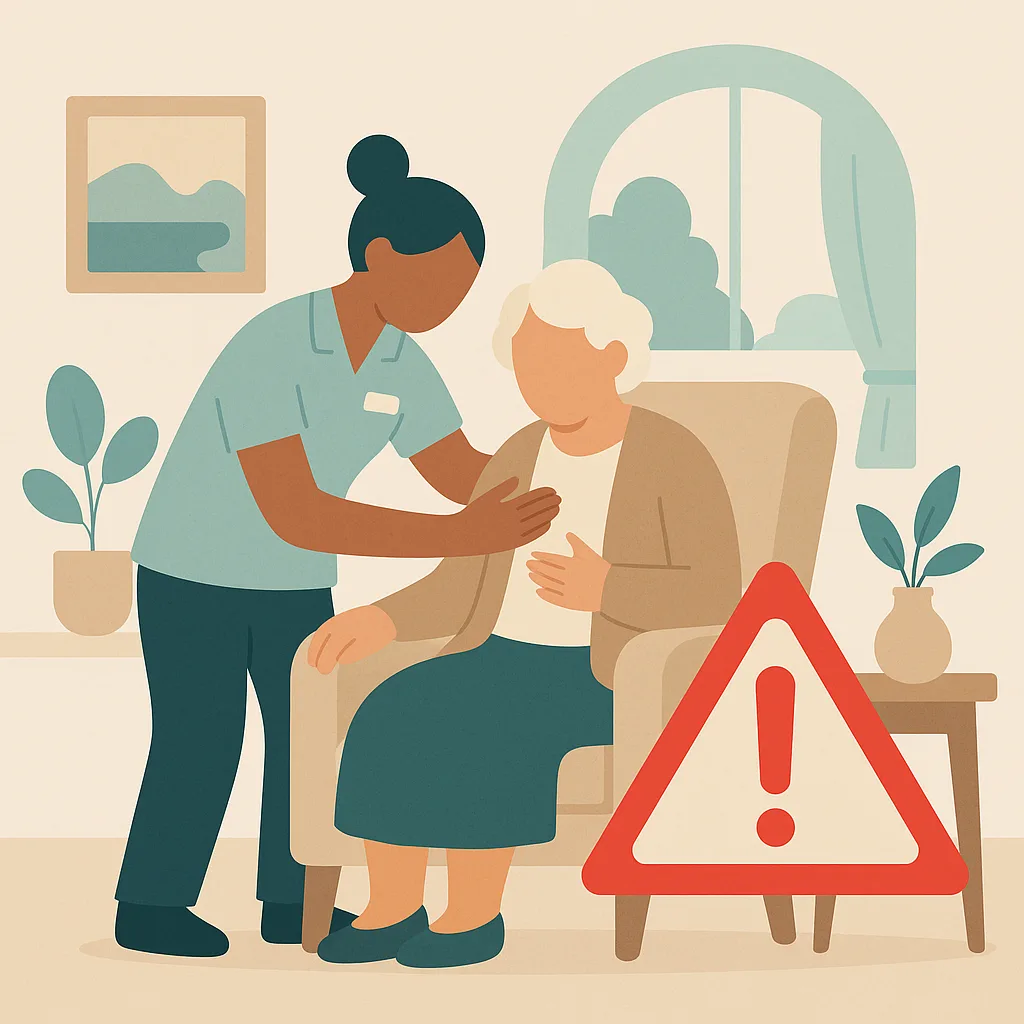
Recognising Urgency and Red Flags
Both care navigators and triage clinicians must recognise signs of serious illness or emergency that need immediate action. Red flags include symptoms of heart attack, stroke, severe breathing difficulty, someone in mental health crisis, severe bleeding, sudden collapse, or signs of sepsis. If you hear these signs you escalate immediately and call 999 rather than working through a script. It is far better to over refer than to miss something serious. A care navigator who is unsure whether something is urgent must always pass it to the triage clinician or duty doctor straight away.
Communication Skills Without Visual Cues
Assessing patients by telephone requires strong communication skills because you cannot see their face, body language or how unwell they look. You must listen carefully to their words, tone of voice and breathing. Ask open questions that let them describe their problem fully. Show empathy and acknowledge their concerns. Read distress, anxiety or pain in their voice. Stay calm with frustrated or angry callers and do not take it personally. Silence or hesitation may mean they are struggling to speak or are very unwell. Always clarify what you have understood and check they have understood your advice or directions.
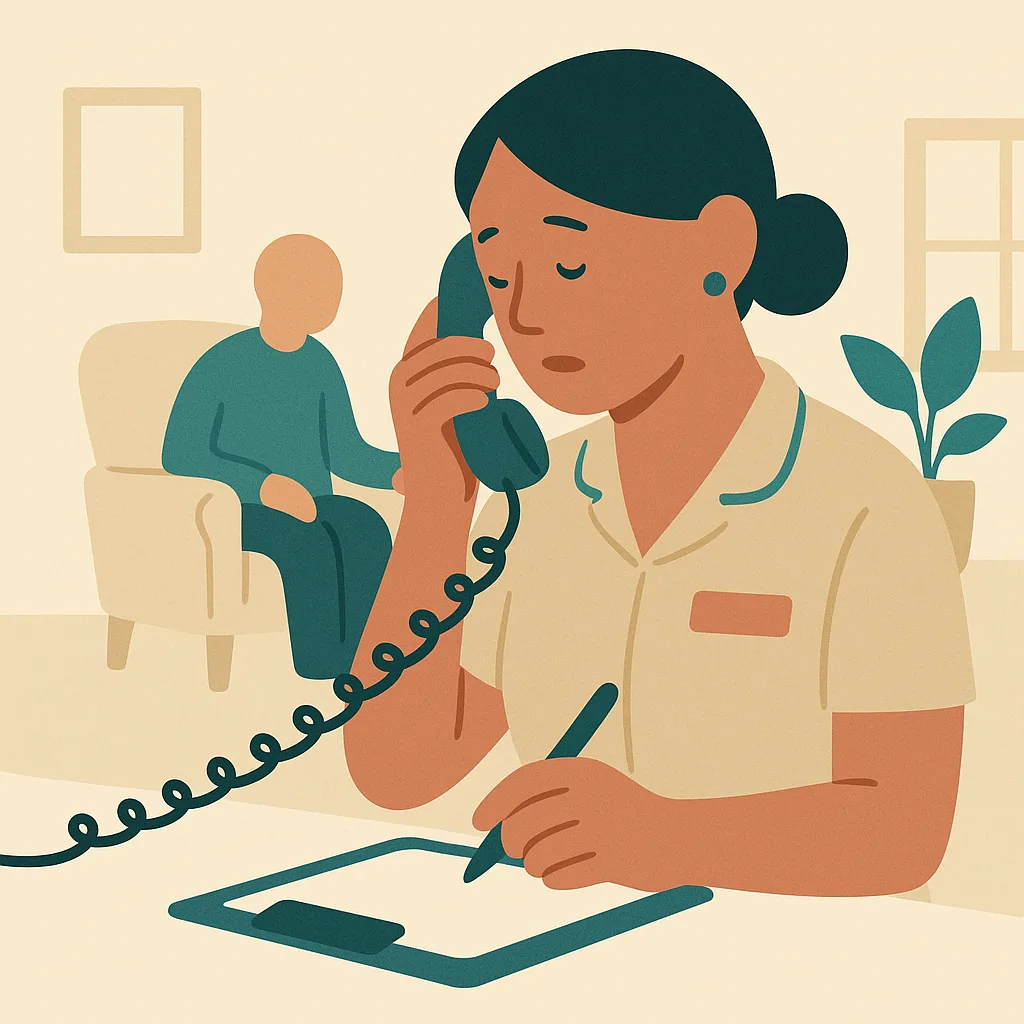
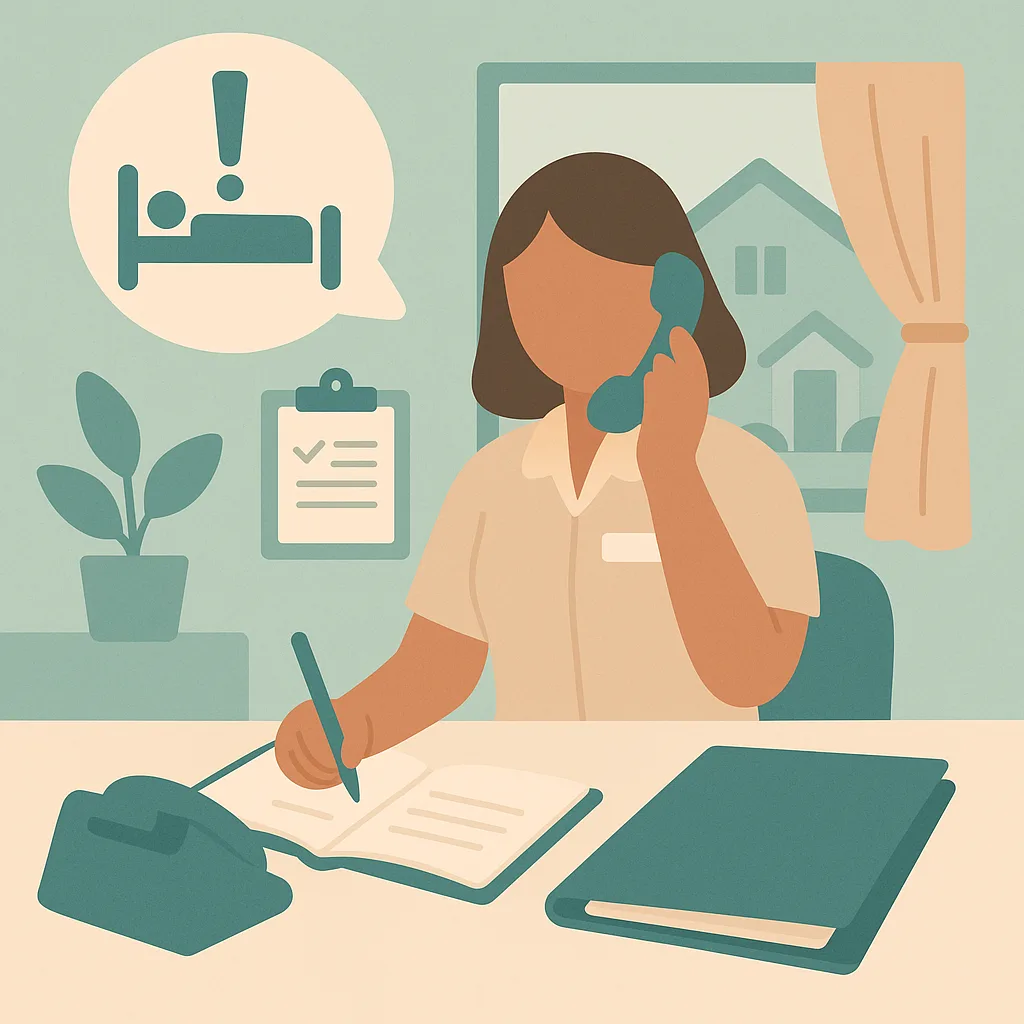
Safety Netting and Documentation
Safety netting means giving clear advice about what to watch for and when to seek further help, especially important when assessing by telephone. Tell patients what symptoms would mean they need to call back, come in or go to emergency care. Document every telephone contact including the request, your assessment, the decision made and the safety netting given. Record who you spoke to, the time, and any red flags discussed. Good documentation protects patients and staff if something is missed or changes. Always escalate and document when you are unsure, because it is better to over refer than to miss something serious.
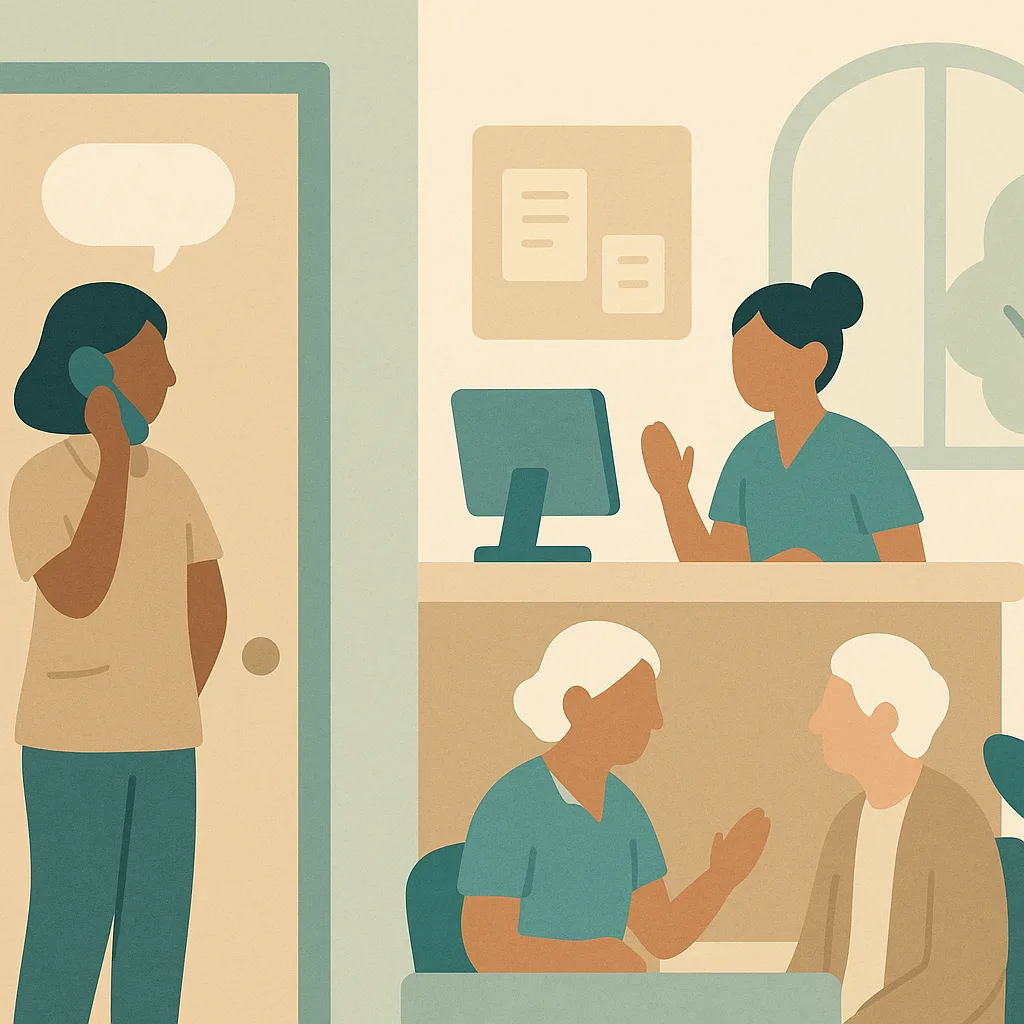
Confidentiality and Privacy at a Busy Reception
Telephone triage and navigation often happen at a busy front desk where other patients can overhear. You must protect patient confidentiality and privacy even under pressure. Take sensitive calls in a private space if possible or speak quietly and avoid using names or details that identify the patient. Do not discuss patient information where others can hear. If someone calls about another person, verify you can speak to them and that the patient has consented. Be especially careful with mental health, sexual health or safeguarding concerns. Confidentiality is a legal duty under data protection law and a core part of maintaining trust.
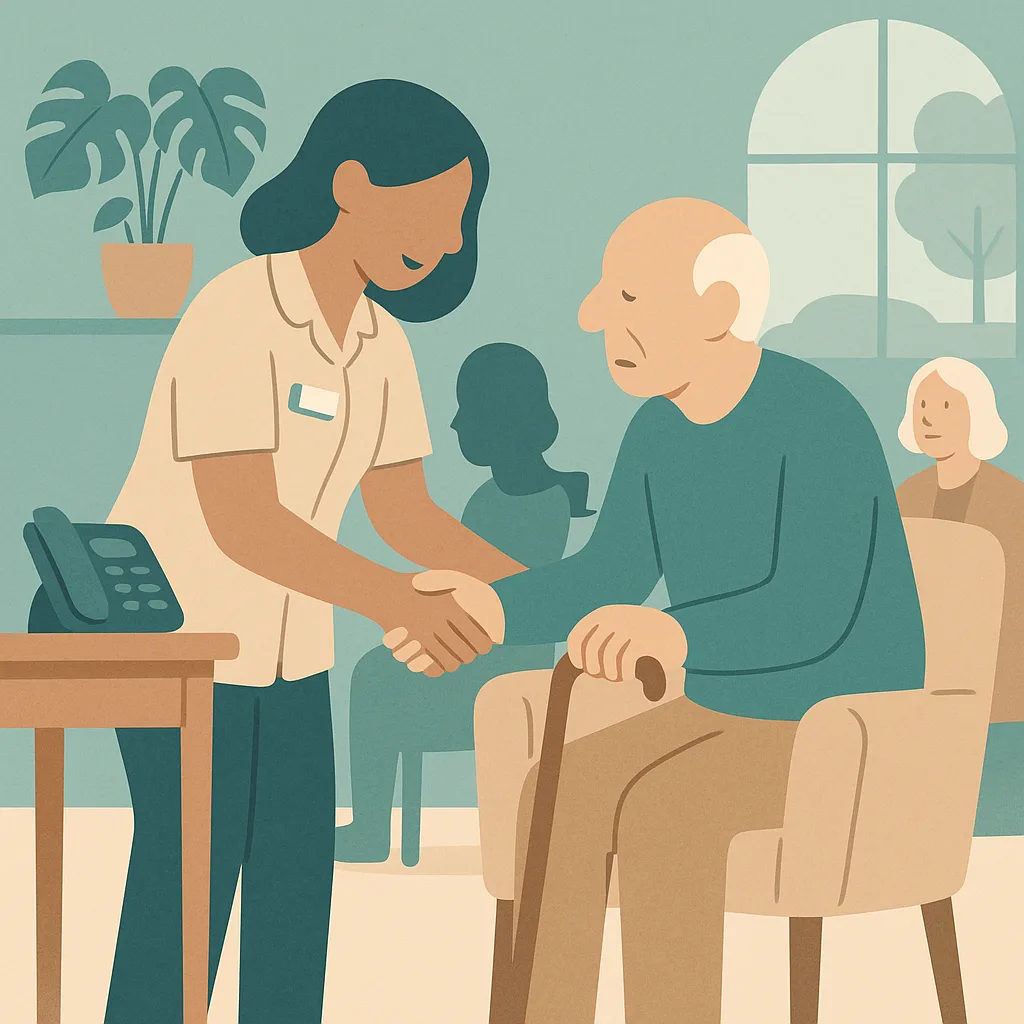
Fair Access and Health Inequalities
A telephone and digital first model can disadvantage vulnerable patients and those who struggle with technology, language barriers, hearing difficulties, learning disabilities or mental health problems. You must actively help these patients rather than letting them fall through the gaps. Offer face to face contact or home visits when telephone assessment is not suitable. Recognise when someone is being bounced between services and advocate for them. Do not assume everyone can use online systems or articulate their needs clearly over the phone. Fair access means flexing the system to meet people's needs, not expecting everyone to fit the system. This is both a legal duty under the Equality Act and a matter of fairness.
The things your team must remember.
- Care navigators signpost patients to appropriate services and never give clinical advice or diagnose, escalating anything clinical or uncertain to the triage clinician
- Clinical telephone triage assesses urgency and need without visual cues, requiring careful listening, questioning and recognition of red flags for immediate escalation
- Always give clear safety netting advice about what to watch for and when to seek further help, and document every contact thoroughly
- Protect patient confidentiality even at a busy reception, taking sensitive calls privately and never discussing patient details where others can hear
- Ensure fair access by actively helping vulnerable patients and those who struggle with telephone or digital systems rather than letting them fall through gaps
- It is always better to escalate and over refer when unsure than to miss something serious, and urgent red flags require immediate action not routine booking
Not a slideshow once a year. Training that sticks.
CareStream delivers telephone triage and care navigation training in the hub your team already uses, grounded in best practice and your own policies, so it fits your care setting and not a generic template.
Short teaching sections and a real care scenario, then an assessment that checks understanding.
Staff complete it in over 60 languages, while your records stay in English.
A wrong answer triggers a short follow-up lesson and a fresh question, so the gap is closed.
Automatic reminders at 90, 30 and 7 days, with a live compliance dashboard.
From your dashboard to your team, in the CareStream hub.
Training is delivered in the hub each staff member logs into. You allocate the modules, they complete them in their own language, and you get the completion records and certificates for your CQC evidence, with any gaps closed by automatic follow up training.
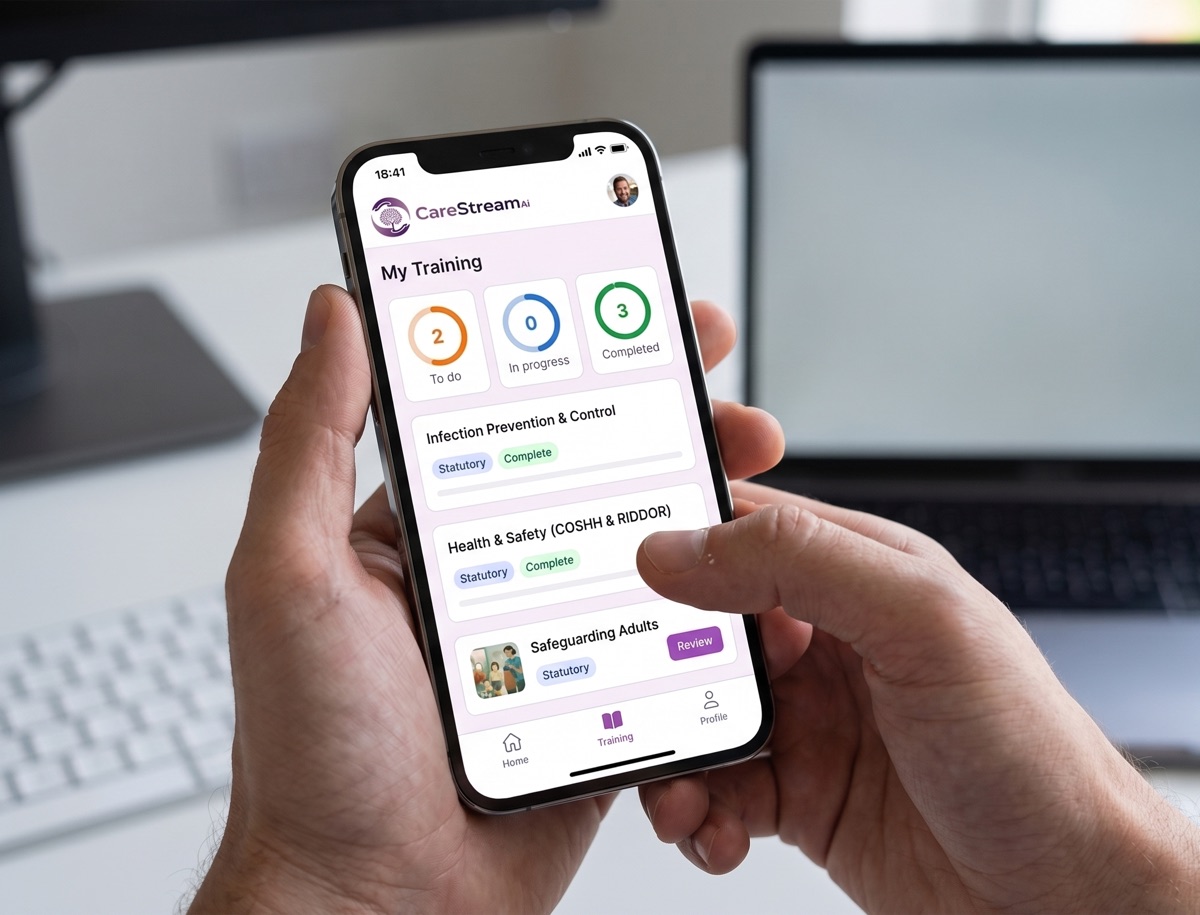
Assign Telephone Triage and Care Navigation to each staff member in seconds. No course builder and no setup for each person.
Staff work through the module on any device, in over 60 languages, teaching then checking understanding. A wrong answer sends a short follow up lesson.
See live completion status and a certificate for every person, ready as evidence for CQC.
Any step, in their language, in one tap.
Care teams are diverse and training should not leave anyone behind. On any lesson or question, a staff member taps the language button and the whole step flips into the language they think in. They understand it properly, and your records stay in English.
- One tap flips any lesson or question into their language, instantly.
- Over 60 languages, with no setup and no separate versions to manage.
- Completions and certificates stay in English for your CQC evidence.
Try the language buttons in the preview above.
Built for real learning, not box ticking
Every CareStream course goes further than a lesson and a quiz. These features come as standard on every course, giving your staff a richer way to learn and giving you the evidence to prove it.
Every course is built on recognised UK guidance and cites its sources, from NICE and Skills for Care to the NHS and the legislation itself.
A plain English glossary of the technical terms in each course. A simple way to support every learner, including staff with English as a second language.
A quick knowledge check before the lesson is compared with the final assessment, so every certificate comes with evidence of how much the course actually taught.
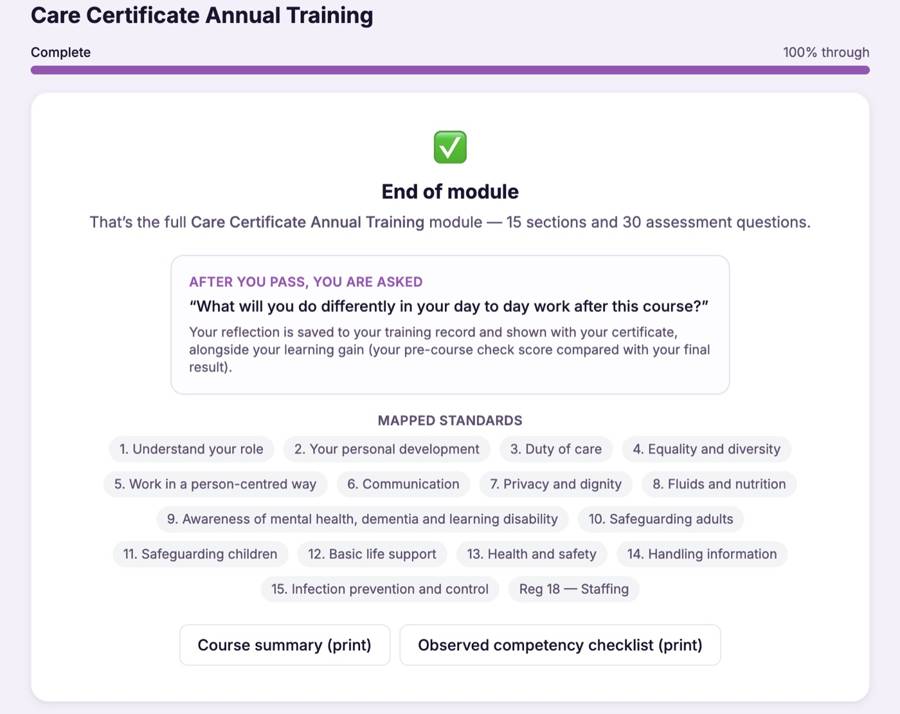
After passing, staff record what they will do differently in their day to day work. Their reflection is saved to their training record and shown with their certificate.
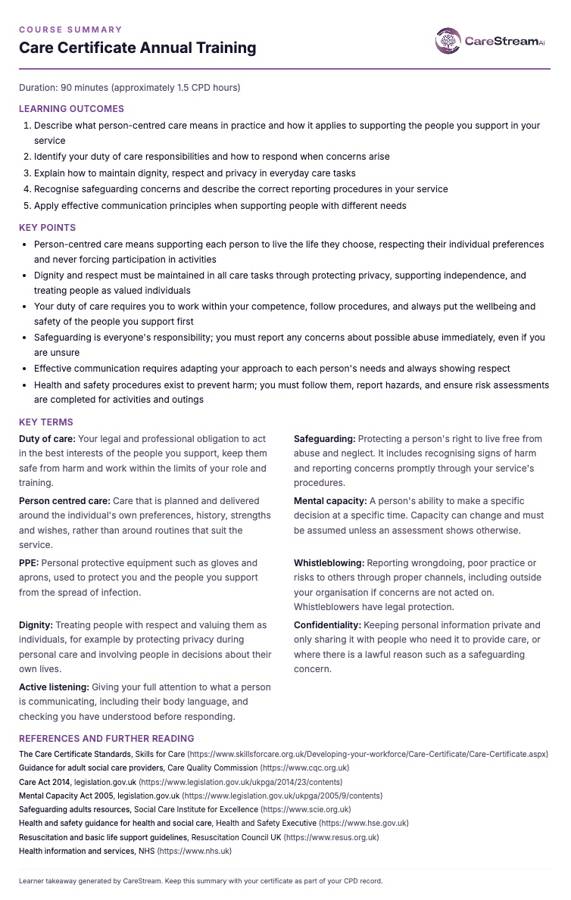
A printable one page takeaway of the outcomes, key points and key terms. Perfect for staff files, supervision conversations and the staff room wall.
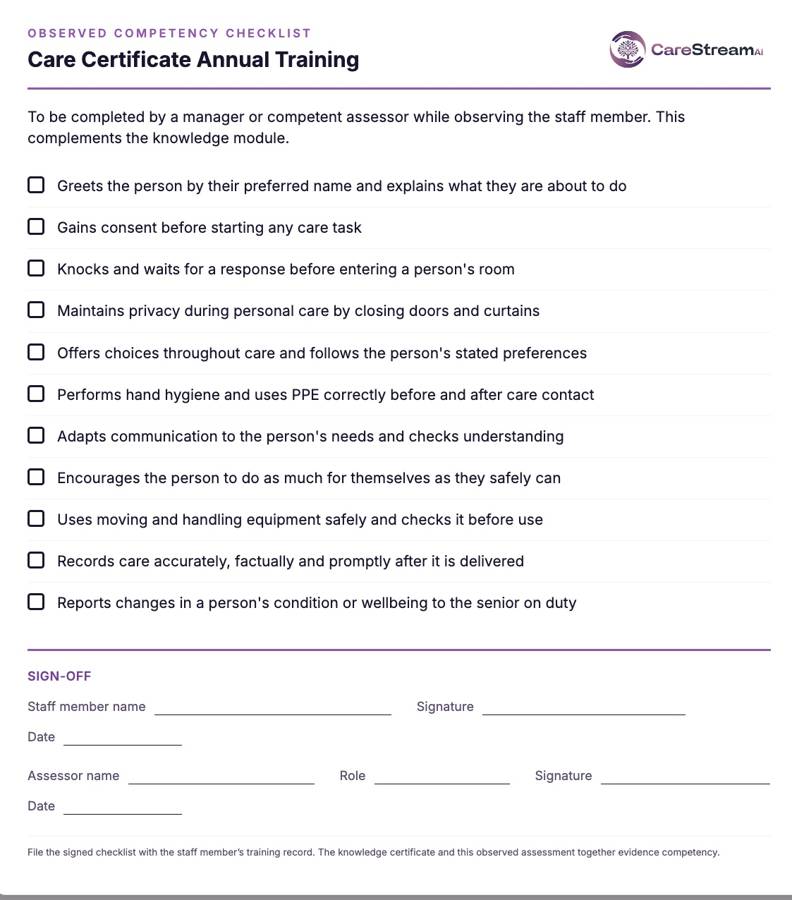
A printable checklist for managers to confirm skills in practice, with a sign off section. It completes the picture beyond the knowledge assessment.
Wrong answers become lessons, not failures
Most e learning marks an answer wrong and moves on. CareStream does not. Every wrong answer triggers an automatic follow up loop that teaches the point again and rechecks it, so no knowledge gap is left behind.
A wrong answer immediately opens a short lesson explaining the point, so the gap is closed there and then.
A fresh question on the same point checks the lesson has landed. The loop repeats until it has.
Staff move on to the next module and their certificate once they genuinely know the answer, not just after one lucky guess.
Why choose CareStream?
Training built for the care sector, delivered the way busy teams actually learn.
- 90+ care-specific training courses
- Bitesize, engaging lessons your staff actually finish
- Mapped to the Care Certificate & CQC standards
- Available in 60+ languages
- Instant certificate on completion
- Flexible learning, anytime, on any device
- Content kept up to date with UK care regulations
- Time to complete: ~35 min
Frequently asked questions.
Is Telephone Triage and Care Navigation training mandatory in care settings?
How often should staff complete Telephone Triage and Care Navigation training?
Can CareStream deliver Telephone Triage and Care Navigation training in other languages?
Does the training include an assessment?
More training your team may need
More mandatory and role-specific training CareStream delivers to your team, in the hub, in any language. Add any of these to your basket.
 Annual Certificate
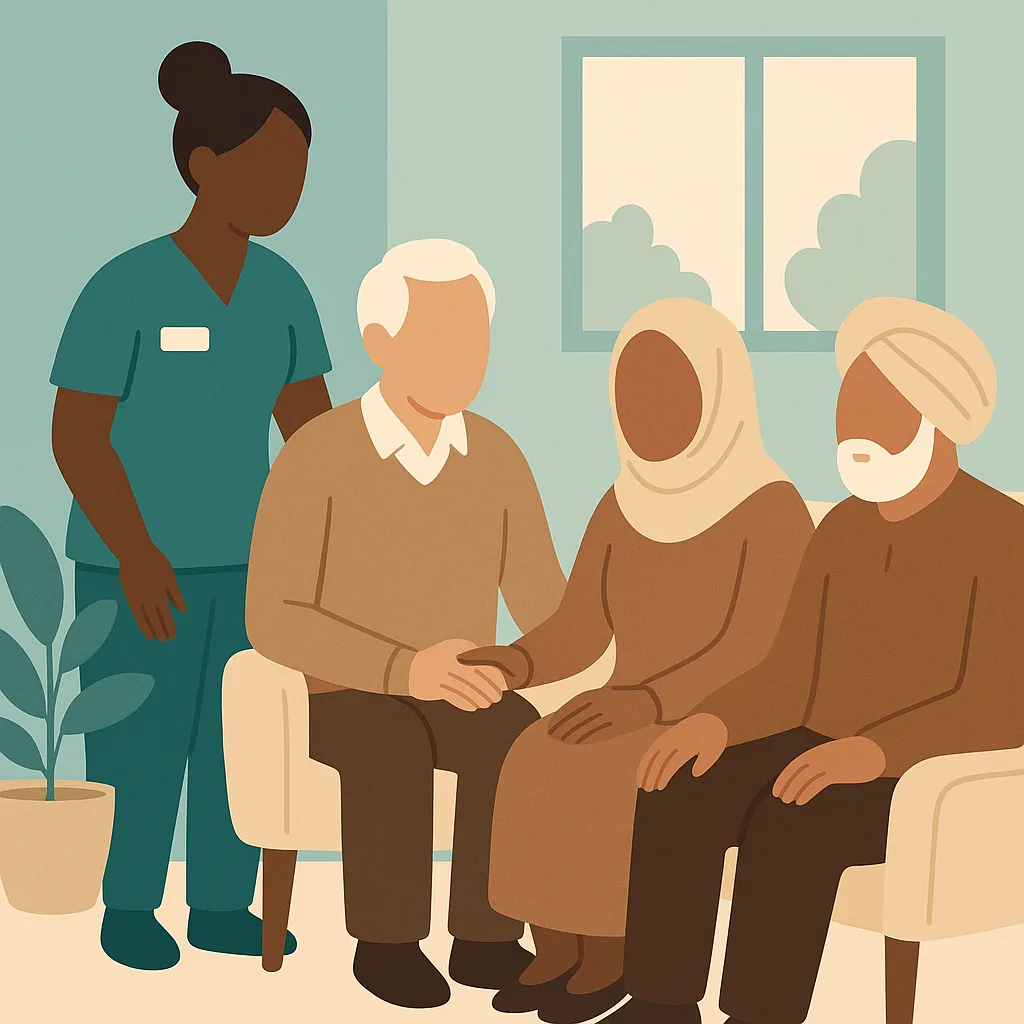
Cultural Diversity in Care
This training helps you understand and respect the diverse cultural, religious and personal backgrounds of the people we support. You will learn how to provide person-centred care that honours each individual's identity, beliefs and preferences. This is essential to meeting CQC fundamental standards and ensuring everyone feels valued and respected in our service.
Bulk discounts from 10+ licences
 Annual Certificate
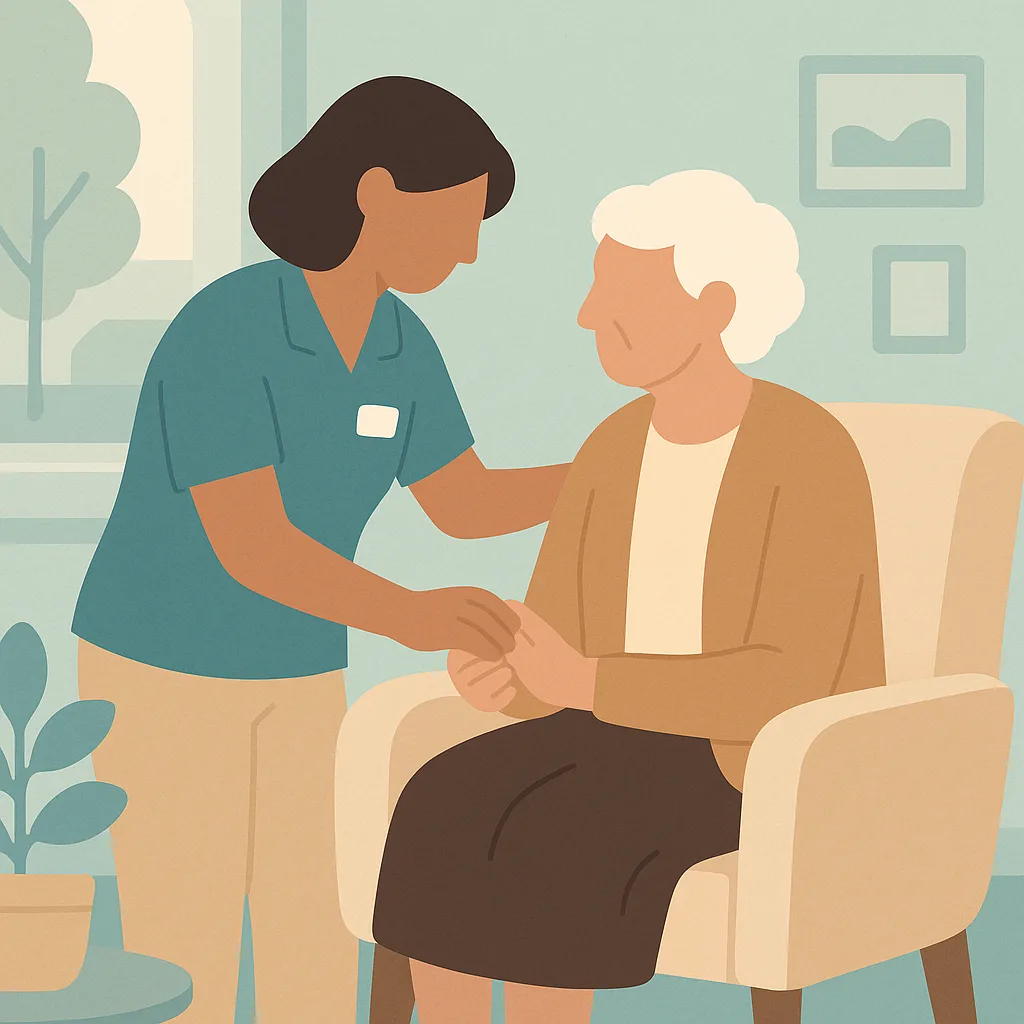
Dementia Awareness
This training helps you understand dementia and how to provide person centred care to residents living with dementia at our home. You will learn to recognise signs of dementia, support residents with dignity and respect, and follow our policies to meet their individual needs.
Bulk discounts from 10+ licences
 Annual Certificate
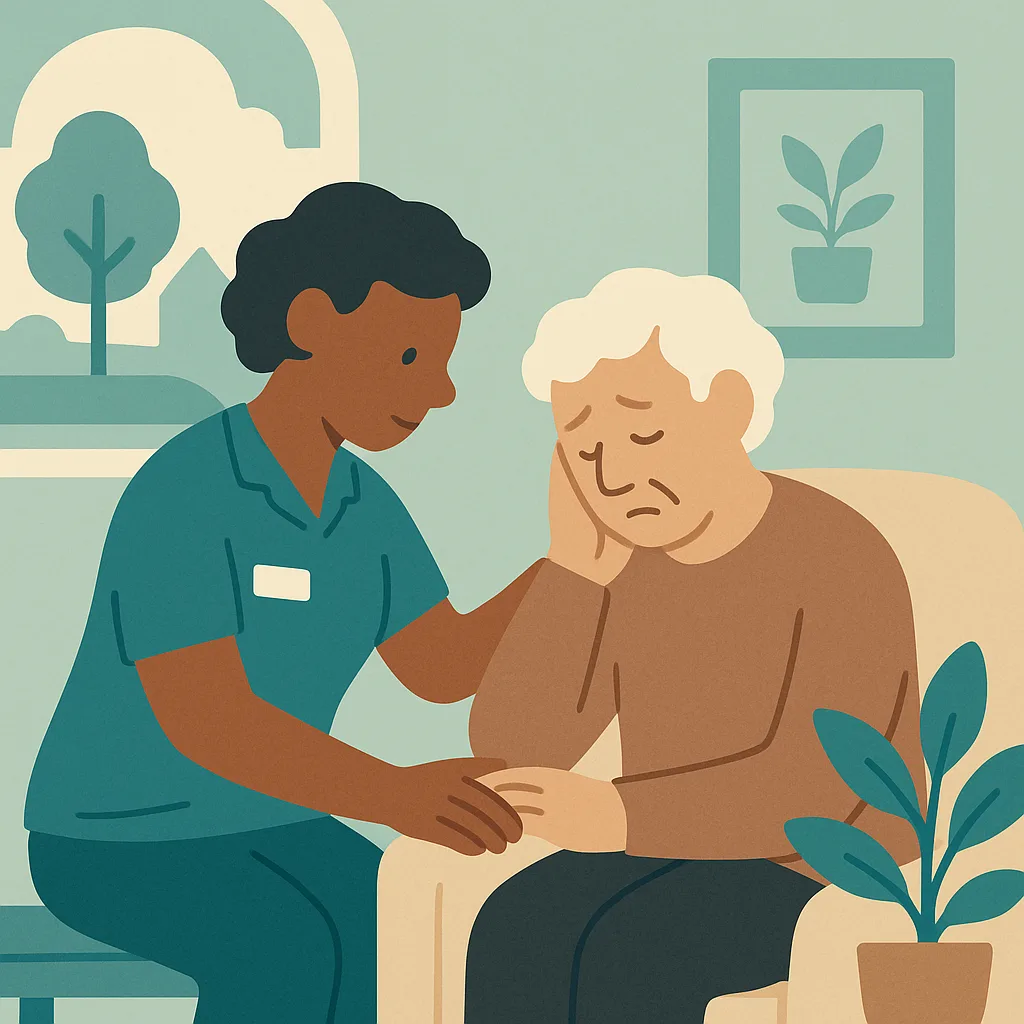
Mental Health Awareness
This module helps you recognise signs of mental health difficulties in residents and respond with compassion and respect. You will learn how mental health affects wellbeing, how to support residents experiencing distress, and when to seek additional help. Understanding mental health is essential to providing person centred care that maintains dignity.
Bulk discounts from 10+ licences
 Annual Certificate
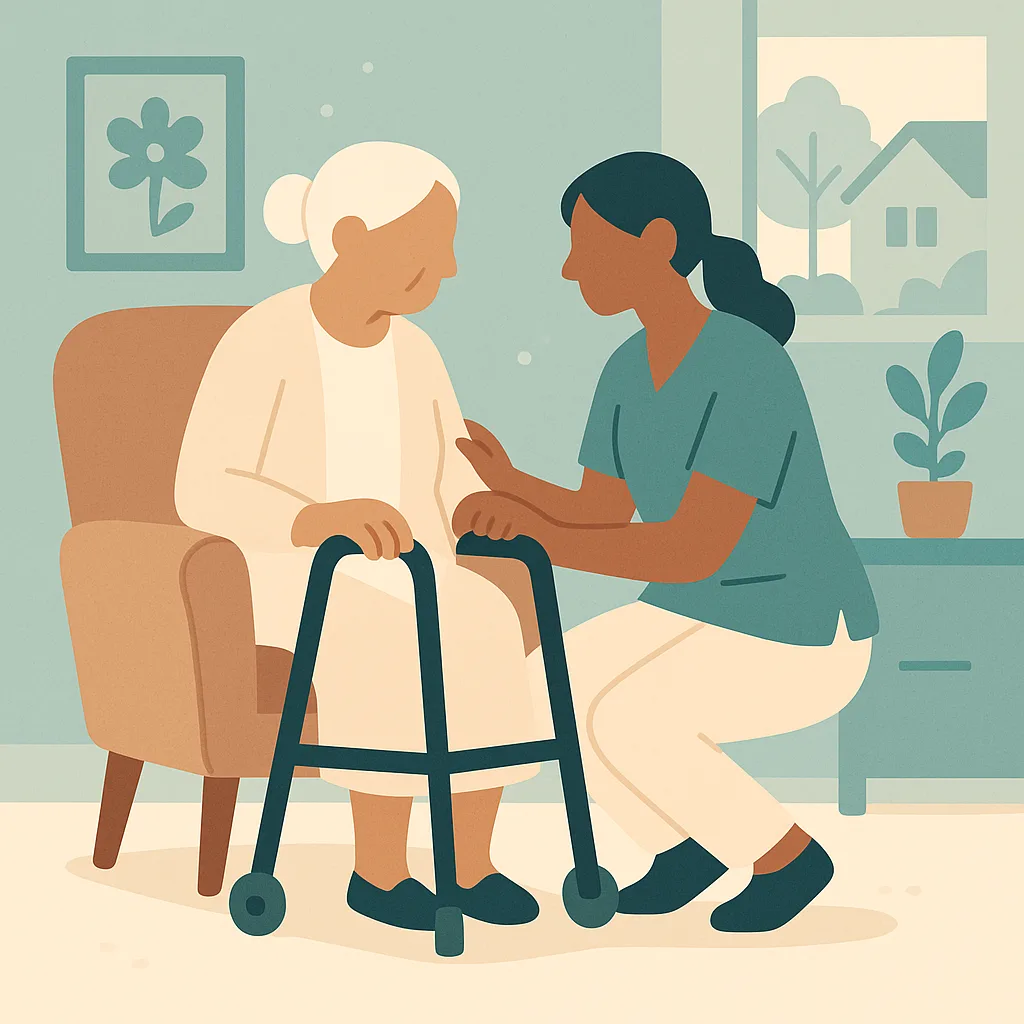
Dementia Care
This annual refresher covers essential dementia care principles for staff working in our nursing home. You will learn how to support people living with dementia through person centred approaches, meaningful activities, and safe, dignified care that respects individual preferences and maintains wellbeing.
Bulk discounts from 10+ licences
 Annual Certificate
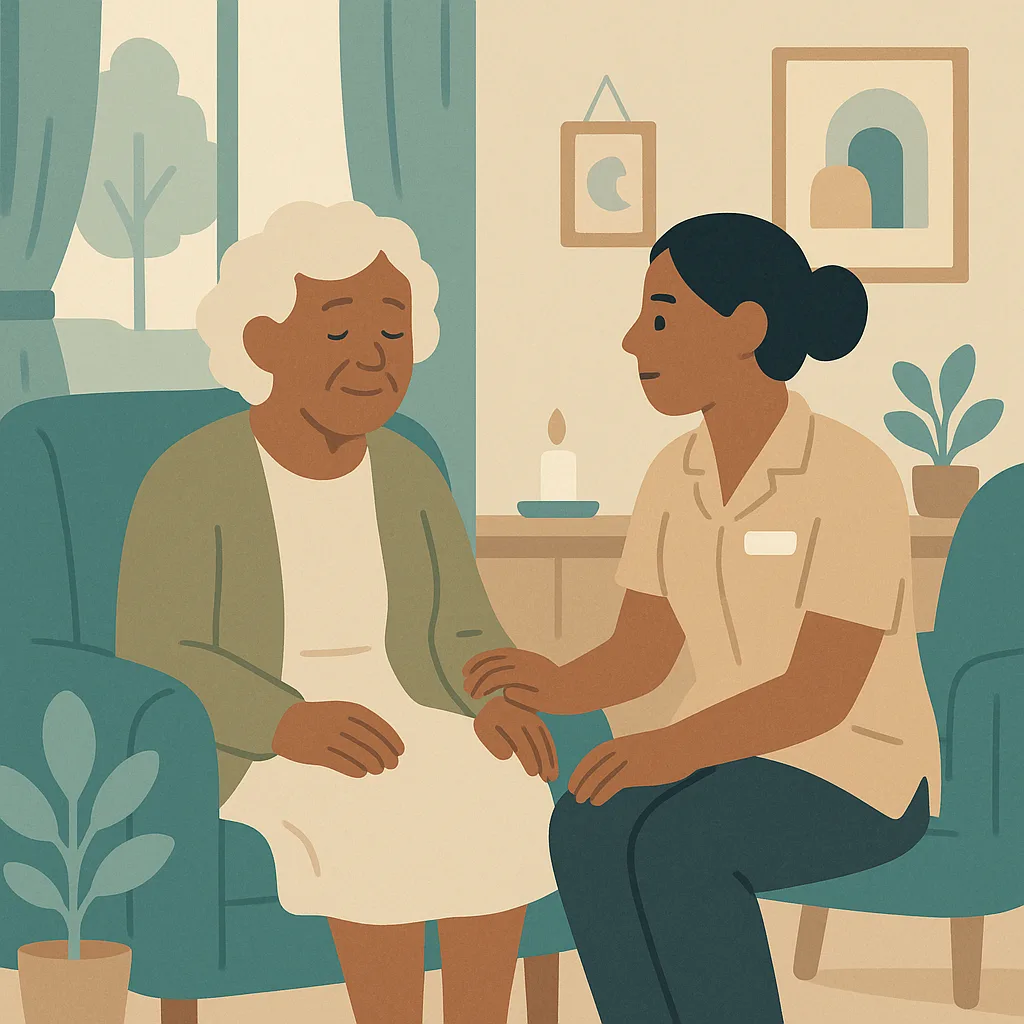
Cultural Diversity in Dementia Care
This module helps you provide person centred dementia care that respects and celebrates each person's cultural background, beliefs and traditions. You will learn how cultural identity remains important throughout dementia, and how to use our policies on activities and outings to support cultural and spiritual needs in meaningful ways.
Bulk discounts from 10+ licences
 Annual Certificate
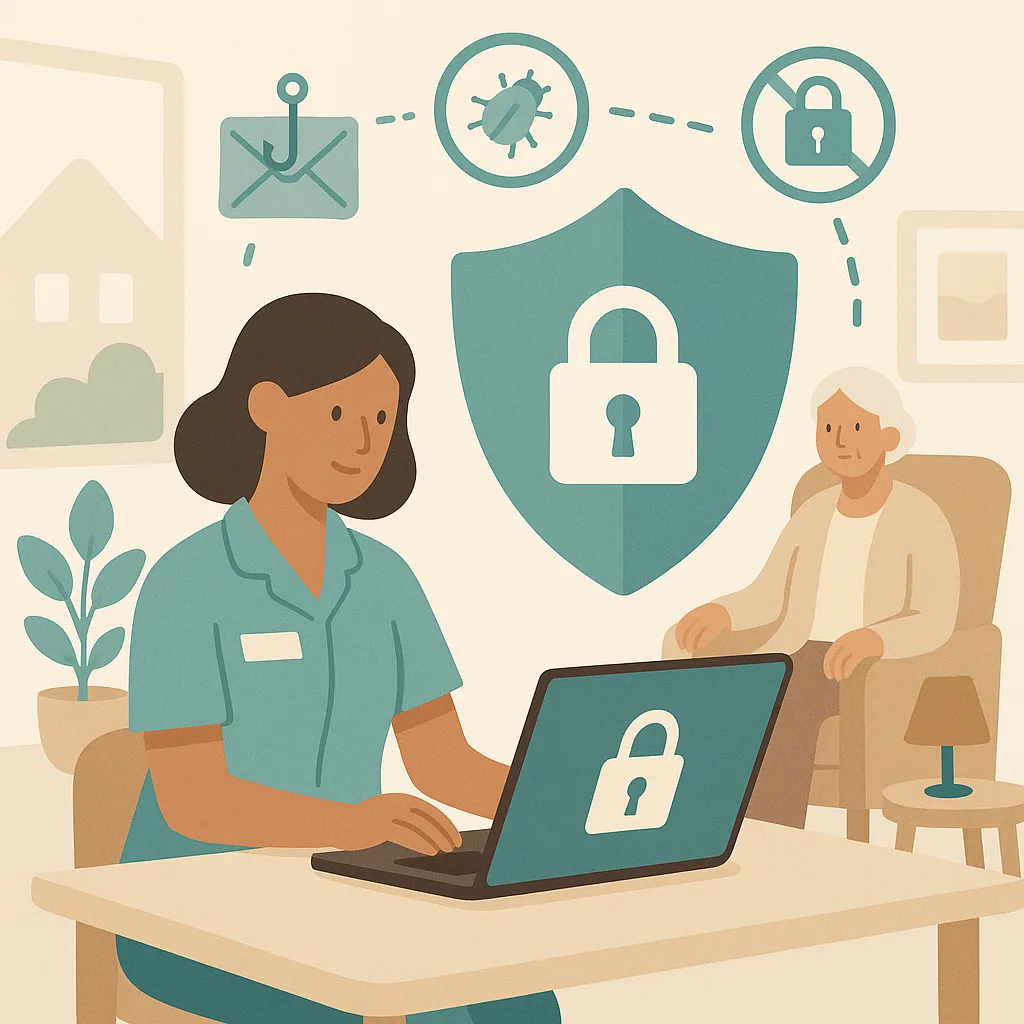
Cyber Security
This training covers how to protect our computer systems, data and the people we support from cyber threats. You will learn our security procedures, how to recognise risks like phishing and viruses, and your responsibilities under data protection law. Cyber security is everyone's responsibility and protects both our service users and our organisation.
Bulk discounts from 10+ licences
Give your team telephone triage and care navigation training that actually sticks.
Add it to your basket, allocate it in seconds, and let the evidence build itself.
Compared
Three ways to train a care team.
These modules are written and kept current by us, so your managers do not have to write or maintain them. We have compared what each approach does rather than naming providers, because products change and this should still be true next year.
| CareStream | A generic e-learning library | A trainer you book | |
|---|---|---|---|
| Try a real lesson and a real question before you buy | |||
| Learning outcomes and time to complete stated up front | |||
| Written lesson sections, each with its own illustration | |||
| Interactive exercises after the lesson that teaches them, in every module | |||
| Assessment in every module, with the key points to revisit | |||
| Taken in any of sixty plus languages | |||
| A wrong answer triggers a follow-up lesson, not just a re-sit | |||
| Practical sign-off by a manager where the subject needs it | |||
| Completion files itself into your training matrix and evidence pack | |||
| Bought one module at a time, with no annual contract |
Generic libraries are often cheaper per learner. They teach a national standard rather than being built, updated and evidenced around the way a CQC-registered service is actually inspected.
Care policies
Every module is written from a policy
If the policy behind it is out of date, the training inherits that. Sixty six policies written for your service, checked against current law and read by a person before they carry your name, from £39.