RIDDOR (Accident and Incident Reporting) training that gets your team CQC-ready
- CQC-aligned, mapped to the Care Certificate framework
- Completed in the hub in over 60 languages
- A certificate for every staff member, for your CQC evidence
- A wrong answer triggers a follow-up lesson, so gaps are closed
No subscription needed. Bulk discounts from 10+ licences.
From £25.99 per staff member, one-off. No subscription needed.
Trusted by UK care providers
Specialists in the technology behind it all
The same technology behind the world's best products powers CareStream, so your team's riddor (accident and incident reporting) training stays accurate, always up to date with the latest guidance, and is delivered in over 60 languages.
What is RIDDOR and Why It Matters
RIDDOR stands for the Reporting of Injuries, Diseases and Dangerous Occurrences Regulations 2013. It is a legal requirement that certain workplace accidents, injuries, diseases and dangerous occurrences are reported to the Health and Safety Executive.
This helps identify where risks arise and allows the HSE to investigate serious incidents. As care workers, you play a vital role in identifying reportable events and ensuring they are properly recorded so management can make the required reports.
Which of the following injuries to a staff member would be classified as a RIDDOR specified injury requiring immediate reporting?
In the hub, a wrong answer sends the staff member a short follow-up lesson and a fresh question on the same point. They close the gap before they can finish the module, and every attempt is recorded for your CQC evidence.
That is how the training works. Give your whole team the full RIDDOR (Accident and Incident Reporting) module.
Avg. Duration
About 35 minutes
Certificate
For every staff member
Available Languages (60+)
Course Published by

A clear, practical grounding in riddor (accident and incident reporting).
This module teaches you when and how to report accidents and incidents under RIDDOR (Reporting of Injuries, Diseases and Dangerous Occurrences Regulations 2013). You will learn which events must be reported to the Health and Safety Executive, how to recognise reportable incidents in your daily work, and the correct procedures to follow at the care setting.
By the end, your staff will be able to:
- Identify which accidents, injuries and incidents are reportable under RIDDOR
- Explain the correct procedure for reporting RIDDOR events at the care setting
- Recognise the timeframes within which different types of incidents must be reported
- Apply RIDDOR reporting requirements to realistic care setting scenarios
- Describe your responsibilities as a care worker in the reporting process
A closer look at the riddor (accident and incident reporting) module.
The module is built in short, practical sections. Each one teaches a part of the topic, then applies it to a real care scenario and checks understanding before moving on.
What is RIDDOR and Why It Matters
RIDDOR stands for the Reporting of Injuries, Diseases and Dangerous Occurrences Regulations 2013. It is a legal requirement that certain workplace accidents, injuries, diseases and dangerous occurrences are reported to the Health and Safety Executive. This helps identify where risks arise and allows the HSE to investigate serious incidents. As care workers, you play a vital role in identifying reportable events and ensuring they are properly recorded so management can make the required reports.
Reportable Injuries to Staff
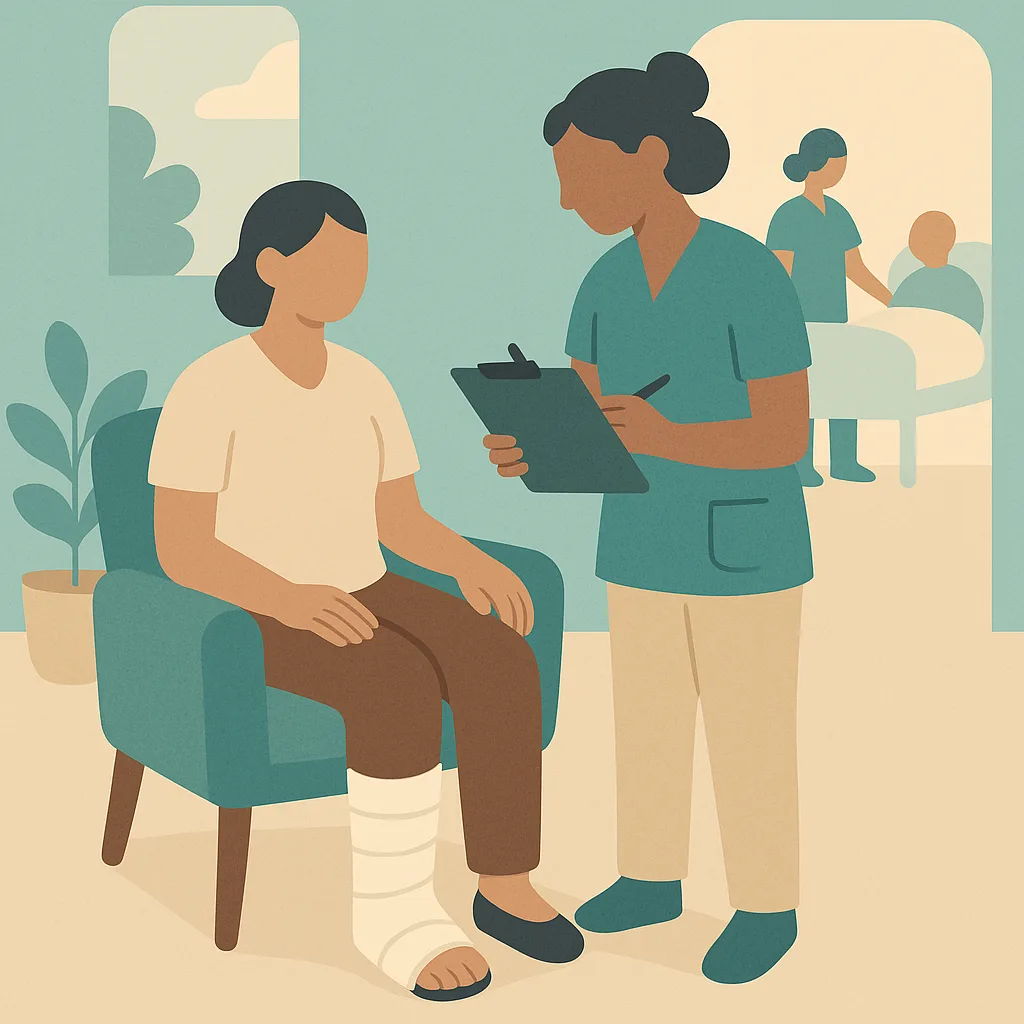
RIDDOR requires reporting of specific injuries to staff members. These include any injury that results in a worker being off work or unable to do their normal duties for more than seven consecutive days (not counting the day of the incident). Death or specified serious injuries must be reported immediately. Specified injuries include fractures (except fingers, thumbs and toes), amputations, serious burns, loss of consciousness caused by head injury or asphyxiation, and injuries requiring hospital admission for more than 24 hours.
Reportable Injuries to Residents and Visitors
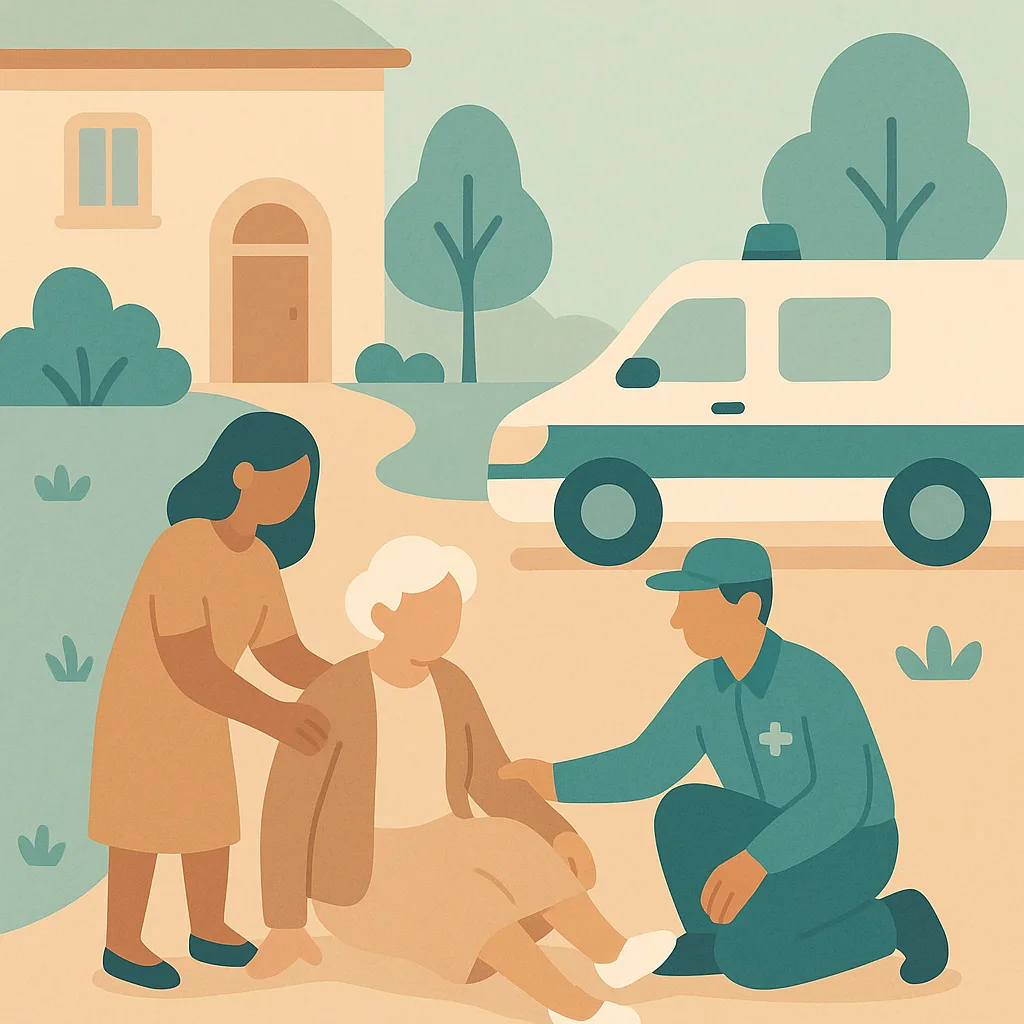
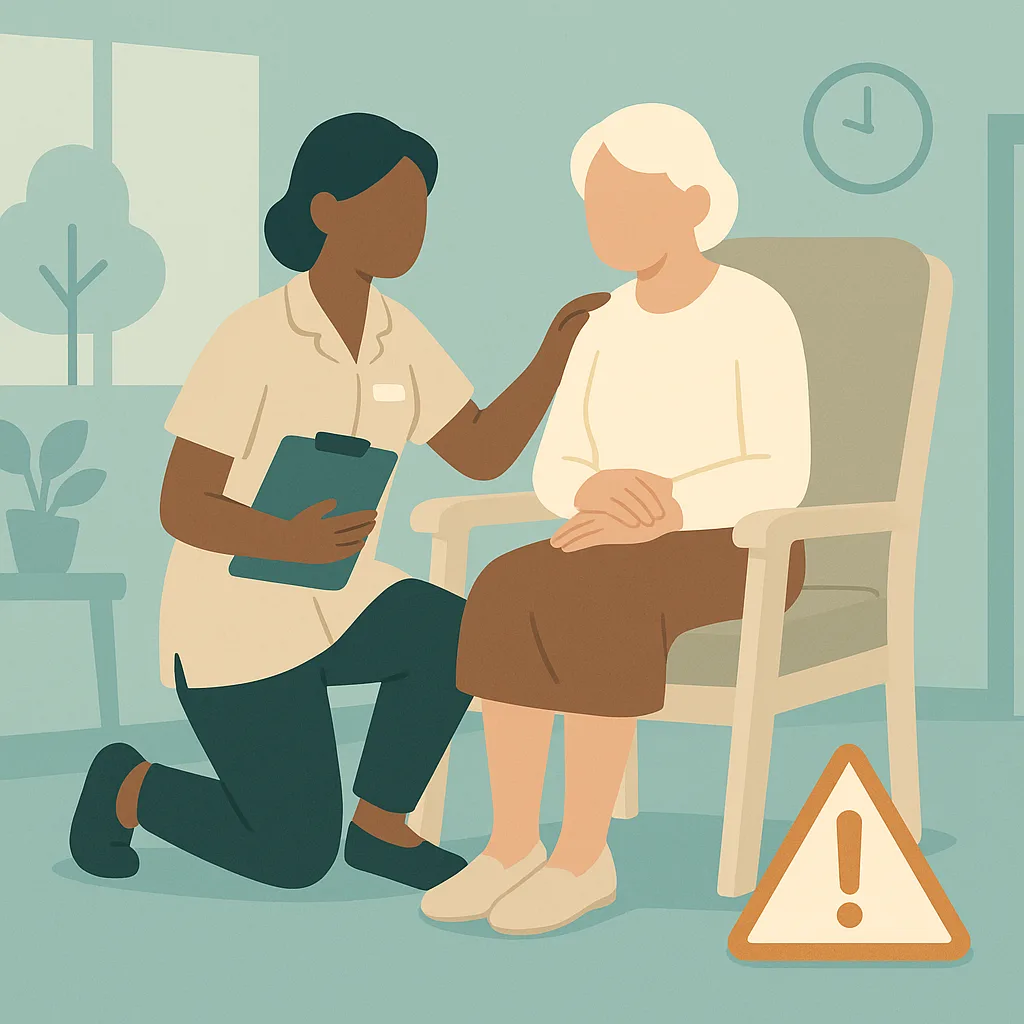
Injuries to residents or visitors are reportable under RIDDOR only if the incident arises out of or in connection with work activities and the person is taken directly from the scene of the accident to hospital for treatment. The injury must be more than just a precautionary check. This means if a resident falls and is taken to hospital by ambulance for treatment of a suspected fracture, this would be reportable. However, routine hospital visits or GP appointments following an incident are not reportable.
Dangerous Occurrences and Near Misses
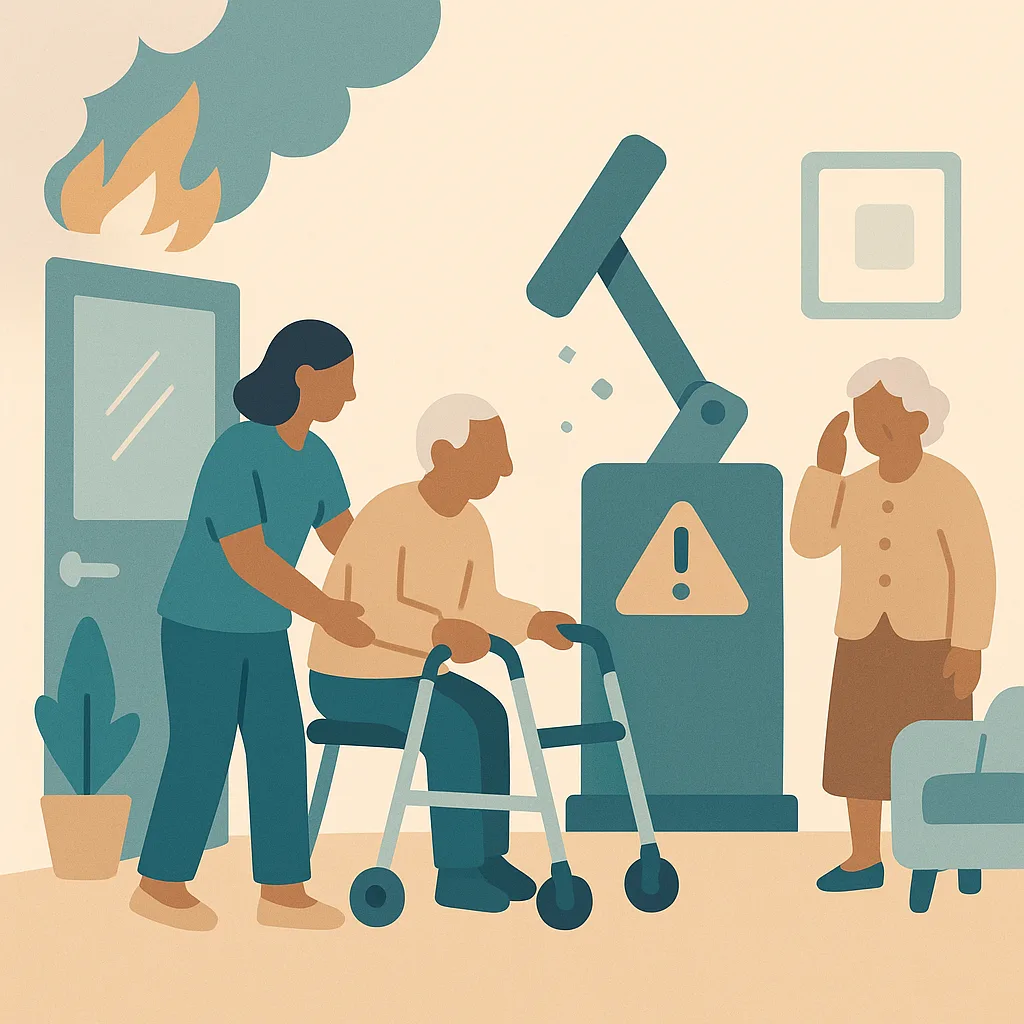
RIDDOR requires reporting of certain dangerous occurrences even if no one was injured. These include equipment failure, collapse of scaffolding, explosion or fire causing work stoppage, or escape of dangerous substances. Near misses that could have resulted in serious harm must also be recorded internally. While not all near misses are RIDDOR reportable, they must be reported to your manager who will assess the situation. Equipment failures that could cause serious injury, such as hoist or lift failures, may be reportable.
Reporting Timeframes and Procedures
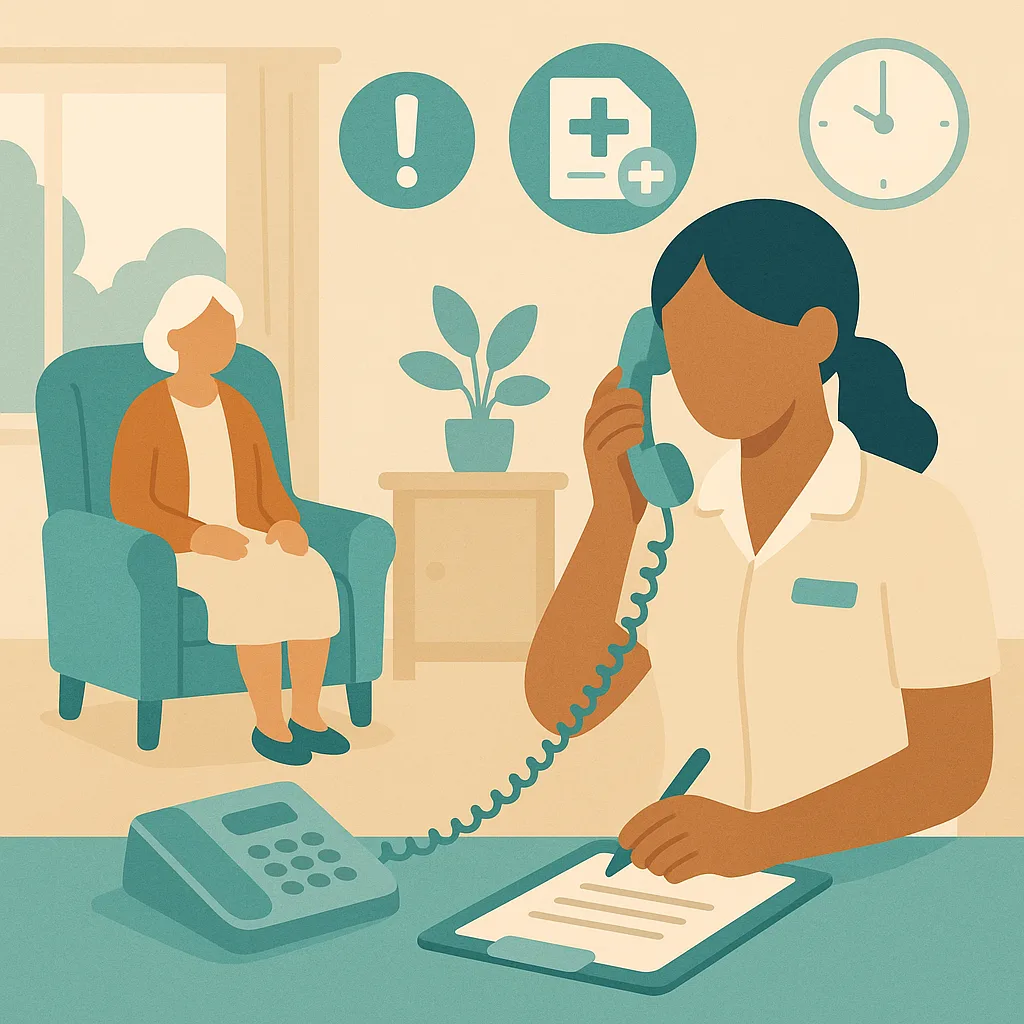
Different types of incidents have different reporting timeframes. Deaths and specified injuries must be reported immediately by the quickest means possible, usually by telephone. Other reportable injuries must be reported within 10 days. Occupational diseases must be reported as soon as diagnosed. at the care setting, you must report any accident or incident to your manager or senior staff member immediately. Complete an incident report form with full details while the information is fresh. Your manager will then determine if RIDDOR reporting is required and will make the official report to the HSE.
Your Role in the Reporting Process
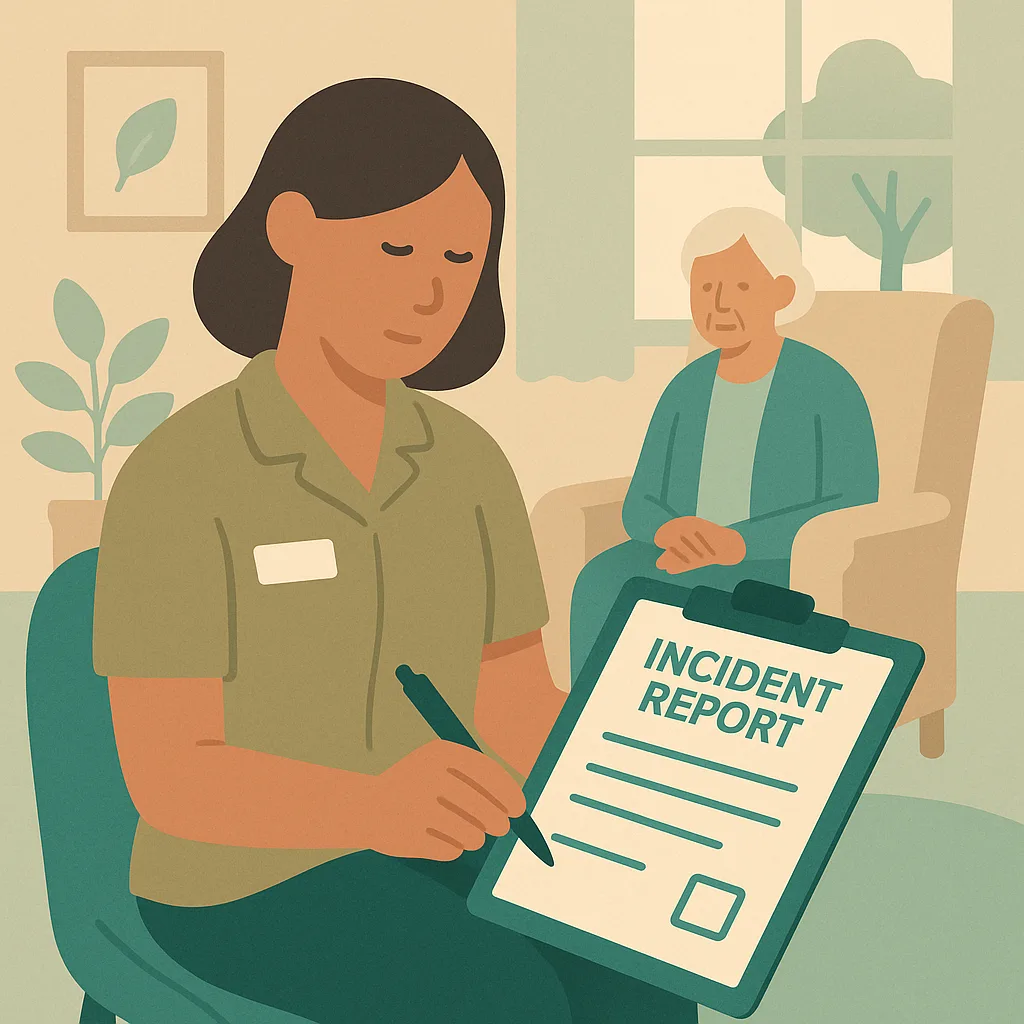
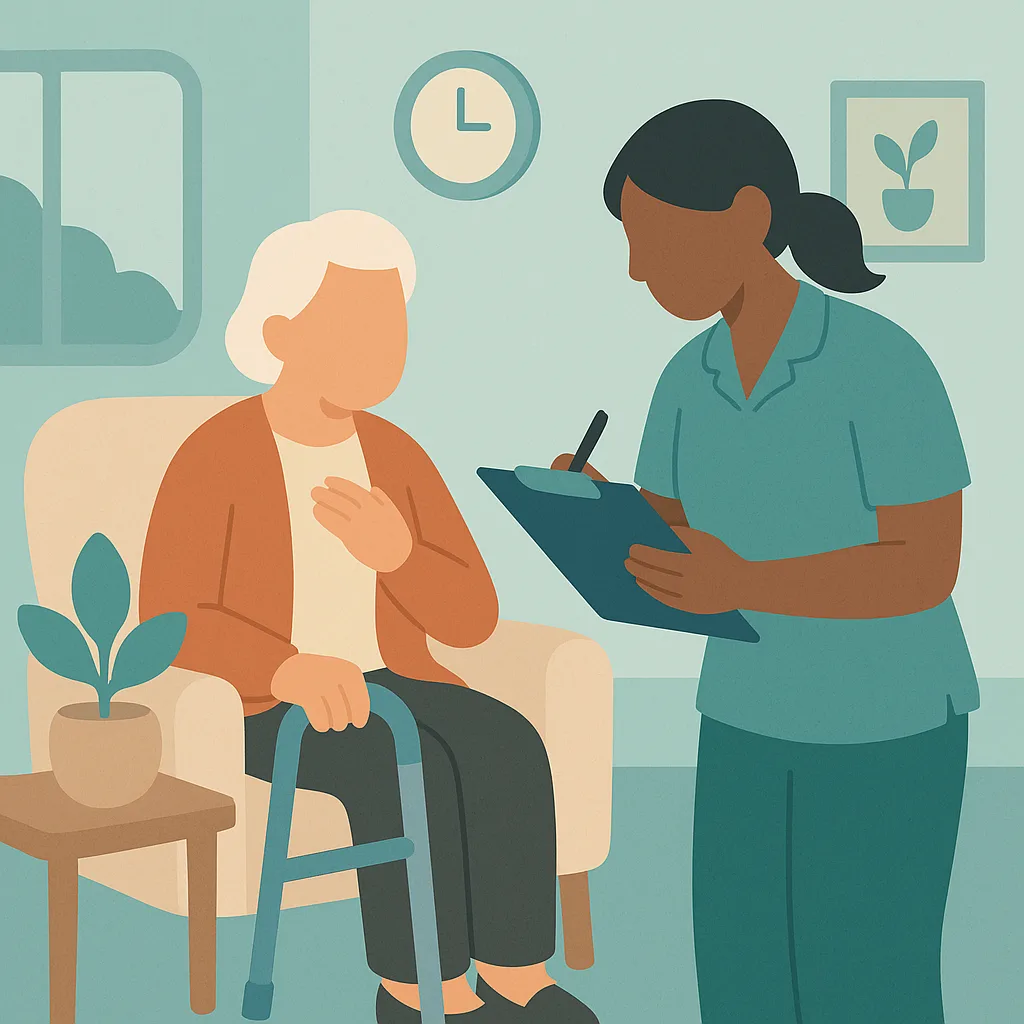
As a care worker, you are often the first person to witness or discover an incident. Your role is to ensure the immediate safety and wellbeing of everyone involved, then report the incident to your manager without delay. You must complete an accurate and detailed incident report form including what you saw, heard and did. Record facts, not opinions. Include dates, times, names of people involved and witnesses. Never assume an incident is not serious enough to report. Let your manager make that assessment. Good reporting helps protect residents, staff and the care setting.
The things your team must remember.
- RIDDOR requires reporting of specified serious injuries, dangerous occurrences and work related diseases to the Health and Safety Executive
- Staff injuries resulting in more than 7 days off work or specified serious injuries must be reported
- Resident or visitor injuries are reportable only if they are taken directly from the scene to hospital for treatment
- Report all accidents and incidents to your manager immediately and complete a detailed incident report form
- Your manager is responsible for making the actual RIDDOR report, but your accurate reporting is essential
- Different incidents have different reporting timeframes, with deaths and specified injuries requiring immediate reporting
Not a slideshow once a year. Training that sticks.
CareStream delivers riddor (accident and incident reporting) training in the hub your team already uses, grounded in best practice and your own policies, so it fits your care setting and not a generic template.
Short teaching sections and a real care scenario, then an assessment that checks understanding.
Staff complete it in over 60 languages, while your records stay in English.
A wrong answer triggers a short follow-up lesson and a fresh question, so the gap is closed.
Automatic reminders at 90, 30 and 7 days, with a live compliance dashboard.
From your dashboard to your team, in the CareStream hub.
Training is delivered in the hub each staff member logs into. You allocate the modules, they complete them in their own language, and you get the completion records and certificates for your CQC evidence, with any gaps closed by automatic follow up training.
Assign RIDDOR (Accident and Incident Reporting) to each staff member in seconds. No course builder and no setup for each person.
Staff work through the module on any device, in over 60 languages, teaching then checking understanding. A wrong answer sends a short follow up lesson.
See live completion status and a certificate for every person, ready as evidence for CQC.
Any step, in their language, in one tap.
Care teams are diverse and training should not leave anyone behind. On any lesson or question, a staff member taps the language button and the whole step flips into the language they think in. They understand it properly, and your records stay in English.
- One tap flips any lesson or question into their language, instantly.
- Over 60 languages, with no setup and no separate versions to manage.
- Completions and certificates stay in English for your CQC evidence.
Try the language buttons in the preview above.
Built for real learning, not box ticking
Every CareStream course goes further than a lesson and a quiz. These features come as standard on every course, giving your staff a richer way to learn and giving you the evidence to prove it.
Every course is built on recognised UK guidance and cites its sources, from NICE and Skills for Care to the NHS and the legislation itself.
A plain English glossary of the technical terms in each course. A simple way to support every learner, including staff with English as a second language.
A quick knowledge check before the lesson is compared with the final assessment, so every certificate comes with evidence of how much the course actually taught.
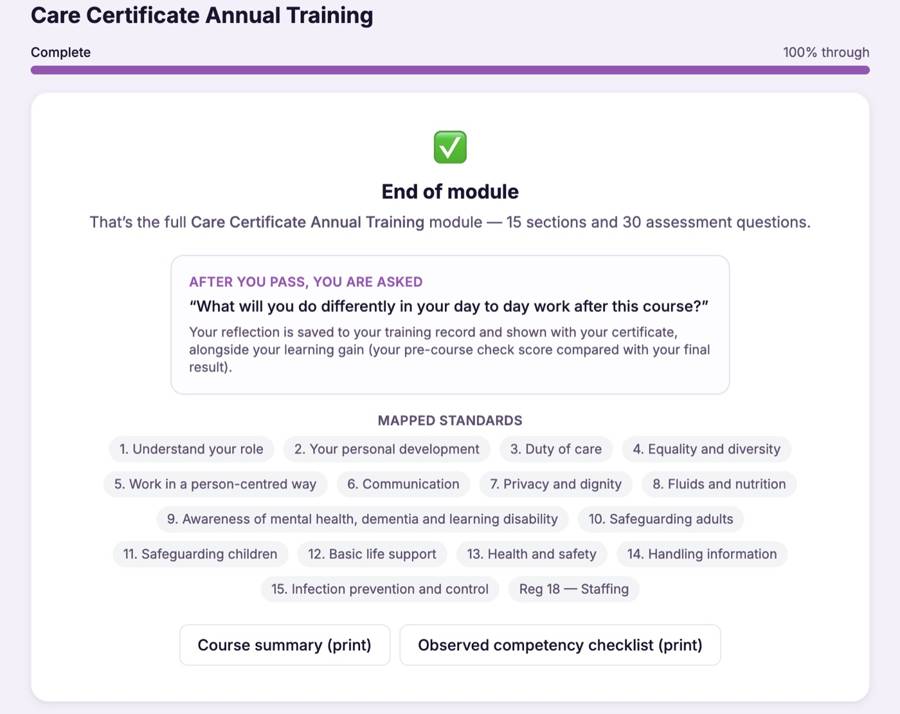
After passing, staff record what they will do differently in their day to day work. Their reflection is saved to their training record and shown with their certificate.
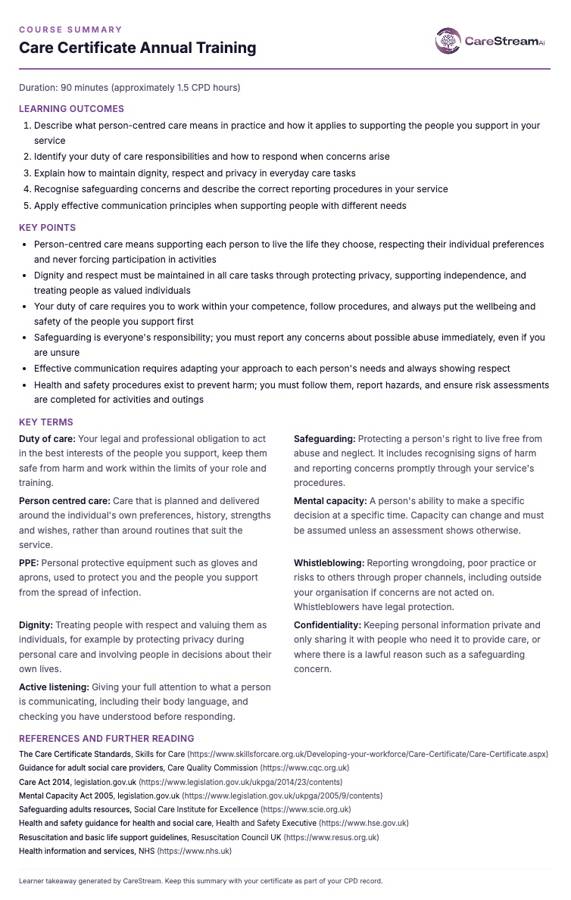
A printable one page takeaway of the outcomes, key points and key terms. Perfect for staff files, supervision conversations and the staff room wall.
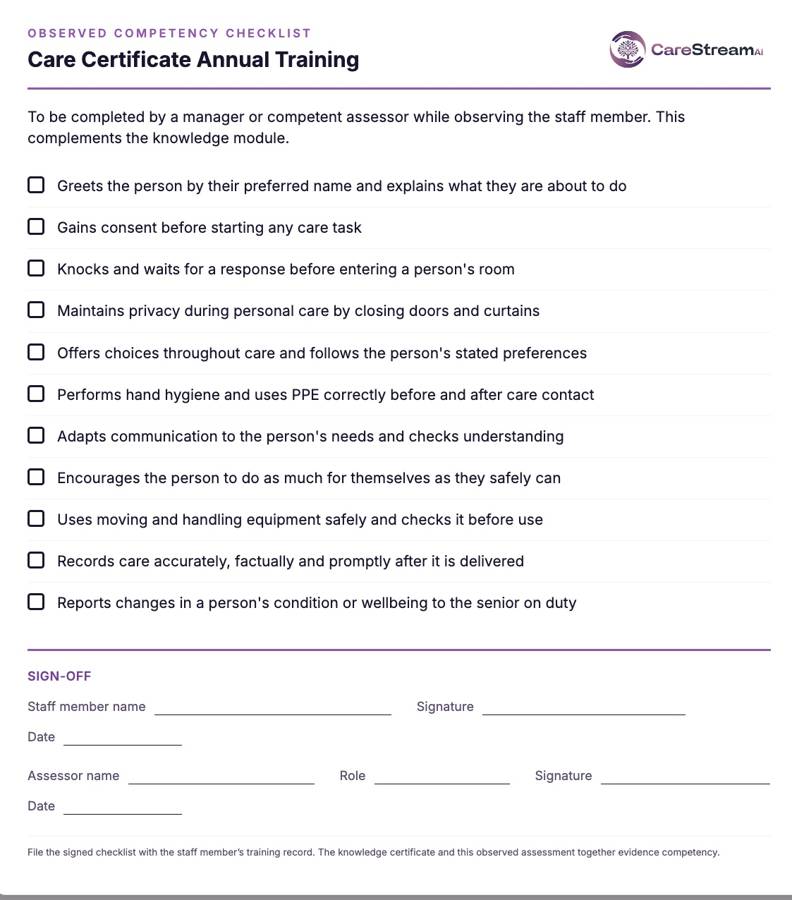
A printable checklist for managers to confirm skills in practice, with a sign off section. It completes the picture beyond the knowledge assessment.
Wrong answers become lessons, not failures
Most e learning marks an answer wrong and moves on. CareStream does not. Every wrong answer triggers an automatic follow up loop that teaches the point again and rechecks it, so no knowledge gap is left behind.
A wrong answer immediately opens a short lesson explaining the point, so the gap is closed there and then.
A fresh question on the same point checks the lesson has landed. The loop repeats until it has.
Staff move on to the next module and their certificate once they genuinely know the answer, not just after one lucky guess.
Why choose CareStream?
Training built for the care sector, delivered the way busy teams actually learn.
- 90+ care-specific training courses
- Bitesize, engaging lessons your staff actually finish
- Mapped to the Care Certificate & CQC standards
- Available in 60+ languages
- Instant certificate on completion
- Flexible learning, anytime, on any device
- Content kept up to date with UK care regulations
- Time to complete: ~35 min
Frequently asked questions.
Is RIDDOR (Accident and Incident Reporting) training mandatory in care settings?
How often should staff complete RIDDOR (Accident and Incident Reporting) training?
Can CareStream deliver RIDDOR (Accident and Incident Reporting) training in other languages?
Does the training include an assessment?
More training your team may need
More mandatory and role-specific training CareStream delivers to your team, in the hub, in any language. Add any of these to your basket.
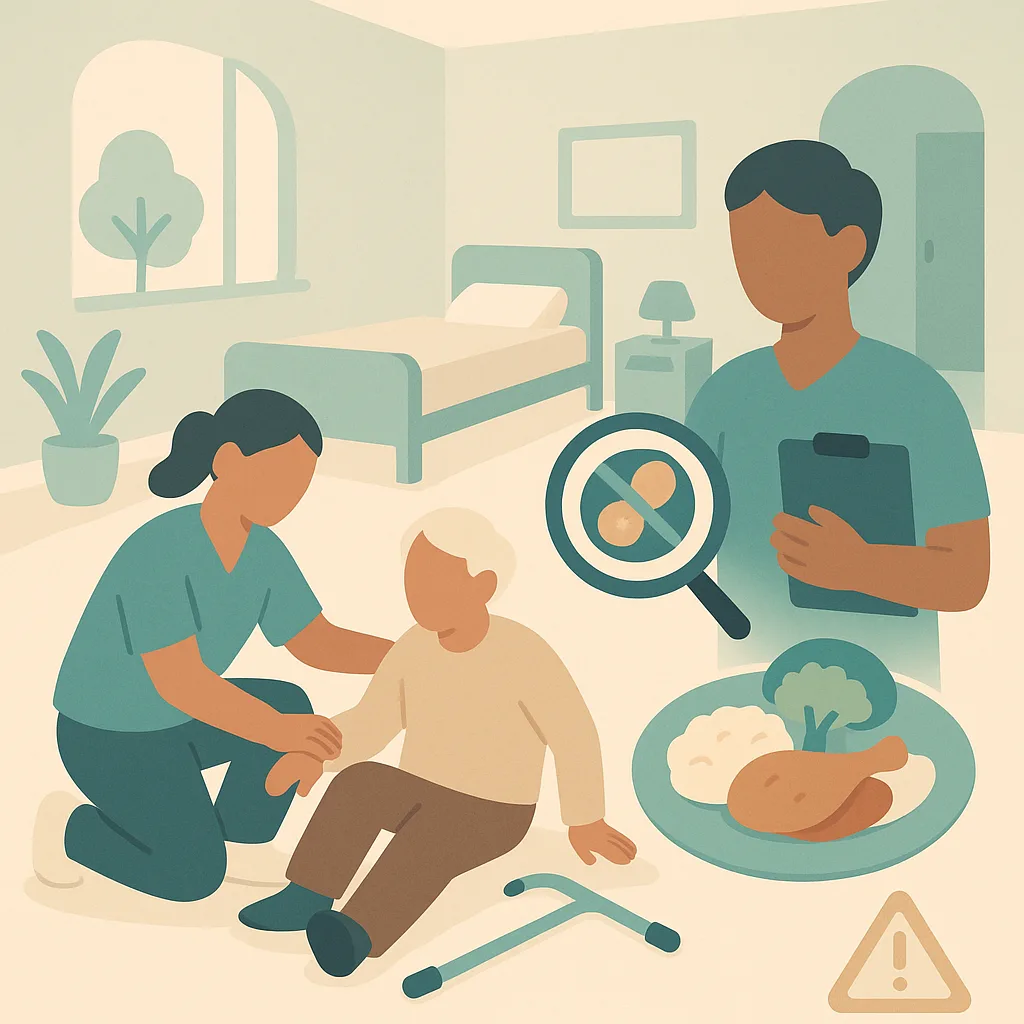 Annual Certificate
General Health & Safety Awareness
This annual refresher covers essential health and safety practices you use every day in our home. You will review how to prevent and respond to falls, manage food allergies safely, and maintain a safe environment for residents and staff. The training is based on our own policies and procedures.
Bulk discounts from 10+ licences
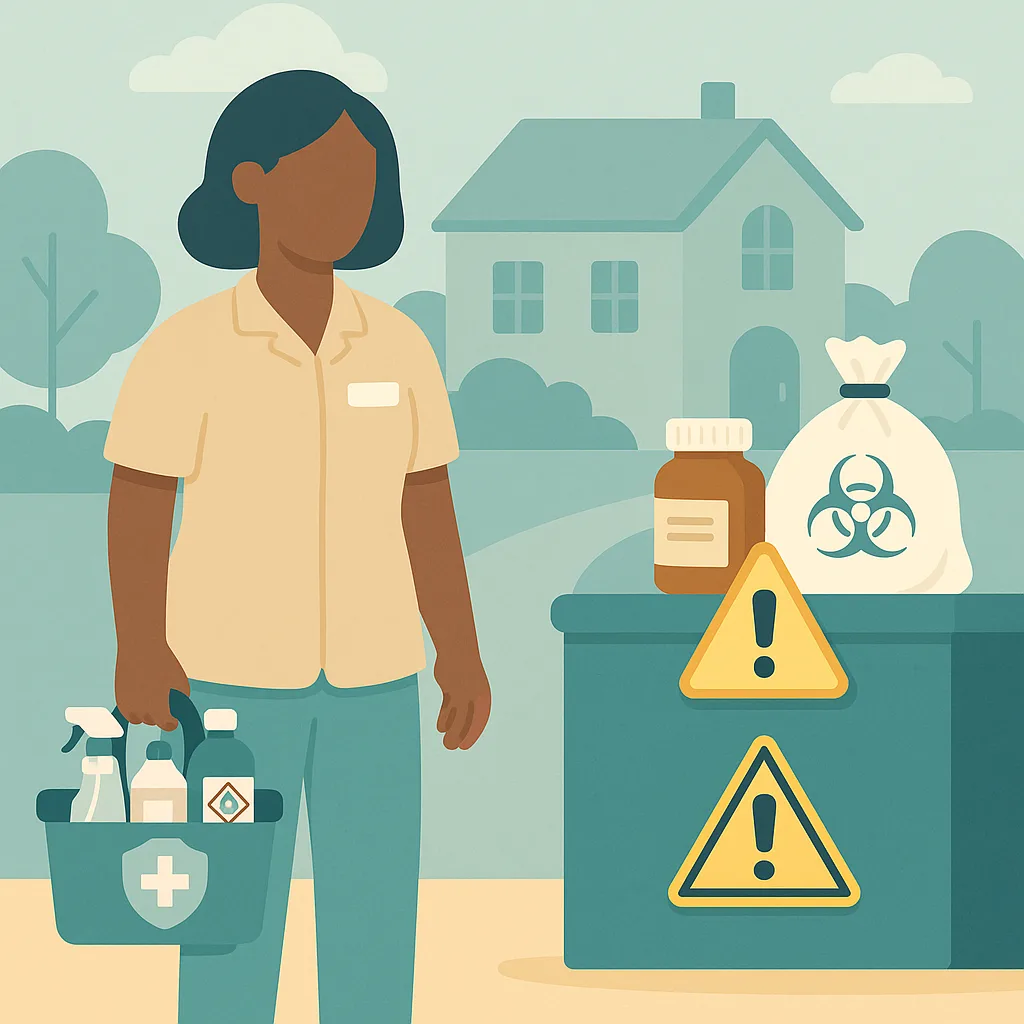 Annual Certificate
COSHH (Control of Substances Hazardous to Health)
This training covers how to safely handle, store and dispose of hazardous substances in our home, including cleaning chemicals, medications and clinical waste. You will learn our procedures to protect yourself, residents and colleagues from harm. Understanding COSHH is essential for maintaining a safe environment every day.
Bulk discounts from 10+ licences
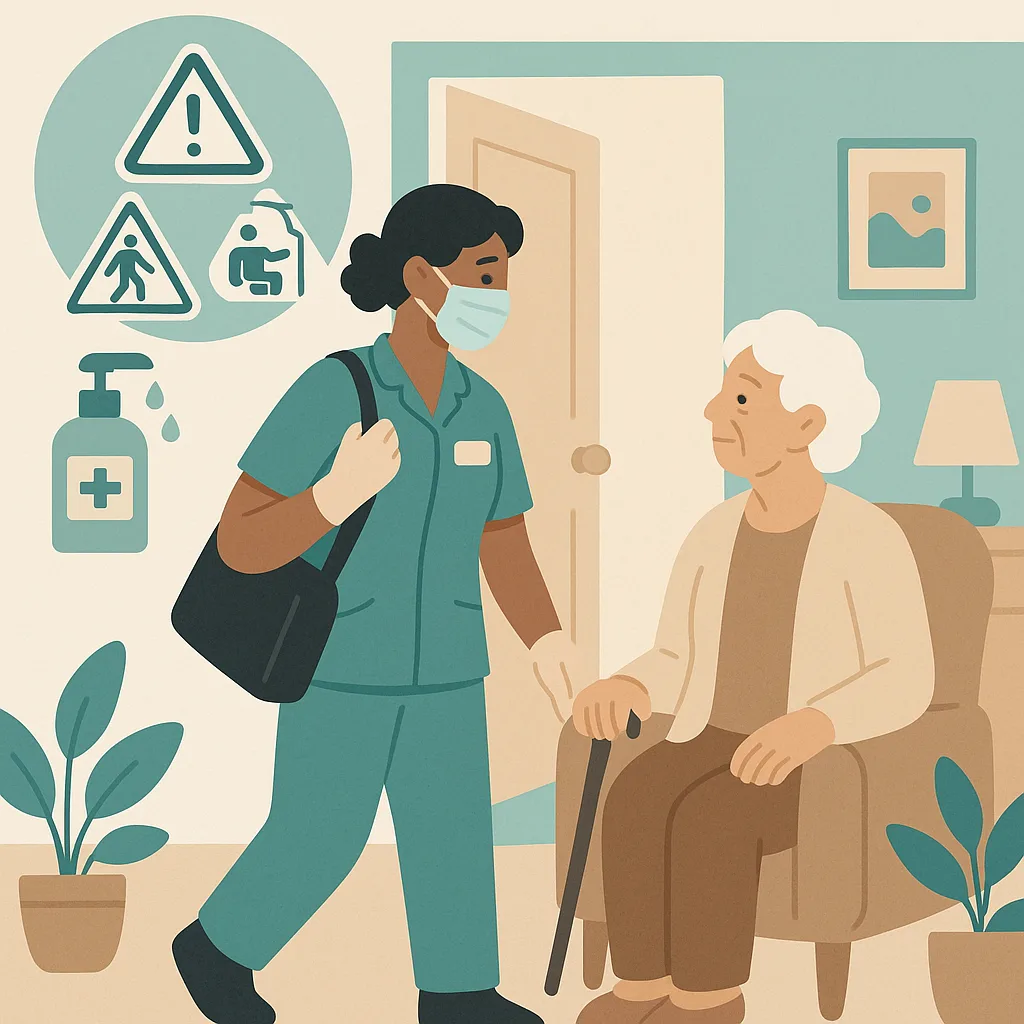 Annual Certificate
Working Safely in People’s Homes
This training covers how to work safely when providing care in people's own homes. You will learn to identify hazards, protect yourself and the people you support, and follow infection control procedures. Working in someone's home is different from a care setting because you must balance safety with respecting their personal space and choices.
Bulk discounts from 10+ licences
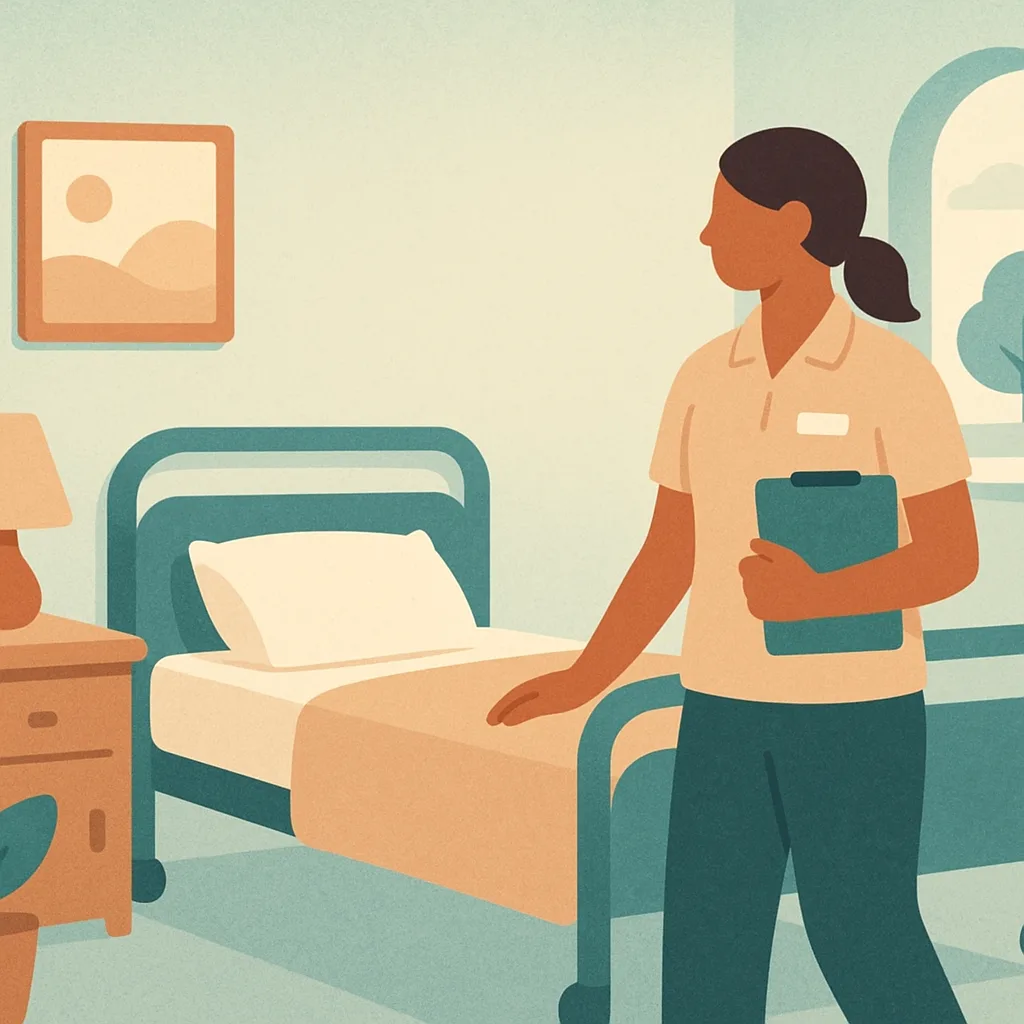 Annual Certificate
Lone Working Awareness
This training covers how to stay safe when you work alone in the care home. You will learn when you are considered a lone worker, what risks you might face, and what procedures to follow to protect yourself and the residents you support. This training is based on our home's policies and procedures.
Bulk discounts from 10+ licences
 Annual Certificate
Display Screen Equipment (DSE)
This training covers how to use computers, tablets, and screens safely in your daily work at the home. You will learn how to set up your workstation correctly, recognise signs of strain or discomfort, and know what support is available. Proper DSE use protects your health and helps you work comfortably and effectively.
Bulk discounts from 10+ licences
 Annual Certificate
Legionella / Water Safety Awareness
This training helps you understand the risks of Legionella bacteria in water systems and how to keep residents and yourself safe. You will learn how to spot warning signs, follow our home's water safety procedures, and take the right action if you have concerns. Protecting water safety is part of maintaining safe premises under our health and safety responsibilities.
Bulk discounts from 10+ licences
Give your team riddor (accident and incident reporting) training that actually sticks.
Add it to your basket, allocate it in seconds, and let the evidence build itself.
Compared
Three ways to train a care team.
These modules are written and kept current by us, so your managers do not have to write or maintain them. We have compared what each approach does rather than naming providers, because products change and this should still be true next year.
| CareStream | A generic e-learning library | A trainer you book | |
|---|---|---|---|
| Try a real lesson and a real question before you buy | |||
| Learning outcomes and time to complete stated up front | |||
| Written lesson sections, each with its own illustration | |||
| Interactive exercises after the lesson that teaches them, in every module | |||
| Assessment in every module, with the key points to revisit | |||
| Taken in any of sixty plus languages | |||
| A wrong answer triggers a follow-up lesson, not just a re-sit | |||
| Practical sign-off by a manager where the subject needs it | |||
| Completion files itself into your training matrix and evidence pack | |||
| Bought one module at a time, with no annual contract |
Generic libraries are often cheaper per learner. They teach a national standard rather than being built, updated and evidenced around the way a CQC-registered service is actually inspected.
Care policies
Every module is written from a policy
If the policy behind it is out of date, the training inherits that. Sixty six policies written for your service, checked against current law and read by a person before they carry your name, from £39.